The Network Settings tag on CellularNews collects practical guides for anyone who manages a phone, a home Wi-Fi network, or wireless devices. Whether you are an Android user, an iPhone owner, or someone connecting a TV or printer, these articles are built for real-world troubleshooting. The focus is on fixing connections, adjusting configurations, and getting devices to talk to each other without unnecessary complexity.

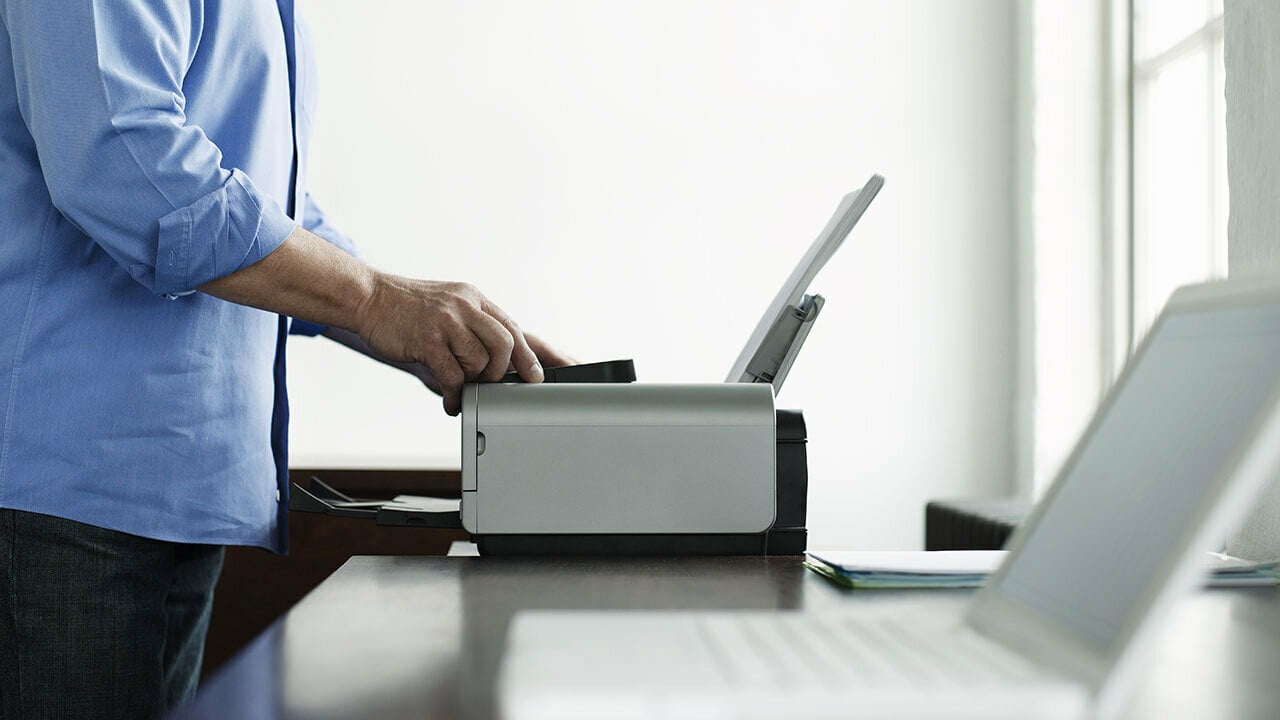
The articles here break down into a few clear themes. One group tackles cellular problems directly, such as when your phone says "No Service" or when the network is not available for voice calls. You will find steps to reset network settings on Android, iPhone, and iPad, as well as specific fixes for boosting mobile coverage or switching your phone from 5G to 4G. Another theme centers on mobile hotspots and gaming, with guides on how to connect a hotspot to an Xbox, change NAT type on a mobile hotspot, or authenticate a PS5 on hotel Wi-Fi using your phone. A third theme covers home wireless connections, including how to connect a Samsung TV or a Sony TV to Wi-Fi, set up a Canon MX340 wireless printer, change Wi-Fi passwords on Brother printers, and even make a Blu-ray player or an older TV wireless.

These articles help you do specific things: restore a lost signal, share your phone’s data with a game console, rename your wireless network, or turn on wireless capability on a Windows 7 laptop. The focus stays on clear, step-by-step fixes for the devices and problems you actually encounter.
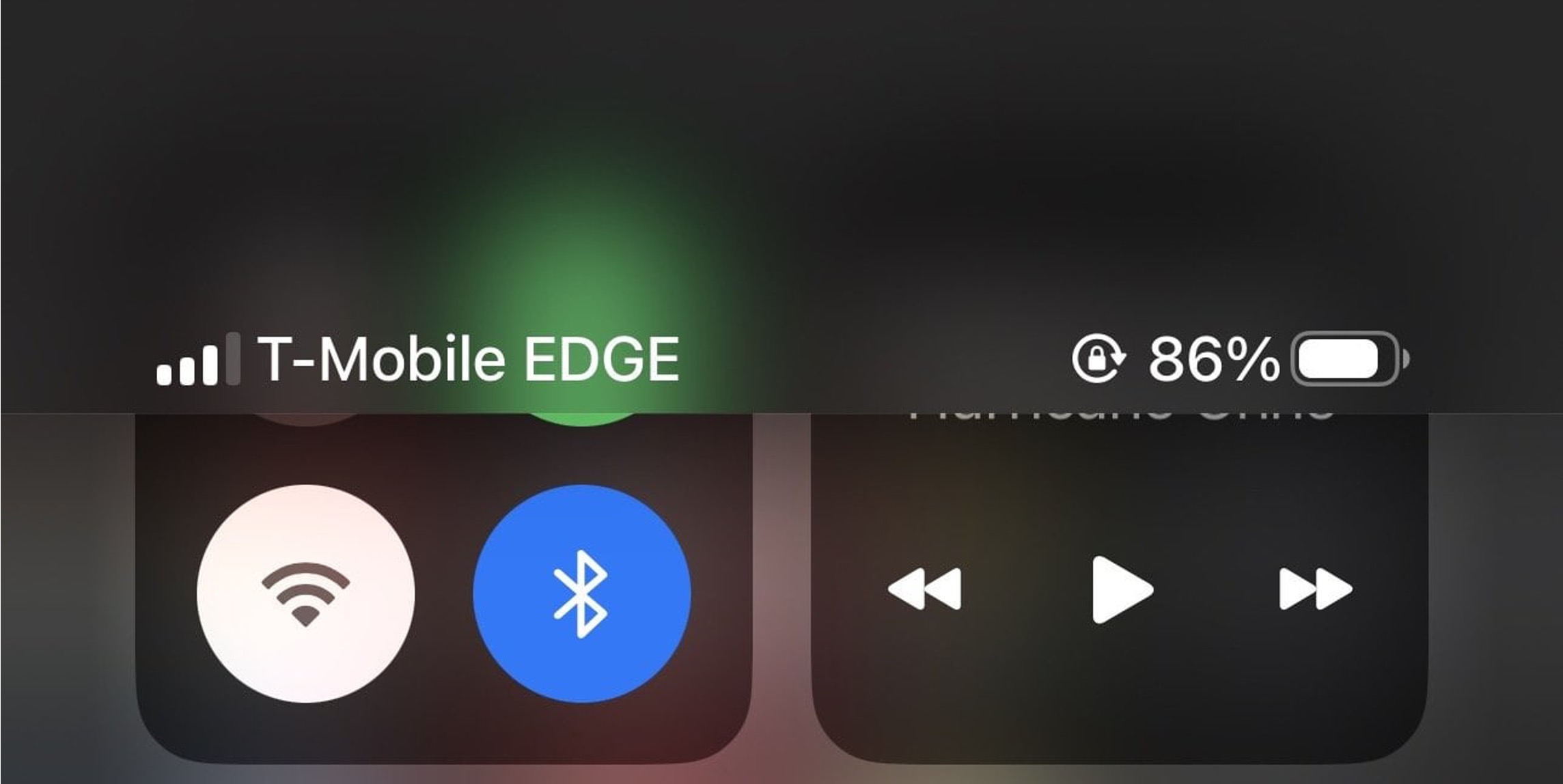
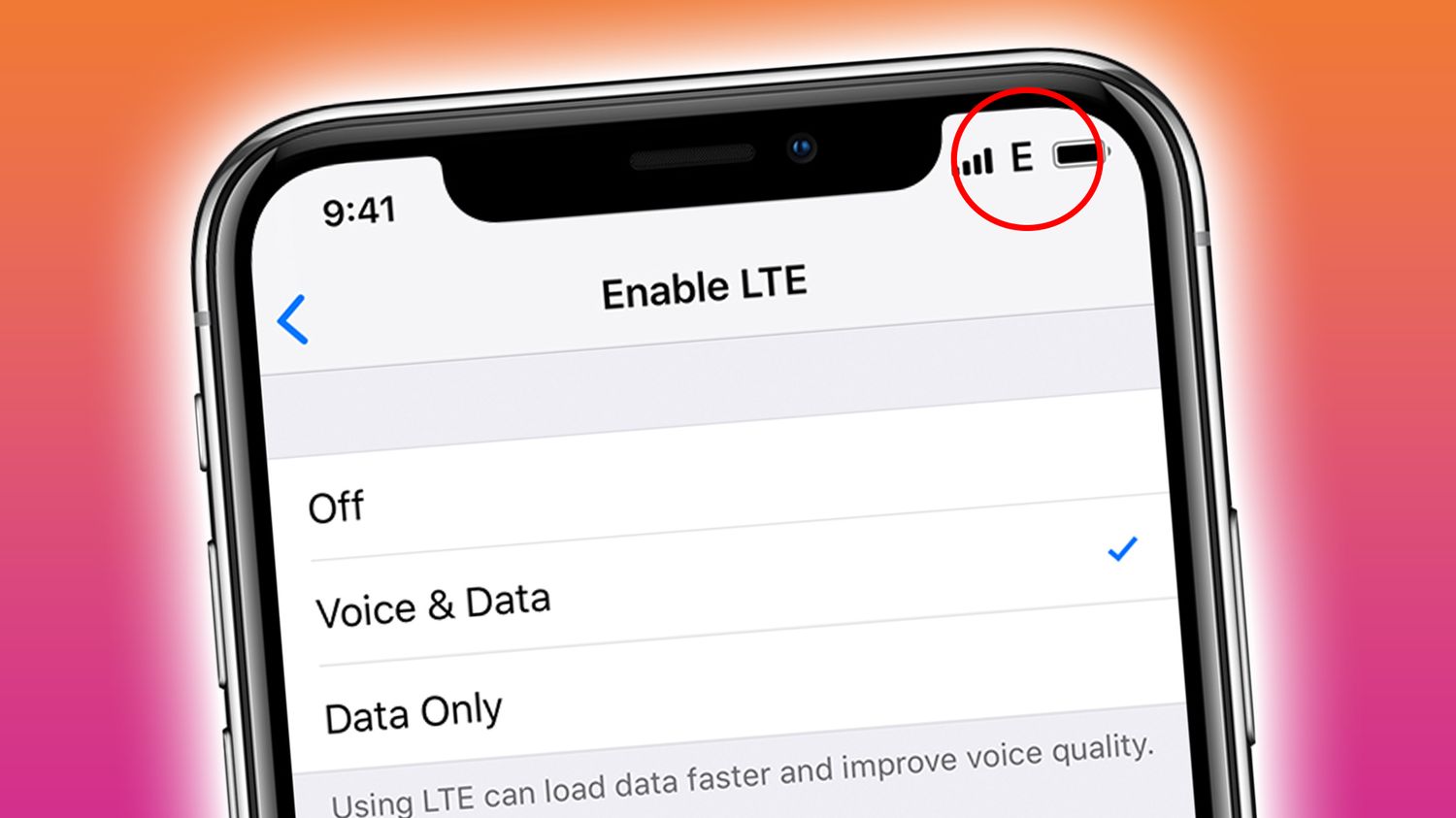
What Is T-Mobile Edge Network

T-Mobile EDGE, which stands for Enhanced Data rates for GSM Evolution, is a 2G data fallback that appears automatically on your phone when faster T-Mobile coverage like LTE or 5G...

What Is GPRS On A Mobile Phone

GPRS on a mobile phone stands for General Packet Radio Service, a 2G packet-data service on GSM networks. When you see the GPRS icon in your status bar today, it...

Why Does My T-Mobile WiFi Keep Disconnecting

If your T-Mobile WiFi keeps disconnecting, the problem is almost always on the phone or router side, not a network outage. The most common causes are a wrong Wi‑Fi password,...

How To Increase T-Mobile Signal

To increase T-Mobile signal, start by restarting your device, turning off Wi-Fi, setting network mode to Auto, and removing any cases or covers, then check the signal again. These are...

How To Turn Off T-Mobile Edge On iPhone

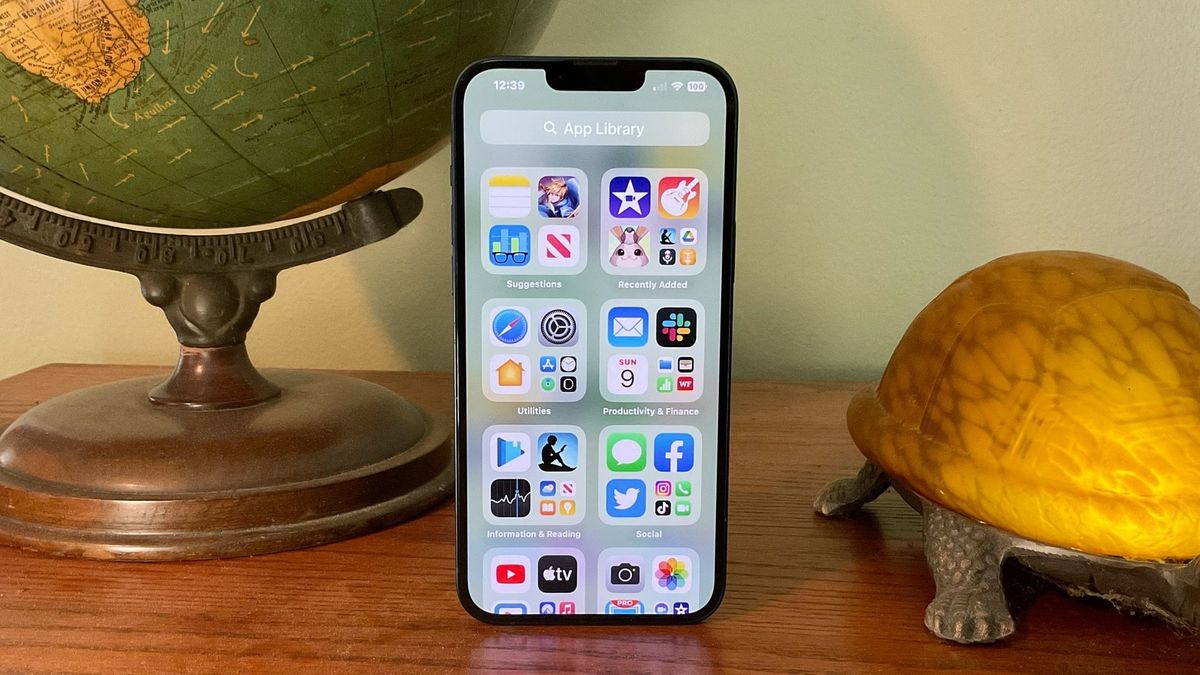
You cannot turn off T-Mobile Edge on an iPhone using a direct setting, because Apple provides no documented toggle to disable EDGE or 2G for T-Mobile in the normal Cellular...

How To Change DNS On Xiaomi Box

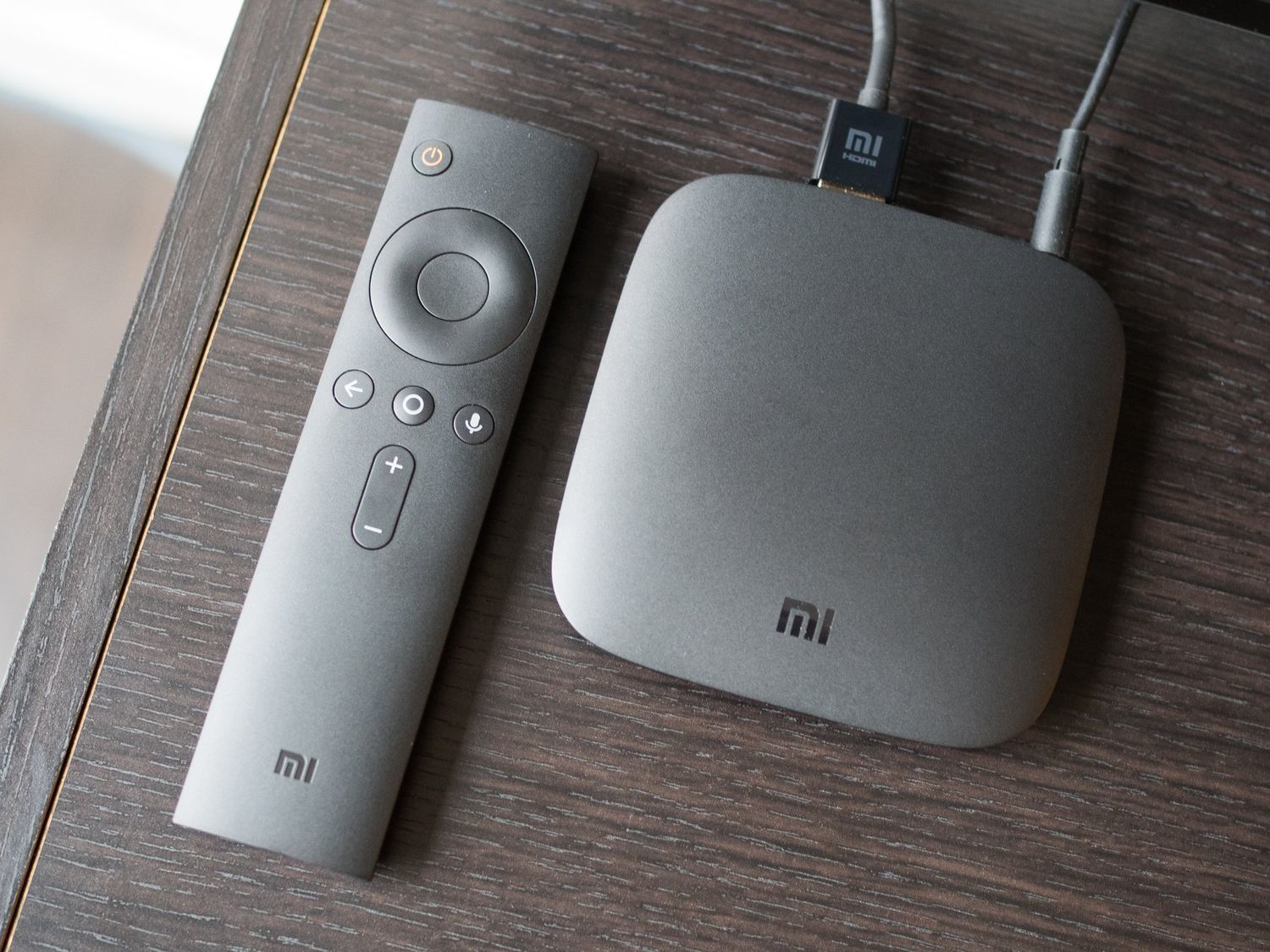
To change DNS on Xiaomi Box, open Settings, tap WiFi, choose WiFi or Ethernet, select the connected network, turn on Static IP, go to DNS server, enter the new address,...

How To Know My Hotspot Name

Your hotspot name is the network name (SSID) that appears when you search for Wi‑Fi on another device. To know your hotspot name quickly, check the mobile hotspot settings on...