This page collects articles about Near Field Communication (NFC) technology for readers of CellularNews, people who own smartphones, use mobile payment apps, or want to connect accessories wirelessly. Whether you are troubleshooting a stubborn tag, setting up a new wallet, or just figuring out what NFC actually does on your phone, these guides are written for everyday users, not tech experts.

The articles solve two main kinds of problems. First, they help you perform specific tasks like paying with Google Pay on Android, setting up a Wallet in a Fitbit, or connecting wireless earbuds to an Android phone. You will also find step-by-step help for using your phone at a Chase ATM or casting your phone screen to a car display. Second, the list tackles common errors and confusion, such as why your phone keeps saying "Couldn't read NFC tag" or why you keep getting random NFC tag notifications. Several pieces explain the basics clearly, including what an NFC reader is, what an NFC chip does, and where to find NFC on an iPhone.

Beyond the core phone functions, the collection covers practical extras like how to scan an NFC tag on a pair of Golden Goose shoes, how to print NFC cards, and how to rewrite or turn off an NFC tag. Whether you are copying a tag to your phone or setting up an NFC sticker, these articles help you take control of the technology rather than just wondering what it is.
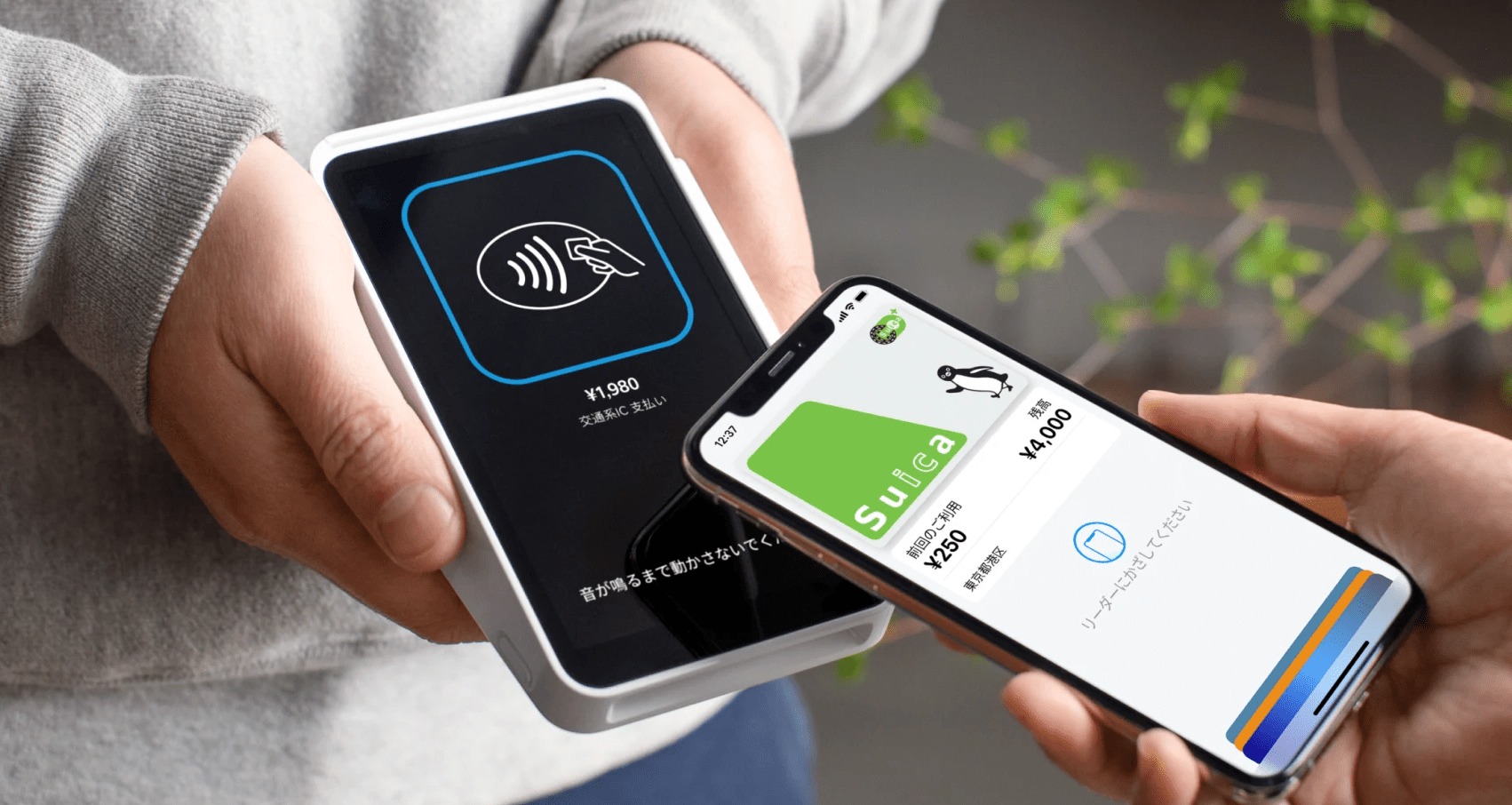
What Is An NFC Reader?

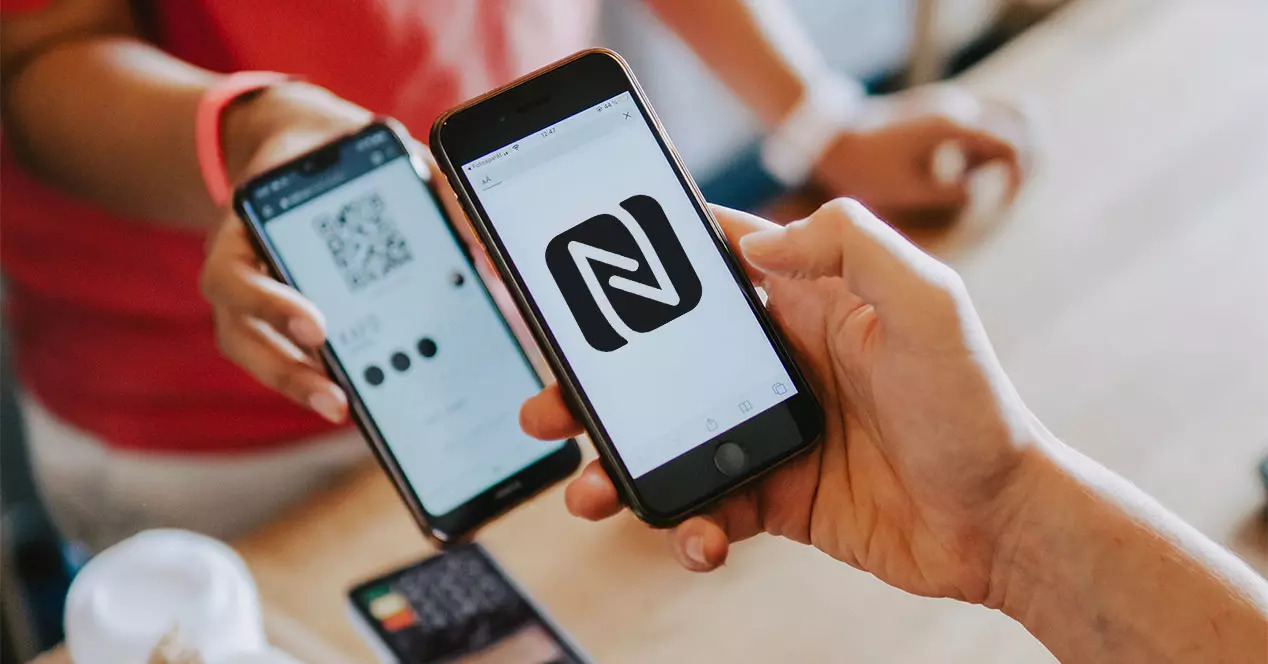
An NFC reader is your phone's built-in ability to detect and read nearby NFC tags or contactless devices by bringing the phone close to them. This short-range wireless technology, known...

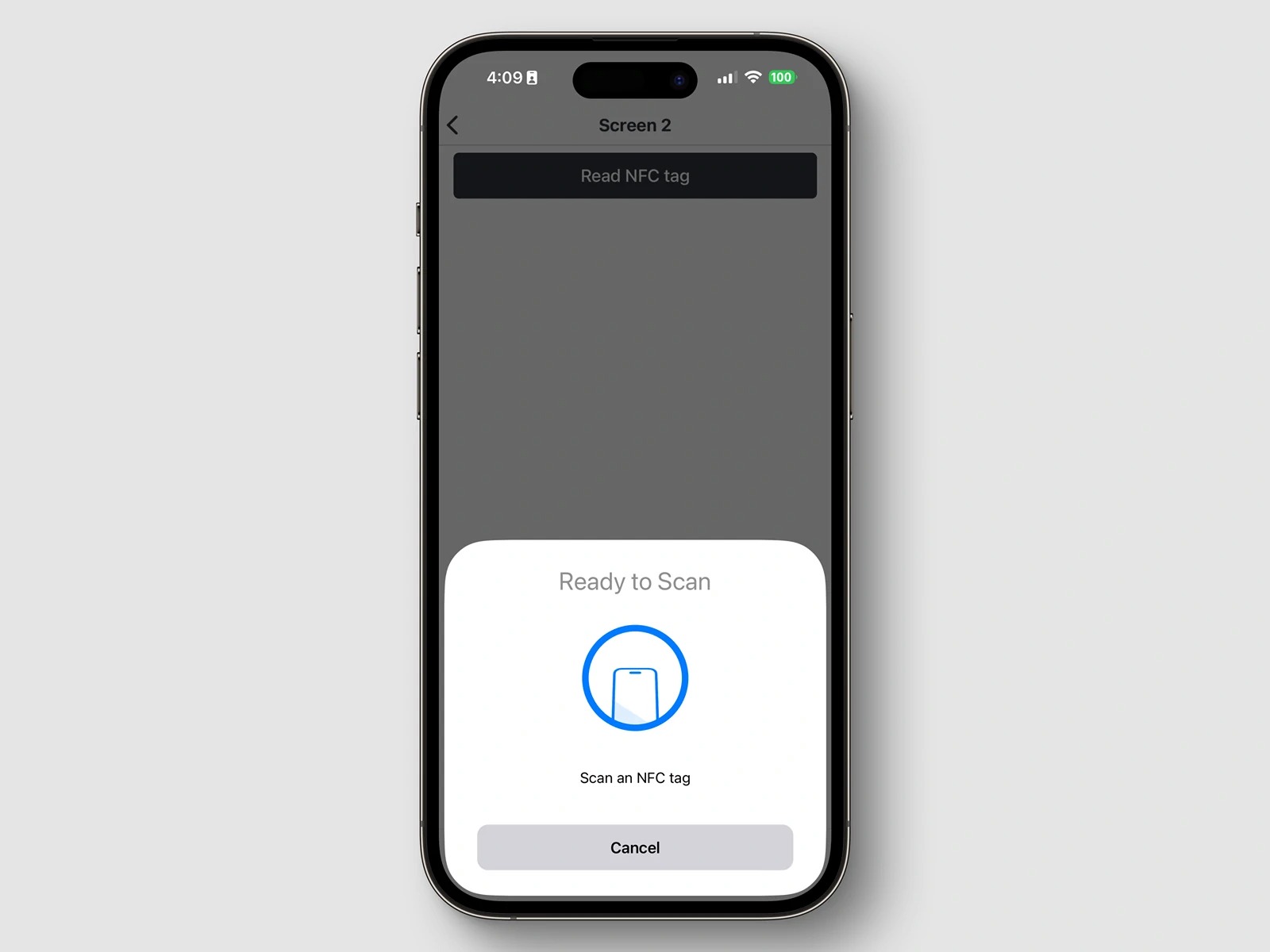
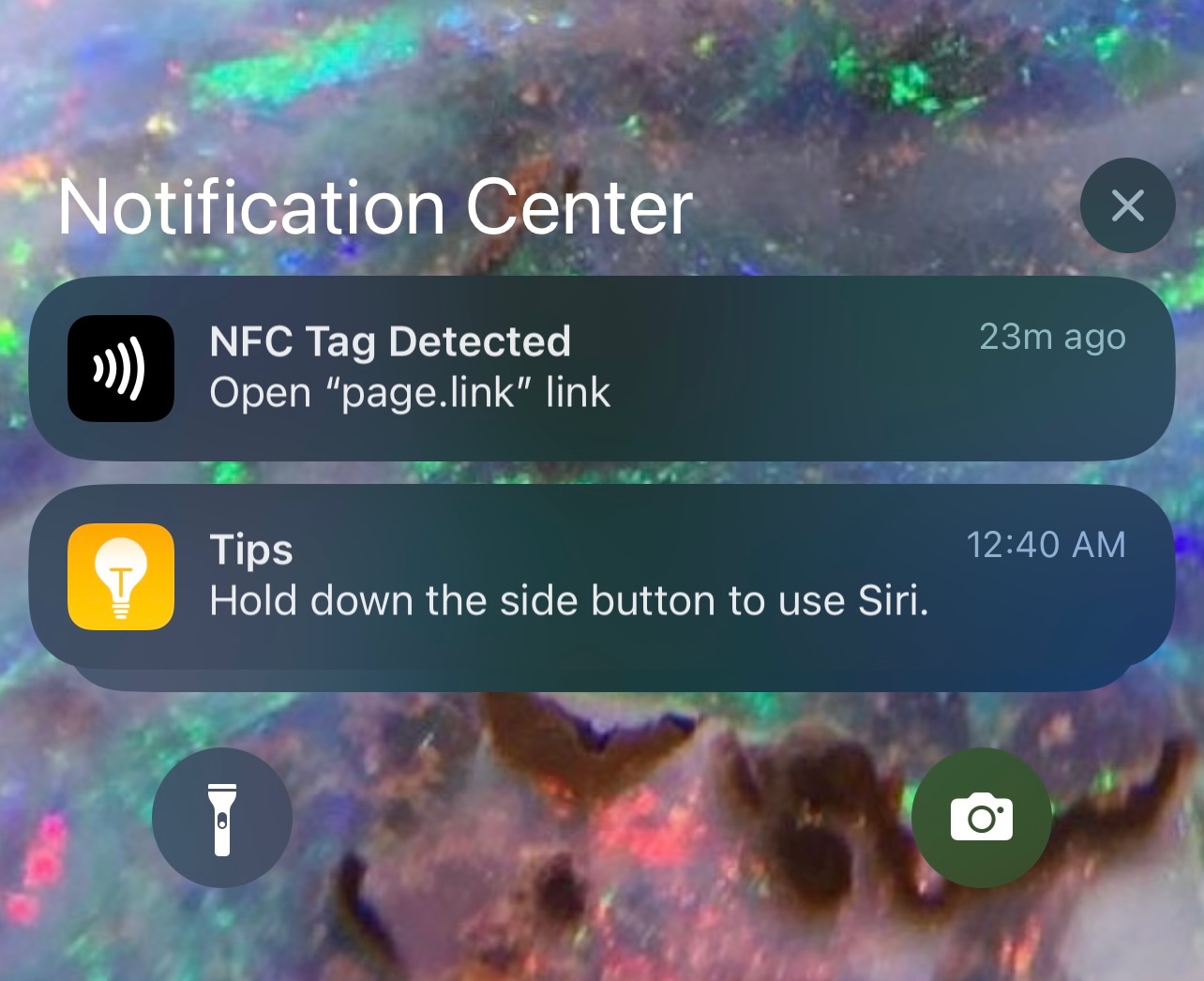
What Does "NFC Tag Detected" Mean?

The "NFC tag detected" notification means your phone's Near-Field Communication (NFC) reader has identified a passive NFC chip within its magnetic field and is ready to process the stored information,...

What Is An NFC Tag Reader?

An NFC tag reader is any device, most often a modern smartphone, that uses radio waves to power and read data from a passive NFC tag. When you hold your...

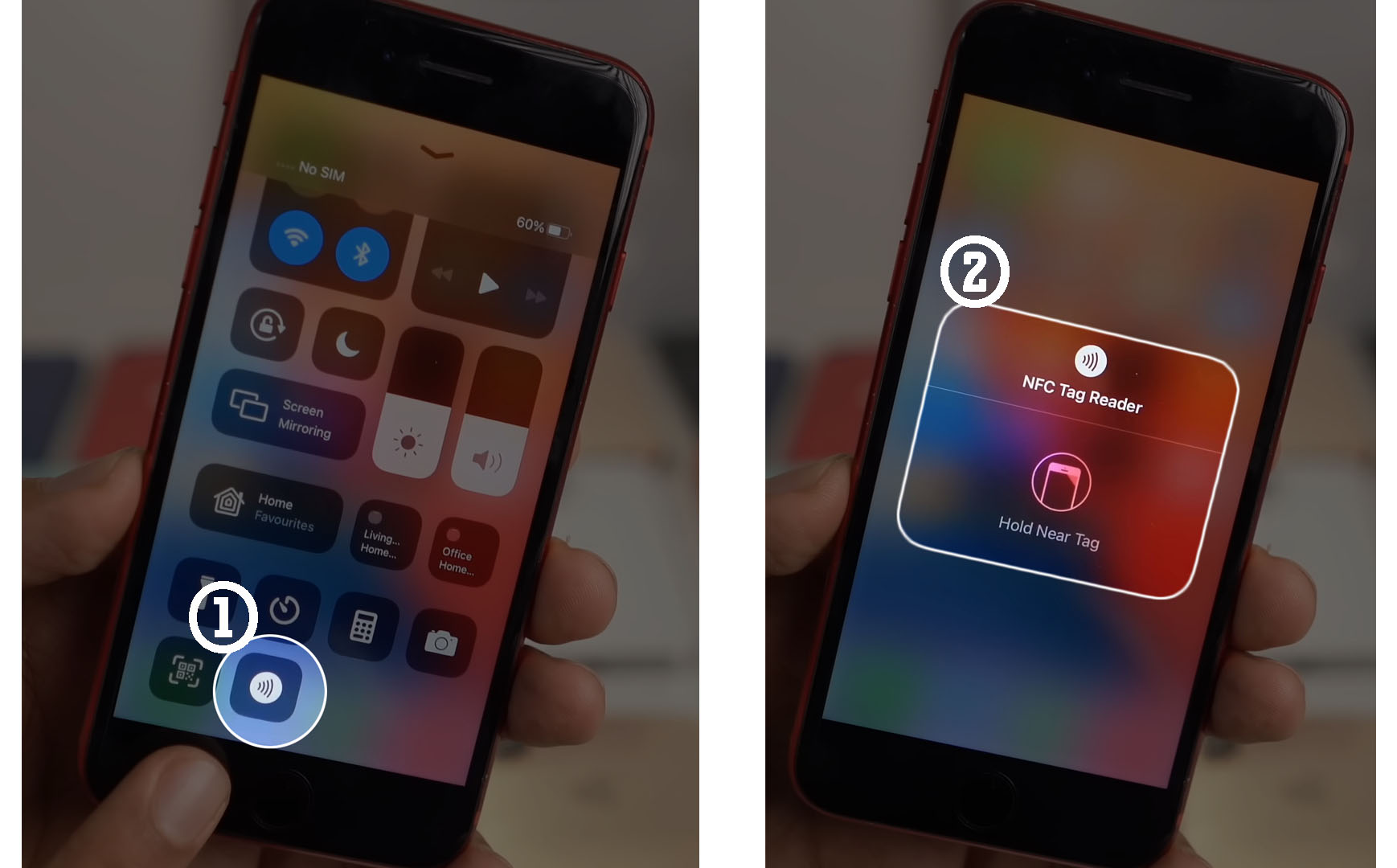
How To Turn Off NFC On IPhone

You cannot turn off NFC on an iPhone because Apple does not provide a system setting to globally disable the feature. If you searched for how to turn off NFC...

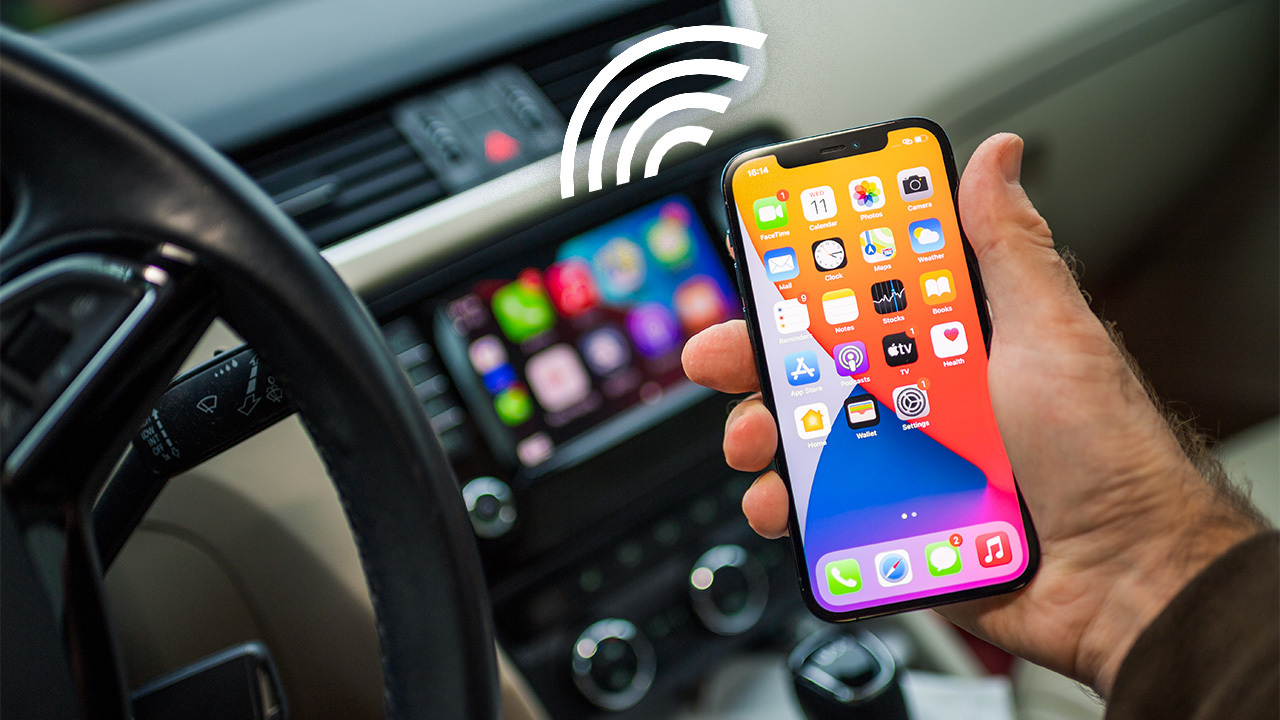
How To Cast Phone To Car Screen

To connect phone to car screen, use Apple CarPlay for iPhone or Android Auto for Android, these are the official ways to project navigation, music, and calls to your car’s...

How To Connect Sony A7Iii To Phone

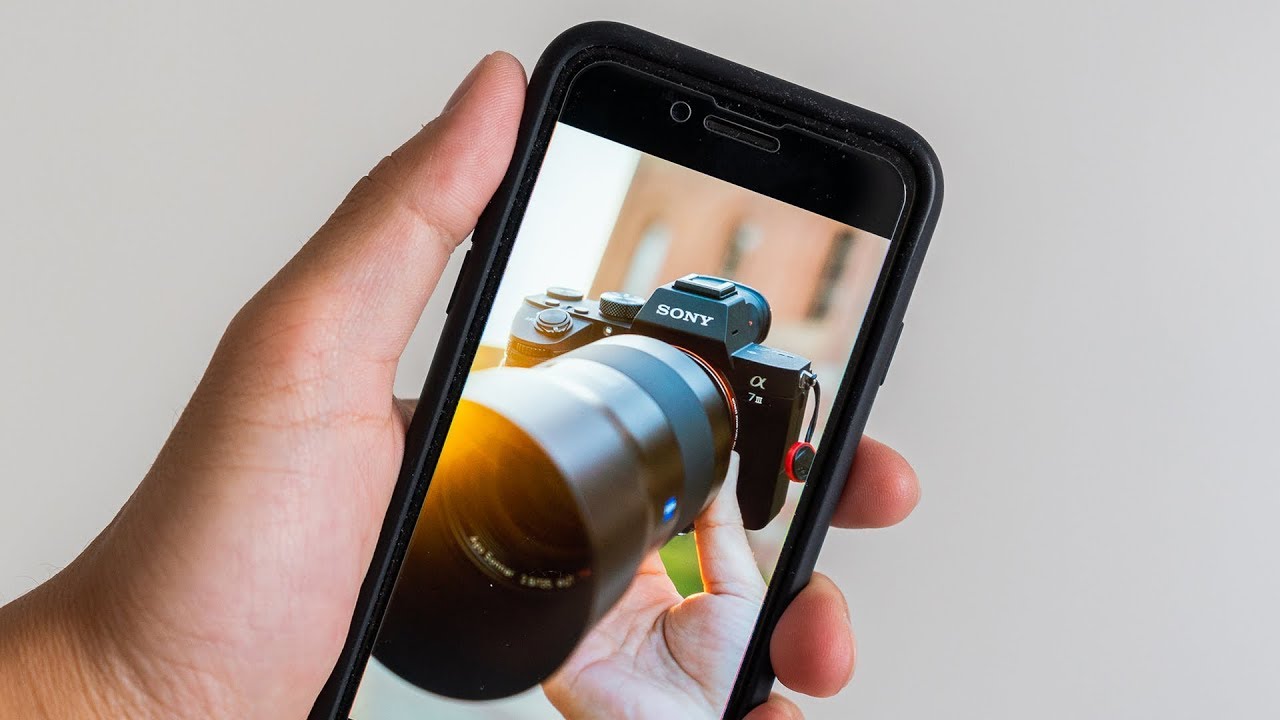
To connect your Sony A7III to your phone, use the official Imaging Edge Mobile app to establish a direct Wi-Fi link for wireless photo transfer and remote camera control. This...

How To Copy NFC Tag To Phone

Copying an NFC tag to your phone means you want your phone to act exactly like the original tag when tapped, but this is not a built-in feature on any...

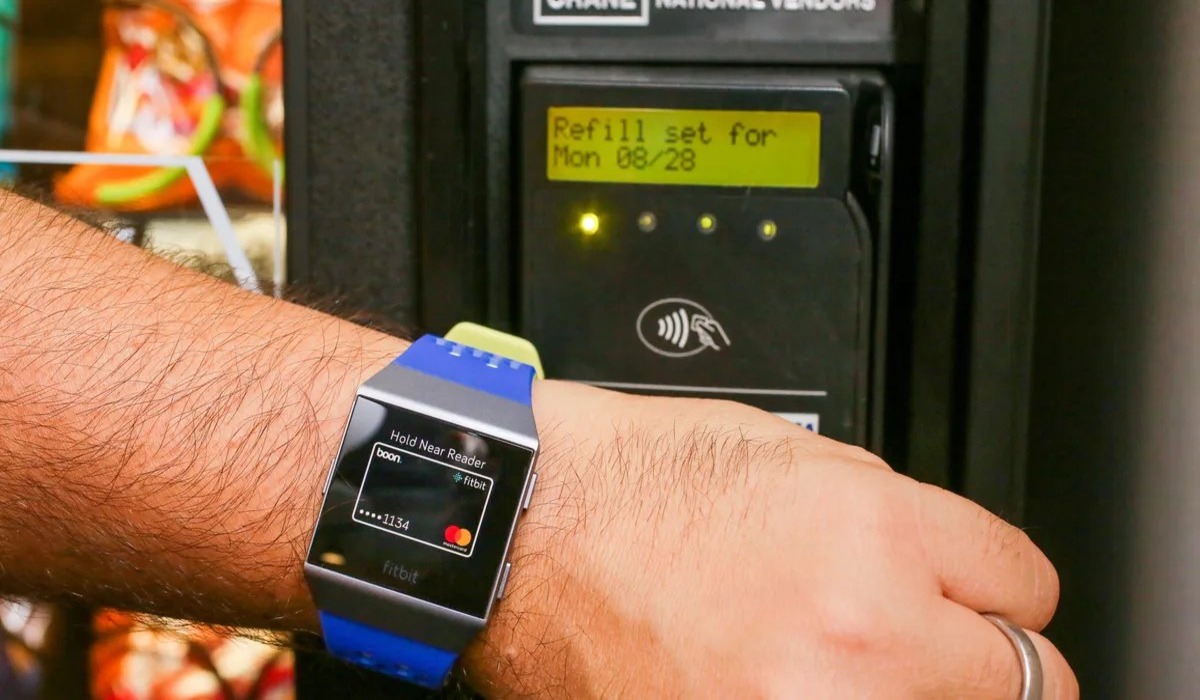
How To Use Google Pay On Android

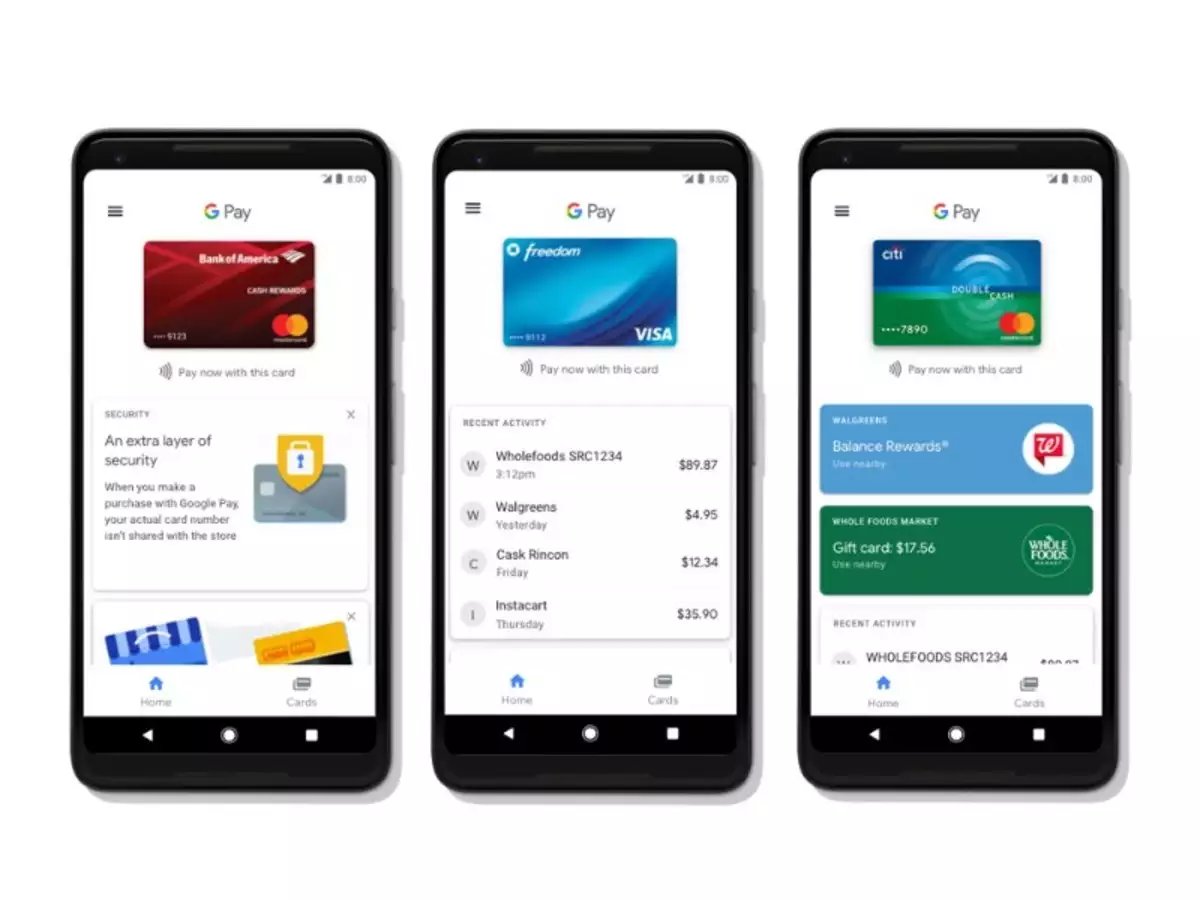
To use Google Pay on Android for contactless tap-to-pay, you now access it through the Google Wallet app. Setting up Google Wallet for contactless payments Open the Google Wallet app...

How To Use Phone At Chase Atm

To use your phone at a Chase ATM, the primary method is to tap your phone or smartwatch on the contactless symbol using a digital wallet like Apple Pay, Google...

What Is A Smart Key?

A smart key is a digital key stored on your phone or watch that unlocks, locks, and even starts compatible cars, homes, and hotel rooms without a physical key. Unlike...