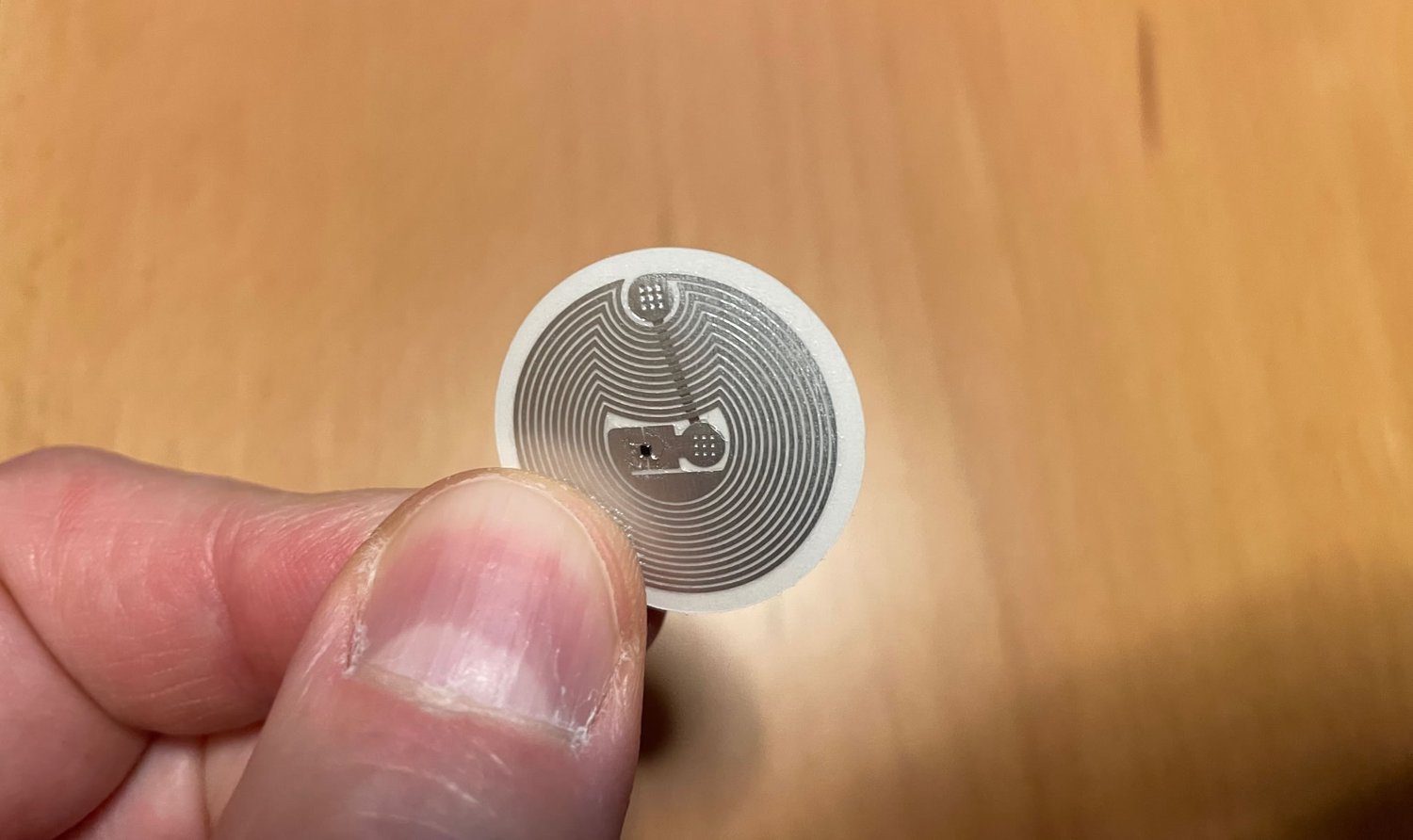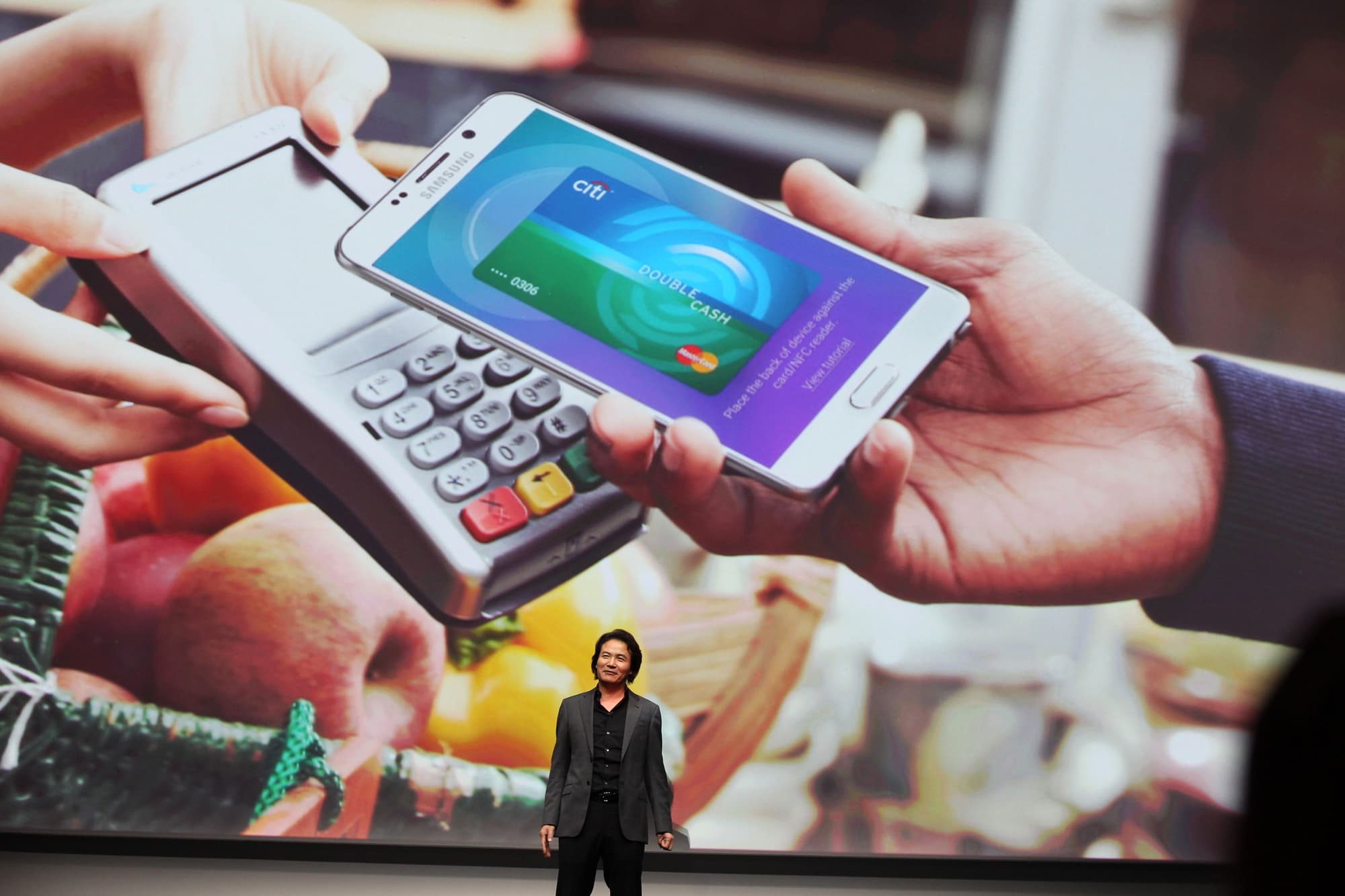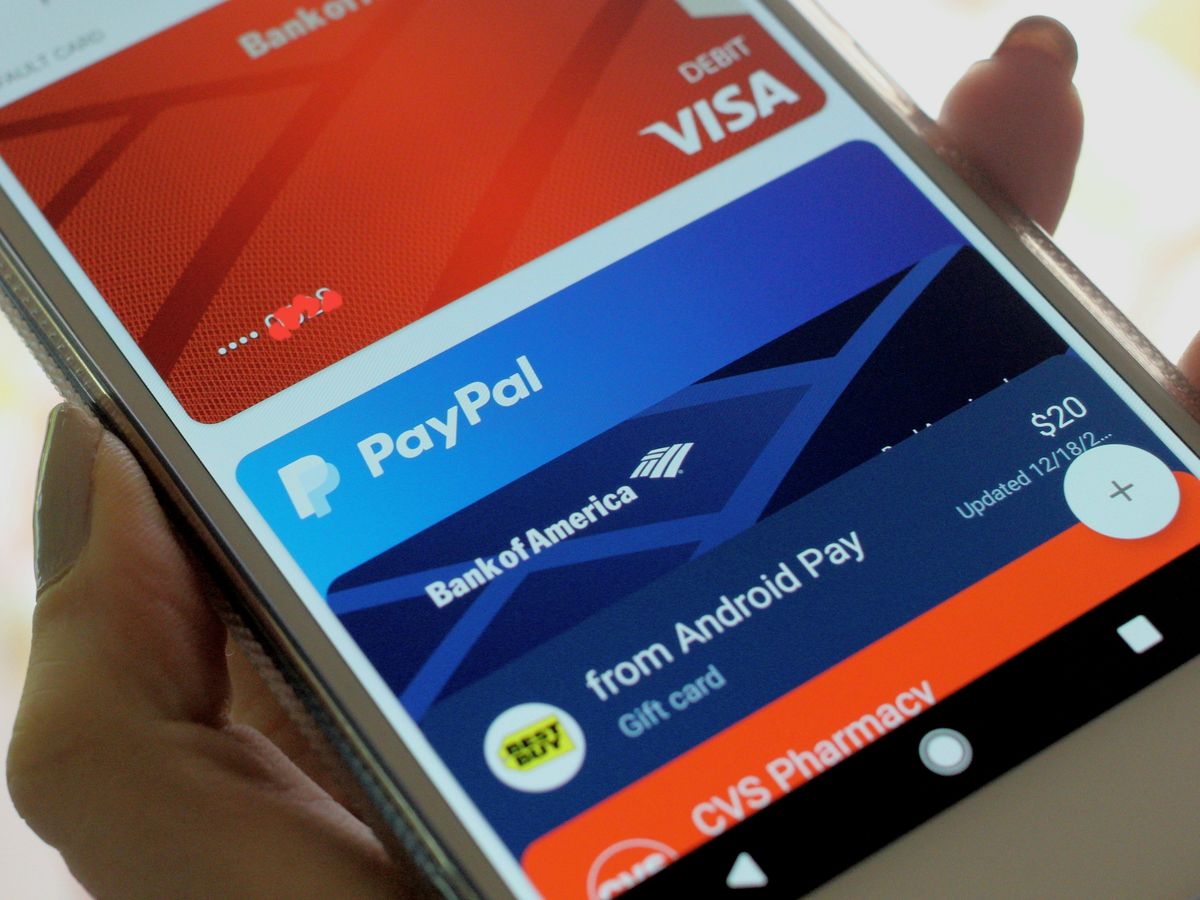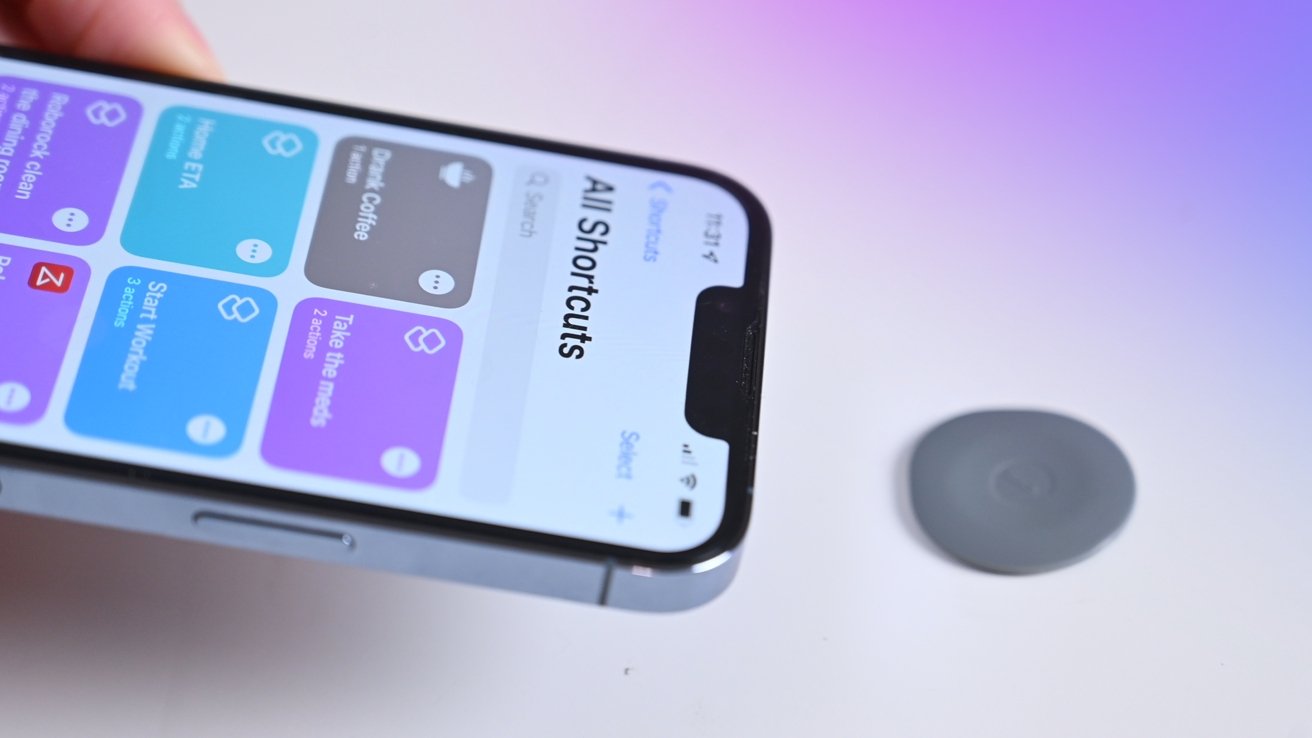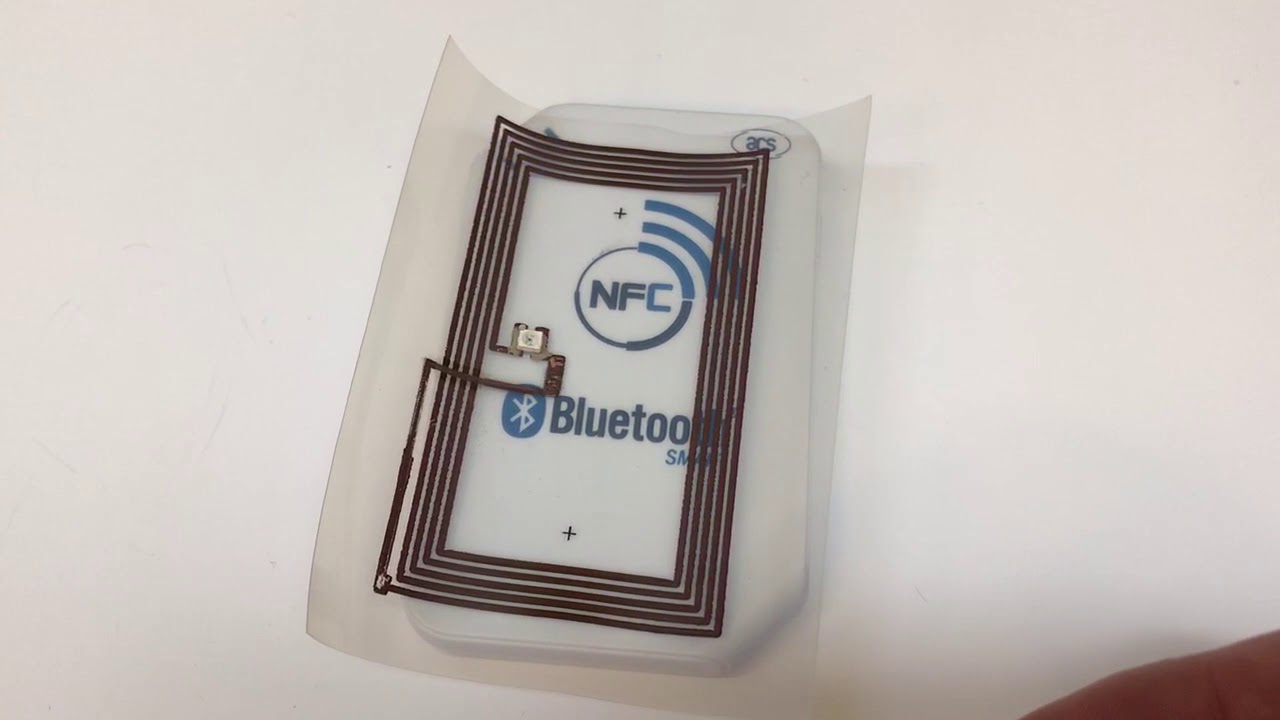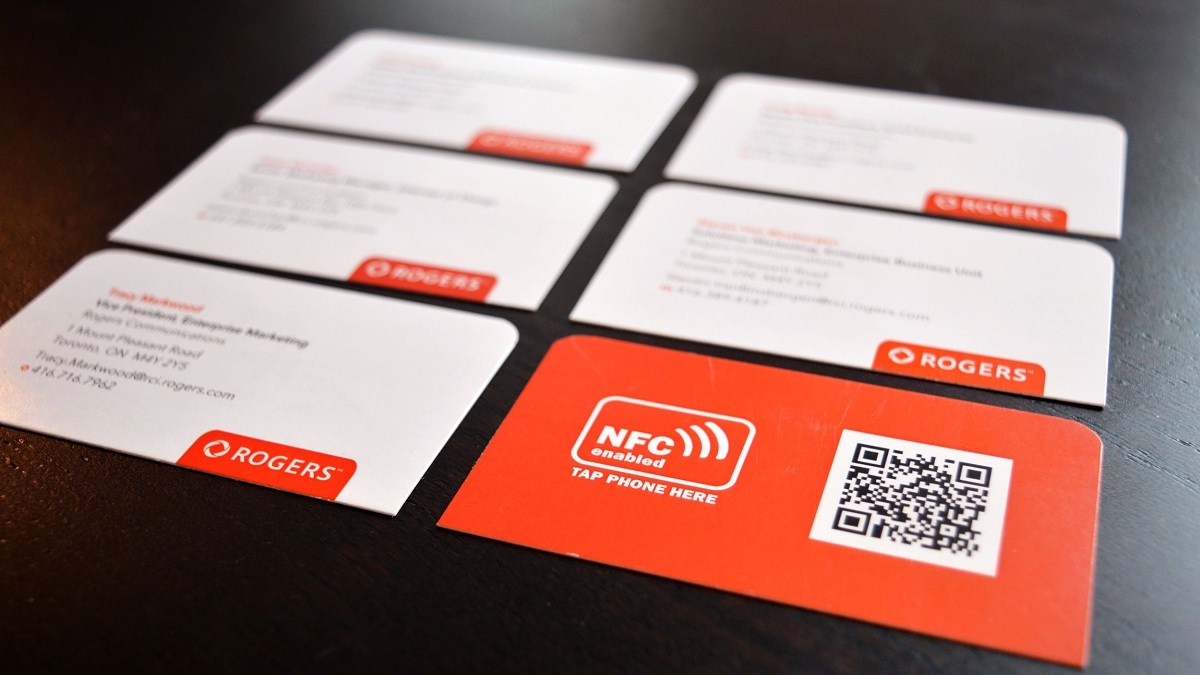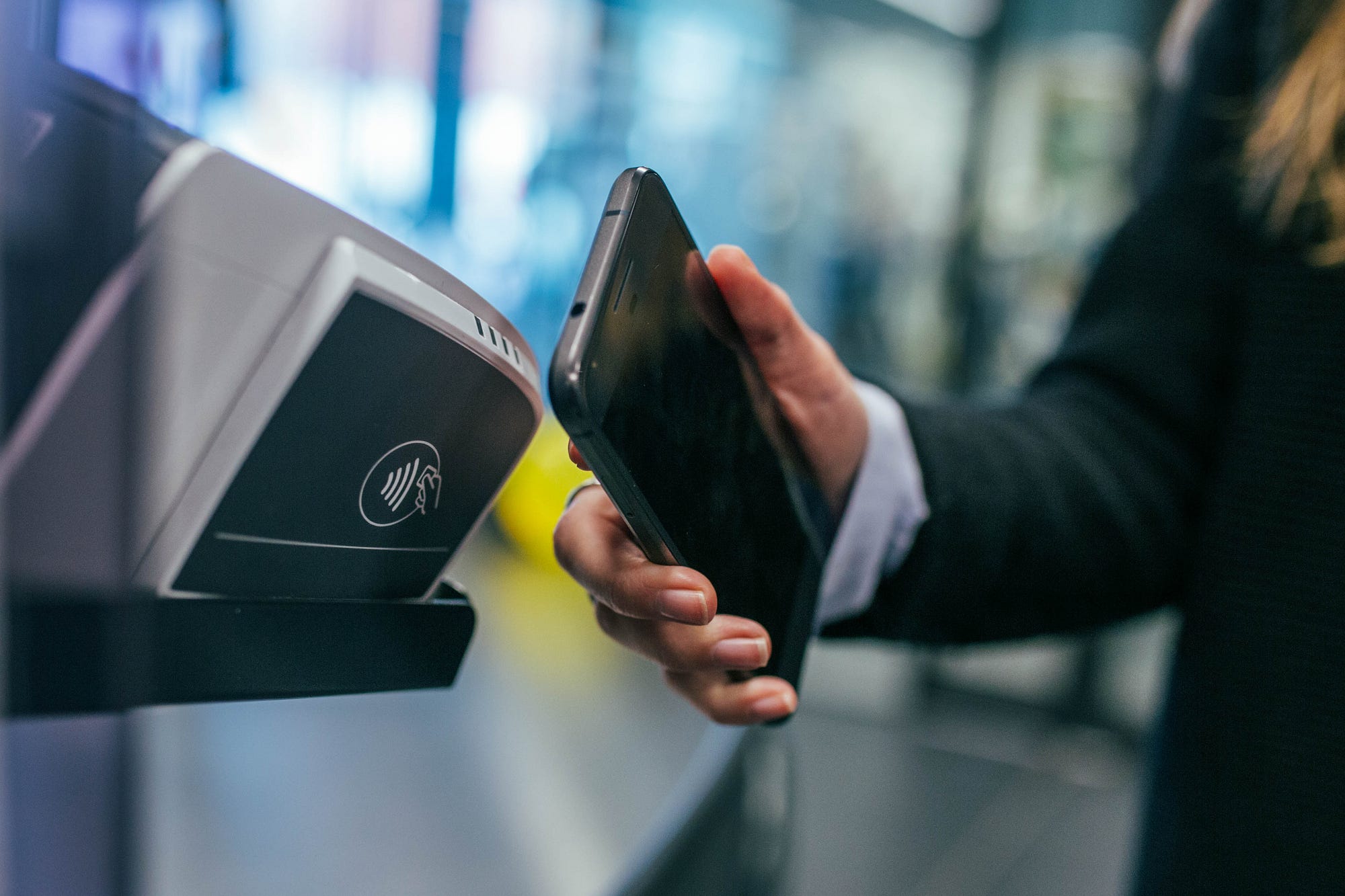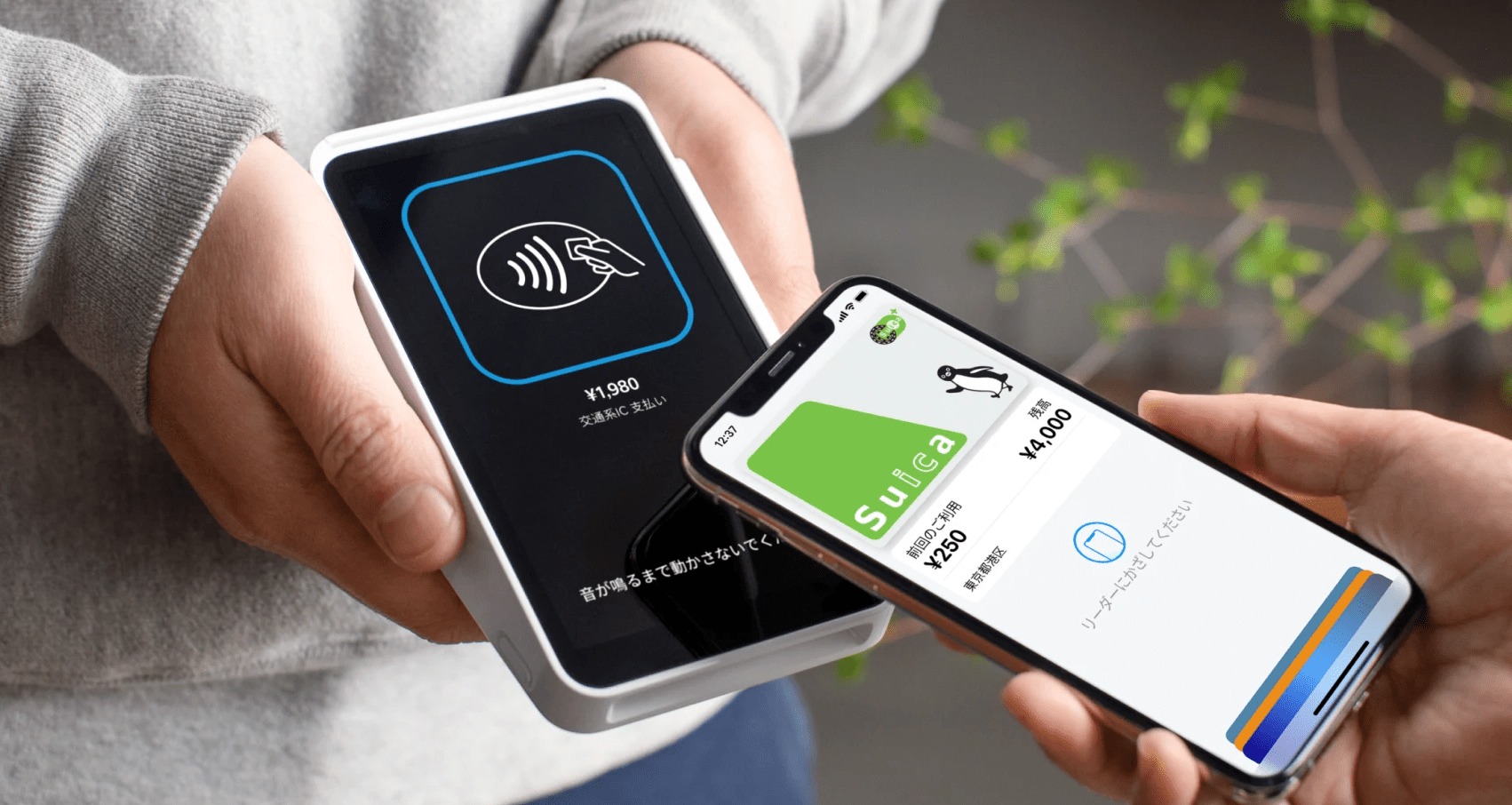
An NFC reader is your phone's built-in ability to detect and read nearby NFC tags or contactless devices by bringing the phone close to them. This short-range wireless technology, known as near field communication, enables tap-to-pay, tag scanning, and other contactless interactions directly from your smartphone.
What is an NFC reader on your phone?
An NFC reader on your phone is the hardware and software that lets your device detect and read nearby NFC tags or contactless devices simply by bringing the phone close. This capability powers the core use cases you encounter daily: tap-to-pay at checkout terminals and scanning NFC tags to trigger actions like opening a website or connecting to Wi-Fi. For a complete overview of how this technology works across different devices, see NFC tags and readers explained (NFC Tags, Readers and Phone Features Explained).
How an NFC reader works
An NFC reader works when your phone's NFC radio is brought very close to an NFC tag or another NFC-enabled device. The phone then reads the data stored on the tag or starts the linked action, such as launching an app or processing a payment. This happens through short-range wireless communication, not through magnetic fields, the phone's radio directly exchanges data with the tag or device when they are within a few centimeters of each other.
How to use the NFC reader on iPhone
Apple documents specific model-dependent behavior for NFC Tag Reader support. Newer iPhones read NFC tags automatically, while older models require manual activation.
iPhones with automatic NFC tag reading
These models automatically support NFC Tag Reader without any setup:
- iPhone SE (2nd generation and later)
- iPhone XR
- iPhone XS
- iPhone XS Max
- iPhone 11
- iPhone 11 Pro
- iPhone 11 Pro Max
- iPhone 12 mini
- iPhone 12
- iPhone 12 Pro
- iPhone 12 Pro Max
- iPhone 13 mini
- iPhone 13
- iPhone 13 Pro
- iPhone 13 Pro Max
iPhones that require Control Center activation
These models need NFC Tag Reader turned on in Control Center before tag reading:
- iPhone 7
- iPhone 7 Plus
- iPhone 8
- iPhone 8 Plus
- iPhone X
To activate NFC Tag Reader on these older models, follow these steps:
- Open Settings
- Tap Control Center
- Add NFC Tag Reader, if needed
- Open Control Center
- Tap NFC Tag Reader
- Hold the top of iPhone near the NFC tag
How to use the NFC reader on Samsung and Android
On Samsung phones, the documented setting path is through Settings, then Connections, where you find NFC and contactless payments. Samsung's support pages show the setting label as NFC and contactless payments in at least some regions. The exact steps vary by model and region, but the general principle for other Android phones is similar, look for NFC settings in your device's connection or wireless settings menu. Samsung's support content lists supported Galaxy models for NFC-enabled payment setup, though the exact model list varies by page and region; for example, Samsung UK references S21 models including Galaxy S21 Ultra 5G, S21+ 5G, and S21 5G, while Samsung Hong Kong lists Galaxy Fold and Galaxy S25 models among supported devices.
What you can do with an NFC reader
An NFC reader supports three documented applications. First, contactless payments let you tap your phone at checkout terminals instead of using a physical card. Second, reading NFC tags allows you to trigger actions like opening a website, launching an app, or connecting to a network by tapping your phone to a programmed tag. Third, secure contactless transactions in supported iOS apps use Apple's NFC & SE Platform for specific uses such as payments, car keys, transit, badges, hotel keys, loyalty, and tickets.
NFC reader limitations to know
NFC is a short-range technology requiring close proximity, not long-distance scanning. Apple and Samsung documentation both describe it as needing the phone to be very close to the tag or device. Additionally, iPhone model differences matter: only iPhone 7, 7 Plus, 8, 8 Plus, and X require Control Center activation for NFC Tag Reader; all newer listed models support it automatically.
Frequently Asked Questions
Can I use NFC without an internet connection?
Yes, NFC communication itself does not require an internet connection. The phone reads data from the tag locally, though actions like opening a website or making a payment may need connectivity after the initial tap.
Is NFC the same as Bluetooth?
No, NFC and Bluetooth are different technologies. NFC works at a much shorter range (a few centimeters) and requires no pairing, while Bluetooth has a longer range and requires device pairing. NFC is designed for quick, simple interactions like tap-to-pay.
Does NFC drain my phone battery?
NFC uses very little power and only activates when your phone is near another NFC device or tag. It does not significantly impact battery life because the radio is not constantly scanning, it only powers on when needed for a transaction or tag read.
Can I disable NFC on my phone?
Yes, most Android phones allow you to turn off NFC in the settings menu, typically under Connections or Wireless & Networks. On iPhones, NFC is always on for Apple Pay and cannot be fully disabled, but you can control tag reading behavior through Control Center settings.
For the wider topic, see NFC tags and readers explained.