This tag collects articles about connecting, configuring, and troubleshooting wireless printers, specifically for readers who rely on their mobile phones or home networks to get print jobs done. Whether you are setting up a new printer for the first time or trying to fix an existing connection, these guides are written for everyday users who need straightforward, step-by-step help without technical jargon.
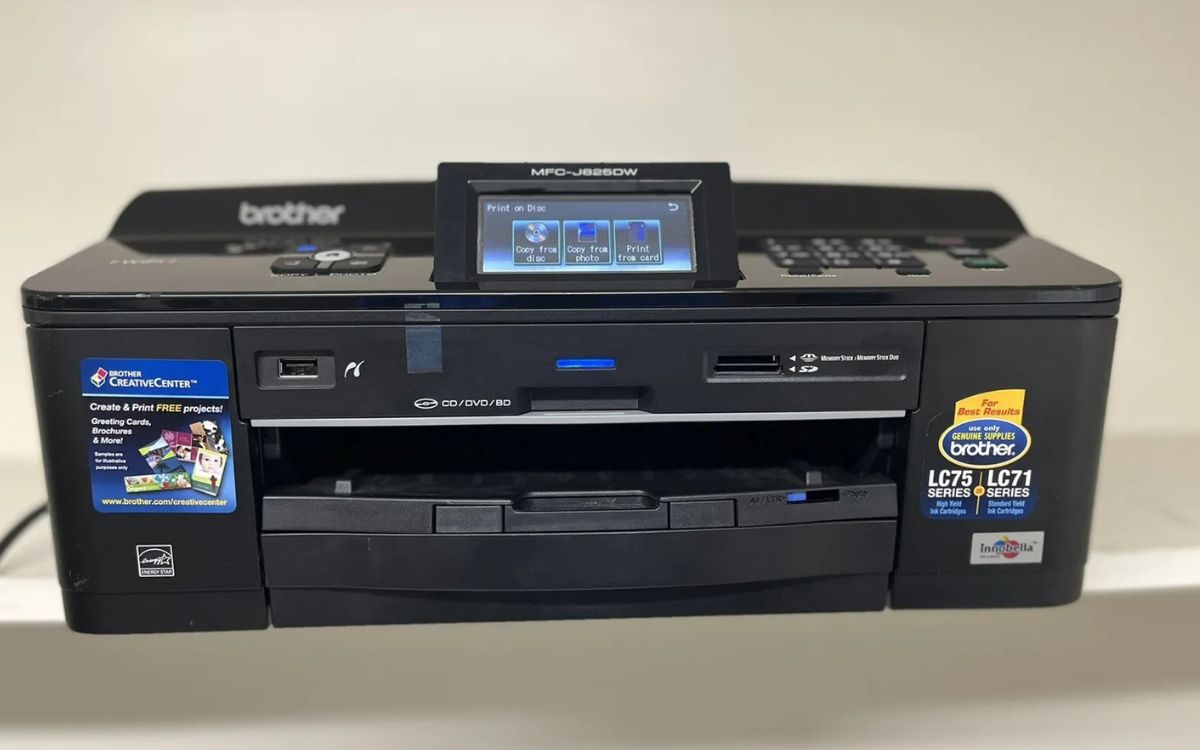
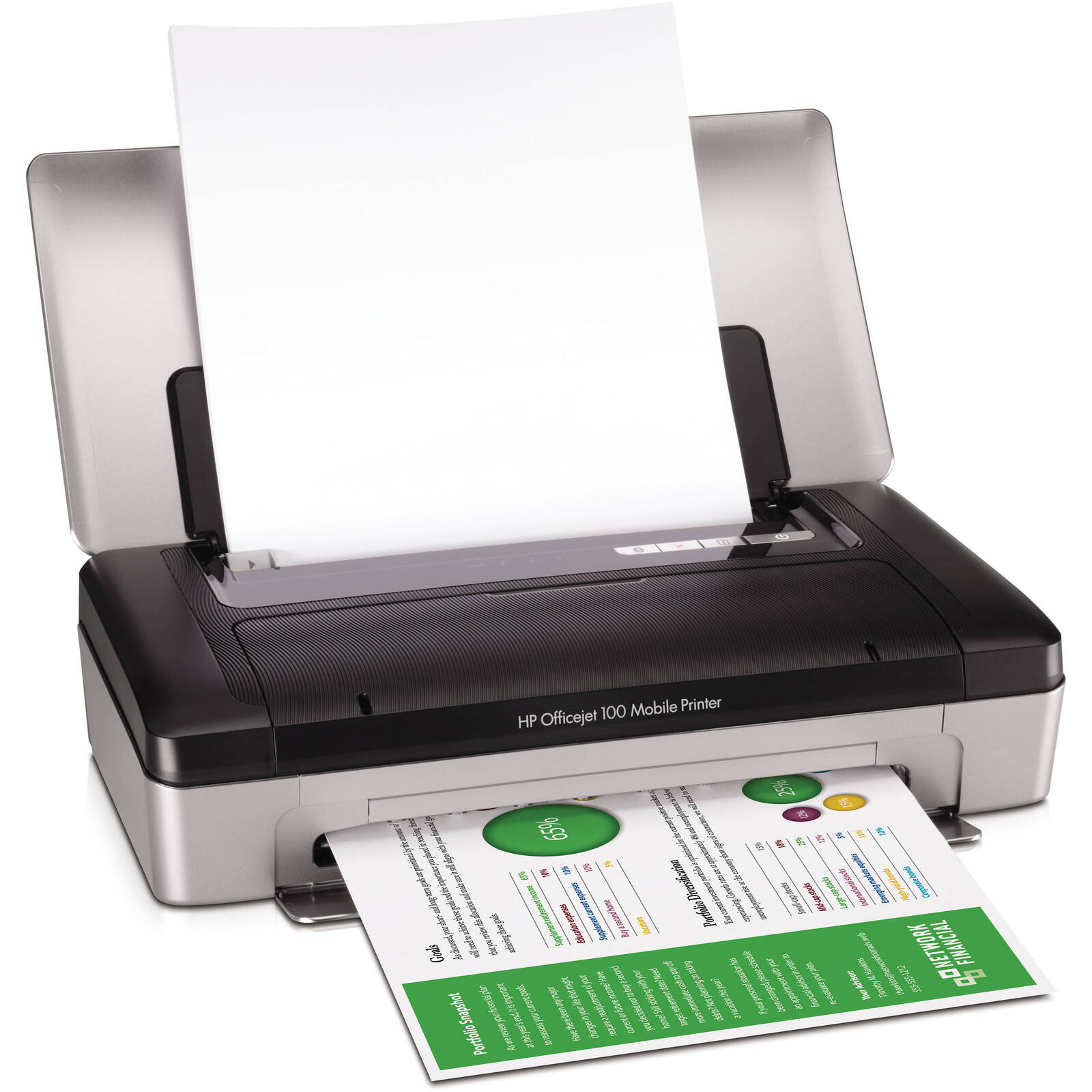
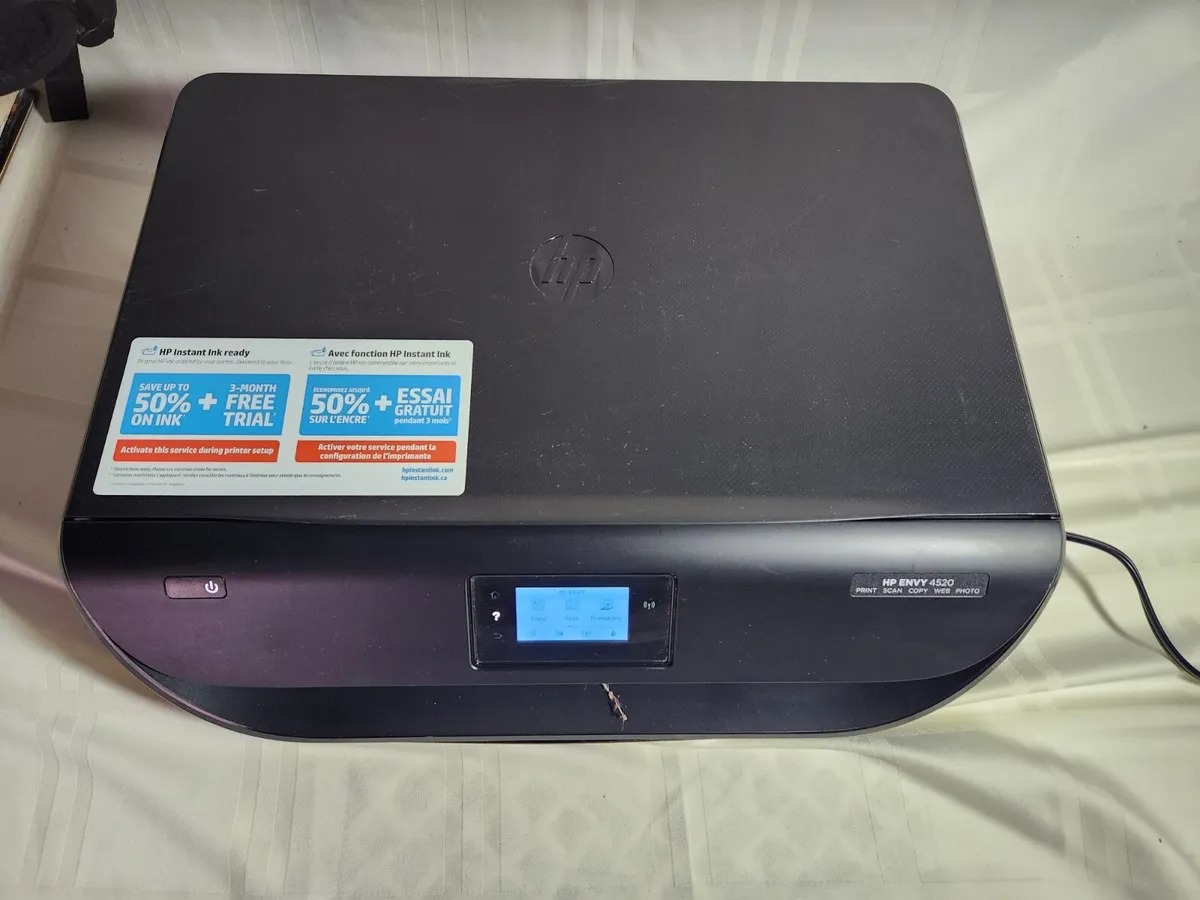
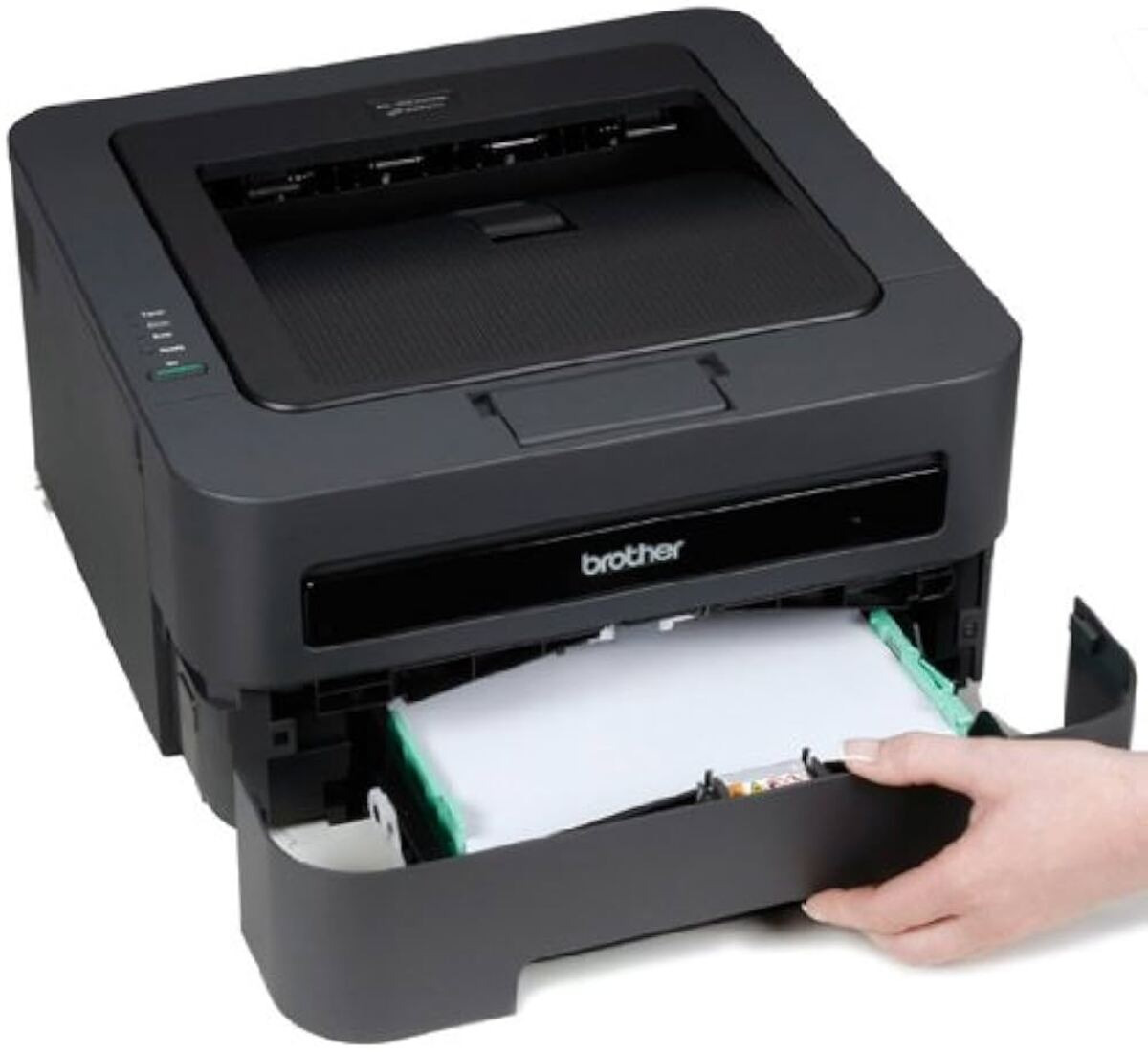
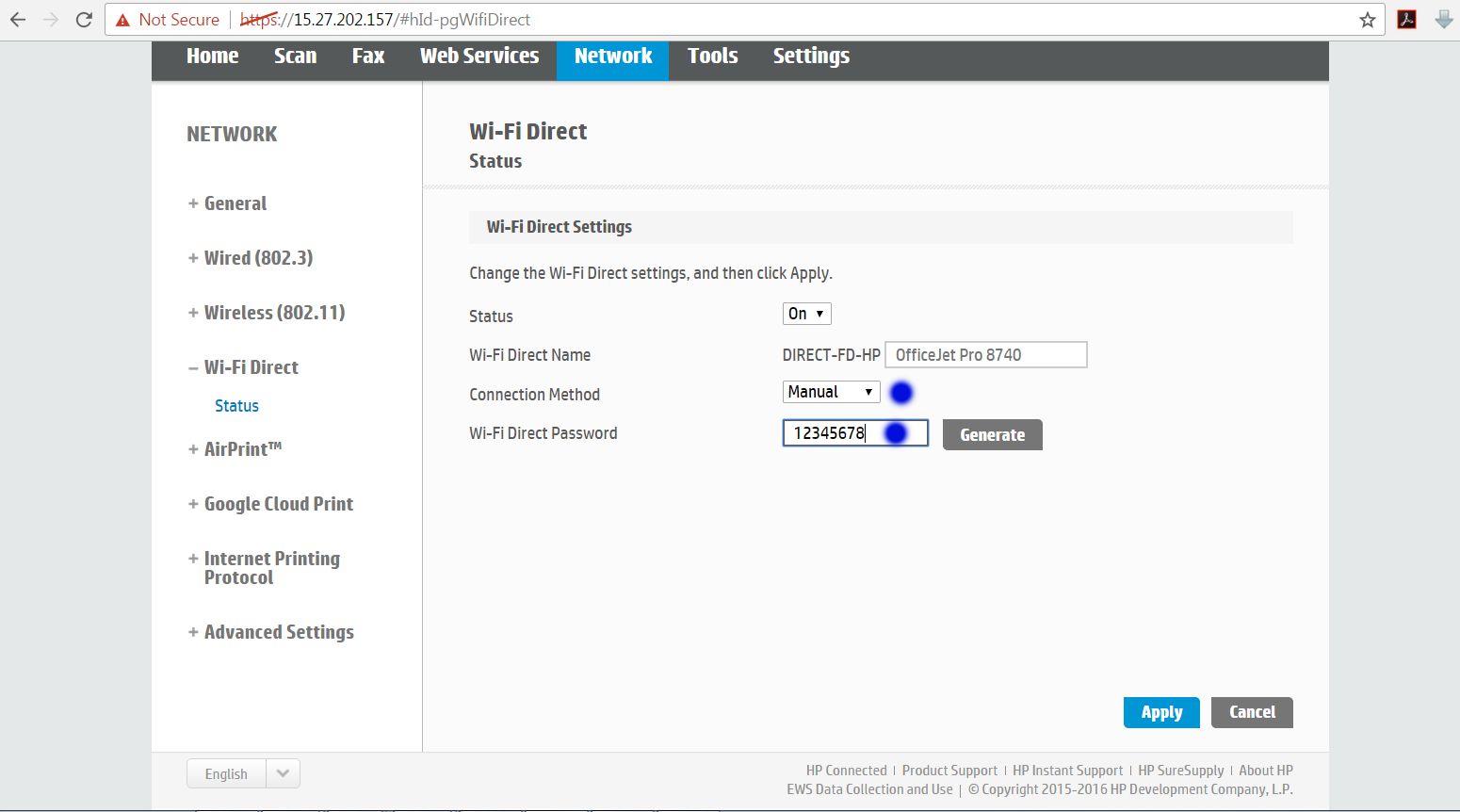
The articles here address three main kinds of problems. First, there are guides for initial setup and connection, such as how to connect a printer to a mobile hotspot, how to add a Brother printer to a wireless network, and how to connect an HP Envy 4520 to a phone. Second, several articles focus on configuration changes, like how to change the Wi-Fi password on a Brother wireless printer or how to make a network printer wireless. Third, there is a strong troubleshooting theme, with articles that explain how to get a wireless printer back online, how to reset the HP OfficeJet 100 mobile printer, and a dedicated guide for troubleshooting common wireless printer connection problems.
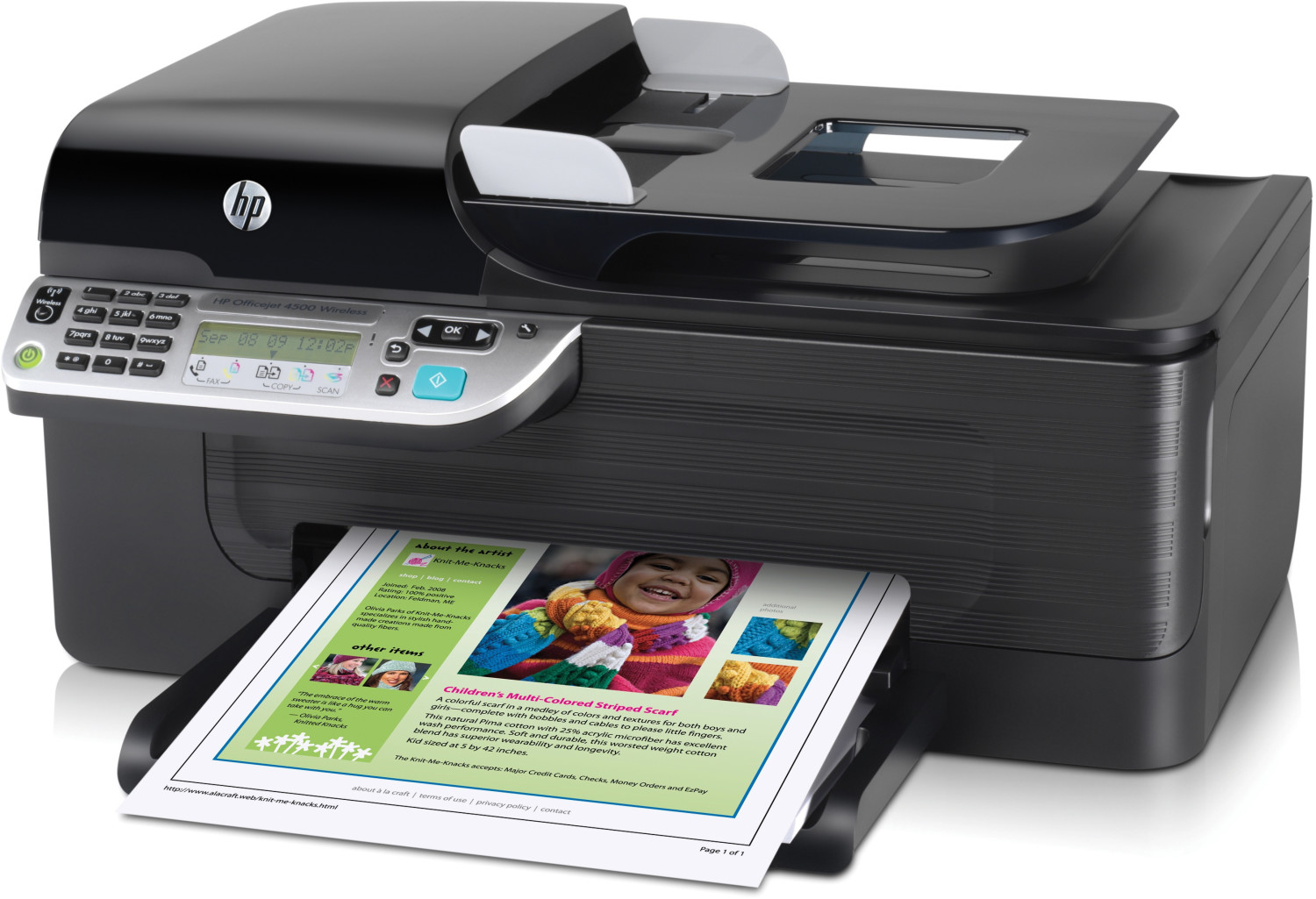
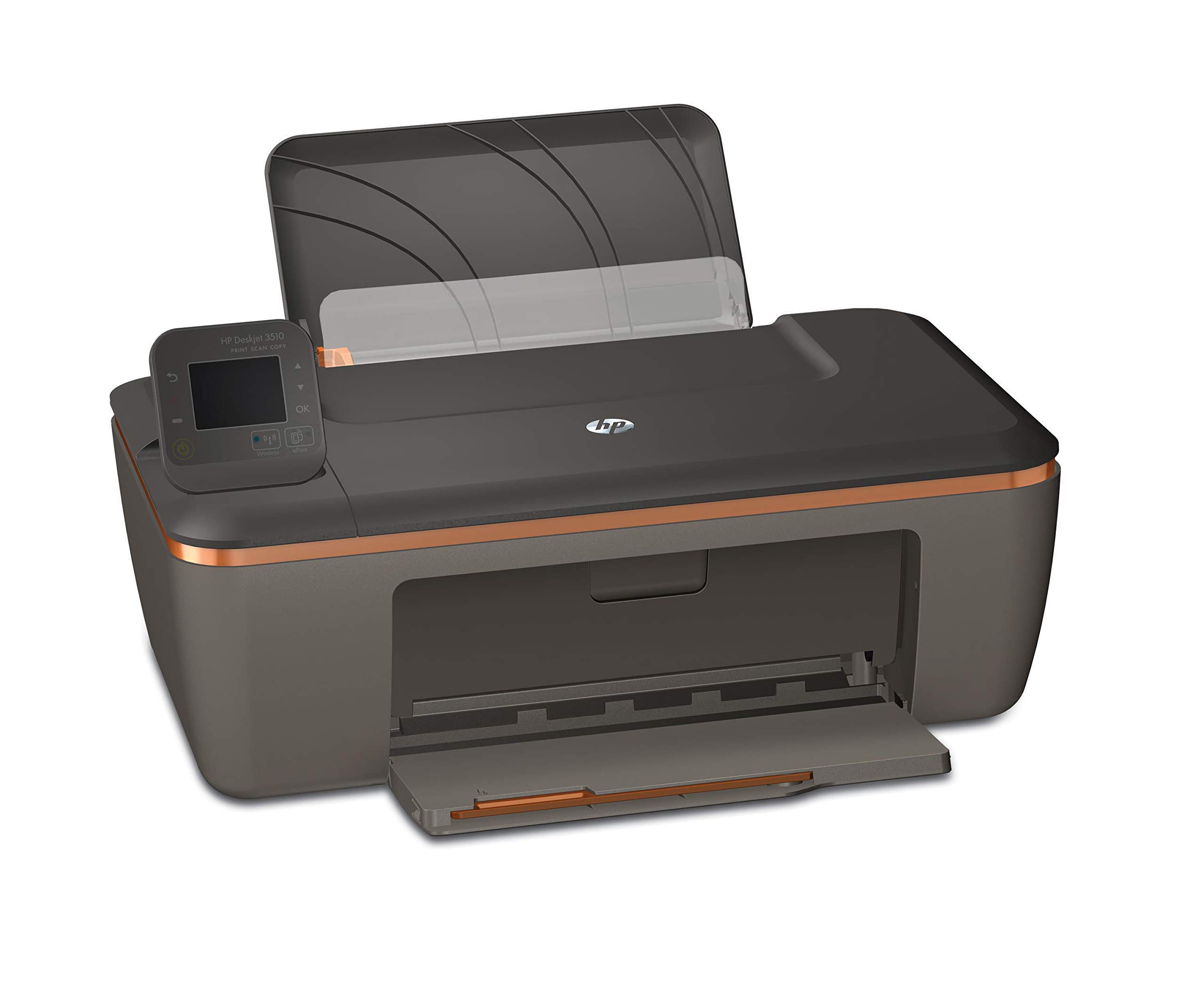
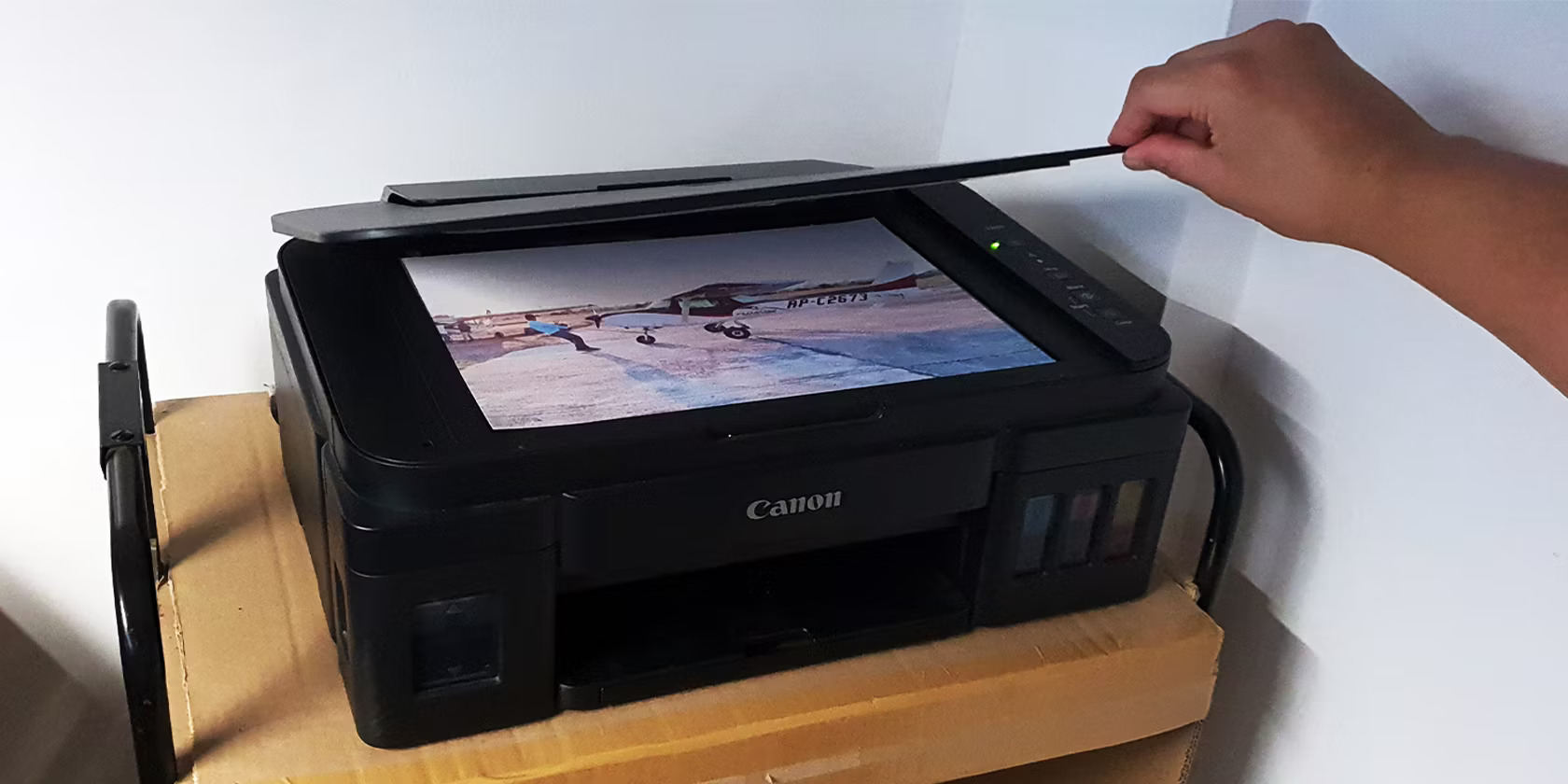
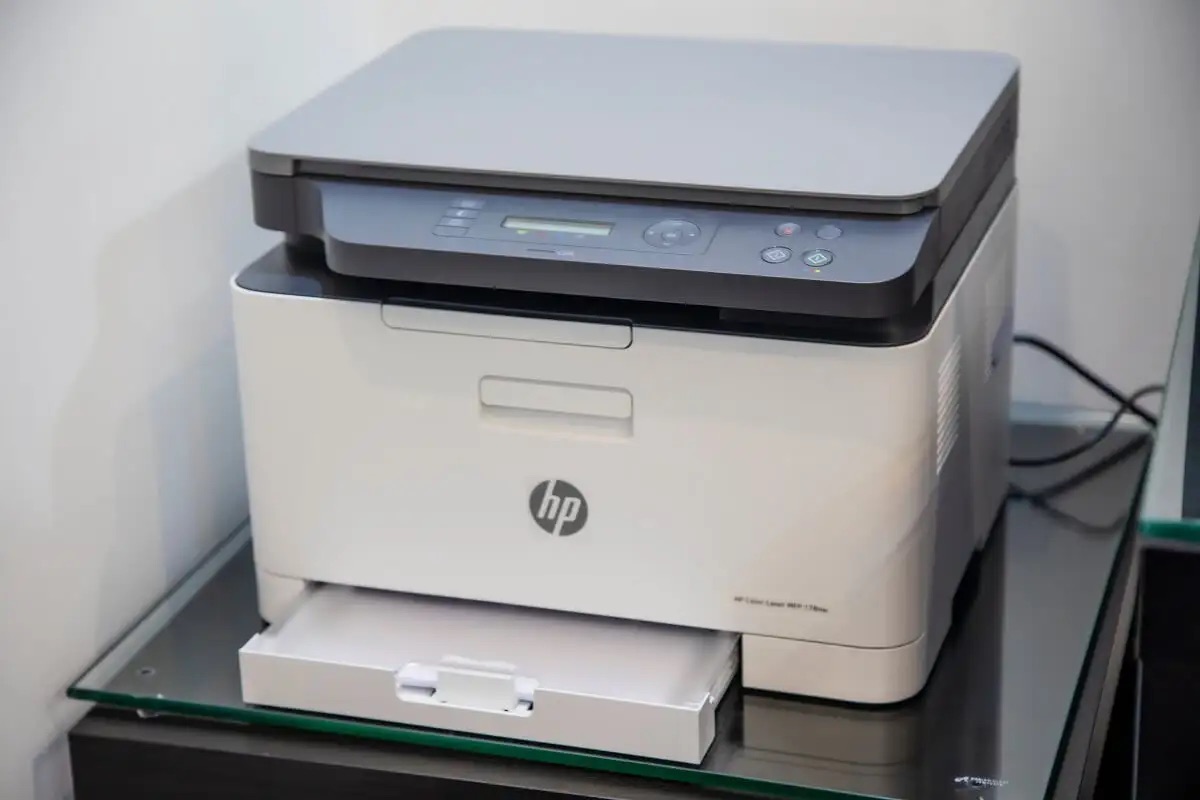
These articles help the reader perform specific tasks: they show how to scan from a printer to a computer wirelessly, how to fax on an HP Officejet 4500 wireless, and how to connect an HP Deskjet 3510 wireless to a network. By following the instructions, readers can resolve everyday printer headaches without needing to call for support.