The "Warranty" tag on CellularNews brings together practical guides for anyone managing the lifespan and coverage of their phones, accessories, and wearable tech. This collection is for owners who need to register a product, check if their device is still protected, or figure out how to get a broken item replaced without paying full price. The articles here solve real-world problems around product registration, warranty claims, and routine maintenance tasks that often fall outside a standard phone manual.

Many of the guides focus on screen protectors and accessories, helping you register a Belkin or Zagg screen protector, claim a warranty replacement, or even replace the protector itself. Other articles tackle wearable devices, walking you through how to get a Fitbit replaced, where to find Fitbit accessories, and how long a Fitbit warranty actually lasts. For those dealing with smartwatches or headsets, there are step-by-step instructions on changing a G-SHOCK or Michael Kors watch battery, or taking apart a Turtle Beach headset.

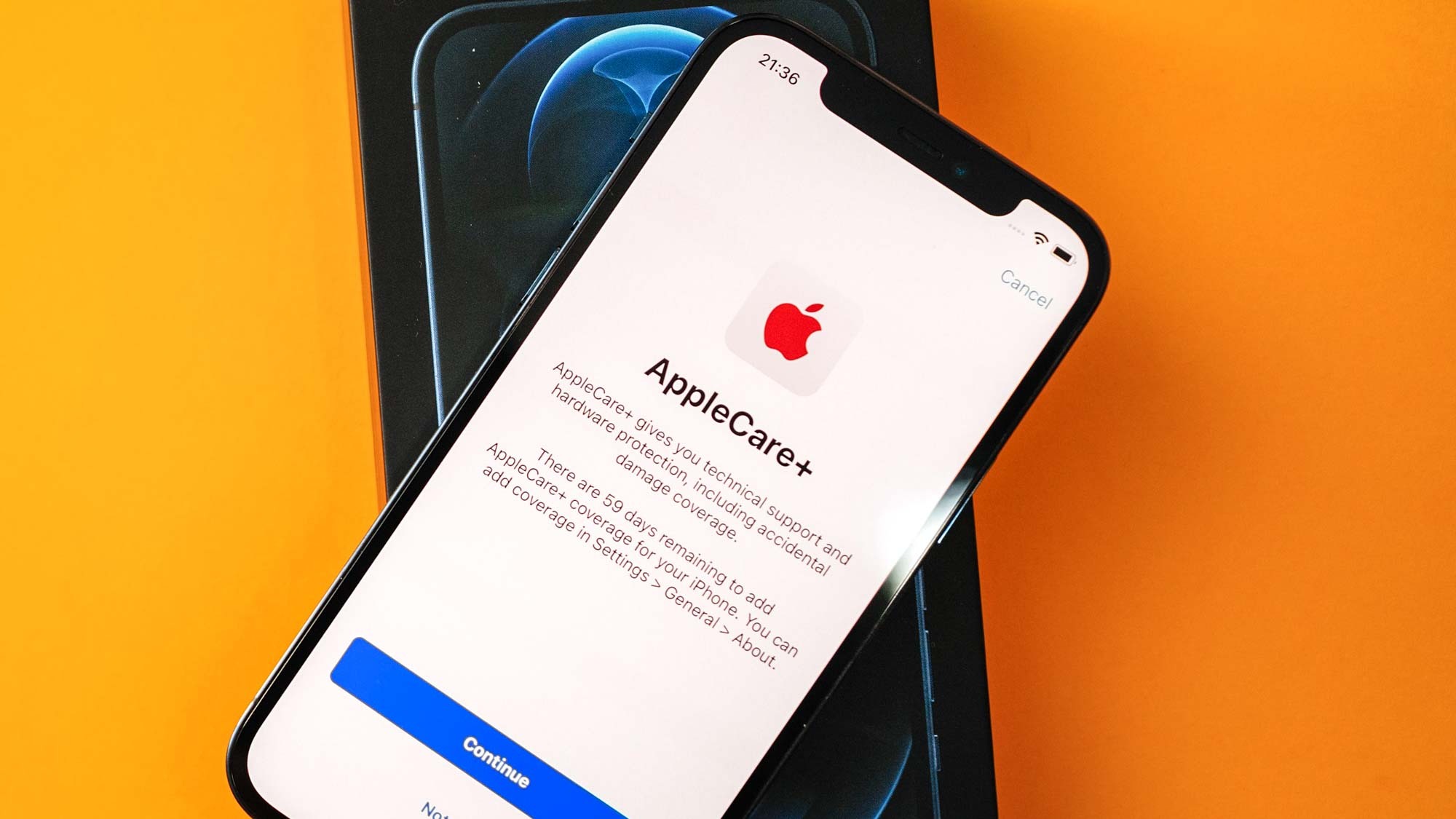
A third theme covers phone-specific checks and fixes, such as how to check your Samsung mobile activation date, verify if your phone has AppleCare, or add AppleCare to your device. The tag also includes less common but useful tasks like how to break a cell phone without obvious damage, how to take apart a Samsung wireless charger, and how to replace a Motorola Razr screen. Whether you are registering a product, checking warranty status, or performing a repair, these articles help you take action without needing a trip to the store.
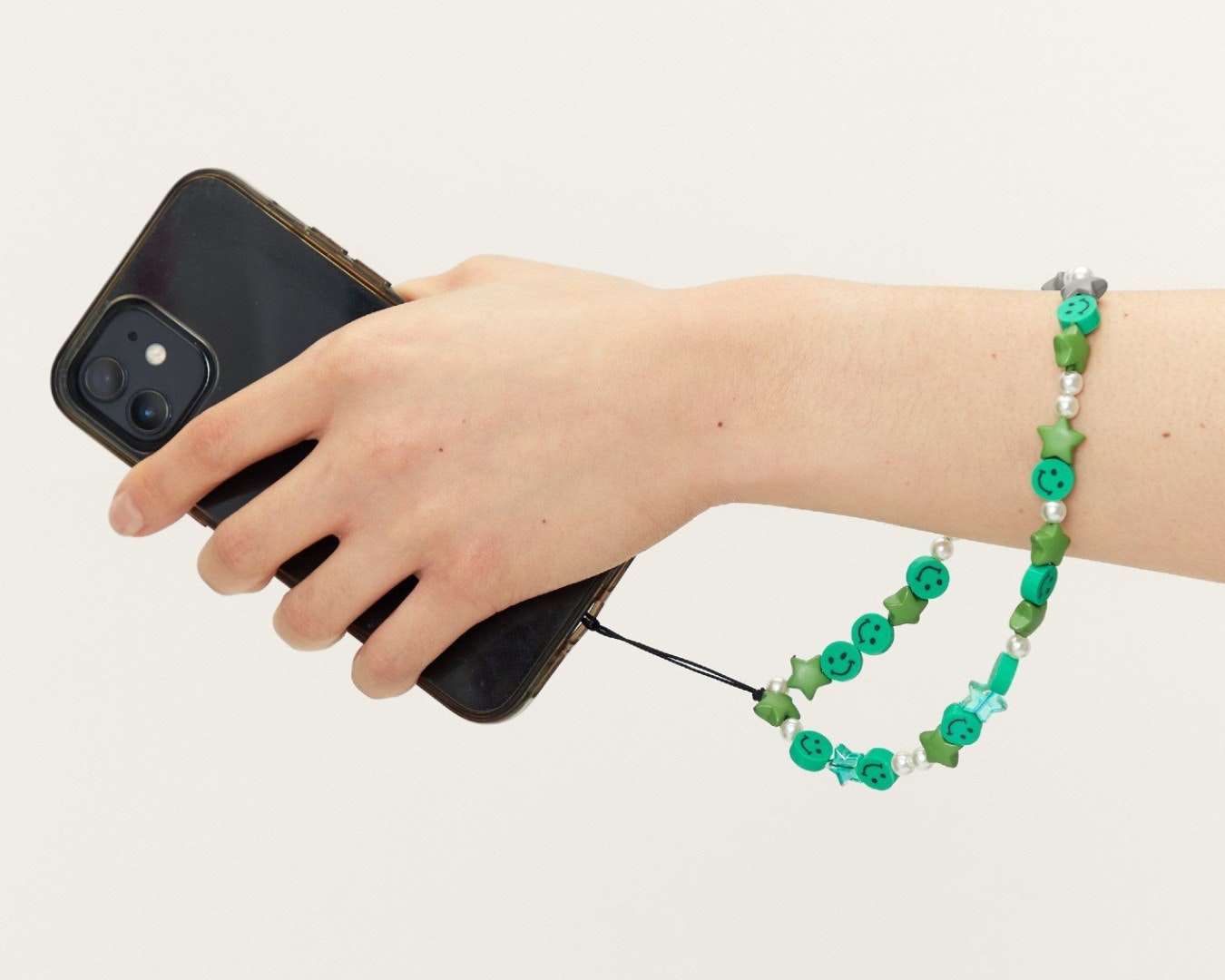
How To Add Phone Charm

To add a phone charm safely, you must first understand that phone charms are not a universal feature and official support is extremely limited. Forcing a charm into a charging...

How To Break A Cell Phone Without Obvious Damage

Instead, the official guidance from Apple, Google, and Samsung explains how to break a cell phone without obvious damage through conditions like liquid exposure, temperature extremes, physical impact, and chemical...

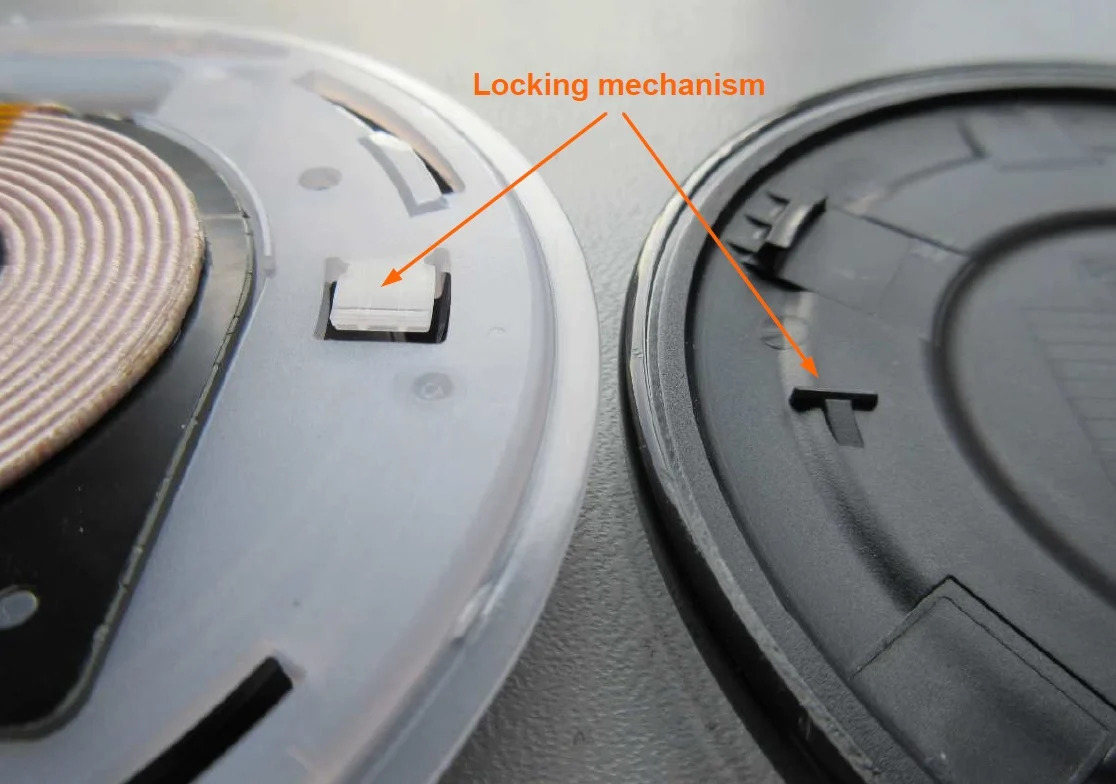
How To Take Apart Samsung Wireless Charger

You cannot safely take apart a Samsung wireless charger because Samsung explicitly warns against disassembly, modification, or repair by users, and no official teardown procedure exists for the charging pad...

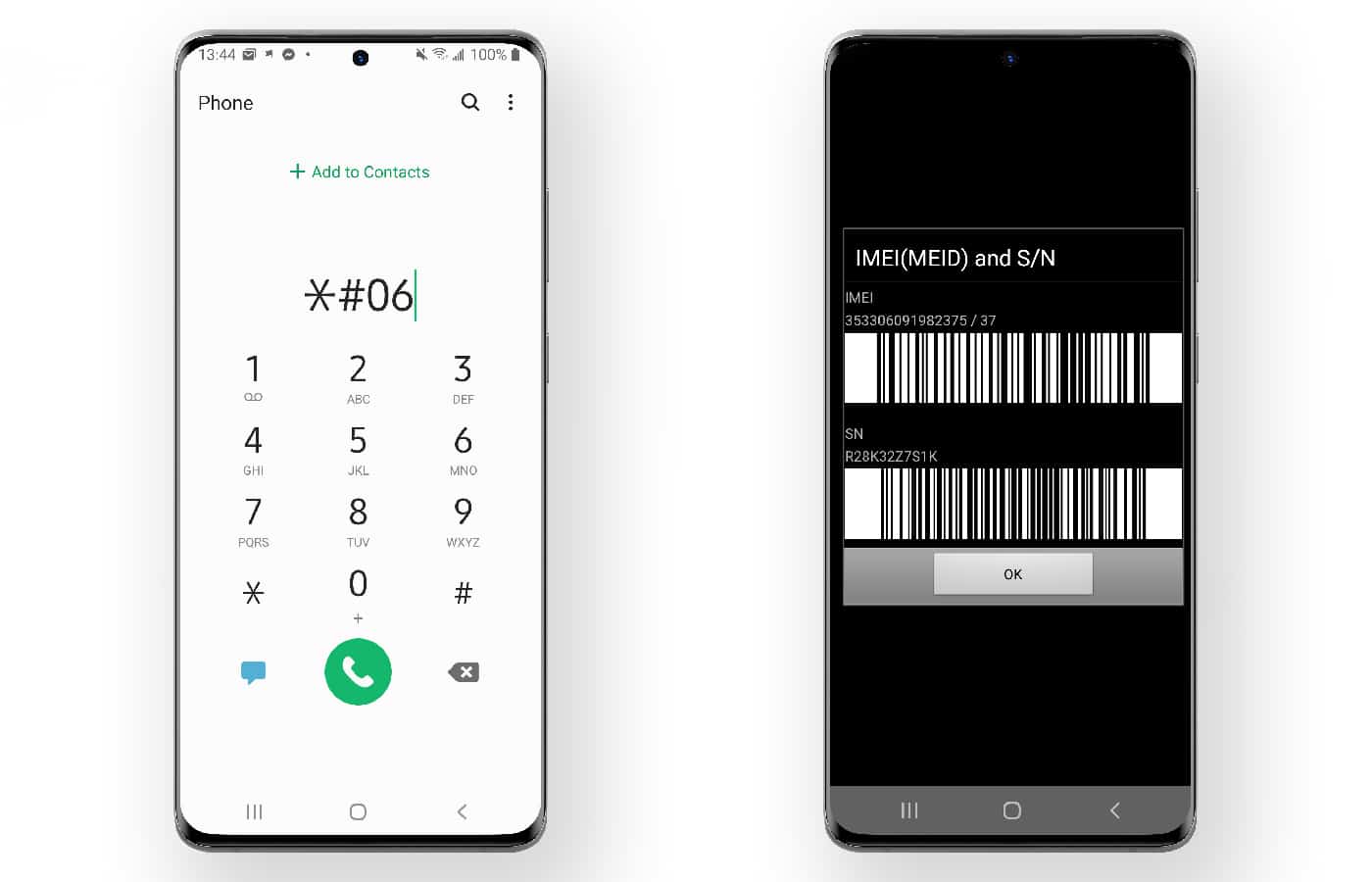
How To Check Samsung Mobile Activation Date

To check Samsung activation date, you need to look at the warranty start date, because Samsung ties the "activation" record directly to when your device's warranty began. This date is...

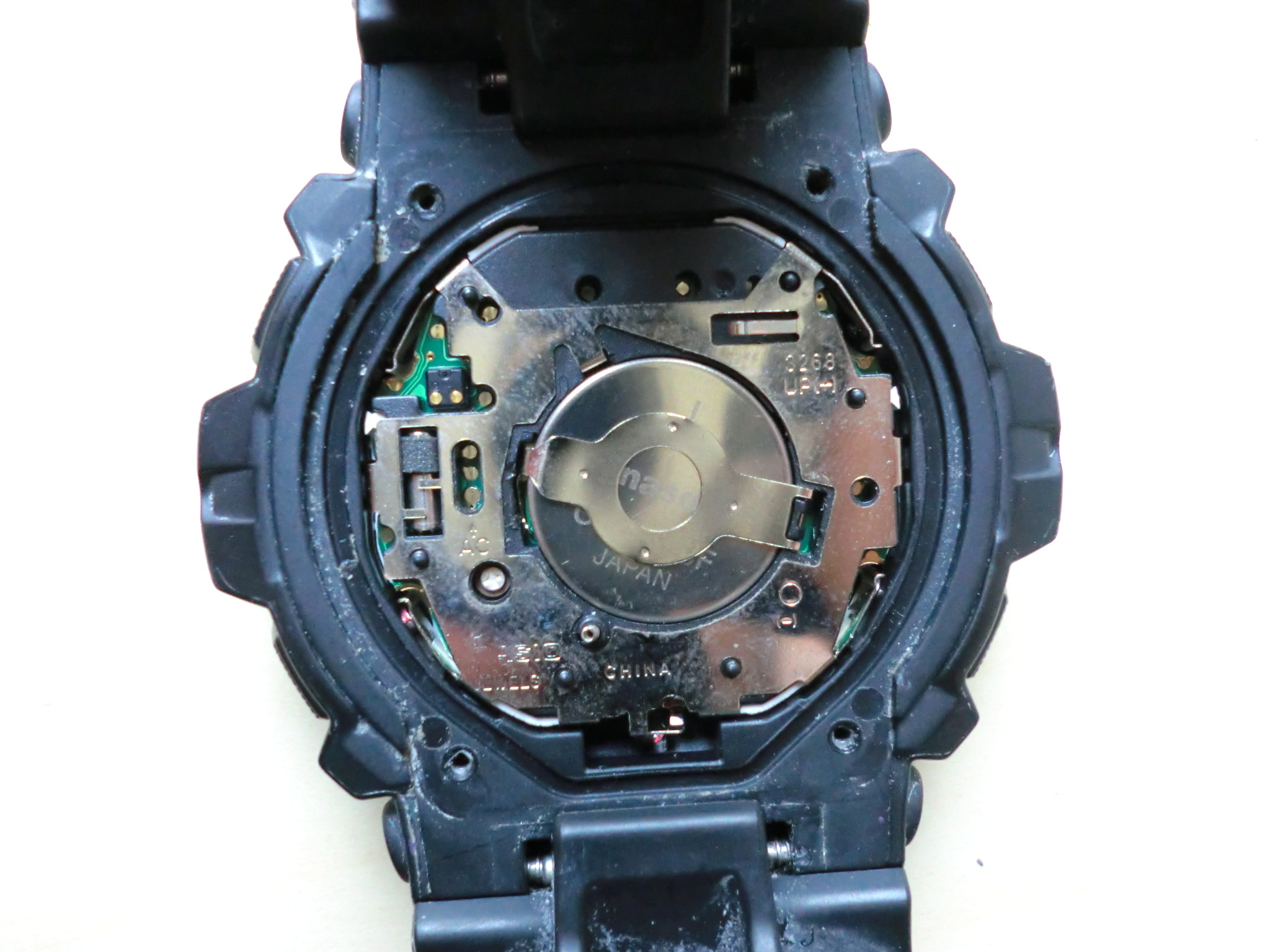
How To Change G-SHOCK Watch Battery

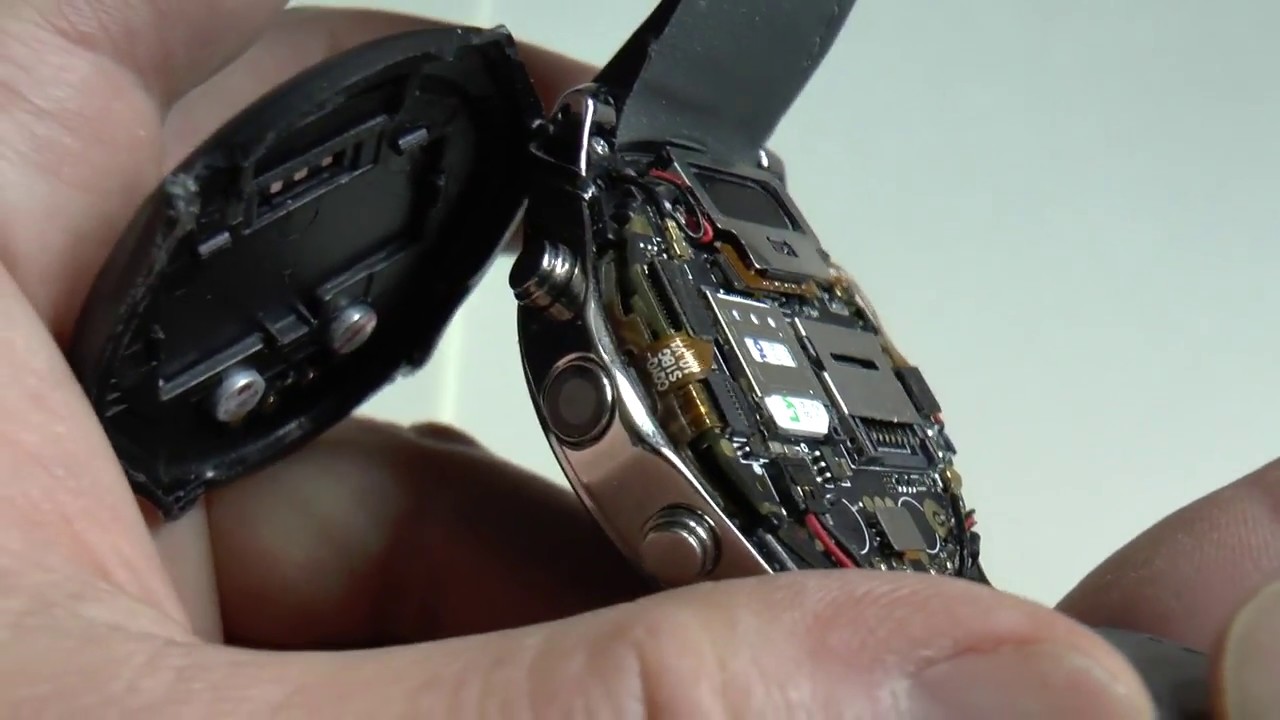
To change g-shock watch battery, you must first understand that Casio officially recommends having this service performed by an original retailer or an authorized service center. Attempting a DIY battery...

How To Charge Ooze Battery

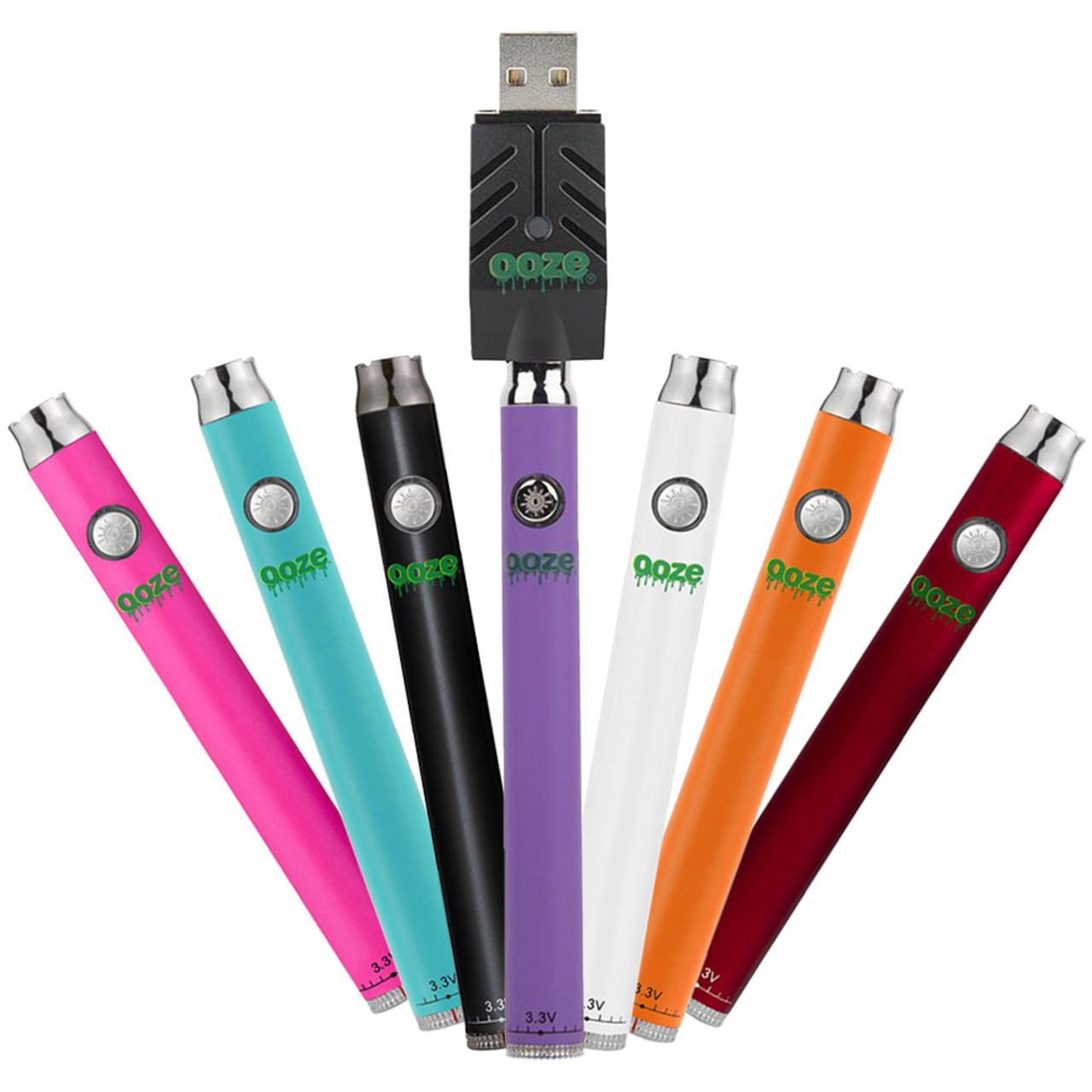
To charge an Ooze battery, use the official Ooze USB charger that came with your device and plug it into a wall outlet adapter. This is the only safe method...

How To Change Michael Kors Watch Battery

Changing a Michael Kors watch battery yourself is possible only for certain Access smartwatch models, and for all other watches Michael Kors directs customers to authorized service centers. Michael Kors...

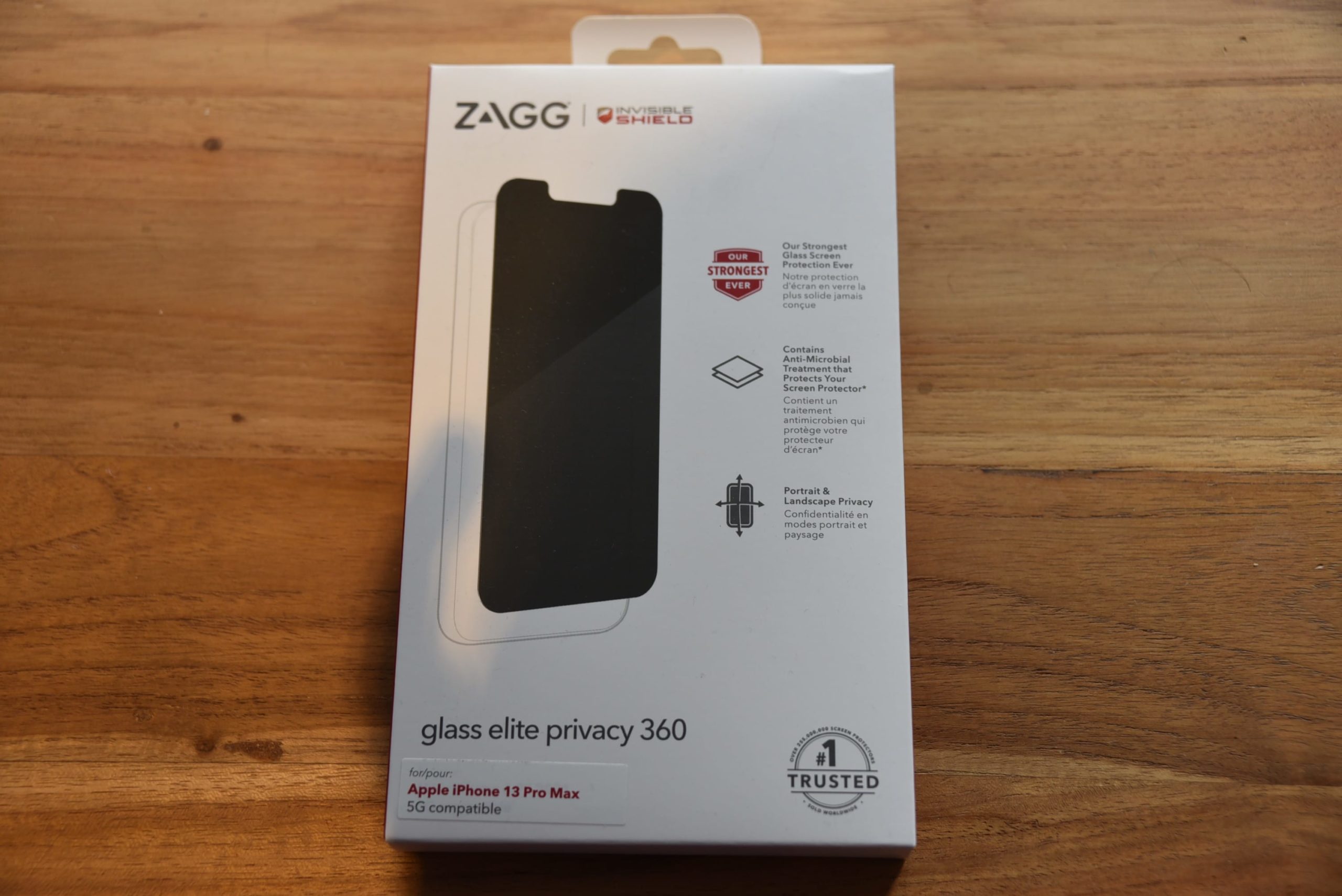
How To Replace Zagg Screen Protector

To replace a Zagg screen protector, you typically utilize their warranty program by requesting a replacement through your ZAGG.com account. This process ensures you receive a new InvisibleShield at a...