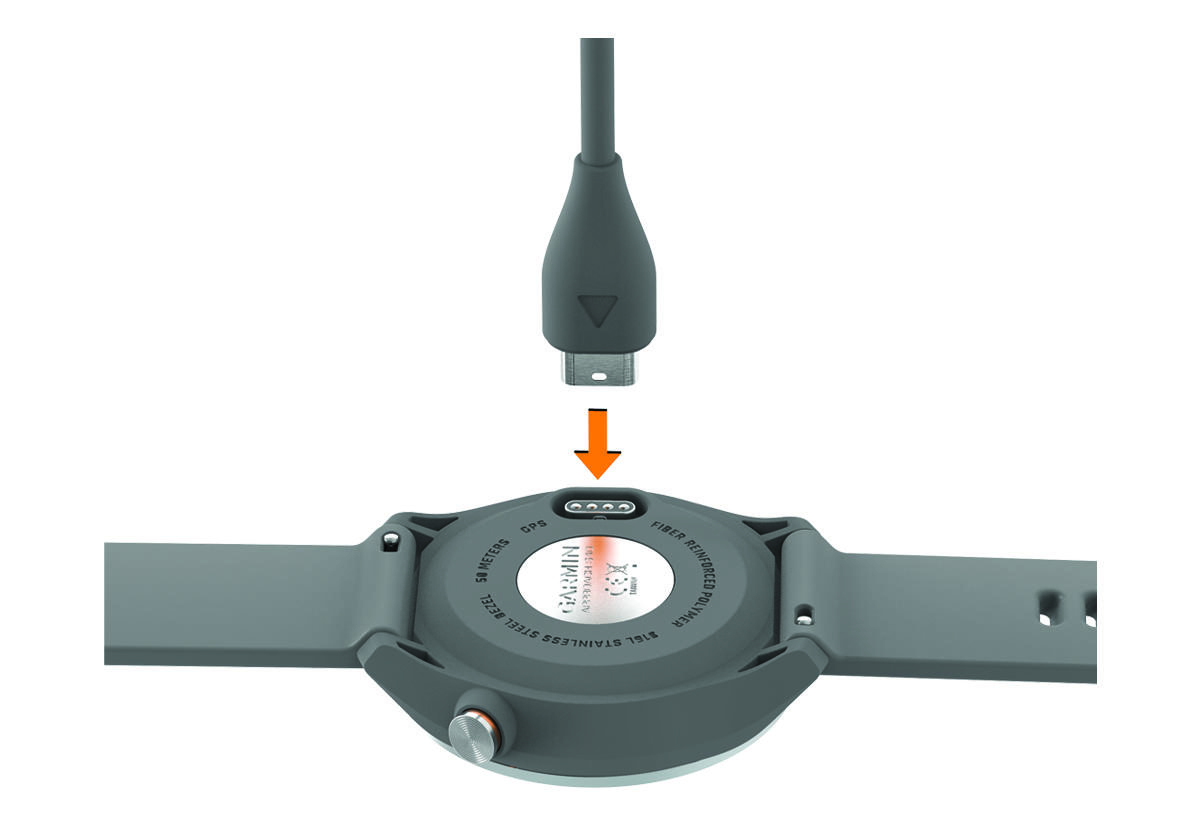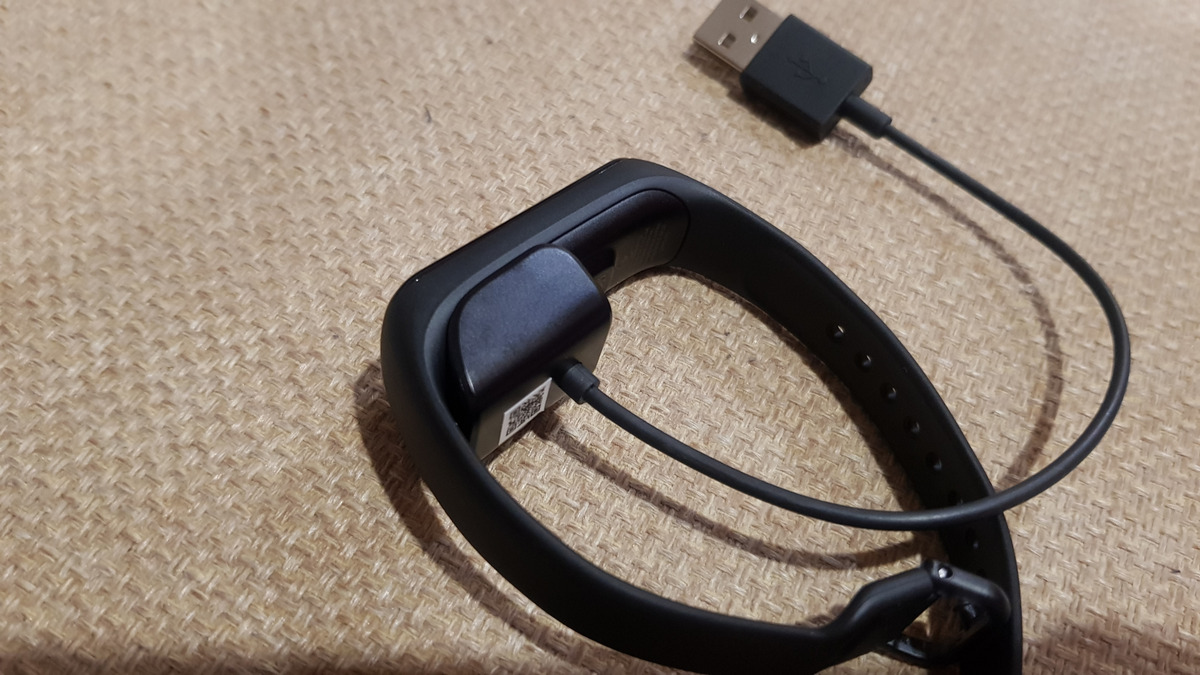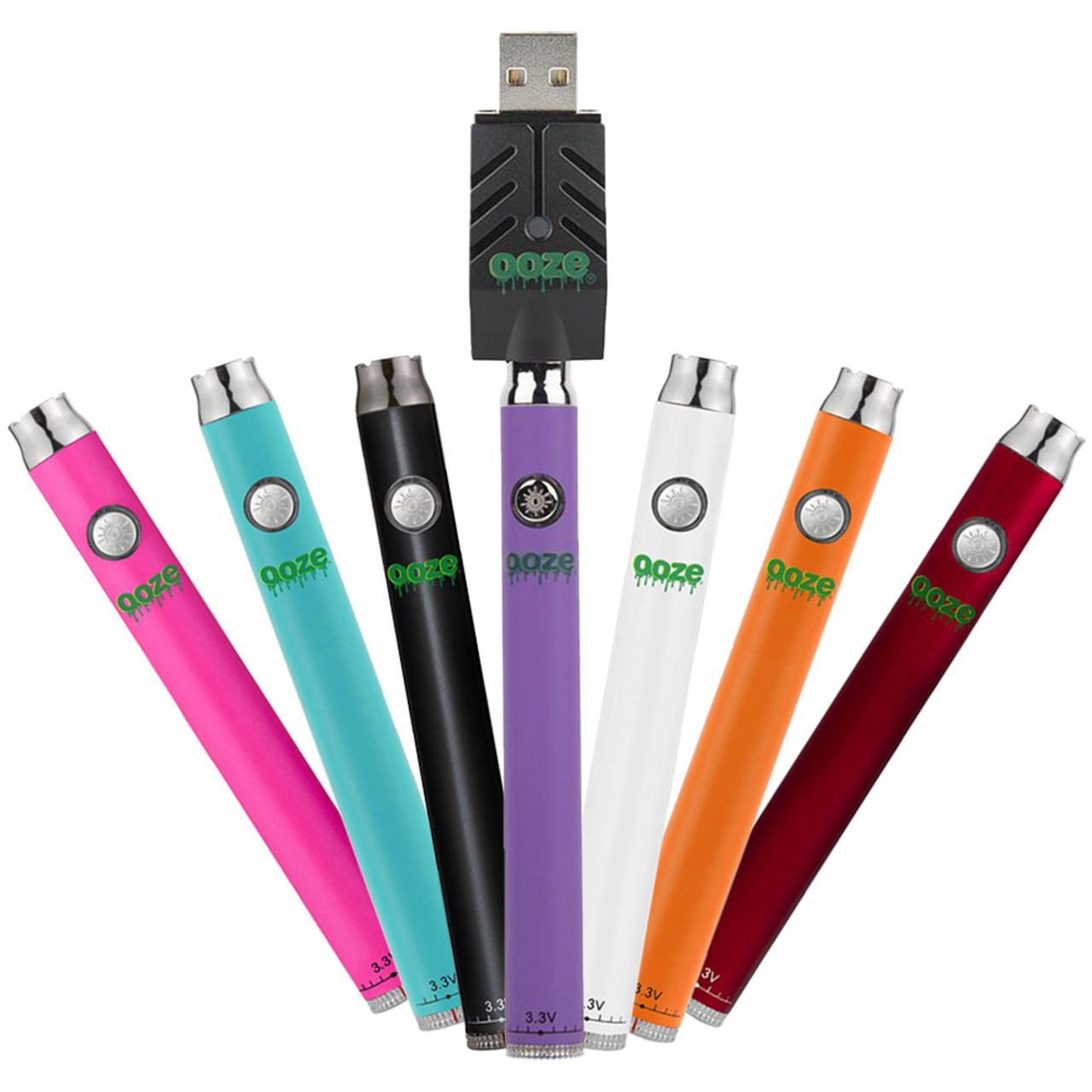
To charge an Ooze battery, use the official Ooze USB charger that came with your device and plug it into a wall outlet adapter. This is the only safe method to prevent voltage mismatches, battery damage, and to maintain your warranty.
How to charge your Ooze battery safely
Two charging methods
Ooze batteries charge using one of two methods depending on the model. For Ooze batteries with a 510-thread charger, screw the charger onto the top of the battery. For Ooze batteries with a Type-C port, plug the Type-C cable into the side or bottom port of the device. Some models offer wireless charging capabilities.
Mandatory use of the official Ooze charger
Always use the official Ooze USB charger that comes with your device. Using non-Ooze chargers or third-party cables can damage the battery and immediately void the product's warranty. The official charger is designed to deliver the correct voltage and current for your specific battery model.
Wall outlets are the only recommended power source
Plug the Ooze USB charger into a wall outlet adapter. Avoid charging with computers, gaming systems, or car USB ports, as they may deliver incorrect amperage that can harm the battery or slow the charging process.
What the charging lights mean
When charging, the LED light on the Ooze charger will typically glow red. The charger's LED light will turn green when the Ooze battery is fully charged. Some Ooze pens will have their own light turn on while charging and shut off when fully charged, giving you a clear visual cue that the battery is ready to use.
How long charging takes by model
Many Ooze batteries, such as the Slim Twist and Quad models, typically charge in 1-2 hours. Newer Ooze models with Type-C ports, like the Quad 2, can achieve a full charge from 0-100% in as little as 20 minutes using a Type-C charger. Charging times vary by model, so check your device's specifications for the most accurate estimate.
What blinking lights tell you
If your Ooze pen blinks green 10-15 times, it indicates a dead battery and needs to be charged. If your Ooze pen blinks green 4-5 times, it may indicate a connection issue between the battery and the cartridge, not a charging problem. Understanding these signals helps you quickly identify whether you need to charge the battery or troubleshoot the cartridge connection.
Pass-through charging on newer models
Some Ooze batteries with a Type-C port support pass-through charging, allowing you to use the device while it is plugged in and charging. Models that offer this feature include the Twist Slim Pen 2.0, Quad 2, Duet, and C-Core devices. This is convenient when you need to vape but your battery is low, though it is still recommended to let the battery charge fully when possible.
Overcharge protection and battery safety
Ooze chargers feature built-in overcharge protection, which automatically stops the power flow to the battery once it reaches a full charge. This preserves battery cells and extends lifespan, giving you peace of mind that you can leave your battery charging without risk of damage. Store your Ooze Battery in a cool, dry place when not in use, avoiding extreme temperatures, water, or direct sunlight. Understanding AA and AAA battery specs (AA, AAA and Standard Battery Specifications) helps you appreciate why Ooze uses lithium-ion cells with dedicated protection circuits rather than standard disposable batteries.
Troubleshooting when your Ooze battery won't charge
To troubleshoot charging issues, ensure the charger and battery connection points are clean and free of debris. Check that the charger is properly connected to both the battery and the wall outlet. If your Ooze battery becomes excessively hot while charging, ensure you are charging in a well-ventilated area to prevent heat build-up. If the battery still does not charge, verify you are using the official Ooze charger, as third-party chargers void the warranty and cause damage. If your Ooze battery is not holding a charge for as long as it used to, it could be a sign of a deteriorating battery that may need replacement. If the charging indicator behaves erratically or doesn't provide accurate information, contact Ooze customer support. If problems persist, contact Ooze customer support for further assistance.
Frequently Asked Questions
Can I use a phone charger to charge my Ooze battery?
No. Phone chargers often deliver different amperage than what Ooze batteries require, which can damage the battery or cause unsafe charging conditions. Always use the official Ooze USB charger.
How do I know if my Ooze battery is charging?
The LED light on the Ooze charger will glow red while charging and turn green when fully charged. Some Ooze pens also show their own light during charging that shuts off when complete.
Why is my Ooze battery blinking green but not hitting?
Try cleaning the connection points and reattaching the cartridge.
Is it safe to leave my Ooze battery charging overnight?
Yes. Ooze chargers feature built-in overcharge protection that automatically stops power flow when the battery is full, preserving battery cells and extending lifespan.
How long does an Ooze battery last before needing replacement?
Battery lifespan depends on usage and charging habits, but with proper care using the official charger and wall outlet, most Ooze batteries provide reliable service for many months before capacity begins to diminish.
Related reading: How To Revive A Battery That Won't Charge and How To Replace A Fitbit Battery.