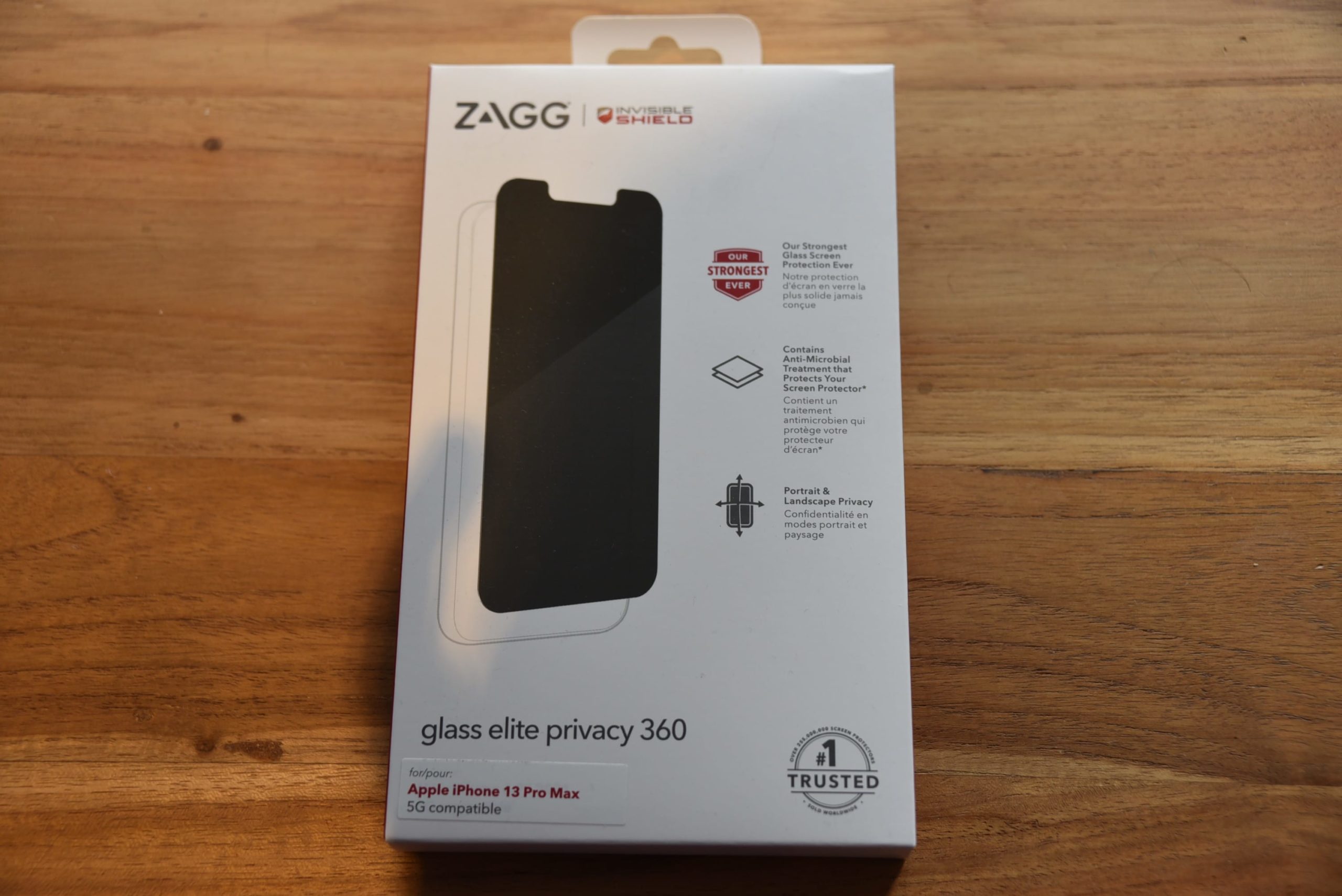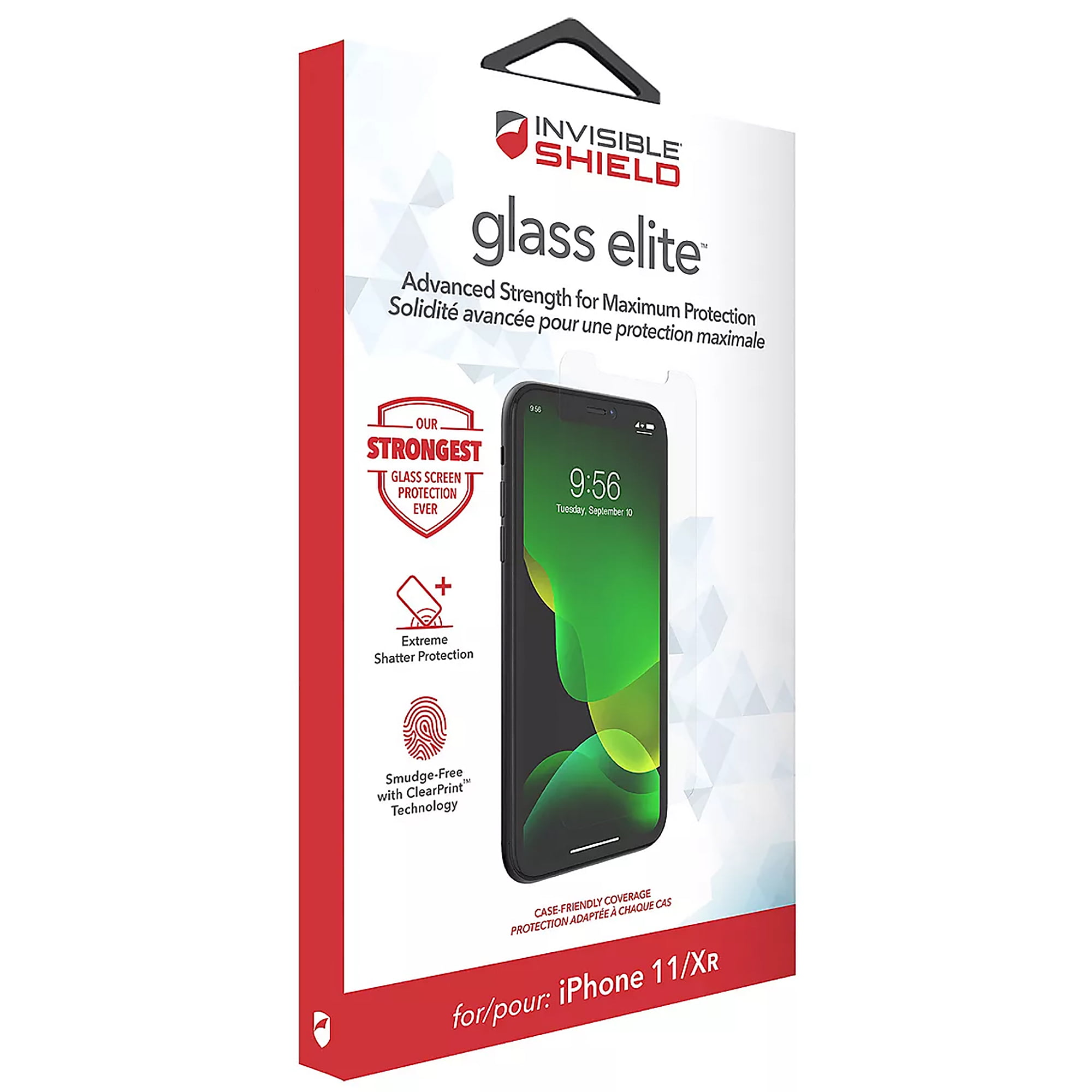
To register your Zagg screen protector, you must manually add it to your ZAGG.com account if you purchased it at a retail store or were not logged in during checkout. Products bought directly from ZAGG.com while signed into your account are automatically registered and do not require any additional steps.
Do you need to register your Zagg screen protector?
If you purchased your screen protector while logged into your ZAGG.com account, it is already registered and your warranty is active. Manual registration is only necessary for retail purchases or if you were not signed in when you placed the order on ZAGG.com. Checking your account dashboard will confirm whether the product appears under your registered items.
How to manually register your Zagg screen protector
- Sign in to your existing ZAGG.com account, or click the account icon at the top of the page to create a new account.
- Once logged in, navigate to your Account Dashboard.
- Look for the registration page under the "Support" or "Customer Care" section if not on the homepage.
- Click the “Register a Product” button.
- Follow the on-screen prompts to complete registration, which includes selecting the correct product category and entering the required details. The Zagg screen protector's packaging or product barcode is needed for registration. The purchase receipt or proof of purchase is needed for registration.
After submitting the form, the product will be linked to your account and eligible for warranty replacement requests. You may receive a confirmation email or message after successful registration; keep a copy for future reference.
How to register a Custom Glass screen protector from Verizon
Custom Glass products purchased from Verizon or without being signed into a ZAGG.com account require a separate manual process. You must contact a ZAGG agent through the website’s chat feature or by submitting a form. Have the following information ready: your full name, email address, order number, the specific product, and the purchase date. The agent will complete the registration on your behalf.
Alternative registration methods
If your product box includes a QR code, you may be able to scan it for automatic registration. Customers outside North America should verify that the correct country or region is selected on the ZAGG website before registering, as warranty policies and registration systems vary by location.
Why registration matters for your warranty
Product registration is a prerequisite for submitting a warranty replacement request. ZAGG’s Limited Lifetime Warranty guarantees replacements for InvisibleShield screen protectors against wear and damage for the life of the device. This warranty is non-transferable and applies only to the original end-user purchaser who bought the product from ZAGG or an authorized reseller. Warranties do not apply to products purchased from unauthorized resellers, so registration also serves as proof of valid ownership. Registering allows you to receive important updates and notifications regarding product information, new releases, and special offers. Registering makes it easier to track your purchase information and order history for customer service. Registration provides proof of ownership for loss, theft, or insurance claims.
What about the Screen Repair Guarantee?
The Screen Repair Guarantee is a separate add-on for certain InvisibleShield products and is not part of standard product registration. To activate it, you must use the Warranty Life app and enter a unique, one-time activation code that is sent to you via email. This code is individual to your order and is not replaceable if lost, so keep it in a safe place after purchase.
Frequently Asked Questions
What if I lost my receipt for my Zagg screen protector?
Zagg may accept alternative proof of purchase, such as a credit card statement or order confirmation email. If you have no proof of purchase at all, contact Zagg customer support for assistance, though registration may not be possible without some form of documentation.
Is registration mandatory for my Zagg screen protector?
Registration is not mandatory, but it is highly recommended. Without it, you cannot submit a warranty replacement request, and you will not receive product updates or notifications from Zagg.
Can I transfer my Zagg warranty to someone else if I sell my device?
No. If you sell the device, the new owner will not be covered under the same warranty.
How does the Screen Repair Guarantee differ from the standard warranty?
The standard warranty covers the screen protector itself against wear and damage. The Screen Repair Guarantee is a paid add-on that covers the cost of repairing your device’s actual screen if it breaks while the protector is installed. It requires separate activation through the Warranty Life app using a one-time code.
What should I do if my registration fails?
First, verify that you are on the official ZAGG.com website and that your internet connection is stable. Double-check the product details you entered, especially the category and model. If the issue persists, clear your browser cache and try again, or contact Zagg customer support for help.
For the wider topic, see screen protector application and repair.
Related reading: How Do I Register My Belkin Screen Protector?.