The Wi-Fi tag on CellularNews collects articles focused on connecting devices, managing network settings, and troubleshooting wireless issues, specifically for smartphone users and those integrating phones with other gadgets like TVs, game consoles, and smart home devices. Whether you are a casual user trying to stream content or a gamer looking to cast your phone screen, these guides are designed to help you get things working without unnecessary complexity.

The articles here solve practical problems grouped into two main themes. The first is connectivity and casting, where you can learn how to connect your phone to a TV, cast an iPhone or Android device to a screen, and stream mobile games or VR content. The second theme is network and device troubleshooting, covering topics like resetting network settings, fixing YouTube videos that won’t play, understanding why Roblox is not working, and dealing with Apple CarPlay failures. You will also find explanations for specific issues such as what “No Location Found” means on an iPhone and whether Ring cameras work without Wi-Fi.

Beyond solving problems, these articles help you perform specific tasks. You can learn how to use a mobile hotspot without data, change your IP address, transfer files from Android to Android, or set up a Ring light. For gamers, there are guides on using the Steam Link app, connecting a VR headset to a PC, and using your phone as a Just Dance controller. The collection also covers practical comparisons like 4G versus Wi-Fi speed and how to use a cellphone without a service provider, giving you clear steps for everyday mobile and wireless needs.
How To Connect Computer To Roku TV Wireless

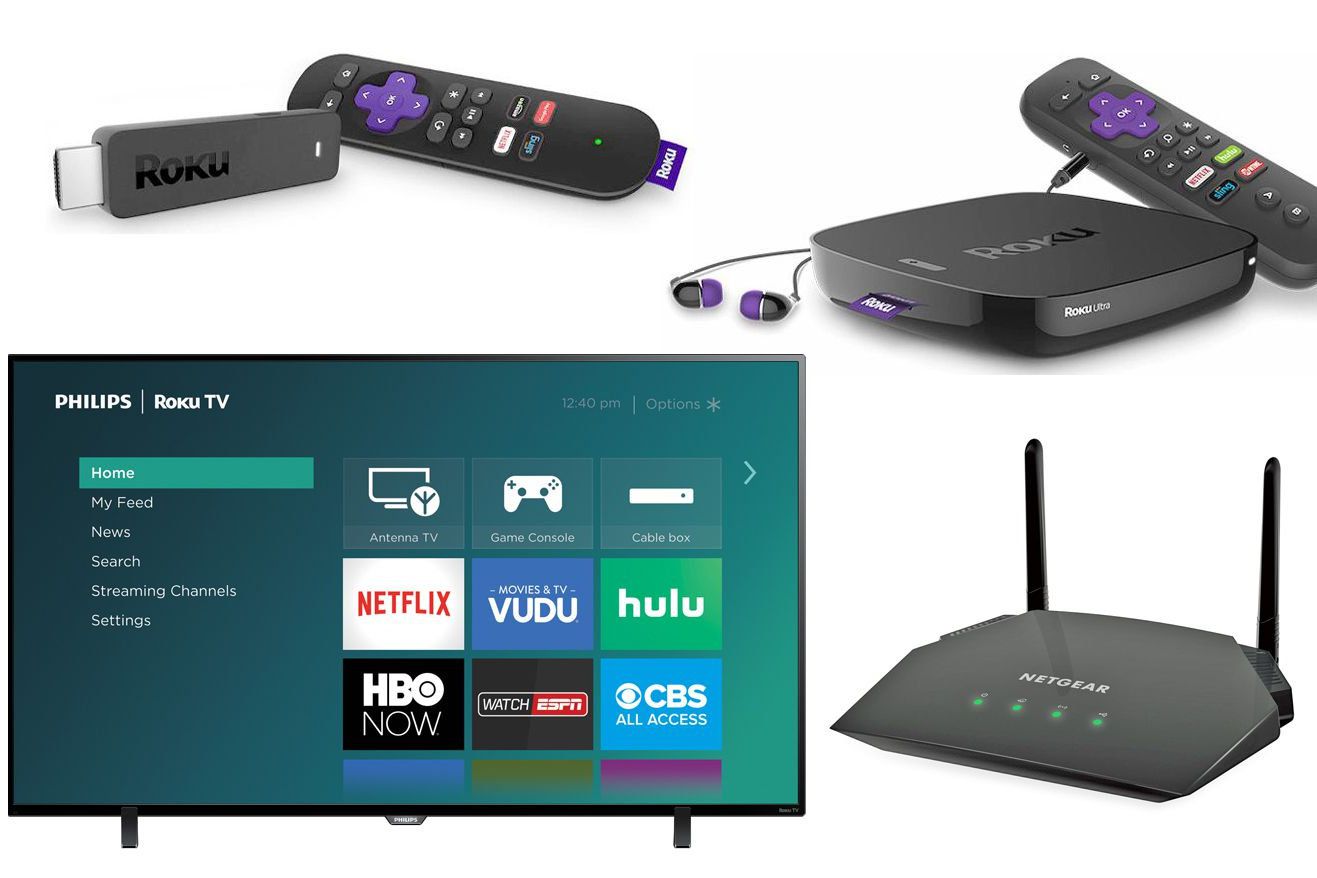
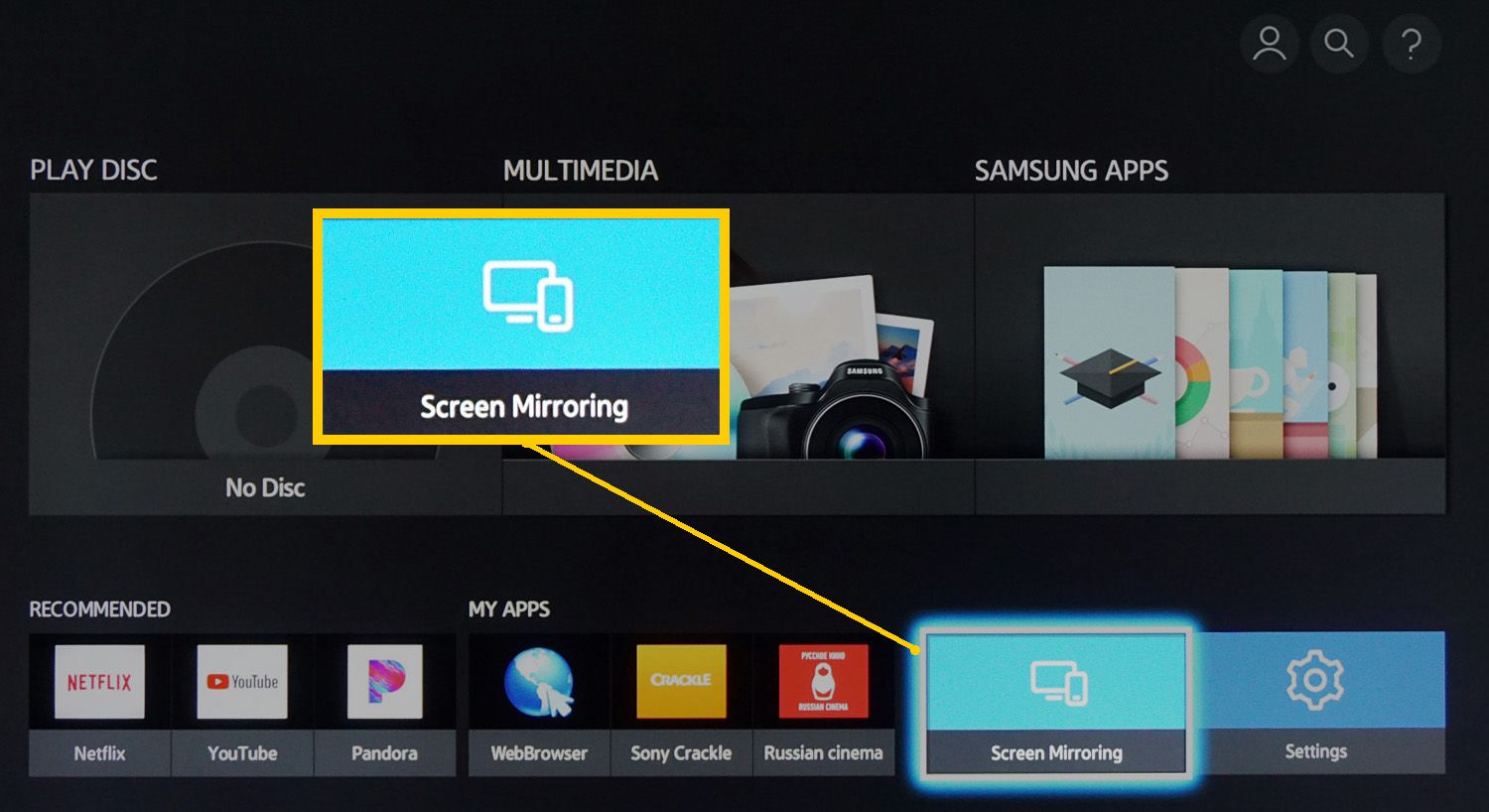
To connect your computer to your Roku TV wireless, you use Roku's built-in screen mirroring feature, which mirrors your entire computer screen to the TV. This method works with Windows...

How To Make Blu Ray Player Wireless

To make a Blu-ray player wireless, first check if it has built-in Wi‑Fi or an Ethernet port. If it has neither, you cannot make it wireless; a player must have...

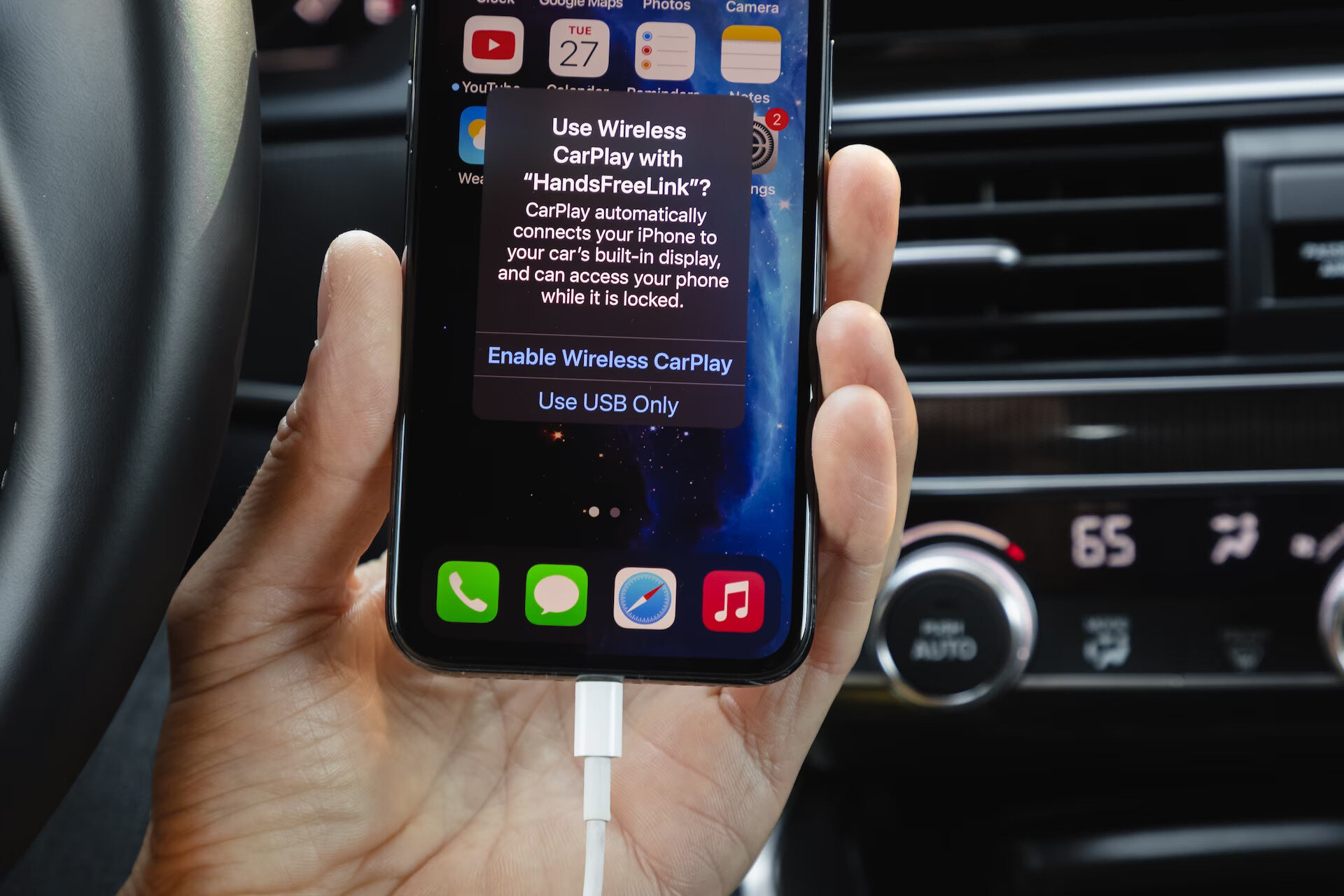
How To Use Wireless Carplay

To use wireless CarPlay, start your car and set the stereo to wireless or Bluetooth mode, then press and hold the voice command button on the steering wheel if your...

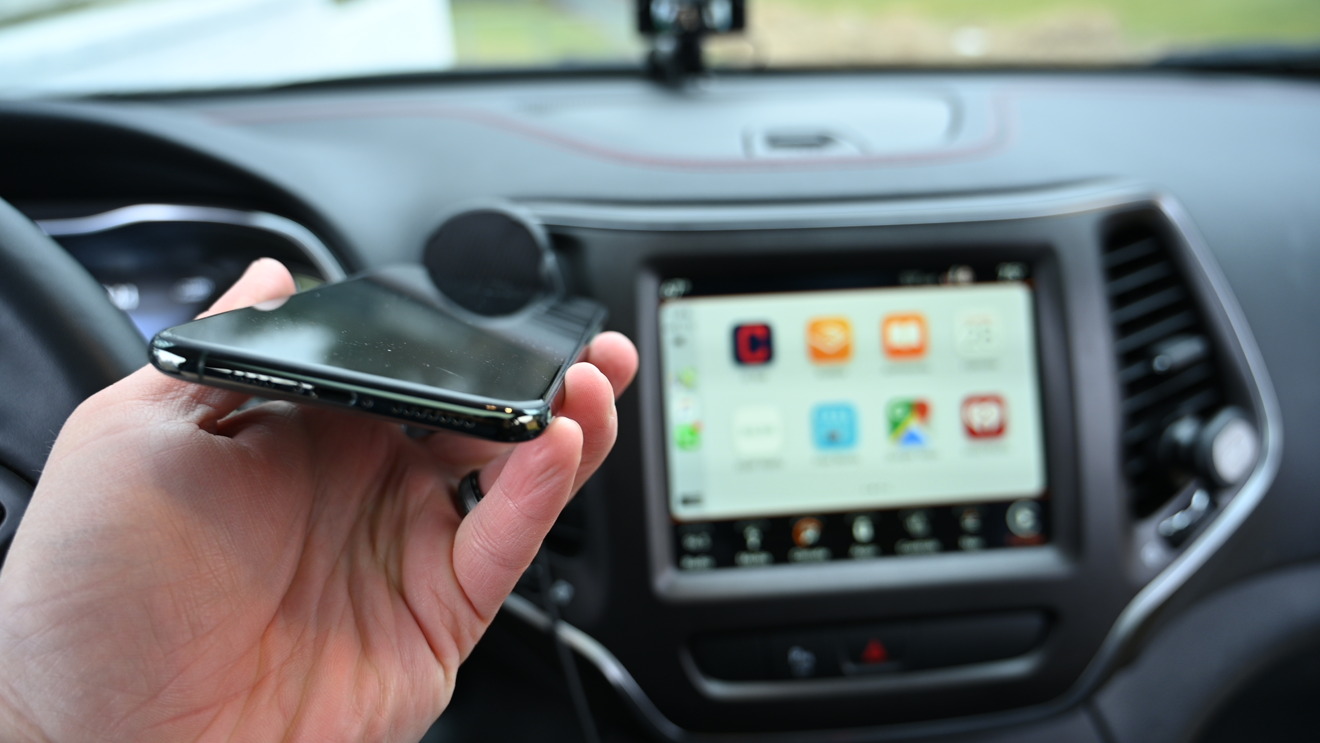
How To Make Carplay Wireless

To make CarPlay wireless, you need a car that already supports wireless CarPlay and an iPhone with the latest iOS. The setup is done entirely on your iPhone, not through...

How To Connect To 5.0 Ghz Wireless

To connect to 5.0 GHz wireless, you select the router's 5 GHz network name from your device's Wi‑Fi settings. This band offers faster speeds, less interference, and support for newer...

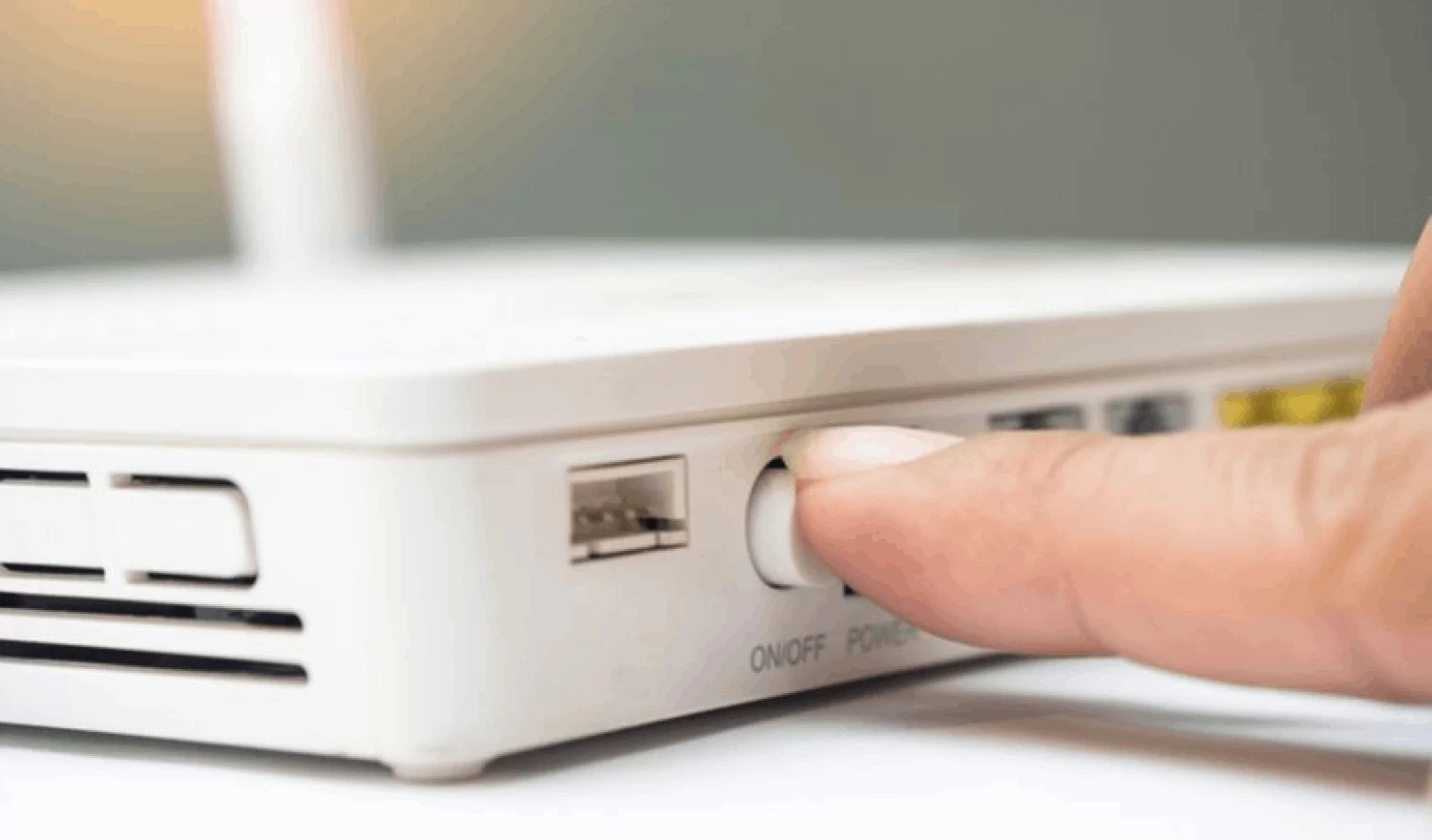
How To Restart Wireless Router

The fastest way to restart your wireless router is to unplug the router and the cable modem, wait a moment, and then plug them back in. This direct power cycle...

How To Change Wireless Network Name

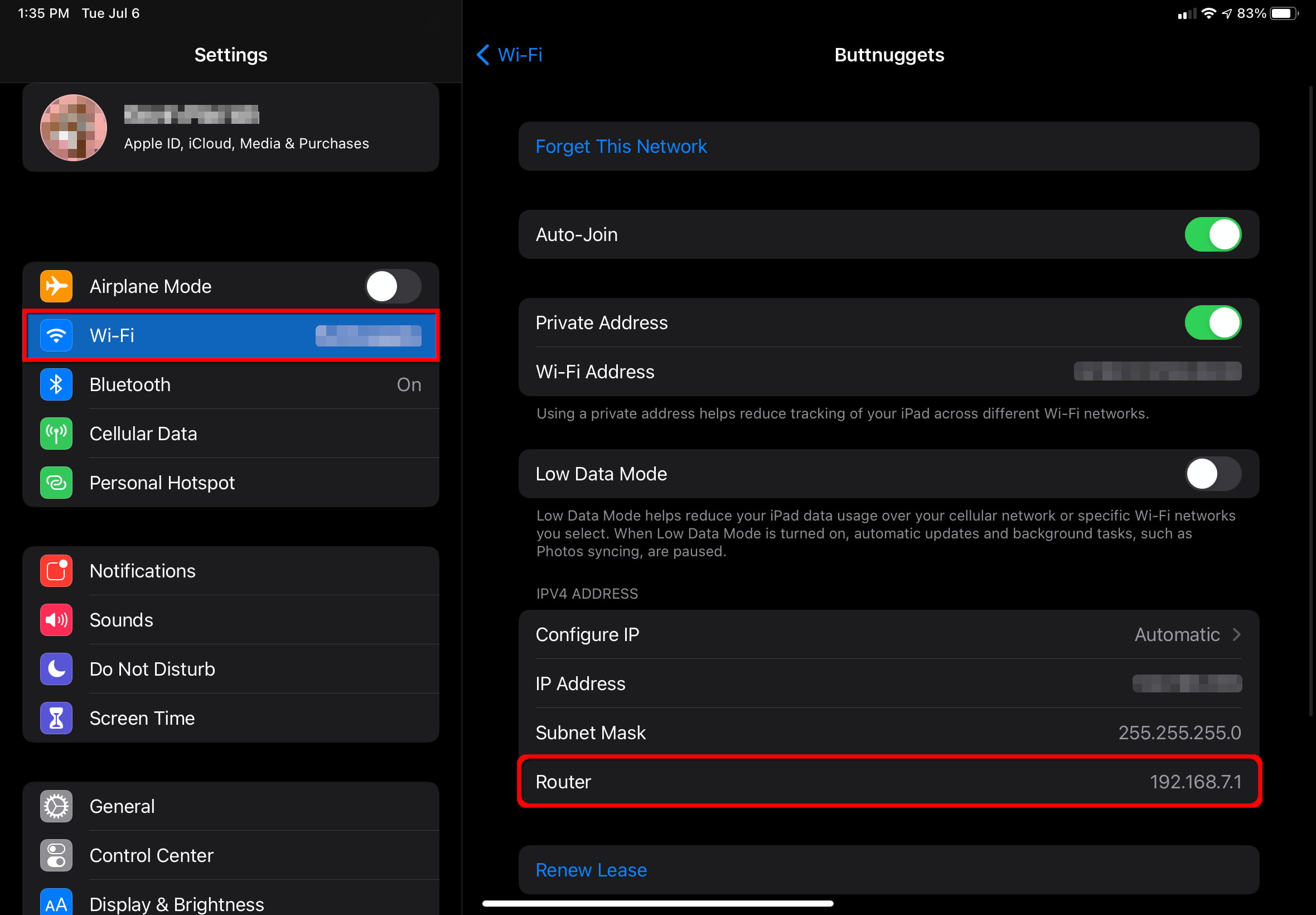
To change your wireless network name, you must log into your router’s settings using either the manufacturer’s app or a web browser via the router’s IP address. The exact method...

How To Change Wireless Password AT&T

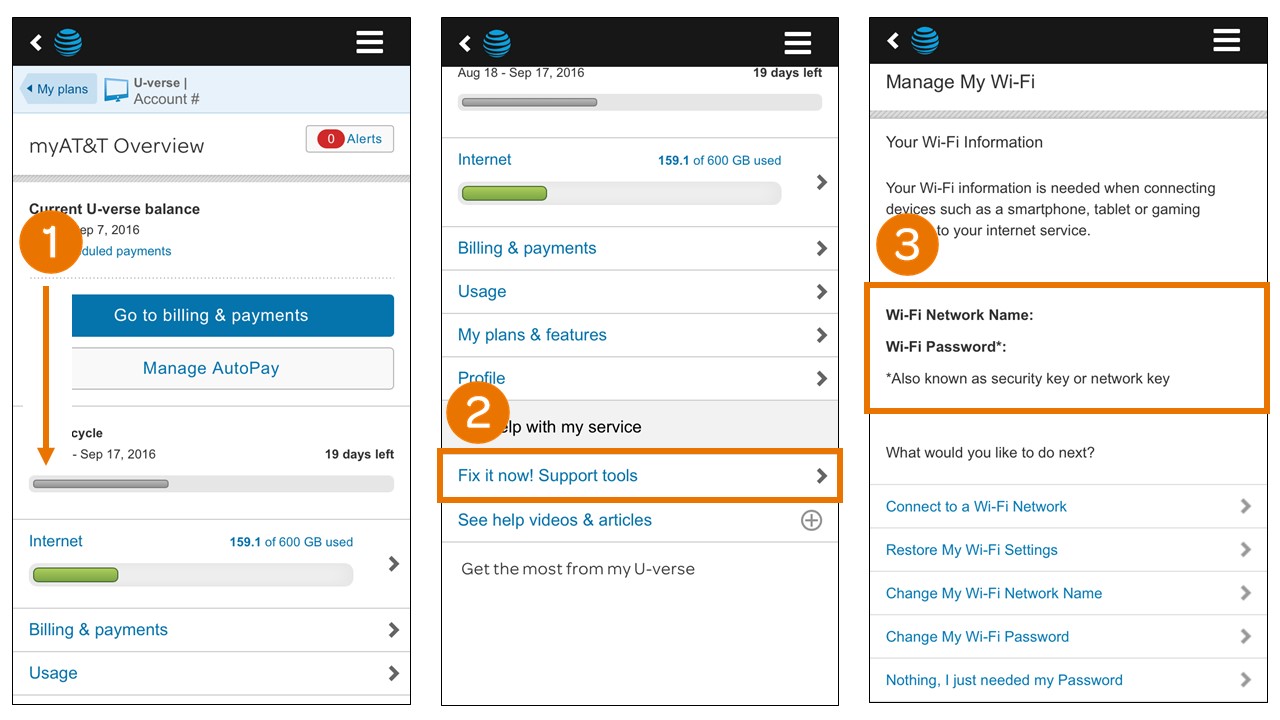
To change your wireless password on an AT&T gateway, the fastest method is using the AT&T Smart Home Manager app or website. This is the primary way to change wireless...

How To Stream Netflix Without Using Data

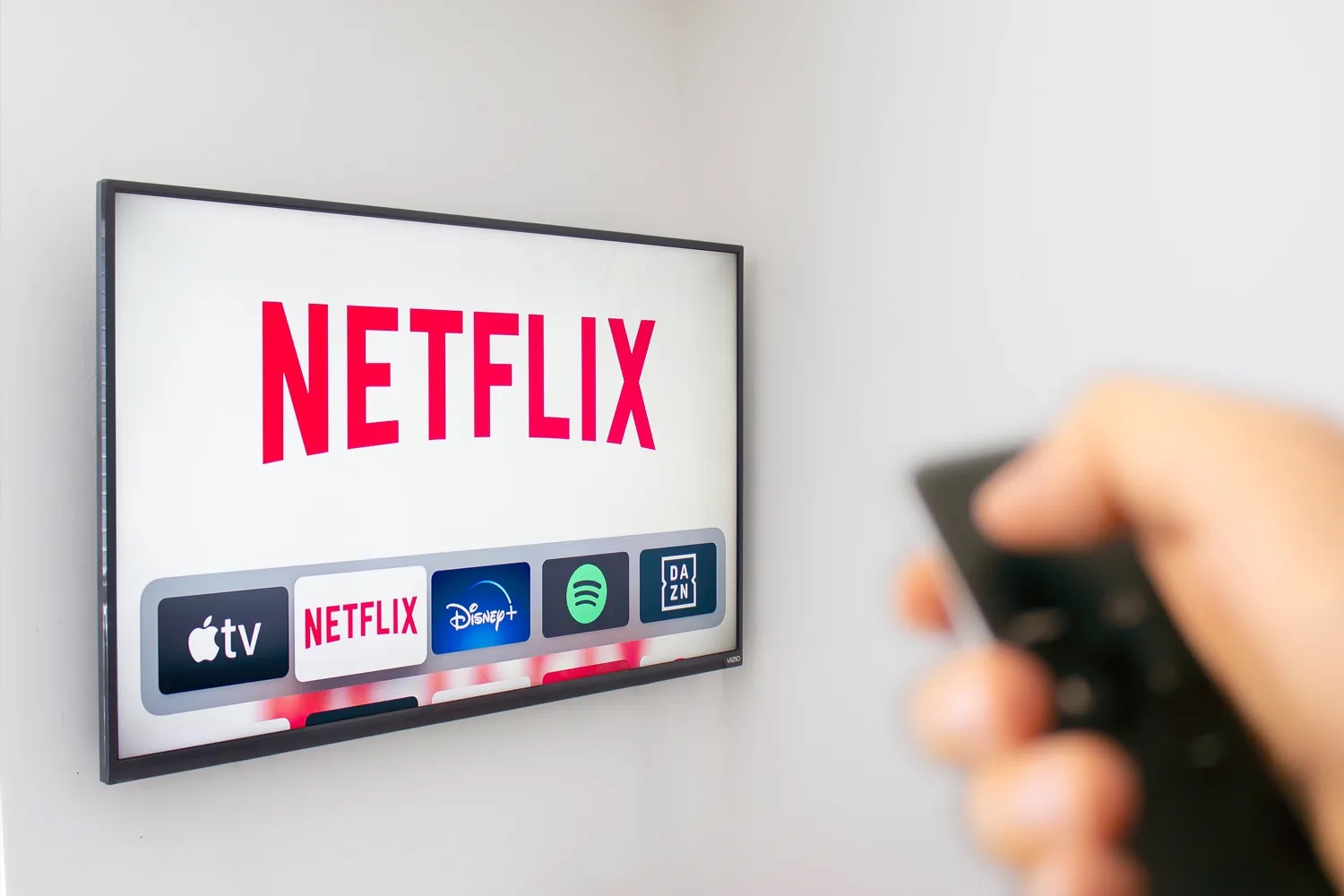
The only verified way to stream Netflix without using data is to download eligible titles in the Netflix app over Wi-Fi and watch them offline with no internet connection needed....

How To Connect Phone To Vankyo Projector

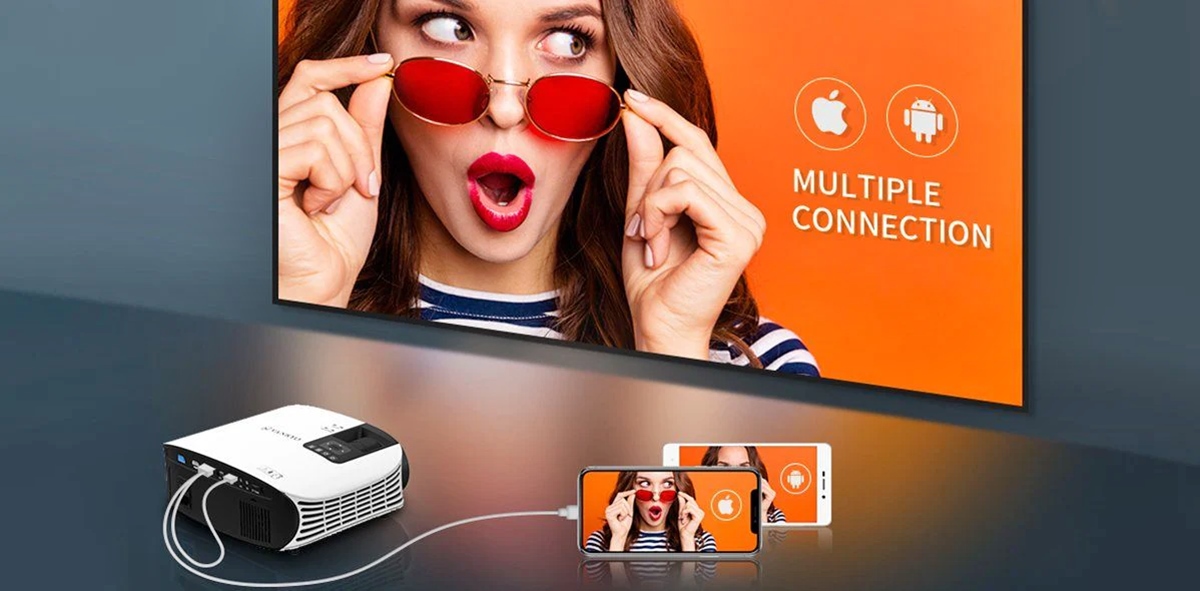
To connect phone to Vankyo projector, you can use either a wireless screen mirroring connection over Wi-Fi or a wired HDMI connection. Before choosing a method, check your specific Vankyo...

How To Connect Your Phone To A Hisense TV

To connect your phone to a Hisense TV, the quickest method is wireless mirroring: use Anyview Cast for most Android phones or AirPlay for iPhones. These built-in features let you...

How To Live Without A Cell Phone

Here’s how to live without a cell phone today: set up a smartphone to work on Wi‑Fi only, keeping access to apps, messaging, and calling without a cellular plan. How...