The Wi-Fi tag on CellularNews collects articles focused on connecting devices, managing network settings, and troubleshooting wireless issues, specifically for smartphone users and those integrating phones with other gadgets like TVs, game consoles, and smart home devices. Whether you are a casual user trying to stream content or a gamer looking to cast your phone screen, these guides are designed to help you get things working without unnecessary complexity.

The articles here solve practical problems grouped into two main themes. The first is connectivity and casting, where you can learn how to connect your phone to a TV, cast an iPhone or Android device to a screen, and stream mobile games or VR content. The second theme is network and device troubleshooting, covering topics like resetting network settings, fixing YouTube videos that won’t play, understanding why Roblox is not working, and dealing with Apple CarPlay failures. You will also find explanations for specific issues such as what “No Location Found” means on an iPhone and whether Ring cameras work without Wi-Fi.

Beyond solving problems, these articles help you perform specific tasks. You can learn how to use a mobile hotspot without data, change your IP address, transfer files from Android to Android, or set up a Ring light. For gamers, there are guides on using the Steam Link app, connecting a VR headset to a PC, and using your phone as a Just Dance controller. The collection also covers practical comparisons like 4G versus Wi-Fi speed and how to use a cellphone without a service provider, giving you clear steps for everyday mobile and wireless needs.
How To Mirror My Phone To My LG TV

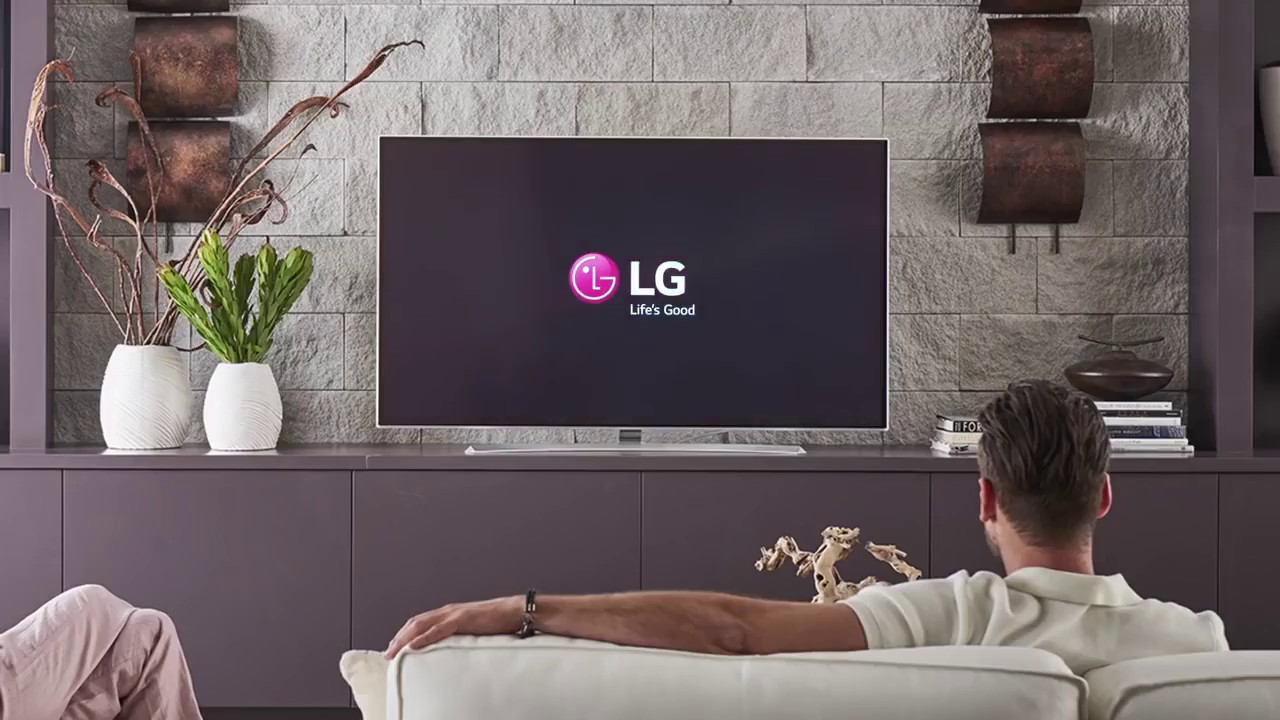
To mirror your phone to an LG TV wirelessly, you use one of two official methods: LG Screen Share (for Android) or Apple AirPlay (for iPhone). Both require your phone...

How To Pair My Phone To My Vizio TV

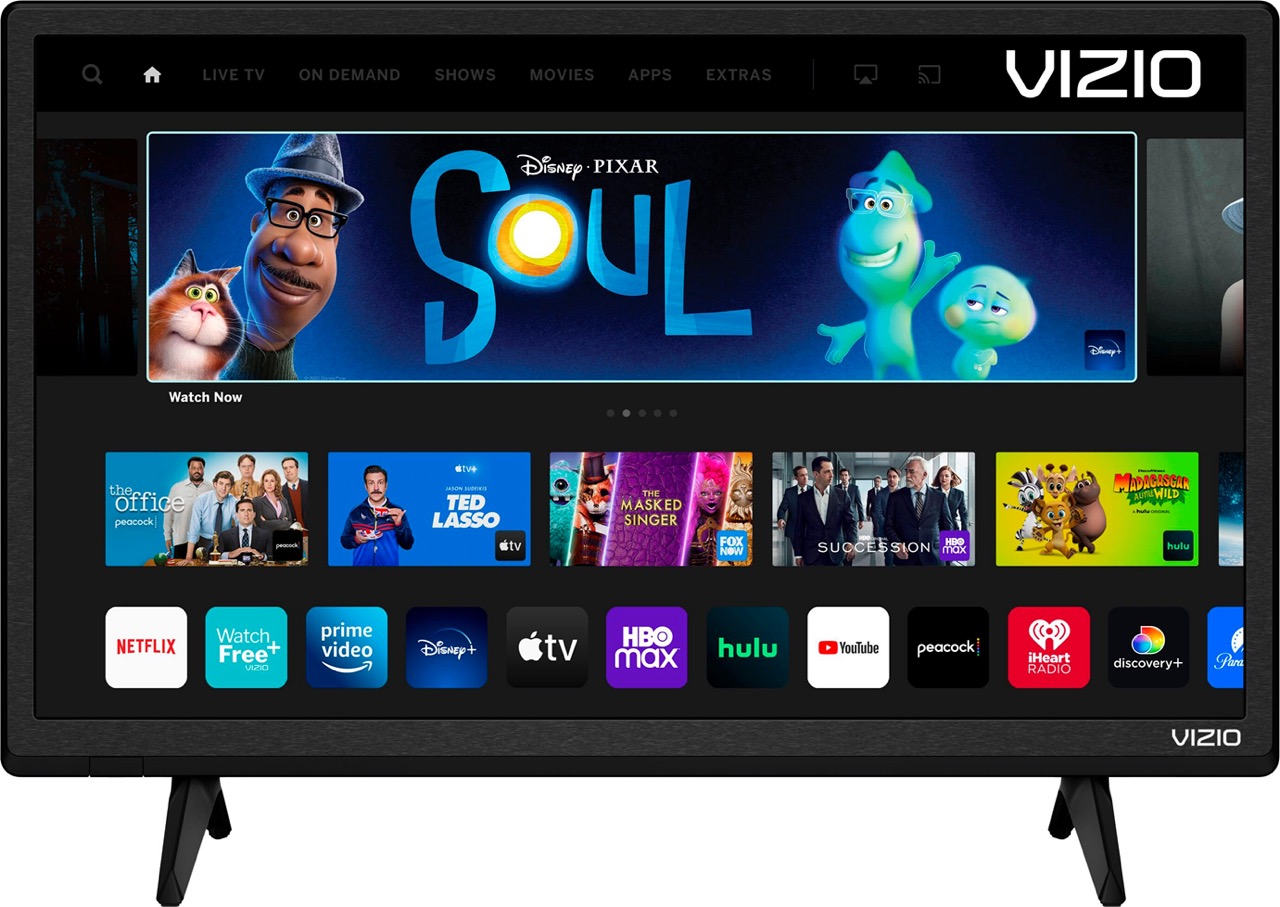
To pair my phone to my Vizio TV for control and setup, you need to use the official VIZIO Mobile App over a shared Wi-Fi network, not Bluetooth. This connection...

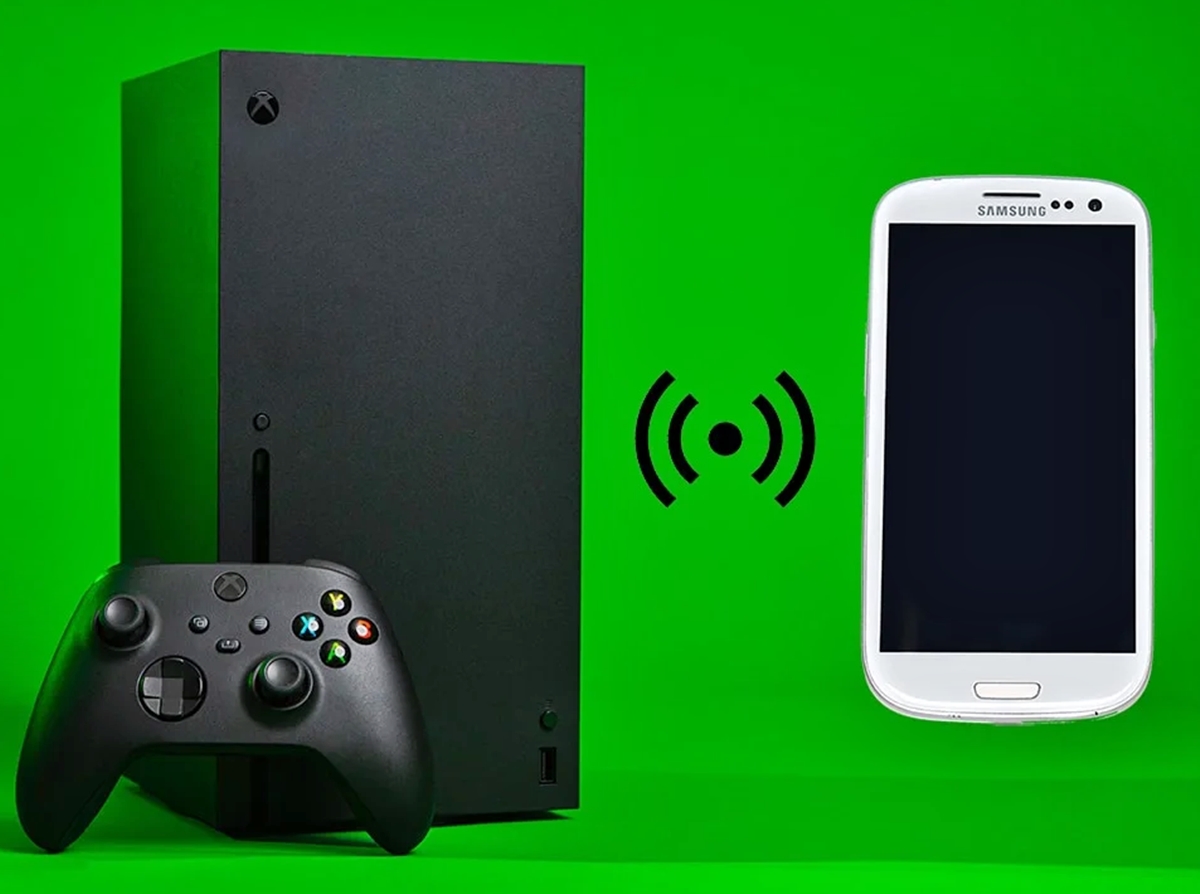
How To Cast From Phone To Xbox One

To cast from phone to Xbox One, you can use two verified methods: screen mirroring with the Wireless Display app or media streaming with the Media Player app. These approaches...

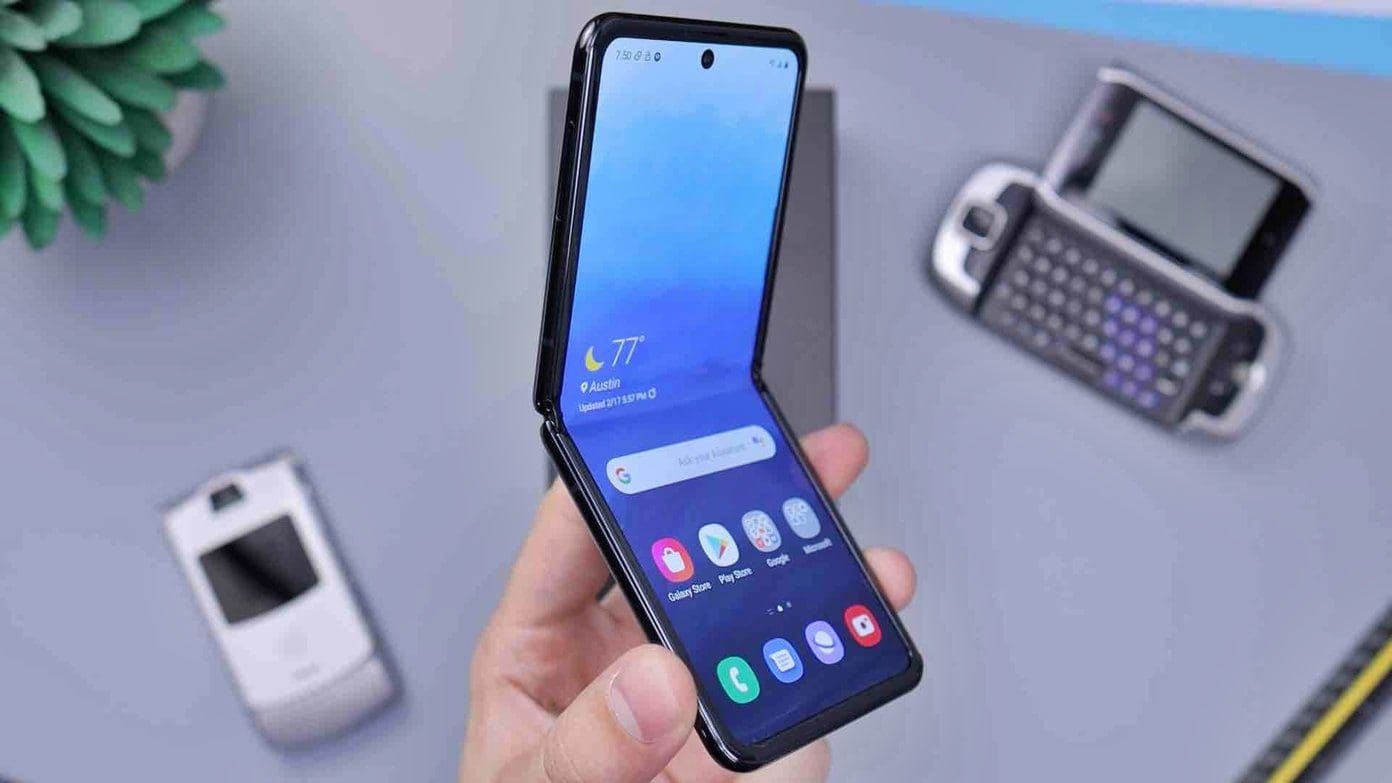
How To Connect Samsung Phone To Wi-Fi

To connect a Samsung phone to Wi‑Fi, open Settings > Connections > Wi‑Fi and turn on the Wi‑Fi switch, then select your network and enter the password. You can also...

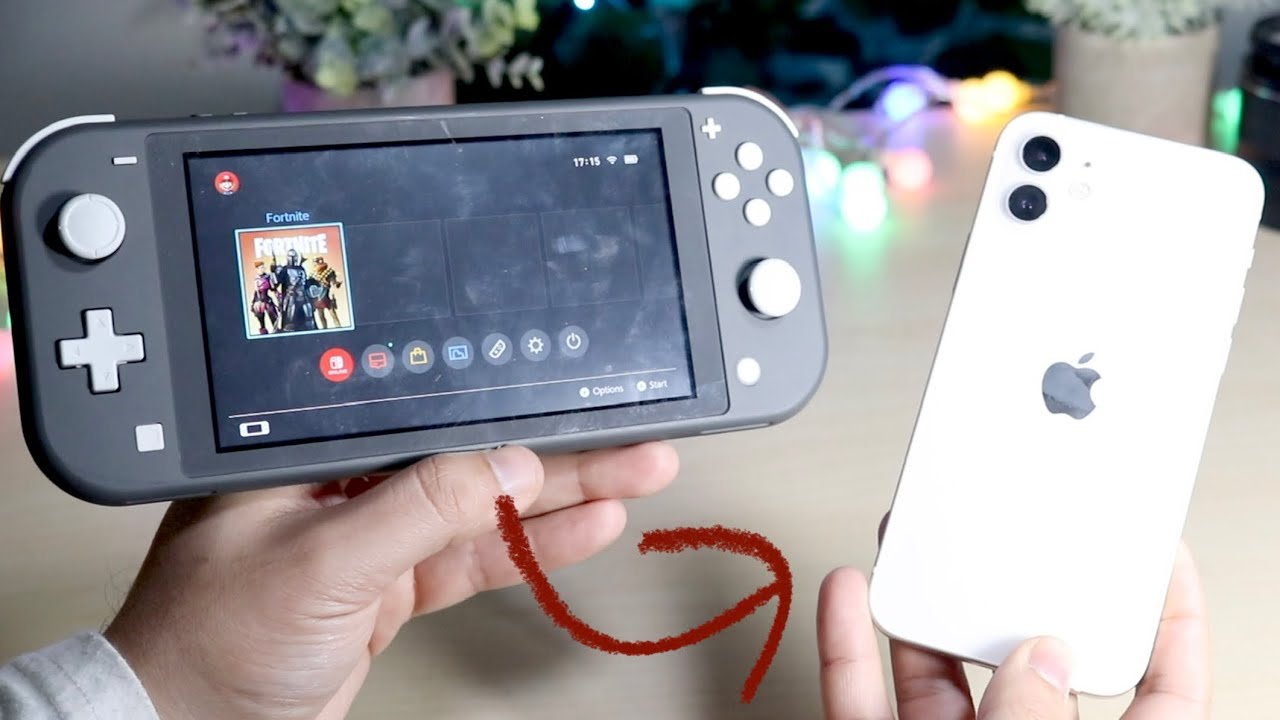
How To Send Pictures From Switch To Phone

To send pictures from your Switch to your phone, use the built-in wireless QR code method. This is the quickest way to transfer screenshots and gameplay captures directly to your...

How To Set Up Landline Phone Service

Decide what kind of landline phone service you actually need Before you commit to landline phone service, the real decision is whether your connection will run on copper wires, your...

How To Get Cellular Data For Free

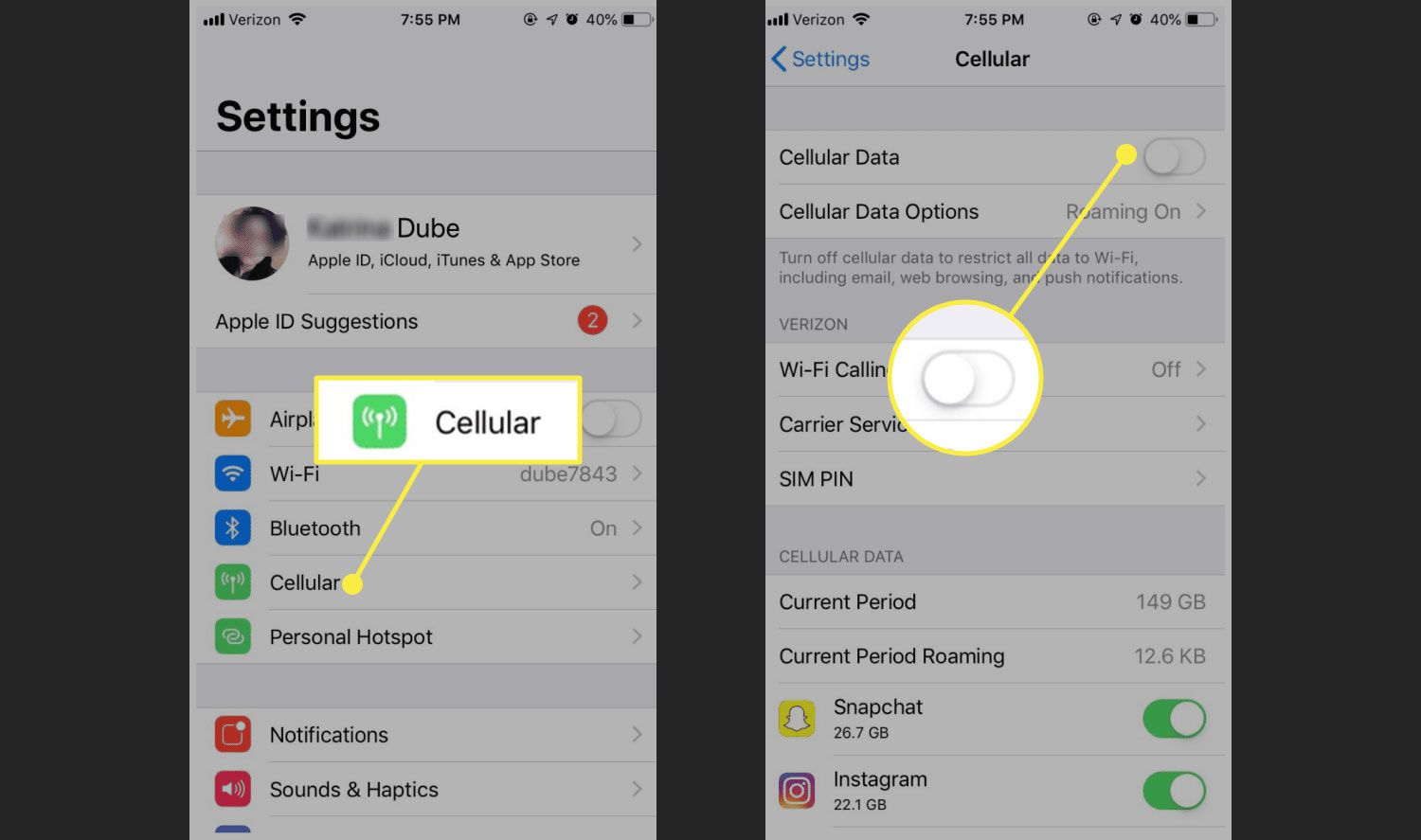
There is no hidden setting on an iPhone or Android phone that provides free cellular data. Apple and Google have never documented such a feature, so the only legitimate way...

How To Sign Up For Boost Mobile

To sign up for Boost Mobile, start your activation at boostmobile.com/start or in the Boost Mobile app. You can also call an Activation Specialist at (866) 957-8278, available every day...

How To Sell The Mobile Operation Center

If you want to sell a mobile hotspot, the first thing to understand is that the search term "mobile hotspot" often confuses two very different things: a dedicated portable Wi‑Fi...

How To Reset T-Mobile 5G Gateway

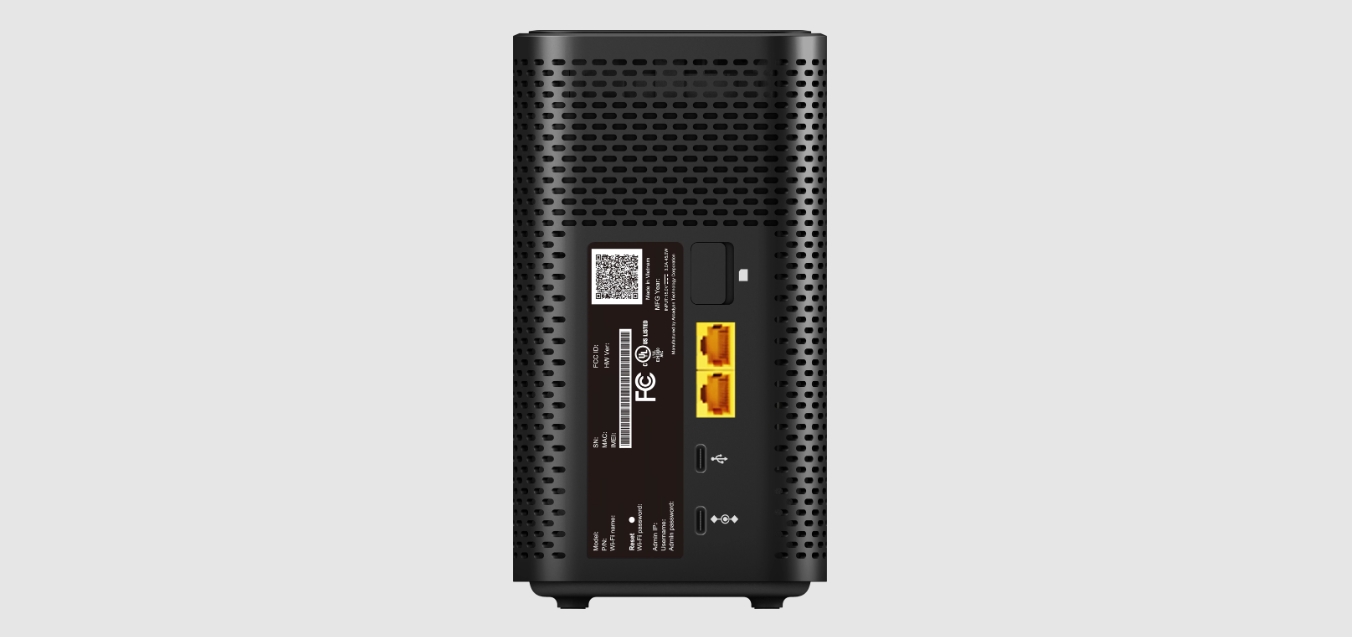
To reset T-Mobile 5G gateway, press and hold a paperclip in the Reset port on the back of the device for 5 to 10 seconds, depending on your model. This...