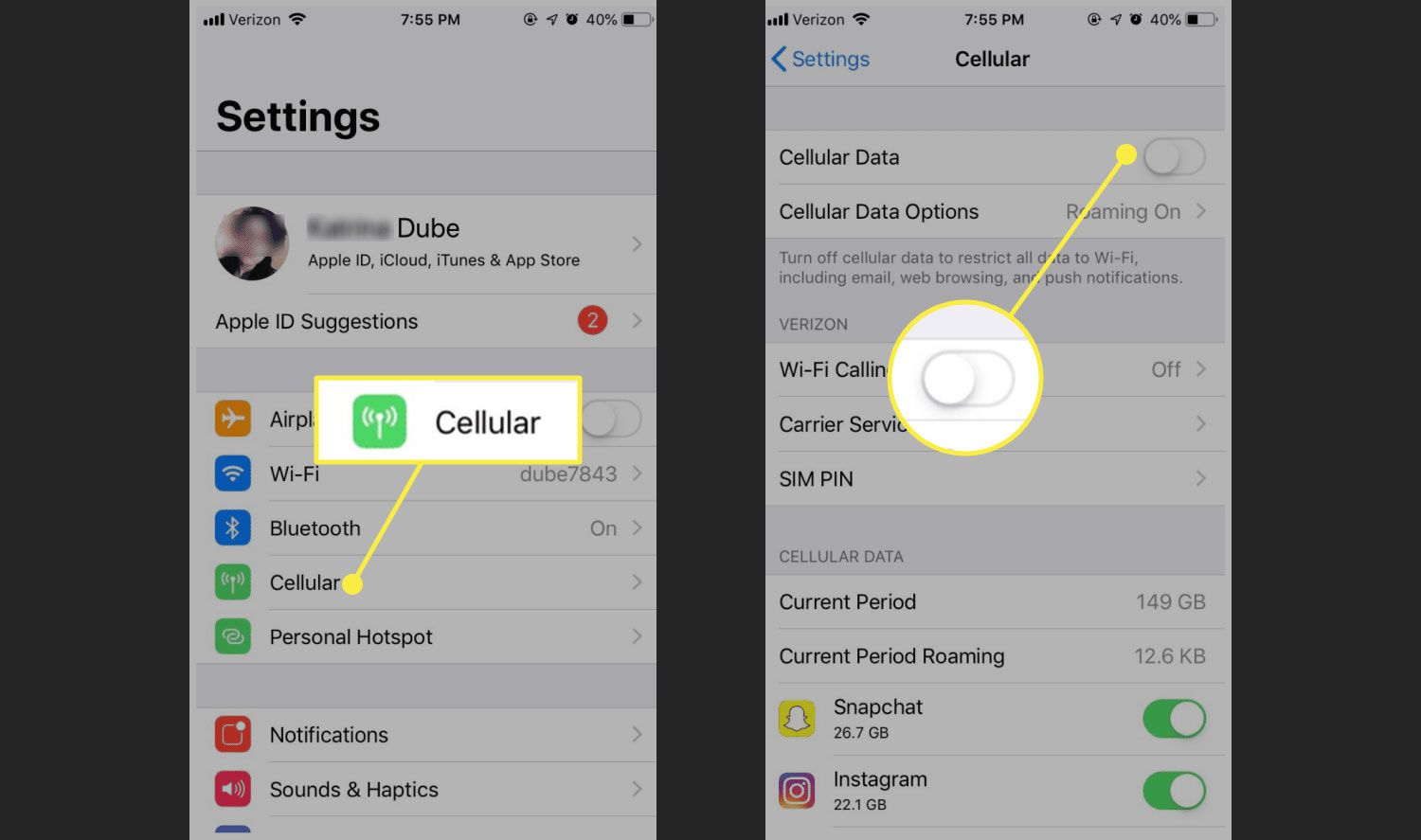
There is no hidden setting on an iPhone or Android phone that provides free cellular data. Apple and Google have never documented such a feature, so the only legitimate way to get free cellular data is to stop using your cellular data entirely and connect to free Wi‑Fi networks instead.
Use free Wi‑Fi hotspots to save your data
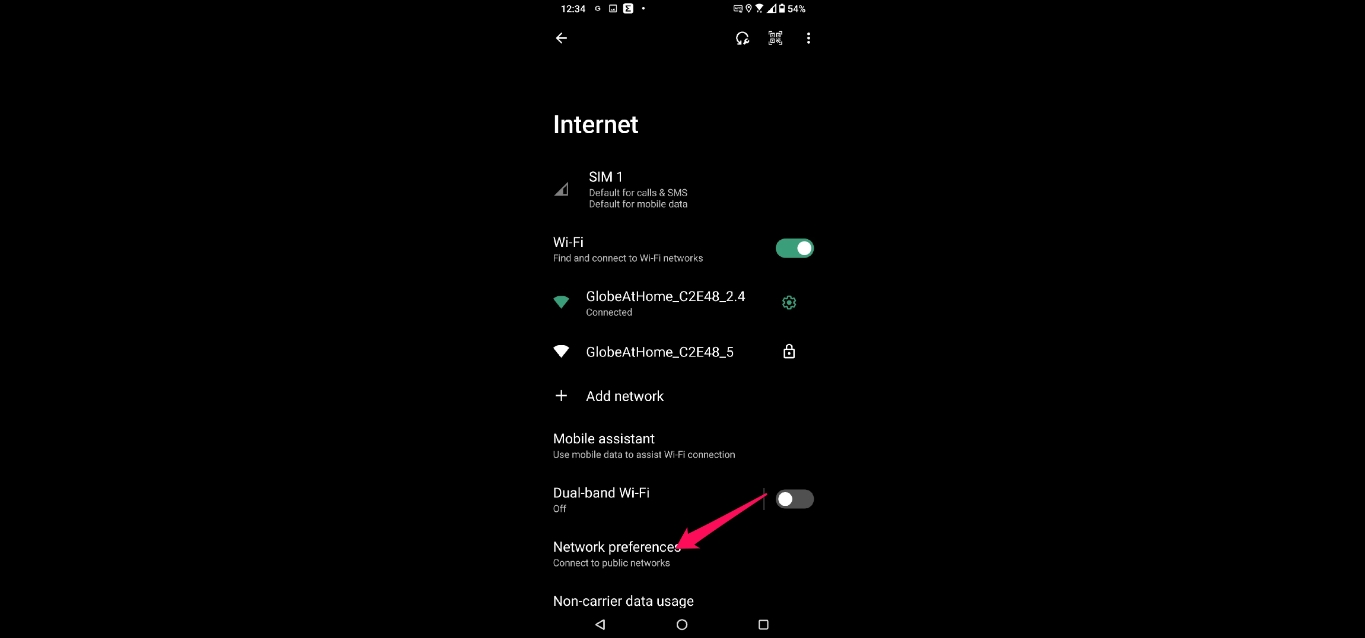
Connecting to a free Wi‑Fi hotspot bypasses your cellular data plan entirely, letting you browse, stream, and use apps without burning through your monthly allowance. Public Wi‑Fi is available in cafes, restaurants, shopping malls, airports, and on some public transit systems. Because these networks are open, always protect your sensitive information by using a virtual private network (VPN) to encrypt your connection. Some businesses also offer private Wi‑Fi for customers, ask staff for the network name and password if required.
Share an existing connection with your other devices
You can turn your phone into a mobile hotspot to share its cellular internet with a laptop, tablet, or another phone. Apple documents that Personal Hotspot shares the iPhone’s cellular internet connection, not free cellular data. This does not create free cellular data, it only shares the data you already pay for through your carrier plan, but it can save you from buying a separate data plan for each device. Be aware that using a hotspot consumes your phone’s data allowance and may have separate hotspot data allowances and plans depending on your carrier.
On iPhone
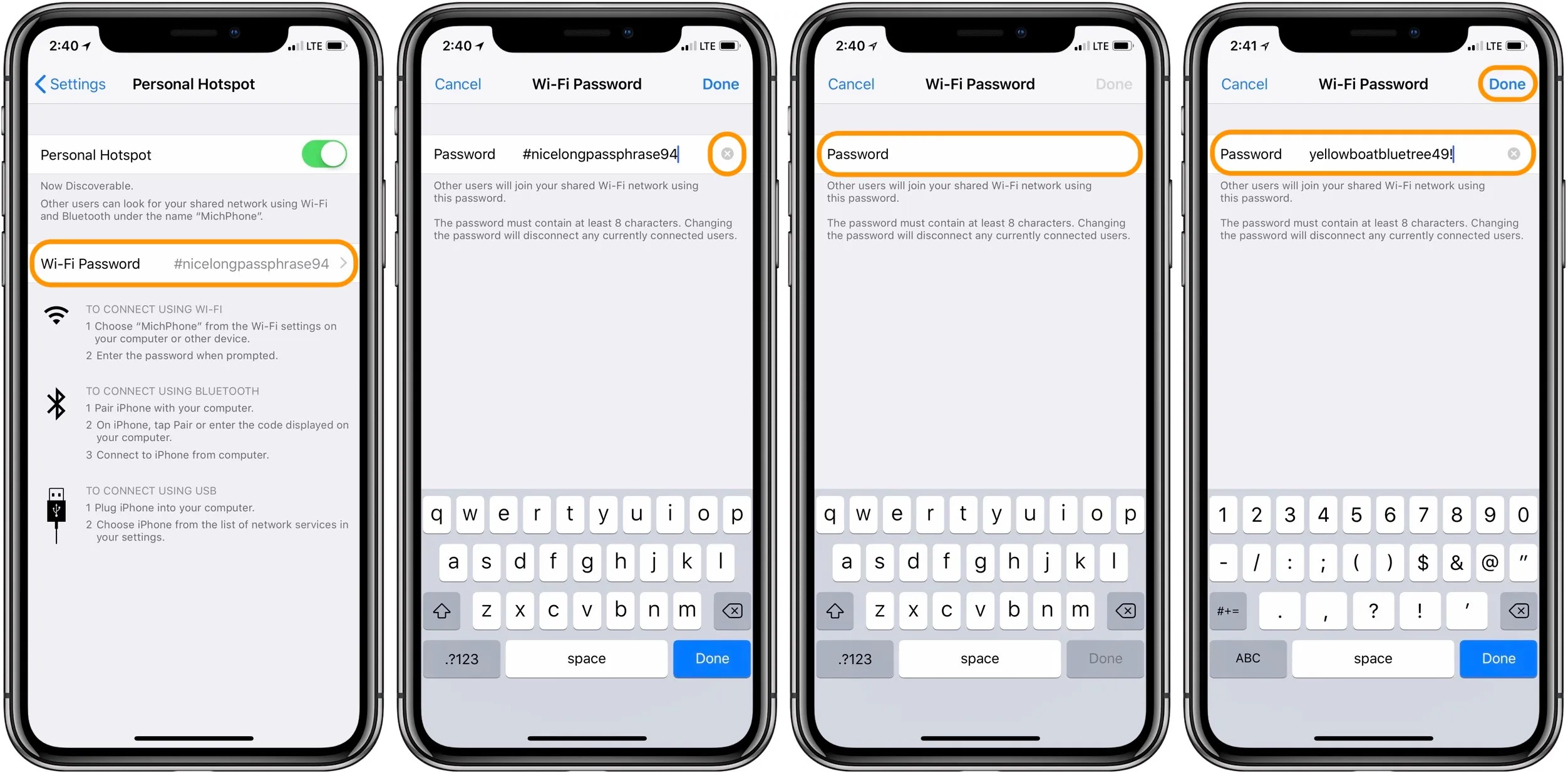
- Open Settings and tap Personal Hotspot (or go to Settings > Cellular > Personal Hotspot).
- Tap Allow Others to Join to turn on the hotspot.
- If you need to change the password, tap Wi‑Fi Password and enter a new one.
Apple also documents Instant Hotspot requirements: the device providing the hotspot needs an iPhone or iPad (Wi‑Fi + Cellular) with an activated carrier plan that includes Personal Hotspot service. Apple says devices must be near each other with Wi‑Fi and Bluetooth turned on.
On Android (Pixel example)
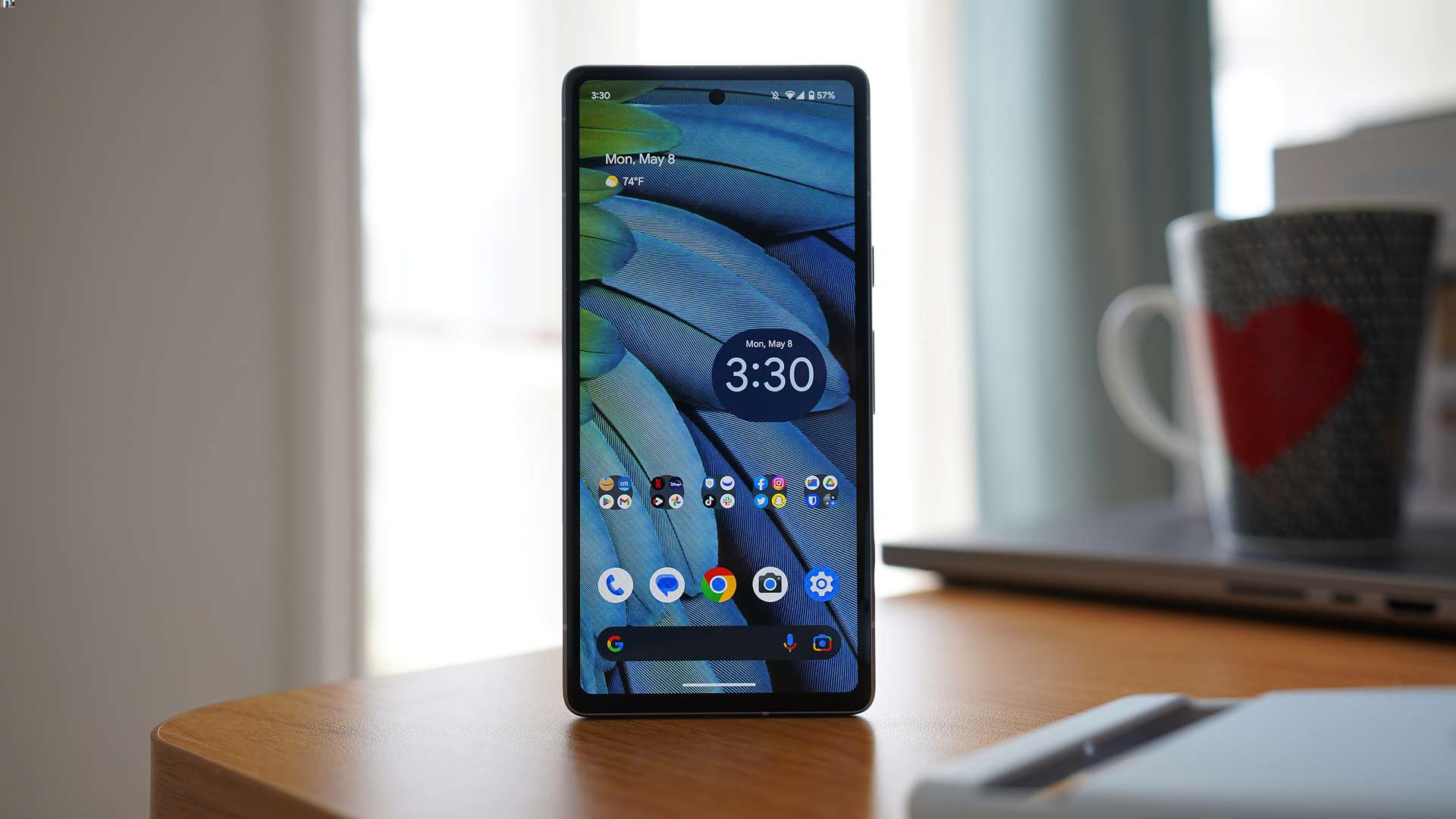
- Open Settings and go to Network & internet > Hotspot & tethering > Wi‑Fi hotspot.
- Turn on the hotspot. Google’s Android help says you can view or change hotspot settings such as the name and password, and you can disable password protection by opening Hotspot and under Security tapping None.
Google documents Android hotspot setup on Settings > Network & internet > Hotspot & tethering > Wi‑Fi hotspot for Pixel phones, and the broader Android help says to swipe down and tap Hotspot; if it is missing, tap Edit in Quick Settings and drag it in. Google also documents cross-device Wi‑Fi sharing under Settings > Google > All services > Devices & sharing > Cross-device services.
Understand mobile carrier promotions
Carriers sometimes run promotions that give you extra data for a limited time, for example, as a bonus for signing a new contract, buying a specific device, or during a holiday event. Apple says hotspot use depends on an activated carrier plan that includes Personal Hotspot service. These offers are not a permanent source of free cellular data. They are time-limited, conditional (such as being a new customer or choosing a particular plan), and require you to read the fine print. Check your carrier’s website or app for announcements, but do not expect these promotions to replace a regular data plan.
Frequently Asked Questions
Can an iPhone get free cellular data from settings?
No. The Personal Hotspot feature only shares your existing cellular connection, which requires an active carrier plan.
Can Android provide free cellular data from settings?
No. The hotspot and Wi‑Fi sharing features documented by Google require a carrier plan that supports tethering.
What menu path opens hotspot on iPhone?
Go to Settings > Personal Hotspot or Settings > Cellular > Personal Hotspot.
What menu path opens hotspot on Android?
On other Android devices, swipe down to open Quick Settings and tap the Hotspot tile.
Are there apps that give free cellular data?
Nothing in the retrieved Apple or Google support pages documents an app-based free-data program. Apps that claim to offer free data often require you to complete surveys or watch ads, and their rewards are not guaranteed by any official support page.
Do data rewards programs really work?
Any program you find is not verified by the phone manufacturers and may have hidden limitations or security risks.
For the wider topic, see hotspot data allowances.
Related reading: How To Change Mobile Data IP Address and How to Change IP Address on Your Android Phone or iPhone.