To add a phone number to Alexa means linking it to your Amazon account so you can use Alexa Calling & Messaging. This number is used for identity and the internal calling system, not for making standard cellular calls directly from your mobile line.
What adding a phone number to Alexa actually does
The phone number you add to your Amazon account is associated with your Alexa profile for contact and identity purposes. It enables Alexa Calling & Messaging, which allows you to make hands-free calls and send voice messages to other Alexa devices and the Alexa app. It does not let Alexa make or receive calls using your mobile phone number as a standard cellular line. For that type of functionality, you would need to explore Google Voice and internet calling options separately.
How to add a phone number to your Amazon account
- Log into your Amazon account on the website or in the Amazon app.
- Go to the "Your Account" section.
- Select "Communication & Content" or "Communication Settings."
- Choose the option to add or verify a phone number.
- Enter your phone number in the provided field.
- Complete the verification process using the code sent via SMS or phone call.
- Confirm the addition and review your communication settings.
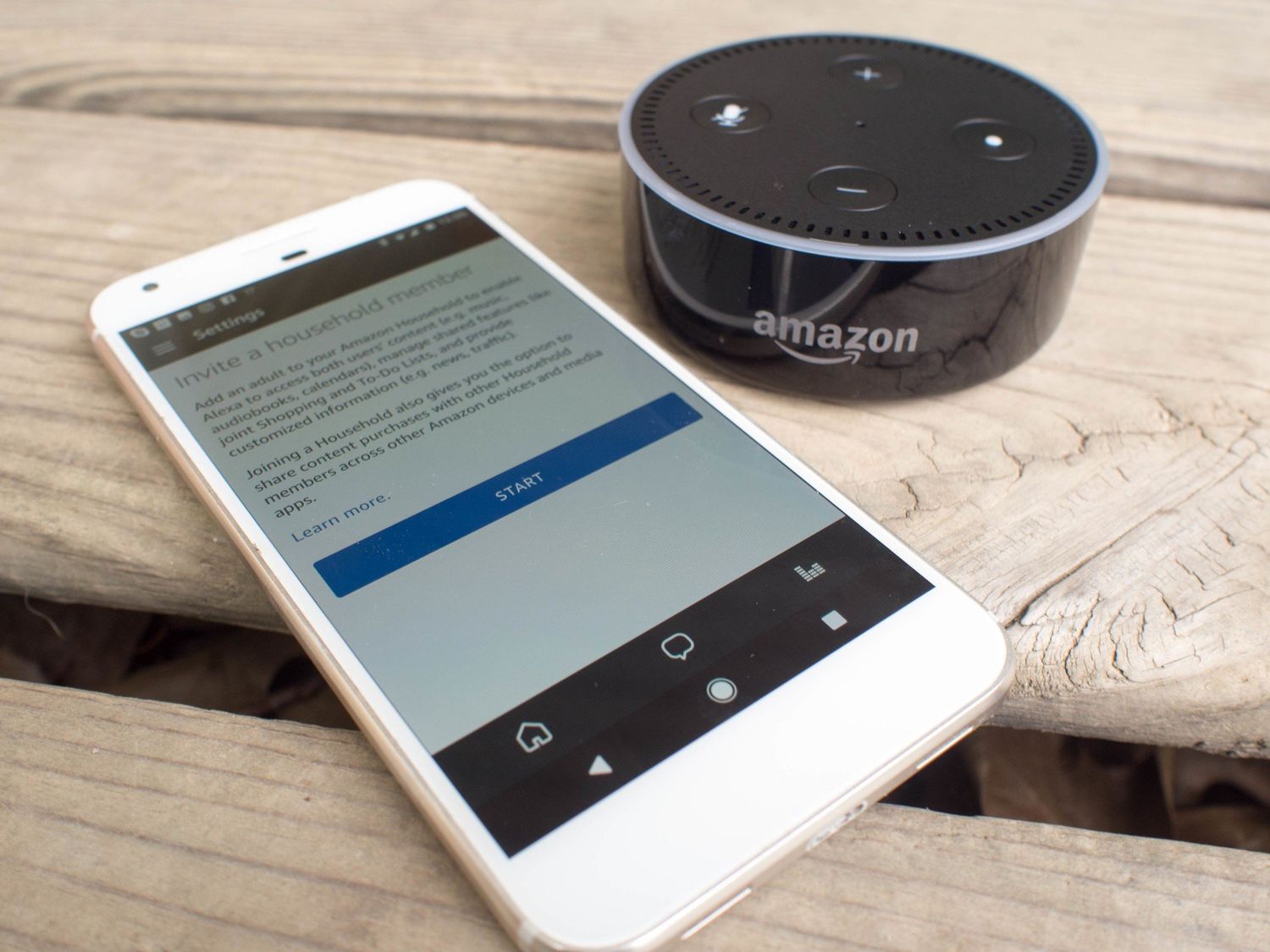
Before linking multiple accounts, you must first create an Amazon Household. During household setup, you can add teen logins with managed content and spending limits. Use the 'Add Adult' button to send an invitation to another adult member, or select the 'Add a Teen' option to create a separate login for a teenager.
How to enable Alexa communication and sync contacts
After adding your phone number, you need to turn on the communication features in the Alexa app.
- Open the Alexa app on your mobile device.
- Go to the settings menu (gear or cog icon).
- Select "Communication" or "Communication Settings."
- Enable Alexa Calling & Messaging by toggling the relevant options.
- Grant permission for Alexa to access your contacts when prompted.
- Initiate a contact sync so your phone's contact list is available for voice commands.
- Review your communication preferences, such as default calling options and privacy settings.
The 'Communicate tab' is the specific starting point in the Alexa app for setting up calling and messaging.
How to make a call or send a message with Alexa
Once your phone number is added and communication is enabled, you can use voice commands to call or message your contacts. Say commands like "Alexa, call [contact name]" to call another Alexa device, the Alexa app, or a supported phone number. To send a voice message, say "Alexa, send a message to [contact name]." You can also initiate calls and messages directly from the Communicate tab in the Alexa app. This works for contacts who have the Alexa app or a supported Echo device, as well as mobile and landline numbers in supported countries.
Frequently Asked Questions
Can I add a phone number to Alexa?
Yes, you can add a phone number to Alexa through the Alexa app on your mobile device. This allows you to make calls and send messages using Alexa's voice commands.
What are the steps to add a phone number to Alexa?
Open the Alexa app, go to the Communicate tab, and select the option to set up calling and messaging. Follow the prompts to verify your phone number and enable the features.
Can I make calls using Alexa with just a phone number?
Once you have added a phone number to Alexa, you can make calls to other Alexa devices, the Alexa app, or mobile and landline numbers in supported countries.
Is it possible to send text messages through Alexa using a phone number?
After adding a phone number to Alexa, you can send text messages to contacts who have the Alexa app or supported Echo devices. Just ask Alexa to send a message to a specific contact.
Are there any additional charges for using a phone number with Alexa?
Using a phone number with Alexa for calling and messaging is typically included in your existing mobile plan. Check with your mobile service provider for any potential charges related to calls and messages made through Alexa.