You download a new app. It looks promising. Then the sign-up screen appears, and it demands your email address before you can see a single feature. You type it in, poke around for five minutes, decide the app isn't worth keeping, and delete it. Three days later, your inbox is buried under marketing emails from a company you barely remember. That's the trade you didn't know you were making.
Sign-Up Survival Points
- Every email address you share with an app becomes a permanent data point tied to your identity.
- Disposable email services let you test apps freely without exposing your real inbox to spam or breaches.
- A short pre-download checklist of habits keeps your personal data from spreading further than it needs to.
The Problem With Typing Your Real Email Into Every App
Apps need email addresses for reasons that mostly benefit the app, not you. Your address verifies accounts, yes, but it also fuels marketing campaigns, gets shared with advertising partners, and sometimes gets sold to data brokers. Even apps that promise not to spam you tend to define "promotional communication" more broadly than you'd expect in their terms of service.
The problem compounds over time. You try ten apps this year and share your email with each one. Maybe two of those apps get acquired by larger companies. One has a data breach. Another quietly updates its privacy policy to allow third-party data sharing. None of this is visible to you at the moment you tap "create account." It happens later, and by then your address is already out there.
Reading about how data brokers operate makes it clear how quickly a single sign-up can spread your identity across databases you've never heard of. Your email is not just a contact point. It's a thread that ties your digital profile together across dozens of systems.
Why "Just Unsubscribe" Is Not a Real Solution
It sounds easy. An email arrives, you scroll to the bottom, you click "unsubscribe," and that's that. The reality is messier. Some unsubscribe links don't work. Others confirm to the sender that your address is active, which can actually increase the volume of mail you receive. Unsubscribing from one marketing list does nothing about the other three lists your address was passed on to.
There's also the data exposure angle. Spam is annoying. A breach is serious. Once an email address sits in a third-party system you don't control, you have no visibility into how secure that system is. Credential stuffing attacks rely on stolen email-and-password pairs, and the email half of that pair often comes from a breach at an app or service you barely used.
Disposable Email Addresses Change the Equation
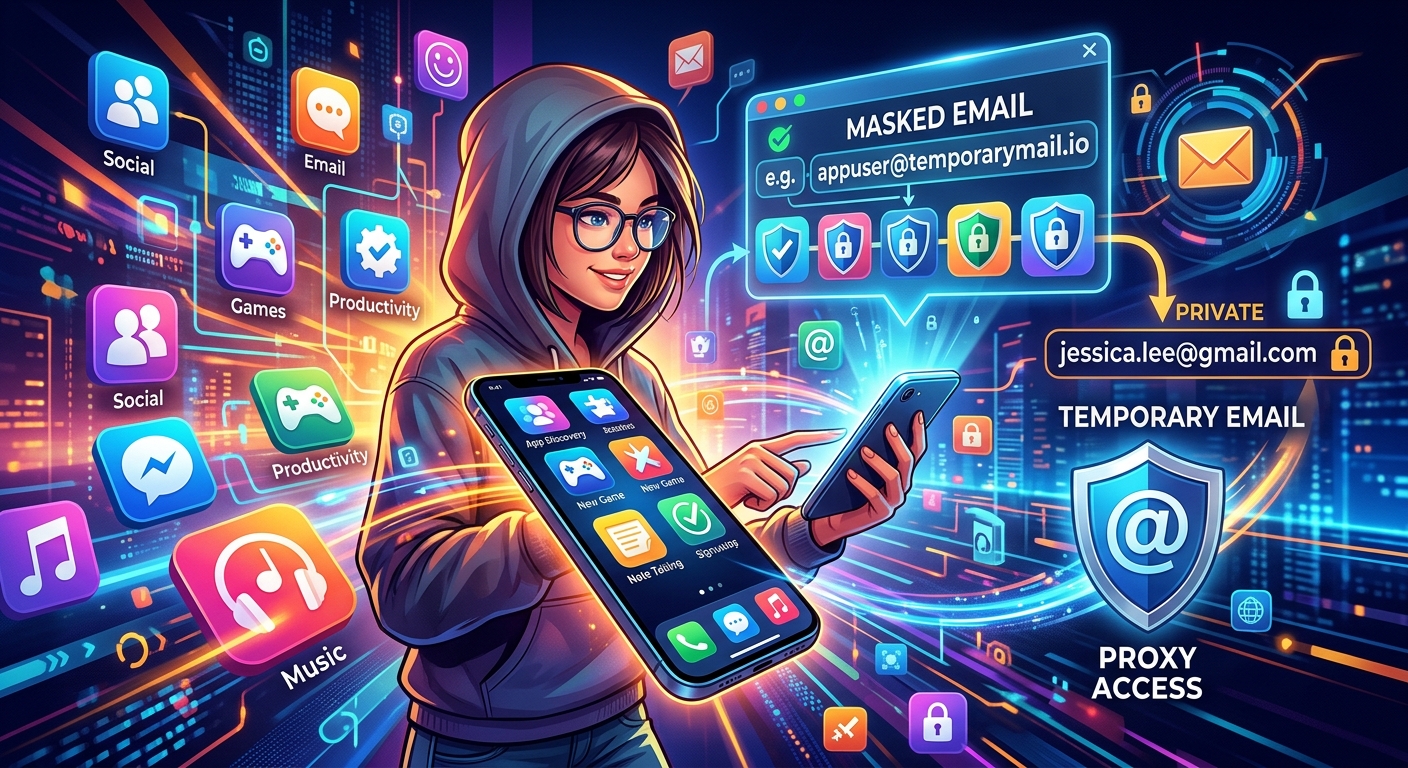
A disposable email address is a temporary address you use in place of your real one. It receives emails for a short window, usually between 10 and 60 minutes, and then expires. Anything sent to it after that goes nowhere. No follow-up marketing, no breach exposure, no lingering account tied to your identity.
The concept is straightforward. You need an address to get past a sign-up screen. You use a temporary one. The app sends a confirmation link, you click it, you get into the trial, and then the address evaporates. You never have to think about that app's email again.
For exactly this kind of situation, 15 minute mail gives you a ready-to-use address that lasts long enough to confirm a sign-up and nothing beyond that. No registration required on your end. You open it, copy the address, paste it into the app's sign-up form, and you're through the gate.
Other Tools That Protect Your Inbox During App Trials
Disposable addresses aren't the only approach. Depending on how you use apps, one of these strategies might suit your habits better.
- Email alias services: Tools like SimpleLogin or Addy.io create permanent masked addresses that forward to your real inbox. You can delete the alias the moment an app starts sending junk, with no impact on your main account.
- Sign in with Apple: On iOS, this option lets Apple generate a random relay address on your behalf. The app never sees your actual address, and you can revoke access at any time from your Apple ID settings.
- A dedicated testing inbox: Some people create a separate email account purely for app trials. It works, though it requires more ongoing maintenance than a disposable service.
- Sign in with Google: This keeps your email hidden from the app too, though Google does still see which services you're connecting to, which is its own privacy consideration worth weighing.
How These Approaches Compare for App Sign-Ups
| Approach | Privacy Level | Setup Required | Best For |
|---|---|---|---|
| Real email address | Low | None | Apps you already trust completely |
| Disposable address | High | None | One-off trials and unfamiliar apps |
| Email alias service | High | Account creation | Apps you plan to use regularly |
| Sign in with Apple | High | Apple ID required | iOS apps that support the option |
| Dedicated test inbox | Medium | Separate email account | High-volume app testers |
What to Check Before You Hit Download
The email address is only one piece of the picture. Apps collect other types of data too, and knowing what you're agreeing to before you install is a habit worth building into your routine. Here's what to review before you download anything new.
- Read the permissions request carefully. If a flashlight app wants access to your contacts or microphone, that's worth questioning before you tap "allow."
- Skim the app store listing for the developer name. A search on the developer can tell you whether they have a track record worth trusting.
- Check how many downloads and reviews the app has. Newer apps with very few reviews deserve more scrutiny than well-established ones.
- Look at the "Data Linked to You" section in the iOS App Store, or the "Data Safety" section in Google Play. Both give you a clear summary of what the app collects and why.
A Step-by-Step Routine for Safer App Testing
Habits work better when they're concrete. This routine takes about two minutes and covers the full cycle of trying a new app without giving away more than you need to.
- Search the app name plus "privacy" or "data breach" before downloading. If something has come up in the news, you'll find it in thirty seconds.
- Open a disposable email service before you even install the app. Have the temporary address copied and ready to paste.
- Download the app and go through sign-up using the disposable address. Complete the email verification while the temp address is still active.
- Review the permissions prompt carefully when the app asks for access. Deny anything that doesn't make sense for the app's actual function.
- Test what you actually want to test. Give it a fair look, but don't enter more personal information than the task requires.
- Make a decision. If you're keeping the app, consider switching to an alias for your account. If you're deleting it, go into the app's settings and delete your account before you uninstall.
After the Trial: Don't Just Delete the App
Deleting an app from your phone does not delete your account or your data from the company's servers. That step is easy to skip, and it's one of the more important ones for long-term privacy.
Most apps have an account deletion option somewhere in settings, often under "privacy" or "account management." If you can't find it in the app itself, check the developer's website. Under various privacy regulations covering users in the US, Europe, and many other regions, companies are generally required to provide a way for users to request data deletion.
If you used a disposable address, the company has no way to contact you anyway, which removes one line of exposure. But any data you entered during the trial, such as your name, phone number, or location, may still be stored server-side. Deleting the account removes it properly rather than leaving a dormant record behind.
Your Inbox, Your Terms
Every email address you hand out is a door you've left open. Most of the time, nothing comes through it. But occasionally, something does, and you have no control over when or what. The cost of signing up carelessly is low in the short term and high over years of accumulated app trials, forgotten accounts, and quiet data transfers you never consciously agreed to.
Disposable addresses, permission checks, and account deletion habits are not complicated. They take a few extra seconds per app and add up to a meaningfully cleaner digital footprint over time. Your email address is your identity on the internet. Treating it as something worth protecting, rather than something to type reflexively into every sign-up screen, is one of the most practical privacy decisions you can make on any smartphone.