Your primary inbox has probably taken a beating. You signed up for a streaming trial, got distracted by the show, forgot to cancel, and now three platforms are emailing you every other day. The actual problem started the moment you typed your real address into that signup box. That one step handed over something you cannot easily take back. The good news is that your phone already has tools to stop this from happening again.
Phone Hygiene Snapshot
Streaming services ask for your email at signup and use it for far more than sending receipts. This article walks through three practical methods smartphone users can apply right now: alias features built into iOS, plus-addressing tricks on Gmail, and disposable address tools for one-time signups. Each approach works differently. The right pick depends on how long you plan to keep the account and how much setup you are willing to do.
Why Streaming Services Want Your Real Email in the First Place
When you type your address into a signup form, that data gets to work immediately. The platform sends you a confirmation, of course. But it also tags your account for personalized ads, links your watch history to your identity, and sometimes passes your email to third-party analytics partners. Federal guidance on online data privacy makes clear that information you share at account creation can be used in ways that go well beyond receiving account-related messages.
The real cost shows up later. You cancel the subscription or let a trial expire. The emails keep coming. Promotional blasts. Seasonal offers. "We miss you" campaigns. Your address is already in their system, and unsubscribing from one list rarely removes you from all of them.
This is not a reason to avoid streaming services. It is a reason to stop giving them direct access to your inbox when you do not have to.
Three Approaches That Actually Protect Your Inbox
No single method works perfectly in every situation. But these three cover the main scenarios most streaming subscribers run into, from short trials to long-term subscriptions:
- Disposable addresses: Temporary email services generate a random address that lets you receive a single confirmation email. They are ideal for short trials where you only need to verify an account once and have no intention of returning long-term.
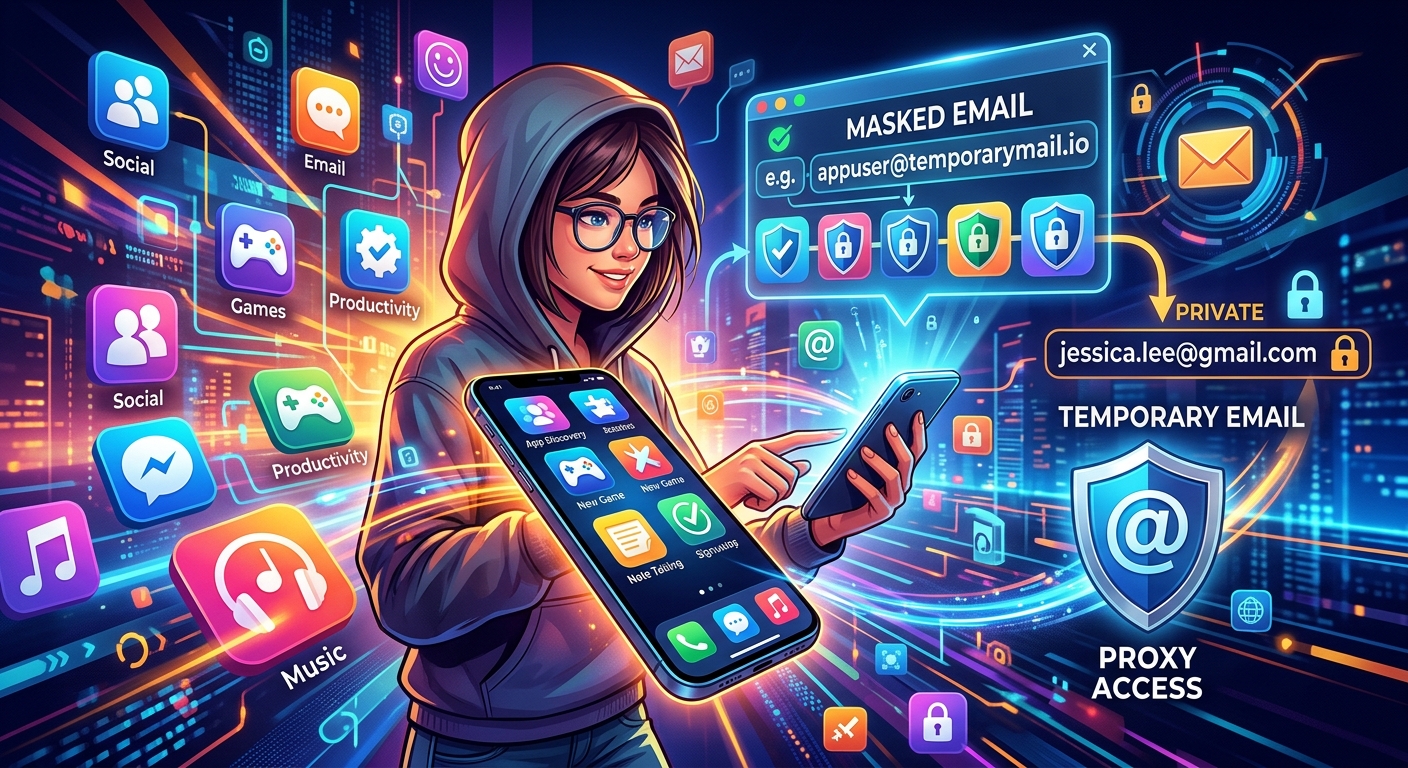
- Email aliases: Tools like Apple's Hide My Email or Firefox Relay create a forwarding address linked to your real inbox. You keep receiving messages from the service, but it never sees your actual address. You can delete the alias at any time and the emails stop entirely.
- A dedicated streaming email account: Creating a separate Gmail or Outlook address strictly for streaming signups is a low-tech option that requires no extra apps. It keeps all streaming clutter contained without relying on any third-party tool.
How Apple's Hide My Email Works on iPhone
If you have an iPhone running iOS 15 or later with an active iCloud+ plan, you already have access to Hide My Email. This feature generates a random forwarding address every time you need one. Messages sent to that address route directly to your main iCloud inbox. The streaming service sees something like r7k2m@privaterelay.appleid.com and nothing else.
You can trigger it a couple of ways. When filling out a signup form in Safari, iOS may offer the option automatically beneath the email field. You can also create new aliases manually inside Settings, under your Apple ID, then iCloud, then Hide My Email. Each alias can be deleted individually, which permanently cuts off any sender tied to that address.
The limitation worth knowing is that Hide My Email requires a paid iCloud+ plan. The entry-level 50GB tier runs about a dollar a month in most markets, which is a reasonable cost for what it delivers. If you are already paying for iCloud storage, you likely have access and may not realize it.
Gmail Tricks and Android Alternatives Worth Knowing
Gmail has a built-in alias trick that requires no extra apps. If your address is yourname@gmail.com, you can type yourname+netflix@gmail.com when signing up for a service. Google routes it to your standard inbox, but the platform sees the extended version with the plus sign. This lets you create filters that automatically sort emails from specific services into labeled folders and out of your main view.
The downside is real. Some signup forms reject the plus sign as an invalid character. And your base address is technically still visible if someone inspects the full alias closely, which means this approach is more useful for organizing your inbox than for genuine anonymity.
Android users who want real separation have solid options. Firefox Relay lets you create alias addresses from a browser extension or app, with the free tier covering several aliases and a dashboard to disable or delete them anytime. SimpleLogin is another respected option that pairs cleanly with most password managers and runs equally on iOS and Android.
Trying Netflix Without Using Your Primary Address
Netflix is one of the more frictionless platforms to sign up for using a temporary or alias address. The signup form accepts most standard-format addresses without extra verification steps, which makes it a practical starting point if you are building this habit for the first time.
For anyone who wants to move fast and skip the setup entirely, a temp email for Netflix gets you a working inbox in seconds, directly from your browser. You open the page, copy the address displayed, paste it into Netflix's signup form, and check back for the confirmation link. The whole process takes under two minutes and your primary inbox stays completely out of it.
This approach fits best for short-term access, like a free trial during a long weekend or a holiday window. If you plan to keep using Netflix and want a forwarding alias that stays active long-term, a tool like Hide My Email or Firefox Relay makes more sense than a disposable address that may expire before you need it again.
How These Email Protection Methods Compare
Choosing the Right Tool for Your Situation
| Method | Privacy Level | Cost | Best For |
|---|---|---|---|
| Disposable email | High | Free | One-time trials, short-term access |
| Apple Hide My Email | High | Paid (iCloud+) | iPhone users, permanent forwarding aliases |
| Firefox Relay / SimpleLogin | High | Free or paid | Cross-platform use, ongoing subscriptions |
| Gmail plus-addressing | Low to medium | Free | Filtering and organizing, not full privacy |
| Dedicated email account | Medium | Free | Users who prefer a simple, no-app approach |
What to Watch for Before Relying on Disposable Services
Not every disposable or alias service is built with your interests in mind. Before committing to one for anything beyond a casual trial, keep these points in mind:
- Check if the domain is blocked by the platform: Some streaming services maintain lists of known disposable email domains and reject them at signup. If a service turns down your temporary address, try a different disposable provider or switch to an alias method instead.
- Read the privacy policy of the disposable service itself: Free tools are not automatically trustworthy. Look for services that clearly state they do not log message contents, store email history, or sell user data to advertisers.
- Avoid using a disposable address for any account you plan to recover later: If you forget a password and the temporary inbox has already expired, you may lose access to that account permanently. Use a permanent alias or a dedicated email address for anything you intend to keep active.
- Track which alias you used for which service: A password manager with a notes field handles this cleanly. Losing track of your aliases makes account management frustrating when you need to update a payment method or troubleshoot a login.
Your Inbox Is Worth the Extra Thirty Seconds
Treating your real email address as something worth protecting rather than a default form field changes how streaming signups feel. Once you get comfortable reaching for an alias or a temporary address before clicking "create account," the whole process takes about the same amount of time as typing your real one.
None of these methods require special hardware or technical expertise. Most of them live inside tools you already use every day. The shift is mostly mental: your email is not something every signup screen is entitled to, and protecting it is not complicated. It is just a habit that pays for itself every time a service you tried once would otherwise be filling your inbox a year later.
The streaming landscape keeps growing. New platforms launch, old ones merge or rebrand, and free trials stay tempting. Having a consistent approach to email protection means you can try anything that interests you without the inbox clutter that usually follows. That is a genuinely useful thing to build into how you use your phone.