Latest in Software





Most read in Software





The Software section of CellularNews is your practical guide to the apps and tools that unlock your phone’s creative and productive potential. Whether you are a digital artist mastering Procreate or a reader exploring subscription services like Amazon Kindle Unlimited, these articles are built for people who want clear, actionable steps, no fluff, no guesswork. The content here focuses on two main themes: mastering Procreate’s core creative workflow, and managing your files, settings, and account choices to keep your work safe and accessible.
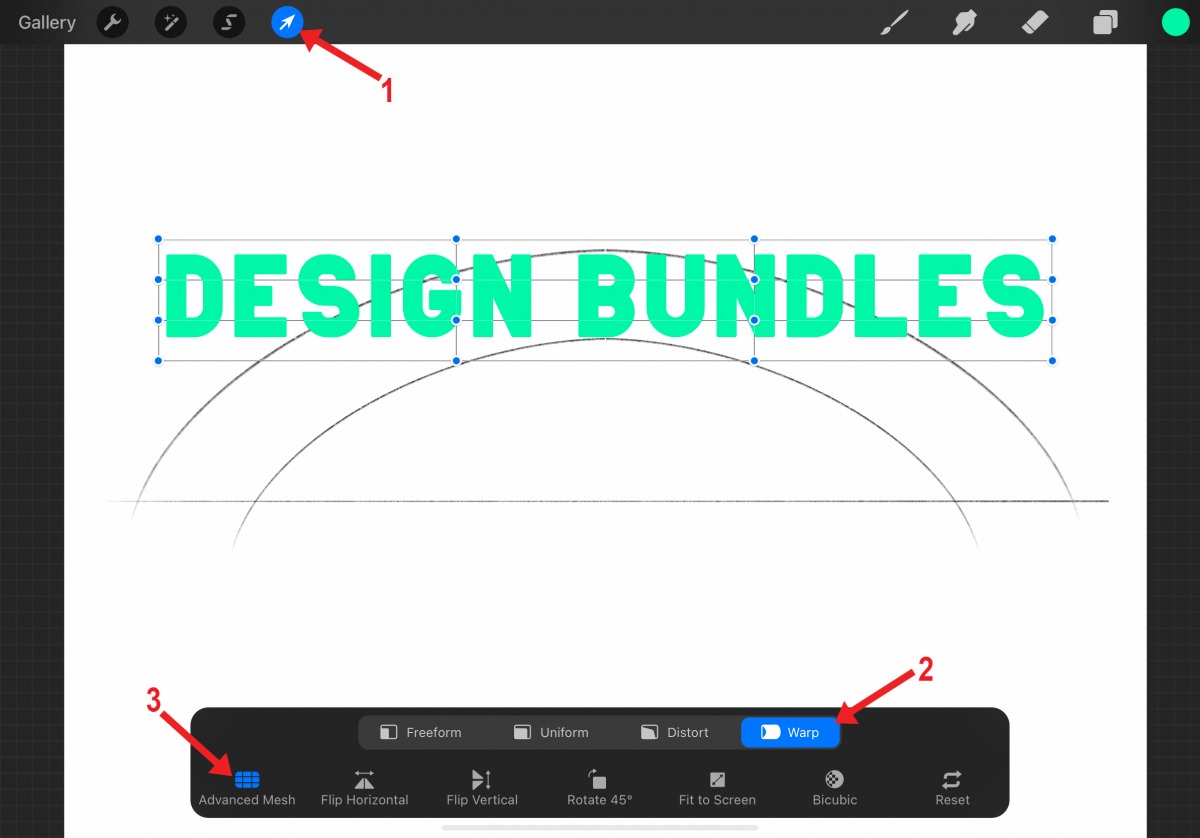
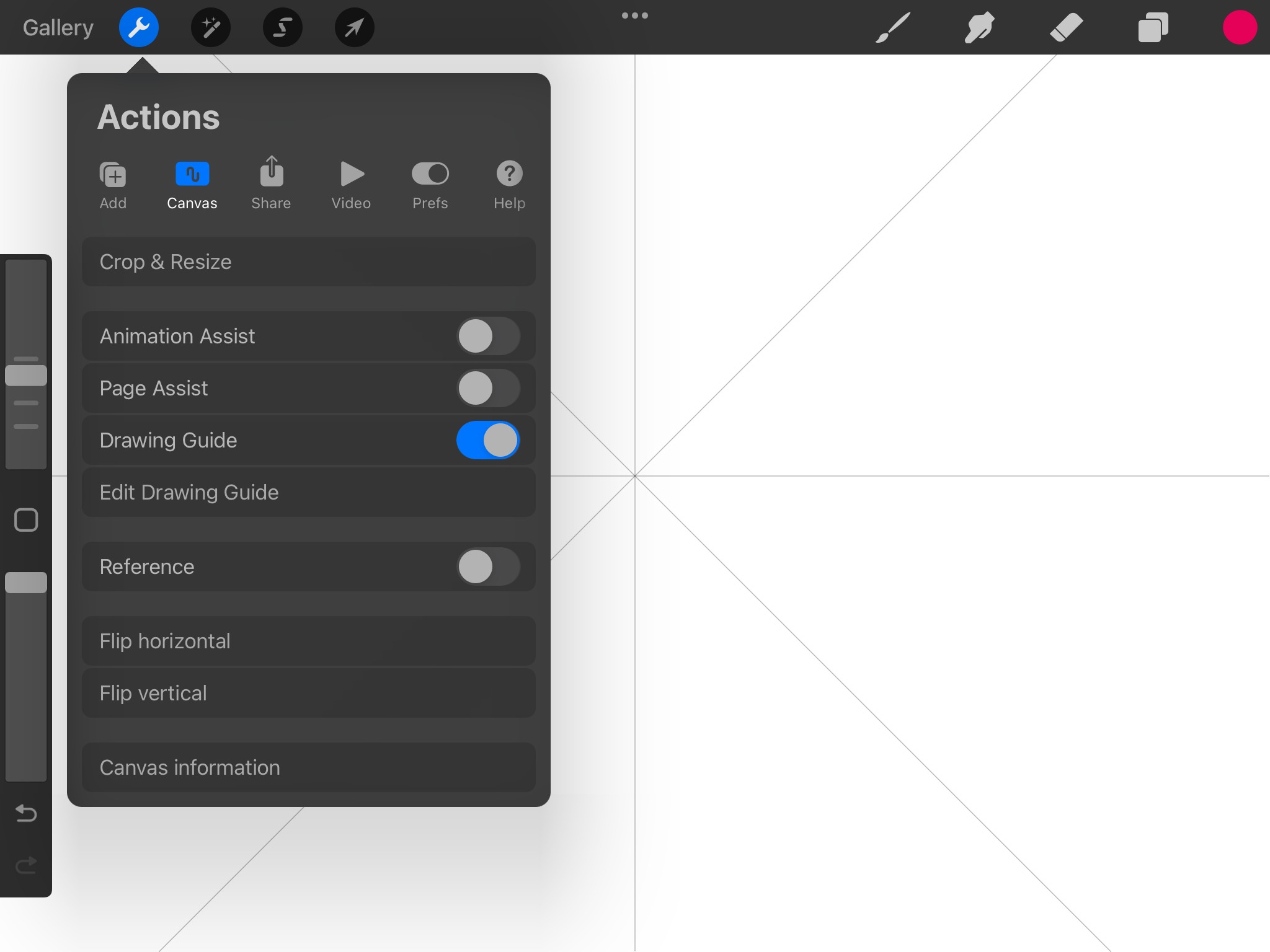
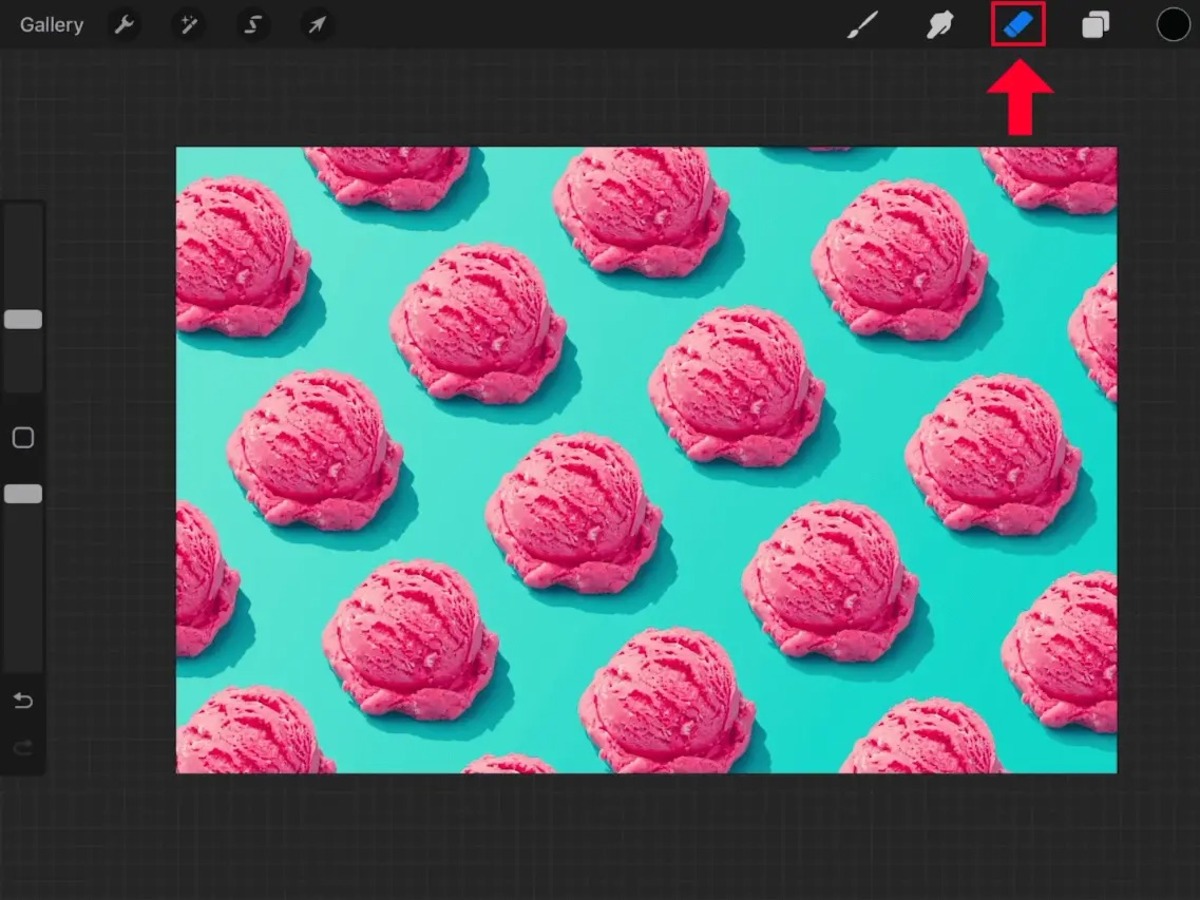
To start building your skills, the main guides gather essential knowledge into one place. Procreate Tools, Layers and File Management walks you through the canvas, layer organization, and how to save or export your projects. For visual polish, Coloring, Shading and Rendering in Procreate shows you how to bring depth and finish to your artwork. From there, individual articles help you perform specific actions: you can learn how to lasso a selection, change or pick a color, erase precisely, fill a shape, or mirror a drawing. You will also find guidance on how to make an animation, add a grid, center something on the canvas, and use the alpha lock feature to keep your shading inside the lines.
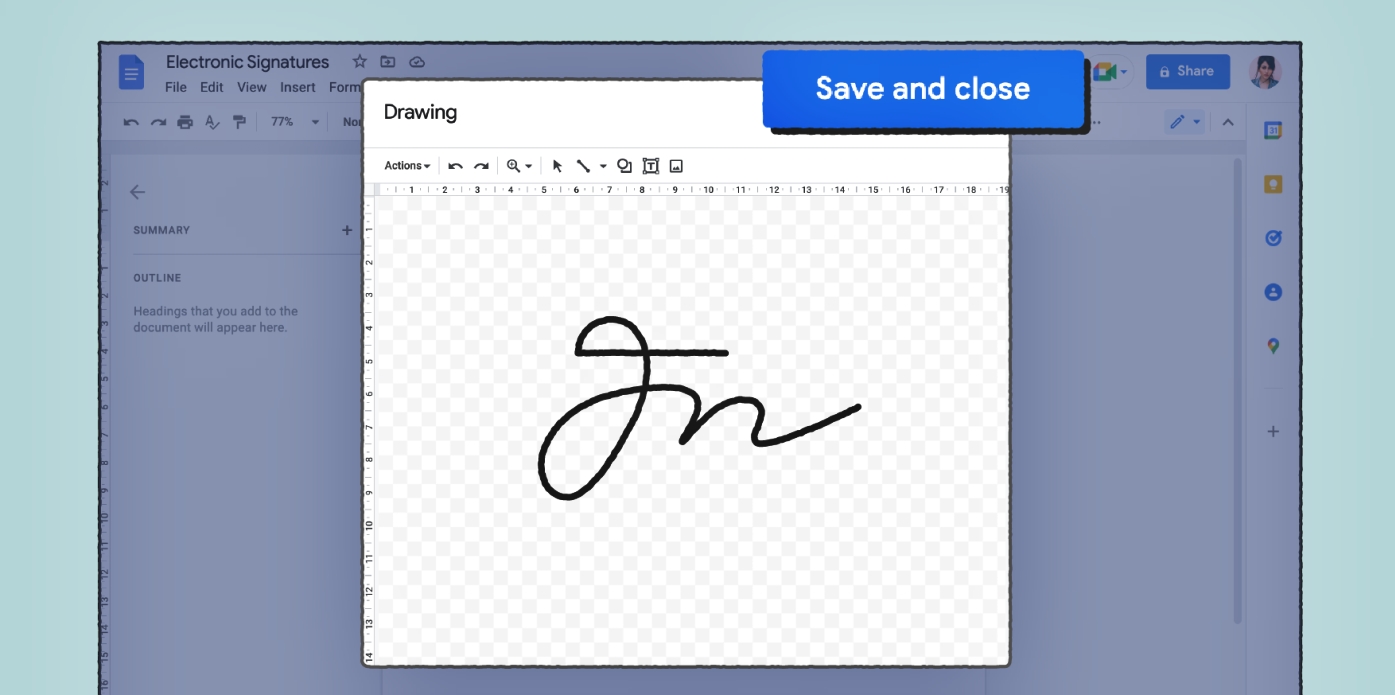
Beyond creation, the section helps you protect and maintain your work. Articles explain how to restore Procreate drawings if something goes wrong, how to undo actions in Procreate Pocket, and how to turn off pressure sensitivity when you need a steadier line. For those managing their tools, you will find out how to get new brushes, make folders to organize your projects, and edit text on a layer. Practical account and cost questions are also covered, including how much Procreate costs on iPad, what Amazon Kindle Unlimited offers, and how to sign a document in Google Docs, all described plainly as the steps that help you choose the right option or recover your access.