To remove your address from Whitepages, you must submit a suppression (opt-out) request for your profile on their website and verify your identity via phone. This process removes your personal listing from Whitepages' public search results, but it does not automatically remove your information from other data brokers or underlying public records.
Before you remove your address from Whitepages
Your home address, phone number, and other personal details on Whitepages can be accessed by anyone with an internet connection, creating risks of identity theft, spam, and unwanted solicitations. Removing this information is a proactive step to protect your privacy and physical safety. However, a crucial disclaimer applies: this process only removes your info from Whitepages, not from other data brokers or public records. You will need to repeat similar opt-out steps on other people-search sites to achieve comprehensive privacy.
Step 1: Find your Whitepages profile URL
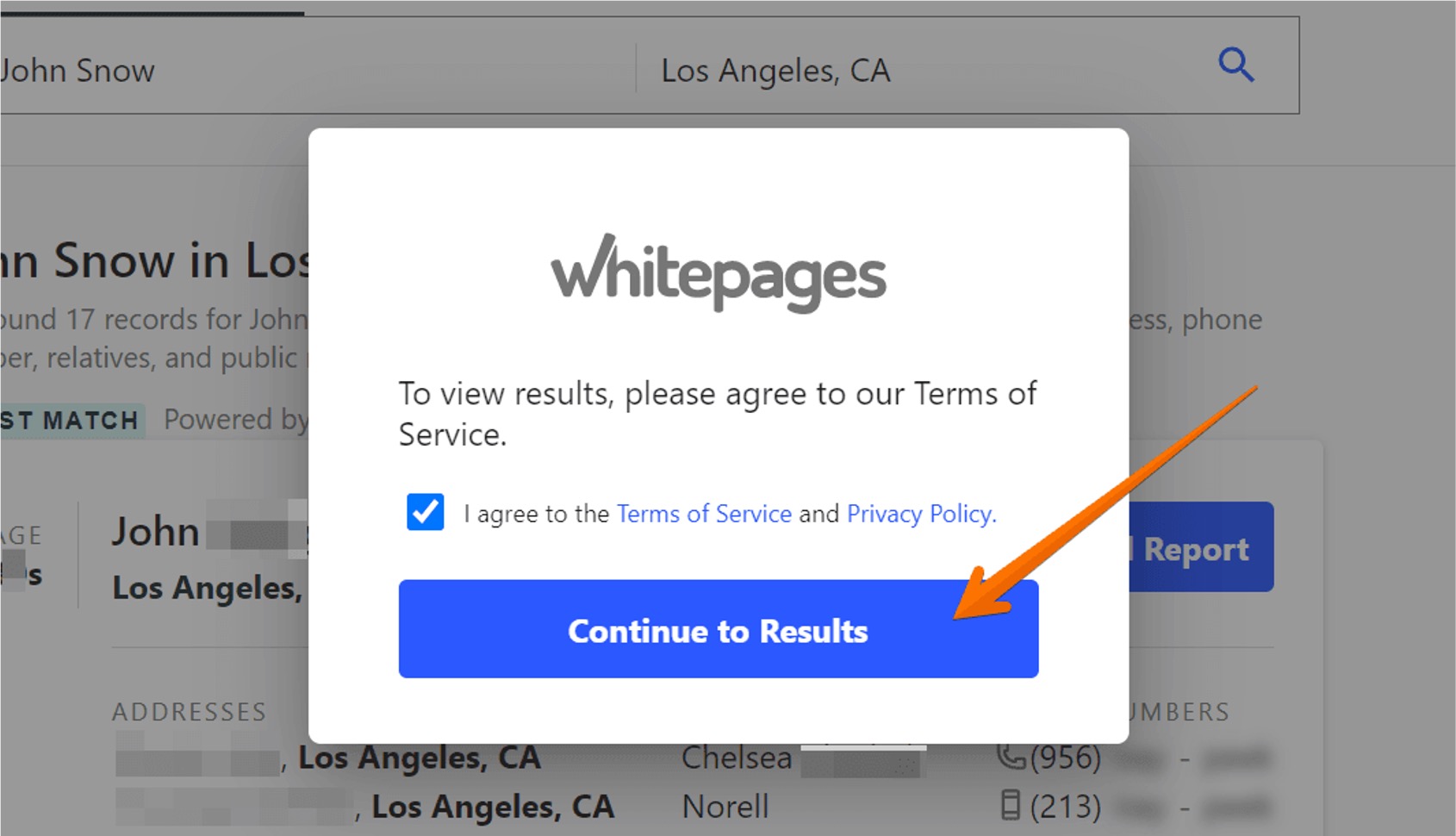
Go to Whitepages.com and search for your name, along with your city, state, or ZIP code. You can also search by phone number or address. You can search by name, phone, or address to find your listing. In the search results, scroll past any "Whitepages Premium" results to find publicly available listings. Click on the card or "View Details" (for free listings) or "View Full Report" (for Premium listings) to navigate to your listing page. Double-check the details, middle initial, age range, known relatives, and locations, to ensure it is your correct profile. Once on your profile page, copy the full URL from your browser's address bar. This URL is used to identify the exact listing for removal.
Step 2: Submit the suppression request
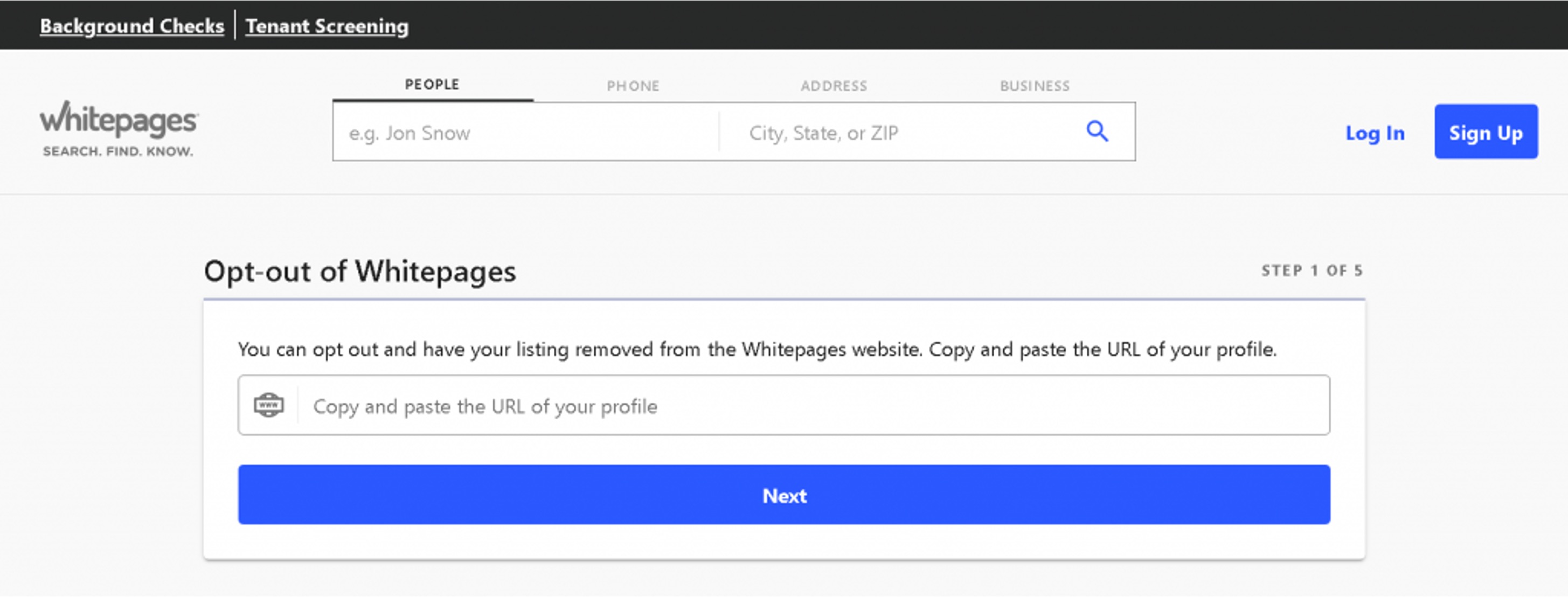
Navigate to the official Whitepages suppression request page at www.whitepages.com/suppression-requests. Paste the copied profile URL into the provided field and click "Next." Confirm that the displayed profile belongs to you and then click "Remove Me."
Step 3: Verify your identity by phone
Select a reason for removal from the dropdown menu. The opt-out reason dropdown includes options like incorrect information, privacy, or harassment. You can add an optional comment when selecting your removal reason. Enter your phone number, check the confirmation box, and click "Call now to verify." You will receive an automated phone call from Whitepages. The automated call provides a verification code to enter on the website. Input the four-digit code shown on your screen when prompted by the call. The opt-out screen should change to confirm the request has gone through after successful verification. Phone verification is a mandatory step in the standard opt-out process to confirm your identity and prevent unauthorized removals.
What to do if you have multiple listings
If you have multiple listings on Whitepages, including both free and "Premium" profiles, you must submit a separate removal request for each unique profile URL. There is no bulk-removal option, so you will need to repeat the entire process for each listing.
How long removal takes and why you must re-check
Processing time is typically within an hour of opt-out but can take up to 72 hours. Removal may take a few days; check the specific timeline provided by Whitepages. Check your listing again after a few hours or days to confirm its removal. The URL you submitted should return a "removed-record" message instead of a profile. A critical warning: Whitepages refreshes its data from public records and telecom feeds, meaning your information can reappear later. Periodic re-checking and re-submission of requests are recommended.
What if the online form doesn't work?
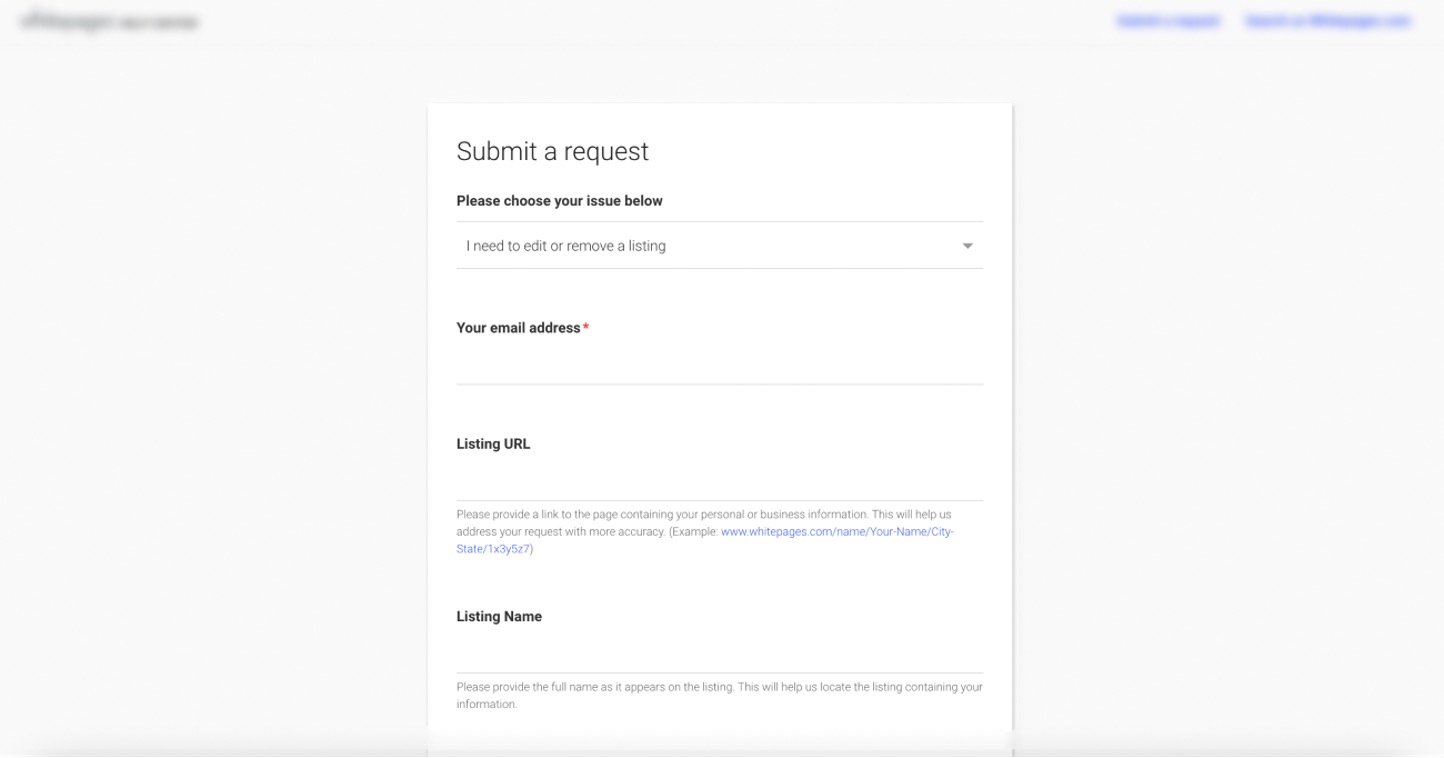
If the online form fails or you prefer not to use your phone number, you can email your opt-out request to privacyrequest@whitepages.com. Include your full name as it appears in the listing, the profile URL, and a clear statement that you are exercising your right to opt out. You can contact Whitepages customer support for assistance with the opt-out process. This alternative method covers situations where phone verification is not possible or the standard form encounters errors.
Frequently Asked Questions
Can I remove a Premium listing from Whitepages?
Yes, you can still request removal of Premium listings through the same opt-out process. If you have a premium account, you can still request removal. The steps for finding your profile URL and submitting the suppression request apply to both free and Premium profiles.
Will removing my address from Whitepages also remove it from other directories?
No, opting out removes your profile only from Whitepages' public search results. You must submit separate opt-out requests to each other data broker or people-search site where your information appears.
Can I remove someone else's information from Whitepages?
No, you can only remove your own information. The phone verification process ensures that only the person associated with a profile can request its removal. You cannot submit a suppression request on behalf of another person.
What if my information reappears on Whitepages after removal?
Whitepages may re-add your information as it refreshes its data from public records and telecom feeds. You should repeat the entire opt-out process for any reappearing listings. Periodic rechecks every few months are recommended to maintain your privacy.
How do I remove outdated Whitepages content from search engines like Google?
To remove outdated Whitepages content from Google, use Google's personally identifiable information removal tool. For Bing, submit removal requests using their provided link. This step helps ensure the removed profile does not still appear in search engine results.
For the wider topic, see removing phone numbers from accounts.
Related reading: How To Remove My Name From Whitepages and How Do I Change My Info On Whitepages.