Before you remove phone number from anything
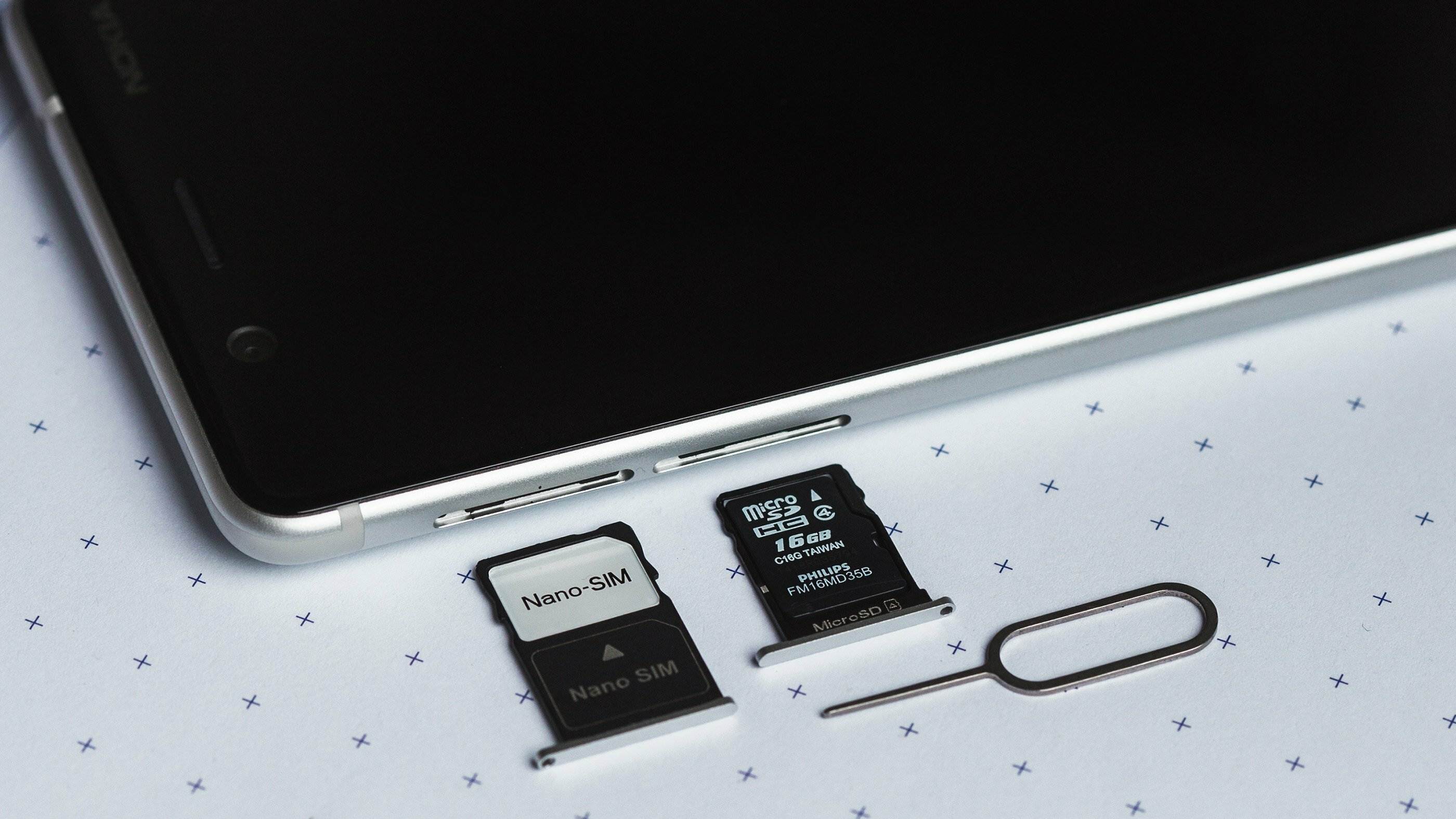
Before you remove phone number from any profile, update your recovery methods so that a single text message is not the only way back in. On an iPhone, the reset flow permanently deletes your data and then asks for your Apple Account password, so make sure you know it. If you plan to untap your phone number during an iPhone erase, Apple lets you keep or delete the eSIM; deleting it means you must contact the carrier to reactivate cellular service later.
For a lost Android device, the Find Hub app offers a Factory reset option under device controls, which is the documented path rather than trying to take passcode off phone. When a device is truly stolen, using the manufacturer’s remote wipe is safer than any local workaround. If you need to erase data from lost phone using IMEI, that process is separate from the standard unlinking steps shown in the device menus.
Removing your number from social and chat apps
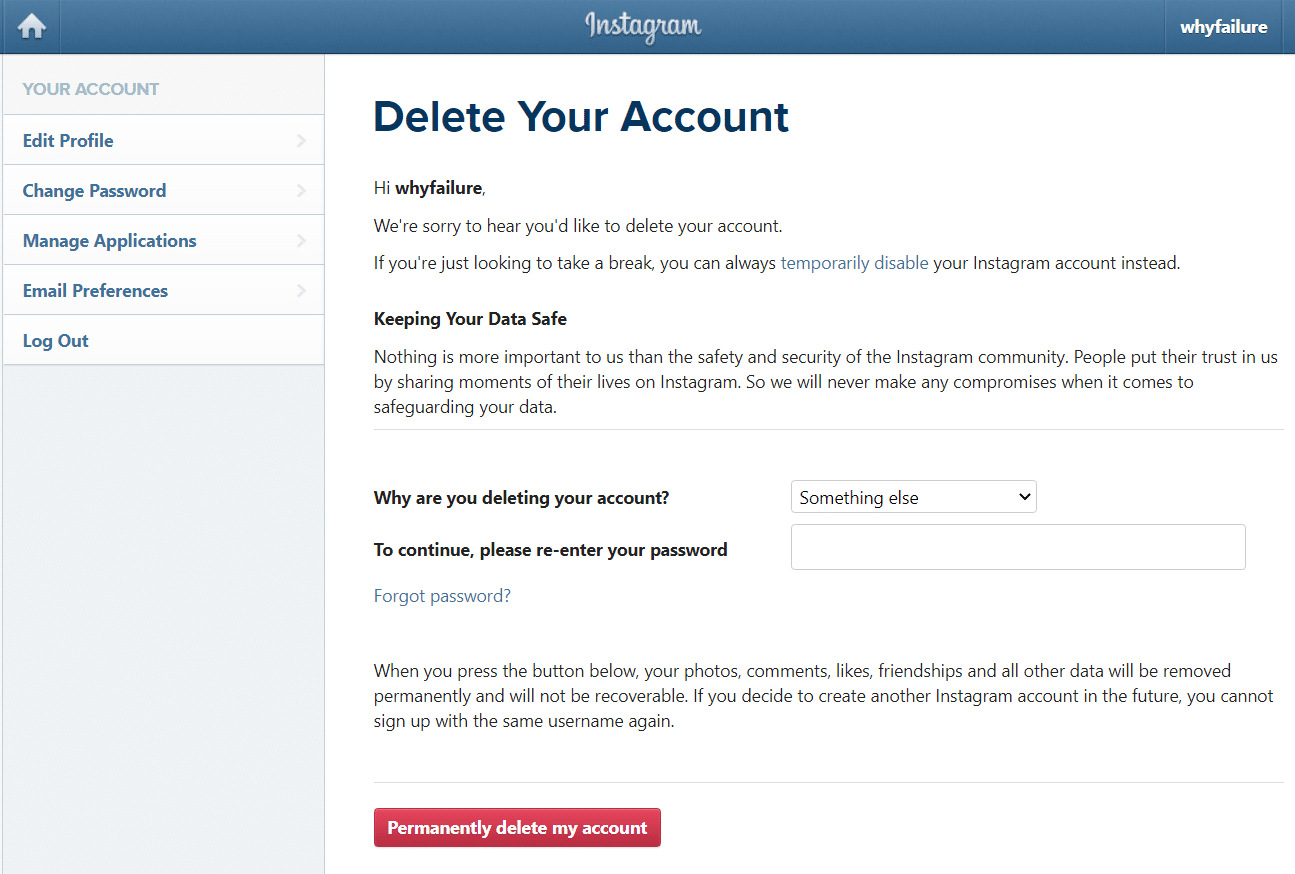
Social and chat apps often tie your phone number to account recovery or friend-discovery features, so turning off profile visibility does not always sever the connection. Before you remove phone number from Snapchat, be aware that the app may still use the digits for account functions unless you have first added and verified an email address. The same caution applies when you remove a phone number from Instagram personal information, as Instagram may keep the number on file for two-factor challenges unless you switch that responsibility to an authenticator app. On Discord, open the cogwheel in the top-right corner, go to User Settings, then Account, tap the Phone field, and press Remove Phone Number to remove a phone number from a Discord account without deleting the profile itself. For other platforms, the task is often split across two separate actions. You can remove phone number from Facebook, and you may also need to remove a Facebook account from your phone. You would do the same to remove Instagram accounts from your phone when you want to sign out of every profile rather than only inside the app.
Removing your number from shopping and payment services
When you want to remove a phone number from PayPal through a desktop browser, open Settings and look for the Phone Numbers area. The Remove link will not appear unless the profile already holds at least two phone numbers. You may need to add a backup before you can delete the original. In the mobile app, navigate to your phone number settings to remove a number. Select the digits, scroll down, and press Remove.
Shopping platforms often treat your digits as a persistent identity key. How to remove phone number from Mercari is not covered. The stored digits can still be used to verify your identity during a credential reset.
How to remove phone number from Uber Eats is not covered. Then check that the change syncs across both platforms. How to change Afterpay password without phone number is not possible. The service defaults to sending a one-time code via SMS.
Removing your number from gaming and work platforms
Workplace tools add friction because the digits are often baked into identity verification, which is exactly why you would need to delete ADP mobile account to ensure your personal number is no longer tied to a corporate system you no longer use. To delete ADP mobile account, your safest move is to contact your company’s HR or payroll administrator and ask them to deactivate the profile before you uninstall the app. When you delete YouTube account on phone through the Android app, you are only scrubbing that profile from the device; you can do this through the account management settings. This action does not delete the Google Account or the channel itself, which is why you would want to delete YouTube account on phone if you simply need to sign out or remove a secondary profile without losing your main account.
Regaining access when you've lost your number
When you no longer have the phone number tied to your profile, the recovery path depends entirely on what the service still knows about you. For Facebook, look for options like No longer have access to these? on the recovery page. If that wording does not appear, you may see alternatives such as Forgot account? or Recover instead. The platform will then ask you to supply new contact information that has not been used for the Facebook profile before. You must pass a security check before resetting the login credential. If you ever need to recover Facebook account without phone number. Snapchat's official help page may not document a general flow if you need to get into old Snapchat account without email or phone. For a compromised or hacked account, work through the Snapchat Support Bot; for a temporarily locked account, use the Snapchat Accounts Portal. For a temporarily locked account, log in through the app or web at the Snapchat Accounts Portal and look for the option to unlock your account. Telegram also ties identity tightly to the digits, and while people search for ways to get old Telegram account without phone number, no official Telegram support page documenting recovery without the original phone number was surfaced. Many platforms follow a pattern of verifying identity through alternate contact methods. If you need to recover Yahoo account without mobile number, you can find the full process in our separate guide. Should you need to recover Uber account with new phone number or recover Uber account without phone number, both scenarios are covered in detail on their respective pages. And if you ever accidentally remove the wrong digits, you can also learn how to recover deleted phone number in our step-by-step article.
Changing passwords without a phone number
If you are already logged into Facebook and simply want to create a new credential, open the Accounts Center from your profile menu, choose Password and security, and select Change password. The platform may ask for your current credential before letting you set a fresh one. When you cannot recall that existing secret, the Forgot your password? link on the login screen typically requires a recovery email address or phone number to verify your identity. Many people search for a way to change Facebook password without old password and phone number, but Facebook’s own help resources may not describe a reset flow that bypasses both of those verification factors. The practical move is to confirm you still have access to at least one trusted email on the profile before you start, so the service can send a confirmation code there and let you proceed without the phone. Replacing a phone number with an authenticator app in your security preferences first can help keep you from hitting a dead end later.
Dealing with phone syncing and linked devices
When your phone number keeps appearing on a tablet or computer you rarely use, the tether is usually a messaging service that syncs across devices. On the iPhone that owns the number, open Settings > Apps > Messages > Send & Receive (or Settings > Messages on older iOS), tap your Apple Account at the bottom, and choose Sign Out, then repeat the sign-out inside Settings > Apps > FaceTime. Signing out of both may remove the phone number from your iPad and Mac. If the iPhone is lost, changing your Apple Account password may help secure your account. People often search for how to unlink my phone number from another phone when the real culprit is a shared Apple identity that broadcasts one caller ID across every screen in the house.
On Android, contacts and call logs bleed onto another device through the same Google profile. The practical fix is turning off sync for that profile on the device you want to disconnect, which stops the shared data flow without wiping anything. If you need to delete phone numbers on Android that were pulled in from a linked profile, clearing the synced contacts removes them locally while leaving the source profile untouched. The scenario people describe when they want to unsync my phone from another phone is almost always a secondary tablet or an old handset still logged into the primary Google or Samsung profile. Signing that device out from the shared account breaks the link immediately.
Removing your info from people-search sites and other places
When your personal details appear on public directories, the first step is to request removal directly from each site. To remove your address from Whitepages, you typically need to locate your listing and follow their opt-out process. If you temporarily or permanently deactivate your account on a social platform, remember that deactivation does not automatically scrub your data from third-party people-search databases, so you will need to handle those separately.
On your devices, lingering personal information can also create unexpected ties. You might need to delete emergency contact on iPhone through the Health app if that relationship has changed and you no longer want that person notified during a crisis. When dealing with a ban, a device-level block often requires a different approach than a simple profile appeal, so if you need to unban my phone from Snapchat, check the app for an unlock option.
For less severe profile clutter, tools like the 13 best Instagram unfollow apps to filter out unwanted accounts can help you quietly reshape your follower list without manual tapping. Finally, if you are trying to reach a live person for a membership issue, searching for an Amazon phone number will point you to their help pages, where the available contact methods change based on your specific problem and membership status.
Frequently Asked Questions
What happens if I remove my only phone number from PayPal?
PayPal requires at least two phone numbers on the account before the Remove link appears. You must add a backup number through Settings > Phone Numbers before you can delete the original one.
How do I unlink my phone number from a Samsung tablet?
Sign the tablet out of the shared Google or Samsung profile that is syncing the data. Turning off sync for that profile on the tablet stops the shared data flow without wiping anything.
Does removing a phone number from Discord delete my account?
No, removing your phone number through User Settings > Account > Phone > Remove Phone Number only unlinks the digits. Your Discord profile remains active and unchanged.
Readers comparing a separate eSIM can browse uPhone eSIM plans and verify destination coverage, data allowance, and validity before buying.
More eSIM resources: Browse our eSIM guides and troubleshooting resources for compatibility, setup, travel-data and account-safety advice.