If you need to view your T-Mobile text message history, the most important thing to understand is that T-Mobile only stores metadata logs, phone numbers, dates, and times, not the actual content of your messages. The carrier does not keep message transcripts on its servers for privacy and data management reasons; once a text is delivered, its content exists only on the sender's and receiver's devices.
What T-Mobile text message history actually includes
When you request your text message history from T-Mobile, you will receive a log showing which phone numbers exchanged messages, along with the date and time of each message. This is metadata, not a transcript of what was said. T-Mobile does not store the body of your texts because their systems are designed to deliver messages and then remove the content, leaving only the delivery record. If you need the actual words from a conversation, you must rely on backups you created on your own device.
How to view your T-Mobile message history online
- Log in to your My T-Mobile account on the official T-Mobile website.
- Navigate to the Usage section of your account dashboard.
- Select the phone line you want to review.
- Click the Messages tab to see a summary of text message history for that line.
T-Mobile typically allows you to view usage details, including text message logs, for the past year through your online account, organized by billing cycle. This view shows the metadata, numbers, dates, and times, for each message sent or received on that line. The interface may allow you to filter messages by date, sender, or recipient to pinpoint specific conversations. The platform may offer the ability to download your message history in various formats. You can request printed copies of your message history by visiting a T-Mobile store or contacting customer service. Contact T-Mobile Support via phone, live chat, or email if you encounter challenges accessing transcripts or have questions about the request process.
Accessing message logs through the T-Mobile app
You can also view a summary of your text message history through the official T-Mobile mobile app. Open the app, go to the usage details section for each line, and you will see the same metadata logs available on the website. This is a convenient way to check your Text Messaging Features and T-Mobile Text Settings on the go, but remember that the app, like the website, only provides logs, not message content.
How to back up actual text message content
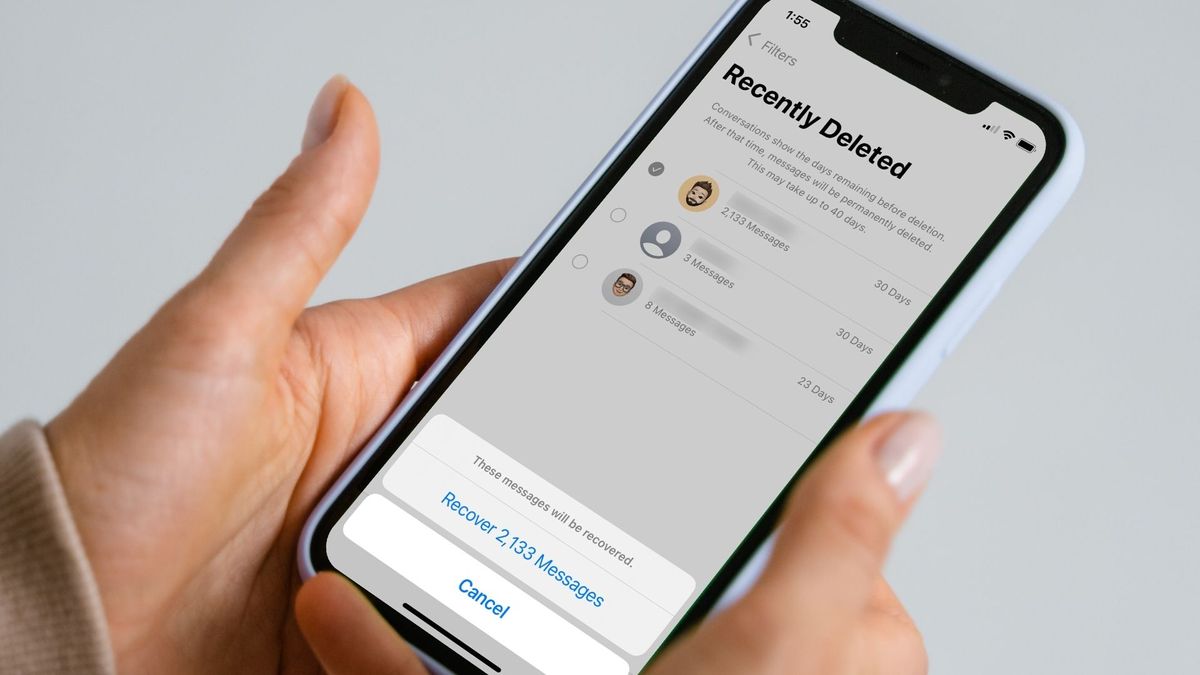
The only way to preserve the actual content of your text messages is to create personal backups on your device. On Android, use the Google Messages app's built-in backup feature to save your messages to Google Drive. On iPhone, enable iCloud Backups for Messages in your iCloud settings. These backups store the full text of your conversations and can be restored if you switch devices or need to recover deleted messages. Without a personal backup, T-Mobile cannot recover the content of your texts.
Getting message history for legal purposes
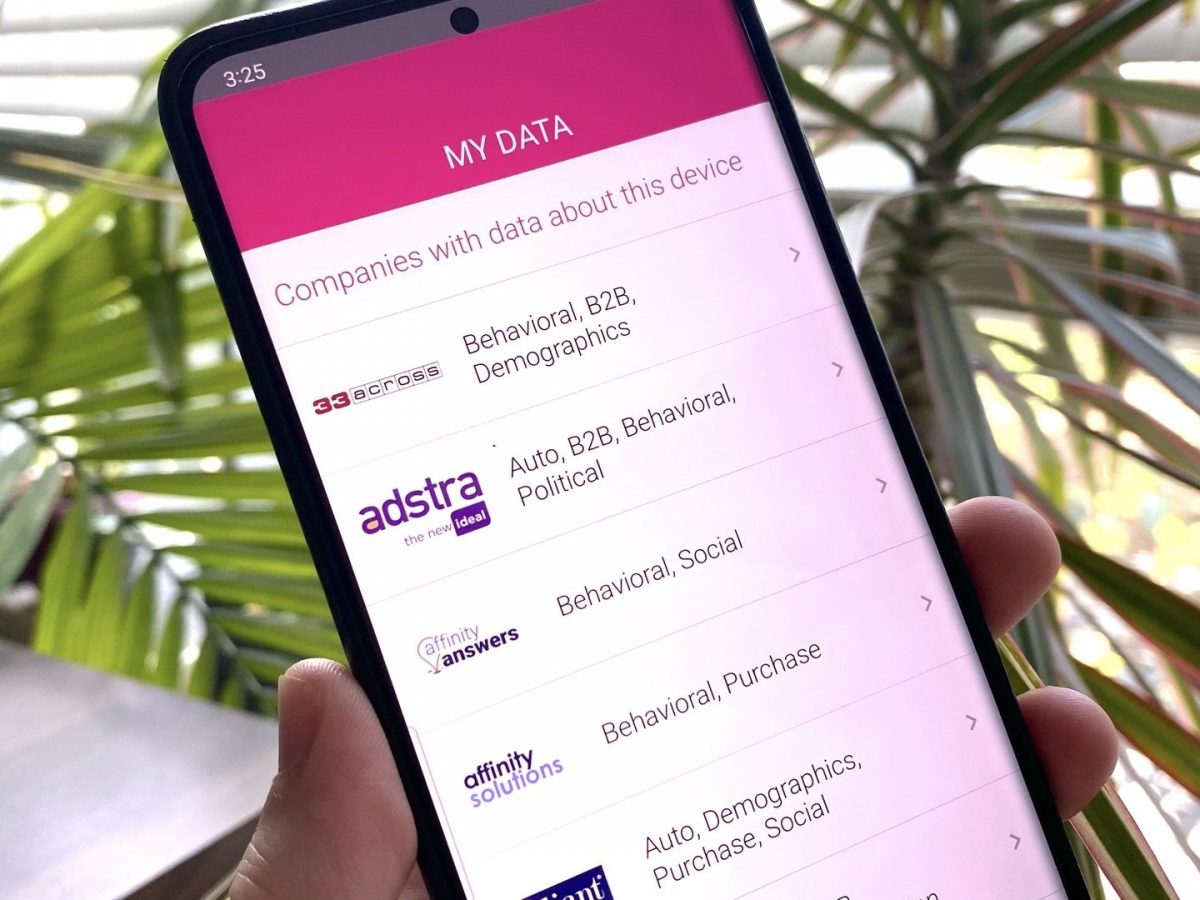
If you need a certified copy of your T-Mobile text message history for a court case or other legal matter, you can only obtain metadata logs, not message content. To get these certified records, a legal request, such as a subpoena or court order, must be served to T-Mobile's legal department. Alternatively, you can submit a personal data request to T-Mobile to access the information they have collected about you, which includes usage statistics but not message content. To submit a personal data request, you will need a valid email address, a phone number capable of receiving SMS text messages, and potentially a copy of your valid U.S. driver's license or passport along with a photo of your face for identity verification. You may receive a confirmation with a reference number and estimated timeframe after submitting a request. T-Mobile aims to respond to personal data requests within 45 days.
Frequently Asked Questions
Can T-Mobile provide the actual text of my messages?
No. T-Mobile does not store the content or body of text messages on its servers, so they cannot provide a transcript of what was said. They can only provide metadata logs showing numbers, dates, and times.
Can T-Mobile recover deleted text messages from my phone?
No. Once a message is deleted from your device, T-Mobile cannot recover it. The only way to restore deleted messages is if you created a personal backup, such as through Google Drive or iCloud.
How far back can I view my text message history?
Through your online T-Mobile account, you can typically view usage details, including text message logs, for the past year. The history is organized by billing cycle.
Is there a fee for requesting text message history from T-Mobile?
T-Mobile may charge a fee for providing printed copies of text message transcripts. You should inquire about any applicable charges before requesting this service.
What information do I need to submit a personal data request to T-Mobile?
For the wider topic, see text messaging and T-Mobile texts.
Related reading: How To Get Text Message Records From T-Mobile.