What NFC phone features actually are
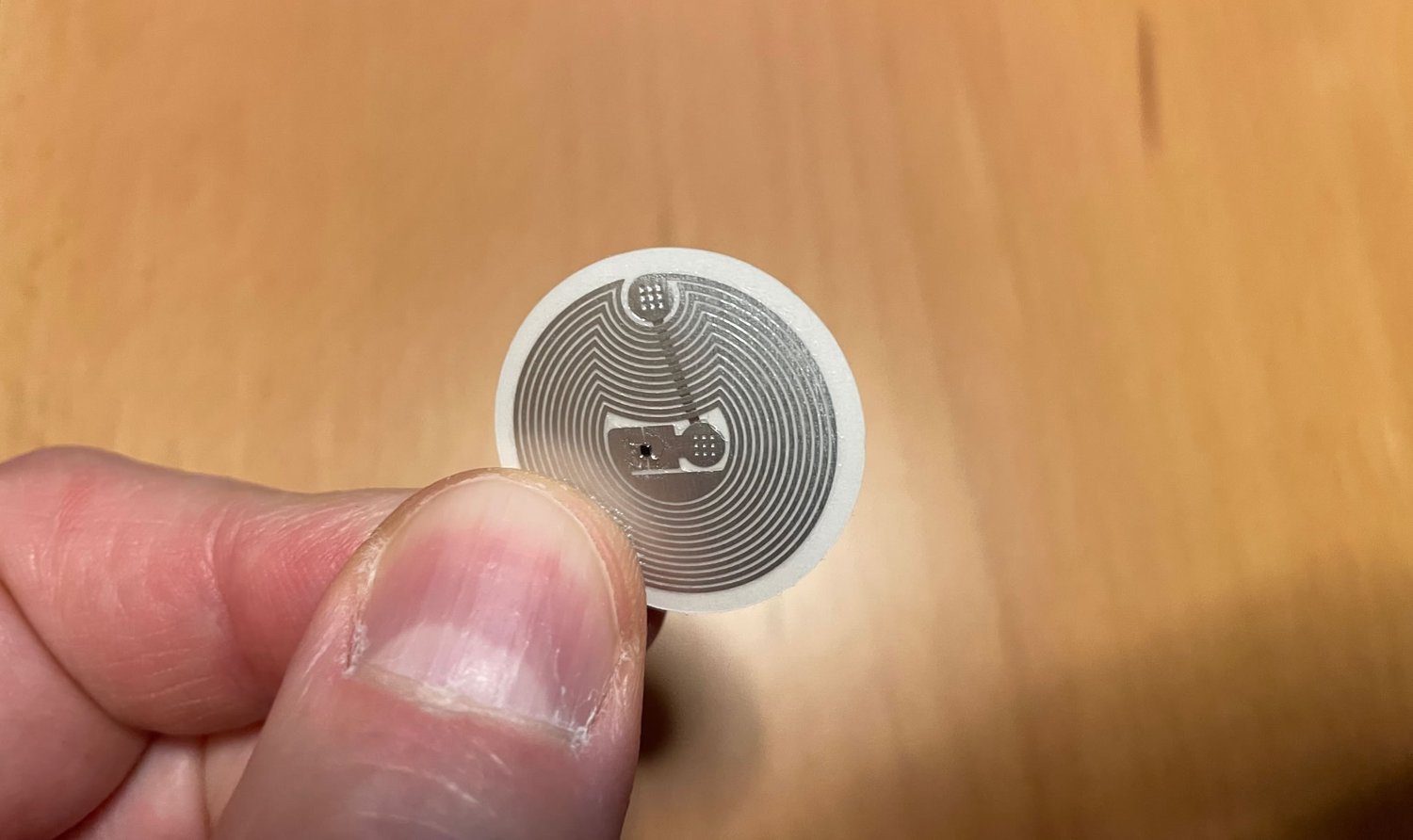
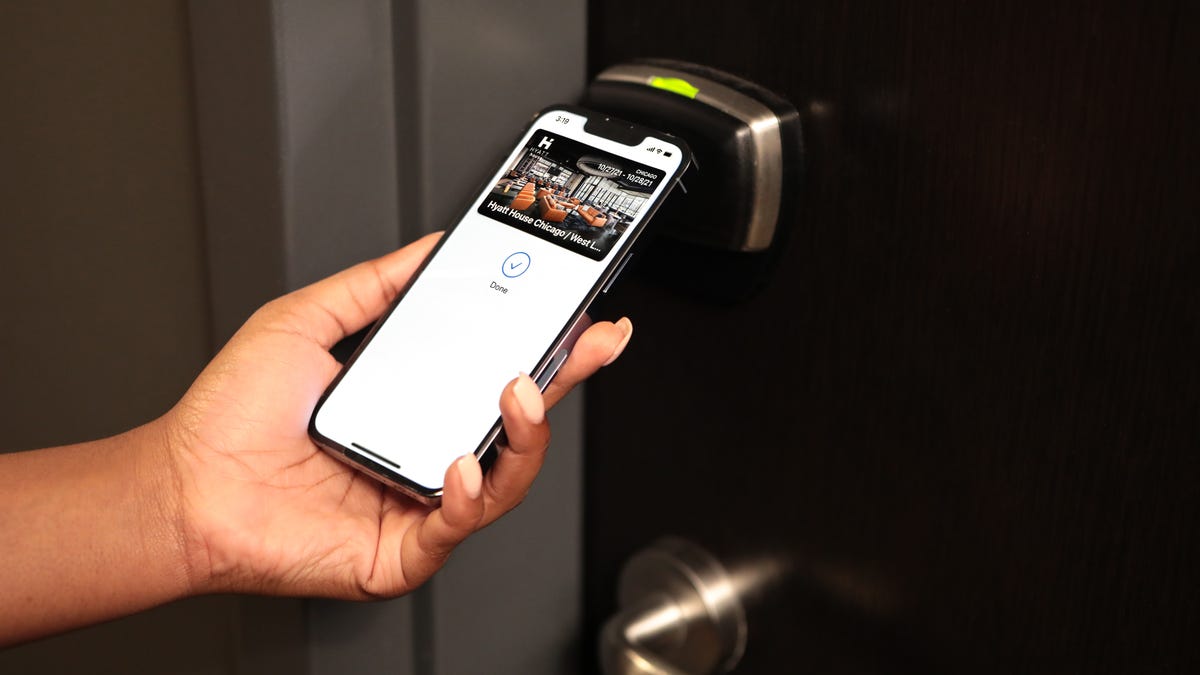
Before you scan anything, it helps to understand that NFC phone features are really just a tiny, low-power radio conversation that only works when two devices are almost touching. At the heart of every tag or card is NFC chip technology, a sliver of silicon that stores a small piece of data and wakes up when it harvests energy from a reader. That reader’s side of the exchange relies on NFC device functionality, and in a modern smartphone this can switch between acting as the active scanner and passively emulating a payment card. The physical link that makes this possible is the NFC antenna, a flat coil of wire often layered into the phone’s back cover or wrapped around the camera housing, and its size and placement explain why tapping the top edge of your phone usually works better than pressing the centre. When you look at NFC in a cell phone, the most practical surprise is that on iPhone XS, XR and later models the background Tag Reader is always listening when the screen is on, so you do not need to toggle anything in the system menus. This same passive listening principle extends to NFC key functionality, where a hotel key or car key stored in your wallet app can still open a door. Meanwhile, NFC card functionality in a transit or access badge is often just a factory-locked chip that presents the same ID number every time, which is why your phone can copy the tap but usually cannot rewrite the original card.
Finding and enabling NFC on your phone
If you have ever searched for where to find NFC on my iPhone, you have probably encountered a common misunderstanding. On iPhone 11, iPhone 13, and iPhone 14 models, the chip is always listening for compatible tags when the screen is on. This is why guides that walk you through how to enable NFC on iPhone 13, how to enable NFC on iPhone 14, or how to enable NFC on iPhone 11 often solve a problem that does not exist for simple reading. Holding the top edge of a modern iPhone near a tag is usually enough to wake the screen with a notification.
The experience differs when you are trying to find NFC on a Samsung phone, as Samsung’s software treats the radio as an option you actively manage. You need to open Settings, then find NFC under Connections or directly as NFC, depending on your device and region. Once you know where to find NFC on Android, the physical placement of the antenna becomes the next practical hurdle. The internal coil is typically centered near the back of the device, so tapping the middle of the phone against a tag works more reliably than touching it with a corner.
How to scan and read tags
If you simply want to scan NFC tags with a modern iPhone, the process is designed to be invisible. On an iPhone XR or newer, the background tag reader works when the display is on and the device is unlocked. Holding the top edge near a tag usually triggers a notification without opening any app. The confusion around NFC settings is widespread because some toggles govern Apple Pay and writing sessions, not basic reading. For older hardware like an iPhone 7 or iPhone X, you do need to add the NFC tag reader on iPhone and how to use it by enabling the feature from Control Center via Settings > Control Center > More Controls, though Apple does not give step-by-step tap actions for scanning a tag beyond that. On the Android side, the antenna is typically centered on the back, and the general expectation is that you can scan an NFC tag on Android by holding it flat against that middle area once NFC is enabled in your settings.
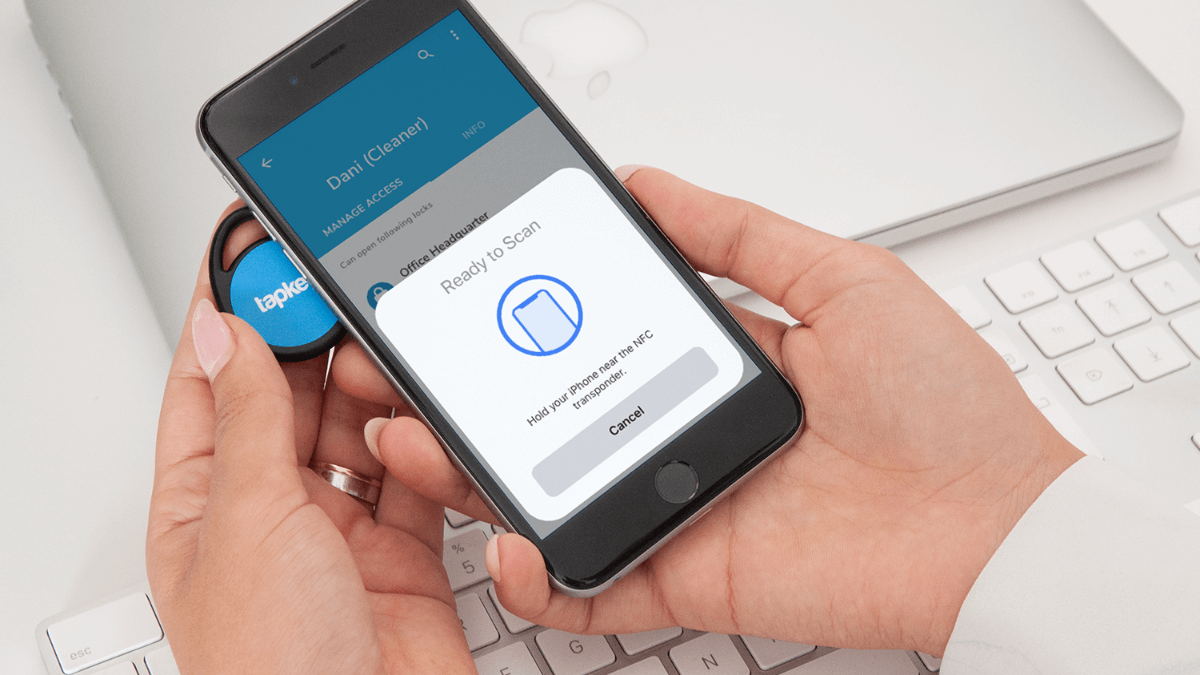
Not every specialty item behaves like a standard sticker. When people try to scan NFC on golden goose shoes, they may be hunting for an embedded chip rather than a general-purpose tag, and success often depends on tapping slowly around the tongue or heel until the phone reacts. This is where understanding the hardware helps. You are essentially using the device as an NFC reader, a tool that energizes a passive coil to exchange a small burst of data within a range of only a few centimeters. If your phone fails to wake, the limitation is rarely a missing configuration toggle but more often that a Core NFC reader session, the camera, or Wallet is actively blocking the background scan. In those moments, remembering that the phone is performing as an NFC tag reader rather than a payment terminal clarifies why closing other apps usually solves the problem.
Understanding alerts and errors
When your screen lights up with a pop-up asking what “NFC tag detected” mean, the phone is telling you it has read a tag but does not have a default app assigned to handle that specific record type. Tapping the notification may prompt you to choose a browser or a notes app, and if you want a deeper explanation of this behavior, you can read the article on what "NFC tag detected" mean. If you instead see persistent NFC tag notifications that keep returning even after you dismiss them, the usual cause is that a card or tag is pressed against the back of the device inside your case or wallet. The background reader is re-scanning it every time the screen wakes. The moment you encounter the “Couldn’t Read NFC Tag” error on phones, the tag itself is often physically damaged, and for a full troubleshooting guide you can consult the article about the "Couldn't Read NFC Tag" error on phones. It may also be encoded in a proprietary format your device cannot decode, or positioned outside the tight read range of the antenna coil. On some budget Android models, the radio may simply be off by default. This is why you might need to turn on NFC on the Revvl V if the model supports it, though official documentation for that exact device was not available at the time of writing. Similarly, if you are setting up a handset for the first time, one documented path to enable NFC on Moto G play requires opening Settings, going to Connected devices, tapping Connection preferences, and then toggling the NFC switch, though the exact path varies by model and software generation. This sequence varies between older and newer software generations of the same phone. Because the background tag reader on modern iPhones is always listening without a visible toggle, these Android-specific steps are often the main manual configuration you will encounter for simple scanning.
Writing and reprogramming tags
Before you attempt to program a tag, understand that the hardware rules are strict: the chip must be physically writable and have sufficient storage, otherwise your phone will simply fail to complete the action without a clear error. On Android, a reliable path to set up an NFC sticker involves opening the NXP TagWriter app, selecting Write Tags, creating a New dataset, choosing Link for a URL, entering the URI, selecting Save & Write, and then holding the device flat against a blank tag. If you need to copy NFC tag to phone memory for later use, the process is less universal than many expect and the official documentation does not describe a general-purpose cloning tool that works for every tag type. The workflow to copy an NFC tag to an iPhone uses third-party apps like NFC Tools and requires a compatible iPhone with NFC capabilities. While many users want to rewrite an NFC tag with updated information, you must first confirm the tag is not permanently set to read-only. Finally, the ambition to write Amiibo NFC tags on iPhone is not currently possible.
Using NFC for payments and wallets
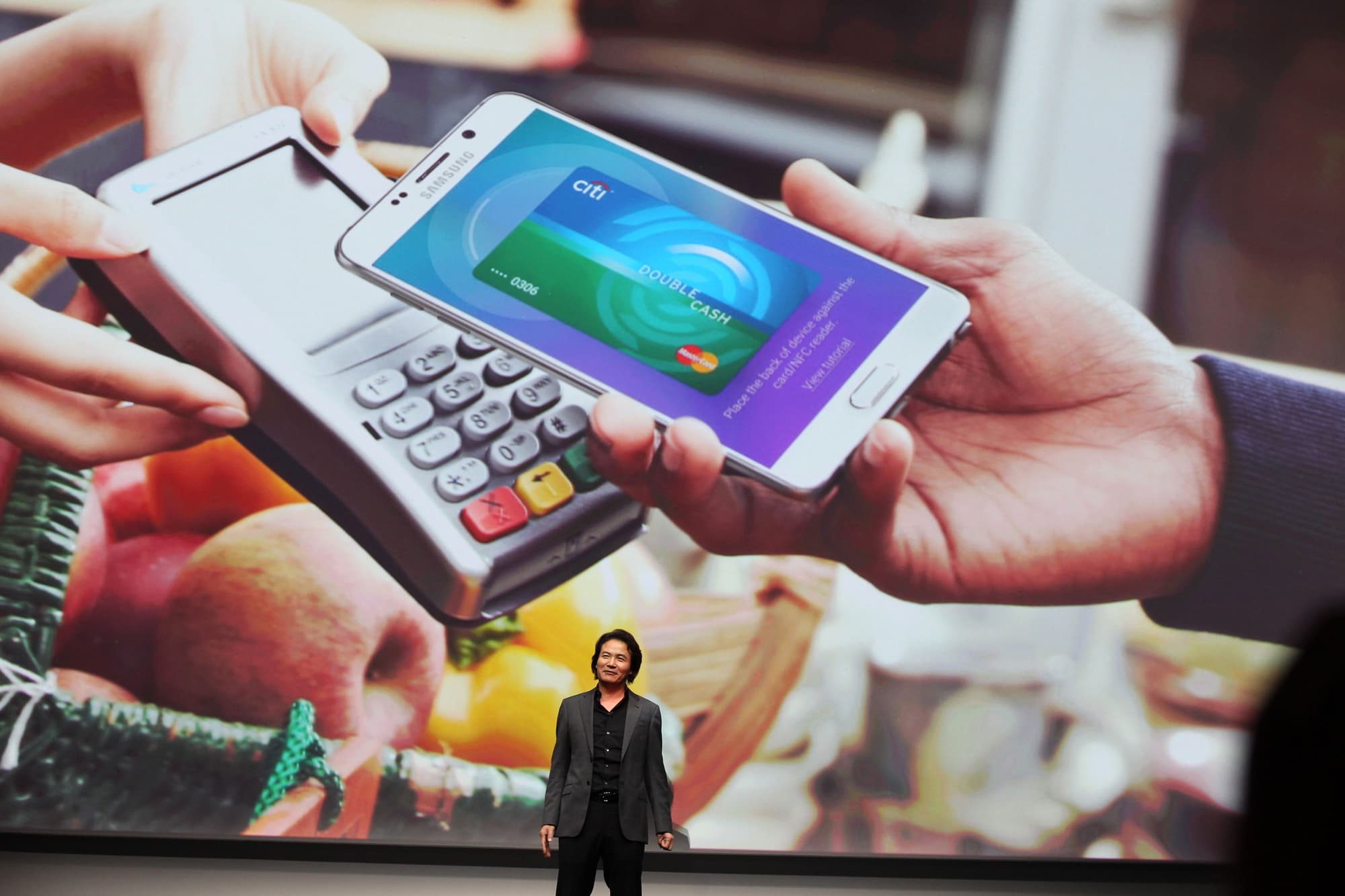
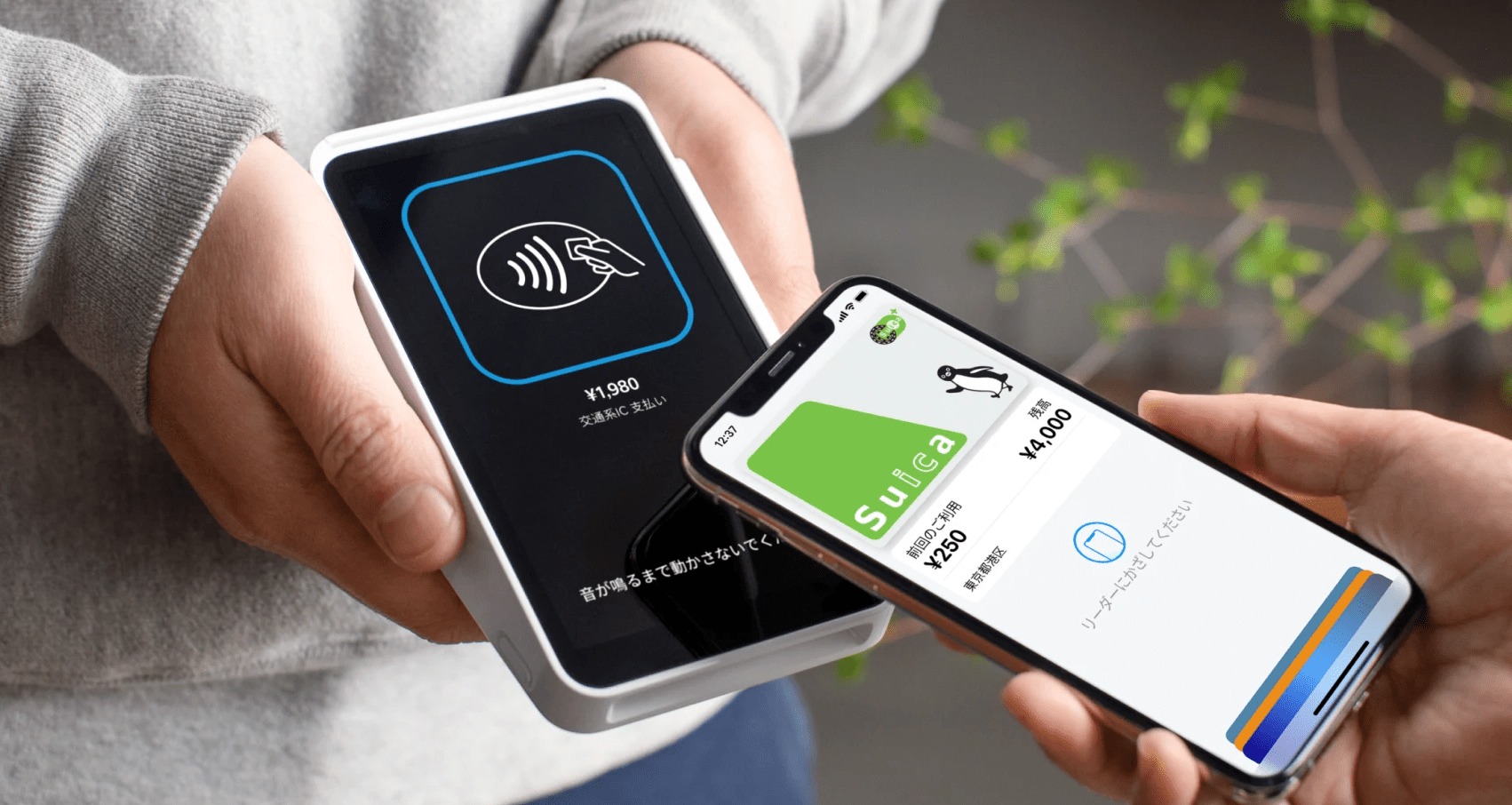
When you hold your phone near a payment terminal, the device that accepts the transaction is a card reader. The handshake happens through the same short-range NFC field that reads a tag, except now the phone is emulating a card instead of powering a passive coil. Most contactless setups require you to have the wallet app on Android, which is Google Wallet, with a payment method added and set as the default under your account’s payment setup. If you have ever searched for my digital wallet on my phone and come up empty, the likely reason on an Android device is that you need to go into Settings, navigate to Connected devices or Connections, then Connection preferences or NFC and contactless payments, turn NFC on, and then open Google Wallet to finish the configuration. The wallet on a Samsung phone follows the same Android path through the system menu and contactless payment defaults, though the exact menu label can shift slightly between models and software versions.
On iPhone, the system is more self-contained. Apple Wallet presents your default card automatically when the device detects an NFC field, and you authenticate with Face ID or a double-click of the side button. What you cannot do is add an NFC tag to Apple Wallet, because the official documentation does not describe any method for storing a scanned tag as a pass or card.
A news article describes an option to pay with PayPal NFC on iPhone, but the exact current PayPal-supported device list, steps. You give the PayPal app access to the NFC interface and set it as the default contactless app in the iOS connectivity pane, though the exact supported device list varies.
Phone cases and magnetic accessories
When you attach a Mag safe phone case to a modern iPhone, you are adding a physical accessory that aligns with the device’s magnetic charging system, and if you want to understand why this accessory is safe to use with your phone’s reader, you should read the article about Mag safe phone case to learn how its design avoids blocking the internal antenna. The hardware responsible for scanning remains active through the phone’s body, so you can hold the handset near a real-world object and still read the data stored on it even though the magnetic ring on a phone case for alignment and charging sits over the back of the device, though metal components in some cases may still weaken the signal. People often worry that this metal circle will interfere with short-range communication, but the documented behavior shows that NFC can be affected by metal components in a case, though the internal antenna and software also play a role. When you wonder what can an NFC tag do, the answer stays the same: it can launch a website, share a Wi-Fi credential, or run a shortcut, though metal in a case may affect the read range. If you ever need to locate the NFC on my phone with a magnetic accessory attached, remember that on iPhone SE (2nd generation and later) and iPhone XR and later the background reader has no visible toggle, while iPhone 7, 7 Plus, 8, 8 Plus, and X use the NFC Tag Reader in Control Center, and on Pixel or Samsung devices you enable NFC through the settings, not interacting with the case itself.
Specialized hardware and printing
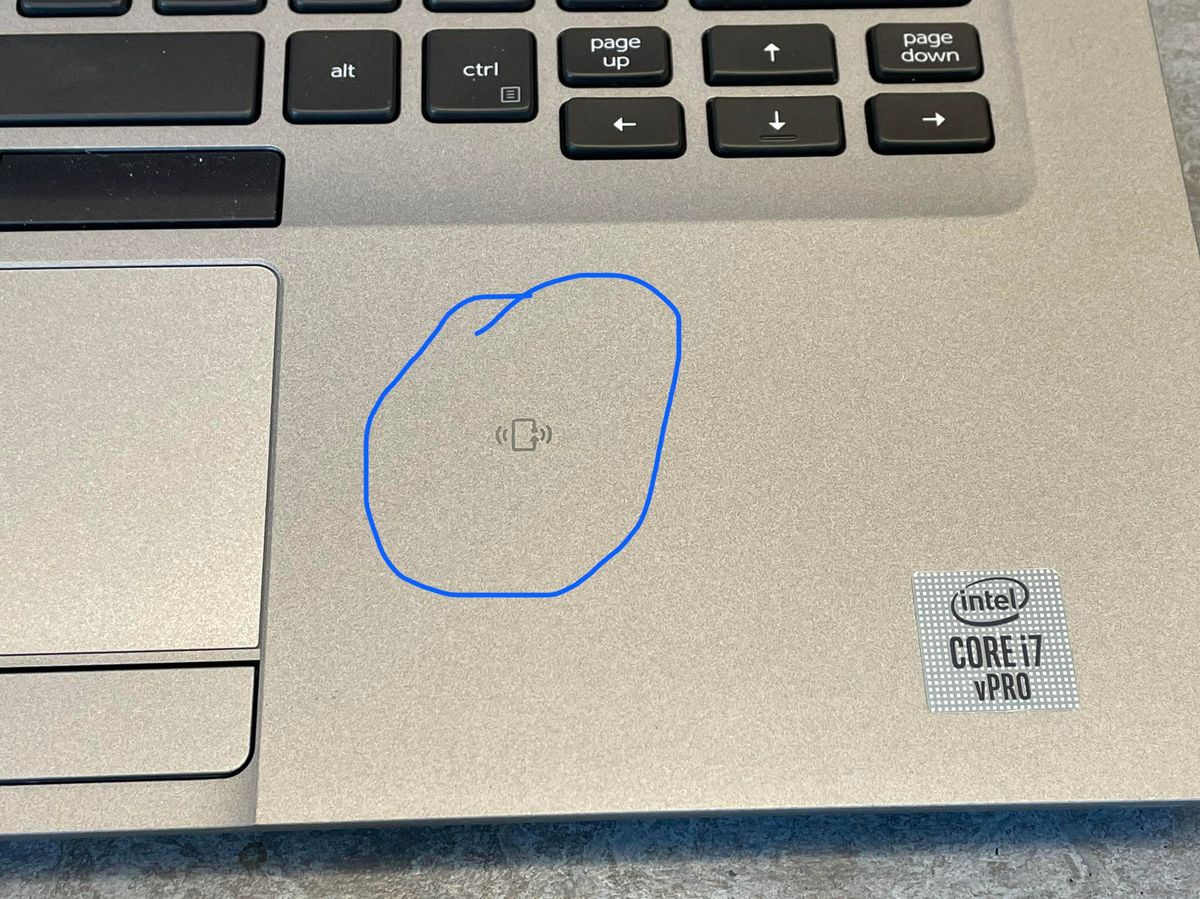
When you want to work beyond the phone, the first hurdle is figuring out NFC on my laptop. Shifting to the living room, you might encounter a magic remote with NFC, but its exact function, pairing steps. If you have received a physical payment token, the NFC tag on Cash App is a Cash App Tag that you activate by opening Cash App on your phone and linking the Tag to your Cash App Card by following instructions in the app. A common frustration arises when a sticker keeps launching an outdated link, yet it is unclear whether you can turn off an NFC tag or what encoding is required. On the phone side, searching for a way to turn off NFC on iPhone will lead you to the Wallet & Apple Pay controls.
Frequently Asked Questions
How do I turn on NFC on a Moto G Play?
Open Settings, tap Connected devices, then Connection preferences, then NFC, and toggle the switch on. The exact path varies by model and software generation, and older versions may show the setting under Settings > More > NFC instead.
Where is the NFC setting on a Samsung phone?
Open Settings, then tap Connections, then tap NFC and contactless payments. On some models and regions the path is simply Settings > NFC, so the exact menu label can shift slightly between devices and software versions.
Can I write an Amiibo tag using my iPhone?
Writing Amiibo NFC tags on iPhone is not currently possible. The hardware rules are strict and the chip must be physically writable with sufficient storage, which Amiibo figures do not expose to general-purpose phone apps.