






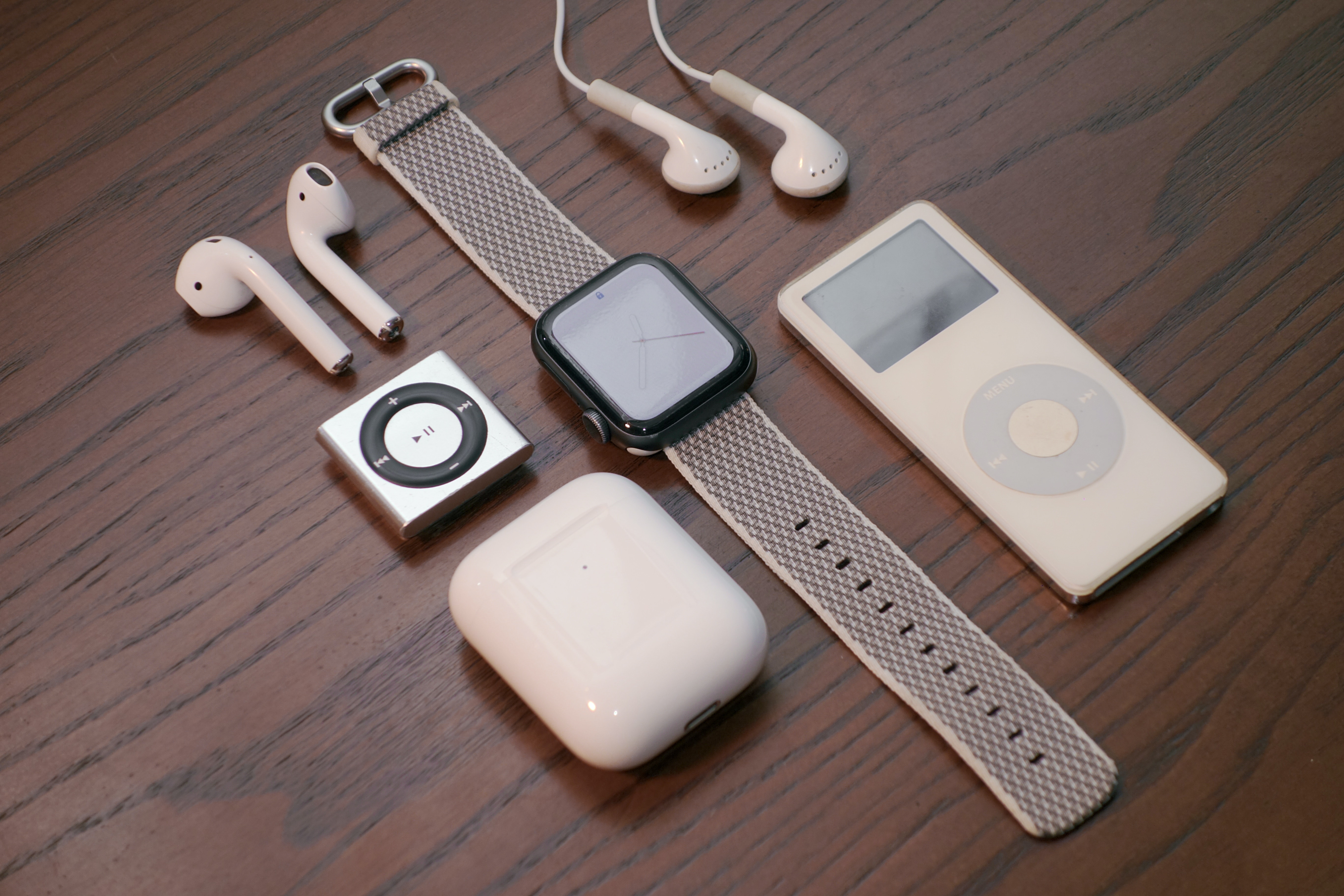
Most wireless earbuds take between 1 and 2 hours to fully charge, but the most powerful feature is the quick charge: a 5 to 15 minute charge can deliver 1 to 2 hours of listening time when your earbuds are low. This means you can charge wireless earbuds and headphones in a pinch and get back to your music or calls almost immediately.
How to charge your wireless earbuds
Charging your earbuds is a straightforward process, but following the correct steps ensures safety and efficiency.
- Place each earbud into its designated slot inside the charging case.
- Close the lid of the charging case securely.
- Connect the case to a power source using a compatible USB-C or Lightning cable, or place it on a wireless charging pad if supported.
- Check the LED indicators on the earbuds or case. A red or amber light typically means charging is in progress, while a green light signals a full charge.
Factors that affect charging speed
Several variables can influence how quickly your earbuds reach a full charge. Understanding these can help you troubleshoot slow charging.
Charger and cable quality. Using a low-quality or non-certified charger and cable can significantly slow down the charging process. Always use the manufacturer's charger or a high-quality alternative.
Case battery level for quick charging. To use the quick charge feature, the charging case itself often needs a minimum battery level. For example, Jabra earbuds require the case to have at least 30% charge to deliver a fast boost to the earbuds.
Charging Time for Different Wireless Earbuds Brands. Apple AirPods (15 min to 50%, 30 min full), Samsung Galaxy Buds (1.5 hours), Sony WF-1000XM4 (1.5-2 hours), Jabra Elite 75t (2 hours), Beats Powerbeats Pro (2 hours). Jabra earbuds' charging times vary by model, with some taking up to 3.5 hours for both the earbuds and case to fully charge together via USB.
Ambient temperature. Extreme temperatures, whether very hot or very cold, can impair the battery's ability to charge efficiently. Charge your earbuds in a moderate, room-temperature environment for best results.
Earbud battery health. Over time, battery health can degrade, leading to longer charging times. Proper care, such as avoiding full discharges, helps maintain optimal performance.
Tips to optimize charging efficiency
You can take specific actions to speed up charging and prolong the lifespan of your earbuds' batteries.
- Use the manufacturer's charger. Using a charger not designed for your earbuds may reduce charging speed or cause damage.
- Clean the charging port. Dust and debris in the charging port can create a poor connection. Clean it gently with a soft brush or compressed air.
- Avoid using earbuds while charging. Using them during charging draws power for playback, which extends the total time needed to reach a full charge.
- Keep firmware updated. Manufacturers often release updates that improve charging performance and battery management.
- Ensure earbuds are completely dry before charging. Moisture can damage internal components, so always dry your earbuds thoroughly before placing them in the case.
- Charge at the right time. Start charging when the battery level is around 20-30% for faster and more efficient charging.
- Turn off noise-canceling features while charging. This optimizes charging speed.
Frequently Asked Questions
Is it safe to leave wireless earbuds charging overnight?
Yes, it is generally safe. Modern wireless earbud cases are designed with overcharge protection, which automatically stops the charging process once the battery is full, preventing damage.
How do I know when my wireless earbuds are fully charged?
Most earbuds and their cases have LED indicators. A solid green light typically means the charge is complete, while a red or amber light indicates charging is still in progress.
What is the JBL wireless earbuds charging time?
Charging times vary by model, but most JBL wireless earbuds follow the industry standard of 1 to 2 hours for a full charge. Always check the specifications for your specific model for the most accurate information.
Can I use my phone charger to charge wireless earbuds?
Yes, usually, but some may require a specific charger or cable provided by the manufacturer.
How long do fully charged wireless earbuds last?
On average, 4 to 8 hours of continuous use, with additional charges from the case extending total playtime.
For the wider topic, see charging wireless earbuds and headphones.

















