Before you plug in: check your charge wireless earbuds battery level
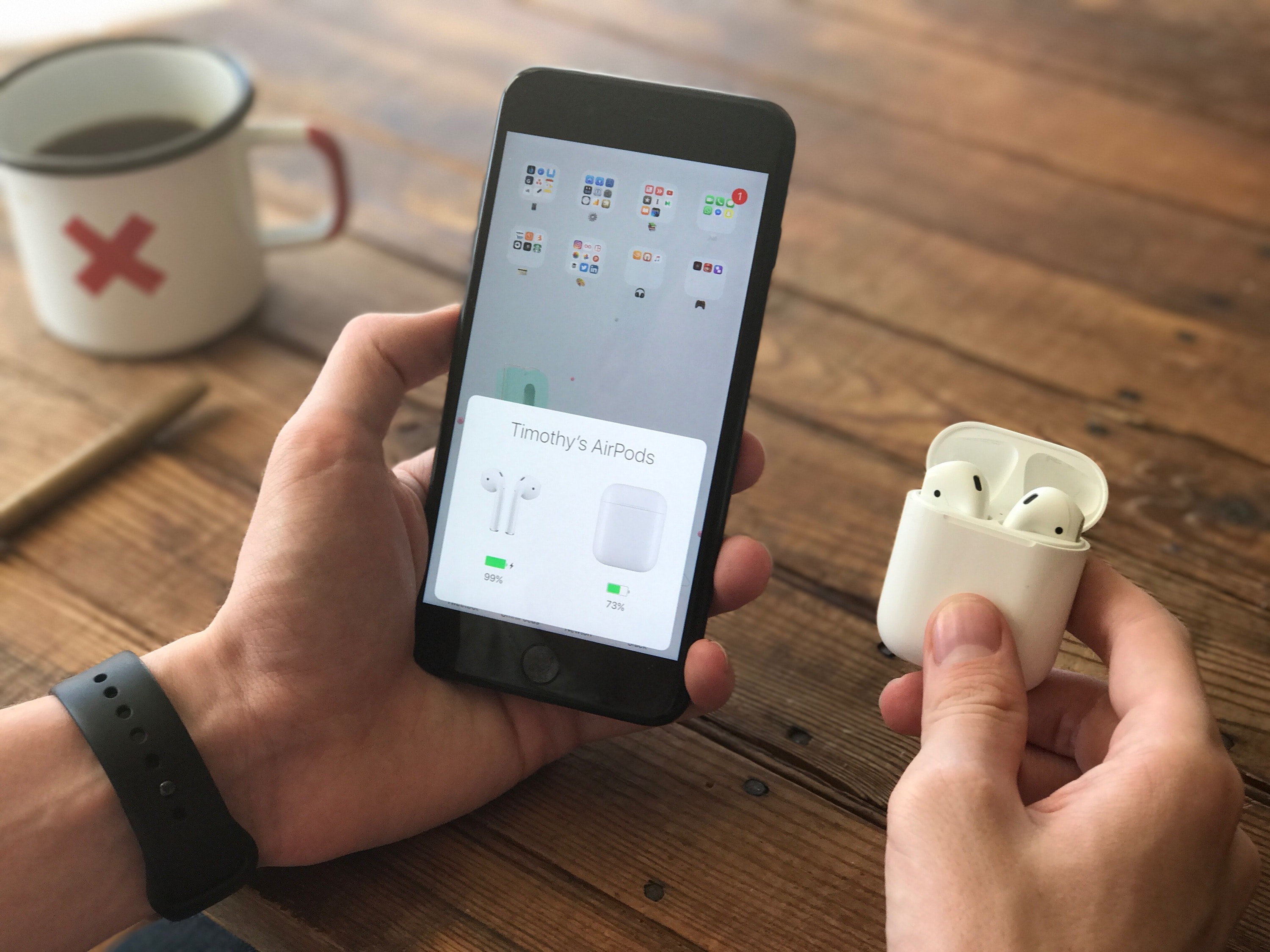
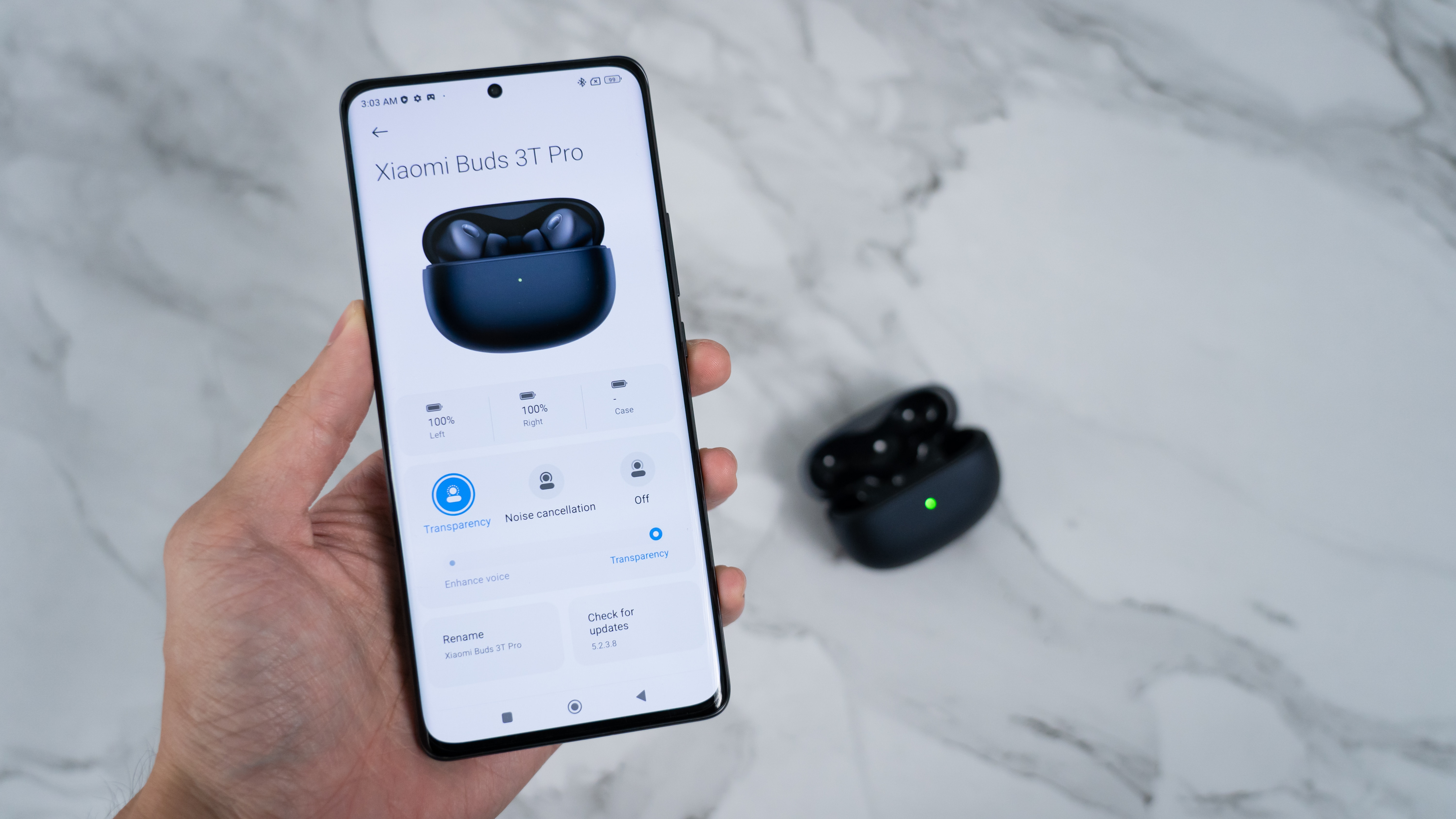
Before you charge wireless earbuds and headphones, it is worth knowing whether the power cell is actually low or if a connection point simply needs cleaning. On an iPhone, you can see the charge status of connected accessories when you add AirPod battery widget to your Home Screen, Lock Screen, or Today View; just hold the screen, tap the plus button, and select the Batteries option. For Android users who need to check the battery level of a Bluetooth speaker on Android, the connected device’s percentage often appears in the Bluetooth settings menu. Meanwhile, you can check battery on JBL wireless headphones through a 5-LED array on the earcup where each light represents 20% charge, or see a precise reading inside the JBL app’s fuel gauge. Gaming accessories have their own indicators, though the exact steps to check PS4 controller battery, check battery of wireless mouse, and check headset battery vary by device. You can also flip the device over to read a physical power indicator that glows solid green or flashes red to signal the current state.
How to actually charge your device
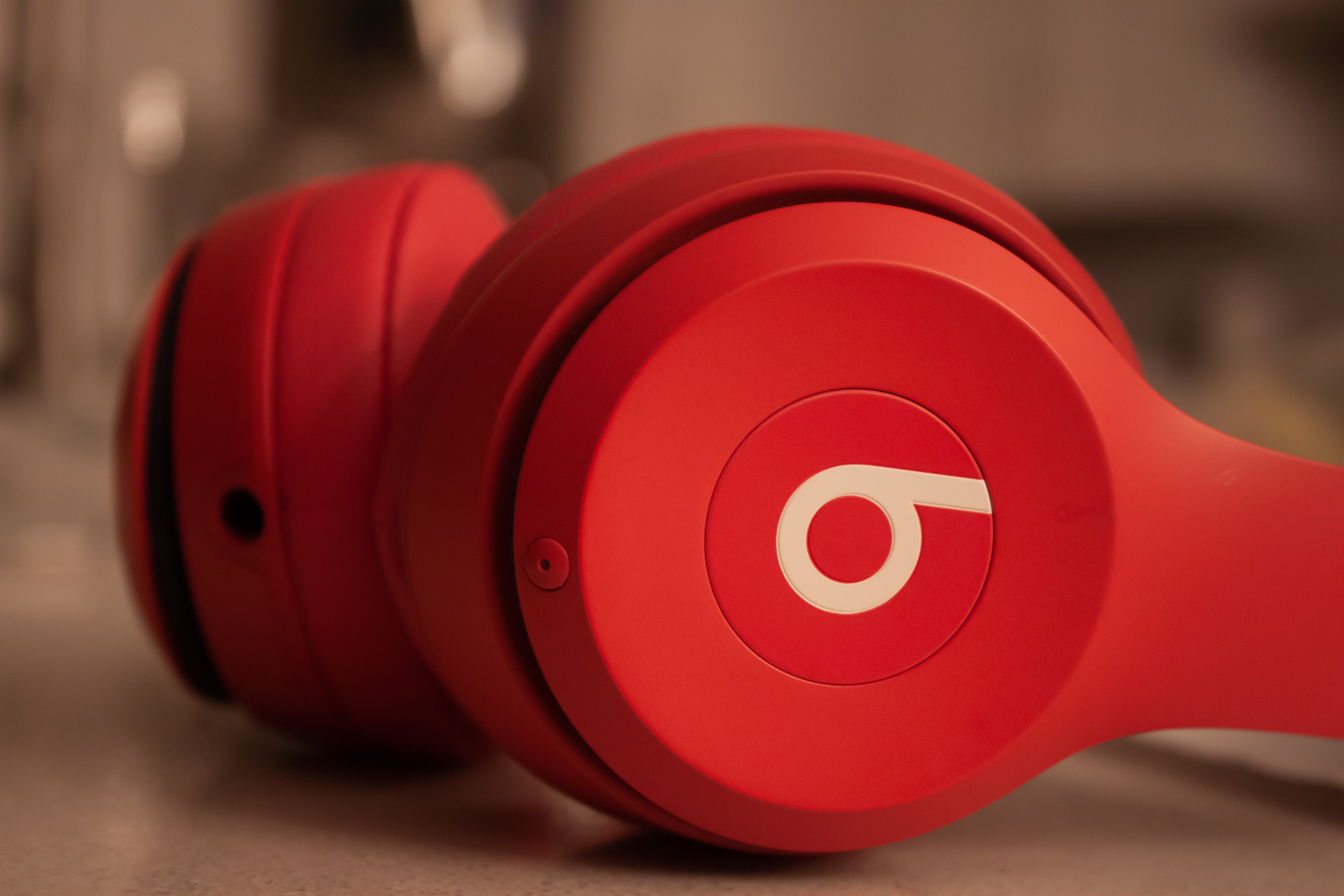
If you need to charge Beats wireless headphones, the process depends entirely on the model in your hand, which is why you would want to read the dedicated article on how to charge Beats wireless headphones. Most over-ear pairs rely on a physical USB cable connected to a power adapter. You can check the current level on your iPhone, iPad, or Android device once they are paired. The Powerbeats Pro 2 are a notable exception because their case supports wireless charging. Just place it status-light-up on a Qi-certified pad. Many recent Beats devices also support Fast Fuel, giving you over an hour of playback from a quick 5- or 10-minute top-up.
When you charge Skullcandy wireless headphones like the Crusher or Hesh 2, the steps are consistent, and you can learn how to charge Skullcandy wireless headphones in detail. Plug the cable into the headphone's port and lay them on a flat surface so the connector seats fully. If nothing happens immediately, wait a few seconds and check that the port is clear of debris. Skullcandy recommends using a power source that does not exceed 18 watts. The rapid-charge benefit varies. A 10-minute charge provides 3 hours of listening on the Crusher 360 but 5 hours on the Venue.
They power off and begin recharging automatically. The case itself has an integrated USB-C cable, and the LED pulses blue while filling up, then turns off when full. Connect the case to a computer or a standard USB 5V, 1A-or-less output. You can expect a full charge in under two hours. A quick 10-minute burst delivers roughly 2 hours of playtime.
Attempting to charge wireless earbuds without case is rarely straightforward because most true wireless buds lack a direct charging port, which is exactly why the article on how to charge wireless earbuds without case exists. Some earbuds, like JLab's Work Buds, will power off automatically after a few minutes when removed. The official documentation does not describe a universal case-free recharging method. If you have misplaced your case, your next step is usually sourcing a replacement from the manufacturer rather than trying to rig a direct connection.
Getting a full charge Beats wireless earbuds cycle right means knowing which case you own, and the article on how do you charge Beats wireless earbuds walks through each scenario. Standard Beats Studio Buds and similar models charge inside a case that connects via USB-C. The Powerbeats Pro 2 case can rest on a wireless charger. Regardless of the method, the key is making sure the metal contacts on the buds and inside the case are clean. A small bit of grime is often what stands between you and a fully powered listening session.
Keeping the internal power cell healthy for any wireless audio device comes down to a few consistent habits. Avoid leaving the device plugged in at 100 percent for days at a time. Extreme heat is the real enemy of lithium-ion cells. A drawer near a sunny window or a hot car dashboard can degrade capacity faster than almost anything else. If you plan to store the gear for a while, aim for a level around 50 percent. This keeps the cell chemistry stable without stressing it.
Wireless earbud cases are not just storage containers. They are portable power banks with their own internal reserves. The case often holds multiple full top-ups for the buds before it needs a refill itself. When the case runs dry, the earbuds can no longer recharge, even if they were just placed inside. Keeping the case topped up is just as important as tending to the earpieces. A dead case means dead earbuds, no matter how much you plug it in later.
Contact cleanliness solves more charging problems than most people realize. Sweat, earwax, and pocket lint create a nearly invisible film on the metal charging points. This film blocks the tiny current needed to wake up a deeply drained cell. A dry cotton swab is usually all it takes to fix a pair that refuses to power on. For stubborn grime, a tiny dab of isopropyl alcohol on the swab does the trick. Just make sure everything is completely dry before placing the buds back in the case.
Indicator lights are the primary language your audio gear speaks. A solid green or white light almost always means the cell is full. A blinking red or amber light signals a low level that needs immediate attention. Some models use a slow pulse to show that power is actively flowing. No light at all can mean the device is fully asleep, completely drained, or that the cable or pad is not delivering power. Learning the specific light patterns for your model eliminates guesswork.
Wireless charging pads offer convenience but come with their own quirks. The alignment of the coils matters more than the brand of the pad. A case placed slightly off-center might blink as if charging, yet receive no meaningful current. Thick or metal-backed cases can also interfere with the Qi connection. For the fastest wireless top-up, remove any bulky protective cover and center the device precisely on the pad's sweet spot. A small adjustment often cuts the wait time significantly.
Rapid-charge features have changed expectations for quick top-ups. A few minutes connected to a compatible source can provide extra hours of listening. This works even when the full-cycle duration is not listed. The technology relies on a brief high-current burst at the start of the cycle. After that initial surge, the speed tapers off to protect the cell. This is why a 10-minute charge gives you a disproportionate amount of playback compared to the last 10 minutes of a full cycle.
Firmware plays a hidden role in power management. Manufacturers regularly tweak how aggressively the device sips power during standby. A pair of earbuds that drained overnight might just need an update, not a repair. The companion app for your device usually handles this automatically while you check settings. Keeping the software current ensures the power-saving protocols match the latest optimizations. An outdated version can leave the device working harder than it needs to when idle.
When you need to charge A20 wireless headset, the procedure follows the aviation headset's specific design, and the article on how to charge A20 wireless headset provides the exact steps for that model.
How long you'll be waiting
When you are trying to plan around a dead cell, the wireless earbuds charging time you see on a spec sheet is rarely the whole story, as the speed depends heavily on the wattage of the power adapter you use. If you want to know exactly how long a specific budget model takes, let your Onn wireless earbuds charging time sit in the case until the indicator light stops flashing. If you own a pair of JBL wireless earbuds charging time is kept short thanks to their Speed Charge feature, where a few minutes in the case can provide extra hours of listening even when a single full-cycle duration is not listed for every model, which is why you should check the article about how long it takes to charge JBL wireless earbuds. Over in the gaming corner, the Turtle Beach headset charging time typically falls within a 2-to-4-hour window for most wireless models, though your specific headset may finish faster depending on its power pack design, so refer to the article about how long to charge Turtle Beach headset for specifics. Across the broader market, the wireless headset charging duration generally lands in that same 2-to-4-hour range, though exact figures shift from one product generation to the next, which is why you should read the article about how long it takes to charge a headset.
- Beats wireless headphones charging time
- JBL wireless earbuds charging time
- Turtle Beach headset charging time
- wireless headset charging duration
- Onn wireless earbuds charging time
How to know when charging is finished
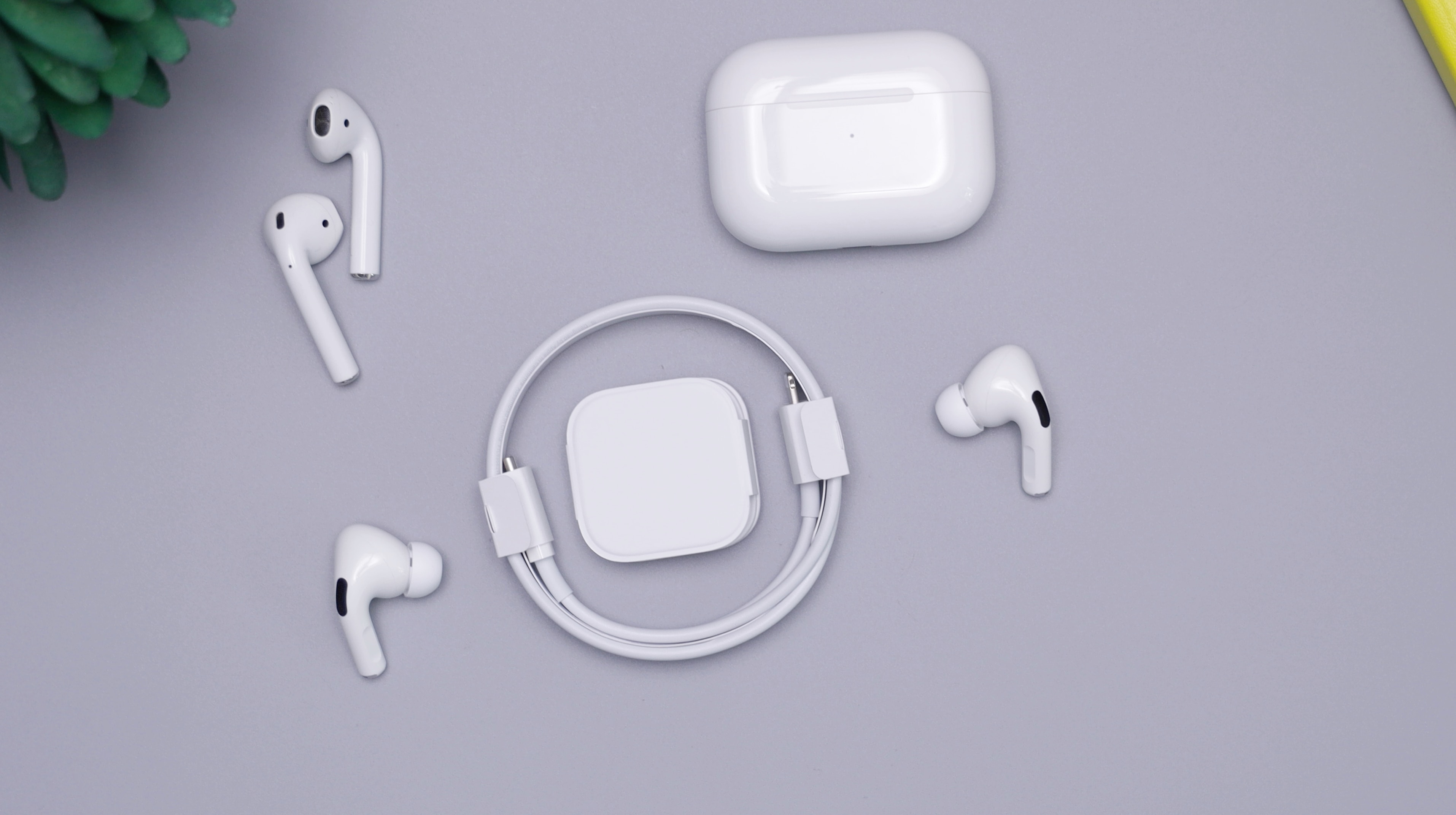
Most wireless audio gear settles the question with a single light, but the exact signal changes from device to device. For AirPods Pro 1, AirPods Pro 2, AirPods Pro 3, AirPods 3, and AirPods 4 (ANC), you can tap the case while it sits on a charging mat to wake the status light; amber means the buds are still taking power, while green means fully charged. The light stays on for eight seconds, giving you a quick read before you put them in. If you need to know when the pulse 3d headset is fully charged while it is not connected to the wireless adaptor, watch for the status indicator to turn off completely. When the headset is charging during use with the adaptor, a full cell is signaled by a single orange blink followed by a solid white light. You can also check the charge level at any time by powering it on and pressing the CHAT and VOLUME, buttons together, which makes the indicator blink and produces beeps. To know if wireless earbuds are charged when they lack a companion app, the case LED is your most direct reporter, and it is worth memorizing what its steady green glow looks like before you head out.
Understanding your battery lifespan
Playback expectations are set at the factory, but your daily habits often tell a different story. The Ultra Open Earbuds can reach seven hours with Immersive Audio switched off. Turning on spatial processing cuts that figure significantly. Your mix of features directly dictates how often you reach for the case. That case is more than just storage. Its built-in reserve can push total untethered listening up to 31.5 hours for QuietComfort Earbuds before you need to hunt for a USB-C cable.
Charging other wireless accessories
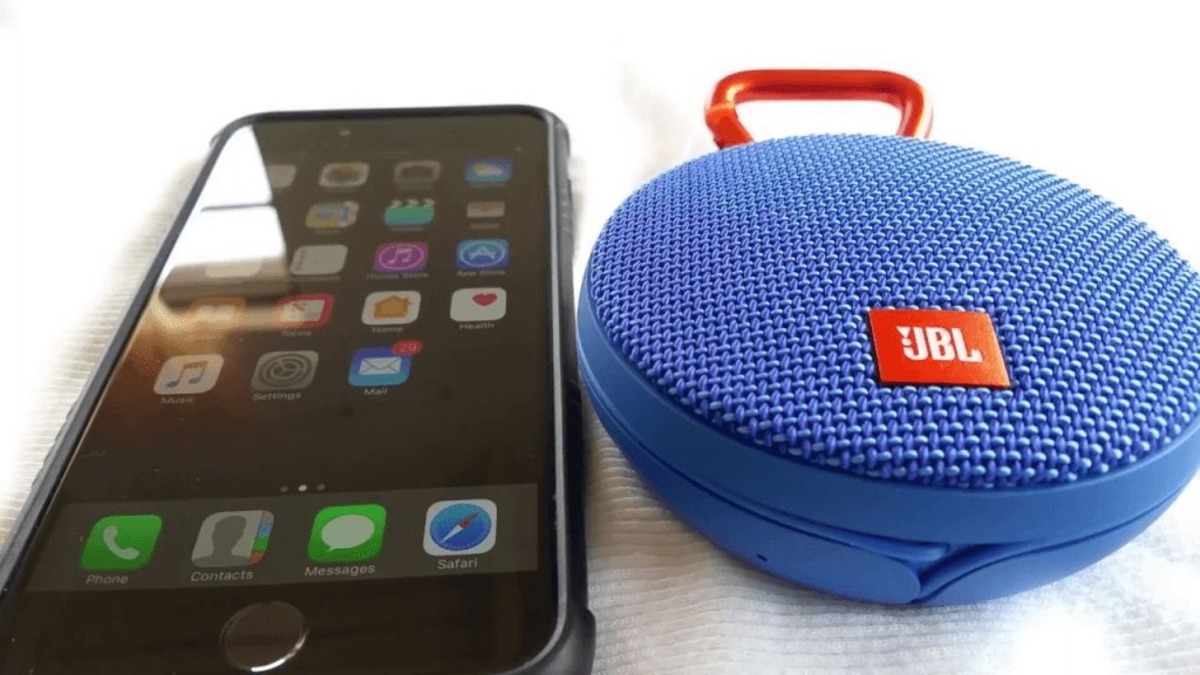
Keeping your desk and bag fully powered means thinking beyond earbuds, because a dead wireless speaker or mouse can stall your workflow just as easily. When you need to charge portable wireless speaker units, the process is usually straightforward, with most models relying on a standard USB-C or Micro-USB port, though the exact time to fill the cell varies so widely by capacity that no single duration applies across all brands.
A similar lack of uniformity applies to your peripherals, so instead of guessing, it is safer to look up the specific charging a wireless mouse procedure for your model. For example, if you own Logitech gear and need to charge my Logitech wireless mouse, the method is not the same for every shape they sell, and the gaming-focused designs often have a dedicated cable port hidden behind the front lip. On the Logitech PRO WIRELESS specifically, the official G Pro Wireless charging time from a completely empty cell to full is around 2 hours when connected to a PC USB port, letting you plan a quick break accordingly. Regardless of the device, always check whether the metal contacts on the bottom of the mouse or the charging port itself have collected dust, because a blocked connection is often the real culprit behind a device that refuses to power on.
Frequently Asked Questions
How do I check AirPods battery on Android?
Apple does not provide an official Android battery widget for AirPods. Third-party apps in the Google Play Store can read the charge level of connected AirPods, but the exact percentage may not match what an iPhone displays.
Can I charge JLab earbuds with a fast phone charger?
JLab specifies an input power of DC 5V, 1A or less for the charging case. A fast phone charger that exceeds this output is not recommended and may not safely charge the case.
What does a blinking orange light mean on Pulse 3D headset?
A slowly blinking orange status indicator means the headset is currently charging while not connected to the wireless adaptor. The light turns off completely once the battery is fully charged.