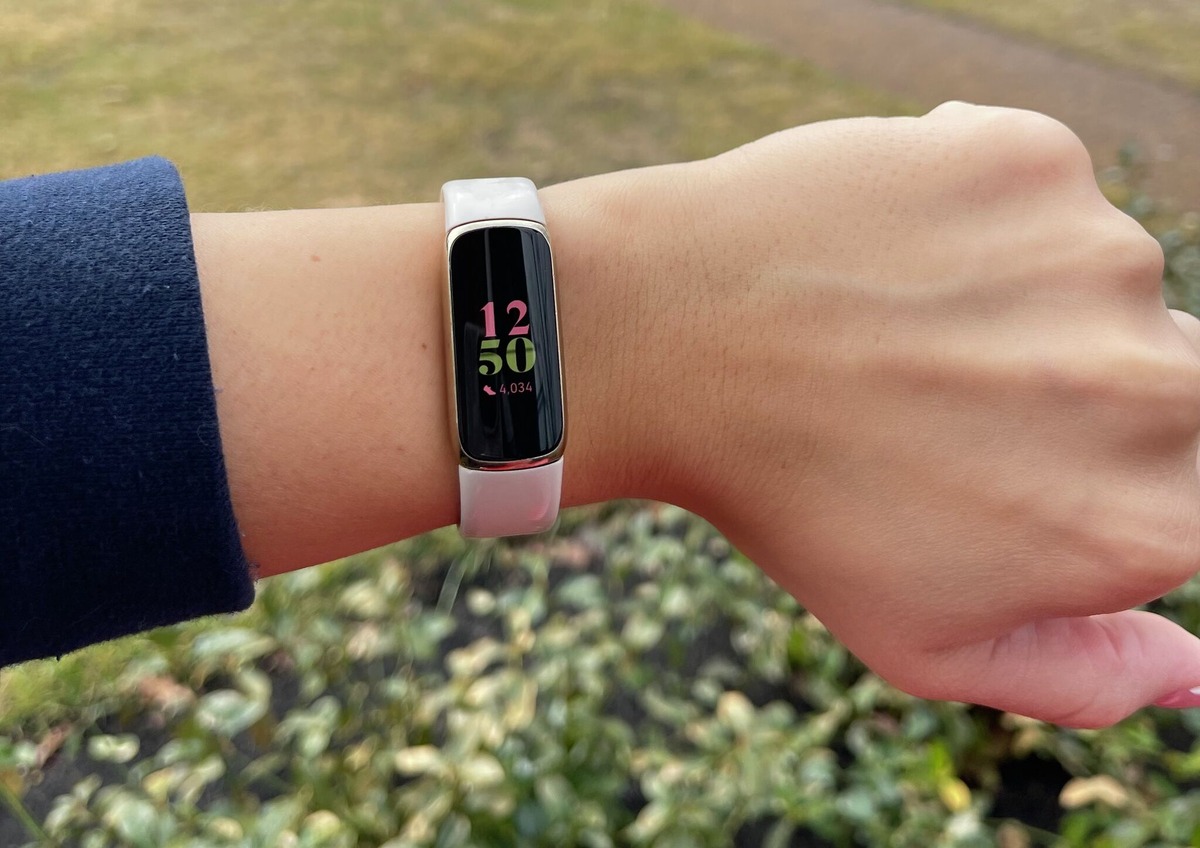
The Fitbit Ace 3 is a kids' fitness tracker that displays steps, active minutes, and sleep duration on the device, with parents managing it through a Fitbit family account. This tracker is designed to motivate children to move without the distractions of a full smartwatch, making it a focused tool for building healthy habits.
What does Fitbit Ace 3 do: The core answer
The Fitbit Ace 3 is a dedicated fitness tracker for children. It tracks steps, active minutes, and sleep duration, and displays these three stats directly on the tracker screen. It offers up to 8 days of battery life and features a water-resistant, swim-proof design. Parents set up and manage the device through the Fitbit app using a family account, which gives them control over their child's data and experience.
Stats kids can see on the tracker
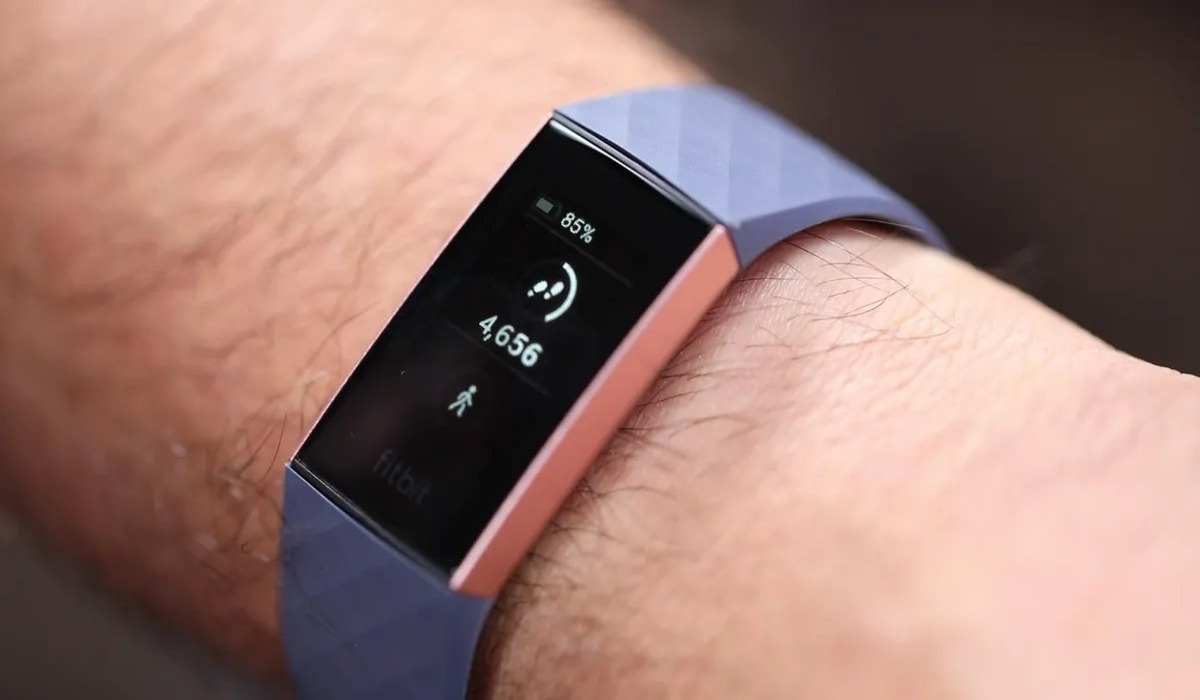
Kids can see their activity by swiping up from the clock face. The tracker shows three stats: steps, active minutes, and sleep duration. Customizable clock faces let kids personalize the display. The tracker can also show call and text notifications. It does not include smartwatch features like messaging, calls, or third-party apps, keeping the focus on activity tracking.
How parents set up Fitbit Ace 3
Setting up the Fitbit Ace 3 requires the parent to use the Fitbit app with the tracker nearby. The documented setup flow is:
- Sign into the Fitbit app with a parent or guardian account.
- Go to the Today tab, then tap the profile picture.
- Select "Create Family Account," then "Create Family."
- Add a child account by following the prompts.
- Connect the Fitbit Ace 3 tracker to the child's account.
This family-account structure ensures the parent retains full management control.
What parents can see and manage
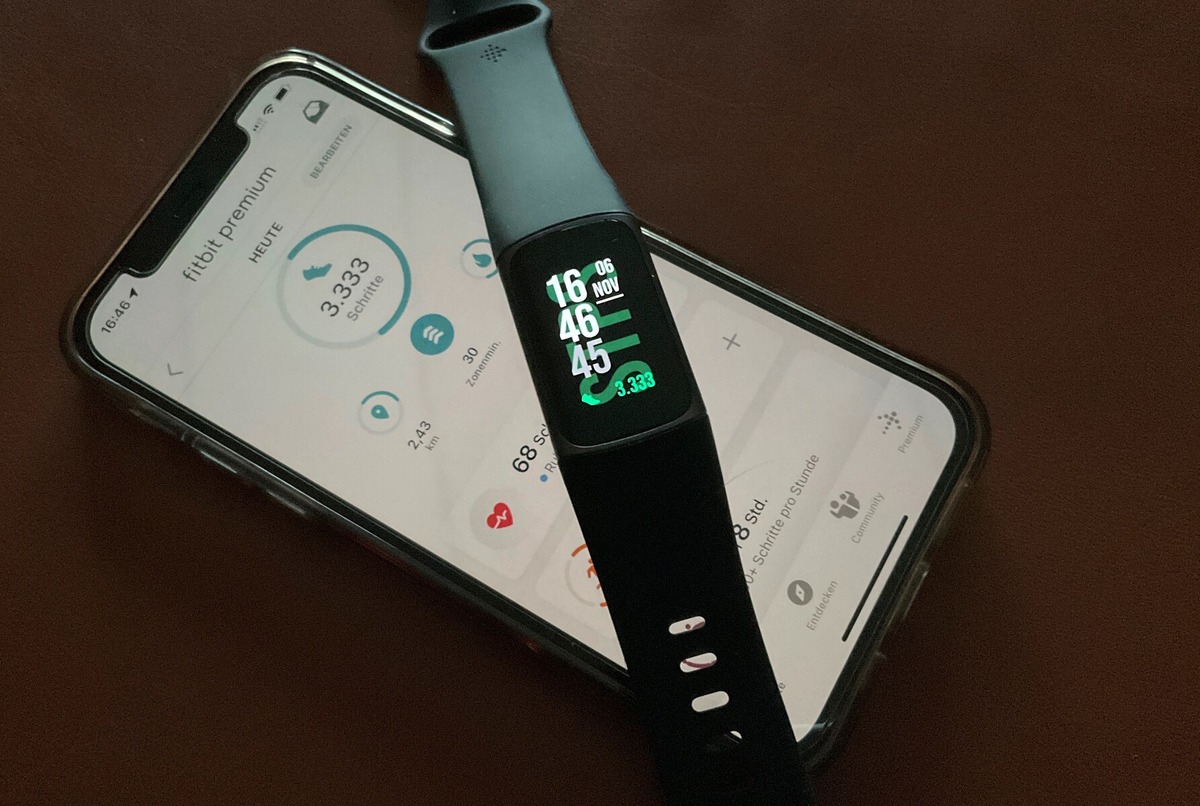
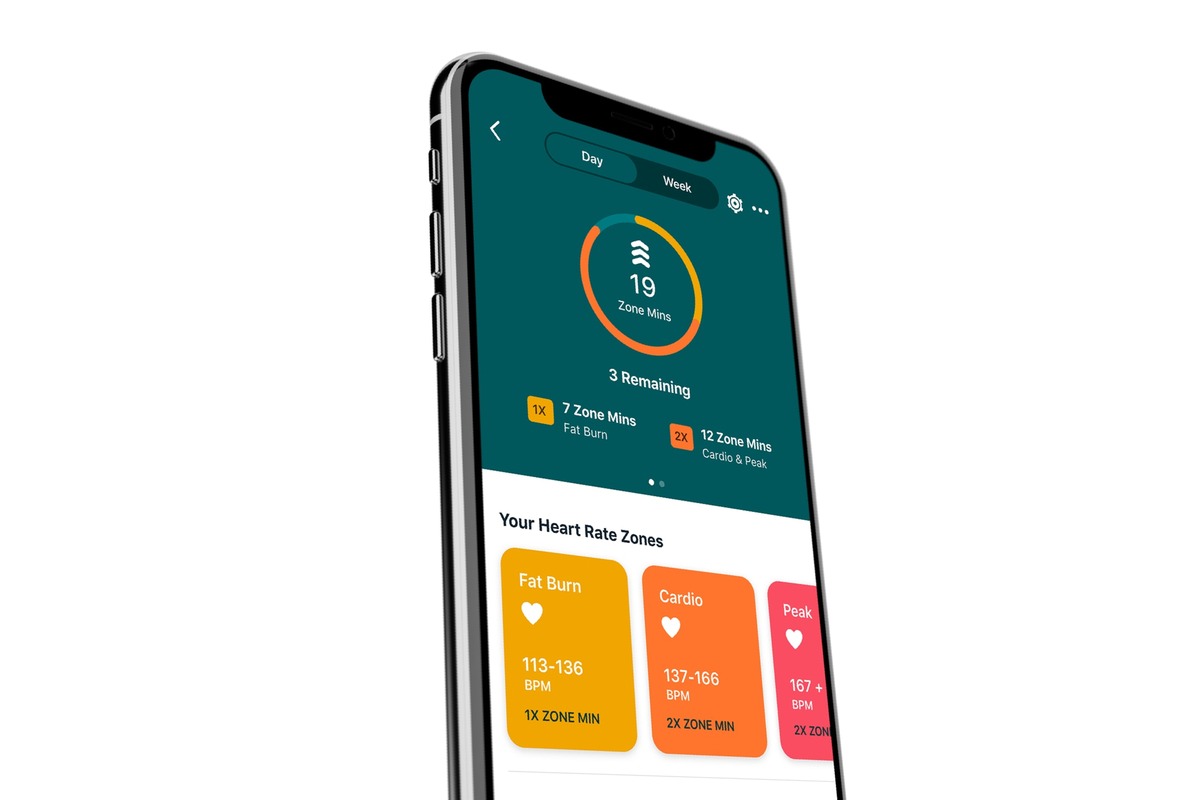
From the parent's phone, the Fitbit app provides a dashboard to view the child's daily stats, including step count, active minutes, and sleep patterns. Parents can also approve Fitbit friends and manage the child's data. The app includes a Virtual Adventures feature, badges, challenges, and a rewards system to motivate kids. Parents can set bedtime reminders and view sleep insights, including light, deep, and REM cycles. Parental controls allow setting device limits and managing content. For families using Google Family, the Family Manager can switch to the child's profile within the Fitbit app on a single phone.
Fitbit Ace 3 compatibility
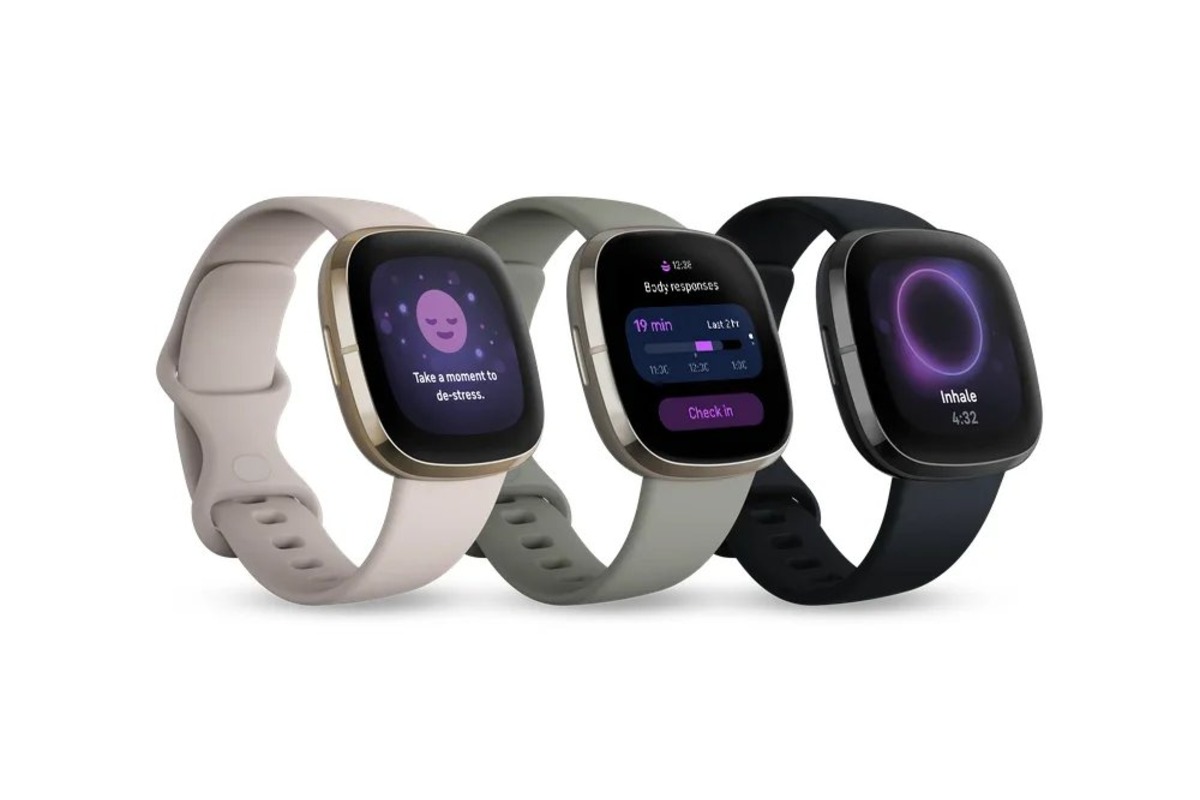
The Fitbit Ace 3 is documented for setup with iPhones, iPads, and Android phones through the Fitbit app. It requires iOS 12.2+ or Android 7.0+. The tracker is also compatible with select Windows 10 devices. Fitbit states the app works with "most popular phones and tablets" and directs users to its device compatibility page for the current supported list. When researching smartwatch and tracker comparisons, the Ace 3 stands out as a pure fitness tracker for kids, lacking the app ecosystem of a smartwatch.
Frequently Asked Questions
What does Fitbit Ace 3 do?
It tracks steps, active minutes, and sleep duration. Parents can view these daily stats in the Fitbit app, and the child can see them by swiping up on the tracker.
How do you set up Fitbit Ace 3?
Open the Fitbit app with the tracker nearby, go to Today tab, tap profile picture, select "Create Family Account," then "Create Family." Add a child account and connect the tracker.
Is Fitbit Ace 3 compatible with iPhone and Android?
Yes. Setup is documented for iPhones, iPads, and Android phones. Fitbit's compatibility page lists the specific supported devices.
Can my child use the tracker without a phone?
Yes. The Ace 3 tracks steps, active minutes, and sleep independently. It syncs with the parent's phone via the Fitbit app for data review and account management.
Does the Fitbit Ace 3 have a camera or games?
No. The Ace 3 is a fitness tracker only, showing steps, active minutes, and sleep. It does not include a camera, games, or other smartwatch features.
For the wider topic, see smartwatch and tracker comparisons.
Related reading: What Do The Lights Mean On My Fitbit Flex.