






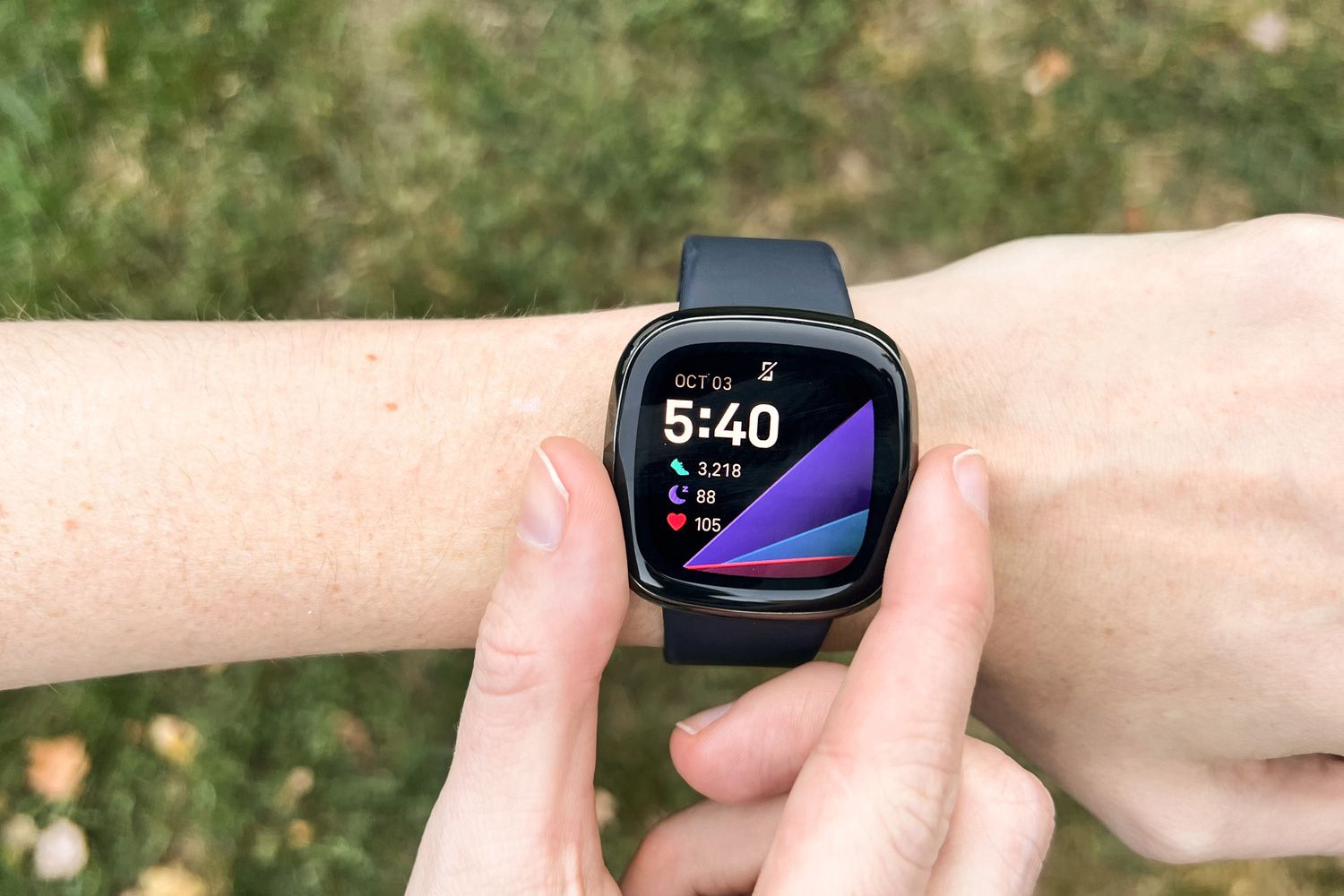
If your Fitbit keeps losing Bluetooth connection, the problem is almost always on your phone, not the tracker itself. The documented fix involves removing the old connection from your phone's Bluetooth settings and then re-pairing through the Fitbit app, which directly addresses why your Fitbit losing Bluetooth connection is a phone-side issue.
Why your Fitbit losing Bluetooth connection is a phone-side problem
Fitbit's official guidance confirms that Bluetooth dropouts during setup or syncing are resolved by actions on your phone or tablet. The tracker itself does not have a reset button for Bluetooth; instead, you need to clear the old pairing data from your phone and establish a fresh connection through the app. The verified steps below come directly from Google's support pages for Fitbit.
First, remove the old connection from your phone
Your phone still remembers the Fitbit from a previous pairing, which can cause conflicts. To fix this:
- Open your phone's Settings and go to Bluetooth.
- Find your Fitbit device in the list of paired devices.
- Tap the information icon (on iPhone) or gear icon (on Android) next to the Fitbit name.
- Choose the option to forget or unpair the device.
This step ensures your phone no longer tries to connect to an old, broken Bluetooth session.
Next, clear the way for a fresh pair
Before you try to pair again, you need to reset the Bluetooth environment on your phone and clean up your Fitbit account:
- Turn Bluetooth off on your phone, wait 10 seconds, then turn it back on.
- Open the Fitbit app and check your account for any other Fitbit devices. Remove all other Fitbit devices from your Fitbit account before trying again.
- Make sure your phone has an active internet connection (Wi‑Fi or cellular data). The app needs internet to sync and complete setup.
These steps prevent interference from leftover account data and ensure the phone is ready to discover the tracker.
Re-pair your Fitbit through the app
Do not try to pair directly from your phone's Bluetooth menu. The correct method is to use the Fitbit app:
- Open the Fitbit app and follow the on-screen instructions to set up your device again.
- If the app cannot find your Fitbit or pairing fails, uninstall and reinstall the Fitbit app. Before reinstalling, verify your phone is running a supported version of Android OS (if using Android).
- After reinstalling, open the app and attempt setup again.
This is the only documented way to establish a reliable Bluetooth connection for your Fitbit. For thorough Fitbit troubleshooting, always start with this re-pairing process before trying anything else.
Other quick checks that can help
If the above steps do not resolve the issue, these general checks may help:
- Restart devices: Turn off your Fitbit and your phone, wait a few seconds, then turn both back on.
- Check range: Keep your Fitbit and phone within about 10 meters (33 feet) of each other with no large obstacles between them.
- Update firmware: Check the Fitbit app for any available firmware updates for your tracker and install them.
- Charge both devices: Low battery levels can cause unstable Bluetooth connection; check and charge both devices.
- Reduce interference: Interference from Wi-Fi routers, cordless phones, and microwaves can disrupt Bluetooth.
These are supplementary steps; the core fix remains the phone-side Bluetooth removal and re-pairing through the app.
Frequently Asked Questions
Why does my Fitbit keep losing Bluetooth connection during setup?
This usually happens because your phone still has the old Fitbit listed in its Bluetooth settings, or because another Fitbit device is still linked to your account. Forgetting the device in your phone's Bluetooth menu and removing other Fitbits from your account typically resolves it.
How can I improve the Bluetooth connection between my Fitbit and phone?
Keep both devices within close range (under 10 meters), minimize interference from other electronics like Wi-Fi routers, and ensure your phone's Bluetooth is turned on. The most effective improvement is to follow the re-pairing steps through the Fitbit app after forgetting the device in your phone's Bluetooth settings.
Will a software update fix my Fitbit's Bluetooth connection problems?
Fitbit releases updates that can fix Bluetooth bugs, so always install the latest firmware for your tracker and the latest version of the Fitbit app. However, the most common cause of disconnections is a stale phone-side pairing, which an update alone cannot fix.
Are there any settings on my Fitbit that can affect the Bluetooth connection?
Ensure Bluetooth is enabled in the Fitbit app settings.
What should I do if my Fitbit continues to lose Bluetooth connection after troubleshooting?
If you have removed the Fitbit from your phone's Bluetooth list, removed other Fitbit devices from your account, toggled Bluetooth off and on, and reinstalled the app, contact Fitbit customer support. They can provide device-specific guidance and check for hardware issues.
For the wider topic, see Fitbit troubleshooting.

















