






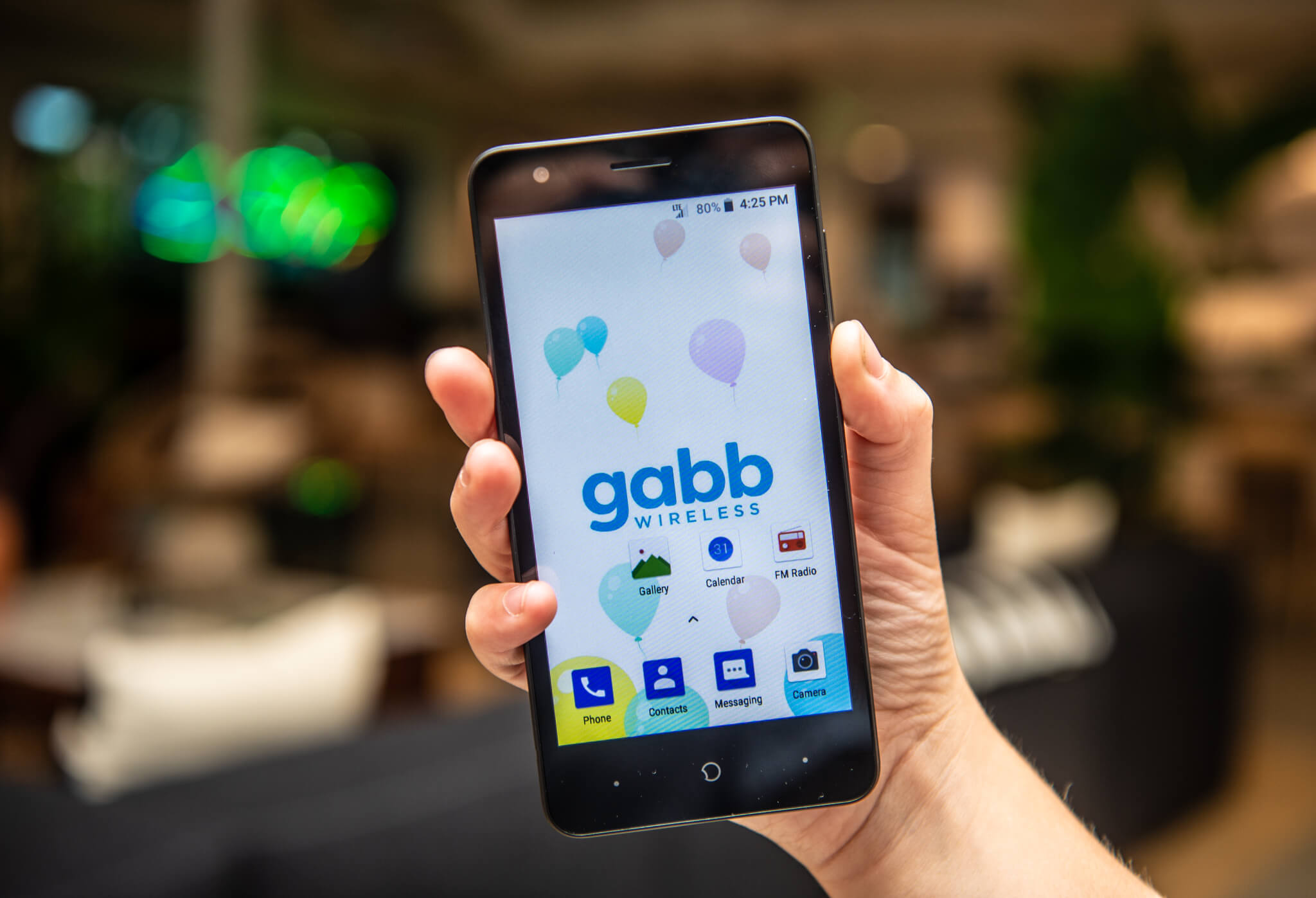
To make a gabb phone group chat, open Gabb Messenger, tap the compose icon, and enable the Group Chat toggle before selecting your contacts. This feature is available on Standard and Advanced plans, but not on the Starter plan unless you upgrade.
What you need for a Gabb phone group chat
Group messaging requires a Standard or Advanced plan, as the Starter plan does not include this feature. All Gabb Phones support group chats through the Gabb Messenger app, which is the default texting app on every device. The Gabb Watch 3e also supports group messaging, but it must be running OS2 to use this function. Gabb Watch 3e group messaging requires OS2.
How to set up a group chat on a Gabb phone
- Open Gabb Messenger.
- Tap Messages.
- Tap the compose icon in the upper-right corner.
- On the compose message screen, turn on the Group Chat toggle.
- Select the contacts you want to include.
- Tap Create Group.
- Type your message and send it.
How to set up a group chat on a Gabb Watch 3e
- Swipe to the Apps screen.
- Tap Messages.
- Tap New Message.
- Select multiple contacts.
- Tap Start Group.
- Compose your message.
- Tap the arrow button to send.
The watch must be on OS2 for group messaging to work.
Group chat limits and restrictions
Starter plan users cannot send or receive group messages unless they switch to a plan that includes it. On the Gabb Watch 3e, if a group message contains someone not on the child’s approved contact list, the message is blocked and not delivered. On the Gabb Watch 3e, group messages with non-approved contacts are blocked and not delivered. On Android devices, including Gabb Phones, users cannot leave a group chat; the other members must start a new thread to remove the child.
Troubleshooting group chat issues on a Gabb phone
For Gabb Phone 4, follow these steps if you cannot send or receive group texts:
- Connect the phone to WiFi.
- Log out of Gabb Messenger.
- Log back in to Gabb Messenger and open it again.
- Tap Settings at the bottom of the screen.
- Tap Troubleshooting.
- Tap Sync Settings.
- Make sure the Group Chat toggle is enabled when composing a message.
- If the issue continues, power off the phone, remove the SIM card, reinsert it, turn the phone back on, and reconnect to WiFi.
If you need a child removed from a group message, remember that Android cannot leave the thread, so the rest of the group must start a new one. For those managing multiple communication channels, this process is similar to handling Discord user and server management in terms of organizing who can participate.
Frequently Asked Questions
Can I add or remove people from a group chat on a Gabb phone?
Yes, you can add members by opening the group chat, tapping the group name, and selecting an option to add contacts. However, you cannot remove someone from a group chat on a Gabb Phone; the other members must start a new thread without that person.
Is there a limit to the number of participants in a Gabb phone group chat?
Gabb phones have a limit on group chat participants, which varies by device and software version. The limit is typically designed to accommodate a reasonable number of approved contacts.
Can I customize group chat settings on a Gabb phone?
Customization options are limited compared to standard smartphones. You can control notifications, mute specific conversations, and adjust basic preferences within the Gabb Messenger settings.
Why are my group chat messages not being delivered?
First check your internet connection and ensure you have a stable WiFi or cellular signal. If messages still fail, try logging out and back into Gabb Messenger, then run the Sync Settings option under Troubleshooting in the app settings.
Can I use group chat on a Gabb phone with non-Gabb users?
Yes, group chats in Gabb Messenger work with any approved contact, regardless of whether they use a Gabb device. The contact must be on the child’s approved list for messages to deliver on a Gabb Watch 3e.













