






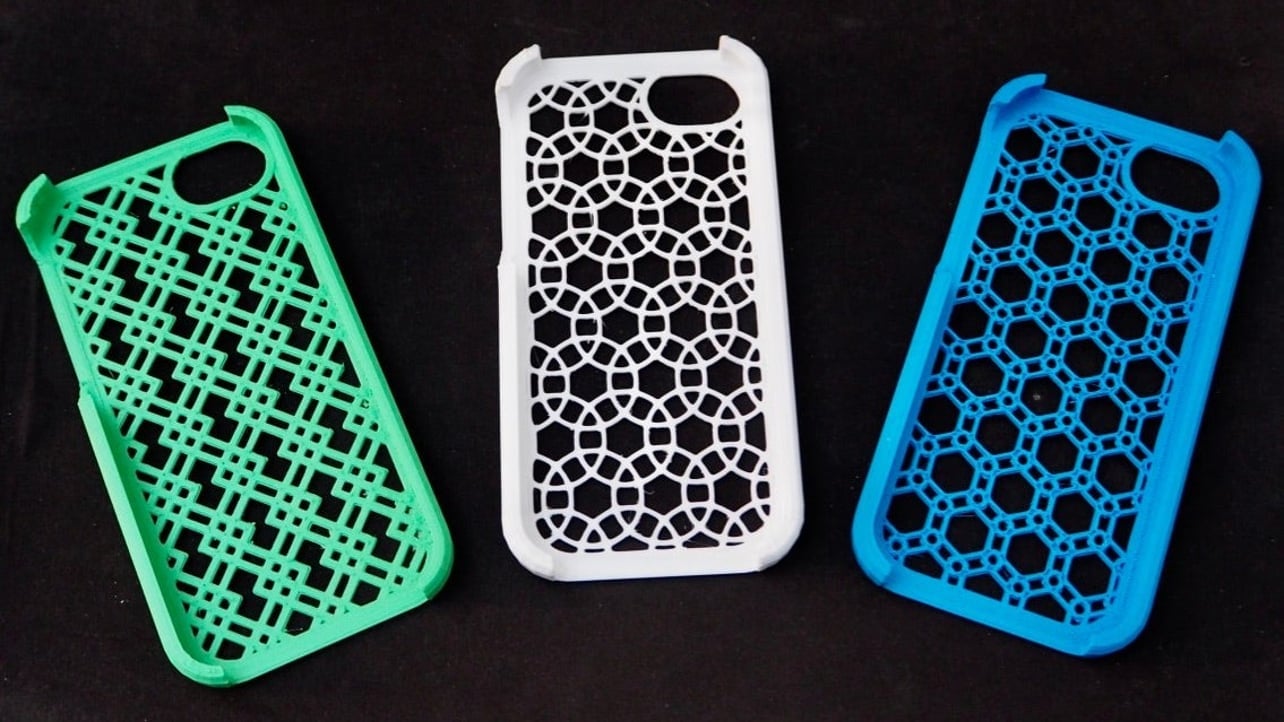
To print a phone case, you use a case maker or print-on-demand service to design and order a custom case, not your phone's system print feature or a DIY home printing project. This is the practical way to get a personalized case for your device.
How to print a phone case: what it actually means
When people search for how to print a phone case, they typically want to design a custom case through an app or print-on-demand service and have it shipped to them. You choose a supported phone model, start designing in the product editor, upload an image or add text, preview the case, then order it.
Design and order with Printful
- Sign up for a Printful account.
- Go to the Catalog and select your phone model and case style. Printful supports various Samsung and iPhone models with case styles including clear, snap, tough, or MagSafe® cases.
- Start designing in the Design Maker by uploading images, adding text, or using free clipart.
- Order the case once your design is complete.
Design and order with Gelato Create
- On the Gelato product page, click Start Designing to open the design editor.
- Design templates are available from the button with three dots next to Start Designing.
- Ensure your design files are RGB image files with at least 150 ppi.
- Note the printing method and print area for your chosen case type: Flexi, Clear, and Biodegradable cases use UV printing while Slim and Tough cases use dye-sublimation. Flexi and Slim cases print on the rear surface only; Clear, Biodegradable, and Tough cases print on the entire body (rear plus sides).
Design and order with Print24
- Select your phone model from Print24's supported devices: iPhone from version 6 to iPhone 12 and Samsung Galaxy from the S7 and A50 up to the S21, with versions with or without a bumper.
- Use the documented print-area dimensions for your specific model. For example, the iPhone 6 uses 92 x 147 mm or 100 x 161 mm; the iPhone 12 uses 102 x 171 mm or 105 x 173 mm.
- Upload your design and order the case.
Use a mobile app: iPhone and Android options
Print Photo: Custom Phone Case (iPhone)
Available on the Apple App Store, this app lets you upload a picture, choose from available mobile covers, add stickers, adjust the image with the photo editing tool, and complete payment in the app.
DPrint - Customize Mobile Cover (Android)
Available on Google Play, this app's workflow is: open the app, select your phone model, select a photo from gallery or camera, add stickers and fonts, and preview the printed cover.
What you need before you start
- Know your phone model so you can select the correct case size.
- Have a high-quality image ready for your design.
- Understand that all these services require ordering the physical case after designing, you are not printing it yourself.
- If you need to keep your case clean, consider cleaning phone cases and grips with a mild soap and water solution to maintain the print quality.
Frequently Asked Questions
Can I print a phone case at home?
While it is technically possible with a printer and printable blanks, the results are often lower quality and less durable than cases from print-on-demand services.
What file format should I use for my design?
Gelato requires RGB image files with at least 150 ppi. Other services may accept common image formats, but always check the specific service's requirements before uploading.
How long does it take to receive my custom phone case?
Shipping times vary by service and your location. Most print-on-demand services provide estimated delivery times during the checkout process.
Can I design a case for any phone model?
Each service supports a specific range of phone models. Printful supports various Samsung and iPhone models, while Print24 explicitly supports iPhone 6 through iPhone 12 and certain Samsung Galaxy models from S7, A50, up to S21. Check the service's catalog for your device.
What is the difference between UV printing and dye-sublimation?
UV printing uses ultraviolet light to cure ink onto the case surface, while dye-sublimation uses heat to transfer dye into the case material. The method used depends on the case type you select.

















