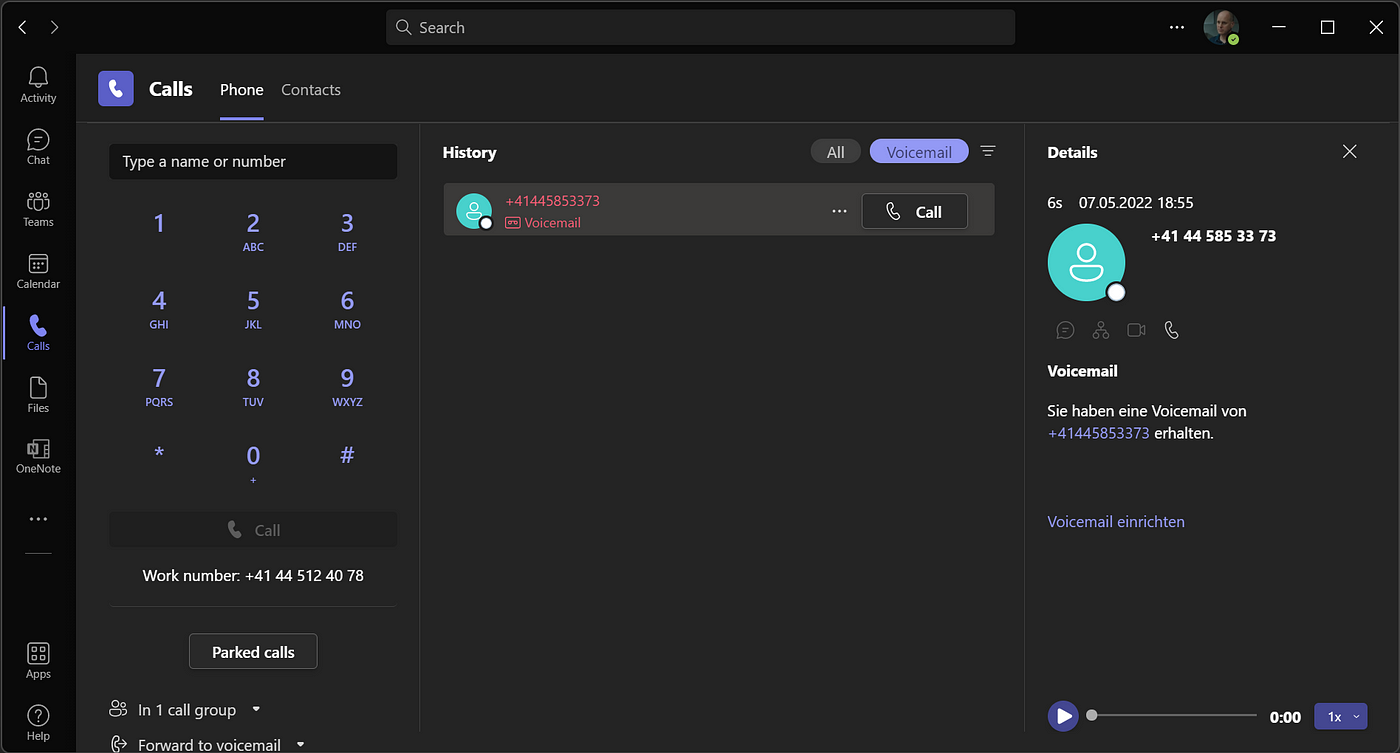
To find your Teams phone number on mobile, open the Microsoft Teams app and go to the Calls tab. If your organization uses Teams Phone Mobile, the phone number displayed there is the SIM-enabled business number on your device.
How to find your Teams phone number on mobile
Follow these steps on your iPhone or Android device to locate your number for Teams Phone Mobile:
- Open the Microsoft Teams app on your iPhone or Android device.
- On iPhone, tap Calls directly in the bottom navigation bar.
- On Android, tap More (the three dots or ellipsis icon), then select Calls.
- Look at the top of the Calls screen. Your Teams phone number is the SIM-enabled business number on your device, as Microsoft states that number is your Teams phone number.
What is Teams Phone Mobile?
Teams Phone Mobile uses only SIM-enabled phone numbers provided through the business as your Teams phone number. This feature is available only on the Teams mobile apps for iOS and Android, and it applies only to one-on-one calls. When you place a call from the Calls tab, that business number is the one that displays to the person you are calling.
How to find a colleague's Teams phone number
End users cannot browse a directory on mobile to find a coworker’s Teams phone number. The only way to get a colleague’s number is to contact your IT helpdesk or Teams administrator. If the number is in the company directory, you will need administrator assistance to retrieve it.
Can I change my Teams phone number?
End users cannot change their own provisioned PSTN number in Teams. Microsoft documents that phone numbers for users are managed by administrators in Teams admin center > Users > Manage users > Account > Assign primary phone number. If you need a number changed, contact your organization’s IT helpdesk or Teams administrator.
When to contact your IT department
You should reach out to your IT helpdesk or Teams administrator in these scenarios:
- Looking Up Phone Numbers and Customer Service Lines: If you need a coworker’s Teams phone number, the administrator is the only resource for that information.
- Getting and Understanding Phone Numbers: If you need to change your own provisioned PSTN number or if the Calls tab does not show a number, only an administrator can handle the change or troubleshoot the issue.
Frequently Asked Questions
Why doesn't my Calls tab show a phone number?
If your organization does not use Teams Phone Mobile, the Calls tab may not display a number. In that case, your Teams phone number is managed entirely by your administrator, and you should contact your IT department to confirm your assigned number.
Can I use Teams Phone Mobile on a tablet?
No. Microsoft documents Teams Phone Mobile as available only on the Teams mobile apps for iOS and Android smartphones. It is not supported on tablets or desktop computers.
Will my personal phone number become my Teams number?
Only if your organization provides you with a SIM-enabled business number through Teams Phone Mobile. Your personal phone number is not used unless your employer has specifically provisioned it as part of your business line.
Can I make group calls with Teams Phone Mobile?
No. Microsoft documents that Teams Phone Mobile applies only to one-on-one calls. For group calls, you would need to use standard Teams calling features.
How do I know if my company uses Teams Phone Mobile?
Check with your IT helpdesk or Teams administrator. If your SIM-enabled business number appears as your Teams number in the Calls tab, your organization is using Teams Phone Mobile.
For the wider topic, see looking up phone numbers.