To update T-Mobile carrier settings and improve your cell signal or data connection, the action happens on your phone, not on a physical tower. You cannot update a T-Mobile cell tower from your device, but you can update your phone's carrier settings, APN, and network configuration to resolve connectivity issues.
Update carrier settings on iPhone
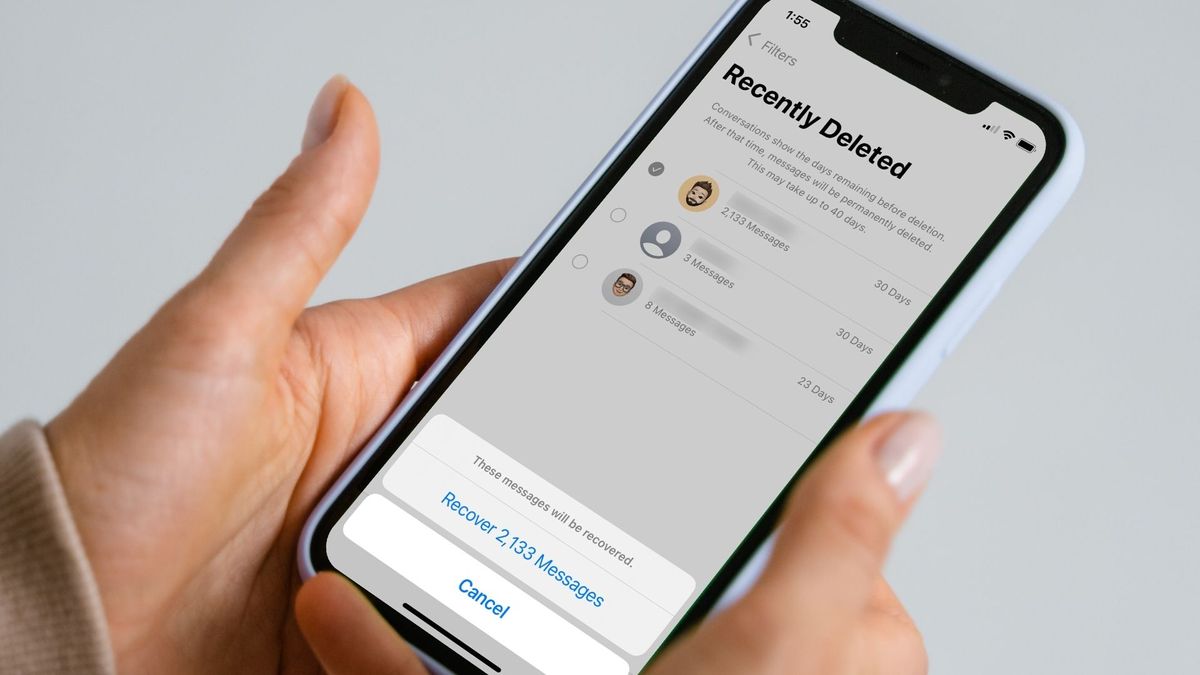
Apple says carrier settings updates improve cellular network connectivity and performance, and may support new device features. These instructions apply to iPhone and iPad generally, including devices using a new SIM or eSIM. If an update prompt appears, tap Update; for a mandatory update, the prompt shows OK instead. If you dismissed the prompt, go to Settings > General > About to check manually. T-Mobile has an iPhone-specific tutorial for Update carrier settings that states carrier settings updates are released periodically to improve connectivity and performance and that users can manually update if they missed the installation notification. Keep the iPhone connected to Wi‑Fi or a cellular network while checking. If a new SIM or eSIM was installed, you may need to download carrier settings for the new carrier. The carrier version appears next to Carrier in Settings > General > About.
Check and reset mobile network settings on Android
On Android, T-Mobile documents mobile network settings and APN and data settings rather than a tower-update feature. T-Mobile's APN tutorial pages are device-family specific, with results shown for Samsung Android 16, Google Android 15, and Samsung Android 13 pages. Navigate in Settings, then Wireless & Networks or Connections, then Mobile network, then Access Point Names. Some devices require More settings, More..., or More networks first. If needed, choose the T-Mobile APN if present; otherwise select Menu and choose new APN. Use these values:
- Name: T-Mobile
- APN: fast.t-mobile.com for LTE devices or epc.tmobile.com for non-LTE devices
- MMSC: http://mms.msg.eng.t-mobile.com/mms/wapenc
- MCC: 310
- MNC: 260
- APN Type: default,supl,MMS or Internet+MMS
- APN Protocol: IPv4/IPv6
- APN roaming protocol: IPv4/IPv6 or IPv4 only when roaming internationally
To reset mobile network settings on Android, go to Settings > System > Reset options > Reset Mobile Network Settings > Reset.
Reset network settings on iPhone
On iPhone, go to Settings > General > Transfer or Reset iPhone or iPad > Reset > Reset Network Settings. Use this as a troubleshooting step when carrier settings updates and APN checks do not resolve the issue.
When to contact T-Mobile support
If these steps do not resolve the issue, the problem may be a local tower outage or an account issue requiring T-Mobile customer service. For example, if you are experiencing slow data on a fixed wireless plan, check whether you are hitting T-Mobile Home Internet speed limits (How Fast Is T-Mobile Home Internet) before contacting support. T-Mobile can also verify whether a network outage or provisioning error is affecting your line.
Frequently Asked Questions
Will updating carrier settings fix slow data speeds?
Updating carrier settings can improve connectivity and performance, but if speeds remain slow after the update, verify your APN settings match the values listed above or reset network settings.
Do I need to update carrier settings for 5G?
Carrier settings updates may enable support for new network features, including 5G connectivity. If you are not seeing 5G, check for a pending update in Settings > General > About.
How often does T-Mobile release carrier settings updates?
T-Mobile releases carrier settings updates periodically, often when network changes or new device features are introduced. There is no fixed schedule; check manually if you suspect an update is available.
Will resetting network settings delete my saved Wi-Fi passwords?
Yes, resetting network settings on iPhone or Android removes all saved Wi-Fi networks and their passwords, as well as Bluetooth pairings. You will need to re-enter Wi-Fi credentials after the reset.
What if my Android phone does not have a "Reset Mobile Network Settings" option?
Some Android devices place the reset option under different menus, such as Settings > General Management > Reset > Reset network settings. If you cannot find it, search for "reset network" in your device's settings.