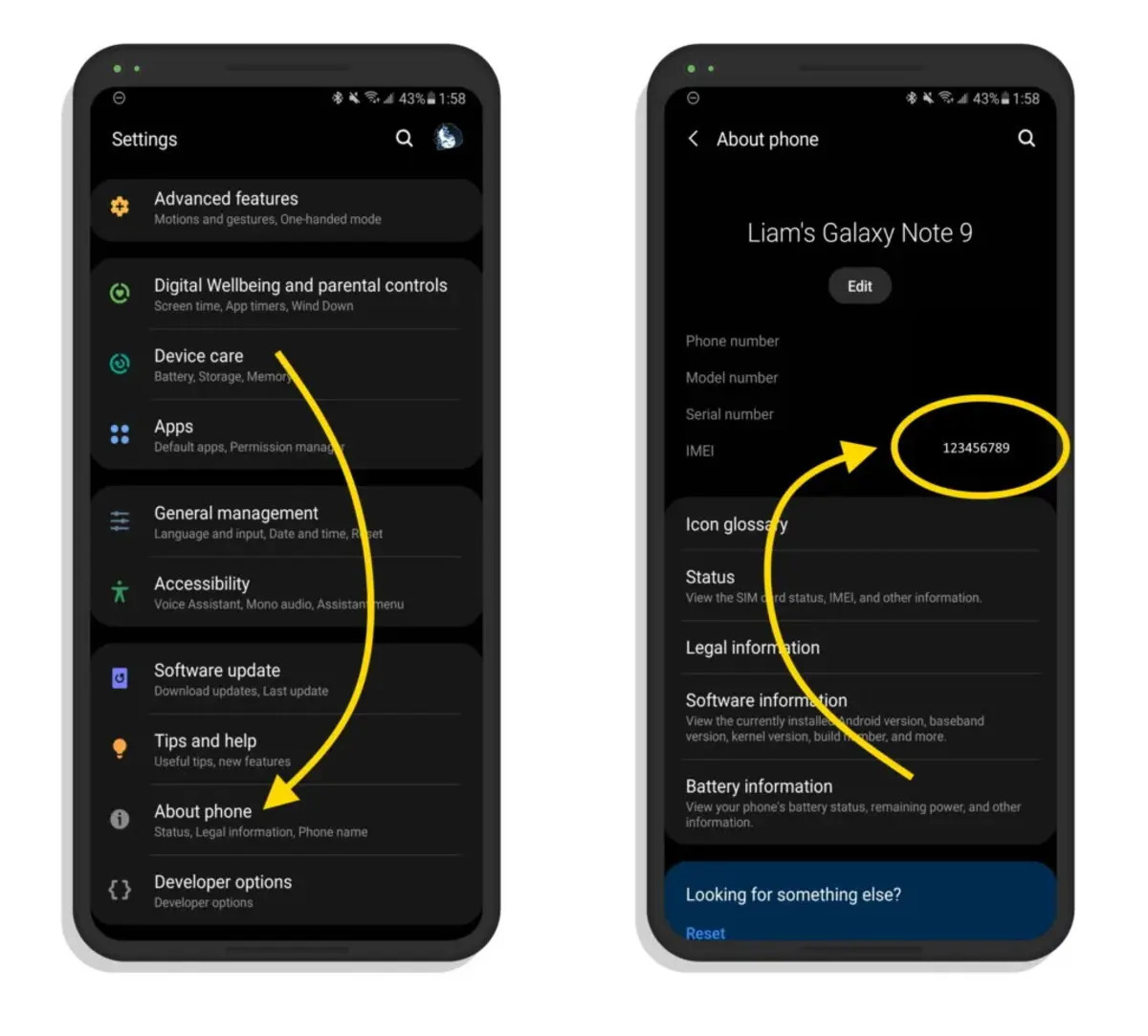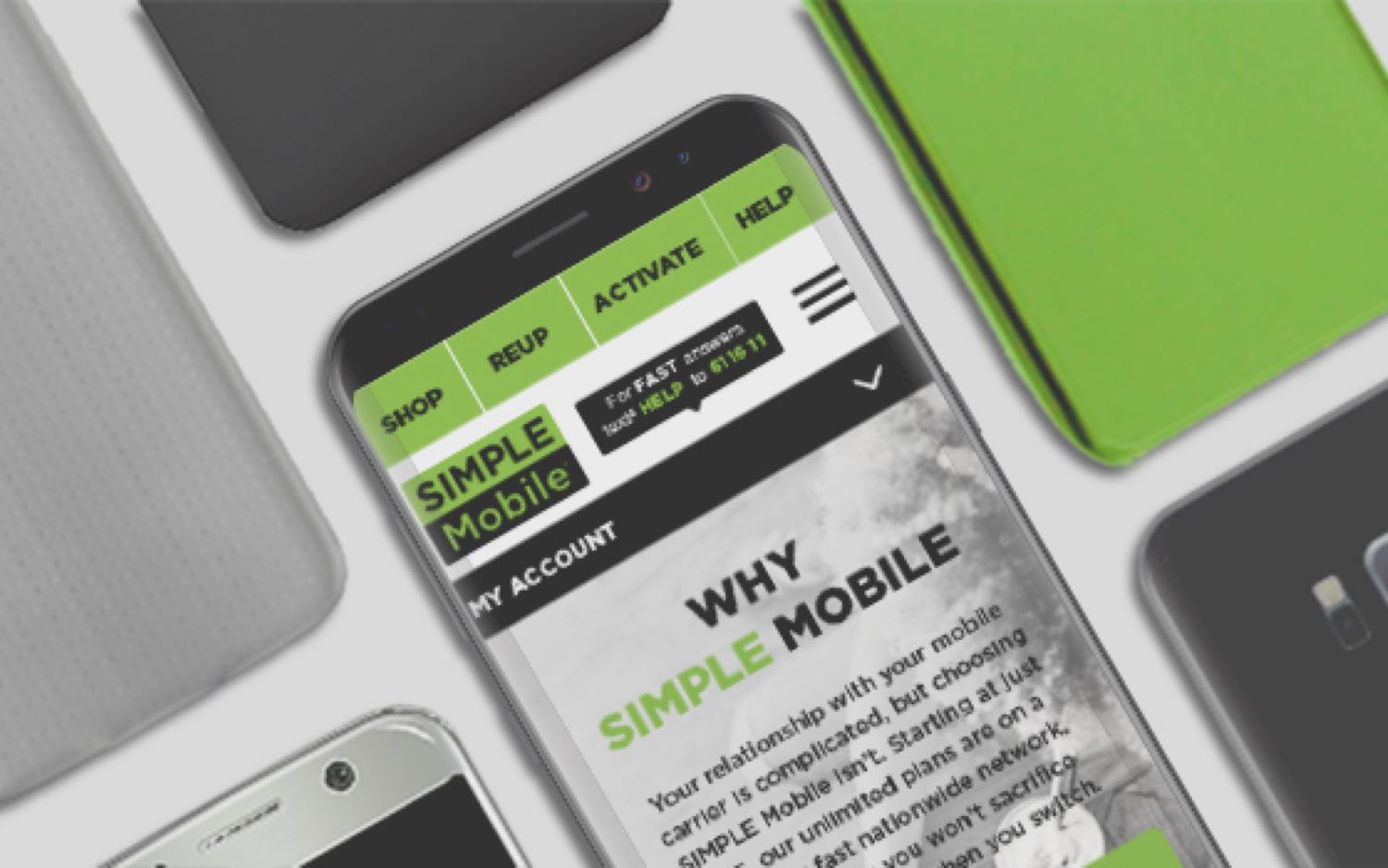
Your Simple Mobile account number is typically your phone's IMEI (International Mobile Equipment Identity) or, in some cases, your SIM Card number. This is the critical piece of information you need to successfully port your number to a new carrier, and it is not the account number displayed on your online profile page.
What is your Simple Mobile account number for porting?
When you want to transfer your phone number to a new provider, your Simple Mobile account number is usually the IMEI of the phone currently using the service. A common mistake is using the account number shown on your online dashboard, which is not the correct number for porting. Using the wrong number will cause the transfer to fail. You need either the IMEI or the SIM ID (the last 15 digits of the SIM card number) to act as your account number. CONFLICT: Some sources state the account number is often the phone's IMEI, while others indicate it is the last 15 digits of the SIM ID. One source explicitly states that the account number shown in your online profile page is not the correct account number for porting. Confirm which one is on file with Simple Mobile before starting the port.
How to find your account number using your phone's IMEI
- On your Simple Mobile phone, open the dialer and enter
*#06#. Your device will immediately display its IMEI number. - Log into your Simple Mobile account online or through the app.
- Check your account details to see if the IMEI on file matches the IMEI you just retrieved from your phone.
- If the IMEI on file matches your current device, that IMEI is your Simple Mobile account number for porting.
This method works because Simple Mobile often ties the account number directly to the phone's unique hardware identifier.
What to do if the IMEI doesn't match
If the IMEI on file in your Simple Mobile account does not match the IMEI of your current phone, do not use that IMEI. In this situation, the SIM Card number may be used as your account number. Locate the SIM card in your phone and note the long number printed on it; the last 15 digits are typically what Simple Mobile requires. When you are in the process of finding account and PIN numbers for your transfer, this SIM-based number is the correct account number to provide to your new carrier.
How to get your Number Transfer PIN
- Open your phone's messaging app.
- Text the word NTP (all caps) to the short code 611611.
- Wait for the reply. If your IMEI on file matches your device, the Number Transfer PIN (NTP) should arrive quickly. If the IMEI on file matches, the NTP should be received quickly, typically within 5 minutes.
- If the NTP does not arrive within a few minutes, you will need to contact Simple Mobile Customer Service and ask to speak to the porting department. Generating a new NTP through support can take up to an hour.
Requirements before you port out
Before you begin the porting process, confirm that your Simple Mobile account is active and in good standing. Any outstanding balances must be paid to avoid delays. You will also need the ZIP code you originally used when you signed up for your Simple Mobile account, even if your mailing address has changed since then. This ZIP code is a required verification step for the port.
Contacting Simple Mobile customer service for help
If you are unsure about your account number or cannot get your NTP via text, call Simple Mobile Customer Service. From your Simple Mobile phone, dial 611. Alternatively, call 1-877-878-7908 from any phone. When you call, clearly state that you are porting out your number and ask to be transferred to the porting department. This specialized team can verify your account number and generate a new NTP if needed.
Frequently Asked Questions
What is the difference between my Simple Mobile account number and my phone number?
Your phone number is the number people dial to reach you. Your Simple Mobile account number is a separate identifier used by the carrier to manage your service, which for porting purposes is usually your device's IMEI or SIM ID.
What if I can't find my IMEI or SIM card number?
If you cannot dial *#06# or locate your SIM card, contact Simple Mobile Customer Service. They can look up your account using your phone number and other identifying information to provide the correct account number for porting.
Can I use the account number shown on my online profile to port out?
No. The account number displayed on your Simple Mobile online profile or app dashboard is not the correct number for porting your number to another carrier. You must use the IMEI or SIM ID instead.
Why do I need my original sign-up ZIP code?
Your new carrier uses the original ZIP code from your Simple Mobile account as a security check to verify your identity during the porting process. Using a different ZIP code will cause the transfer to be rejected.
For the wider topic, see finding account and PIN numbers.
Related reading: How To Port From Boost Mobile and How To Get Ultra Mobile Account Number.