Articles for anyone who owns or uses an iPhone, iPad, AirPods, or other Apple accessories. Whether you are a long-time Apple user or just starting out, this page brings together practical guides that help you solve everyday problems, maintain your gear, and understand how your devices work.
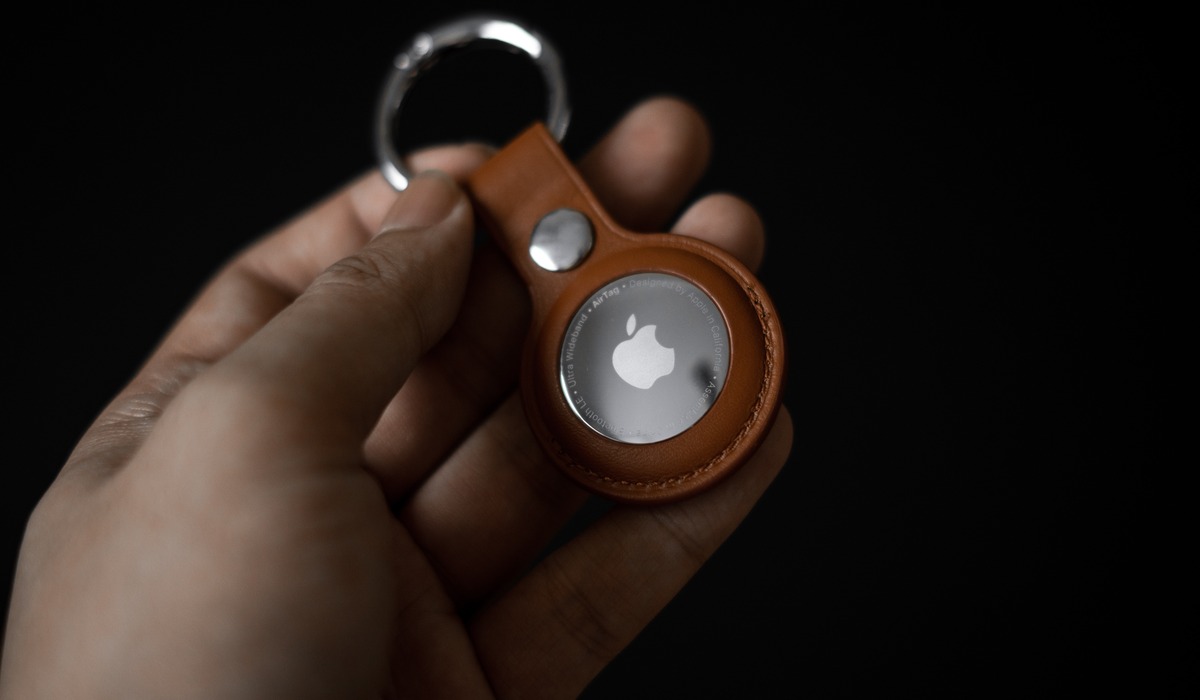
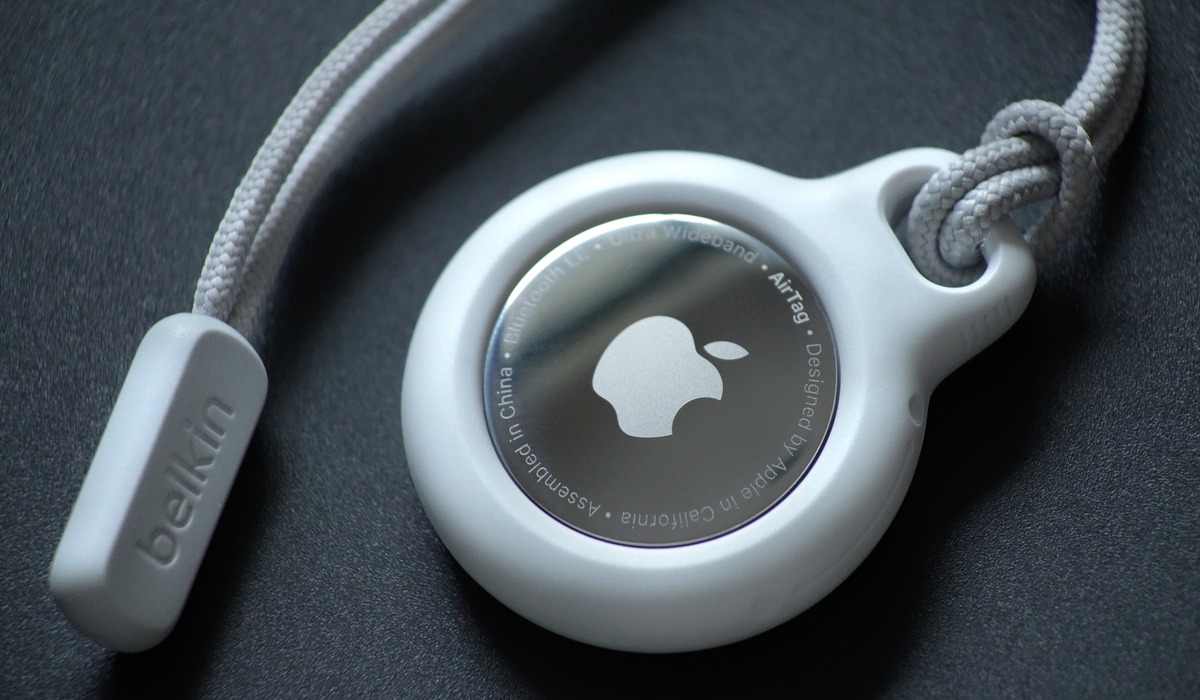
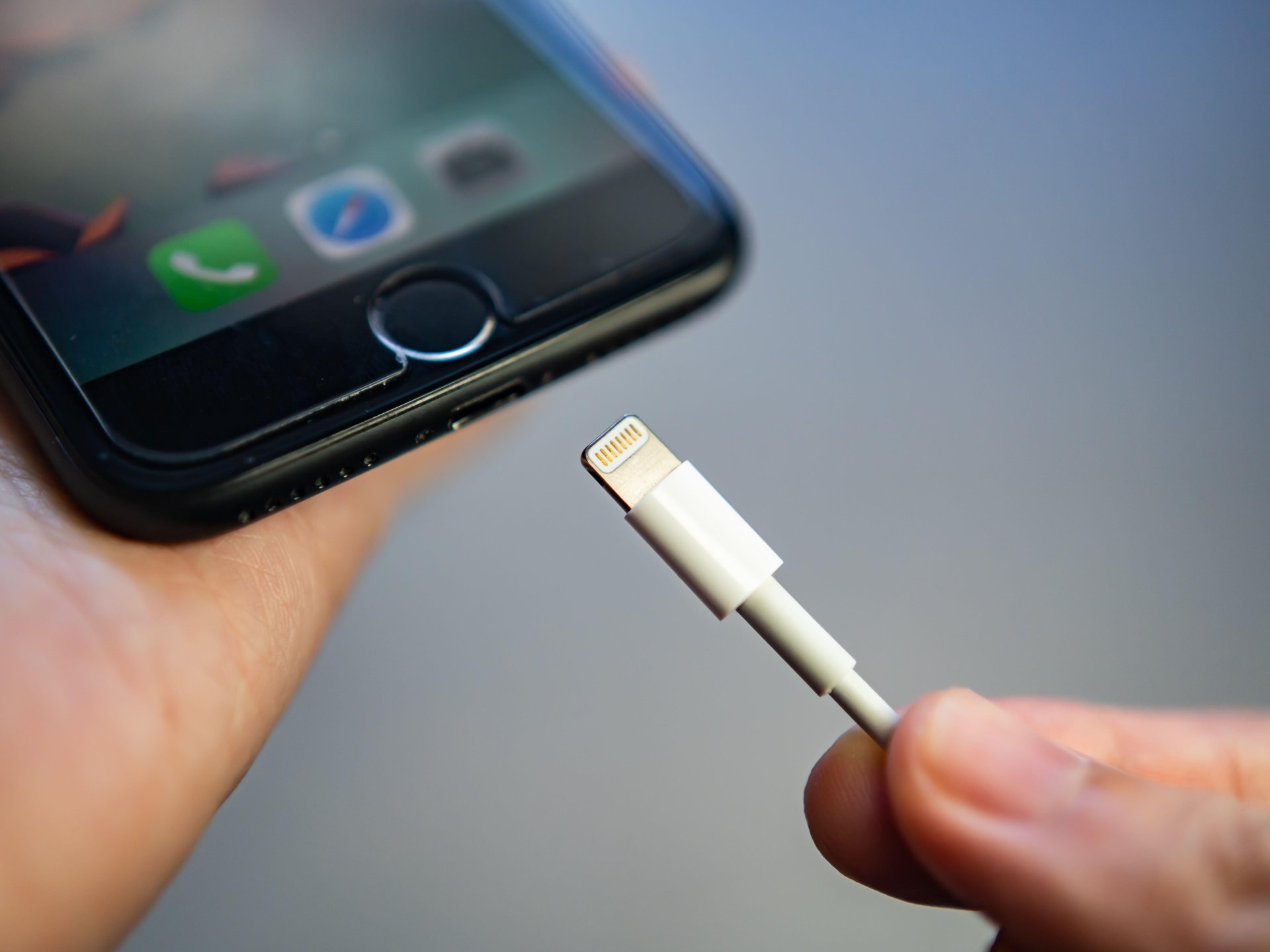
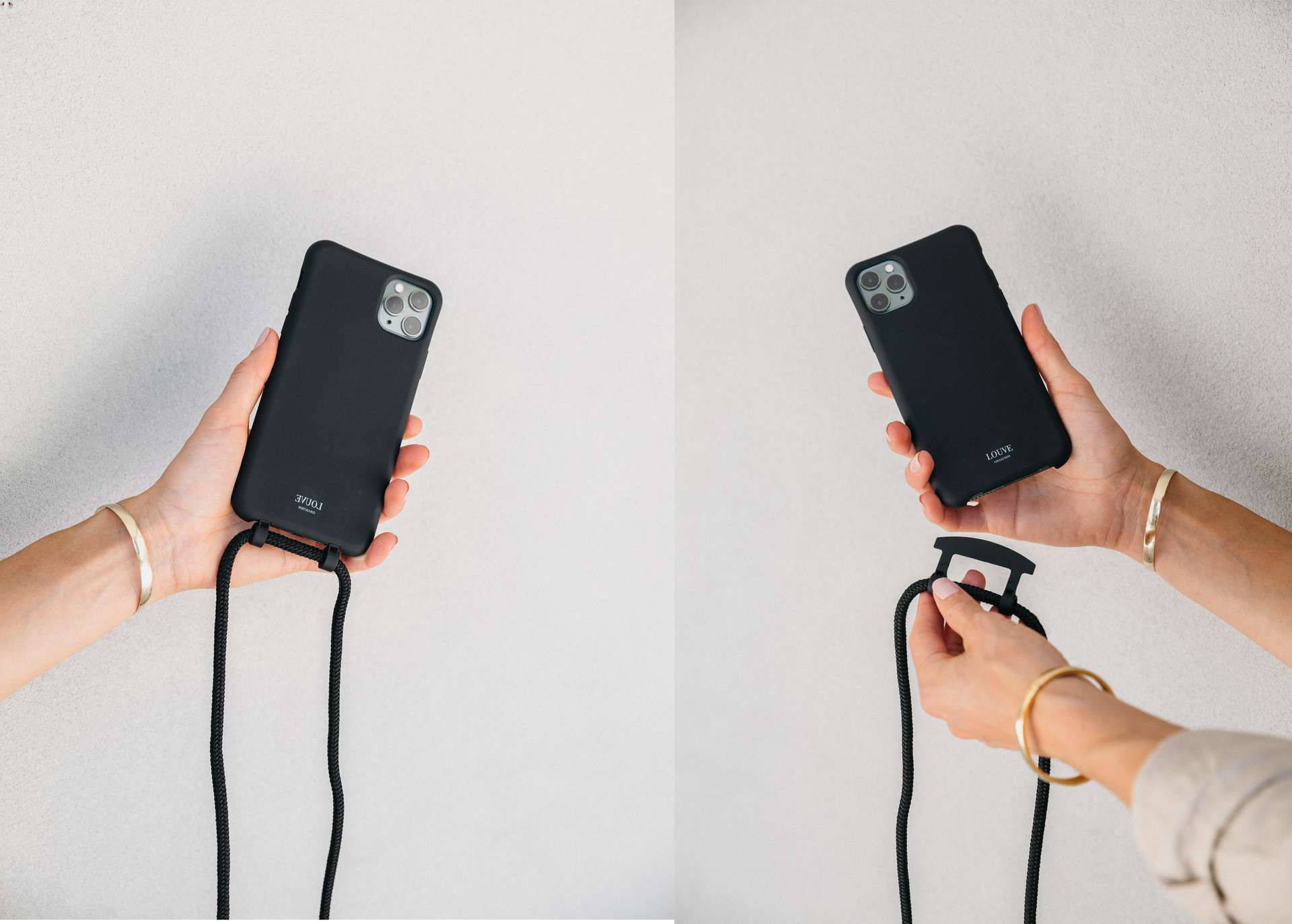
The articles here address three main types of issues. First, there are guides for troubleshooting and fixing common hardware problems, like what to do if you lose one AirPod, how to find a dead AirPod, or how to dry an iPhone Lightning connector. Second, you will find advice on accessories and care, including how to remove a Paperlike screen protector, how to wash a phone case, and how to get sand out of your phone charger hole. Third, several articles cover iOS software and settings, such as how to downgrade iOS using SHSH2 blobs, when iOS 15.4 came out, and what the orange dot on an iPhone means. Specific topics you can explore include how to tell your AirPod generation, how to check an AirTag battery, and how to attach a wrist strap to a phone case.
These articles help you take action: fix a broken accessory, clean your gear, update or downgrade your software, and make informed decisions about buying refurbished phones or applying student discounts. The goal is straightforward help for real-world Apple device ownership.