To attach a phone strap, you need a compatible case and a matching strap because the strap attaches to the case, not the phone itself.
What you need before you attach a phone strap
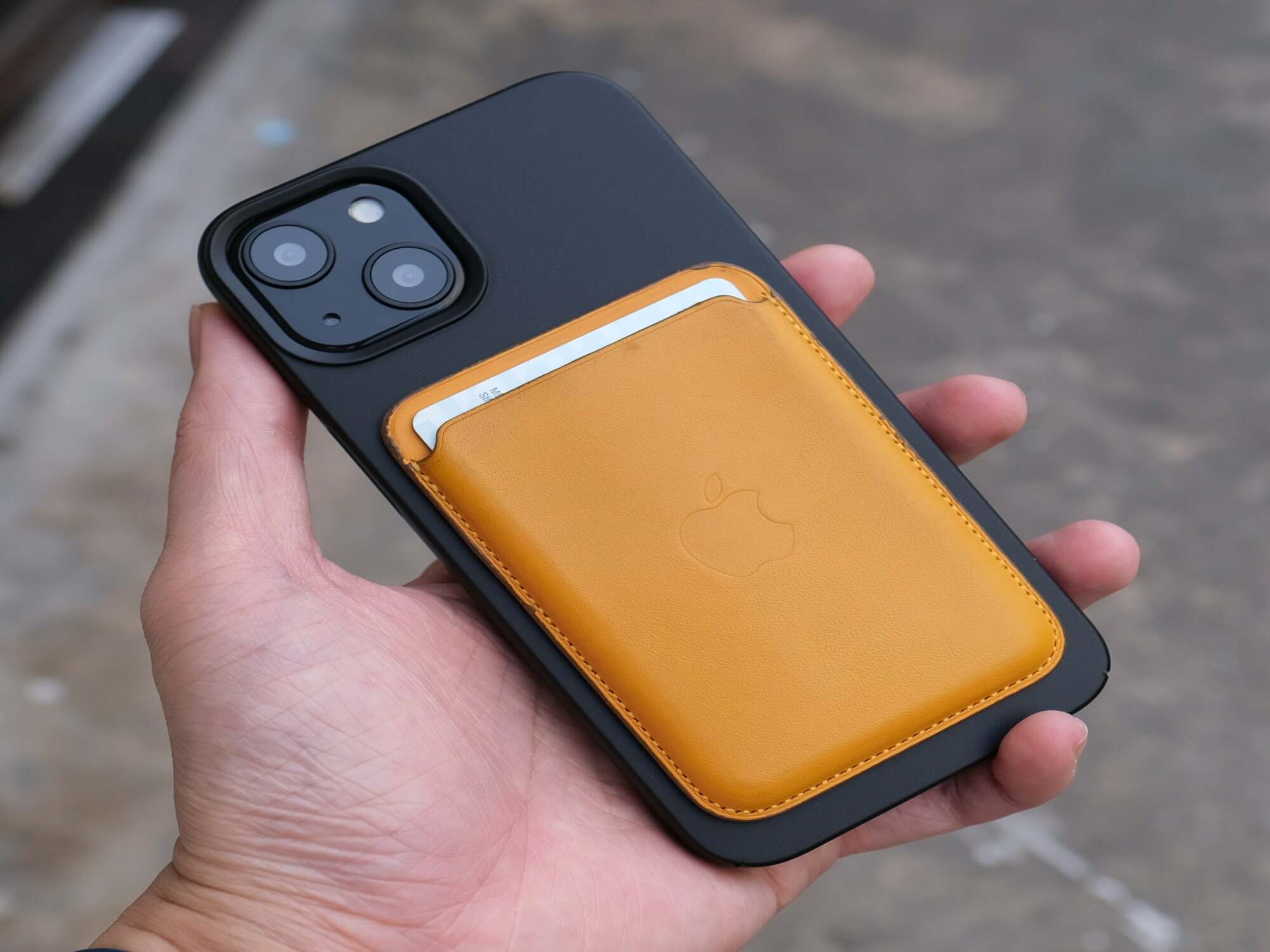
The mandatory materials are a compatible Apple iPhone case and either an Apple Crossbody Strap or Apple Wrist Strap. Apple's current official guidance states that these straps attach only to select Apple iPhone cases, not directly to the phone. No app, Bluetooth pairing, or system setting is involved in the attachment process.
Some phone straps come with detachable rings or loops that make it easier to attach and detach the strap; if your strap doesn't have one, you can purchase a separate ring or loop.
Preparing your phone and case for the strap
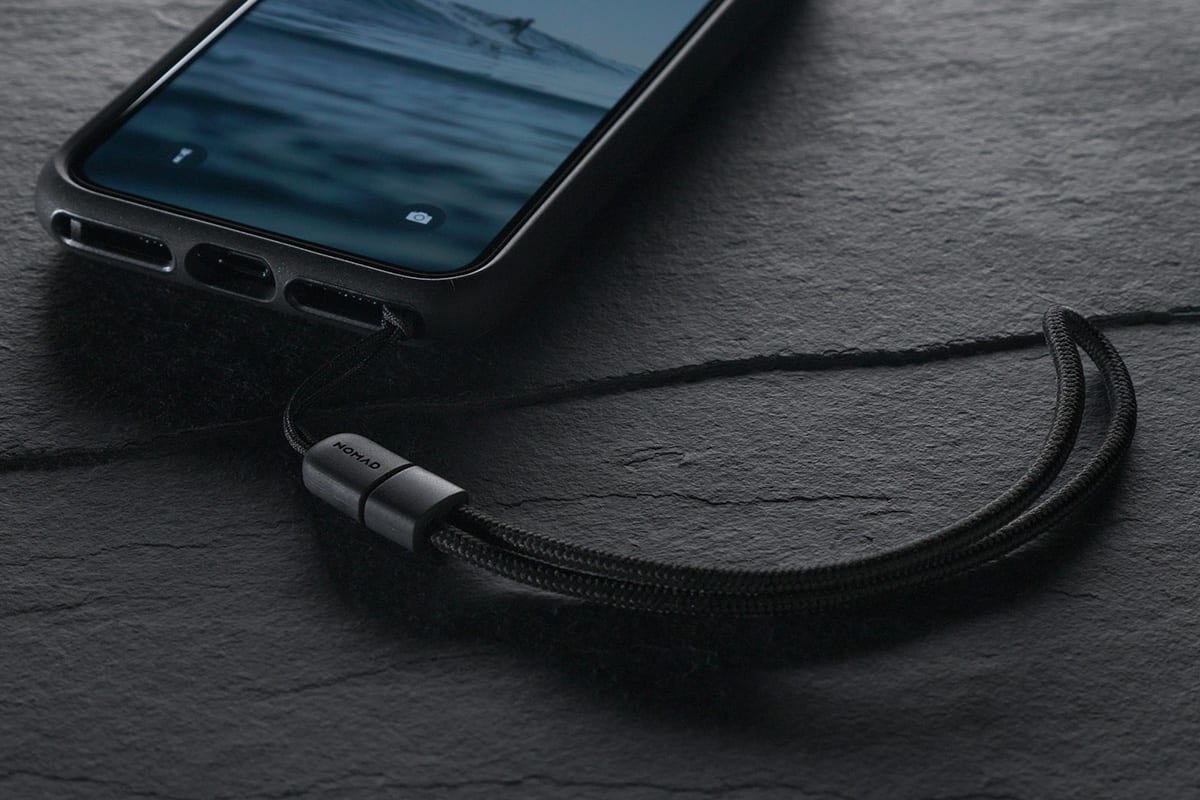
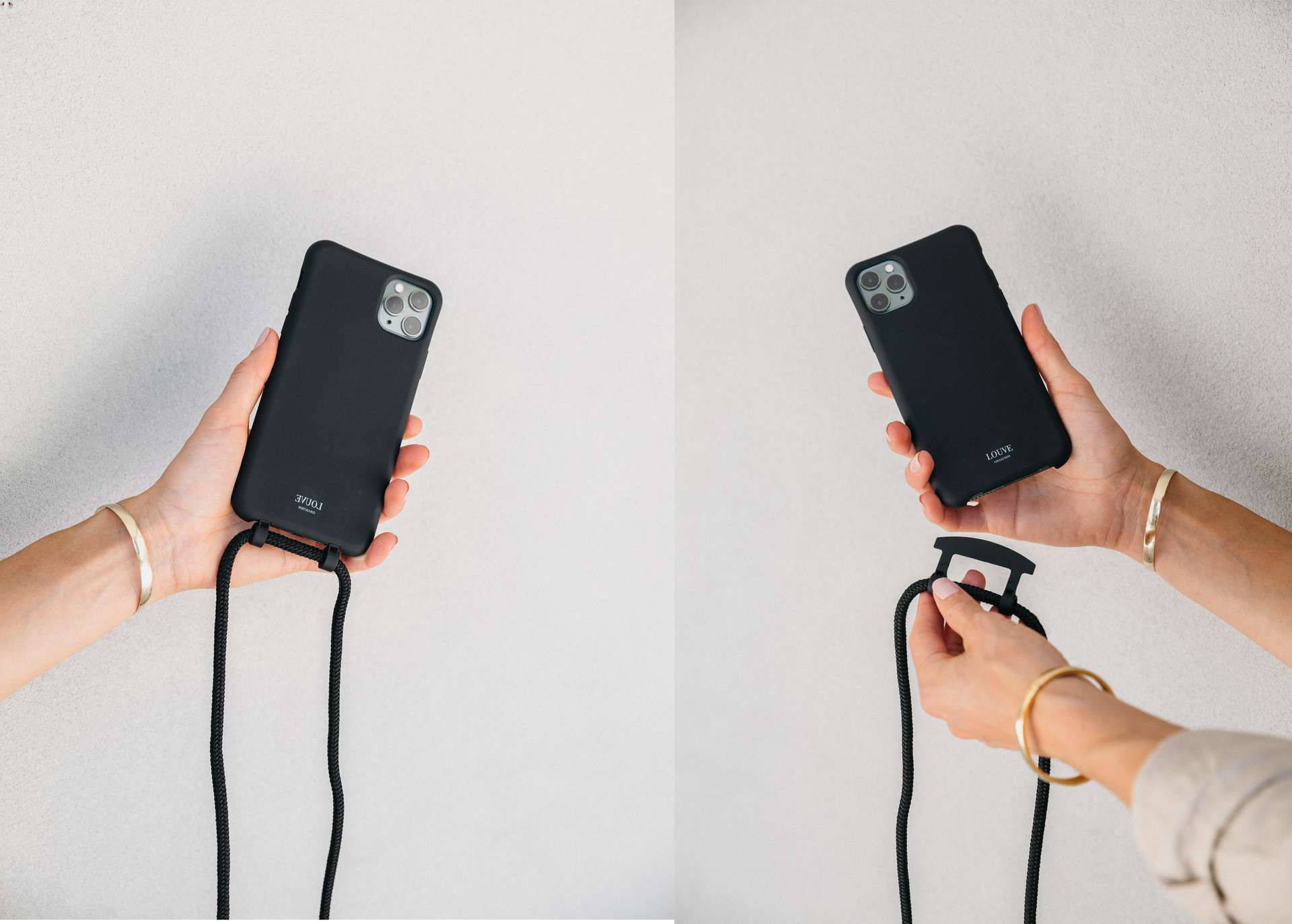
The crucial first step is removing the case from your iPhone. With the case off, locate the small connector openings on the bottom corners of the case. For the Crossbody Strap, you will find openings on both bottom corners. For the Wrist Strap, look for a small opening on one bottom corner of the iPhone case.
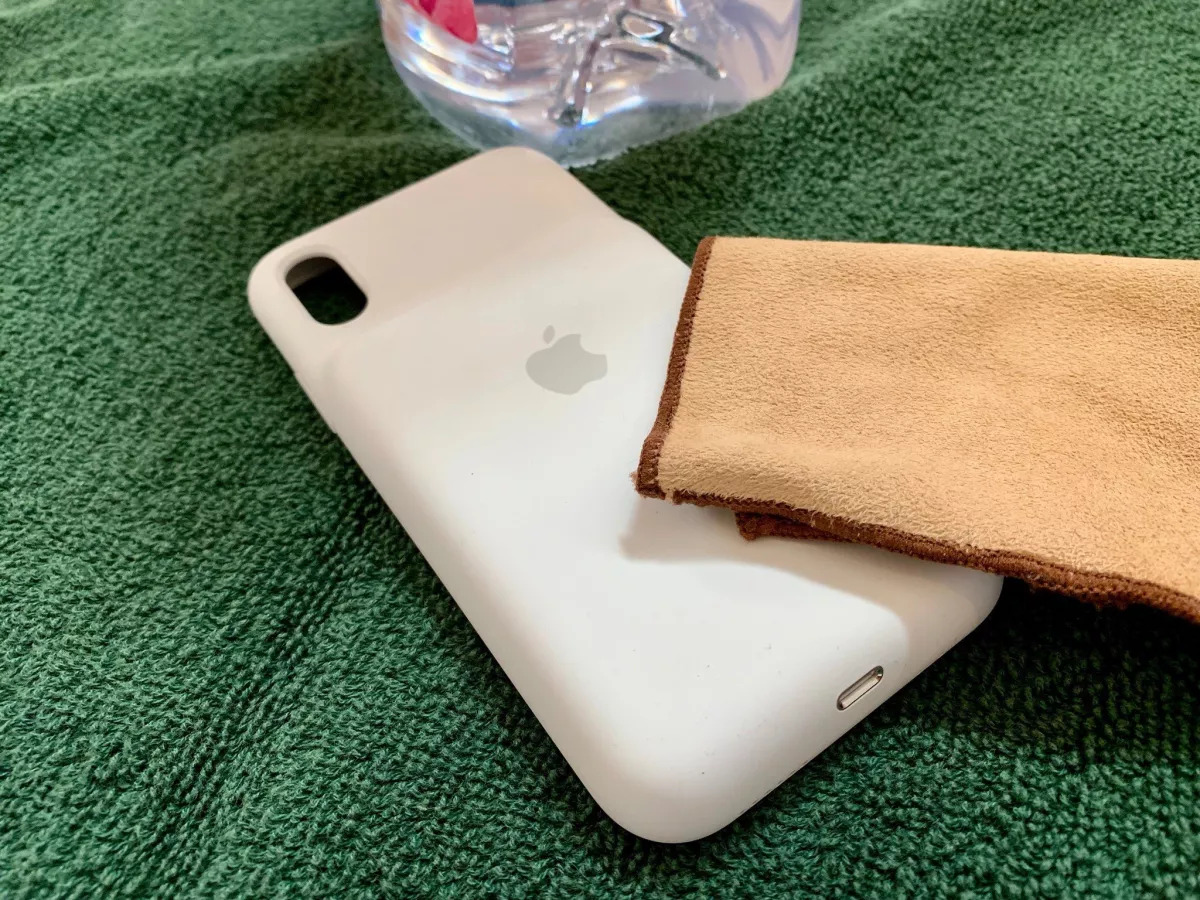
Clean the phone surface with a soft cloth to remove dust, fingerprints, or residue before attaching anything, so adhesive or connectors adhere better.
Check that the phone case doesn't interfere with the strap attachment; some cases have raised edges, cutouts, or protrusions that can prevent the strap from lying flat, and you may need to adjust or remove the case.
How to attach a phone strap to the case
Some phone straps require an adhesive pad to provide a secure base for attachment; peel off the backing and place it on the desired location on the phone's back.
- Thread the cord loop end of the connector from the outside of the case through one opening, then through the second hole to the outside of the case.
- Slip the metal ring through the cord loop and gently pull on the metal ring to secure the loop.
- Repeat for the second connector on the other corner of the iPhone case.
Securing the strap and finishing up
Put the case back onto your iPhone. For the Crossbody Strap, unsnap one end, loop it through the metal ring on the connector, and snap it closed. Repeat on the other side. For the Wrist Strap, loop the short end through the metal ring on the connector, place the long end inside the snap closure, align the short end on top, and press the layers together to secure. Make sure the connectors are securely attached before use.
Ensure the strap does not obstruct any important ports, buttons, or the camera lens; adjust positioning if necessary to maintain full access to all features.
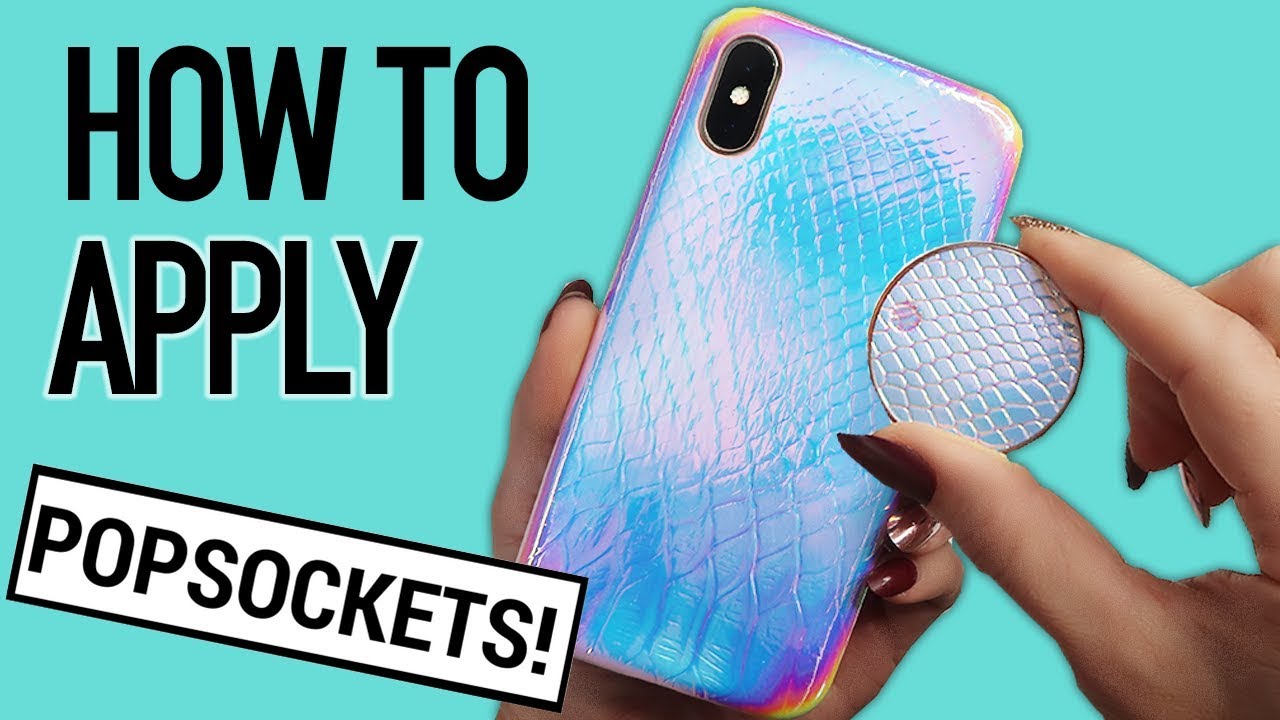
If you need to remove a strap later, the process is similar to Popsocket installation and repair in that you simply reverse the attachment steps without any special tools.
Frequently Asked Questions
Can I use a phone strap with any phone case?
Apple's Crossbody Strap and Wrist Strap are designed only for select Apple iPhone cases. The official support pages list compatibility by case and model family, so the strap choice depends on the case, not just the phone model.
Can I use a phone strap with a phone case?
Yes, as long as the case has an opening or attachment point that allows the strap to be threaded through, but ensure the combination does not interfere with buttons, ports, or sensors.
What if my iPhone model isn't listed as compatible?
Apple documents support only for select Apple iPhone cases. If your phone model or case is not listed on the official accessory pages, the strap is not designed to attach securely to that combination.
Do I need to change any settings on my phone to use the strap?
No. This is a physical accessory installation with no menu path, app setting, or carrier setting involved. The strap attaches mechanically to the case openings.
Can I attach the strap directly to my phone without a case?
No.
Does the strap work with Android phones?
Apple's support is limited to select compatible Apple cases for iPhone.
Related reading: How To Attach Wrist Strap To Phone Case and How Do Cell Phone Charms Attach.