Understand your hardware for gamepad setup
A smooth gamepad setup starts with understanding your hardware. Before you change any settings, it helps to recognize what you are holding. Most controllers share a common language, starting with a directional pad, the four-way button cluster used to move up, down, left, and right in menus and games. If you are pairing a gamepad for TV, Apple documents this as a directional remote for tvOS that supports left and right presses for seeking through content. When you want to get VR gamepad, you are looking for a motion-tracked controller, which is why you would read the article on where to get VR gamepad to find compatible options.
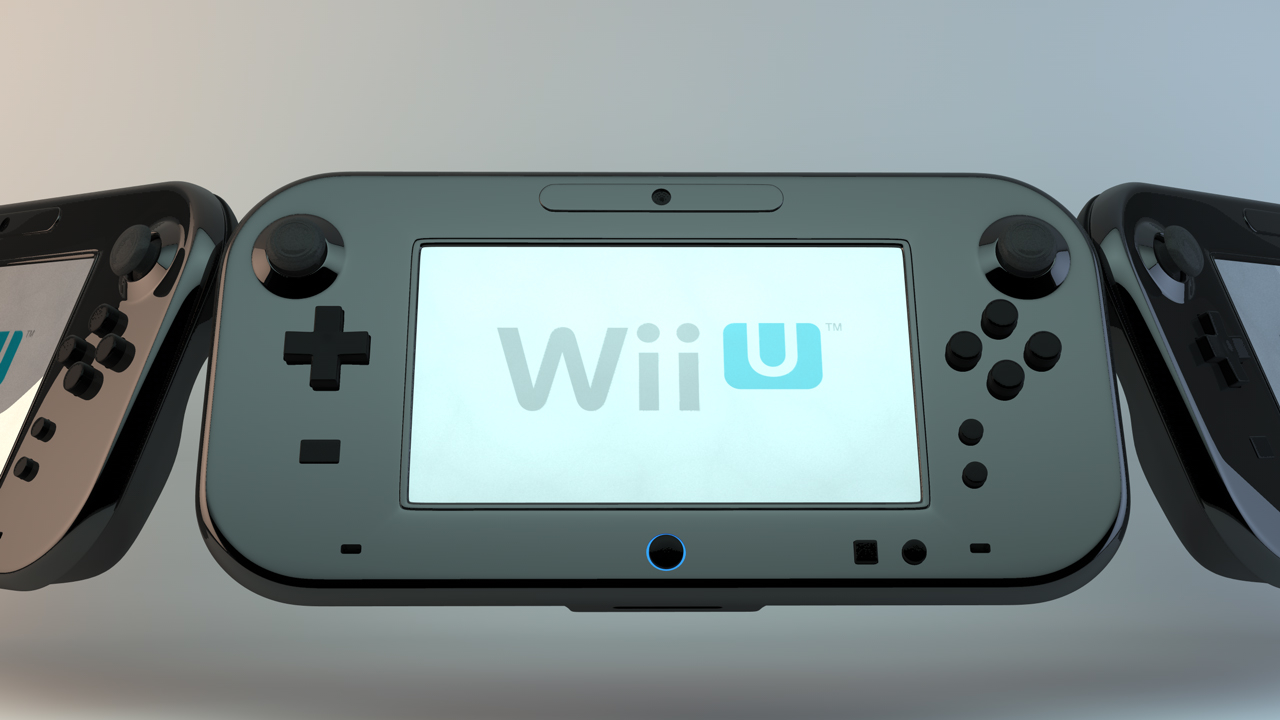
Different gamepads have unique hardware quirks worth knowing. On a Wii U GamePad, the port on the bottom of the Wii U gamepad is the charging port for the AC Adapter, which you will use for the Wii U gamepad charge. While connected, the battery LED glows orange and turns off when full, though it may stay lit if you play during charging. You should check the article on Wii U Gamepad battery life to learn how long the battery lasts on the Wii U Gamepad, as it typically runs 3 to 5 hours depending on screen brightness and wireless use, and a full charge takes about 2.5 hours. From the Wii U Menu, press the HOME Button and the battery level appears in the top-left corner; you can also glance at the indicator on the bottom right of the GamePad. A steady red light means low power, while a blinking red light means very low power and soon power off. To keep the battery healthy, charge it at least once every six months, as leaving it uncharged for an extended period can make it impossible to charge, and stay within an ambient temperature of 10°C to 35°C while charging.
Connect and set up
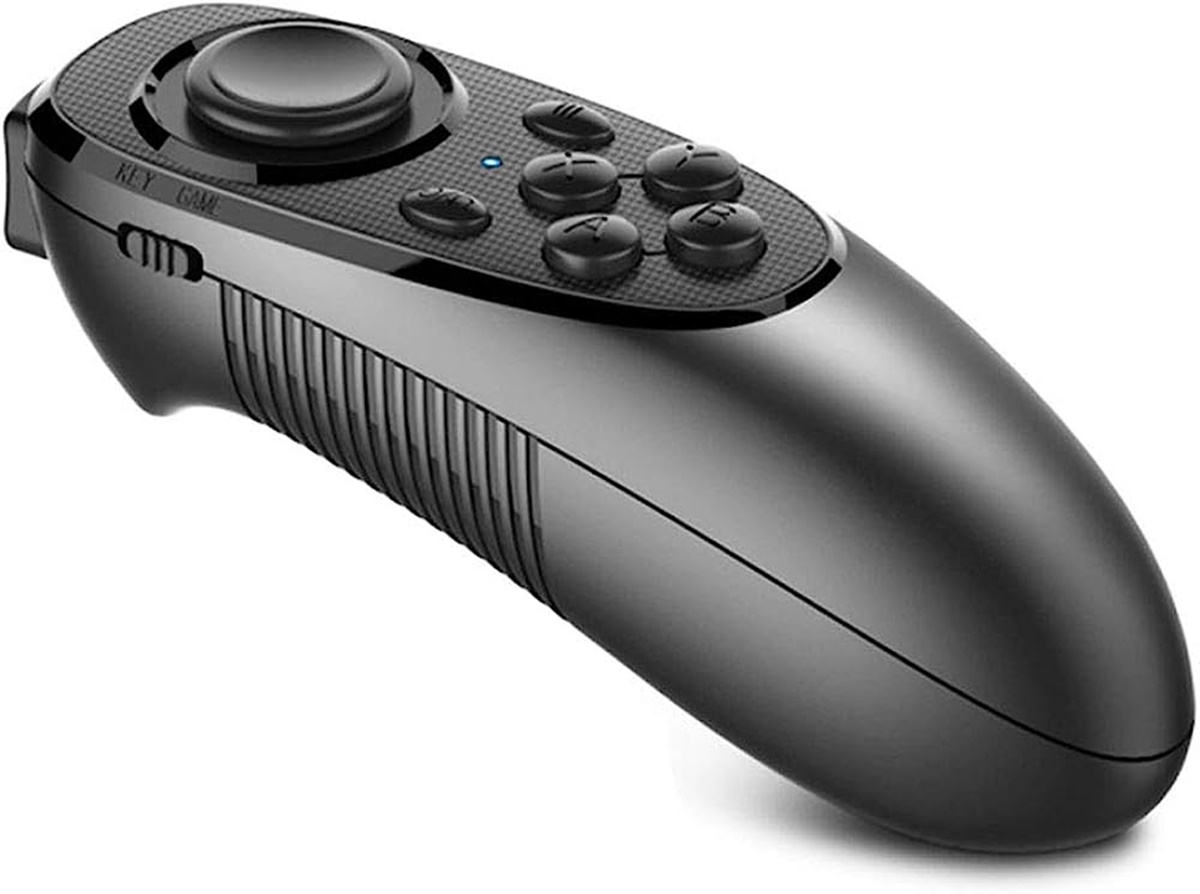
Most gamepads give you two ways to connect, and the method you pick changes how the device behaves in different apps. A wired USB connection almost always works immediately because the computer sees the hardware as a standard input device, while Bluetooth often requires you to put the pad into a specific pairing mode first. If you need to connect 8bitdo gamepad to PC, refer to the model's manual for the correct pairing button and sequence, then look for it in your Windows Bluetooth settings; the Pro 2 model requires Windows 10 version 1903 or newer for full compatibility. For a simpler mobile-style pad, the process to connect Mocute gamepad to PC involves putting the device into XInput mode for most modern PC games, which cycles the gamepad between iOS, Android, and XInput modes. Once connected, you can set up a gamepad for Steam through the Steam client's controller settings, where you can map buttons globally or per game, though Steam Input can sometimes override a title’s own detection. When you set up a gamepad for elite dangerous, the sheer number of flight controls means you may need to use modifier buttons to fit every command onto a standard layout.
Configure for specific games
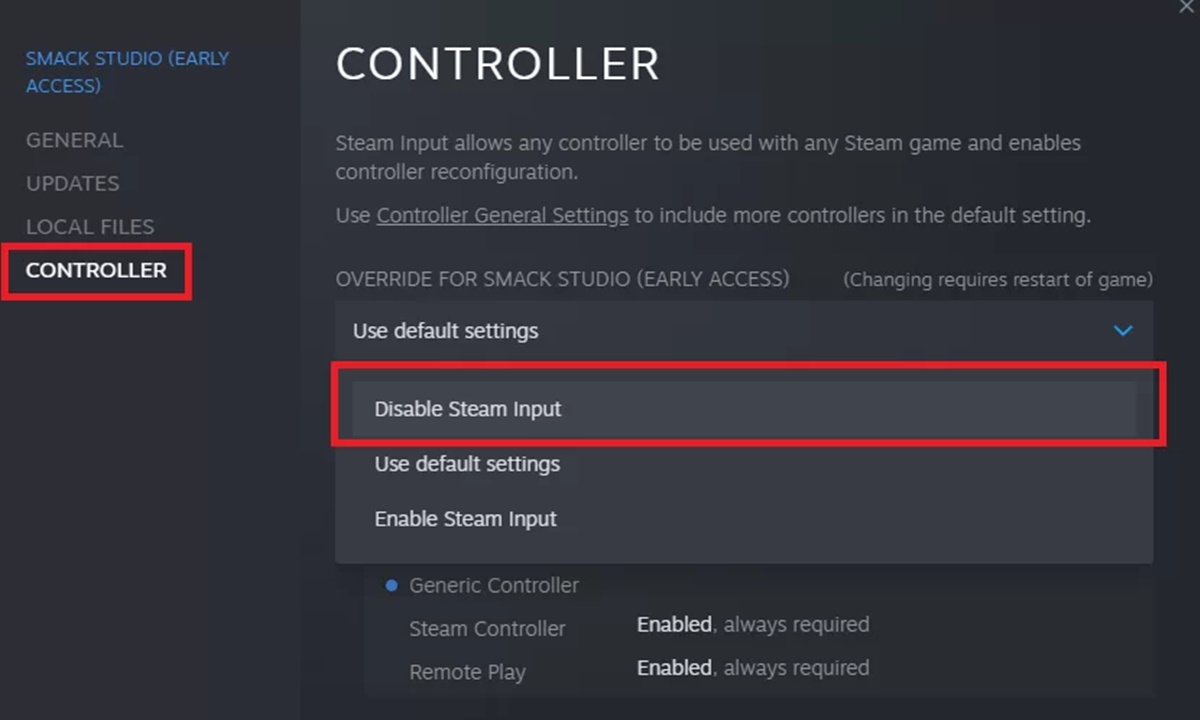
Getting a gamepad recognized often depends on the order you do things. This is especially true with older or mod-heavy PC titles. For instance, if you want to use a gamepad for Skyrim on PC, the safest approach is to plug it in before opening the launcher. The game scans for devices at startup and may miss one connected mid-session. Steam's own configuration tool can further complicate this by translating your inputs in ways the game does not expect. If your buttons are misbehaving, it is worth checking whether Steam Input is active for that specific title.
Emulators give you much more direct control over this mapping process. When you need to use gamepad with ePSXe, you open Config -> Game Pads, choose Pad 1 or Pad 2, select the pad type you want emulated, then click each on-screen PlayStation button to assign your physical device's inputs before saving with OK. The emulator can even emulate different pad types like a digital pad, digital pad/analog pad, or digital pad/mouse pad. You can change the pad type during gameplay with the F5 key.
Some games present unique hurdles. To enable gamepad on Black Ops PC, you typically must toggle the option within the game's own settings menu rather than relying on the system to detect it. Similarly, while you can use gamepad with GMod, Garry's Mod does not offer a pre-built official layout. You will need to manually bind every key through the in-game console or borrow a community-made configuration.
Modern survival horror often handles this more gracefully. To use gamepad in Resident Evil 7 for PC, the game should switch to controller prompts on the fly the moment you press a button. The blockier worlds of Mojang require a different bridge entirely, since Java Edition lacks native support. To use a gamepad with Minecraft, you must install a mod that maps controller inputs to keyboard and mouse commands.
Use with platforms and launchers
Platforms and launchers often layer their own controller logic on top of what a game expects, which can lead to double inputs or buttons that simply stop responding. If a title suddenly ignores your pad after working perfectly elsewhere, the first thing to check is whether Steam is intercepting the signal. You can disable a gamepad in Steam globally through Steam > Settings > Controller > General Controller Settings, or for a specific title by opening your Library, right-clicking the game, selecting Properties, and then setting the Steam Input Per-Game Setting to Forced Off under the Controller tab. Because there is no global off switch for Steam Input, this per-game override is the most reliable way to hand control back to a game’s native detection.
Outside of Steam, launcher behavior varies. Trying to use Asus gamepad with Fortnite on a mobile device may require relying on the game’s own Bluetooth pairing screen rather than any platform-level utility. In every case, the sequence matters: plug in or pair your device before you click play, and check the launcher’s input settings before diving into deeper troubleshooting if the game still ignores it.
Adjust and maintain
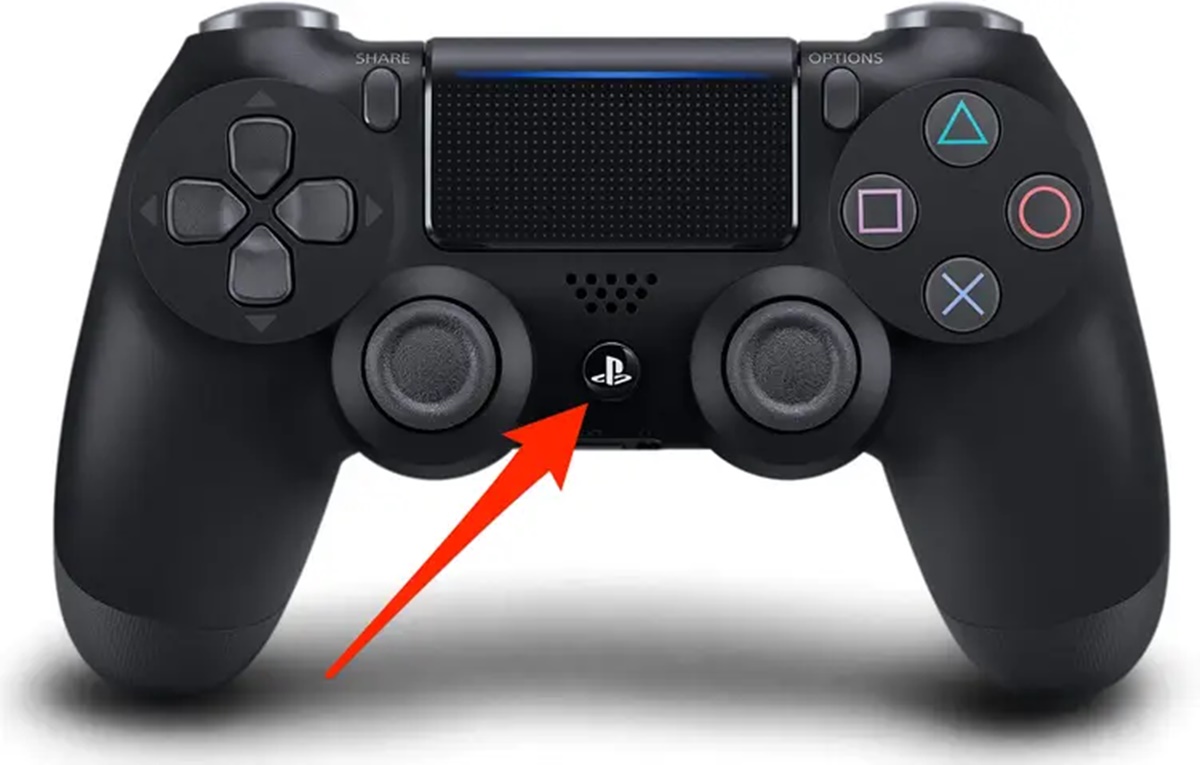
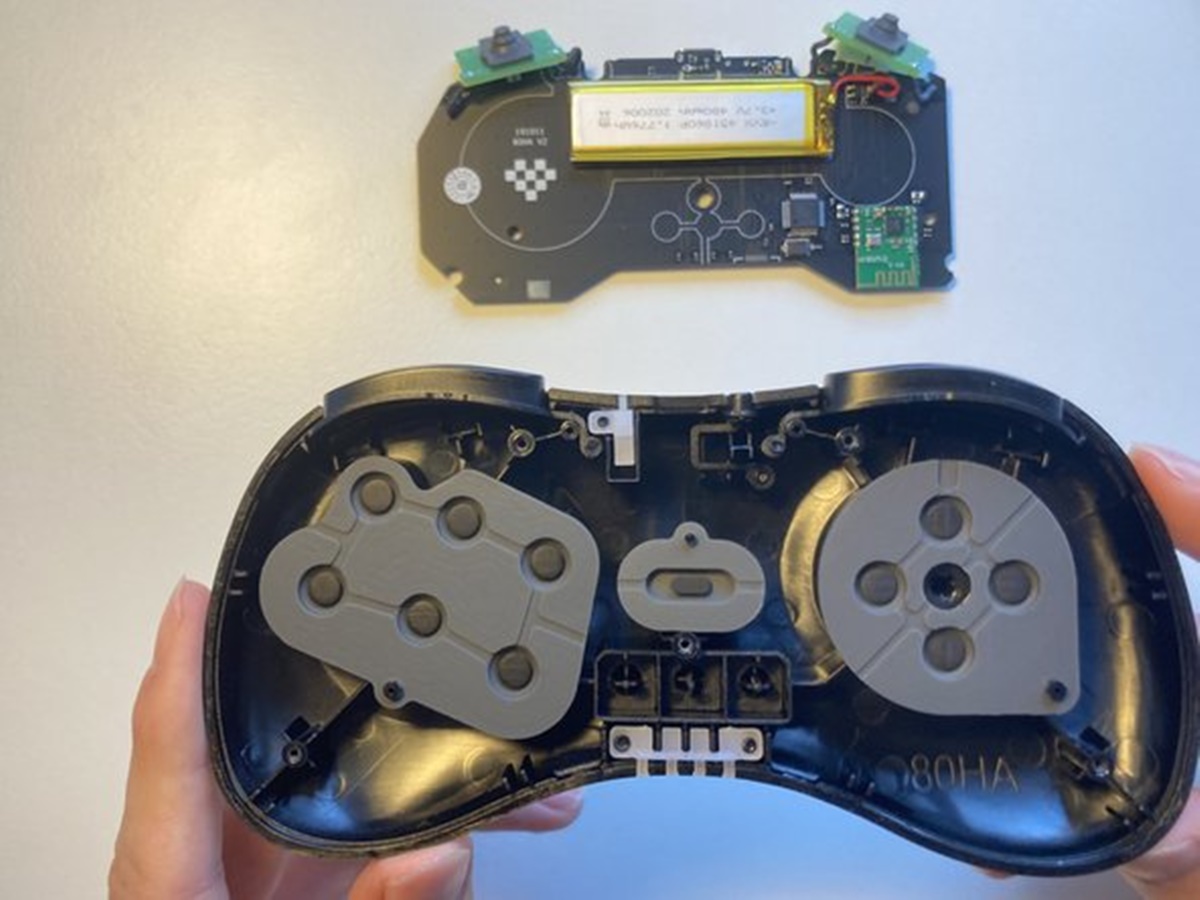
Fine-tuning how your hardware feels can make the difference between a smooth session and constant frustration. If your character turns too slowly or your aim overshoots, you can look for an in-game slider to adjust gamepad speed, which is helpful when you want to fine-tune your responsiveness for faster or more precise aiming. The exact label varies by title and may appear as look sensitivity or response curve. When you need to switch back to mouse and keyboard completely, you can usually turn off gamepad by holding the system or guide button for several seconds, which is useful when you want to conserve battery or prevent accidental inputs. This disconnects the wireless signal without affecting other paired devices. For players who want to modify the physical hardware, remove gamepad dpad carefully by prying it free with a non-conductive plastic tool, which is necessary if you need to clean underneath or replace a worn directional pad. Be aware that this process varies widely by model and can void your warranty if the manufacturer uses sealed internal clips. If your Wii U GamePad is low on battery and the original AC adapter is missing, you can attempt to charge a Wii U gamepad without charger using a third-party USB cable, which is a practical solution when you have lost or damaged the original power adapter. Nintendo only guarantees safe charging within an ambient temperature of 50°F to 95°F. A full charge from a depleted state can take up to 2.5 hours.
Fix connection and sync problems
When the GamePad screen stays dark or refuses to pair, the first step toward a reliable fix Wii U gamepad connection issues is to eliminate wireless competition. Power down any other Wii U consoles or GamePads in the house, then unplug your console's power cord for at least a few seconds so its internal radio can fully discharge. Place the console out in the open, away from fish tanks, metal shelving, cordless phones, and microwave ovens, and keep the handheld unit between 3 and 10 feet away during the sync attempt.
If interference is not the culprit, you may need to reset my Wii U gamepad by holding its power button until the screen goes black, waiting 15 seconds, and then pressing power once to restart. Press the sync button on the front of the console twice or until the sync symbols appear, then immediately use a stylus to tap the sync button on the back of the device. Should the screen read "Could not connect to the Wii U console," simply press that rear sync button again while the message is visible.
An old pairing lingering in memory can block a fresh connection, so you might need to unsync a Wii U gamepad by initiating a new sync from a different profile slot, which overwrites the previous registration. Once reconnected, be aware that the built-in sensor bar will only activate Wii U gamepad sensor bar functionality when you launch Wii Mode. If the on-screen pointer jitters or vanishes, your television's sensor bar may be conflicting with the one inside the portable screen.
- fix Wii U gamepad connection issues
- activate Wii U gamepad sensor bar
- reset my Wii U gamepad
- unsync a Wii U gamepad
Frequently Asked Questions
What pad type should I select in ePSXe for games with analog sticks?
Choose digital pad/analog pad from the pad type menu in Config > Game Pads to enable both the D-pad and analog sticks. You can toggle between pad types during gameplay by pressing the F5 key.
Why does my Wii U GamePad battery LED stay orange after charging overnight?
The orange LED normally turns off when charging finishes, but it may stay lit if you used the GamePad while it was charging. A full charge from empty takes about 2.5 hours when the device is not in use.
Can I use a Mocute gamepad with Steam games?
Yes, put the Mocute into XInput mode before launching Steam, as this mode supports Windows 10 or above and works with Steam titles. The mode cycles between iOS, Android, and XInput using a button combination on the controller.
How do I stop Steam Input from overriding my game's built-in controller support?
Right-click the game in your Steam Library, select Properties, open the Controller tab, and set Steam Input Per-Game Setting to Forced Off. There is no global off switch for Steam Input, so this per-game override is the most reliable method.