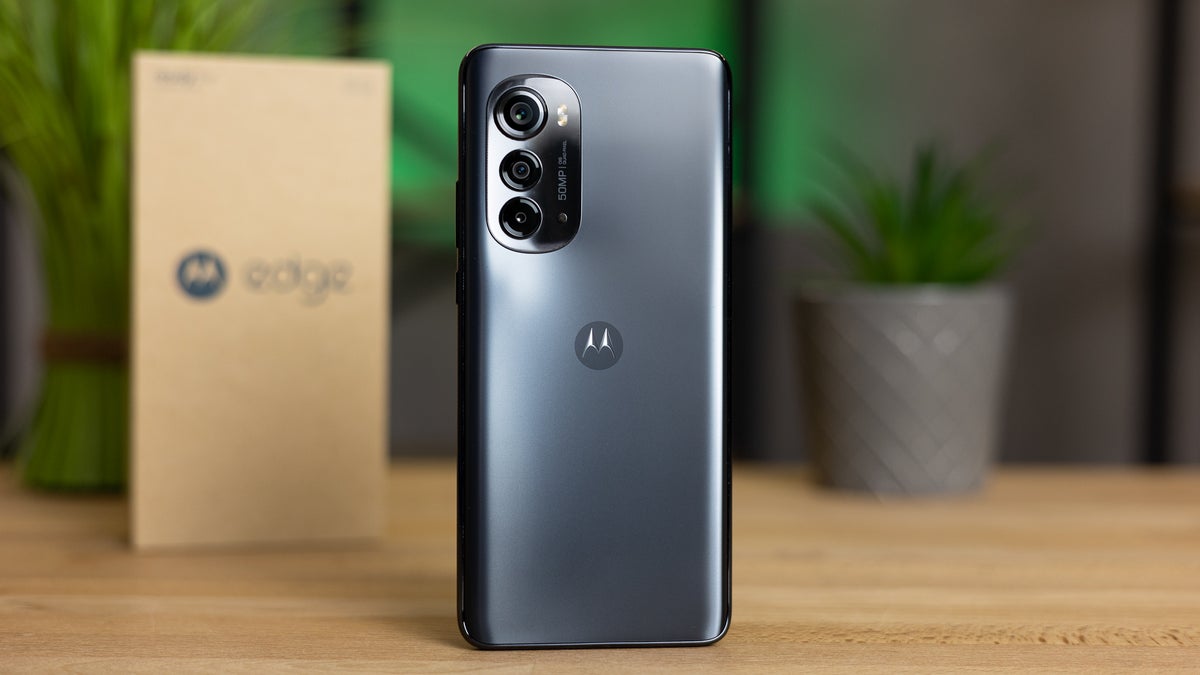
To factory reset a Motorola Edge, you can use either the Settings menu or a hardware-key combination, and both methods will erase all data and restore the phone to its original factory state. Before starting, charge the battery to at least 30% to avoid interruptions during the process.
Factory reset Motorola edge: what you need to know
A factory reset removes all user data, including apps, accounts, photos, and settings, returning the phone to the condition it was in when first unboxed. Motorola documents two methods for the Motorola edge: a reset through the Settings app and a recovery-mode reset using hardware keys. Both methods require a battery charge of 30% or more before you begin.
Preparation for factory reset
Charge your Motorola Edge to at least 30% battery before attempting any reset. Motorola’s edge (2022) page says to charge the battery to 30% or more before resetting. If your phone has a screen lock, you may be asked to enter your PIN, password, or pattern during the reset process, so have that credential ready. Motorola's support pages do not include a backup checklist, but you should save any important files before proceeding because the reset will permanently delete everything on the device.
Factory reset via Settings
The exact menu path varies slightly by model year. Follow the steps for your specific Motorola Edge:
- Open Settings.
- Navigate to System.
- If you see Advanced, tap it. (Some models skip this step.)
- Tap Reset options or Reset, depending on your model.
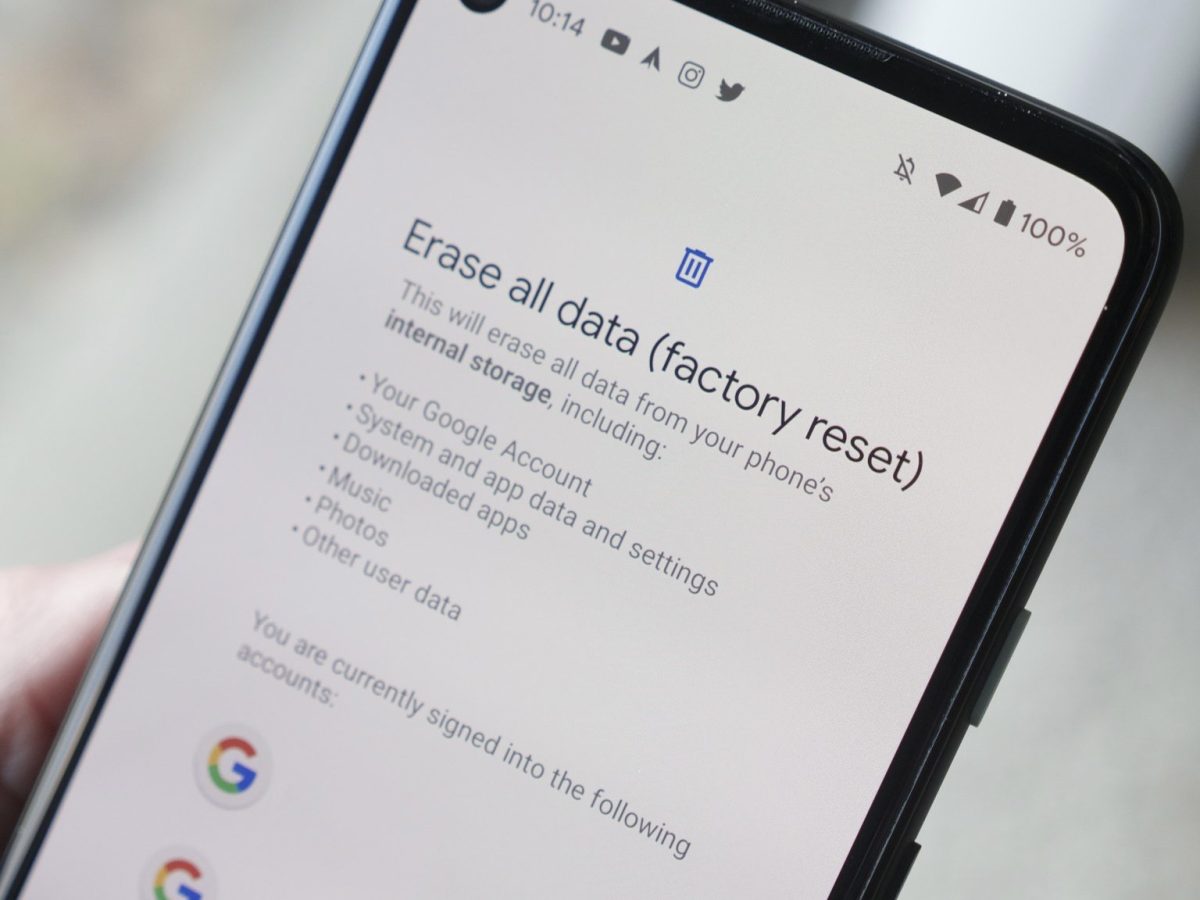
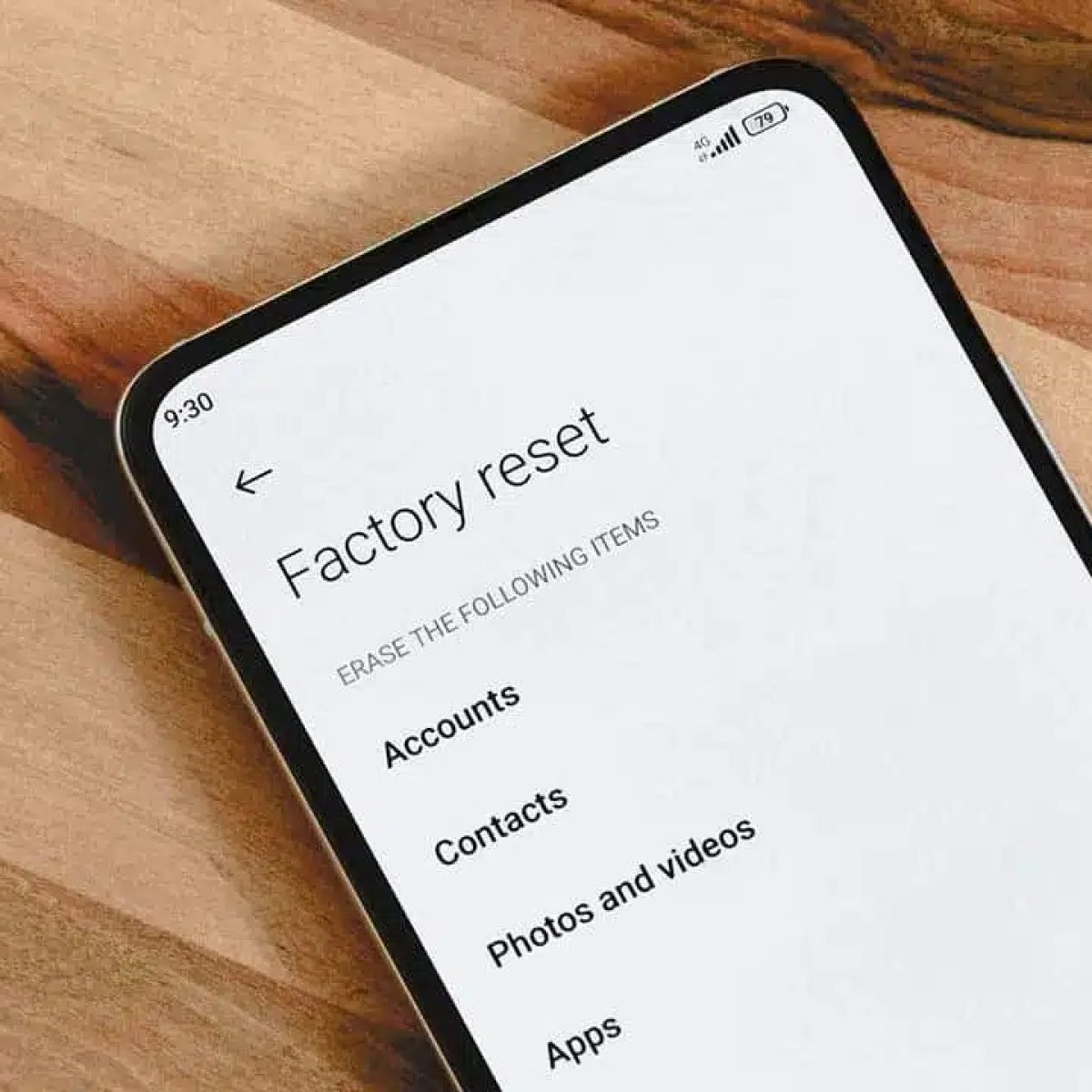
- Select Erase all data (factory reset) or Factory data reset.
- Confirm by tapping Erase all data, Reset phone, or Erase everything.
On the Motorola edge and edge (2021), the documented path is Settings > System > Advanced > Reset options > Erase all data (factory reset) > Erase all data. On the Motorola edge (2023), the path shortens to Settings > System > Reset options > Erase all data (factory reset). On the Motorola edge (2022), Motorola documents the path as Settings > System > Advanced > Reset > Factory data reset.
Factory reset using hardware keys
Use this method if you cannot access the Settings menu, for example if the phone is frozen or you are locked out. The hardware-key reset works on all Motorola Edge models.
- Power off the phone completely.
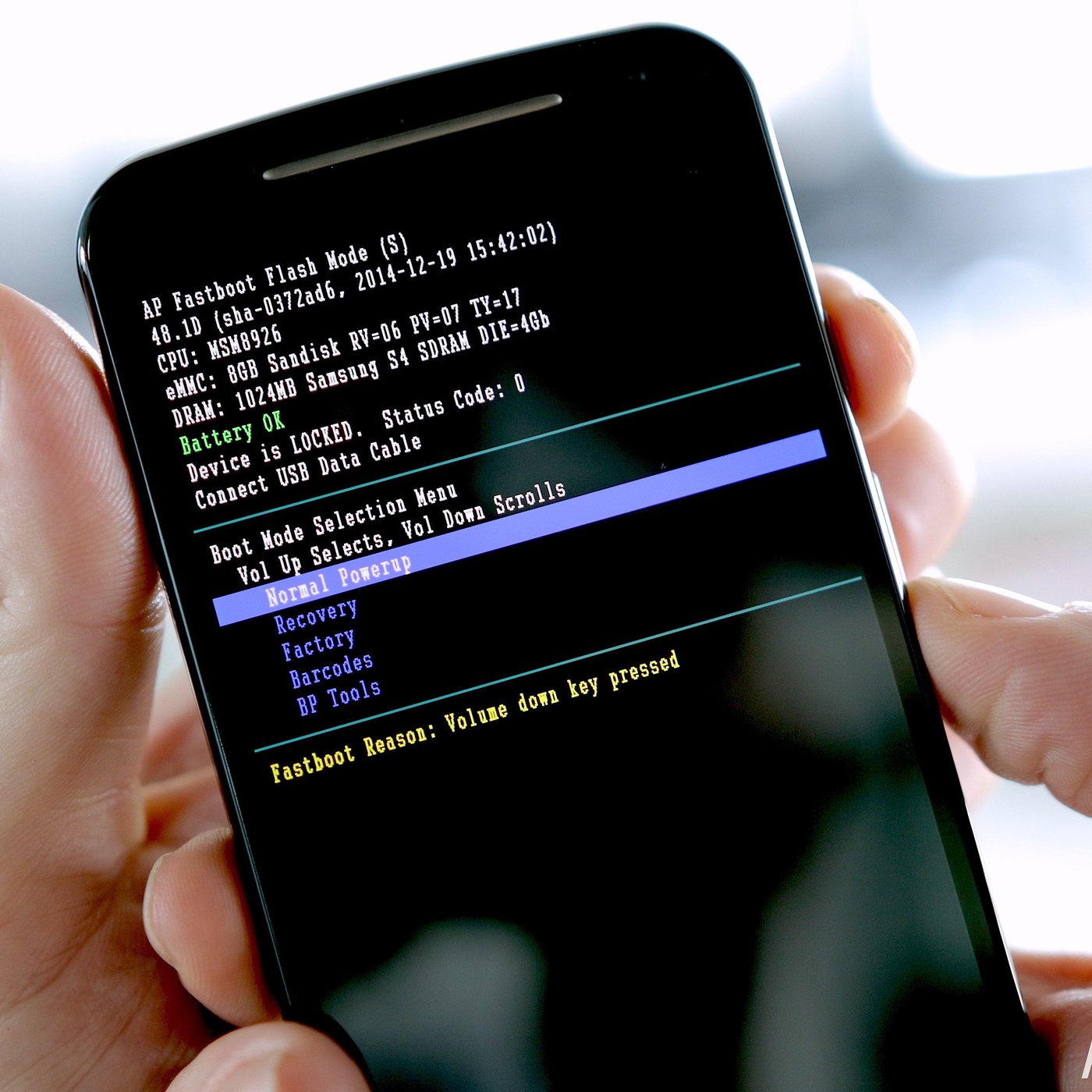
- Press and hold Volume Down and Power simultaneously until the device turns on.
- Use the volume buttons to highlight Recovery mode, then press Power to select it.
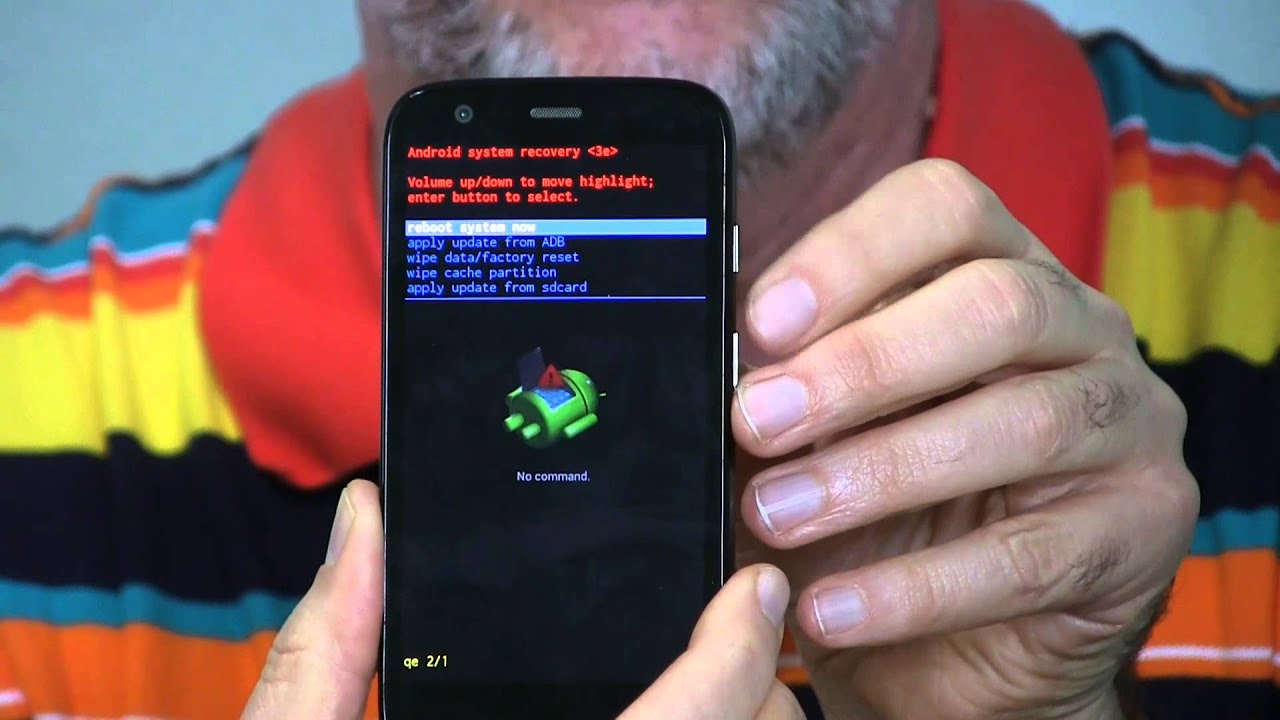
- If an Android robot with a red exclamation mark appears, press and hold Power, then press Volume Up once.
- Use the volume buttons to highlight wipe data/factory reset, then press Power to select it.
- Highlight Factory data reset and press Power to confirm.
- After the wipe completes, highlight Reboot system now and press Power.
Allow several seconds for the reset to finish. The phone will reboot with factory settings restored.
After the factory reset
Once you select the final confirmation, the phone will reset and reboot automatically or after you choose Reboot system now. Motorola’s edge (2022) page says to use Reboot system now after the wipe completes. Bell says the phone will reset and reboot after ERASE EVERYTHING is selected. You will need to set up the device as new, including connecting to Wi-Fi and signing into your Google account.
Model-specific menu differences
The main variation across Motorola Edge models is whether the Settings path includes an Advanced menu and whether the submenu is labeled Reset options or Reset. For example, the Motorola edge and edge (2021) use Advanced > Reset options, while the edge (2022) uses Advanced > Reset, and the edge (2023) drops the Advanced step entirely. Bell’s support page applies to Motorola smartphones broadly and explicitly lists Moto Edge series (2024 and higher) among the models covered by that generic factory-reset flow.
Frequently Asked Questions
Will a factory reset remove the screen lock on my Motorola Edge?
Yes, a factory reset removes the current screen lock, but on some devices you may need to enter the existing PIN, password, or pattern before the reset can proceed. After the reset, the phone will boot without any lock, and you can set a new one during setup.
Can I cancel a factory reset once it has started?
No. Once you confirm the reset and the process begins, all data is erased immediately. There is no pause or undo option, so make sure you have backed up anything important before confirming.
Does a factory reset fix hardware problems like a broken screen or battery drain?
No. A factory reset only addresses software issues such as app crashes, system glitches, or forgotten passwords. Physical hardware problems require repair or replacement of the affected component.
Why does my Motorola Edge show an Android robot with a red exclamation mark?
This screen appears when entering recovery mode using the hardware-key method. It is normal. Press and hold Power, then press Volume Up once to display the recovery menu where you can select wipe data/factory reset.
How long does the factory reset take on a Motorola Edge?
The reset itself typically takes a few minutes. The total time depends on how much data is being erased and the model of the Edge. After the reset, the phone will reboot, and the initial setup process may take additional time.
For the wider topic, see factory resetting phones.
Related reading: How To Factory Reset A Moto G Pure and How To Factory Reset Moto G Power 2022.