Start here: Cellular Networks

All topics →

The Cellular Networks tag collects articles that explain the nuts and bolts of how your phone connects to the world, from the radio waves in the air to the carrier you pay each month. This page is for anyone who has ever wondered why their signal is weak, what a setting like LTE actually does, or how to get a device like a dongle or hotspot online. Whether you are troubleshooting a specific error or just trying to understand the basics, these articles cover the core ideas and everyday fixes.

The articles fall into a few clear themes. One group tackles fundamental concepts: you can learn what a mobile network is, what the word "LTE" on your screen means, and which kinds of waves carry your calls. Another set focuses on practical problems and settings, like how to turn on mobile data on an Android tablet, how to remove SOS mode on an iPhone, or how to fix a cellular failure on an ADT system. A third theme covers the hardware and services behind the scenes, including what a mobile carrier does, what a jammer is, and how second-generation wireless (2G) works.

These articles help you do real things: understand what "2 bars" on your iPhone 11 or 12 actually means, reset a T-Mobile hotspot, connect a dongle, or even use a landline phone without a landline. They also explain basic actions like what happens when you turn off mobile data and how to tell what band your phone is using, giving you the knowledge to manage your own connection.
Mobile Phone Basics and How They Work

How mobile phones work and what they actually are To understand how mobile phones work, it helps to settle on a clear definition of a mobile device. In everyday speech,...

What Is Mobile Service

Mobile service is the carrier-provided connectivity that lets a phone use voice, messaging, and data over a cellular network. Understanding what is mobile service starts with knowing that carriers configure...

What Is Mobile Carrier

A mobile carrier is the company that provides your phone’s cellular service and network access for calls, texts, and data. Understanding what is mobile carrier helps you choose the right...

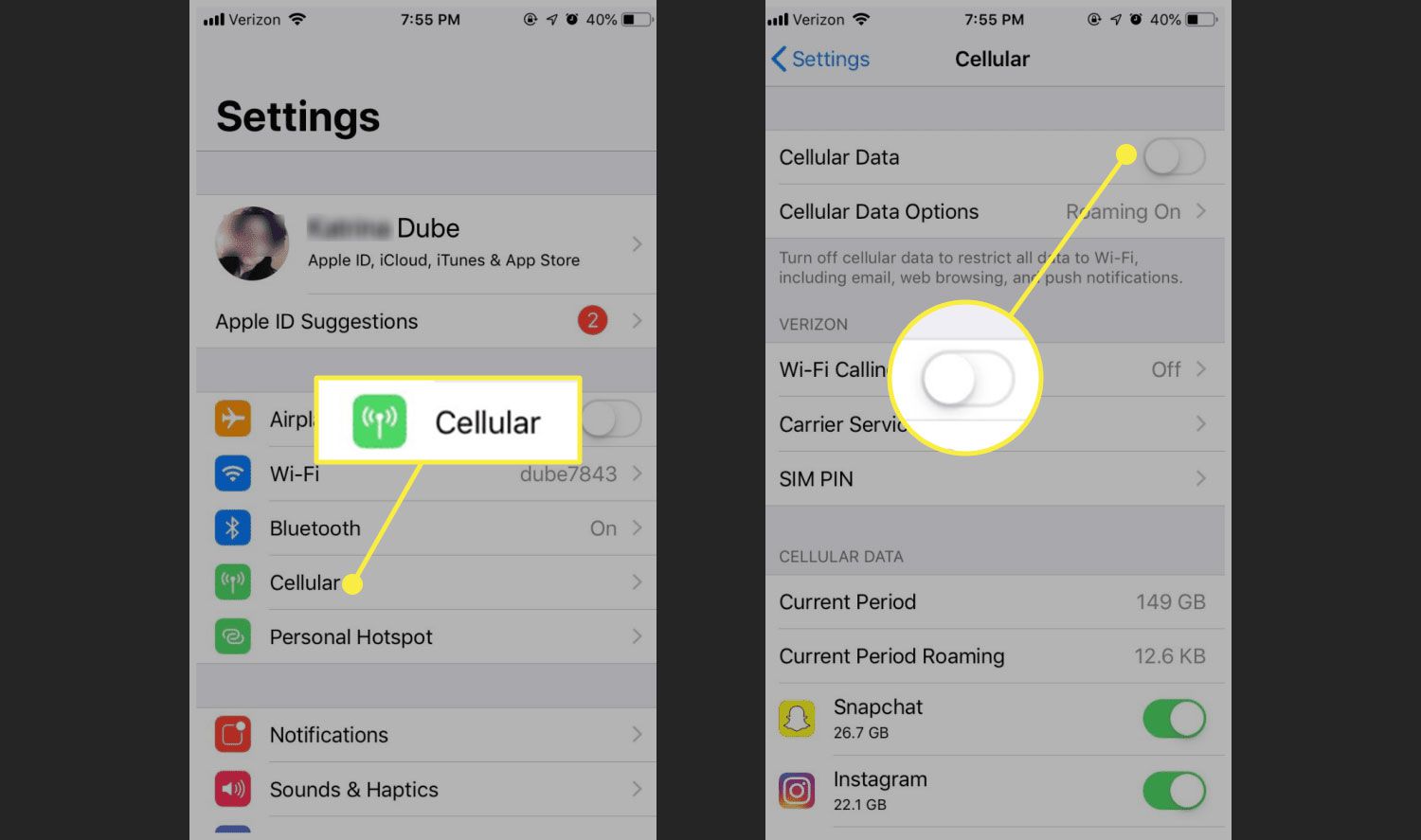
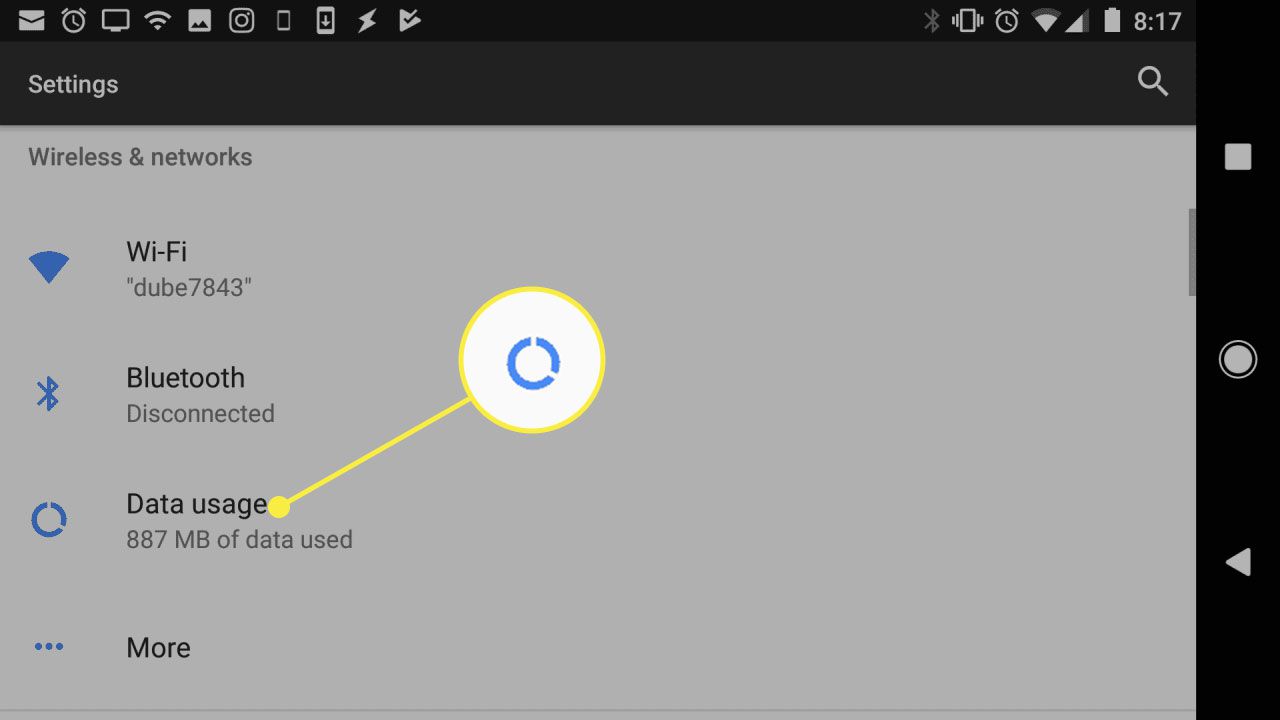
What Happens When You Turn Off Your Mobile Data

When you turn off mobile data, your phone stops using the cellular network for internet access, meaning apps cannot use cellular data and must wait for Wi‑Fi. This immediately stops...

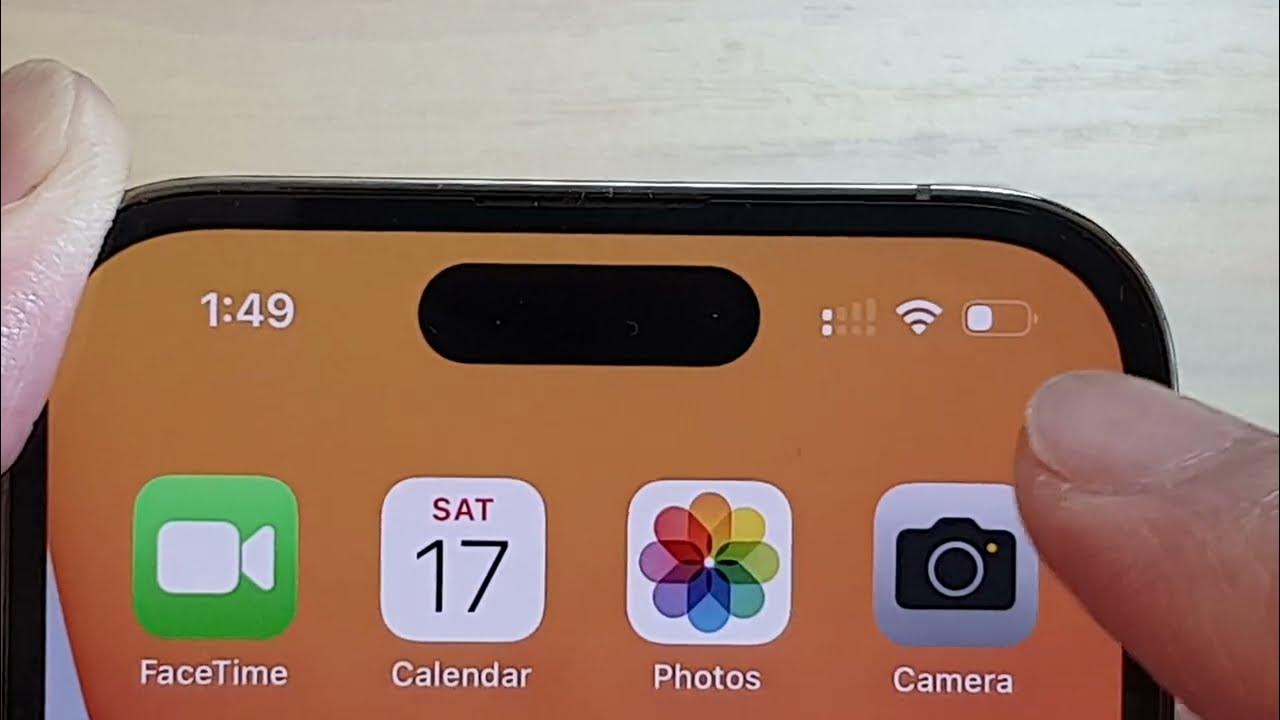
Why Do I Only Have 2 Bars On My IPhone 12

Seeing only 2 bars on my iPhone 12 simply means your phone is receiving a weak-to-moderate cellular signal from the nearest tower. Apple documents that the bars in the status...

Why Do I Only Have 2 Bars On My IPhone 11

If your iPhone 11 shows only 2 bars, it means the phone is receiving a weak but still usable cellular signal, as Apple defines the bars as the signal strength...

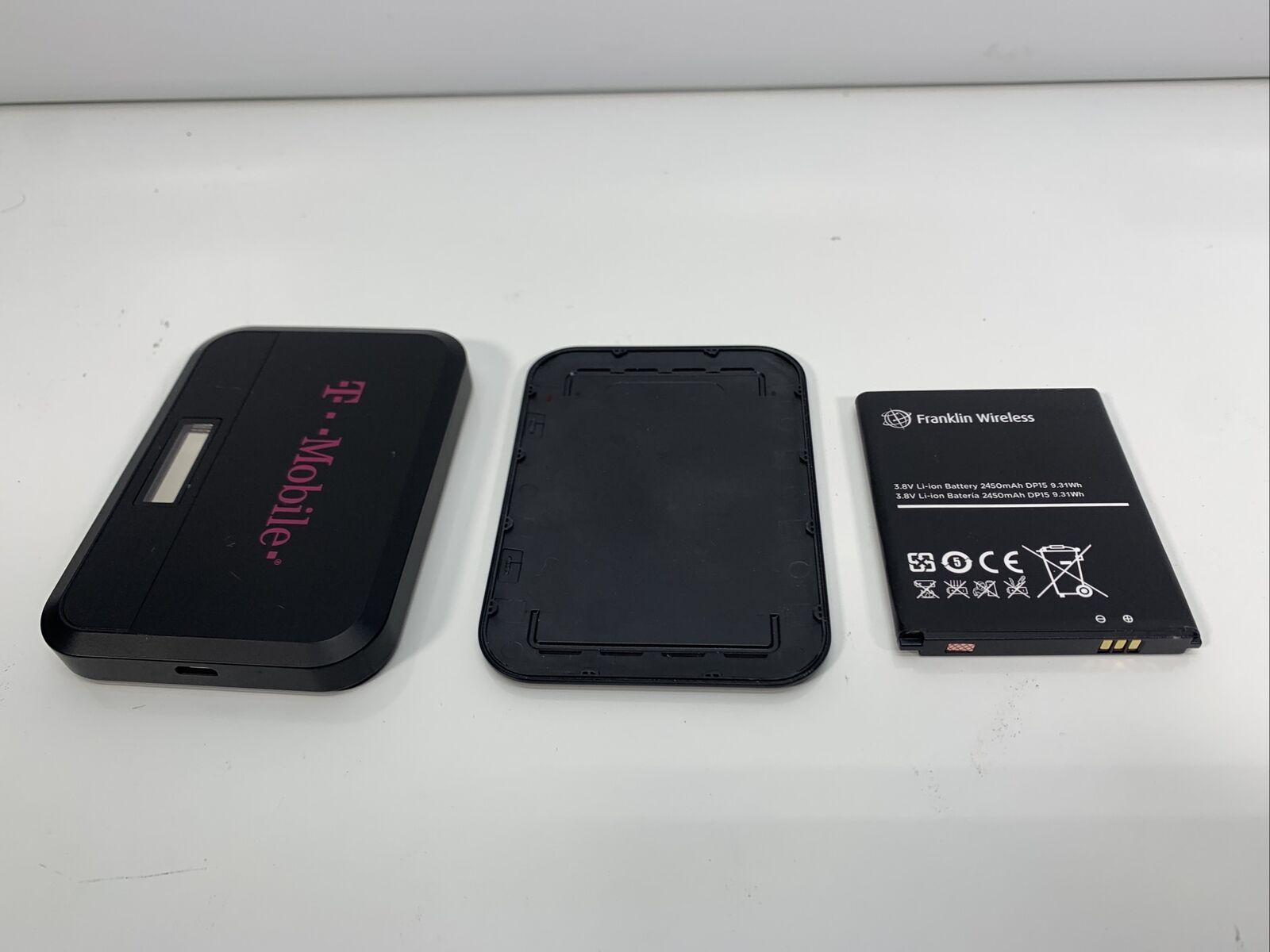
How To Reset A T-Mobile Hotspot

To reset a T-Mobile hotspot, you can choose between a soft reset that clears temporary issues without erasing your data or a factory reset that restores the device to its...

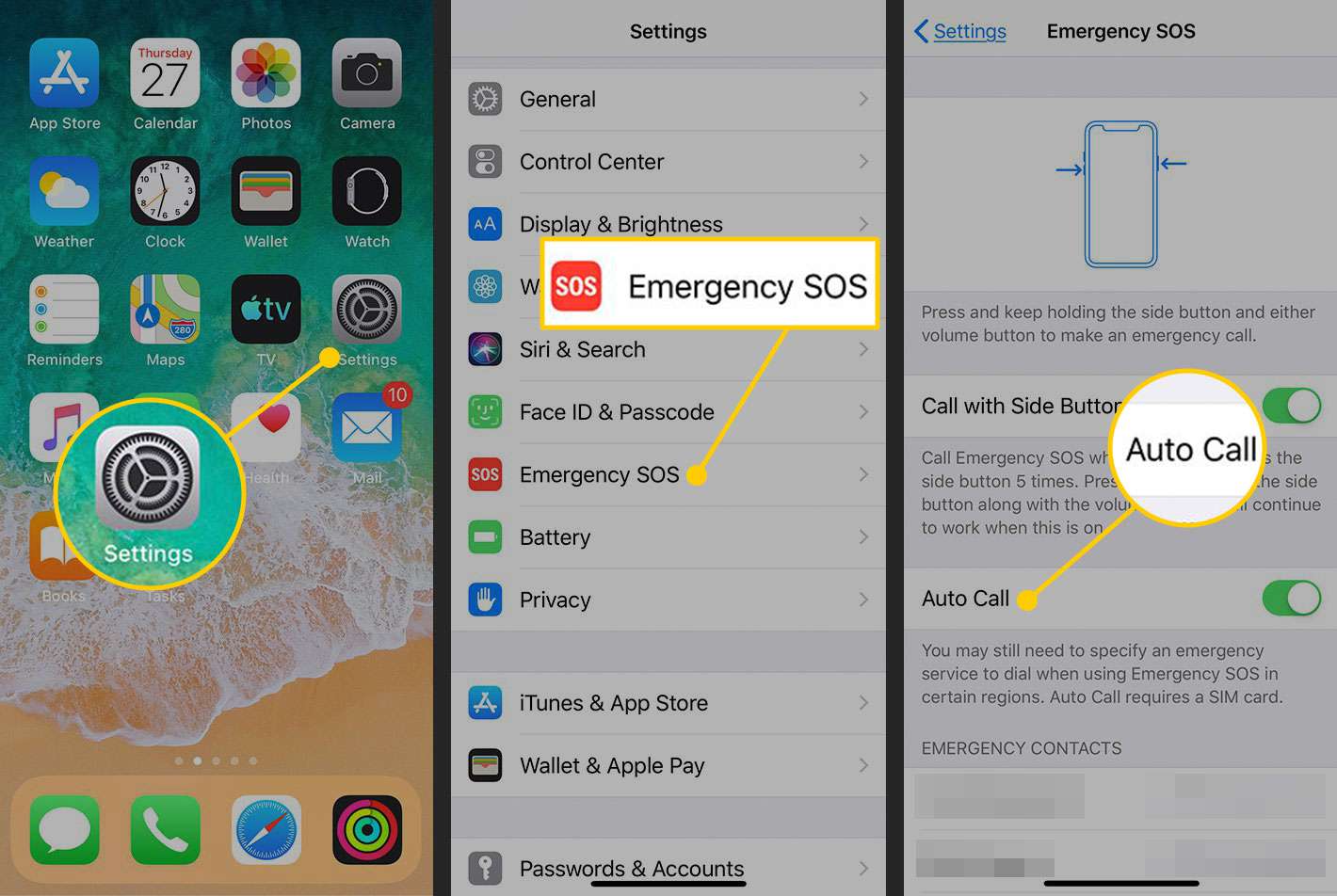
How To Remove SOS Mode On IPhone

To remove SOS mode on an iPhone, you first need to understand that "SOS mode" can mean two different things: the "SOS" or "SOS only" in the status bar, which...

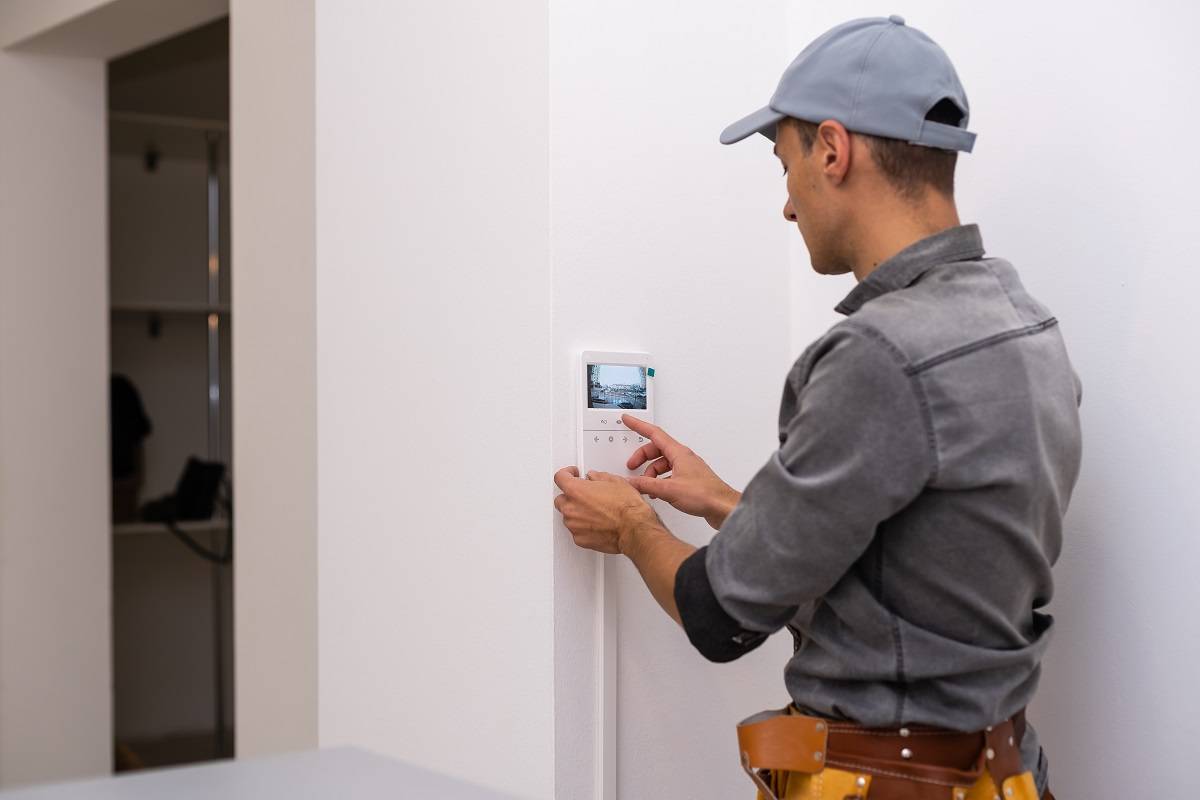
How To Fix Cellular Failure Adt

An ADT cellular failure means the communicator in your security panel has lost its connection to the cellular network. The documented first step is to determine which carrier provides service...