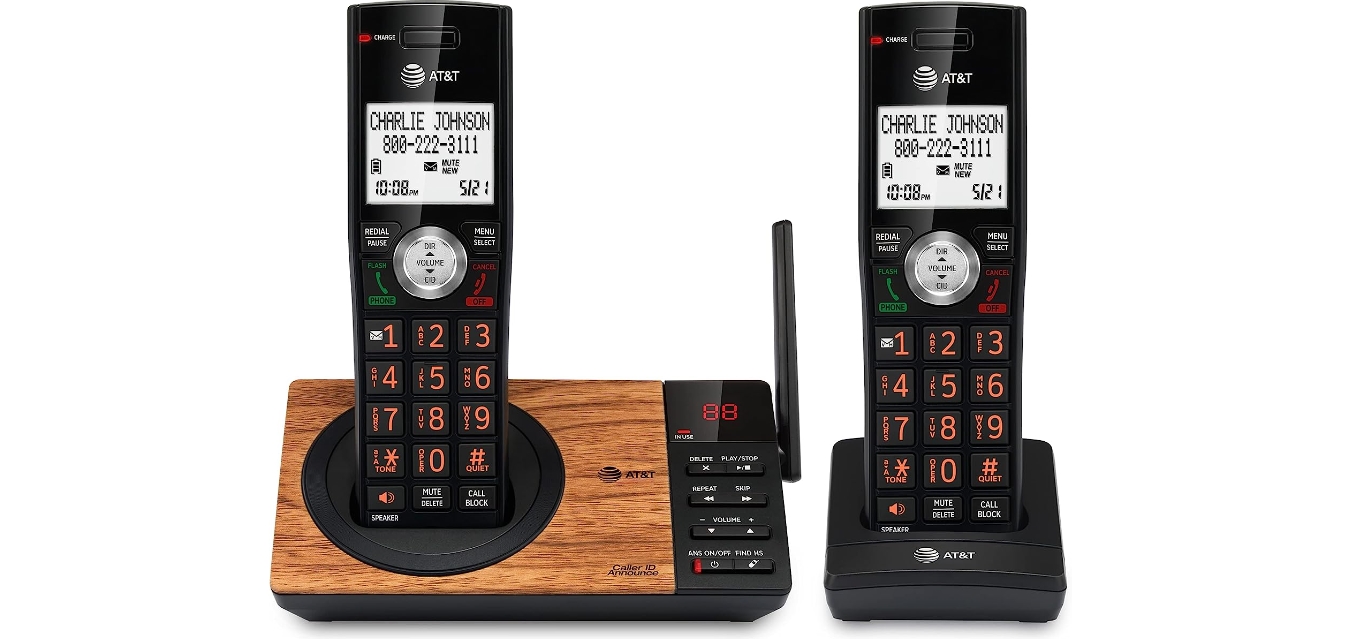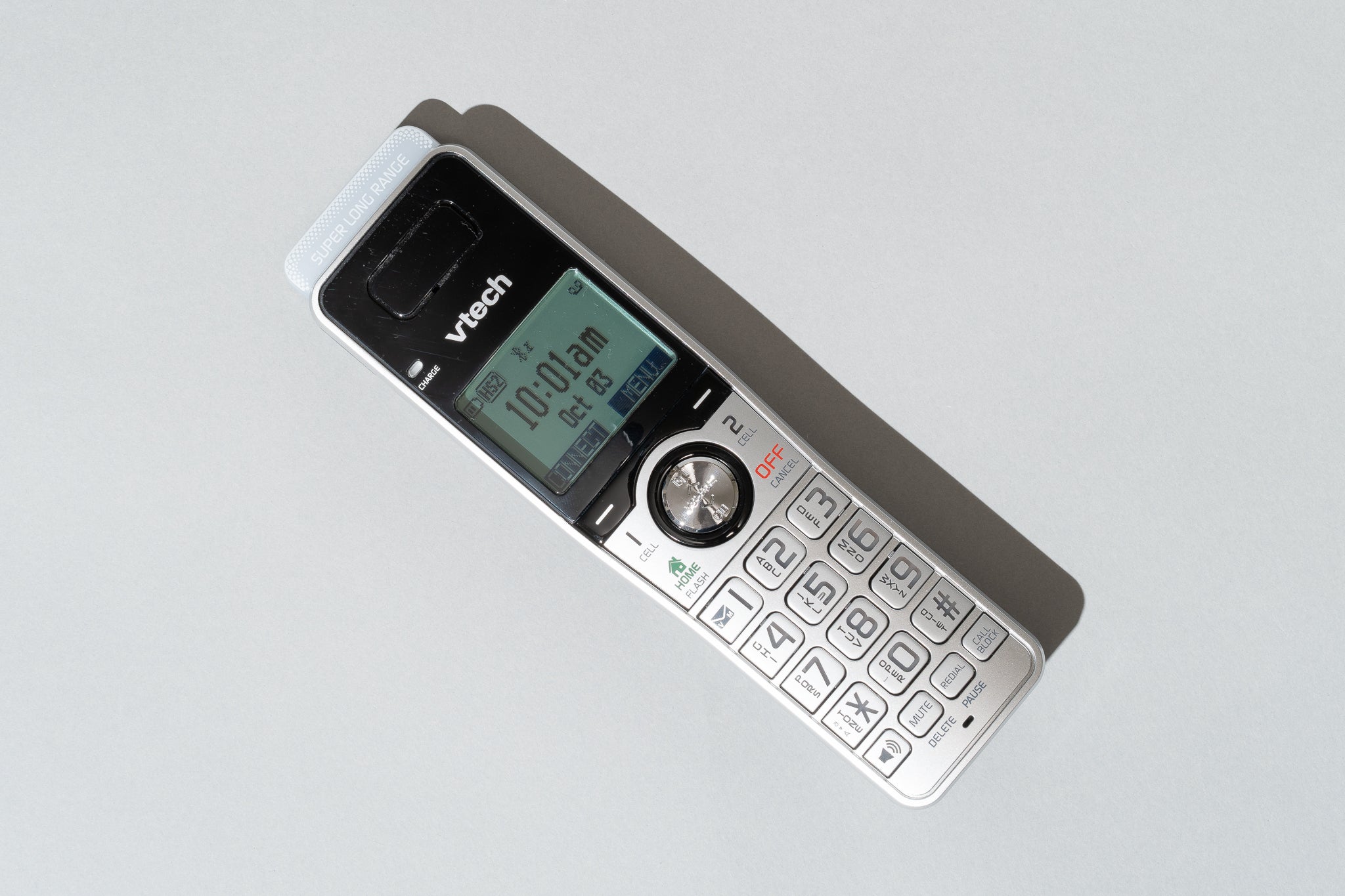
You can use a landline phone without a landline by converting your existing handset to work over the internet with a Voice over Internet Protocol (VoIP) adapter or by connecting it to a cellular network with a wireless home phone base. These methods eliminate the need for traditional copper-wire service, letting you keep your familiar phone and number while paying for a modern alternative.
How to use a landline phone without a landline: A brief introduction
You do not need to throw away your traditional landline telephone. By connecting it to the internet via a VoIP adapter or to a cellular network via a home phone base, you can make and receive calls without paying for a wired landline subscription. This approach preserves the reliability and call quality you expect from a landline handset while leveraging modern infrastructure.
Method 1: Connect your phone to the internet with a VoIP adapter
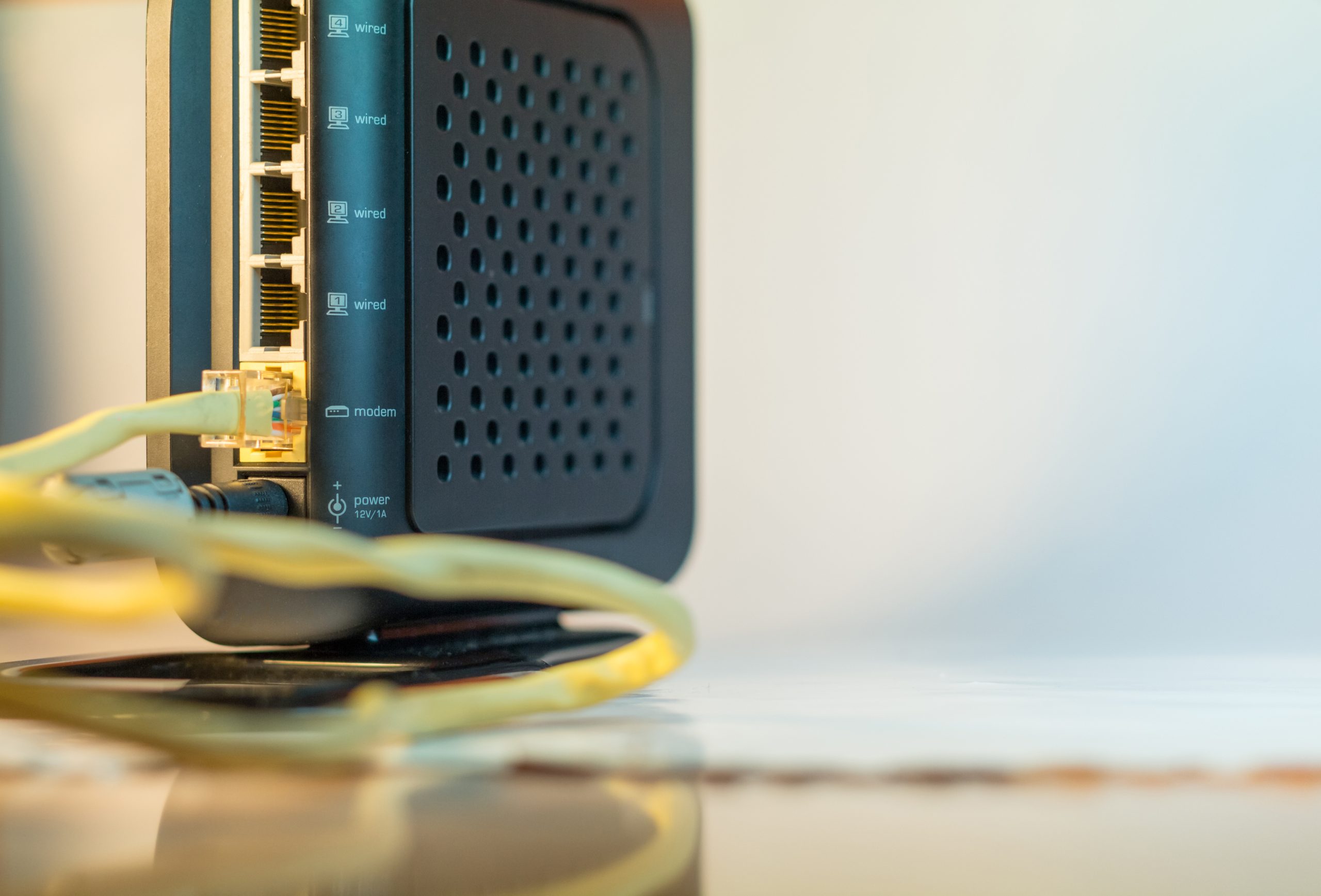
An Analog Telephone Adapter (ATA) converts your analog phone's signal into digital data that travels over your internet connection. This is the most common way to set up landline phone service using a VoIP provider. The general setup is the same across most adapters: connect the ATA to your router with an Ethernet cable, plug your analog phone into the ATA's phone port, and then plug in the ATA's power adapter.
MagicJack setup
- Plug your landline phone into the port labeled "PHONE" on the MagicJack device.
- Connect an Ethernet cable from your router to the port labeled "Internet" on the MagicJack.
- Plug in the power adapter.
- Activate your device online at mjreg.com or magicjack.com.
Ooma Telo setup
- Activate your Ooma Telo device online before connecting hardware.
- Connect the port labeled "INTERNET" on the Ooma Telo to your router using an Ethernet cable.
- Plug in the AC adapter to power the device.
- Plug your analog phone into the port labeled "PHONE" on the Ooma Telo.
- Wait for the Ooma logo on the front of the device to turn solid blue, indicating the service is ready.
Method 2: Connect your phone to a cellular network with a wireless home phone base
A cellular home phone base acts as a bridge between your existing landline phone and a cellular network. This method does not require an internet connection, making it a strong option if your broadband is unreliable. To connect a landline phone this way, you need a base station that accepts a SIM card from a cellular provider.
AT&T Wireless Home Phone Base setup
- Install the battery into the base station.
- Turn the device on.
- Place the base near a window where it can get a strong cellular signal.
- Plug your existing landline phone into the port labeled "Phone 1" on the base.
- Do not plug the base itself into a wall telephone jack.
What to know before you switch
Before you choose a method, understand the prerequisites and limitations. VoIP services require a stable high-speed internet connection with sufficient bandwidth and low latency. If your internet goes down, your VoIP phone will not work unless you have backup power for your modem, router, and VoIP device. Cellular home phone bases, such as those from Consumer Cellular or AT&T, do not need internet but do require a strong cellular signal in your home. Most existing analog or digital corded and cordless phones are compatible with both VoIP adapters and cellular bases, so you likely do not need to buy new equipment. If you want to keep your existing landline number, you can port it to your new service, but the process can take several weeks. For T-Mobile Home Internet users, specific router ports (e.g., 500 UDP, 4500 UDP, 5061 TCP/UDP) may need to be opened and SIP ALG settings adjusted for optimal VoIP performance.
Frequently asked questions
Can I use a normal phone with VoIP?
Yes. An Analog Telephone Adapter (ATA) allows you to use your existing landline handset with a VoIP service. It is a common misconception that you must buy a new phone to switch from a landline.
Will my phone work in a power outage?
No, not without a backup. VoIP services will not function during a power outage or internet disruption unless you provide backup power for your modem, router, and VoIP device. Cellular home phone bases also require power and will not work during an outage unless the base has battery backup.
Can I keep my number?
Yes. You can typically port your existing landline phone number to a new VoIP or cellular home phone service. The porting process can take several weeks to complete.
Do I need a computer to set up a VoIP adapter?
You need a computer or mobile device to activate the service online for most adapters, such as MagicJack and Ooma Telo. Once activated, the adapter works independently.
Can I use a cordless phone with a cellular base?
Yes. Most cordless phones work with cellular home phone bases. Simply plug the cordless base station into the "Phone 1" port on the cellular base.