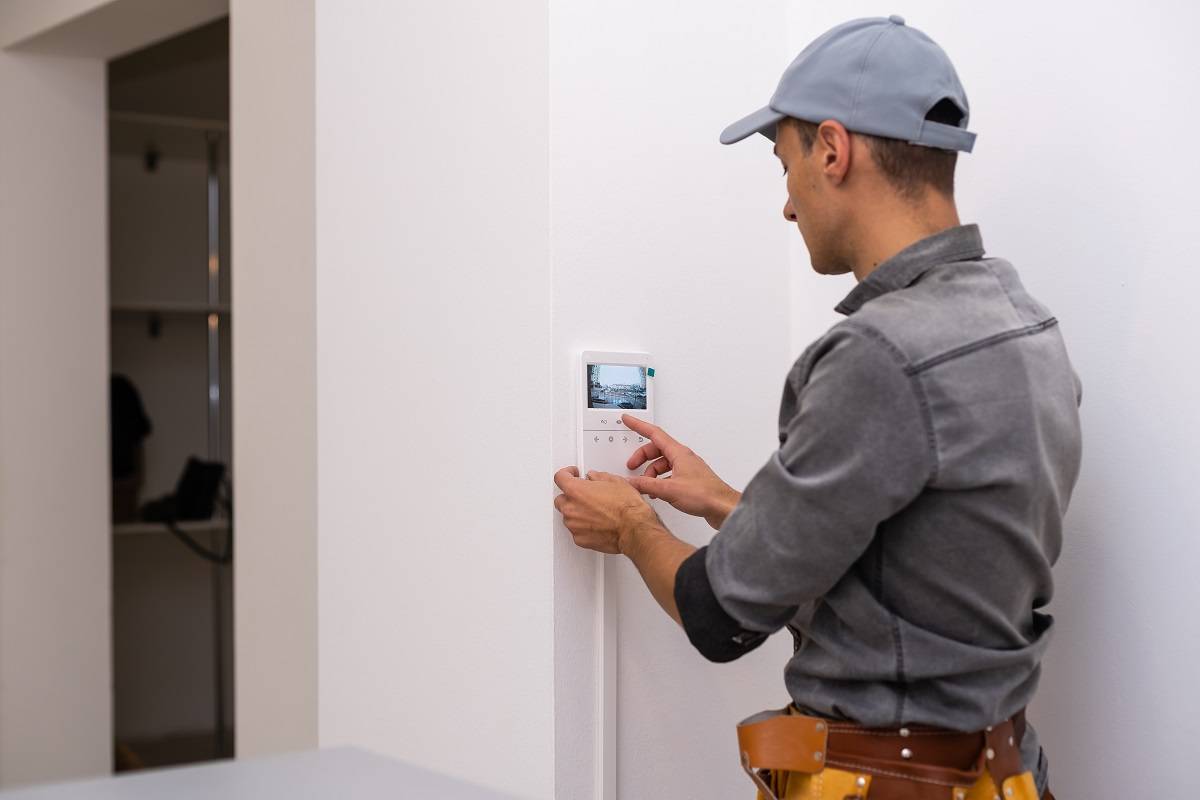
An ADT cellular failure means the communicator in your security panel has lost its connection to the cellular network. The documented first step is to determine which carrier provides service for your cell unit, then check for a carrier tower outage in your area before troubleshooting anything else.
What adt cellular failure means and what to check first
A cellular failure message on your ADT panel indicates that the cellular communicator, the component that sends alarm signals to the monitoring center, cannot establish or maintain a connection. Network congestion during peak times (evenings or weekends) can cause poor signal quality and cellular failure. Power outages can cause temporary cellular failure if the system lacks a backup power supply. The primary troubleshooting path documented by ADT begins with verifying the carrier and checking for tower outages, not with panel resets or device-specific menus. This carrier-outage-first approach is the only confirmed guidance from official sources.
Identify your ADT cell unit's carrier
Before any troubleshooting, you must know which cellular carrier provides service for your ADT communicator. This information is necessary because the next steps depend entirely on whether that carrier has an outage. Check any documentation that came with your system, or look for carrier branding on the communicator module itself. This is the documented first step and cannot be skipped.
Check for cell tower outages in your area
Once you know your carrier, visit that carrier's official outage map or status page to see if there is a reported tower outage near your location. This is the documented second step. Carrier outages are a common cause of ADT cellular failure, and checking this first can save you from unnecessary troubleshooting.
Wait up to 48 hours if a carrier outage exists
If your carrier confirms a tower outage, the documented guidance is to wait up to 48 hours for the carrier to resolve the issue. You may also contact the carrier directly for updates on restoration time. No other ADT-side steps are documented for this scenario, the resolution depends on the carrier restoring service.
What to do when there is no carrier outage
Equipment defects in the security panel, cellular module, or other components can cause cellular failure. Resetting network settings on the cellular device can resolve connectivity problems, though this erases saved Wi-Fi networks and configurations. Use the ADT system test feature to diagnose and troubleshoot cellular failure by evaluating system components. In this situation, a reasonable next action is to power-cycle the communicator by disconnecting its power source for a few minutes and reconnecting it. If that does not resolve the issue, contact ADT support for assistance. ADT offers round-the-clock customer service, online support resources (FAQs, videos, guides), live chat support during specified hours, and email support. Have your ADT account information and system details ready when contacting support to expedite troubleshooting.
Preventing future cellular failures
Routine maintenance can help reduce the chance of future cellular failures. Regularly check the signal strength displayed on your panel and ensure the communicator is in a location with adequate reception. Signal interference from nearby objects, thick walls, or other electronic devices can weaken the signal and lead to cellular failure. Consider boosting mobile signal with a signal booster if the panel is in a basement or surrounded by thick walls. Also review your cellular data plan with your carrier to confirm it is active and sufficient, as managing cellular data settings and fixing issues with your account can prevent unexpected disconnections. For added reliability, consider a backup communication method such as a landline or Wi‑Fi module to provide redundancy if the cellular path fails.
Frequently Asked Questions
What does "cellular failure" mean on my ADT panel?
It means the cellular communicator inside your security system cannot connect to the cellular network, so alarm signals cannot be sent to the monitoring center. The panel displays this message to alert you that the primary communication path is down.
Can I fix ADT cellular failure by resetting the panel?
If power-cycling does not work, contact ADT support.
Will a SIM card replacement fix ADT cellular failure?
A faulty or expired SIM card can cause cellular failure, but this is not the most common cause. If you suspect the SIM card, contact ADT or your carrier for a replacement. The documented first step remains checking for a carrier outage.
How long should I wait if my carrier has a tower outage?
If the outage persists beyond that, contact the carrier directly for an update.
Is there a cost associated with fixing cellular failure in ADT?
Costs depend on your warranty and the cause of the failure. If the issue is due to a carrier outage, there is no charge from ADT. If equipment replacement is needed and your warranty has expired, there may be a fee. Contact ADT support for specifics on your situation.
Related reading: What To Do If Your Device Gets Stuck In Recovery Mode.