The Digital Art tag on CellularNews collects tutorials and guides focused on using creative applications on mobile devices, specifically the popular drawing app Procreate. This content is for anyone who uses their phone or tablet for digital illustration, design, or photo editing, and needs practical, step-by-step instructions to master their tools.

The articles here solve two main kinds of problems. The first group deals with core drawing and editing techniques: you will learn how to erase, copy a color, mirror a drawing, curve text, and make a perfect circle. Other guides show you how to move objects, change colors, use the eyedropper, pick colors, merge layers, and make a layer transparent. The second group focuses on more advanced tasks like filling in shapes, inverting colors, adding grids, coloring inside the lines, using 3D models, and performing color drops. You can also find help with shading, mixing colors, using the lasso tool, ungrouping layers, and understanding DPI settings.

Beyond the basics, the tag covers brush creation, adding reference photos, changing line colors, flipping layers, using alpha lock, and the clone tool. Whether you are a beginner trying to get new brushes or a more experienced user looking to shade and mix color effectively, these articles provide direct answers to common Procreate problems. The focus is always on helping you perform a specific action on your phone or tablet, from making an outline brush to mastering layer management.
How To Add Grid On Procreate

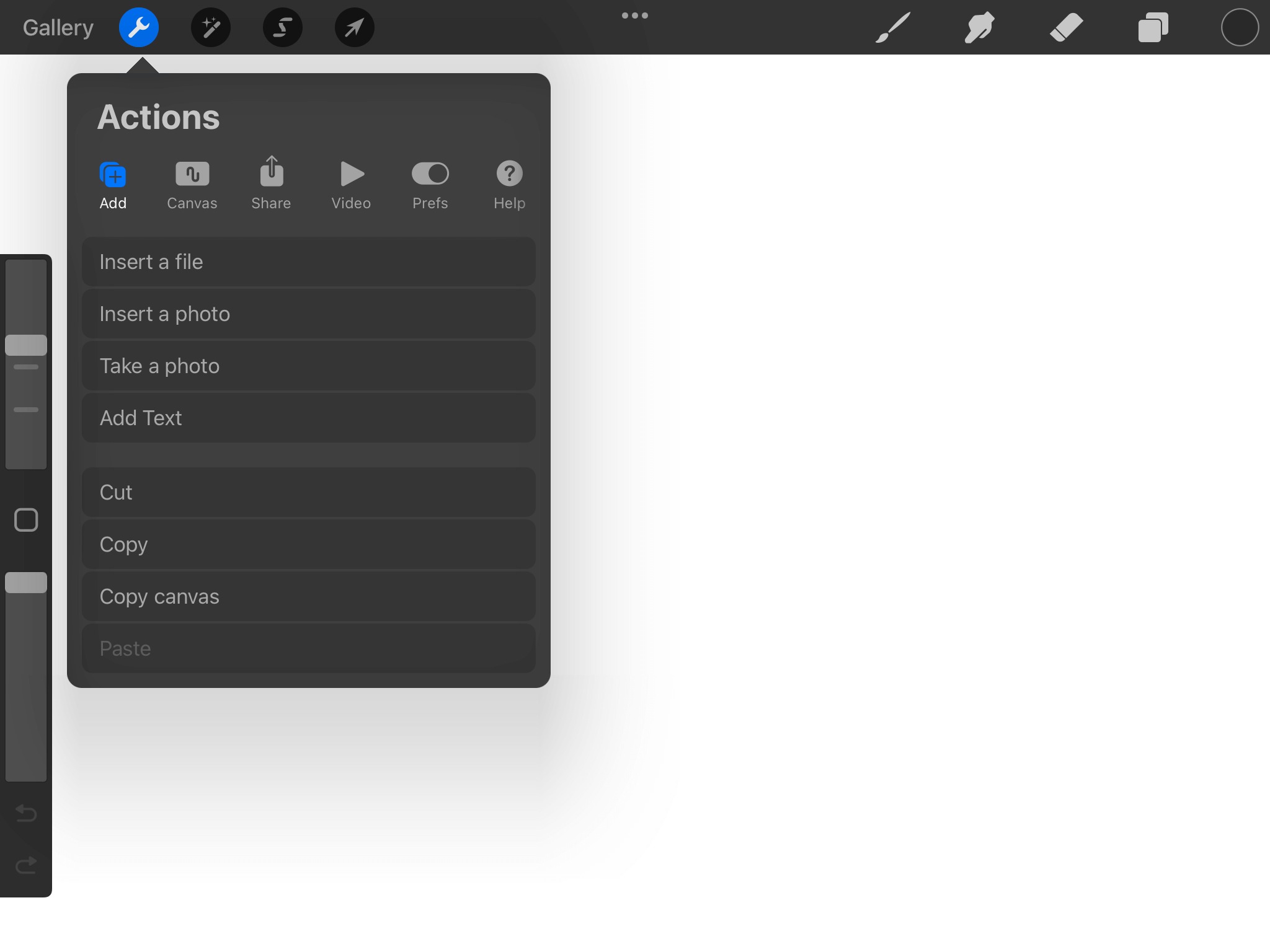
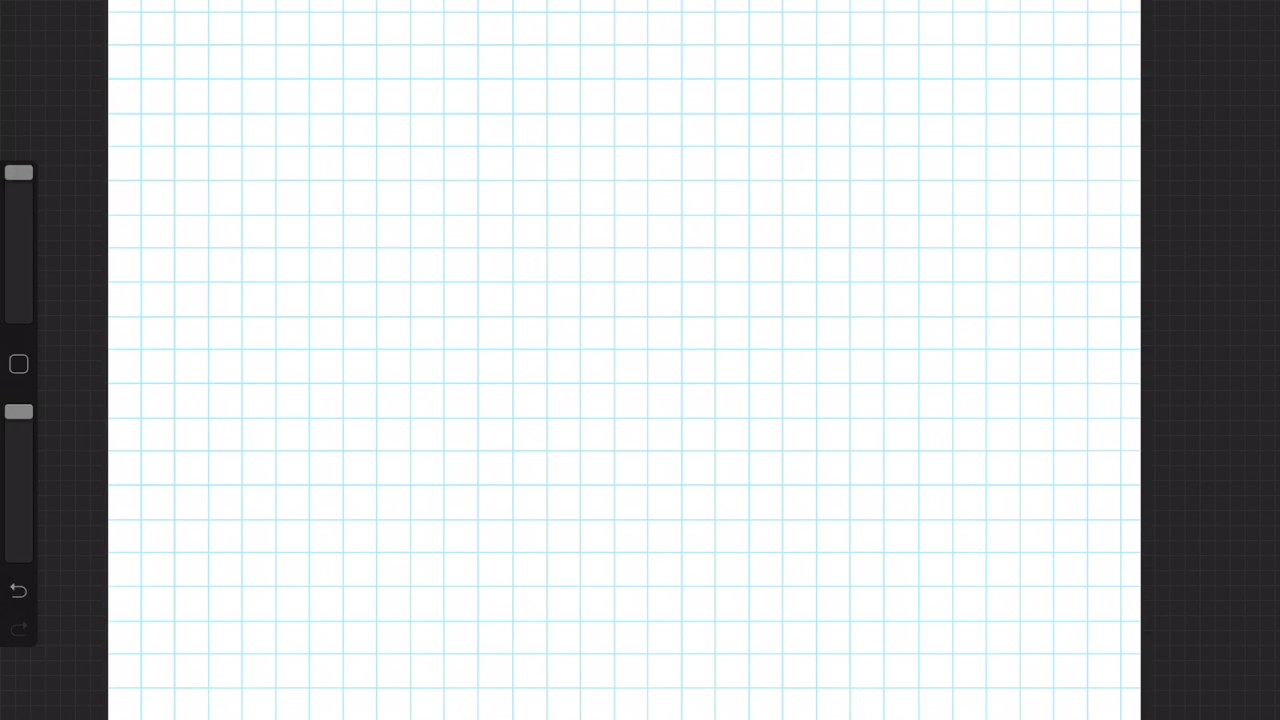
To add a grid on Procreate, open the Actions menu (wrench icon) in the top-left corner of your canvas and toggle the Drawing Guide switch on. This activates the 2D...

How To Fill In A Shape In Procreate

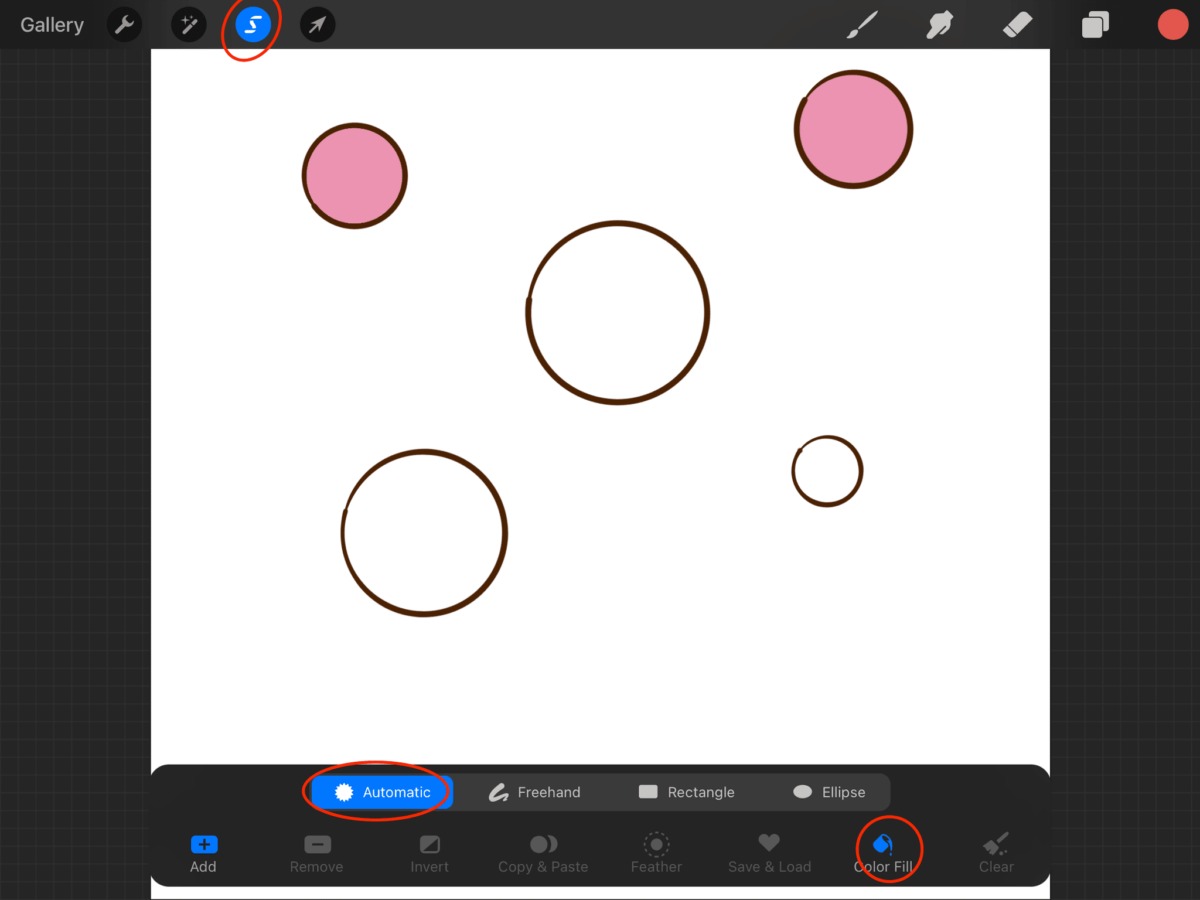
The primary method to fill in a shape in Procreate is called ColorDrop, a drag-and-hold technique that instantly adds solid color to any closed area. This is the fastest way...

How To Invert Color In Procreate

To invert color in Procreate instantly, tap the desired layer in the Layers panel to open its settings, then tap the "Invert" button from the Layer Options menu. This replaces...

How To Make Layer Transparent In Procreate

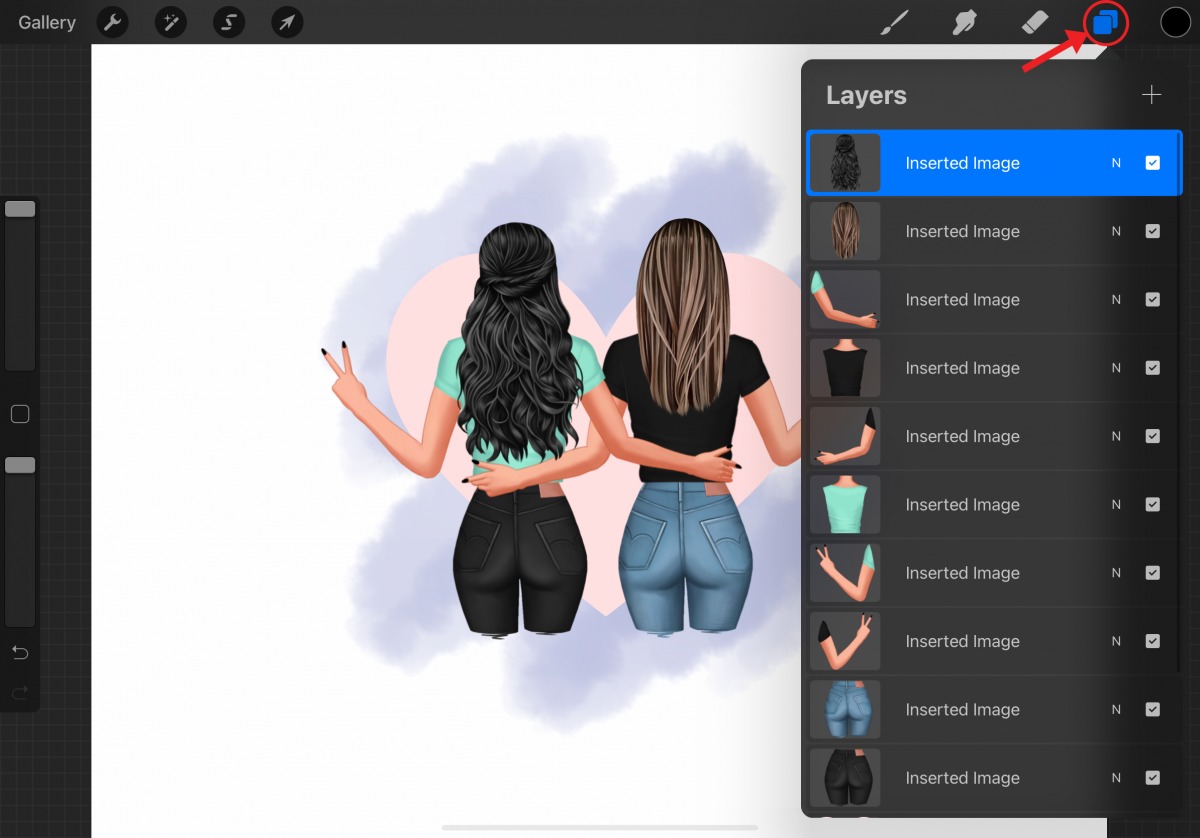
To make a layer transparent in Procreate, open the Layers panel, tap the layer's "N" blend-mode label, and use the opacity slider that appears beneath it. This is one of...

How To Get New Brushes On Procreate

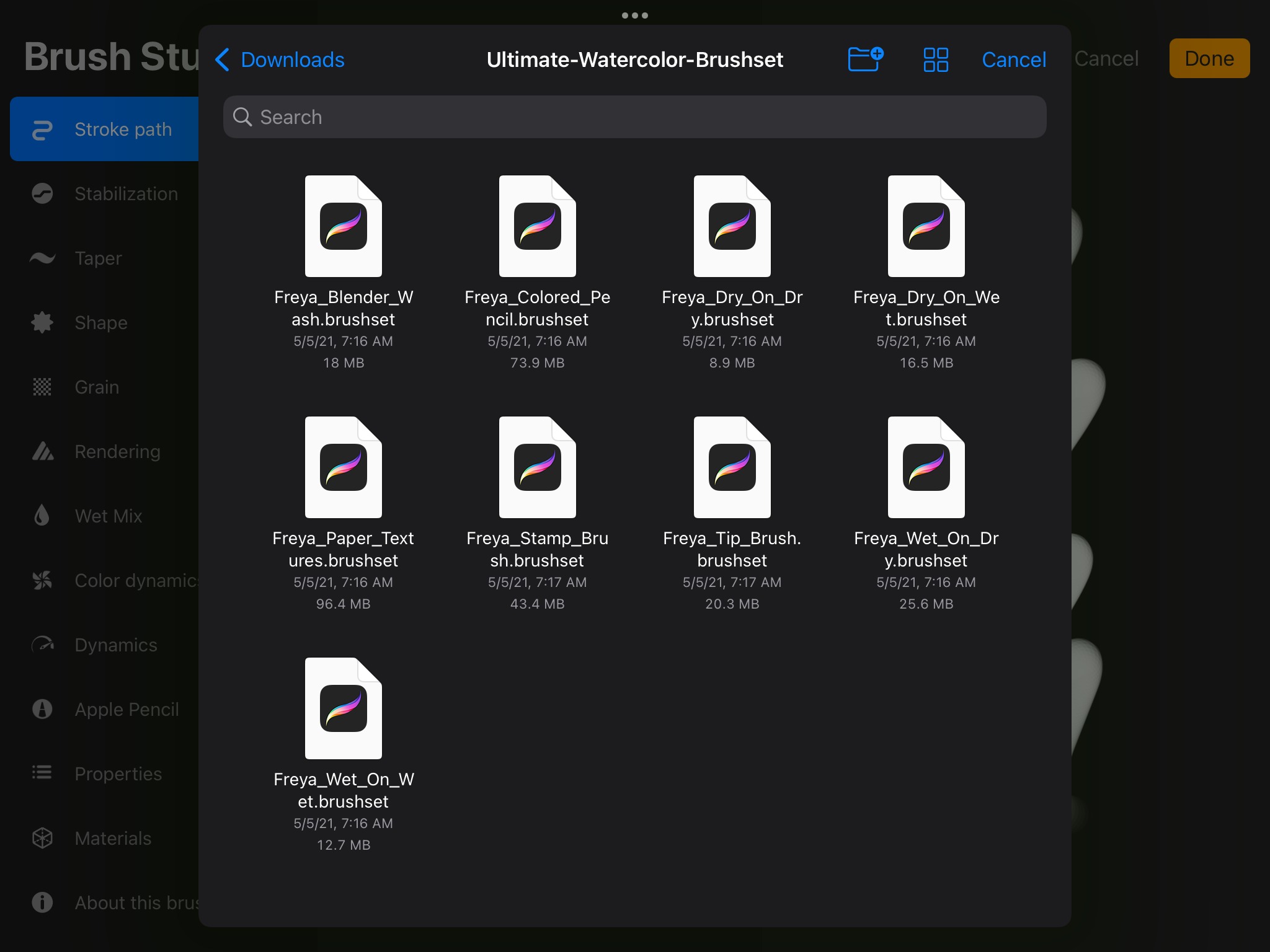
To get new brushes on Procreate, you import brush files you've downloaded or create custom brushes from scratch in the Brush Studio. The primary method is to tap the "+"...

How To Merge Layers In Procreate

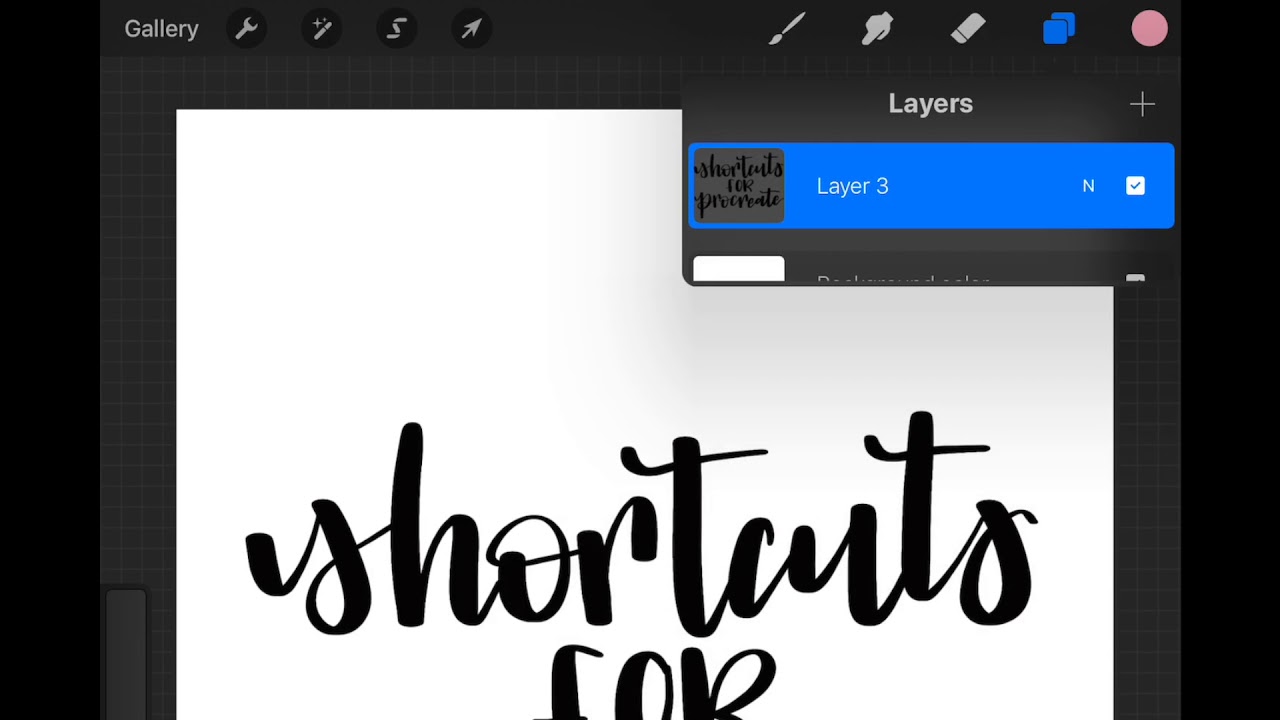
To merge layers in Procreate on iPad, use the Merge Down command from the Layer Options menu to combine the active layer with the layer directly below it, or pinch...

How To Pick Color On Procreate

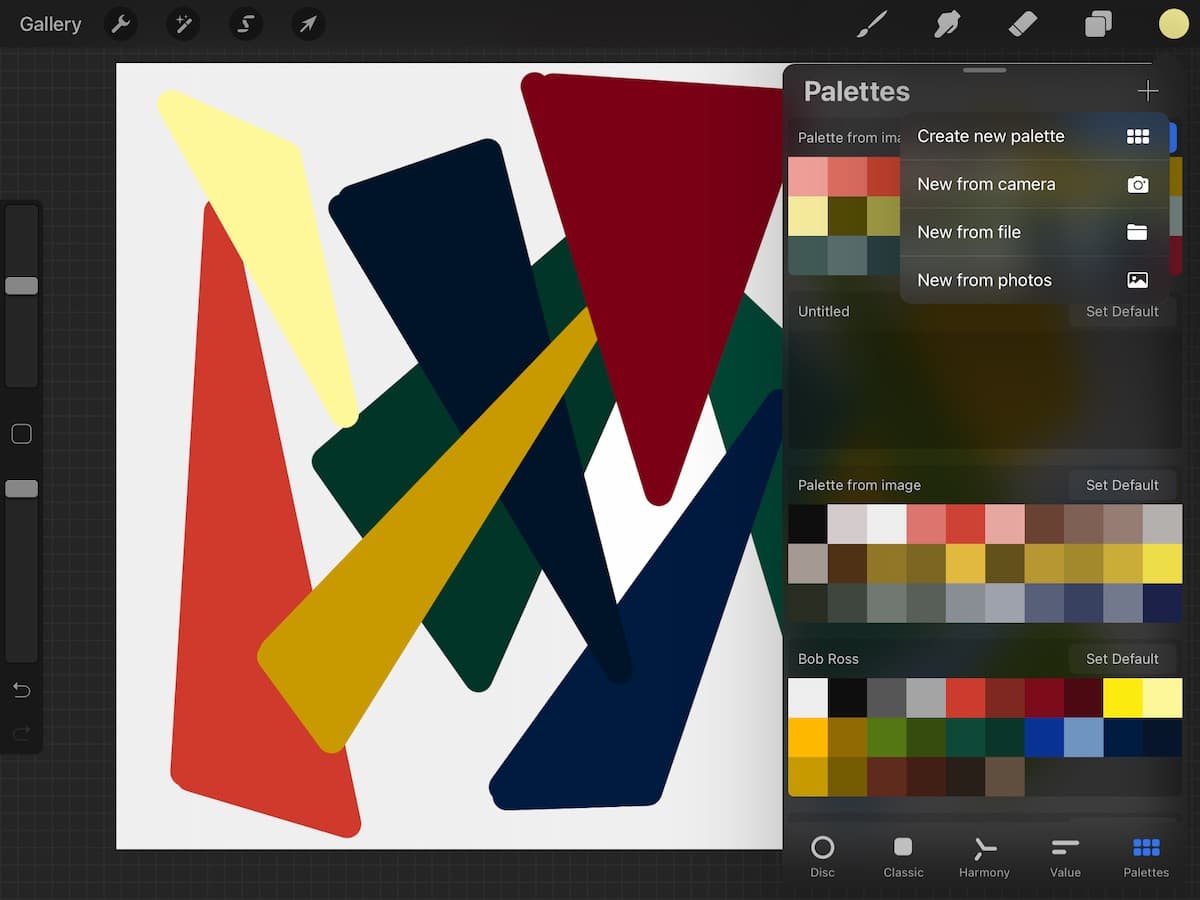
To pick a color on Procreate, you primarily use the Color Panel or the Eyedropper tool. The Color Panel, opened by tapping the Active Color button in the top right...

How To Use Eyedropper In Procreate

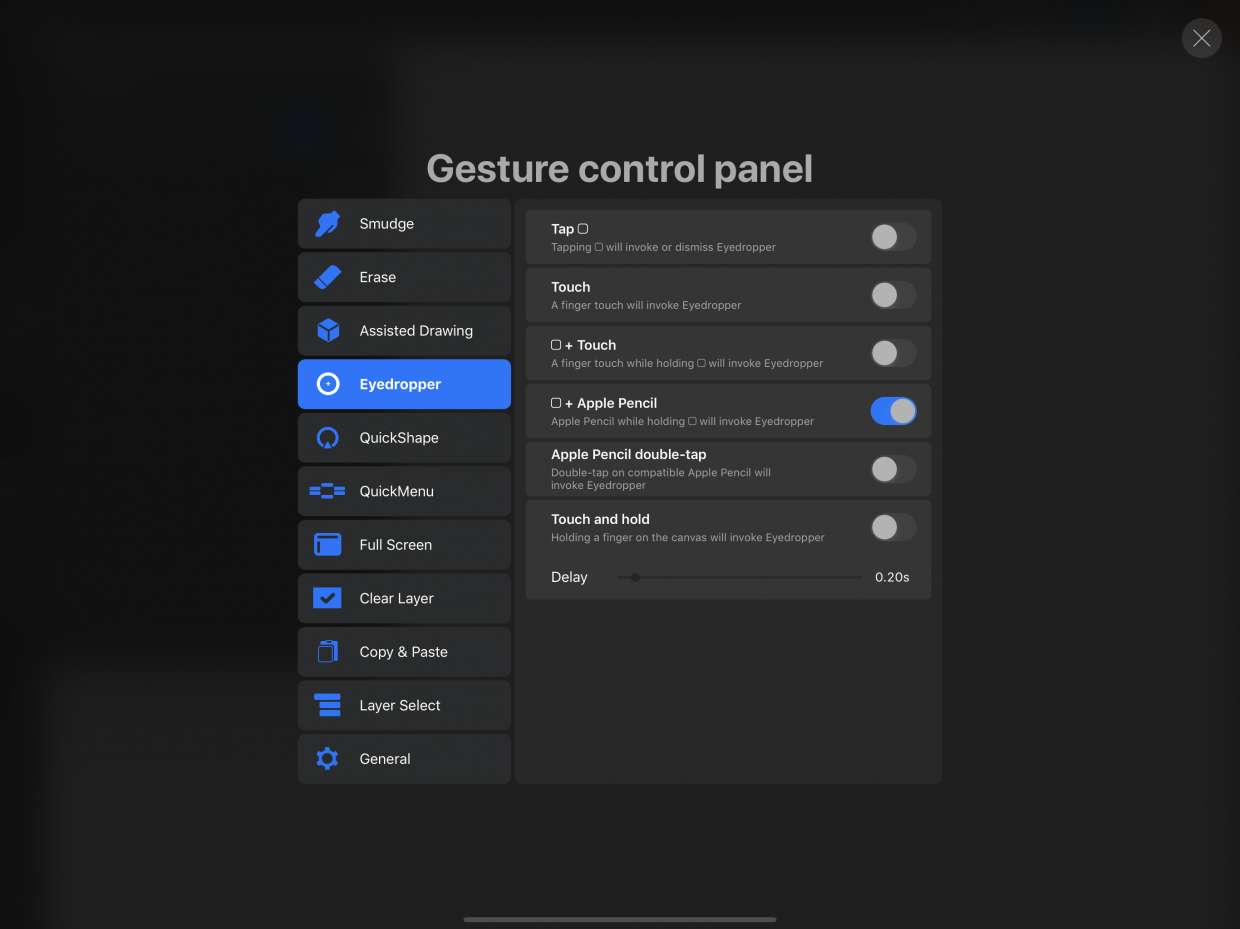
To use the eyedropper in Procreate, tap and hold anywhere on the canvas until the loupe appears, then drag to the desired color and lift your finger to select it....

How To Change Color On Procreate

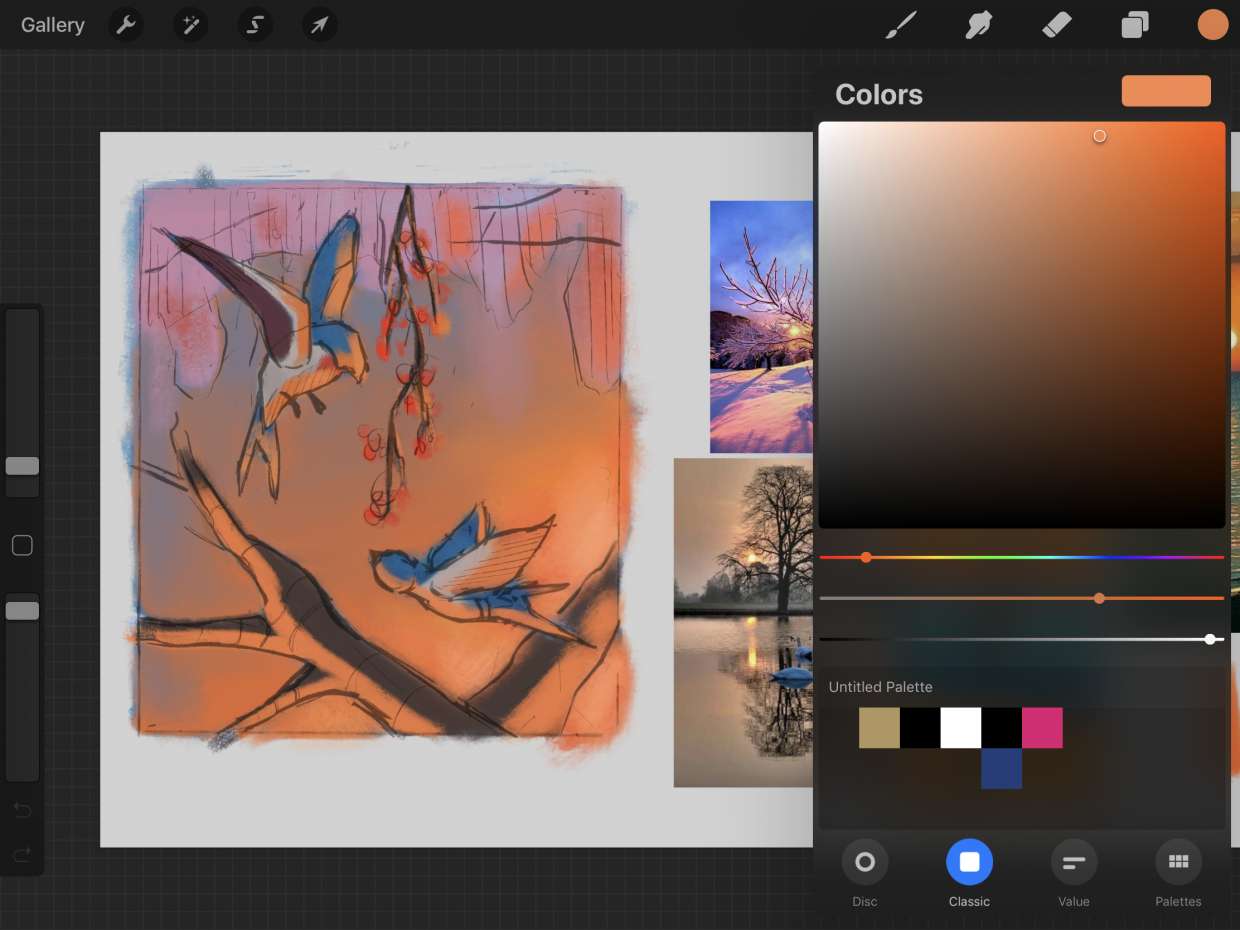
To change color on Procreate, tap the colored circle in the top-right corner to open the Color Panel, then select your active color using the Disc mode's outer hue ring...

How To Move Something In Procreate

To move something in Procreate, tap the Transform tool (the arrow icon in the top menu bar). This automatically selects the contents of your current layer, and you can then...

How To Curve Text In Procreate

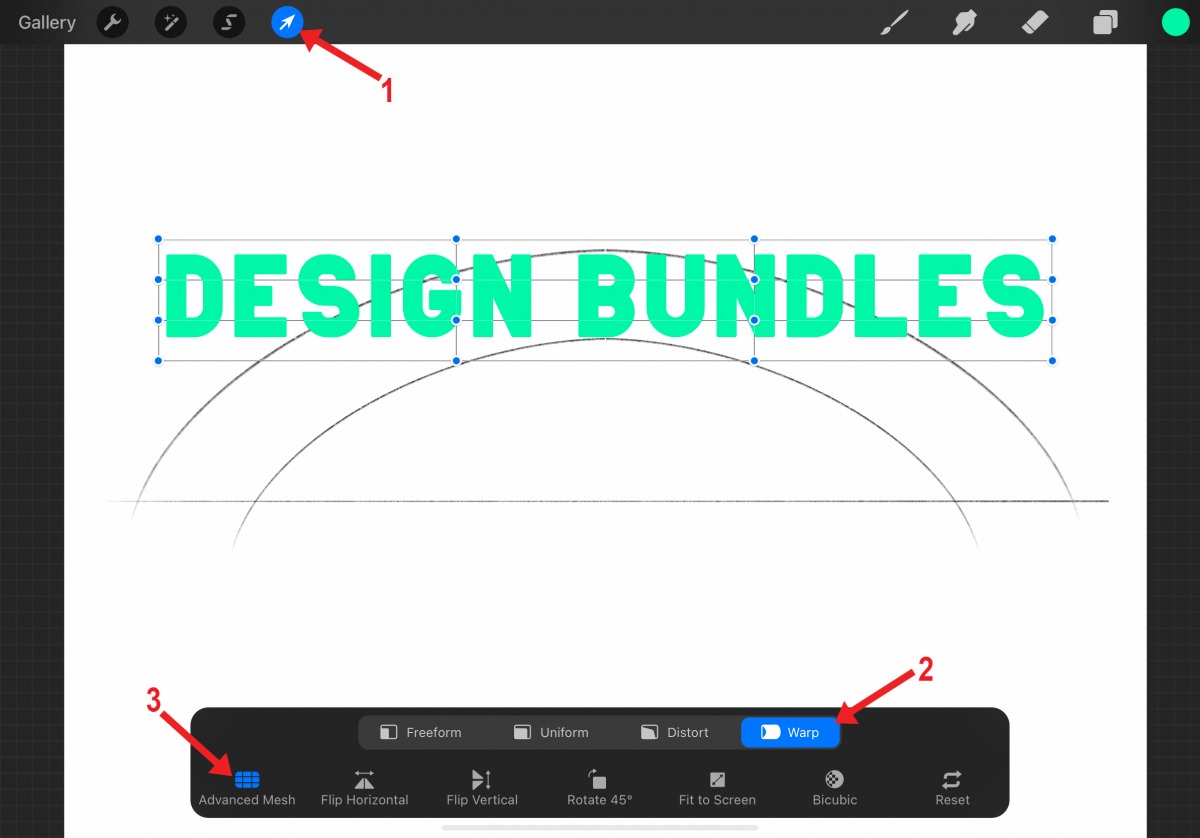
To curve text in Procreate, you need to use a workaround because the Procreate digital art app does not include a native one-click "curve text" feature. Does Procreate have a...

How To Make Perfect Circle In Procreate

The quickest and most reliable method to draw a perfect circle in Procreate is the QuickShape feature. Draw a rough oval, keep your Apple Pencil or finger held down on...