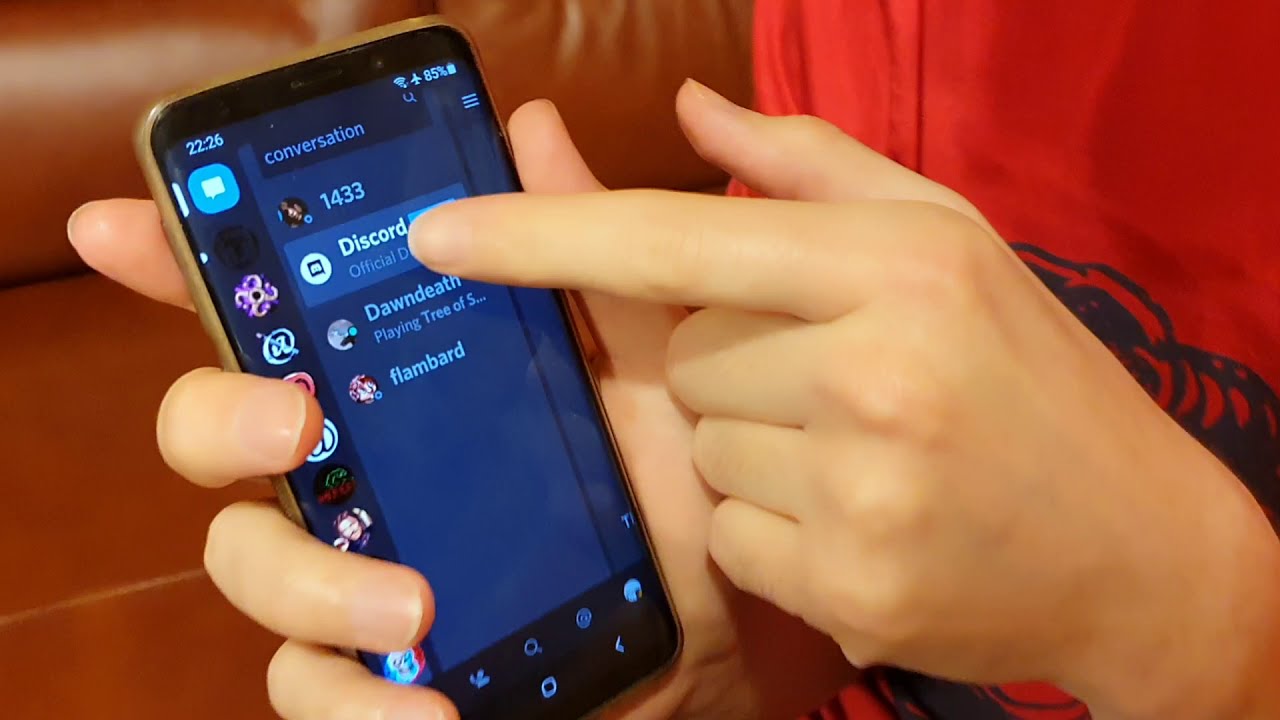
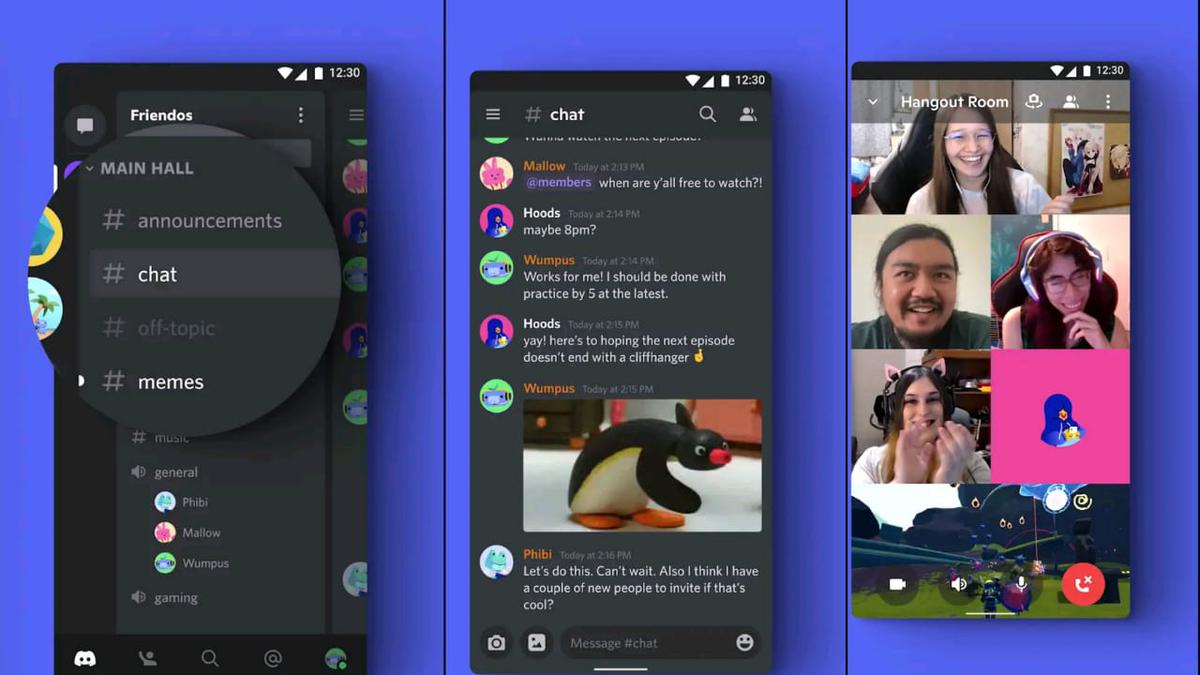
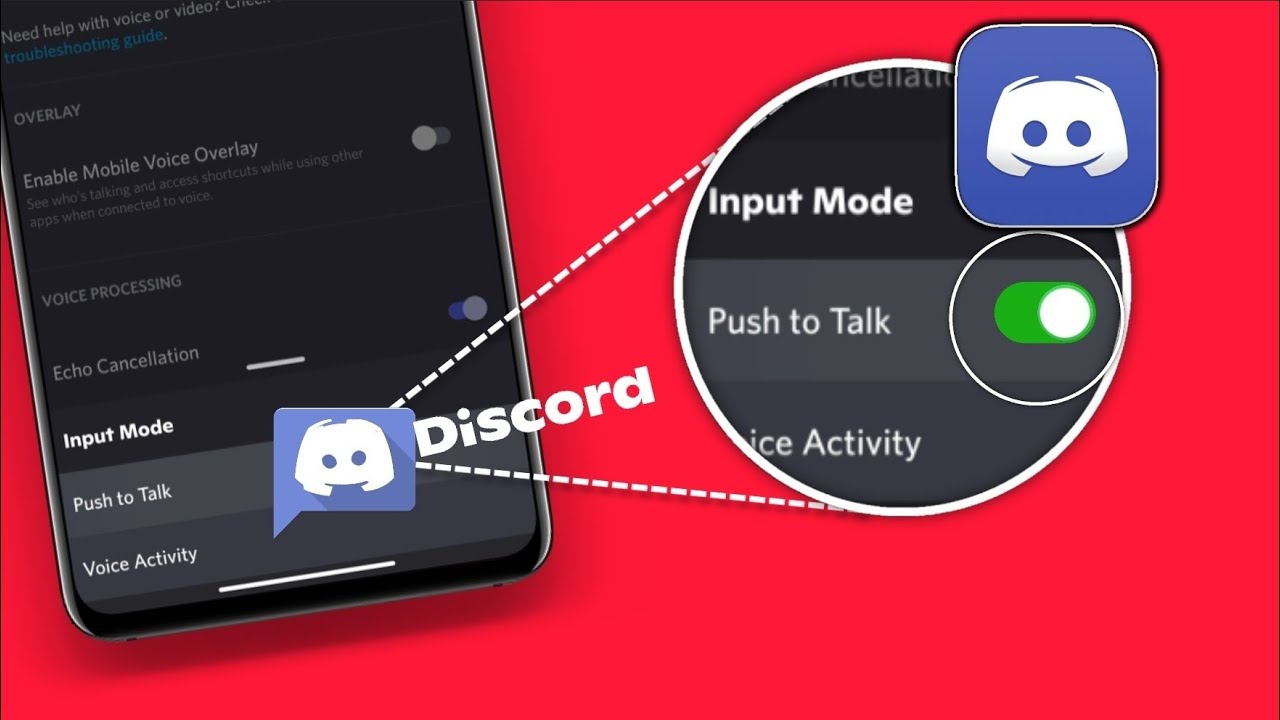
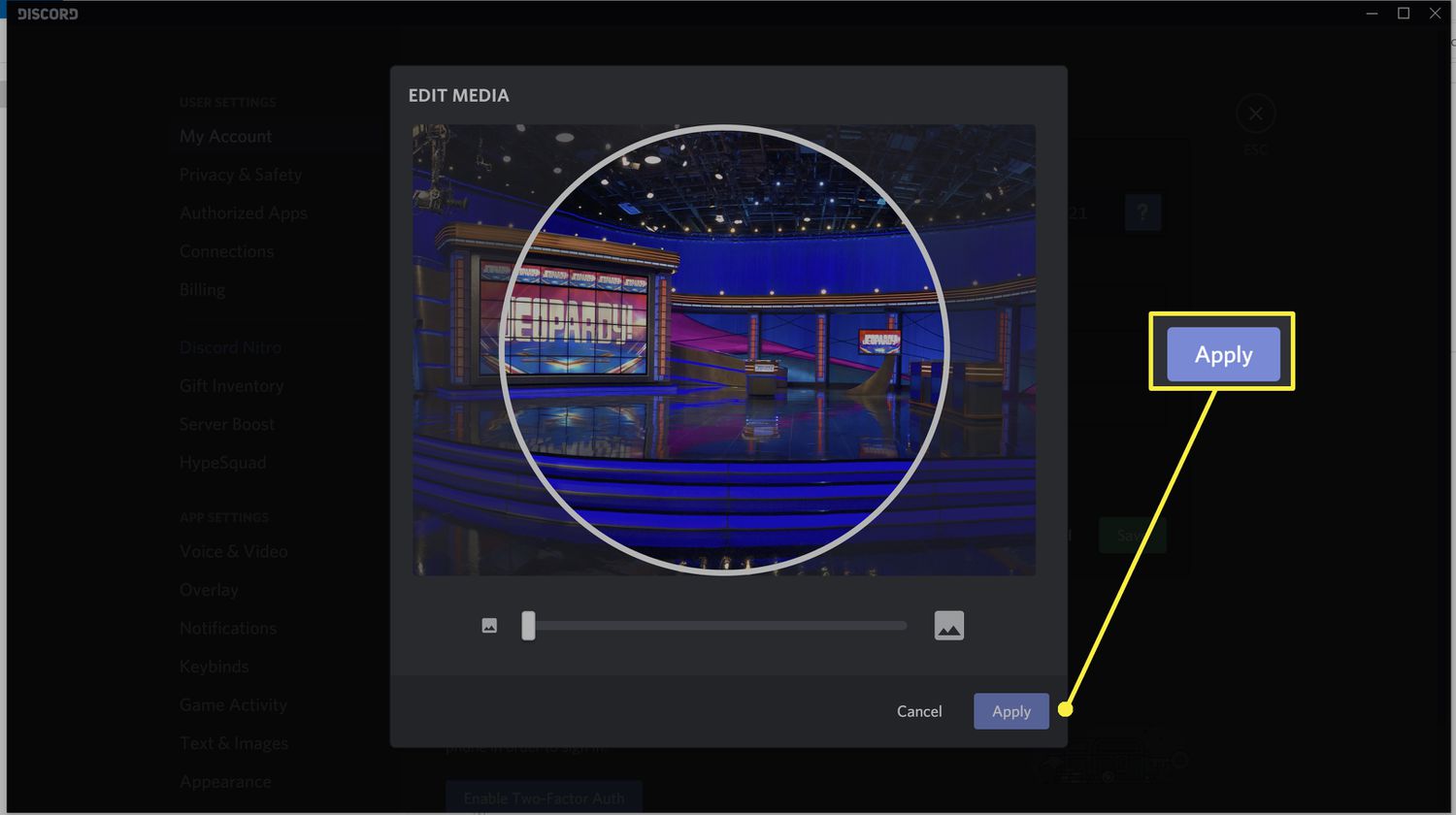
The Discord tag on CellularNews gathers practical guides for anyone who uses Discord on their phone, whether you're a server owner, a casual gamer, or just trying to keep up with friends. These articles focus squarely on mobile-specific challenges, from managing settings to fixing common annoyances, with plenty of help for PC users too. If you've ever wondered how to do something inside the app on your phone, this is the place to start.
The articles solve problems in a few clear areas. First, there are deep dives into mobile communication and customization: you can learn how to mute someone on Discord mobile and PC, how to screen share on Discord mobile, and how to flip your camera during a call. Second, server management and bot setup are covered extensively, with guides like how to add bots in Discord mobile and how to invite someone to a Discord server on mobile. Third, account and profile tweaks are a major theme, you'll find help on how to change your age on Discord mobile 2022, how to cancel Nitro subscription on mobile, and even how to delete your Discord account without password on mobile.
Specific topics range from the creative, like how to make Discord emojis and how to get and use a GIF PFP on Discord, to the technical, such as how to find your Discord token on mobile or how to use your phone as a webcam on Discord. For gamers, there are guides on how to stream VR on Discord and how to connect Spotify to Discord mobile. Whether you need to appear online always, block someone, or simply join a server, these articles walk you through each step on your phone.