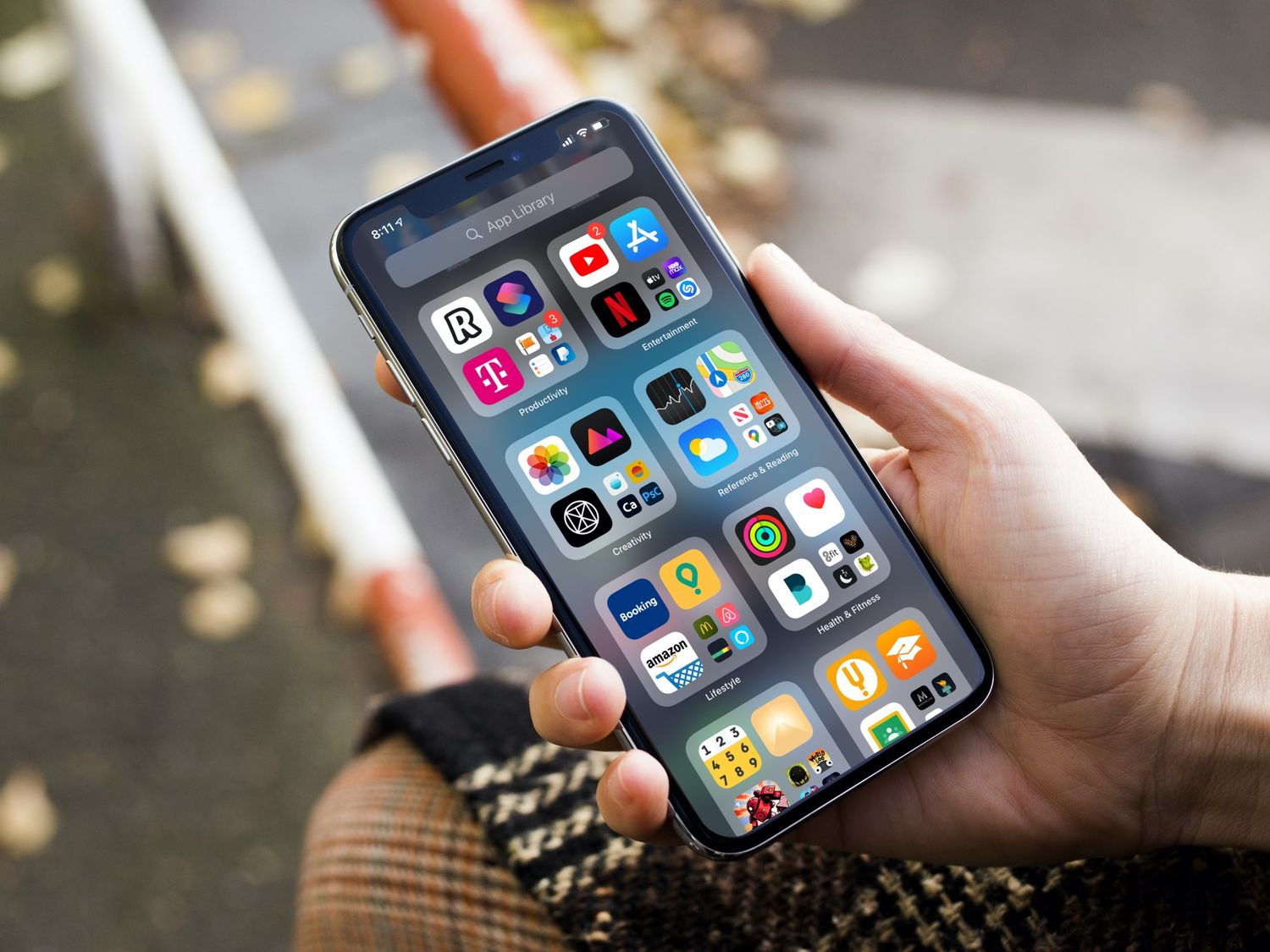
Welcome to the iOS tag on CellularNews. This collection is for anyone who uses an iPhone or iPad and wants to get more out of their device, from casual gamers to power users looking to tweak their system. The articles here are focused on two main areas: helping you find the best apps and games to download, and guiding you through common settings and fixes when things don't work as expected.
If you're looking for something new to play, you'll find extensive lists covering a huge variety of genres. Whether you are into strategy with the 15 Best City Building Games, competitive action with the Top 20 Fighting Games, or relaxing puzzles with 20 Mobile Games Like Candy Crush, these articles help you discover top-rated titles. For those needing practical tools, guides like 26 Best Productivity Apps and 16 Best VPN for Android & iOS help you choose the right software for work and privacy. Beyond just finding apps, the tag also solves technical problems. You can learn how to fix your software with the guide on How to Downgrade iOS Using SHSH2 Blobs, or explore system modifications with the Jailbreak iOS guide and the article on Cydia Impactor. Other topics, such as How to Find Someone's Location by Cell Phone Number and How to Use TikTok App, provide clear steps for specific tasks you might need to accomplish.
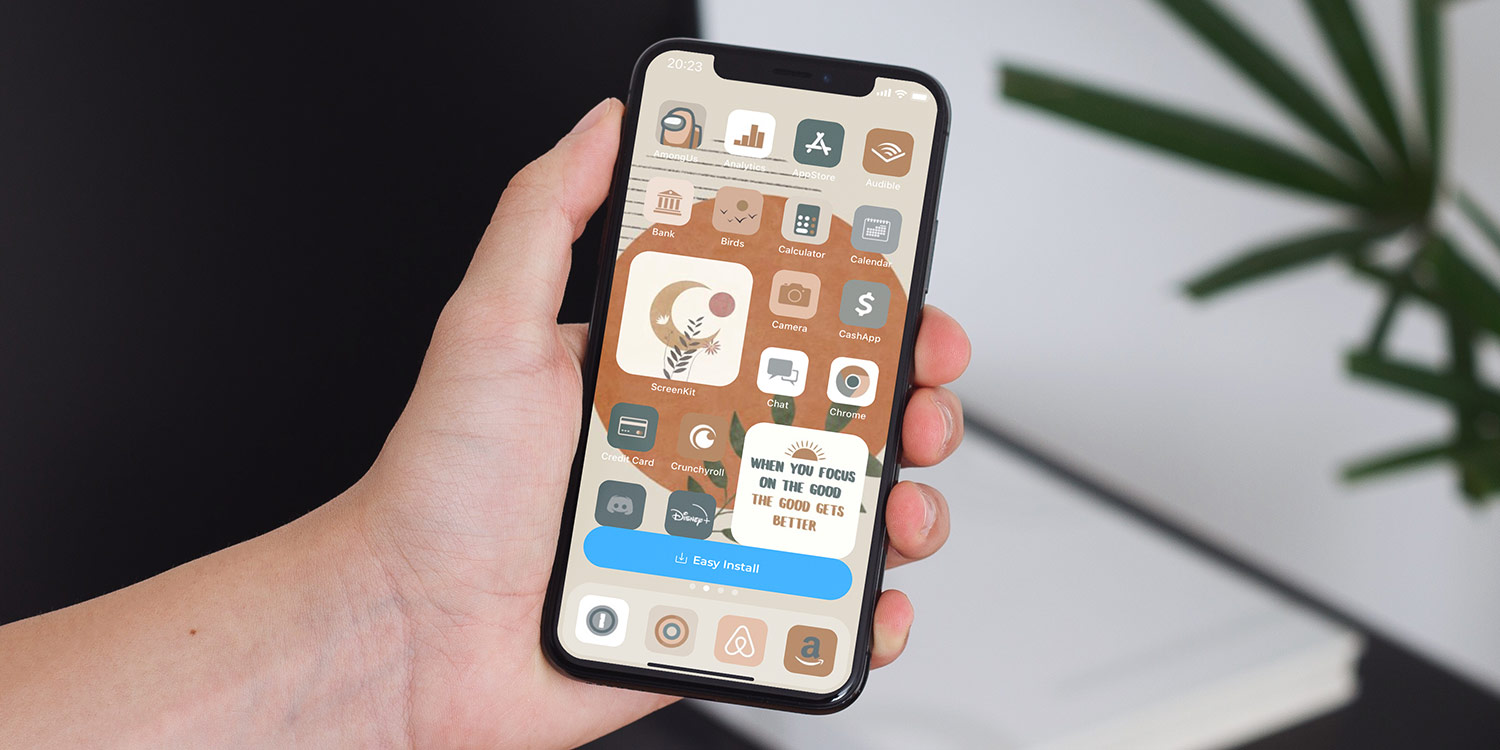
To change the theme on your iPhone 13, you customize the wallpaper and switch between Light and Dark Mode, as these are the built-in appearance controls Apple provides. Changing wallpapers...
To track a phone on T-Mobile, you have three main options: T-Mobile's paid FamilyMode or FamilyWhere services, or your phone's free built-in tracking tools. The right choice depends on whether...
To turn on international roaming on Boost Mobile, you must first know which region you are in, as the activation process is completely different for Australia and the United States....
To unlock diamond camo in COD Mobile, you must first earn Gold Camo for a specific weapon, then complete a kill-based per-match challenge unique to that weapon's class. This mastery...
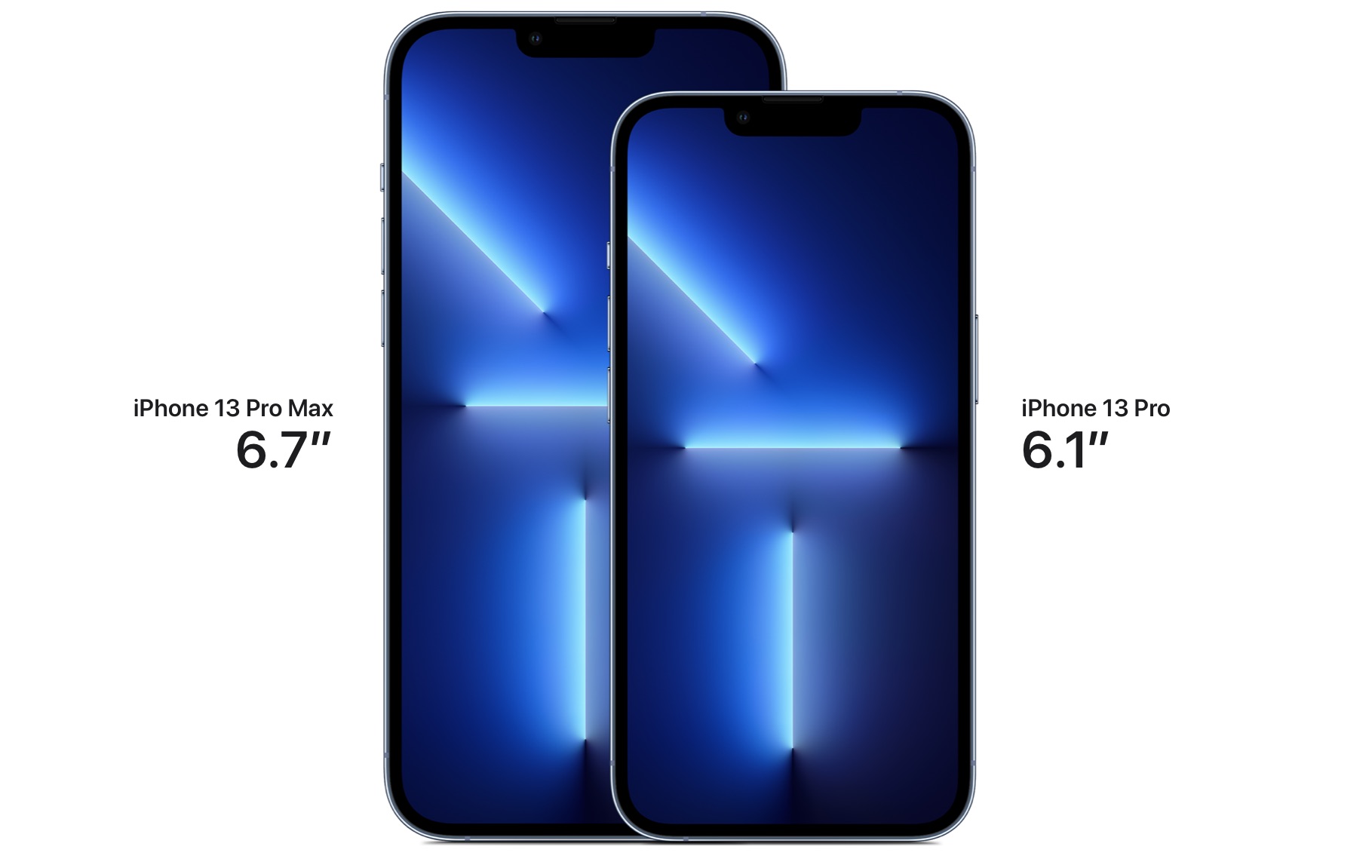
The iPhone 13 Pro Max is exactly 6.33 inches tall. According to Apple's official technical specifications, this is the precise height of the device, which also measures 160.8 millimeters. Exact...
You won’t find a visible clipboard app, screen, or history where your clipboard is on iPhone 13. The iOS clipboard is a temporary, single-item storage that holds only the most...
To enable MMS messaging on iPhone 14, open Settings, tap Apps, then tap Messages, and turn on Send as Text Message. This is the verified, current path because Apple no...
To turn ringer off iPhone 13 instantly, flip the physical Ring/Silent switch on the left side of the device toward the back of the phone until you see an orange...
Haptics on iPhone 13 are the vibrations and tactile taps the phone uses for alerts, keyboard input, and system interactions. These subtle physical cues make your device feel more responsive,...
If you’re wondering where are downloads on iPhone 14, most downloaded files are saved in the Files app at Browse > iCloud Drive > Downloads. For files downloaded from Safari,...