Welcome to the iOS tag on CellularNews. This collection is for anyone who uses an iPhone or iPad and wants to get more out of their device, from casual gamers to power users looking to tweak their system. The articles here are focused on two main areas: helping you find the best apps and games to download, and guiding you through common settings and fixes when things don't work as expected.
If you're looking for something new to play, you'll find extensive lists covering a huge variety of genres. Whether you are into strategy with the 15 Best City Building Games, competitive action with the Top 20 Fighting Games, or relaxing puzzles with 20 Mobile Games Like Candy Crush, these articles help you discover top-rated titles. For those needing practical tools, guides like 26 Best Productivity Apps and 16 Best VPN for Android & iOS help you choose the right software for work and privacy. Beyond just finding apps, the tag also solves technical problems. You can learn how to fix your software with the guide on How to Downgrade iOS Using SHSH2 Blobs, or explore system modifications with the Jailbreak iOS guide and the article on Cydia Impactor. Other topics, such as How to Find Someone's Location by Cell Phone Number and How to Use TikTok App, provide clear steps for specific tasks you might need to accomplish.
To make an invitation on iPhone, use the official Apple Invites app, available on all iPhone models running iOS 18 or later. This app lets you create custom digital event...
To remove calendars from iPhone, open the Calendar app, tap Calendars, then tap the info button next to the calendar you want to remove. If you own the calendar, tap...
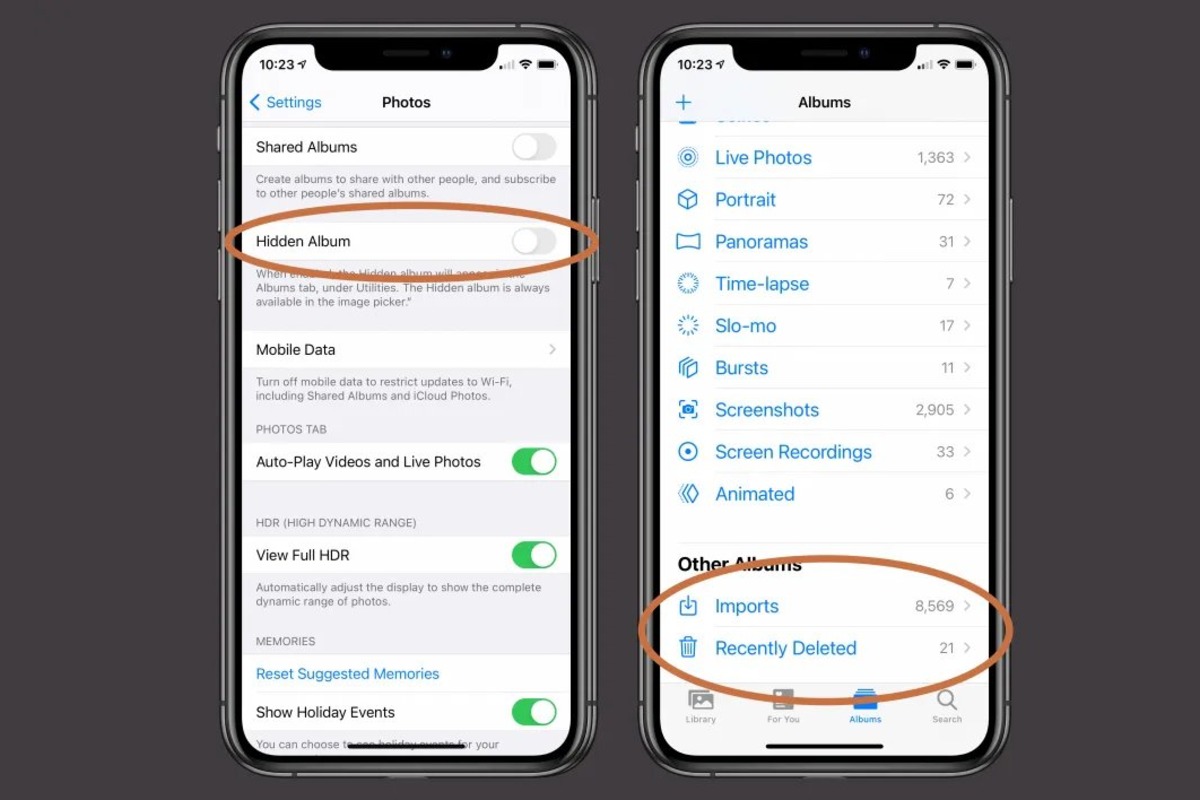
You can make a locked album on iPhone by using the built-in Hidden album, which is automatically locked behind Face ID, Touch ID, or your device passcode on iOS 16...
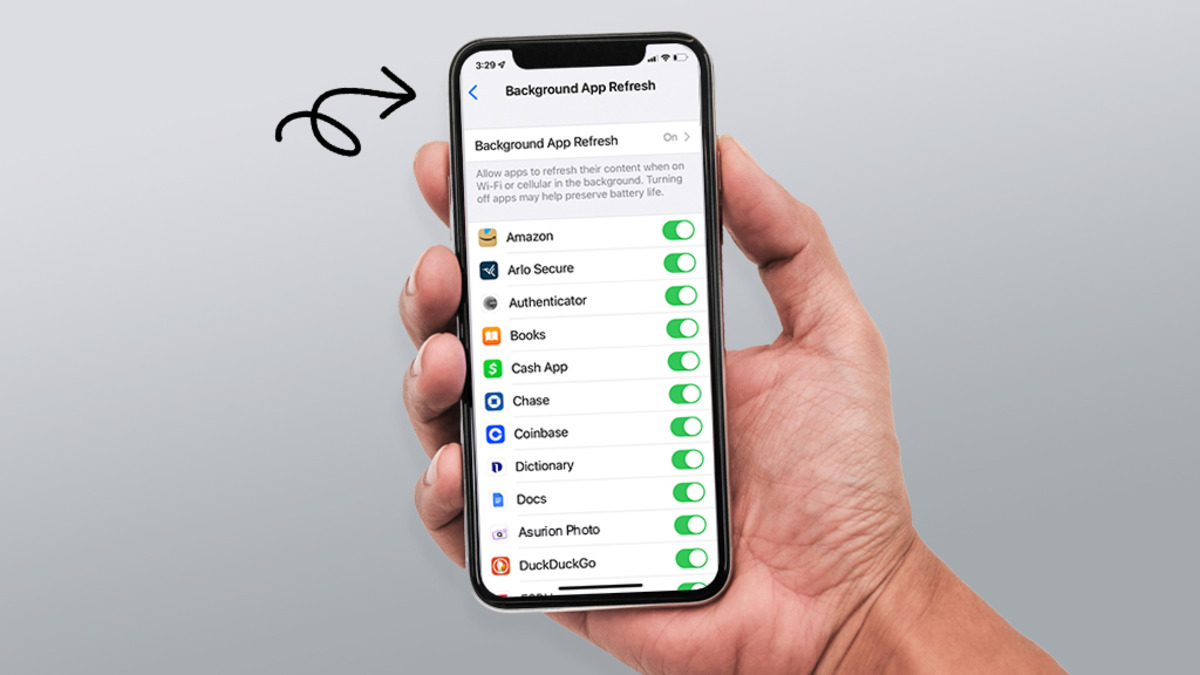
Refreshing your iPhone means clearing the clutter and resetting settings to fix slowdowns and glitches without deleting your personal data, not hunting for a hidden RAM-clearing button that doesn't exist....
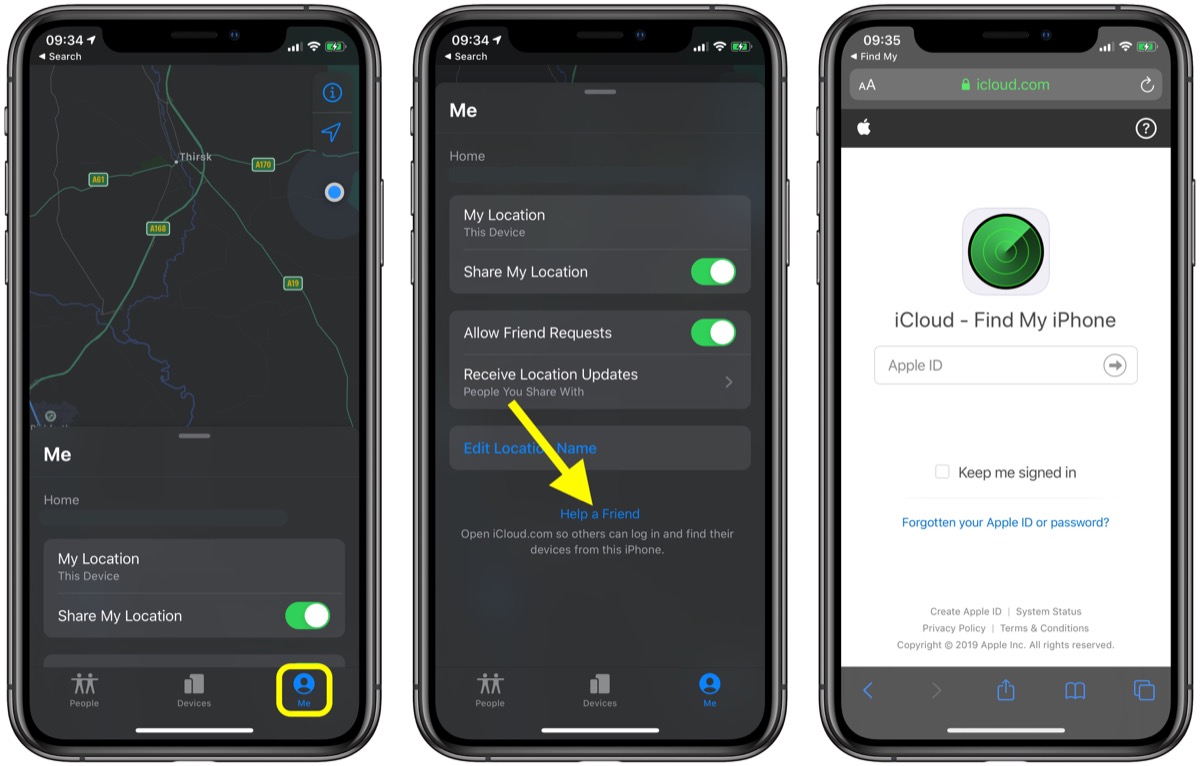
To ping an iPhone from another iPhone, use the Play Sound feature in the Find My app. This works when both devices share the same Apple ID or are in...
To turn off the microphone on iPhone 13, you must disable access per app in Settings, because there is no system-wide microphone kill switch. The only way to turn off...
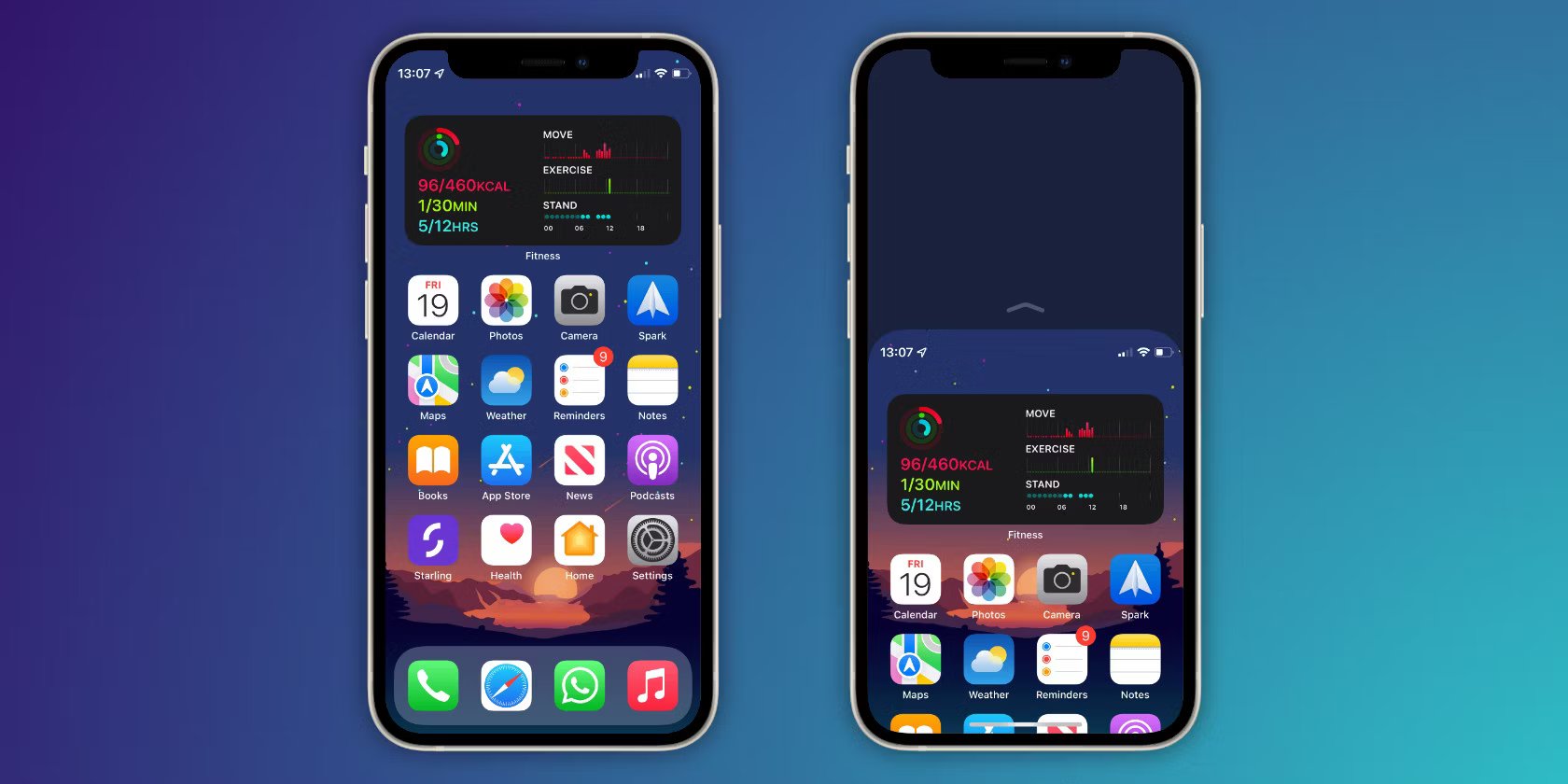
To enlarge icons on iPhone, use the built-in Large App Icon option for a direct Home Screen change. This is the newest and most straightforward method to make app icons...
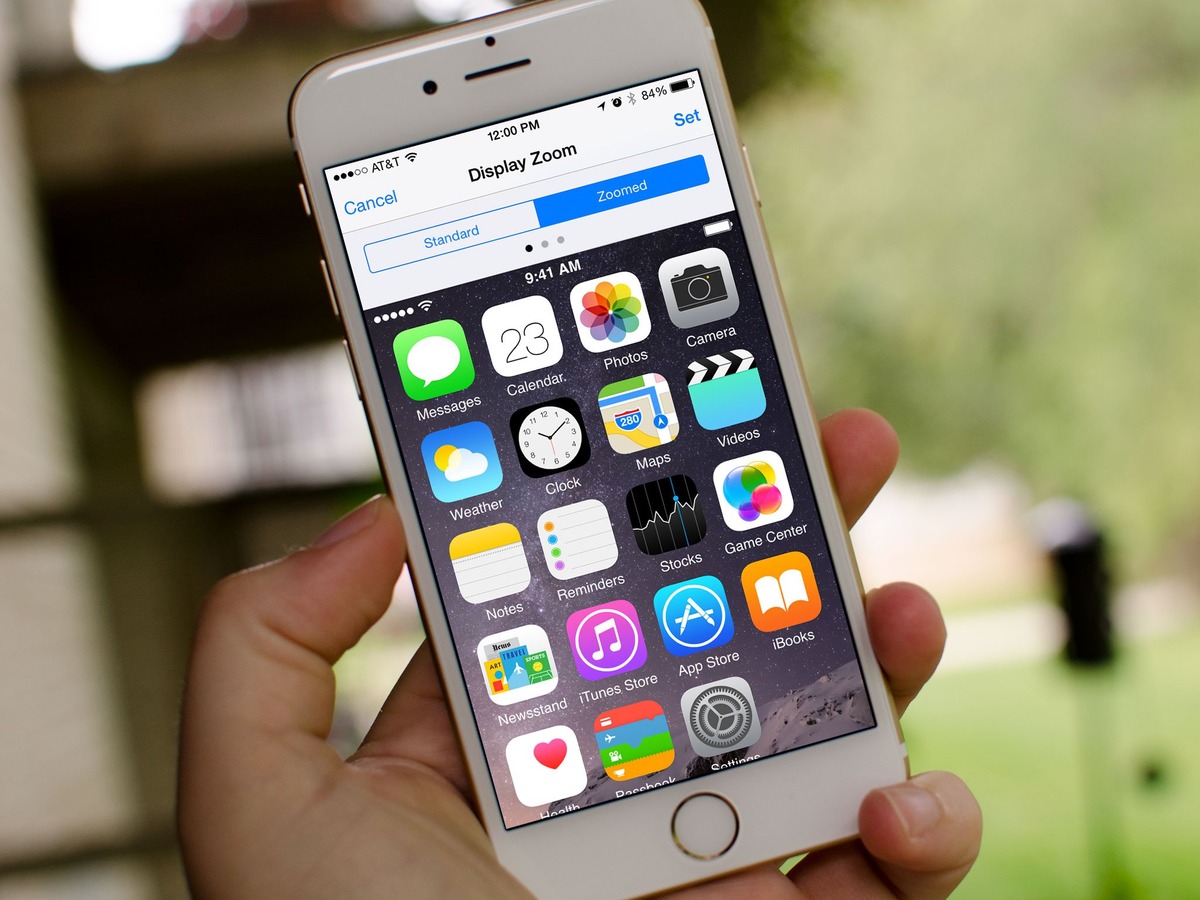
To reduce screen size on iPhone 13, you cannot physically shrink the display, but you can use three built-in features, Reachability, Display Zoom, and Zoom, to make the screen easier...
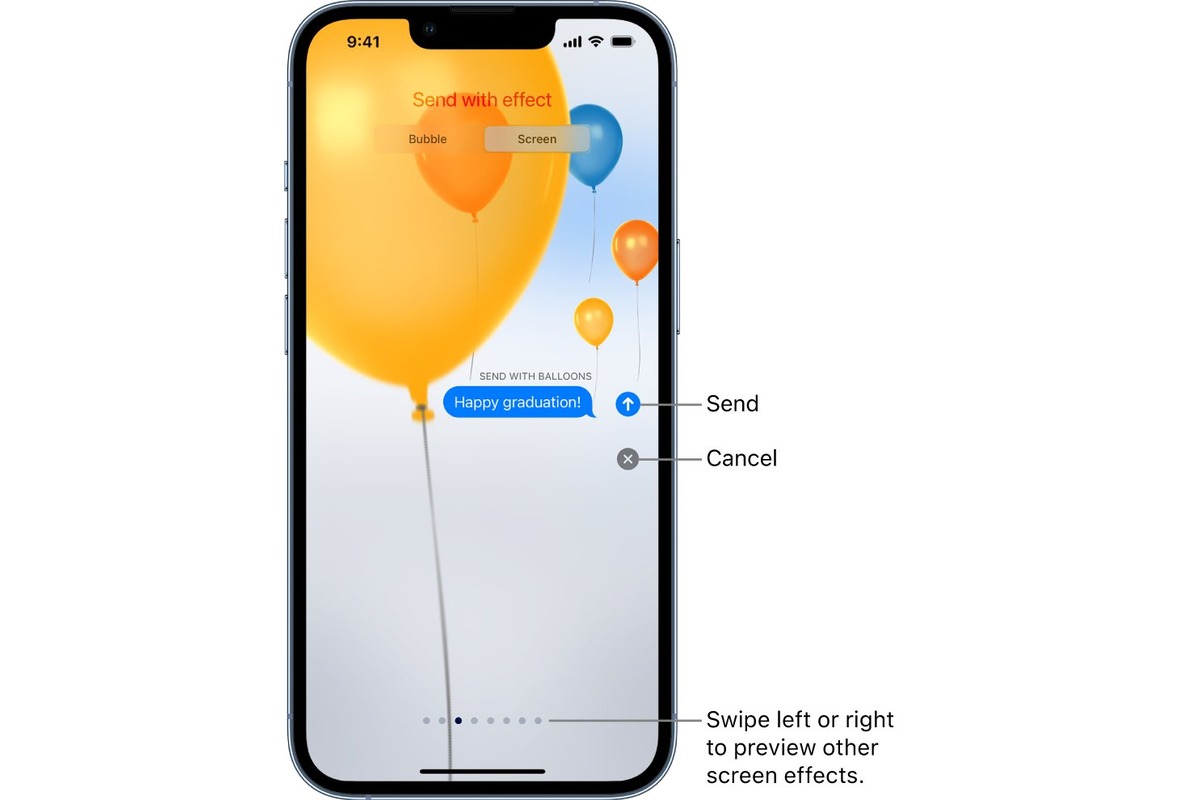
To send birthday balloons on iPhone, type "Happy birthday" exactly in an iMessage conversation, and the celebratory balloon animation will appear automatically. If the automatic trigger does not work, you...
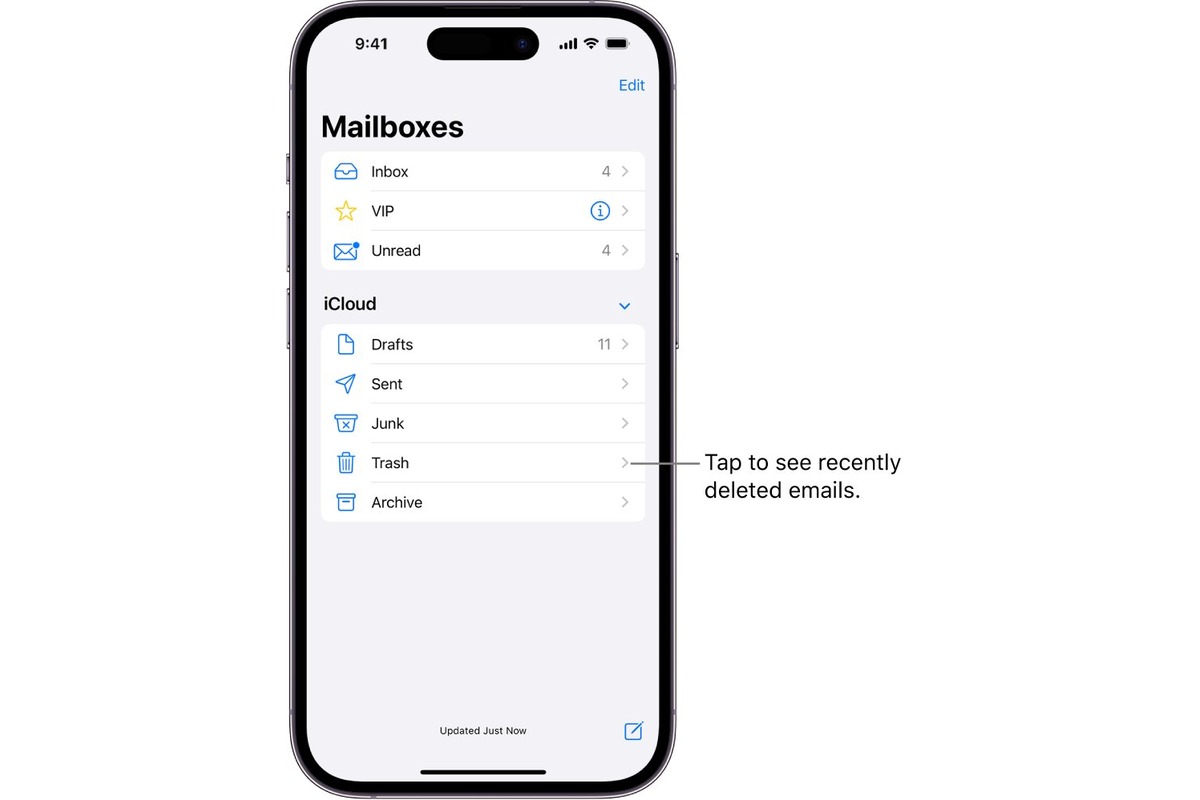
To clear trash on iPhone, you need to work within individual apps, because there is no single system-wide trash bin. Instead, apps like Photos and Messages keep their own “Recently...
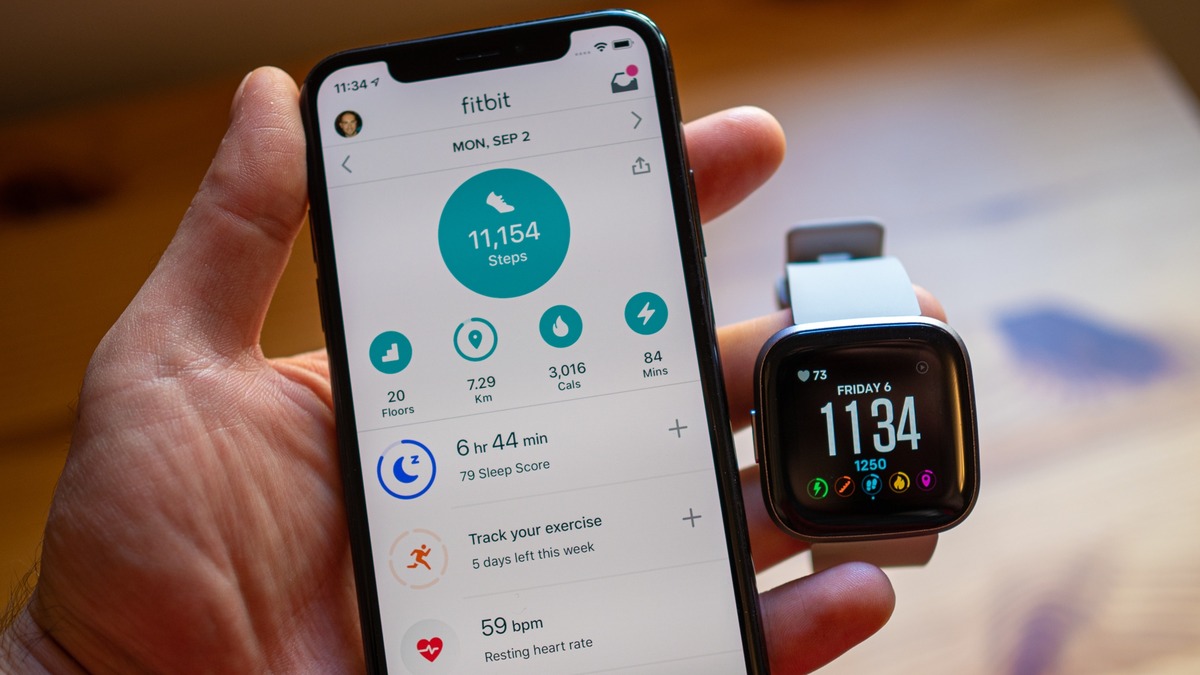
To sync Versa 2 to iPhone, download the Fitbit app from the Apple App Store, install it, and open it. You will need an iPhone or iPad running iOS 11...