Welcome to the iOS tag on CellularNews. This collection is for anyone who uses an iPhone or iPad and wants to get more out of their device, from casual gamers to power users looking to tweak their system. The articles here are focused on two main areas: helping you find the best apps and games to download, and guiding you through common settings and fixes when things don't work as expected.
If you're looking for something new to play, you'll find extensive lists covering a huge variety of genres. Whether you are into strategy with the 15 Best City Building Games, competitive action with the Top 20 Fighting Games, or relaxing puzzles with 20 Mobile Games Like Candy Crush, these articles help you discover top-rated titles. For those needing practical tools, guides like 26 Best Productivity Apps and 16 Best VPN for Android & iOS help you choose the right software for work and privacy. Beyond just finding apps, the tag also solves technical problems. You can learn how to fix your software with the guide on How to Downgrade iOS Using SHSH2 Blobs, or explore system modifications with the Jailbreak iOS guide and the article on Cydia Impactor. Other topics, such as How to Find Someone's Location by Cell Phone Number and How to Use TikTok App, provide clear steps for specific tasks you might need to accomplish.
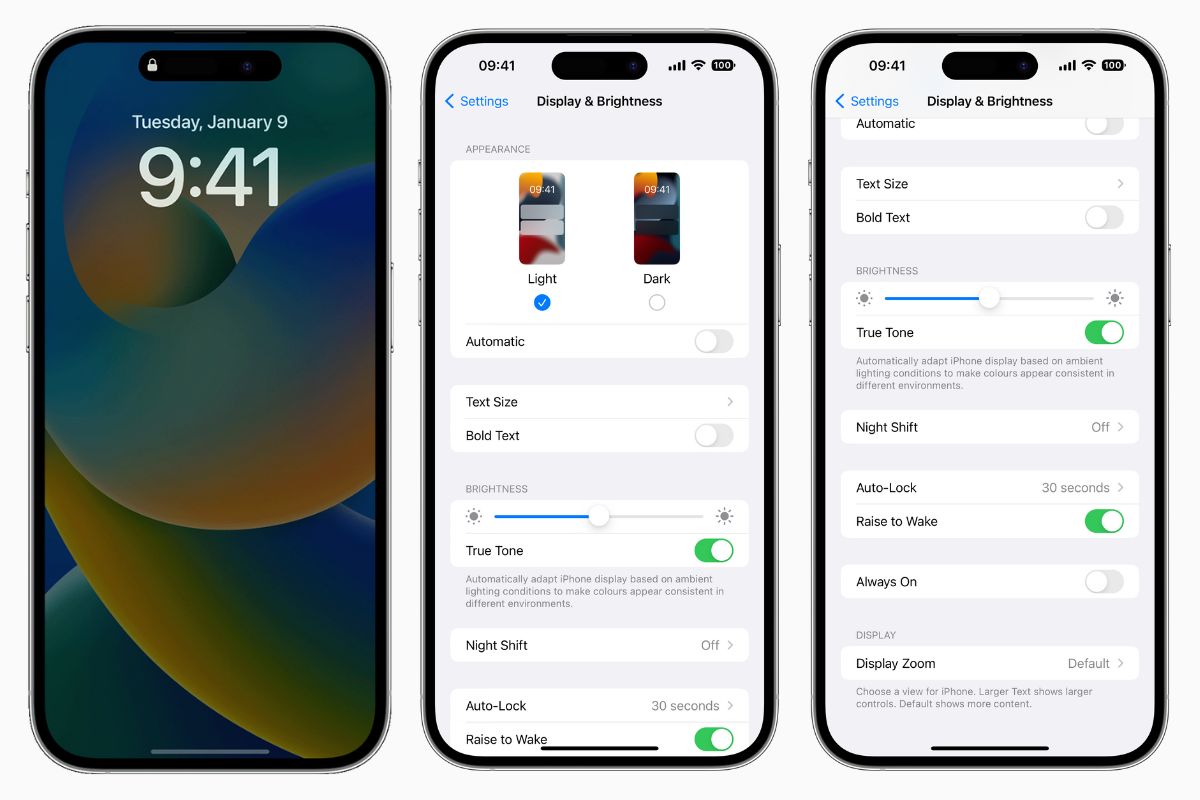
To turn off always-on display on your iPhone 14 Pro, open the Settings app, tap Display & Brightness, and toggle off Always On Display. This is the only official method...
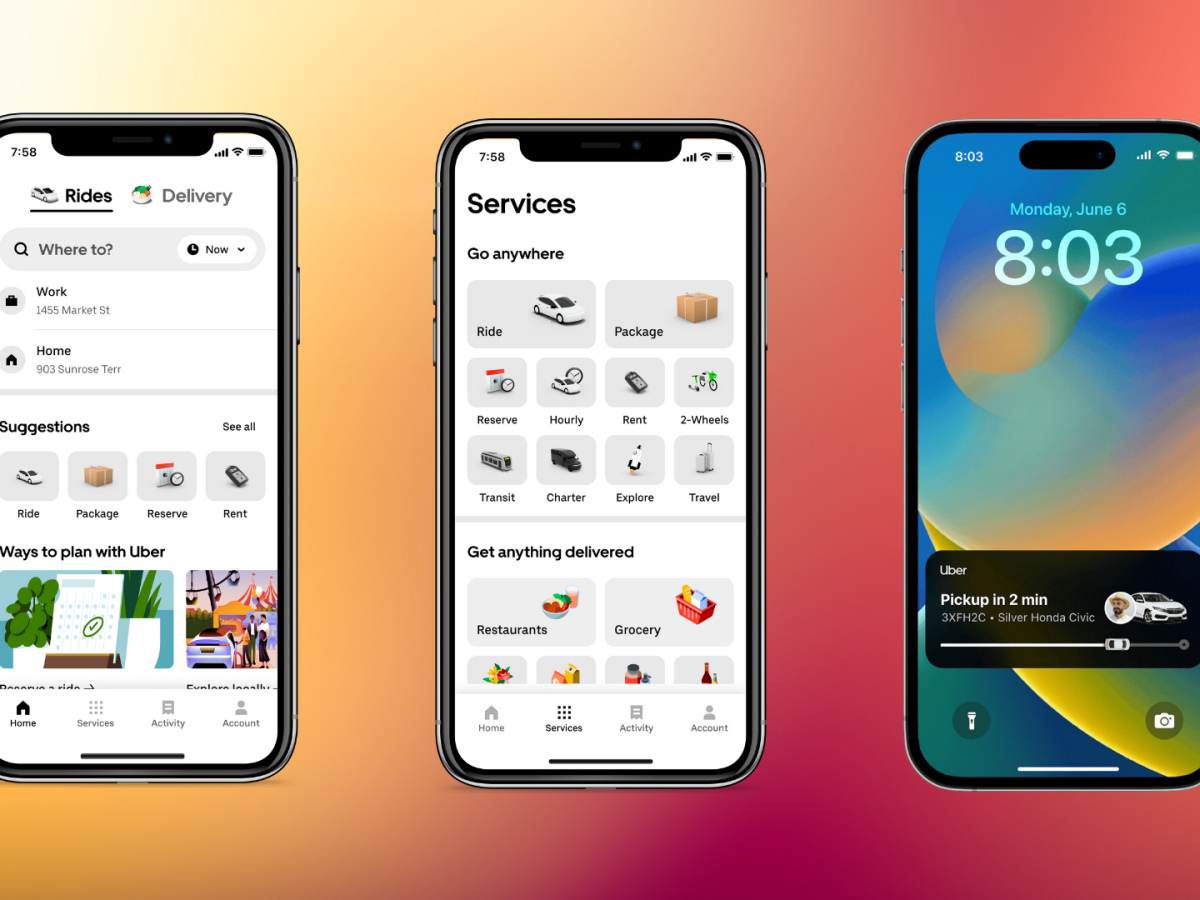
Whether you need a quick ride across town or a scheduled airport pickup, the best rideshare apps 2024 has to offer include Uber, Lyft, DiDi, Grab, Ola, Bolt, Via, Curb,...
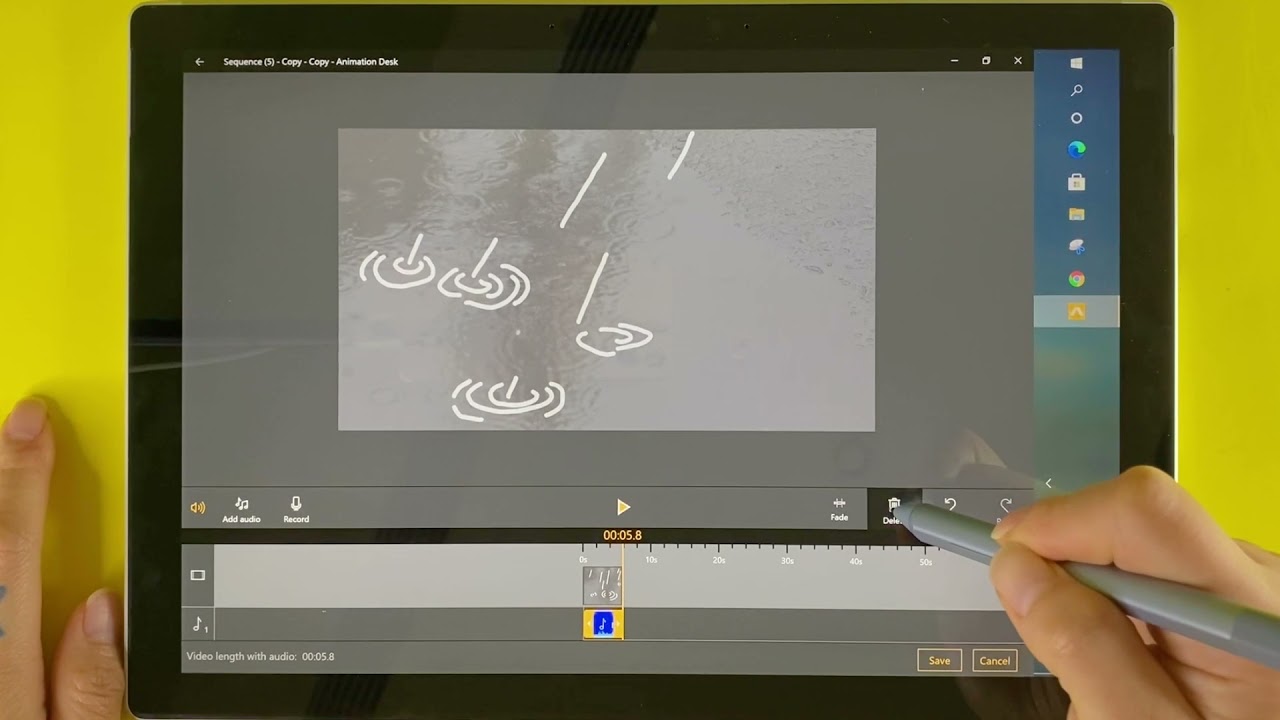
To add sound to a Procreate animation, you must use Procreate Dreams, the dedicated animation app from Procreate, as the original Procreate app cannot import or play audio. What you...
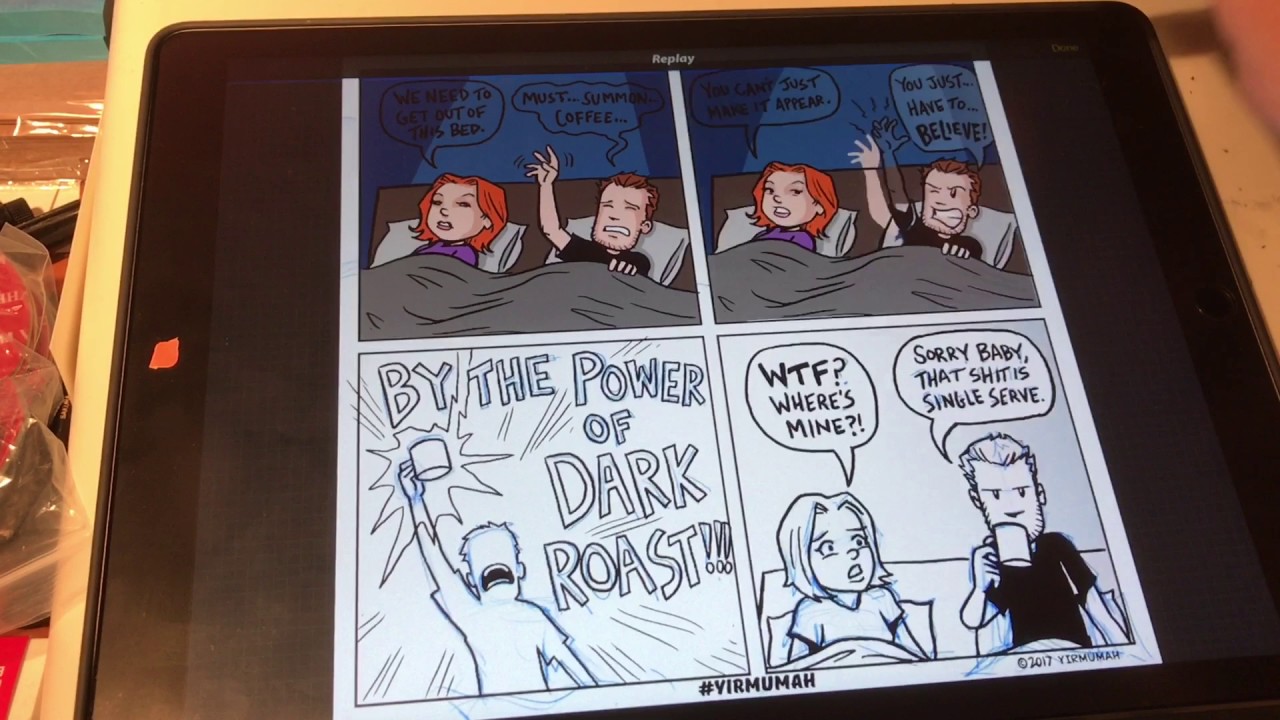
To make comic panels in Procreate, you draw a rough rectangle and hold your stroke to snap it into a perfect shape using QuickShape, then create white gutters between panels...
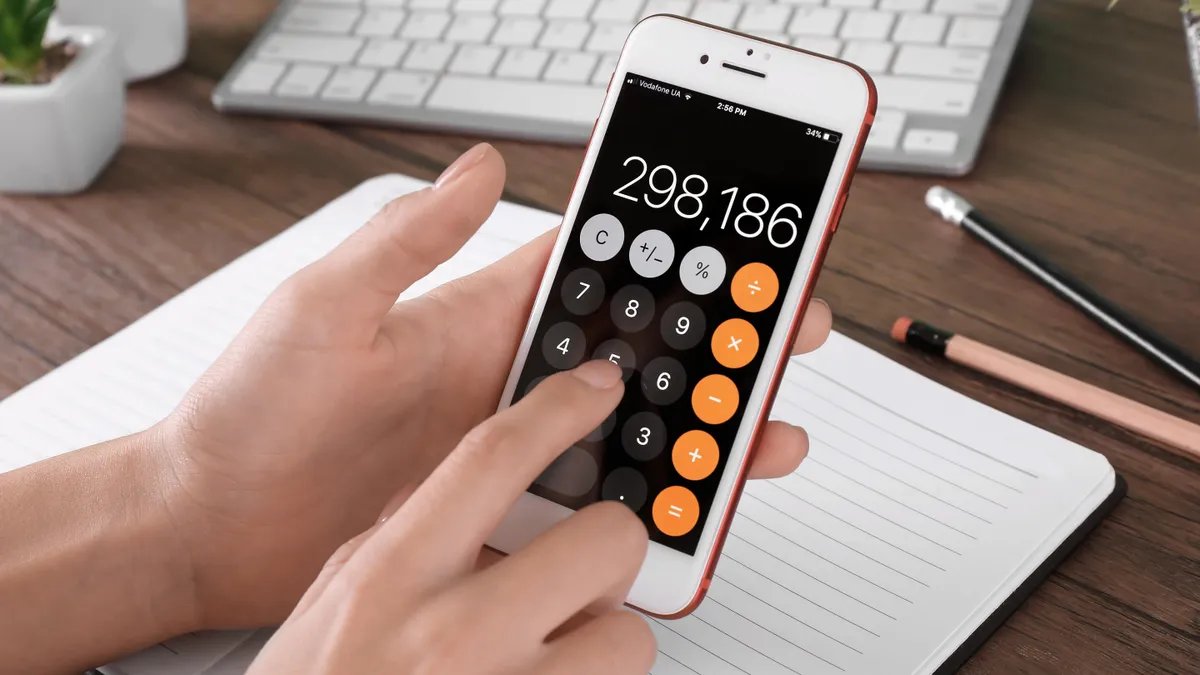
To find the square root on iPhone calculator, you need to switch the built-in Calculator app to its scientific mode. This is done by opening the app and rotating your...
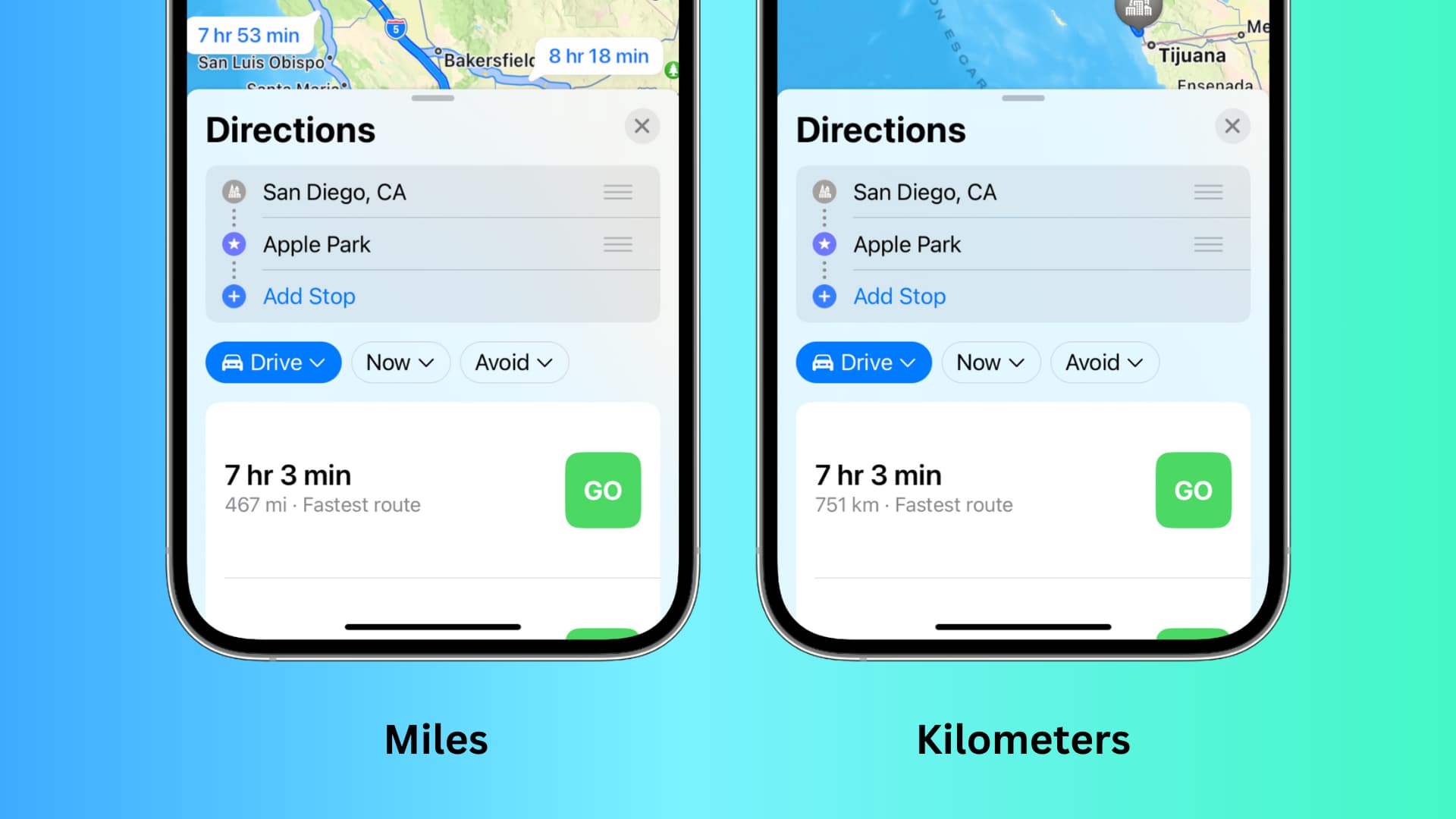
To change miles to km on iPhone Maps, you need to adjust your iPhone's system-wide measurement setting rather than a setting inside the Maps app itself. Open the Settings app,...
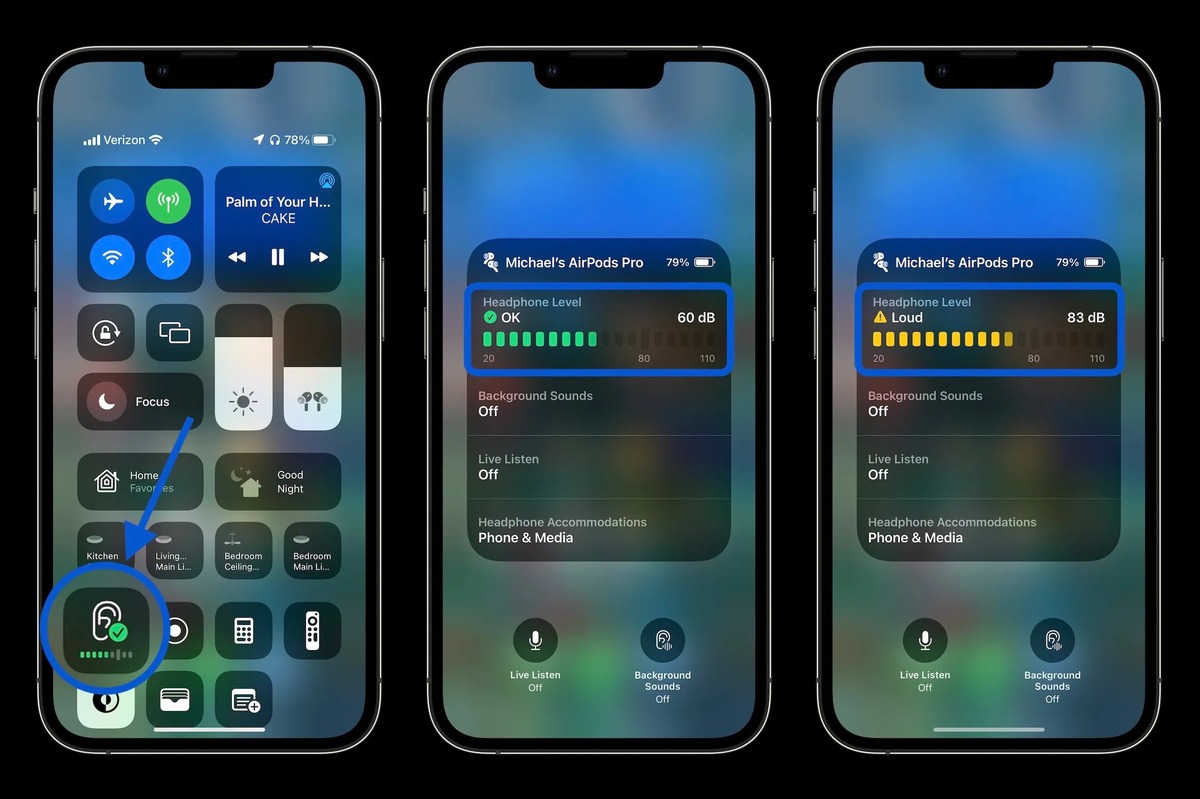
To measure decibels on iPhone for headphone audio, open Control Center, tap the Hearing control, and read the Headphone Level meter in decibels. This built-in tool helps you monitor your...
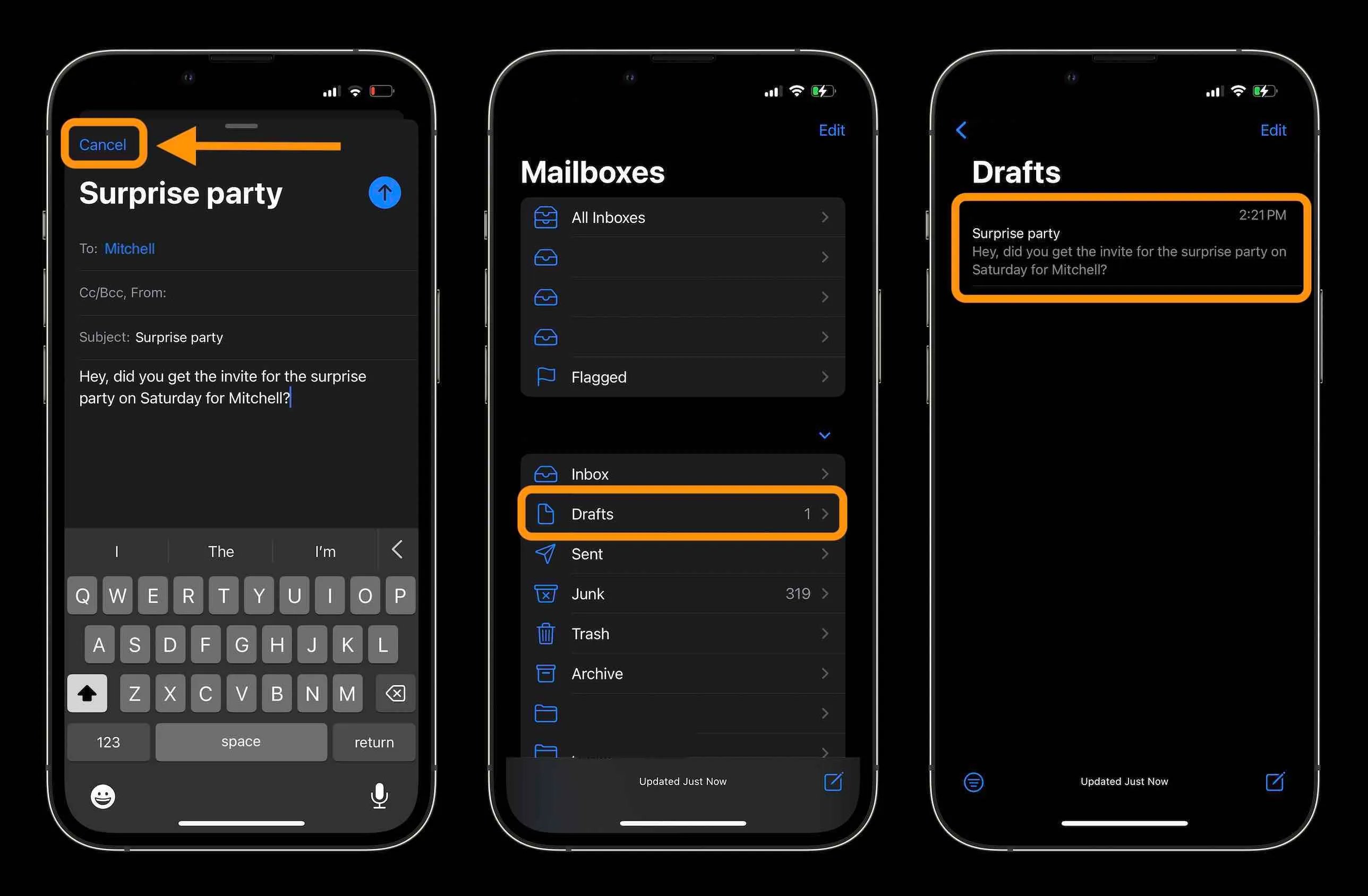
You can recall an email on iPhone only if you use the Apple Mail app and act within 10 seconds of sending it. This feature, called Undo Send, lets you...
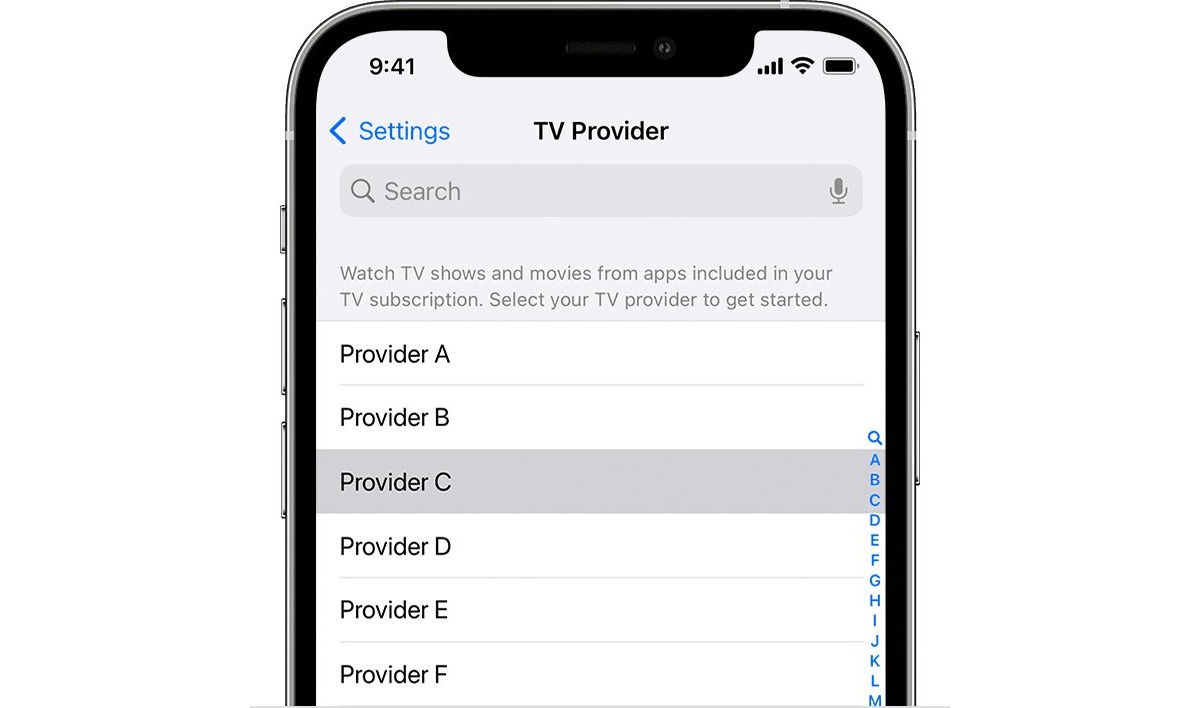
To change your TV provider on the ESPN app on your iPhone, you need to update the TV Provider setting in your iPhone's Settings app, not inside the ESPN app...
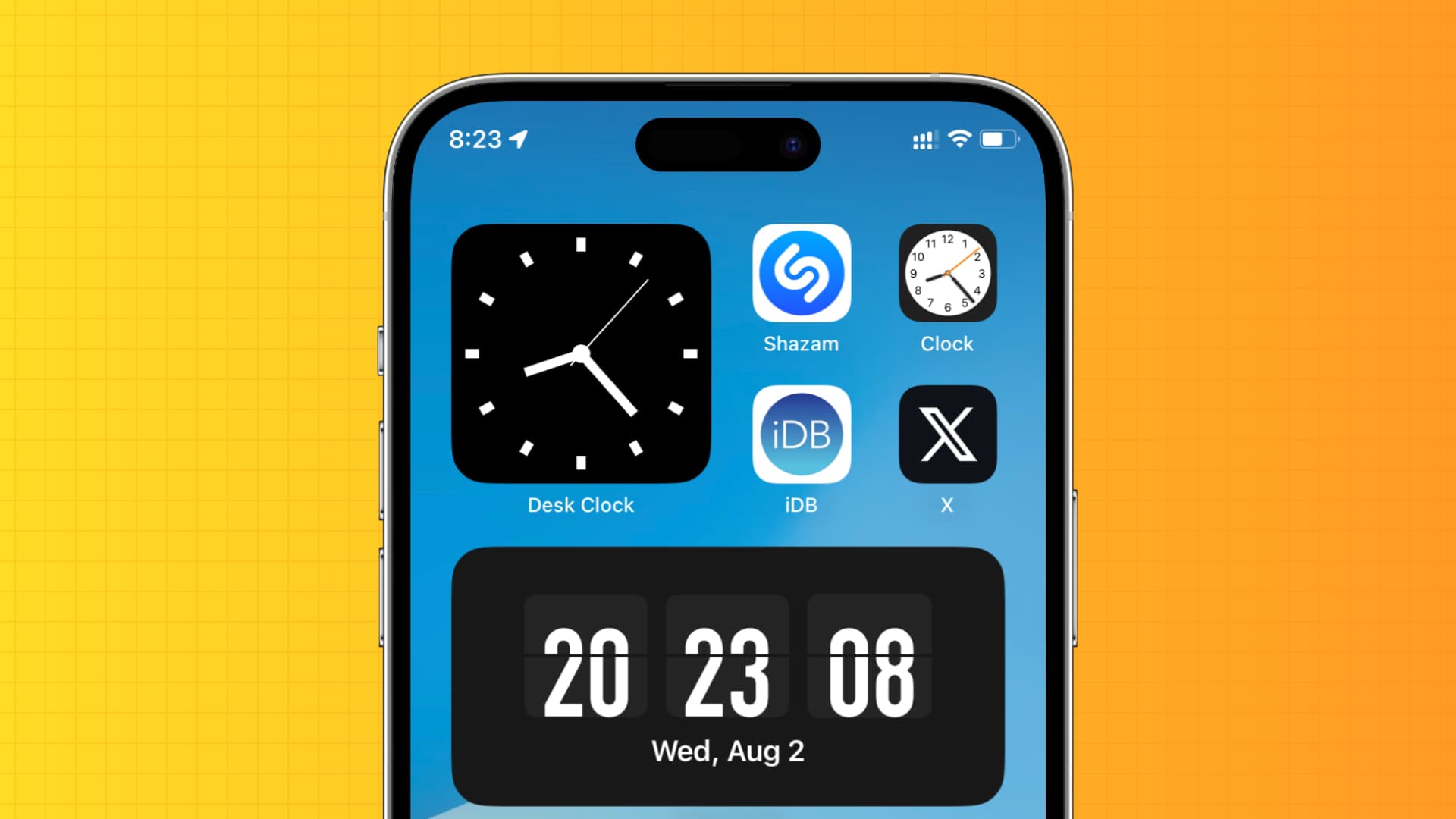
This is a key difference from Android, where Google’s Clock app includes a dedicated toggle to show seconds. Can you show seconds on iPhone natively? No. Apple’s current documented options...
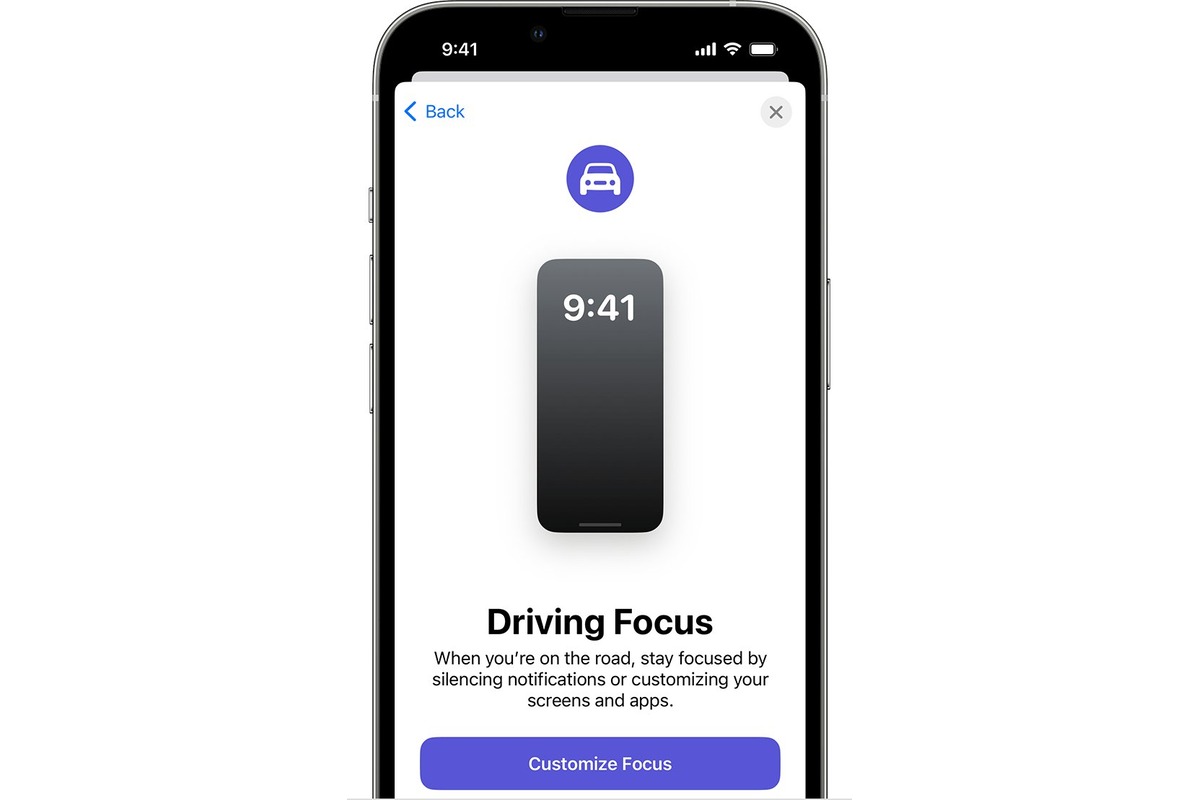
To turn off Driving Focus on iPhone immediately, open Control Centre, touch and hold the Focus tile, then tap Driving to disable it. This is the fastest way to turn...
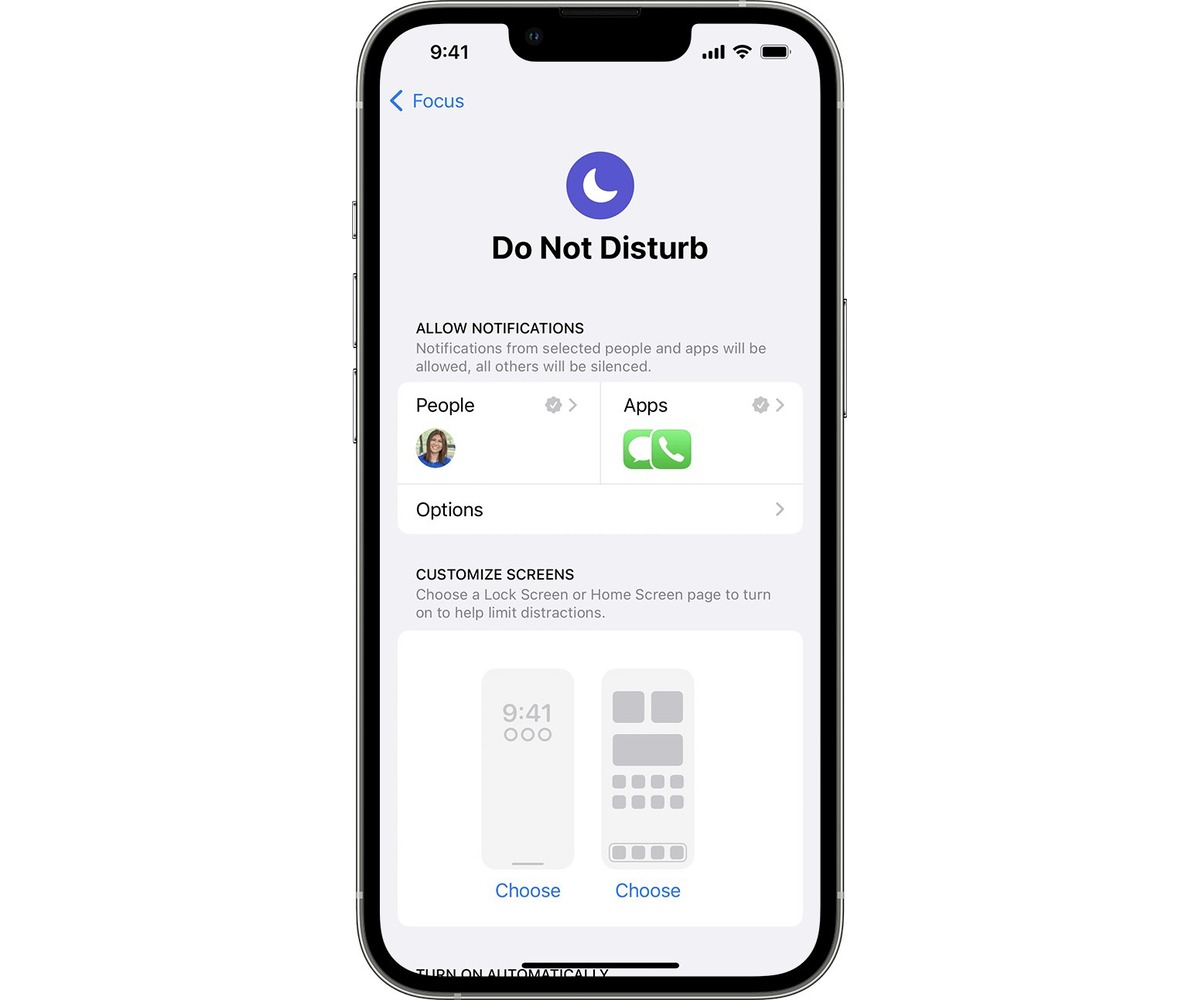
To put your iPhone on DND instantly, open Control Center and tap the crescent moon icon on the Focus button. This silences all calls, alerts, and notifications so your iPhone...