Welcome to the iOS tag on CellularNews. This collection is for anyone who uses an iPhone or iPad and wants to get more out of their device, from casual gamers to power users looking to tweak their system. The articles here are focused on two main areas: helping you find the best apps and games to download, and guiding you through common settings and fixes when things don't work as expected.
If you're looking for something new to play, you'll find extensive lists covering a huge variety of genres. Whether you are into strategy with the 15 Best City Building Games, competitive action with the Top 20 Fighting Games, or relaxing puzzles with 20 Mobile Games Like Candy Crush, these articles help you discover top-rated titles. For those needing practical tools, guides like 26 Best Productivity Apps and 16 Best VPN for Android & iOS help you choose the right software for work and privacy. Beyond just finding apps, the tag also solves technical problems. You can learn how to fix your software with the guide on How to Downgrade iOS Using SHSH2 Blobs, or explore system modifications with the Jailbreak iOS guide and the article on Cydia Impactor. Other topics, such as How to Find Someone's Location by Cell Phone Number and How to Use TikTok App, provide clear steps for specific tasks you might need to accomplish.
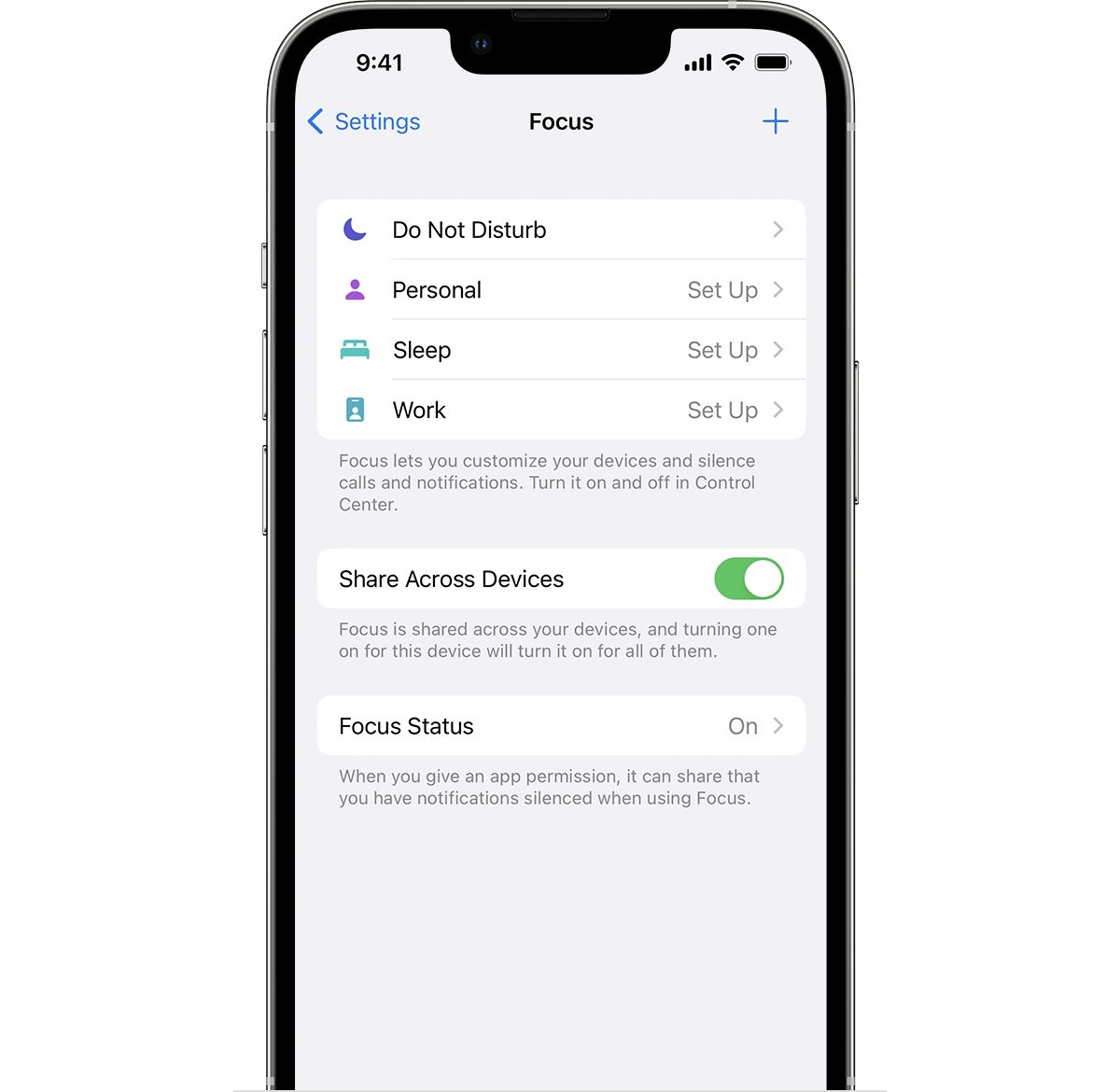
To disable focus on iPhone, open Control Center by swiping down from the top-right corner (on models with Face ID), tap Focus, then tap the active Focus to turn it...
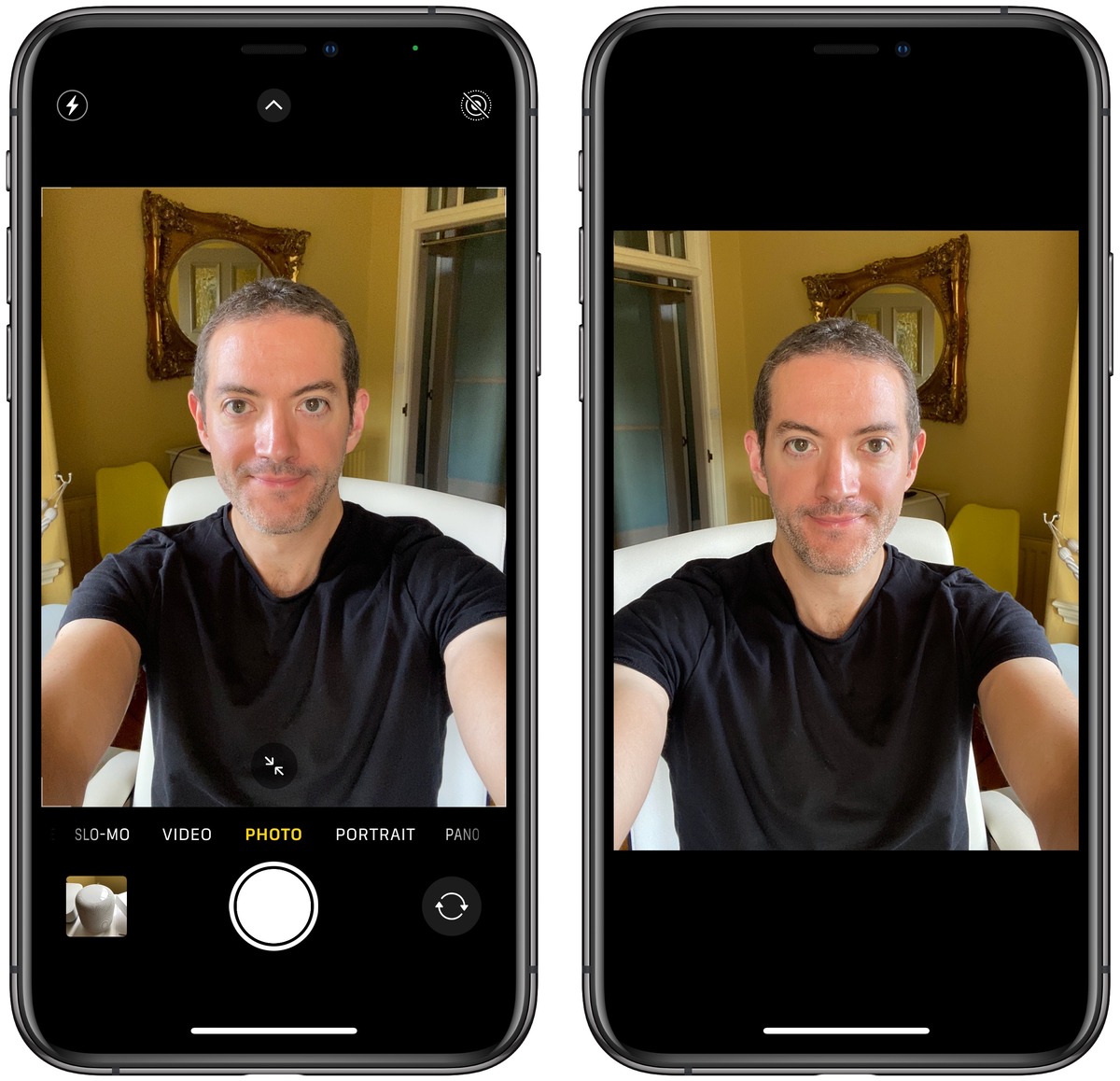
To stop your iPhone selfies from being flipped or mirrored, you need to turn the Mirror Front Camera setting on or off. This setting is located in Settings > Camera...
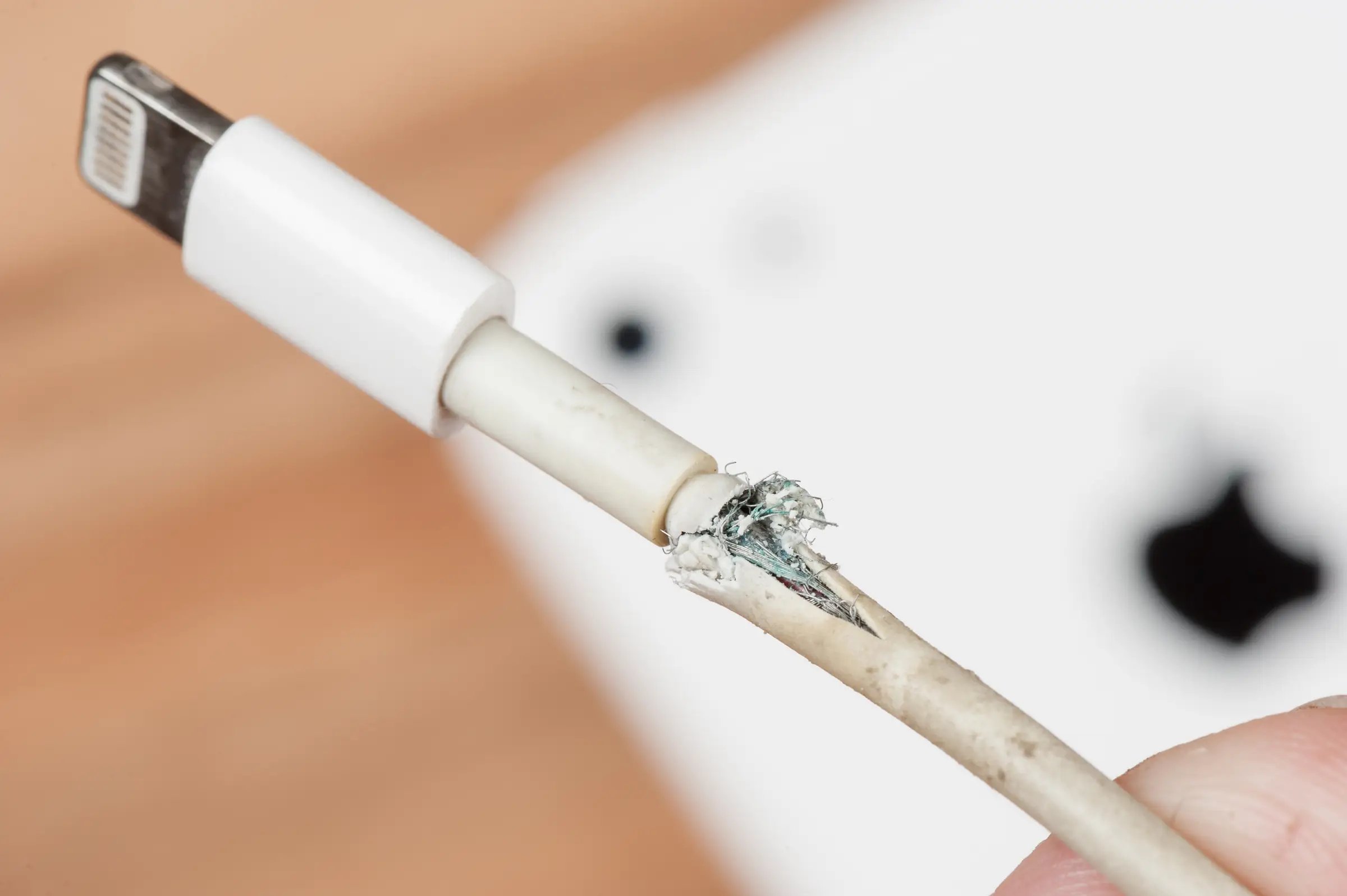
To fix a broken iPhone charger tip, stop using the damaged accessory immediately and then determine whether the problem is a frayed cable end or a tip stuck inside the...
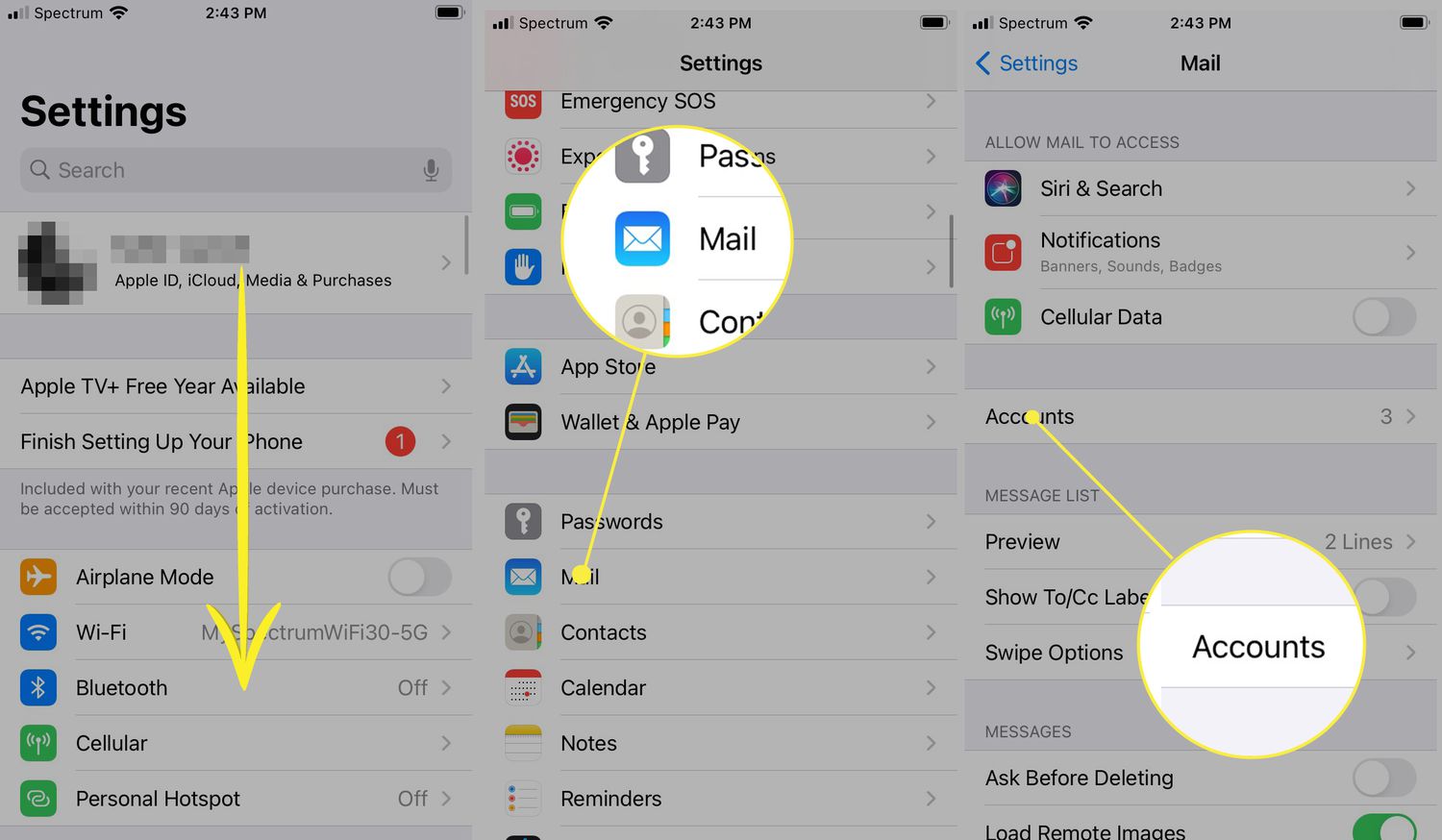
To clear mailbox on iPhone, open the Mail app, then swipe left on a message and tap Trash, or open a message and tap the delete button. You can also...
Apple does not provide a setting to change the swipe on iPhone home screen; the swipe left always opens Today View and swipe right always opens App Library, and this...
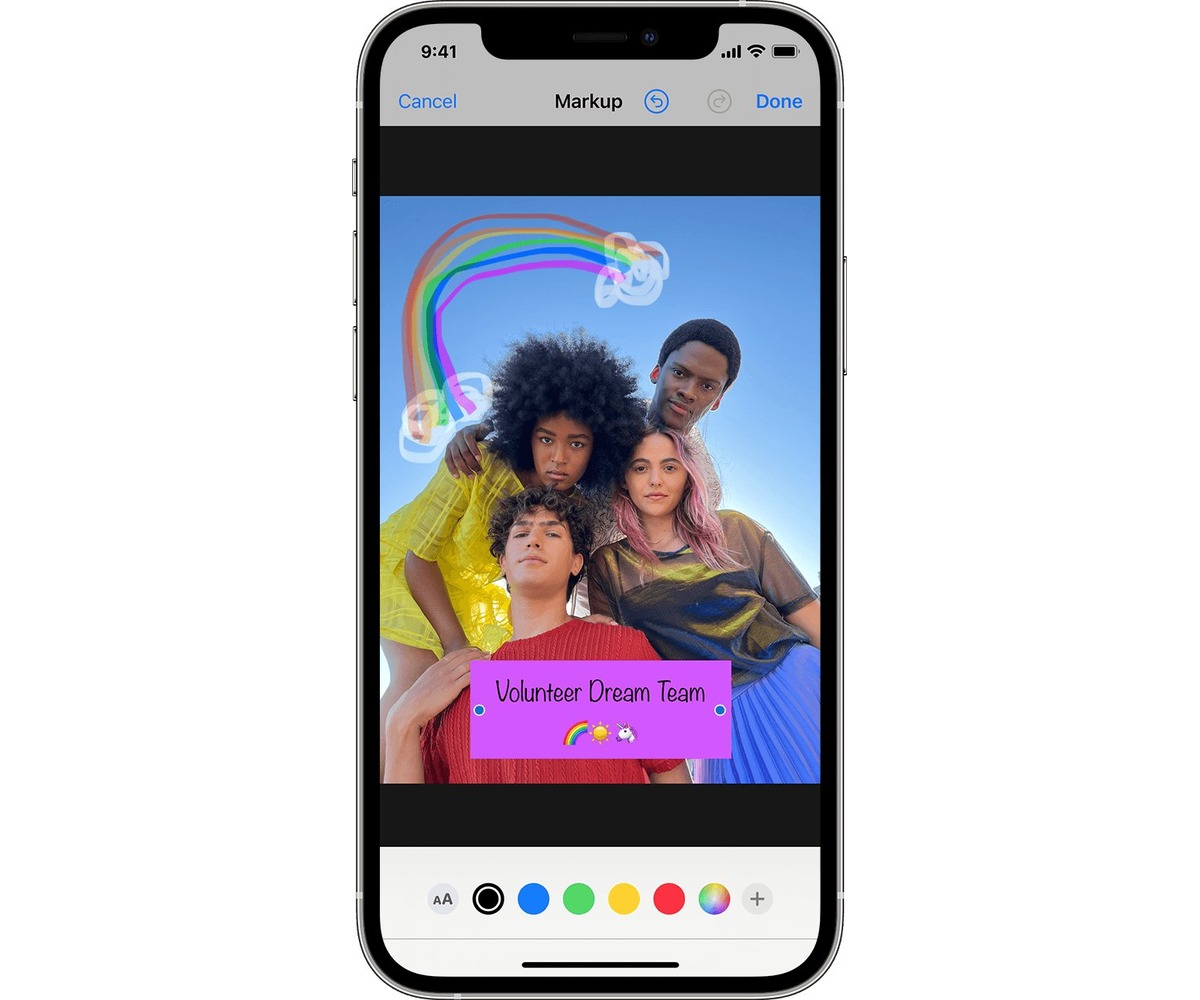
To truly manage featured photos on your iPhone, you need to understand that "Featured Photos" is an automatic iOS feature that curates images from your library for the For You...
You cannot play GamePigeon on Android. GamePigeon is an iMessage-exclusive app for Apple devices, and no official Android version, Android setup path, or carrier-specific method has been documented. Can you...
To download music from YouTube to smartphone for offline listening, the only supported method is a YouTube Music Premium or YouTube Premium subscription, which enables downloads directly within the YouTube...
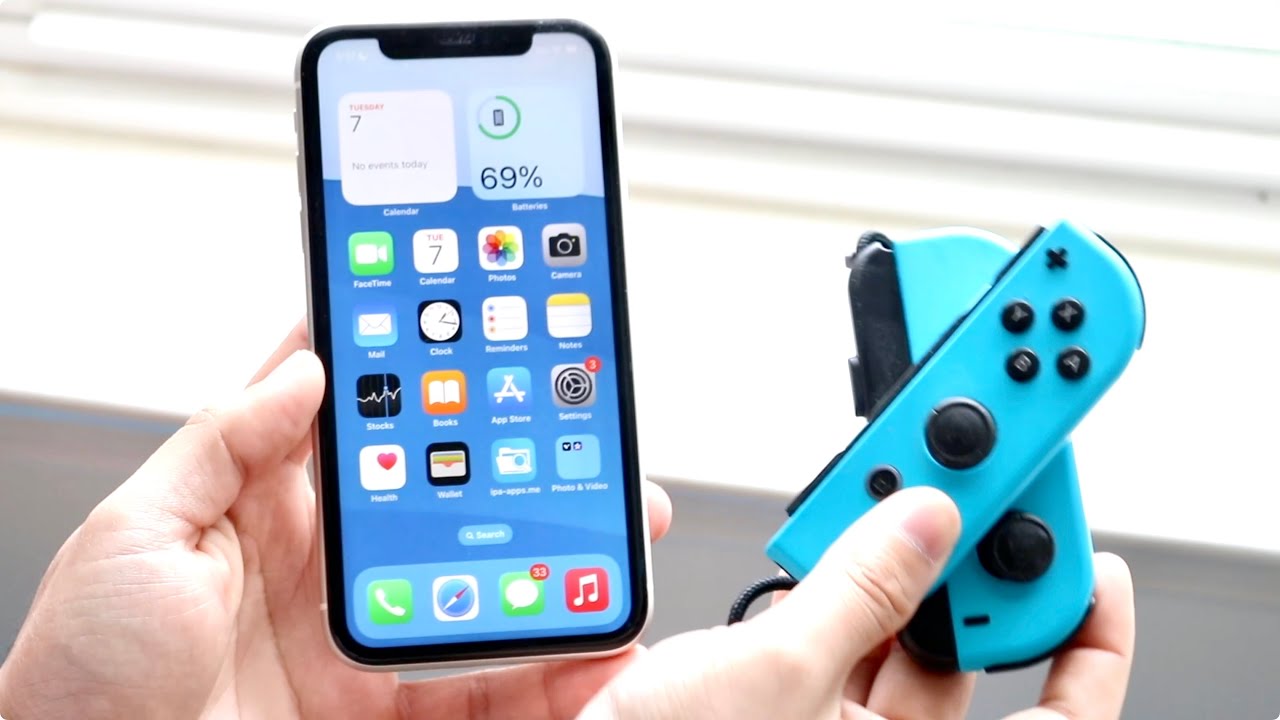
To connect joy cons to phone, you pair them directly via Bluetooth on an iPhone running iOS 16 or later. This lets you use the familiar Nintendo Switch controllers for...
To connect a Nintendo controller to your phone, you need a compatible controller like a Switch Pro Controller or Joy-Con, a phone running Android 10+ or iOS 16+, and a...
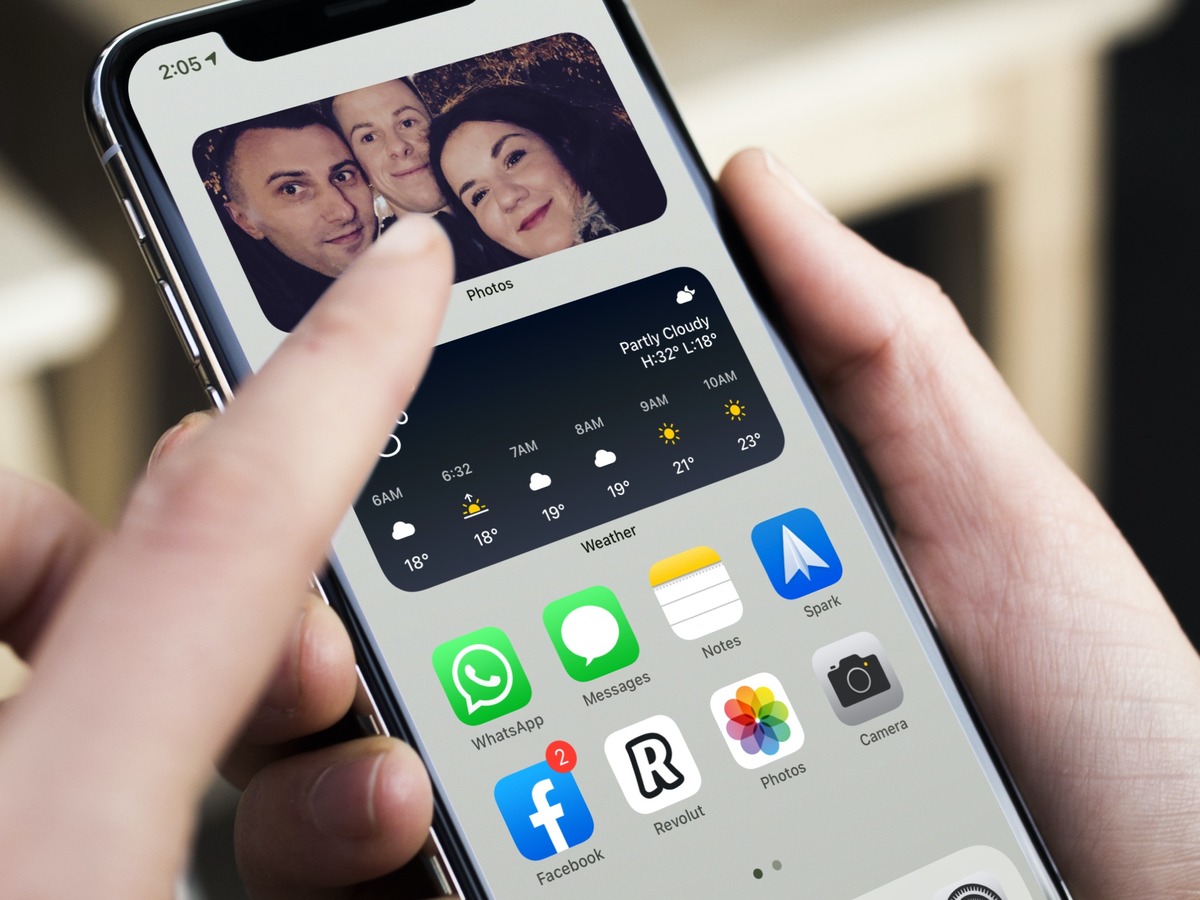
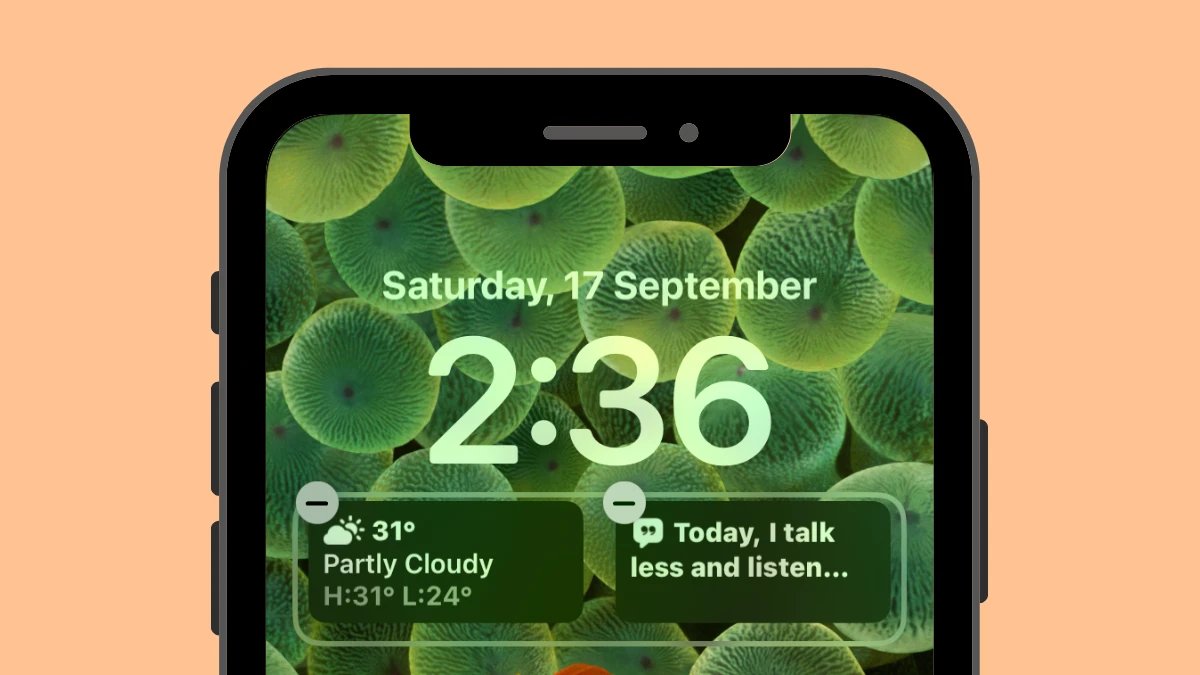
To save iPhone battery life widgets, remove the widgets you do not need and turn off location access for the apps behind them. These are the two most effective steps...