Welcome to the iOS tag on CellularNews. This collection is for anyone who uses an iPhone or iPad and wants to get more out of their device, from casual gamers to power users looking to tweak their system. The articles here are focused on two main areas: helping you find the best apps and games to download, and guiding you through common settings and fixes when things don't work as expected.
If you're looking for something new to play, you'll find extensive lists covering a huge variety of genres. Whether you are into strategy with the 15 Best City Building Games, competitive action with the Top 20 Fighting Games, or relaxing puzzles with 20 Mobile Games Like Candy Crush, these articles help you discover top-rated titles. For those needing practical tools, guides like 26 Best Productivity Apps and 16 Best VPN for Android & iOS help you choose the right software for work and privacy. Beyond just finding apps, the tag also solves technical problems. You can learn how to fix your software with the guide on How to Downgrade iOS Using SHSH2 Blobs, or explore system modifications with the Jailbreak iOS guide and the article on Cydia Impactor. Other topics, such as How to Find Someone's Location by Cell Phone Number and How to Use TikTok App, provide clear steps for specific tasks you might need to accomplish.
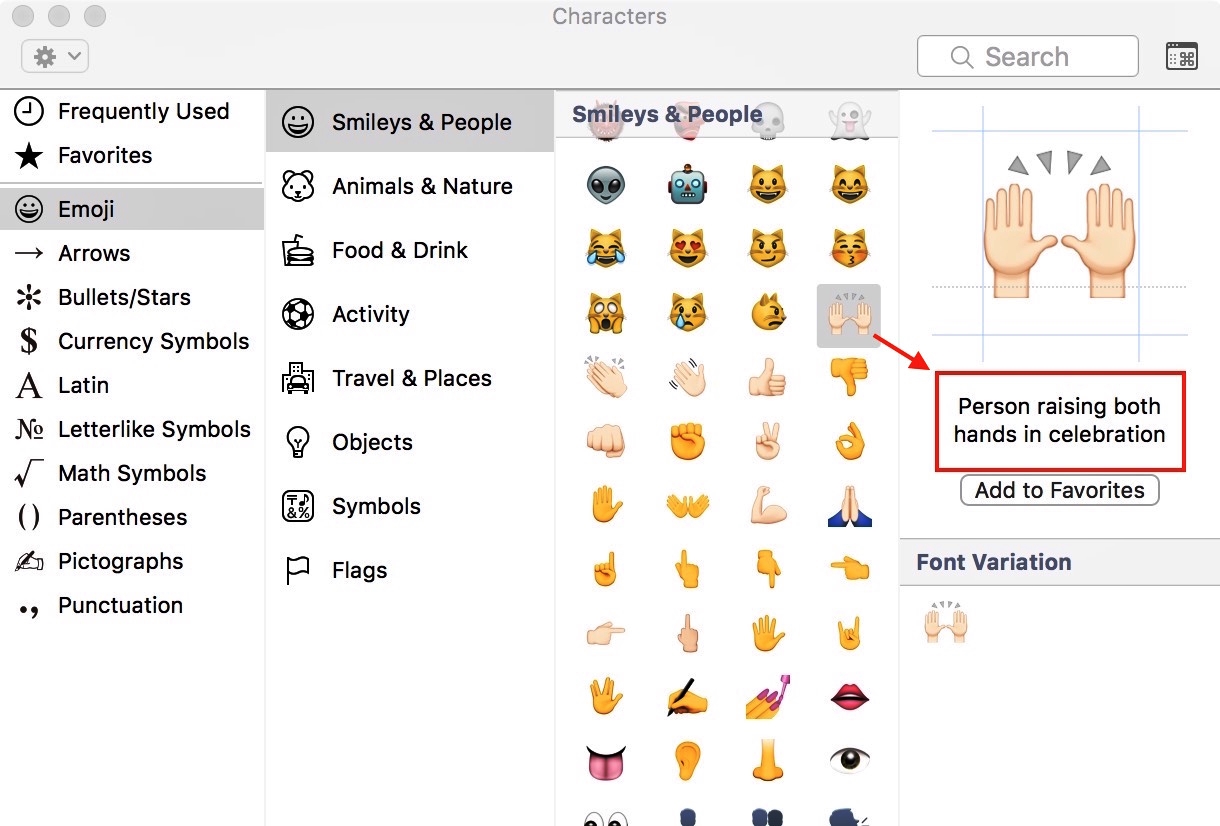
These tools let you type a description to find out what emojis are called, giving you the answer directly without leaving your current app. How to find out what those...
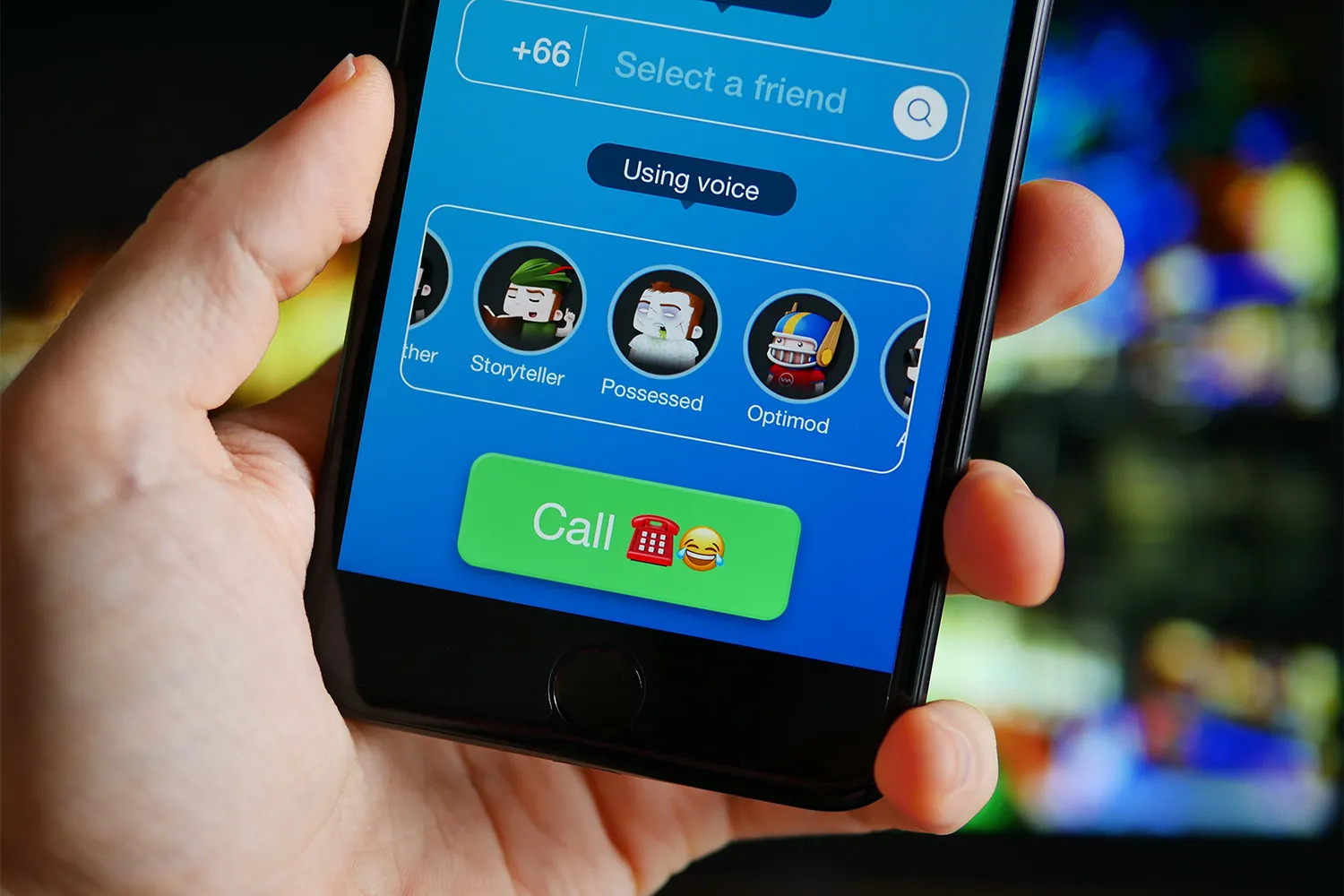
To change voice on Snapchat, record a video Snap first, then look for the speaker icon in the bottom left corner of the screen. Press and hold that icon to...
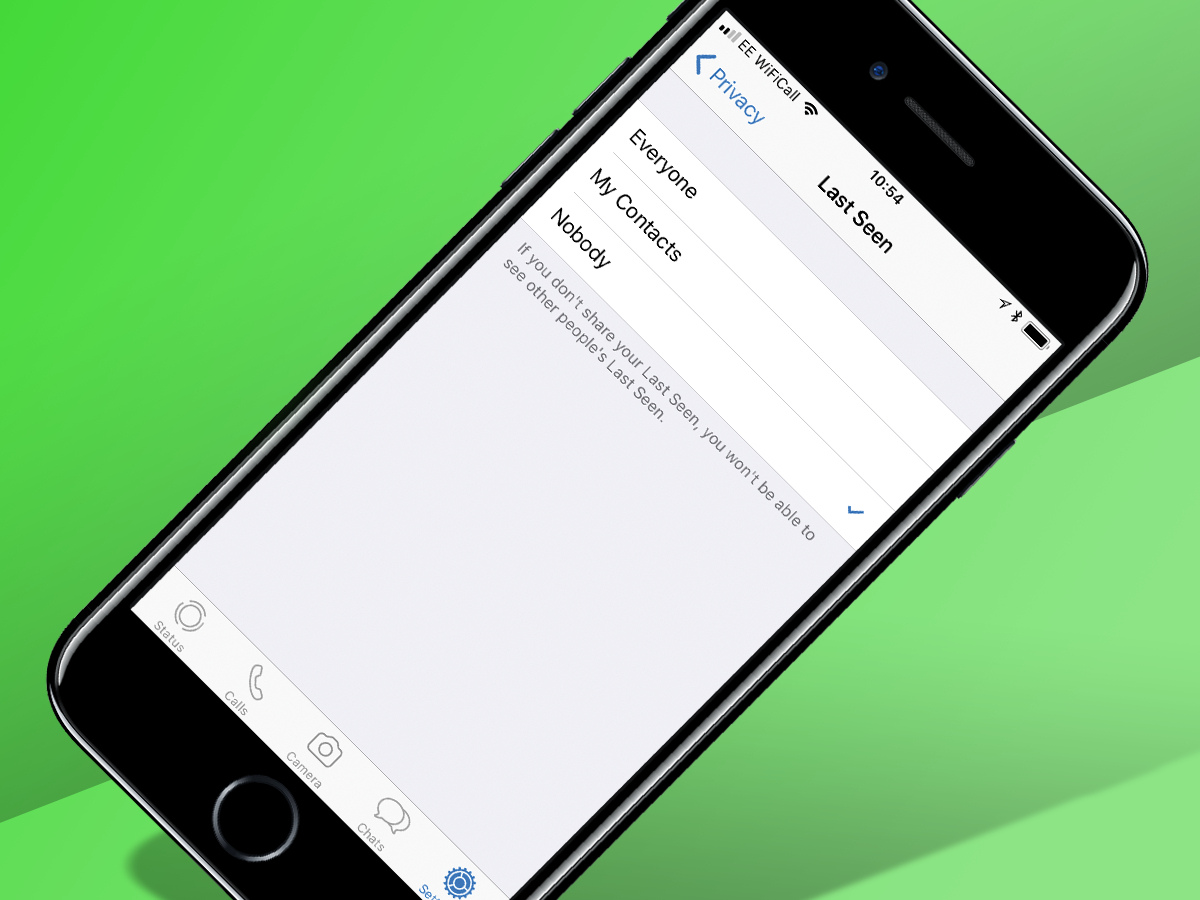
How to turn off online status on WhatsApp To turn off online status on WhatsApp, open the app and tap the three-dot menu (called 'More Options' on Android) in the...
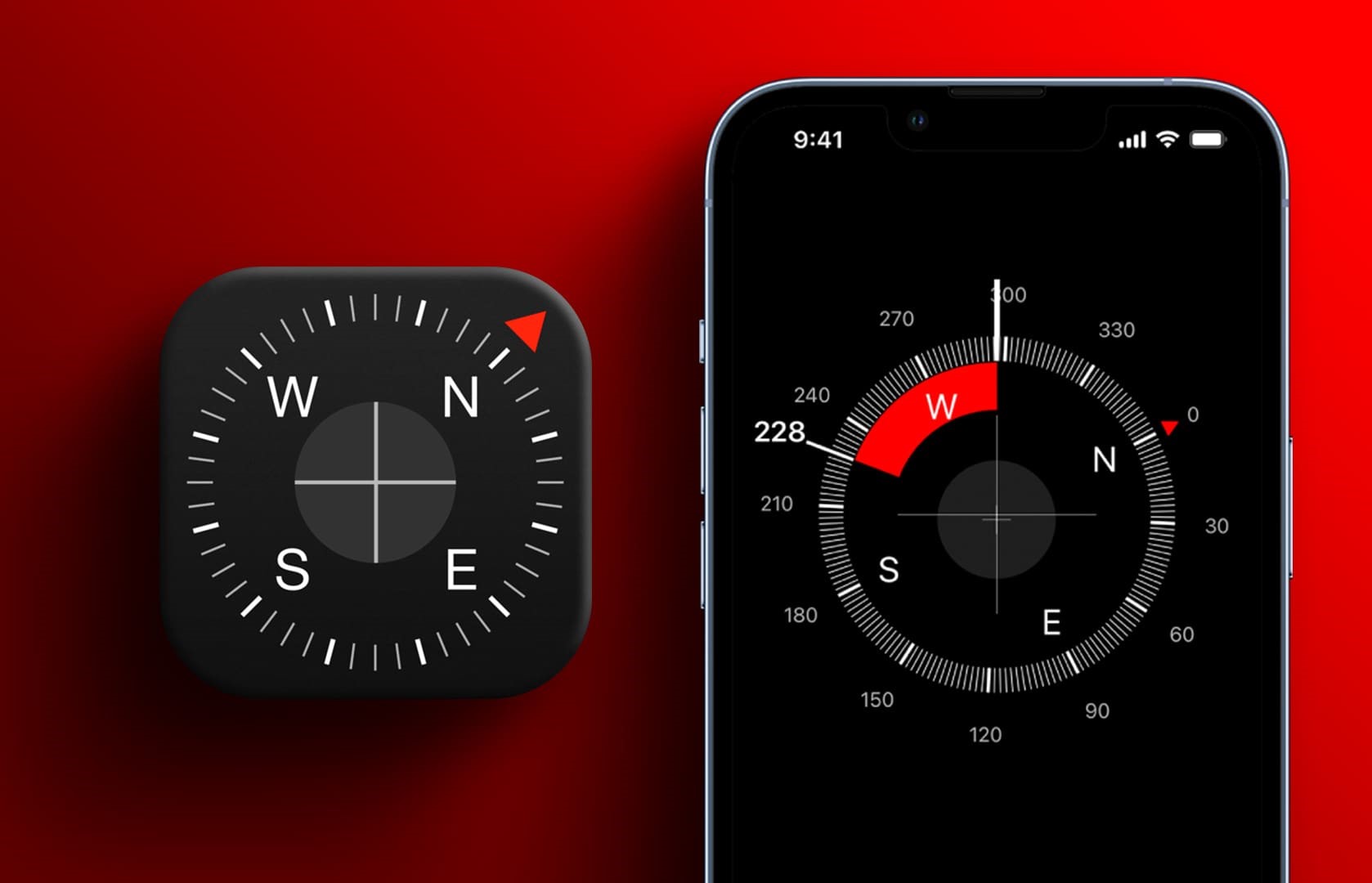
The iPhone compass and level are two separate tools: the Compass app provides basic navigation, while the level feature moved from the Compass app to the Measure app in iOS...
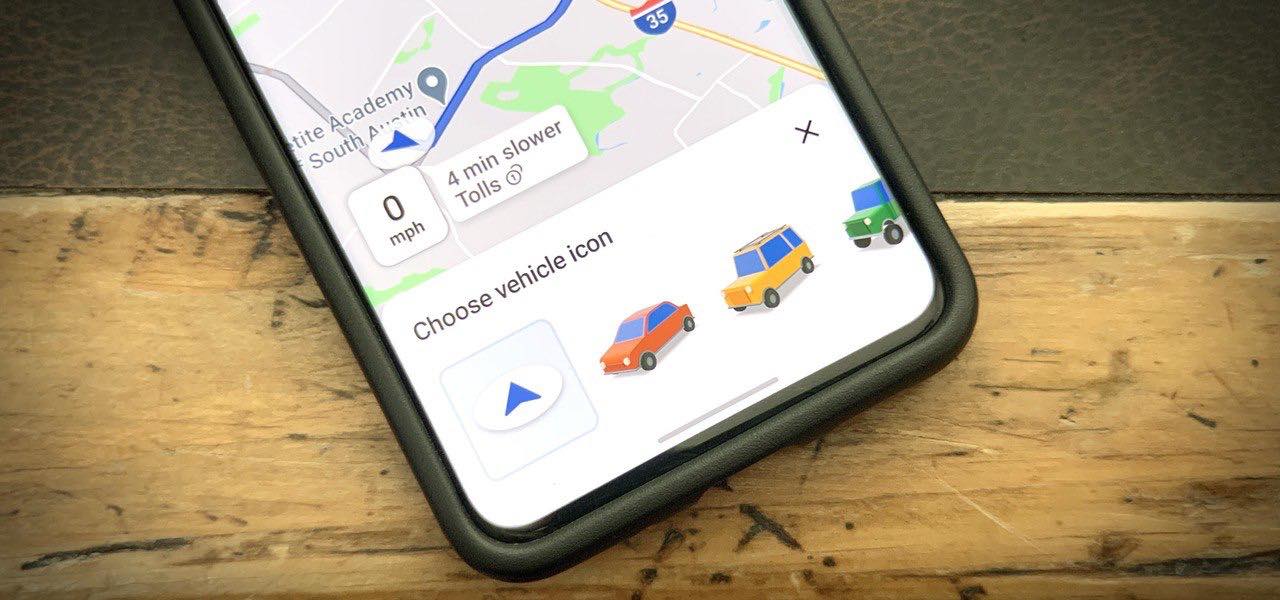
To change the car icon in Google Maps, start navigation to any destination, then tap the blue arrow or current vehicle icon on the map. A pop-up menu will appear...
To change email password on iPhone, you must first update it with your email provider (such as Gmail, Yahoo, or Outlook) on their website, then update the saved password on...
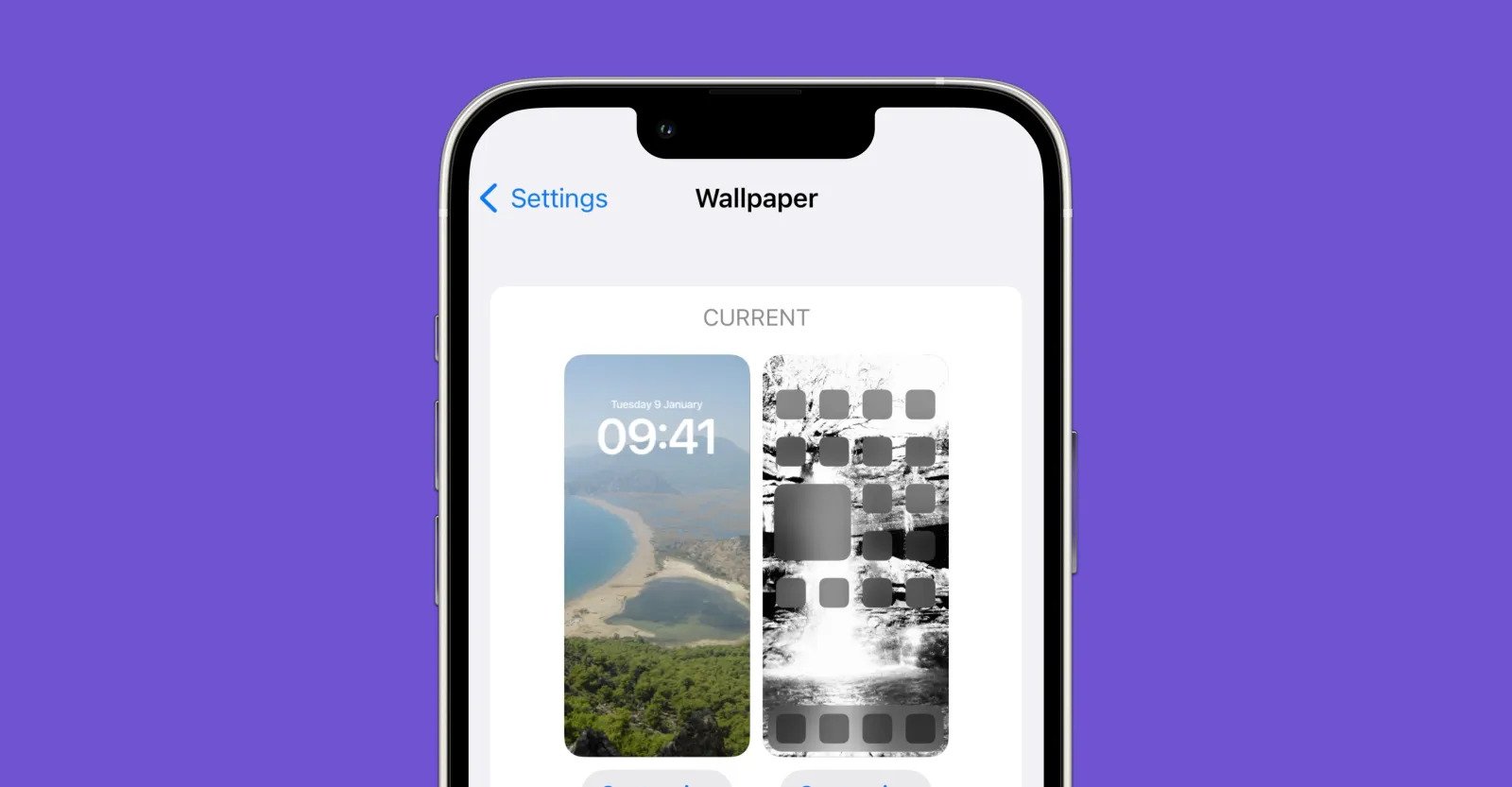
To change wallpaper on iPhone, use the Settings app or the Lock Screen itself. Go to Settings > Wallpaper > Add New Wallpaper, or touch and hold your Lock Screen...
No official hardware removal guides exist from Apple, Android, or any major device manufacturer if you need to remove gamepad dpad components. Why you can't find official steps to remove...
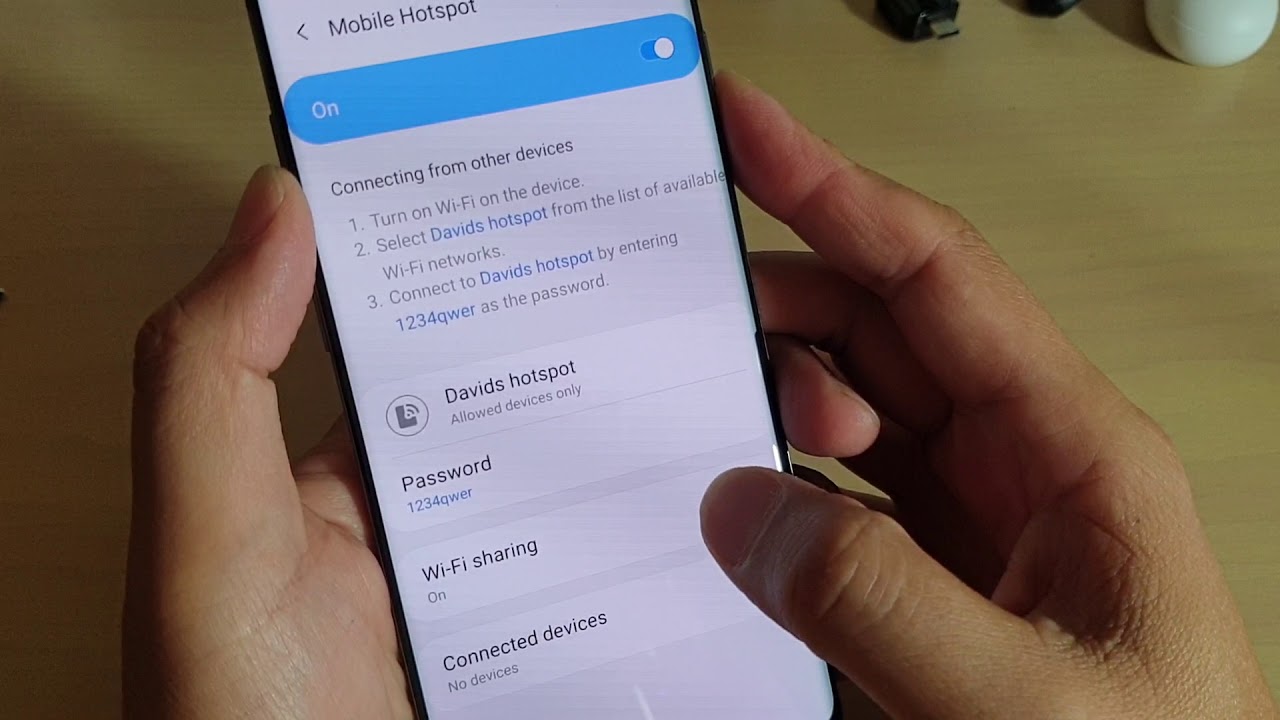
The iPhone hotspot security type is WPA2/WPA3 Personal by default, using a system-suggested random password to protect your connection. This means your iPhone Personal Hotspot provides strong encryption and automatic...
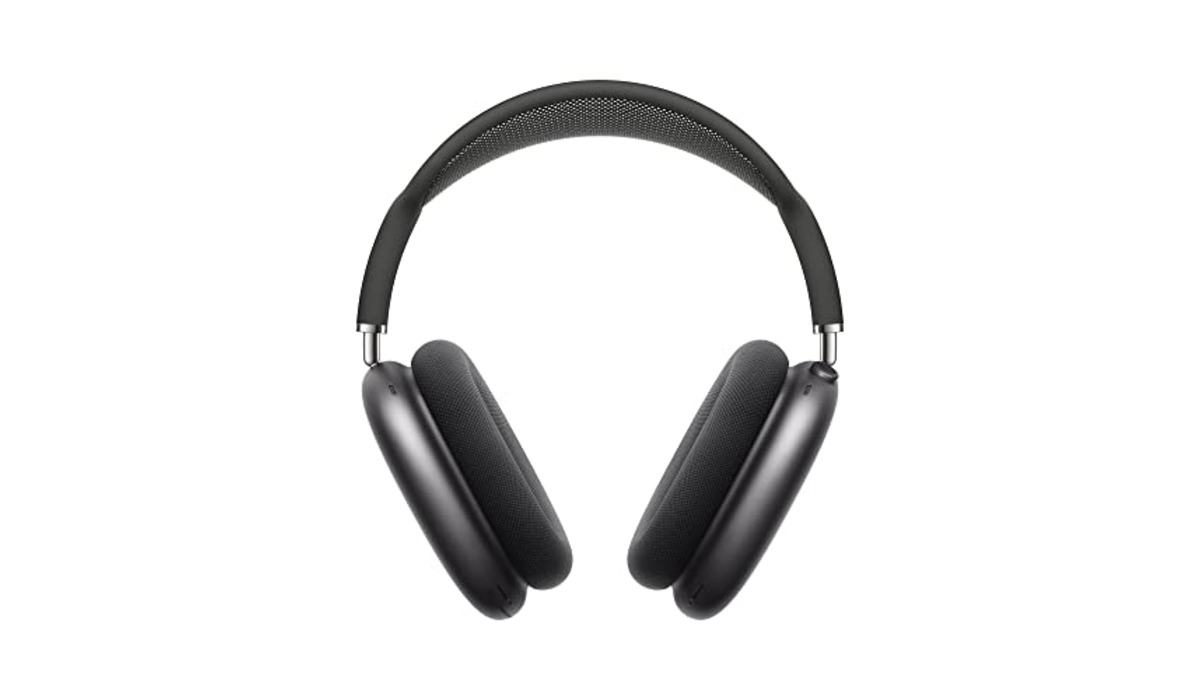
The definitive answer for anyone searching for "apple headphones lightning connector" in 2024 is that Apple's only current wired headphone option using this port is the EarPods with Lightning Connector....
The ASUS gamepad Fortnite combination works on Android if the controller connects as a standard Bluetooth gamepad, and on iPhone or iPad only if the controller is MFi-certified. Because ASUS...
To disconnect devices from a hotspot, the only fully documented method is for iPhone and iPad, where you can either turn off the hotspot entirely or disconnect a single device...