The iPhones tag page on CellularNews collects articles specifically for iPhone users, from casual owners to those who like to tinker with their devices. This tag is for anyone who wants to get more out of their phone, whether that means fixing a common glitch, finding a new app, or understanding a key feature.

The articles here solve real-world problems grouped around a few clear themes. One major theme is troubleshooting and network fixes, with guides on resetting network settings, fixing cellular network errors, and using Wi-Fi calling. Another theme is customization and app management, covering how to transfer apps to a new iPhone, schedule text messages, and recover deleted texts and WhatsApp messages. A third theme focuses on entertainment and productivity, including lists of the best Apple Arcade games, free movie apps, and text to speech readers.

These articles help the reader do practical things: fix a phone that won't make calls, learn how to screen record mobile games, recover deleted messages, and choose the best phone case or mobile accessory. They also explain technical topics like what an IPA file is and how to jailbreak an iPhone without a PC, giving clear steps for specific tasks.
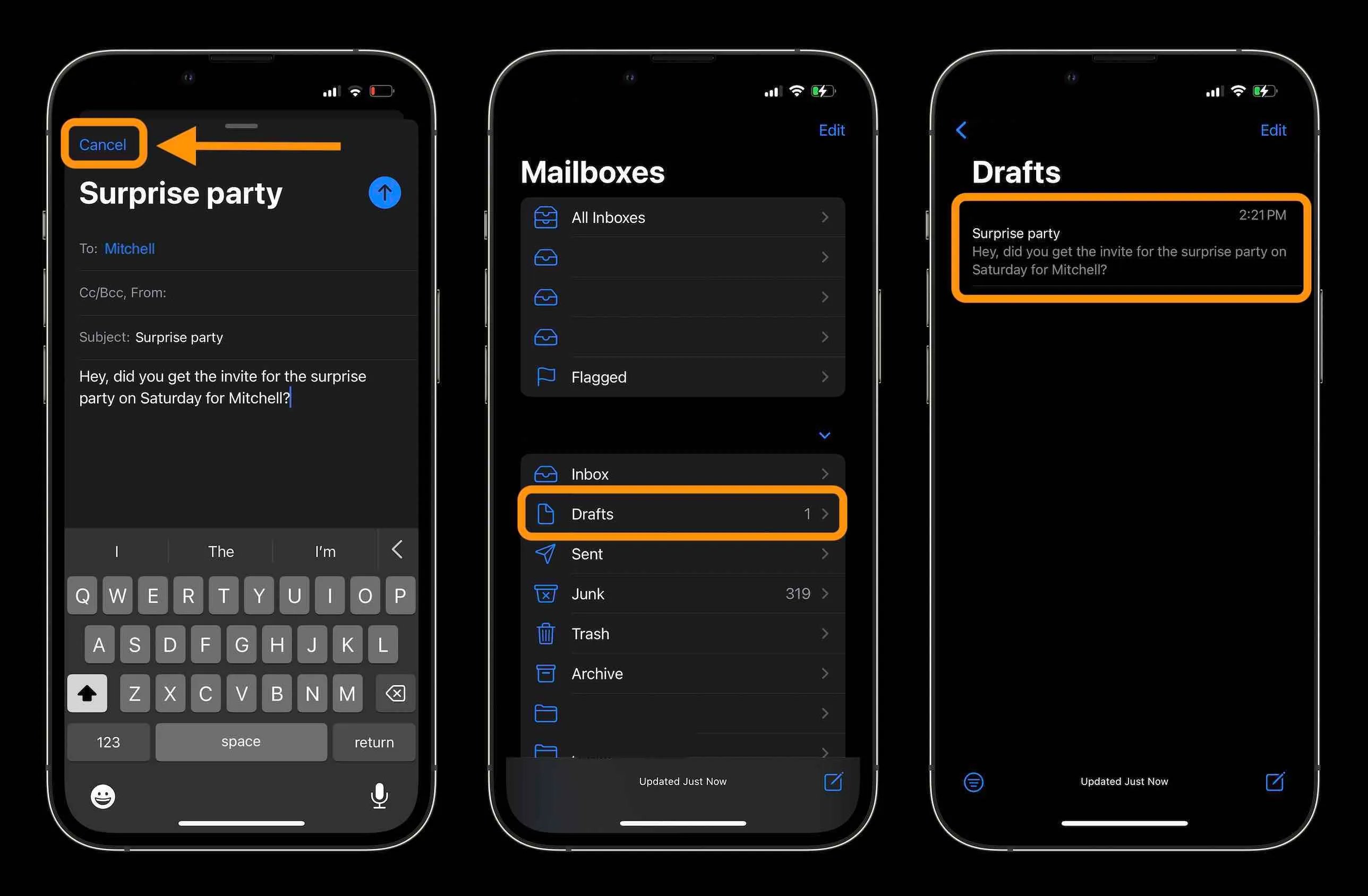
How To Recall An Email On IPhone

You can recall an email on iPhone only if you use the Apple Mail app and act within 10 seconds of sending it. This feature, called Undo Send, lets you...

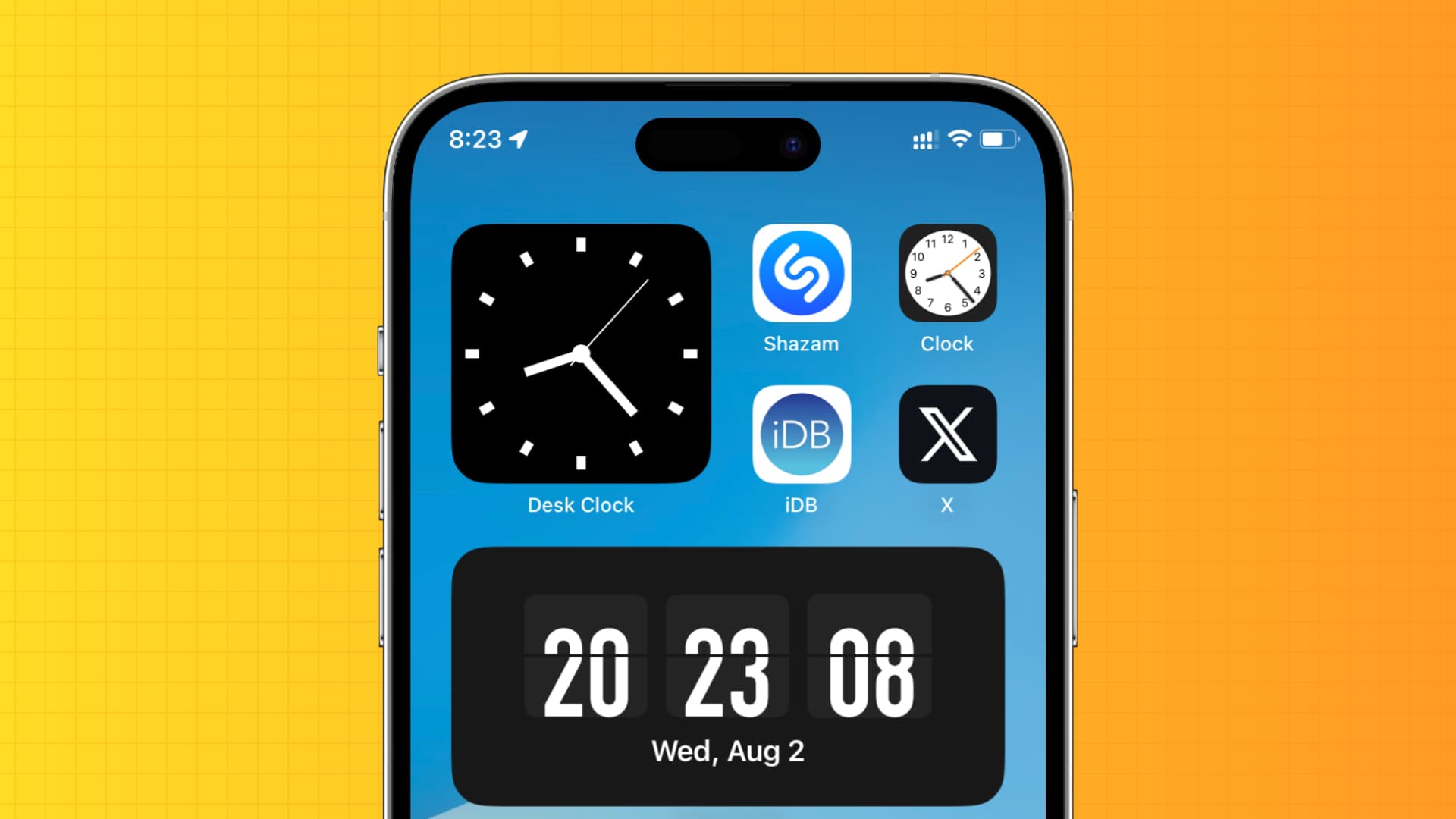
How To Show Seconds On IPhone

This is a key difference from Android, where Google’s Clock app includes a dedicated toggle to show seconds. Can you show seconds on iPhone natively? No. Apple’s current documented options...

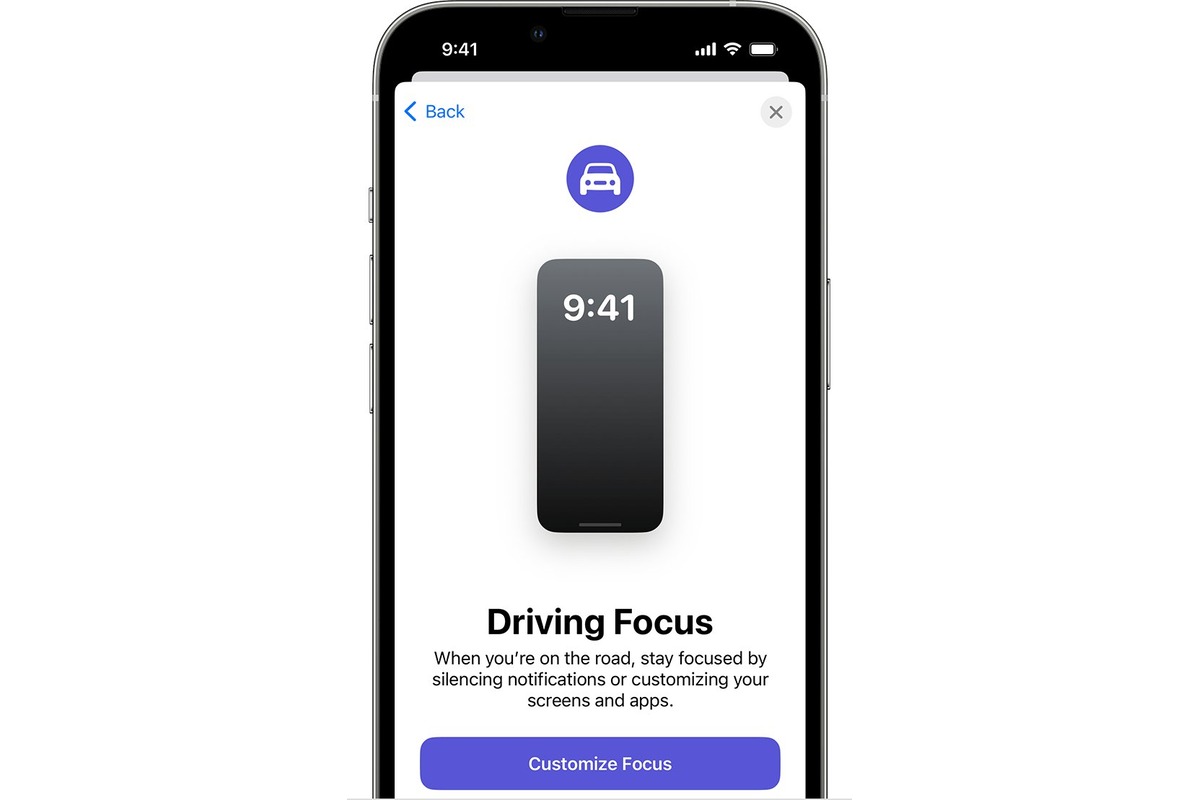
How To Turn Off Car Mode On IPhone

To turn off Driving Focus on iPhone immediately, open Control Centre, touch and hold the Focus tile, then tap Driving to disable it. This is the fastest way to turn...

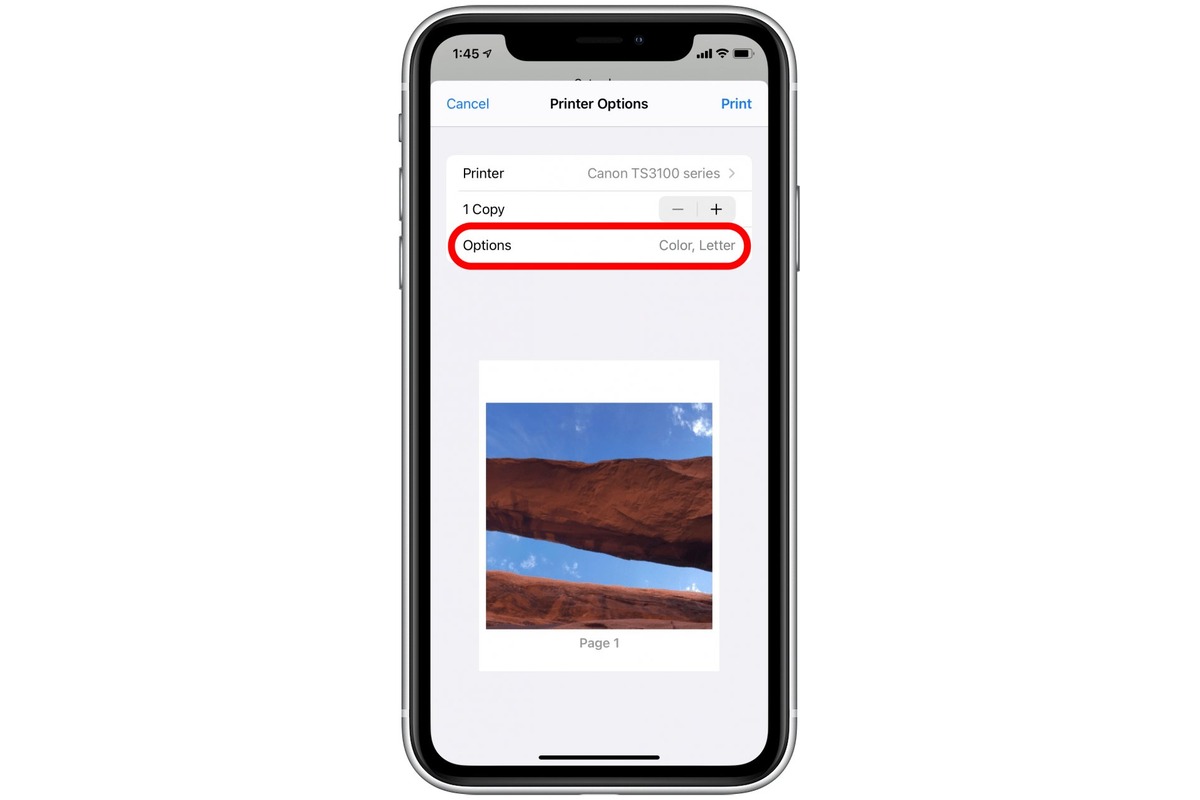
How To Print 5X7 From IPhone

You can print a 5x7 photo from your iPhone using AirPrint, selecting the 5x7 paper size in the printer’s dialog, provided your printer supports that size. For more options, third-party...

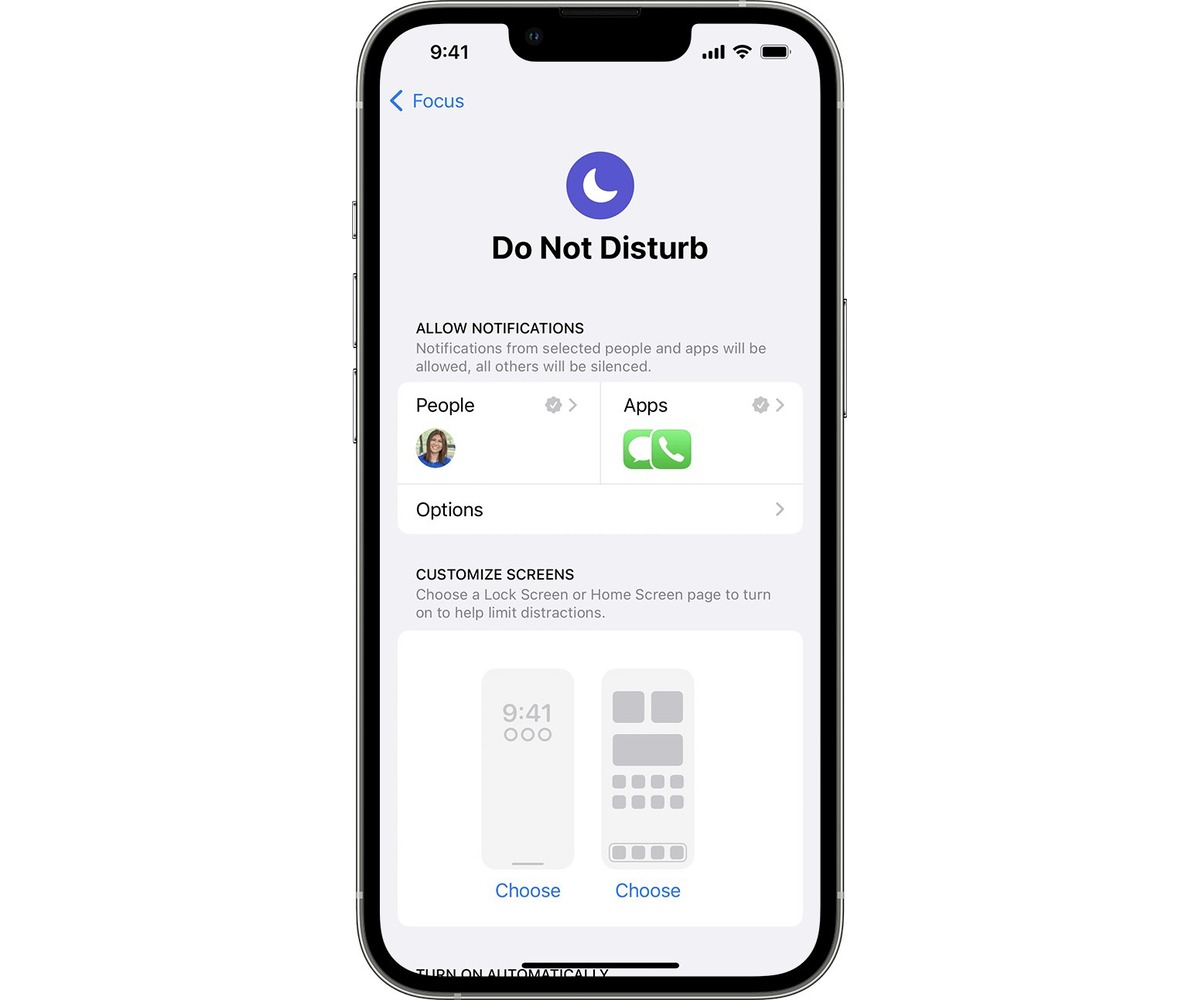
How To Put IPhone On Dnd

To put your iPhone on DND instantly, open Control Center and tap the crescent moon icon on the Focus button. This silences all calls, alerts, and notifications so your iPhone...

How To Sync IPhone Calendar

To sync iPhone calendar, go to Settings > Apps > Calendar > Calendar Accounts, then tap Add Account and choose a provider. This process connects your existing accounts, iCloud, Google,...

How To Make An Invitation On IPhone

To make an invitation on iPhone, use the official Apple Invites app, available on all iPhone models running iOS 18 or later. This app lets you create custom digital event...

How To Remove Calendars From IPhone

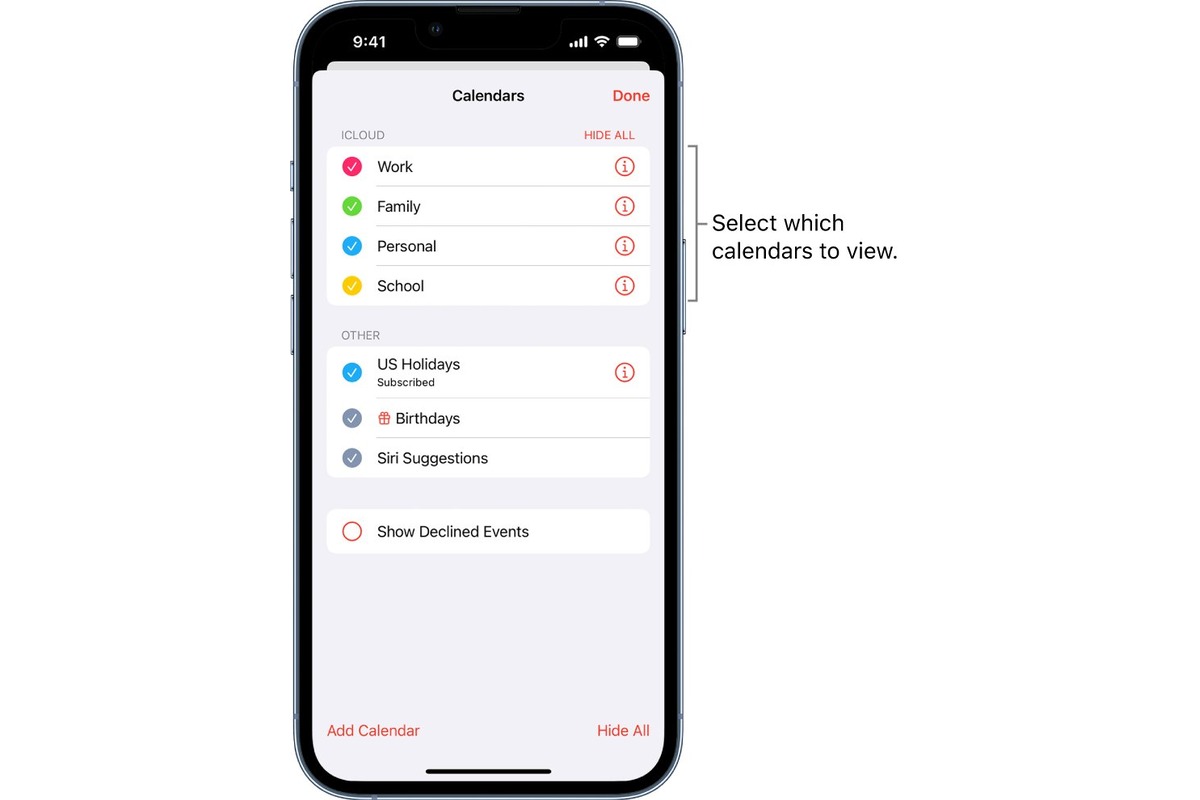
To remove calendars from iPhone, open the Calendar app, tap Calendars, then tap the info button next to the calendar you want to remove. If you own the calendar, tap...

How To Make A Locked Album On IPhone

You can make a locked album on iPhone by using the built-in Hidden album, which is automatically locked behind Face ID, Touch ID, or your device passcode on iOS 16...