The iPhones tag page on CellularNews collects articles specifically for iPhone users, from casual owners to those who like to tinker with their devices. This tag is for anyone who wants to get more out of their phone, whether that means fixing a common glitch, finding a new app, or understanding a key feature.

The articles here solve real-world problems grouped around a few clear themes. One major theme is troubleshooting and network fixes, with guides on resetting network settings, fixing cellular network errors, and using Wi-Fi calling. Another theme is customization and app management, covering how to transfer apps to a new iPhone, schedule text messages, and recover deleted texts and WhatsApp messages. A third theme focuses on entertainment and productivity, including lists of the best Apple Arcade games, free movie apps, and text to speech readers.

These articles help the reader do practical things: fix a phone that won't make calls, learn how to screen record mobile games, recover deleted messages, and choose the best phone case or mobile accessory. They also explain technical topics like what an IPA file is and how to jailbreak an iPhone without a PC, giving clear steps for specific tasks.

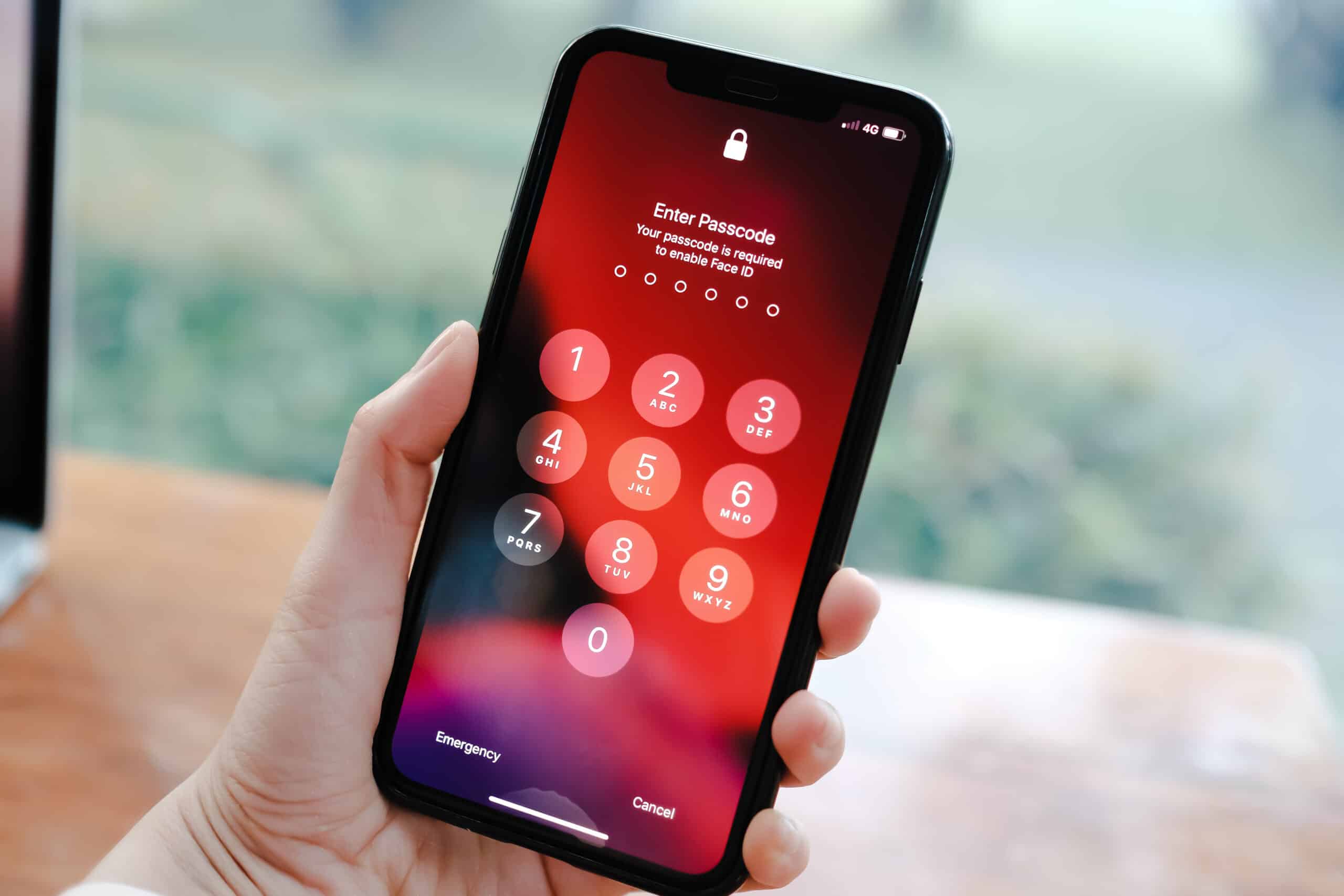
How To Take Passcode Off Phone

To take passcode off phone without losing data, go directly to your device's settings and turn the lock screen requirement off. If you know your current passcode, you can disable...

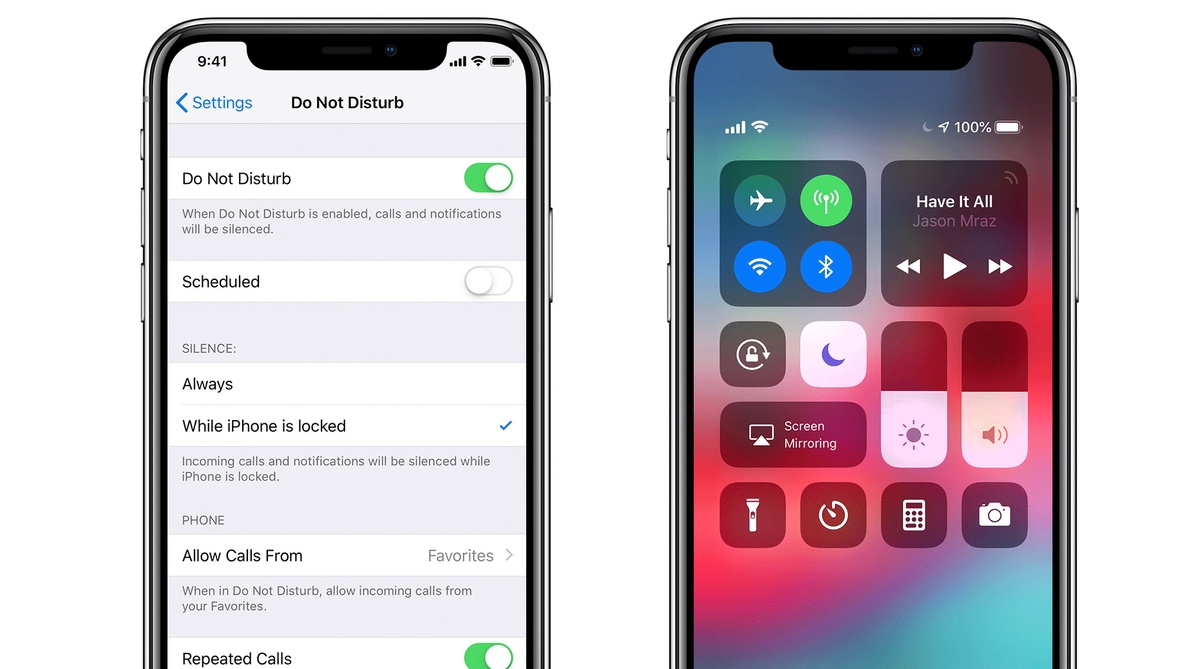
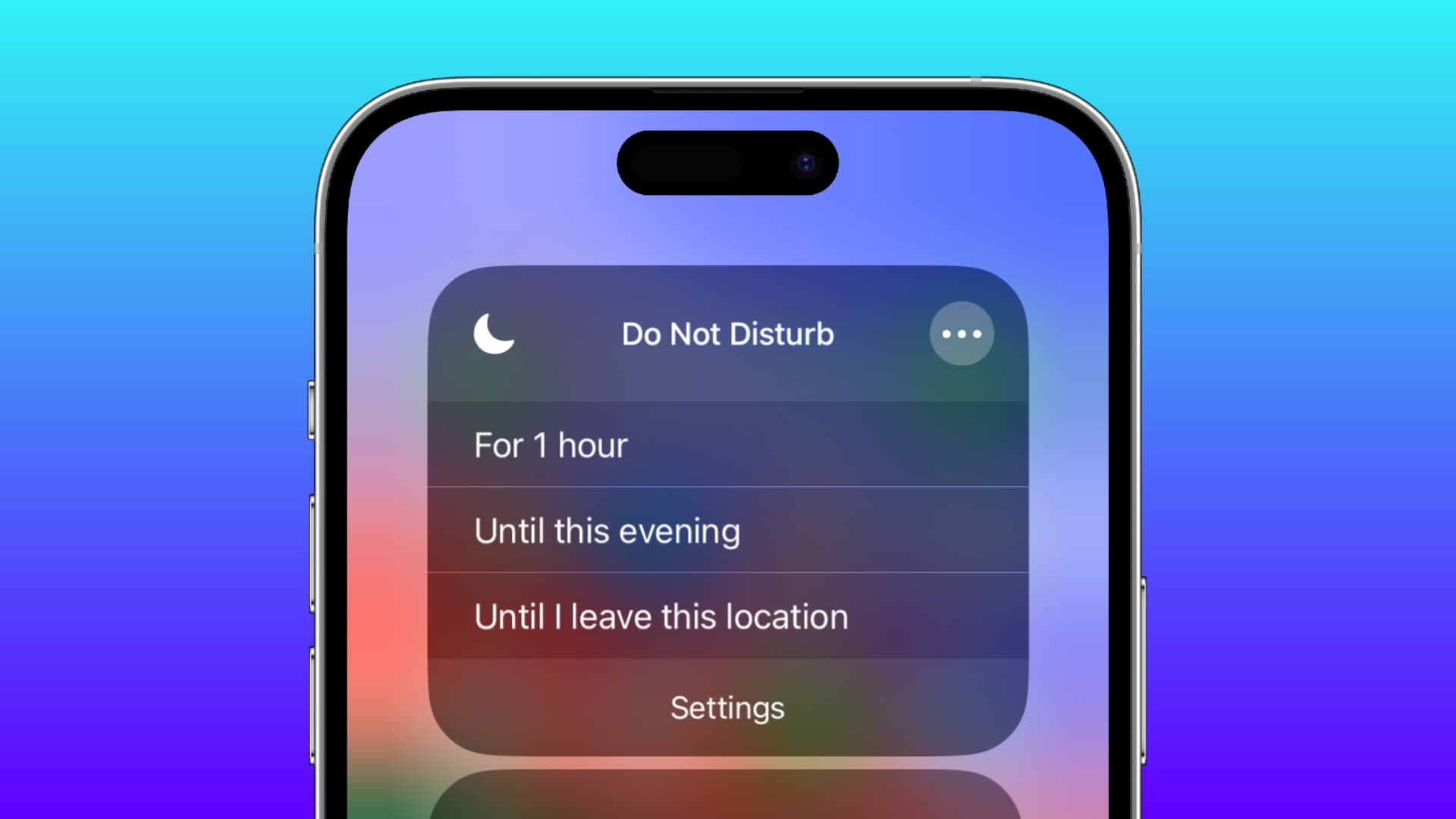
How To Take Phone Off Dnd

To take phone off DND, swipe down from the top-right corner of an iPhone screen to open Control Center, or swipe down from the top of an Android screen to...

How To Take RTT Off Your Phone

To take RTT off your phone, open Settings > Accessibility > RTT/TTY on an iPhone and turn off Software RTT/TTY (and Hardware TTY if present). On Android, open the Phone...

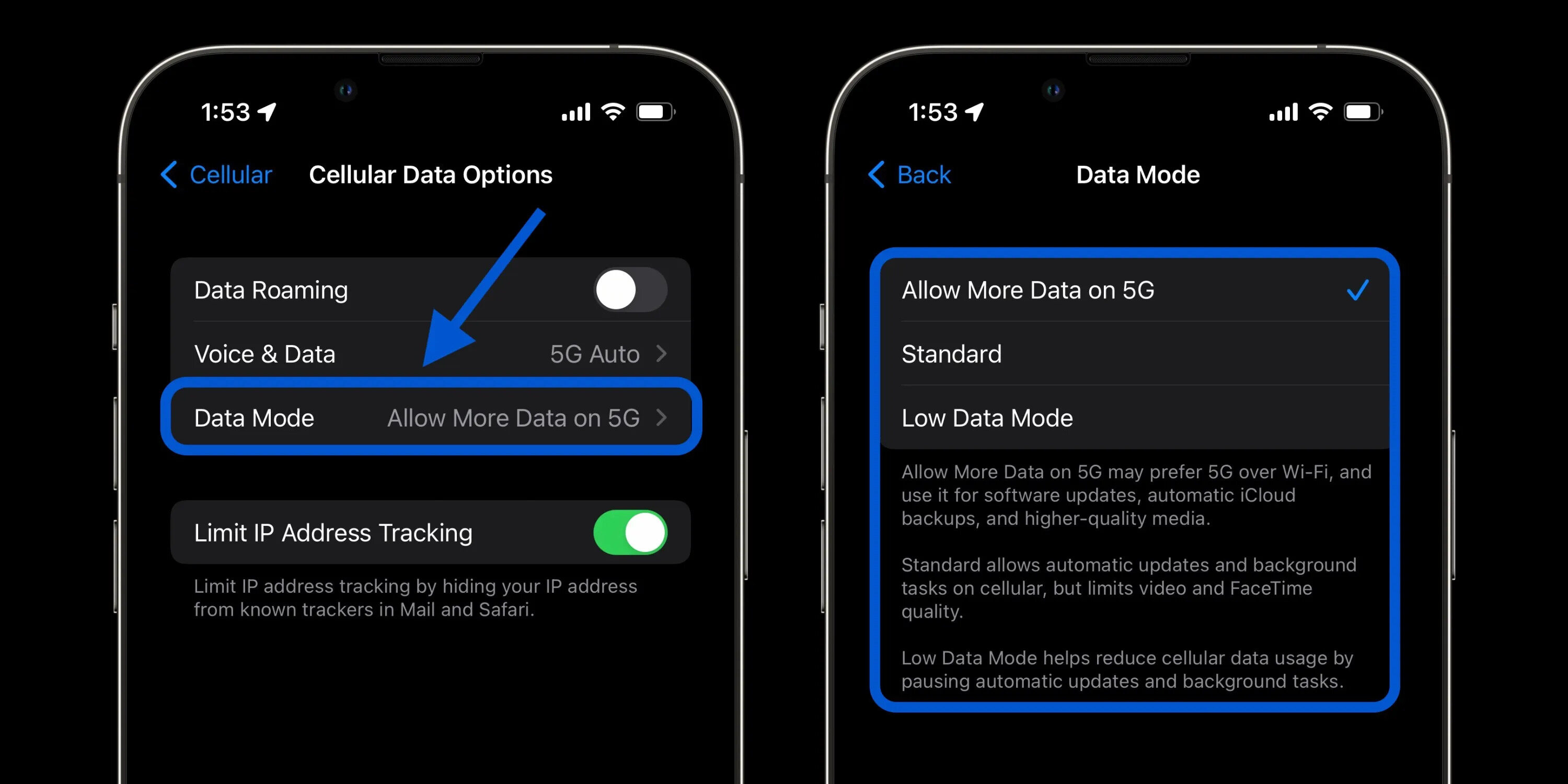
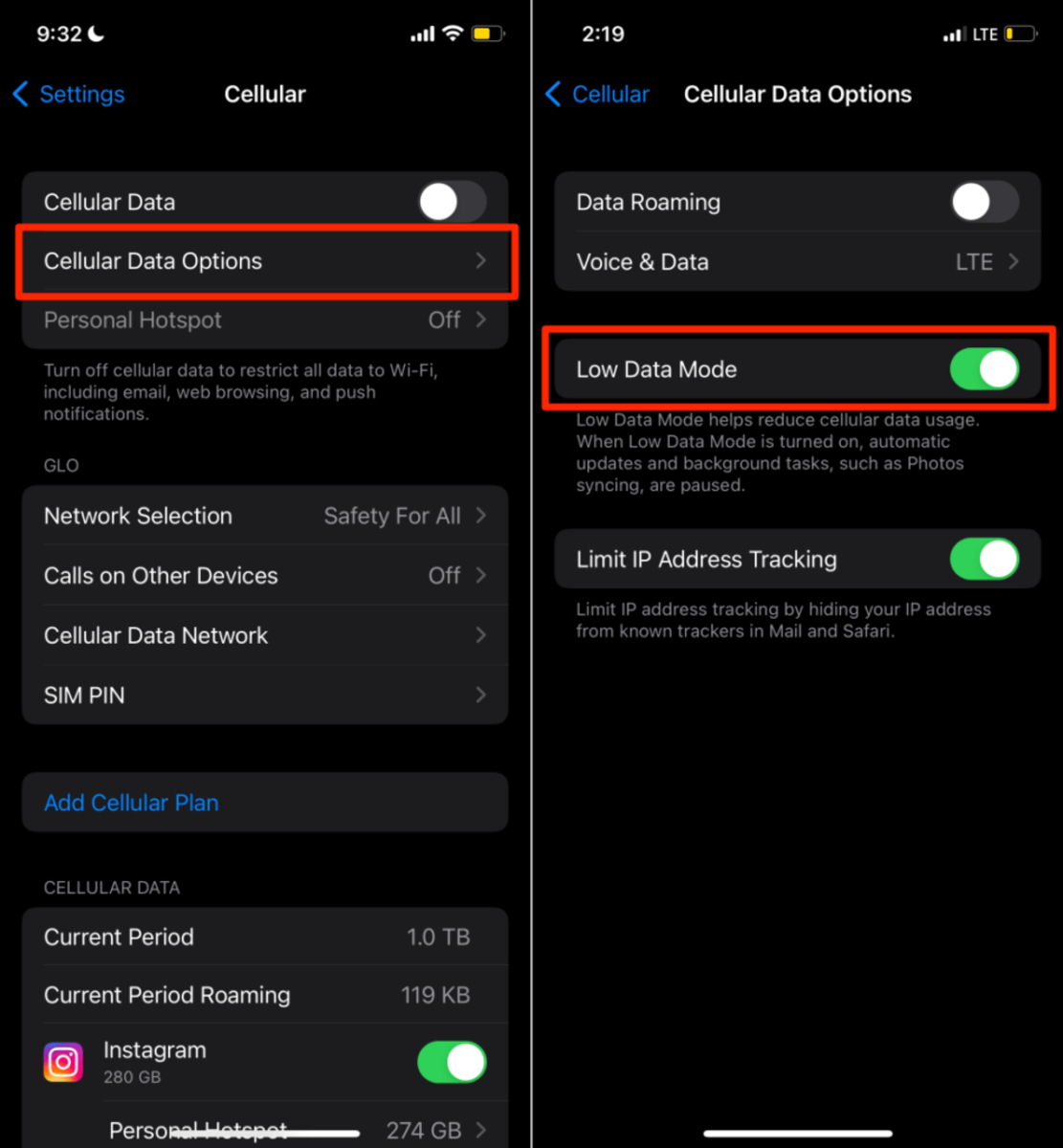
How To Set Up My Cellular Data

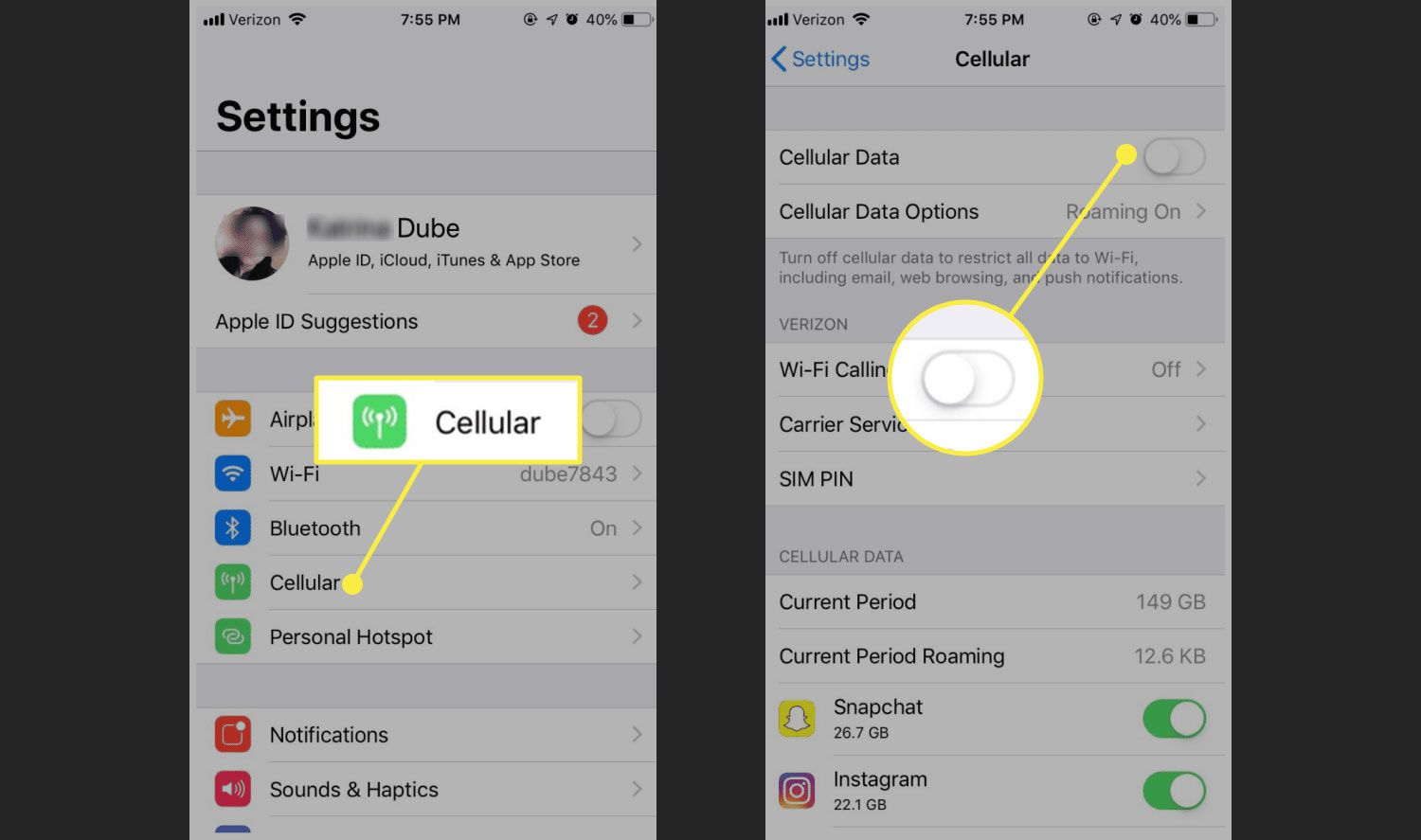
To set up cellular data on your iPhone, open the Settings app, tap "Cellular" (or "Mobile Data" in some regions), and toggle the "Cellular Data" switch to the on position....

How To Reset My Cellular Data

To reset cellular data on an iPhone, you clear the usage statistics that track how much data you have consumed, not fix a broken connection. This action is documented by...

How To Get Cellular Data For Free

There is no hidden setting on an iPhone or Android phone that provides free cellular data. Apple and Google have never documented such a feature, so the only legitimate way...

How To Fix Cellular Shades

To fix cellular shades, start by identifying whether the problem is a stuck cord, uneven lift, sagging fabric, or a broken cord lock. This quick diagnosis saves time and gets...

How To Download On Cellular Data

To download on cellular data on an iPhone, turn on the master Cellular Data switch in Settings > Cellular, then go to Settings > App Store and enable the Cellular...

How To Block Calls With Consumer Cellular

Blocking calls with Consumer Cellular is done directly through your phone's built-in settings, not through your account. Whether you use an iPhone or Android, you can stop unwanted calls and...