This tag collects all of CellularNews’s articles about mobile applications, covering everything from downloading and installing them to using them for specific creative or social tasks. It is for anyone who owns a smartphone or tablet and wants to get more out of their device’s software, whether they are a complete beginner trying to understand what an APK file is or an experienced user looking for the best tools to edit videos on the go.
The articles here solve practical problems grouped around two main themes: creative production and social connectivity. For readers who want to make content, there are guides that show you exactly how to stream on Twitch from your phone, edit mobile videos using the InShot app, or bring photos to life using apps that animate still images. Other pieces help you master social and communication apps, such as step-by-step instructions for joining a Discord server on mobile, screen sharing on Discord, or checking your Spotify listening history and rearranging songs in playlists.
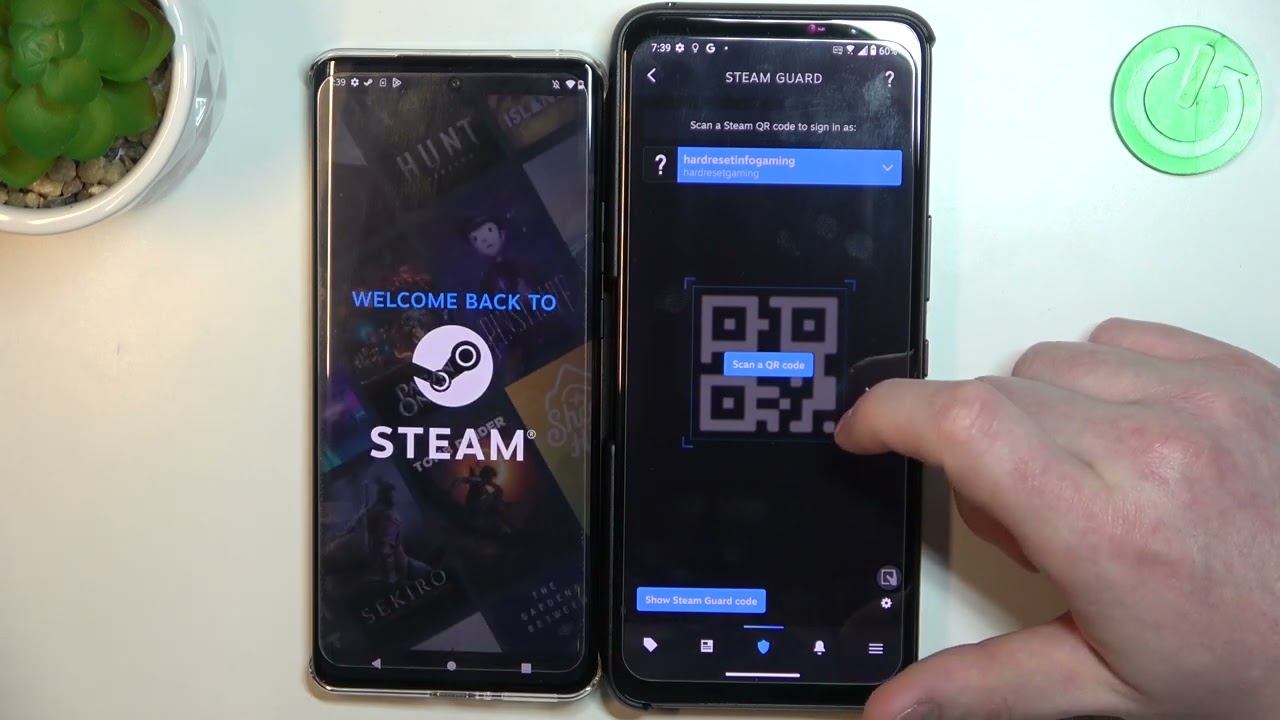
Specific topics you will find include a beginner’s guide to the Canva app for mobile photo editing, a list of the 15 best Lightroom alternatives for editing pictures on your phone, and advice on how to make a Roblox game on mobile. There are also straightforward explanations for common questions, like whether mobile apps need an internet connection and how to redeem a Steam code using your phone. Every article is focused on helping you complete a real task or understand a specific app feature without unnecessary fluff.