This tag collects all of CellularNews’s articles about mobile applications, covering everything from downloading and installing them to using them for specific creative or social tasks. It is for anyone who owns a smartphone or tablet and wants to get more out of their device’s software, whether they are a complete beginner trying to understand what an APK file is or an experienced user looking for the best tools to edit videos on the go.
The articles here solve practical problems grouped around two main themes: creative production and social connectivity. For readers who want to make content, there are guides that show you exactly how to stream on Twitch from your phone, edit mobile videos using the InShot app, or bring photos to life using apps that animate still images. Other pieces help you master social and communication apps, such as step-by-step instructions for joining a Discord server on mobile, screen sharing on Discord, or checking your Spotify listening history and rearranging songs in playlists.
Specific topics you will find include a beginner’s guide to the Canva app for mobile photo editing, a list of the 15 best Lightroom alternatives for editing pictures on your phone, and advice on how to make a Roblox game on mobile. There are also straightforward explanations for common questions, like whether mobile apps need an internet connection and how to redeem a Steam code using your phone. Every article is focused on helping you complete a real task or understand a specific app feature without unnecessary fluff.
To hide friends list on Facebook mobile, open the app and go to the menu, then navigate through Settings & privacy to the Audience and visibility controls where you can...
If you suspect someone has blocked you on Reddit mobile, the clearest sign is that you cannot send them a direct message or chat request; the app will immediately fail...
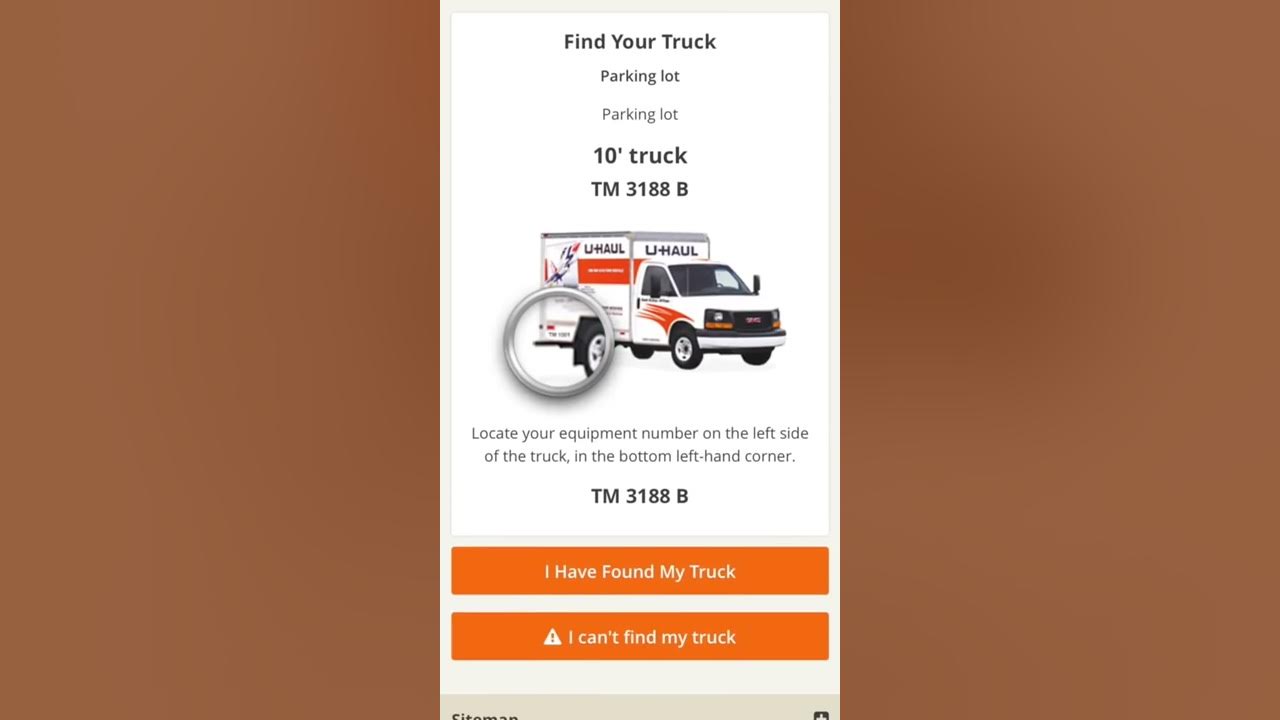
U-Haul mobile pickup, officially called Truck Share 24/7 or Self Pickup, lets you pick up a truck, cargo van, or pickup truck using only your mobile device without a counter...
The only reliable way to get rid of ads on YouTube mobile is to subscribe to YouTube Premium. No free in-app setting exists to turn off ads within the YouTube...
There is no way to remove all liked songs on Spotify mobile at once. Spotify’s mobile features do not include a bulk-delete option, so the only documented method on a...
How accurate is the Kardia Mobile device for detecting atrial fibrillation? The Kardia Mobile device has published clinical validation for AF detection, with sensitivity ranging from 77.0% to 96.6% and...
To tip on Twitch mobile, the direct answer is that the Twitch mobile app has no native tipping button. The only official, documented way to send money to a streamer...
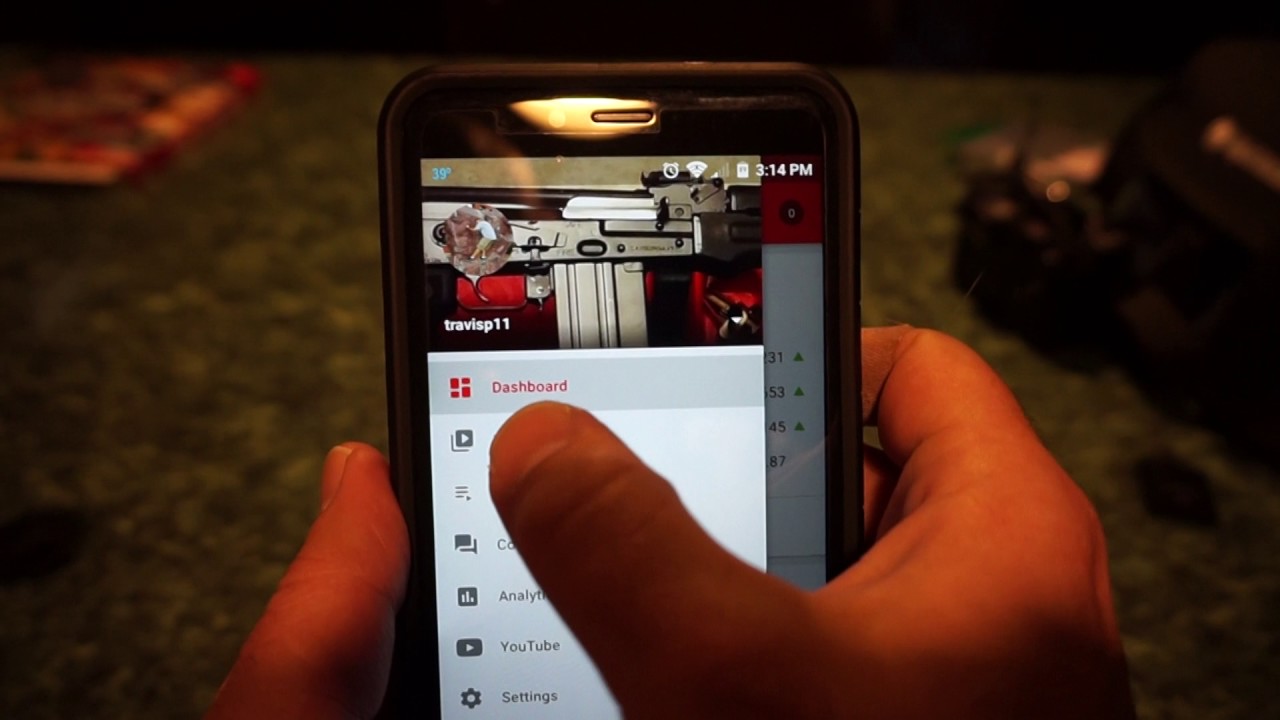
To check monetization on YouTube in mobile, you need to use the YouTube Studio app, not the main YouTube app. This lets you quickly see which of your videos are...
The Mobile Operations Center (MOC) in GTA Online is a bunker-owned, armored semi-trailer that serves as a mobile base, weapon and vehicle workshop, and mission hub for Agent 14's Mobile...
To find my LinkedIn URL on mobile, open the LinkedIn app and tap your profile photo or profile picture, then tap View Profile. From there, open Contact info or the...
To ban someone on Discord mobile, open any channel in your server, tap the channel name at the top to open the Members list, select the user, tap the ellipsis...
You cannot search for new public Discord servers by name directly within the Discord mobile app. To search discord servers on mobile effectively, you must use alternative methods like the...