Practical guides and troubleshooting tips for anyone using Apple’s mobile browser on an iPhone. Whether you are a new iPhone owner or a long-time user trying to master everyday tasks, these articles are written to help you navigate Safari’s settings, manage your data, and browse more efficiently.
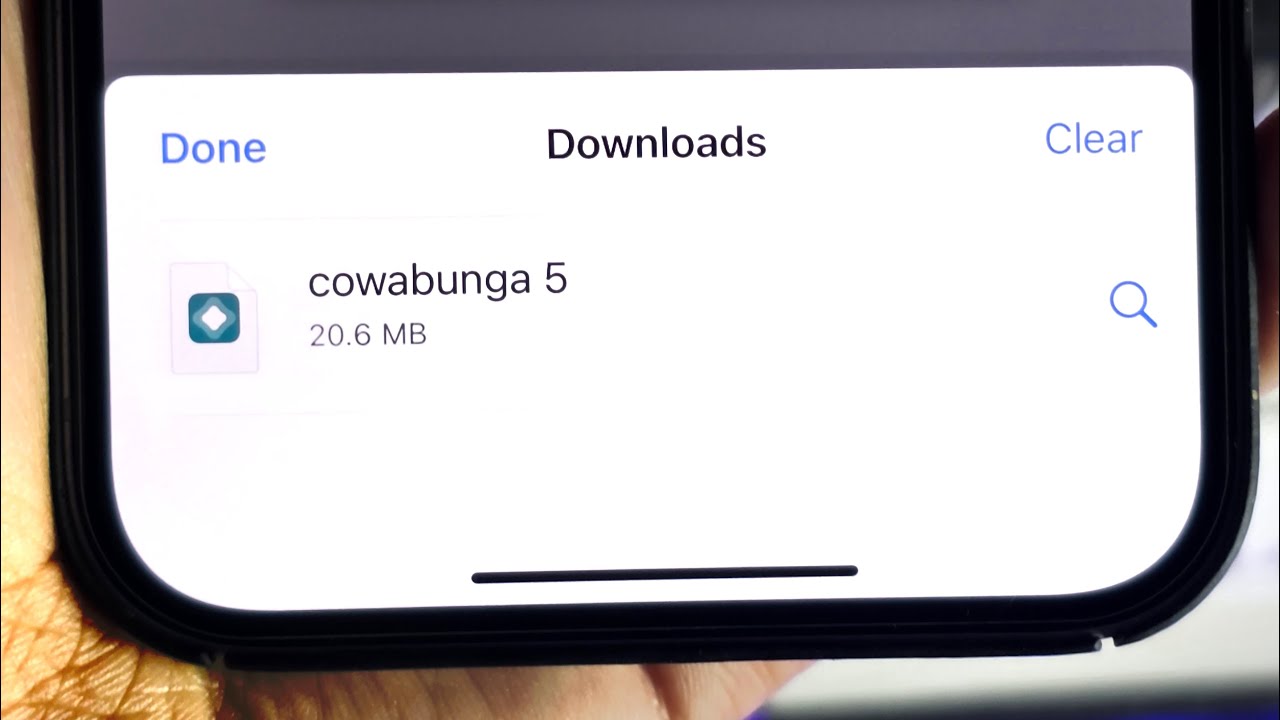
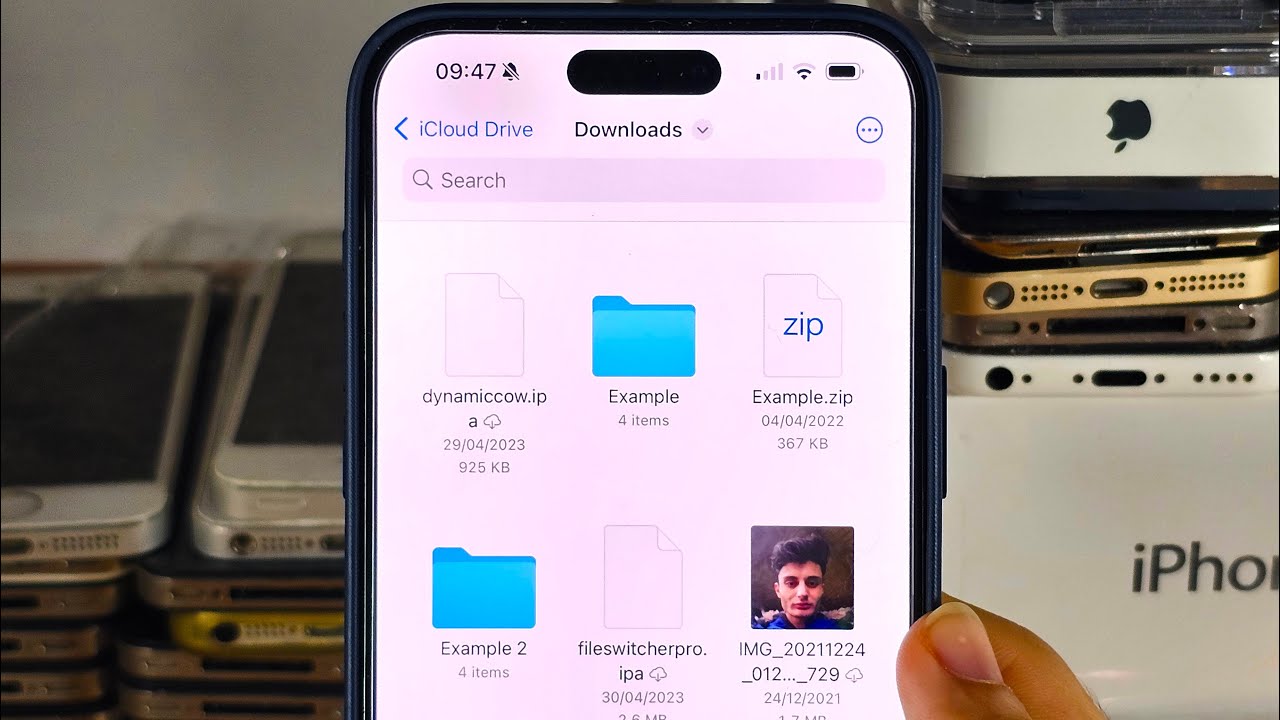
The articles solve problems that fall into a few clear themes. One major group focuses on finding and managing your content, showing you exactly where your downloads are stored on iPhone 11, 12, 13, and 14 models, how to locate your bookmarks, and how to find your saved cards. Another theme covers cleaning up and controlling your browsing activity: you can learn how to clear your history, delete trending searches, clear open pages, and even undo incognito mode. A third set of articles helps you use Safari’s core features more effectively, such as viewing the desktop version of a website, adding a website to your home screen, and opening a new tab in the quickest way possible.
Specific topics you will find here include using private tabs, understanding what Autofill does, and checking a link’s URL to avoid sketchy websites. The collection also covers related phone tasks like how to delete links on iPhone, how to make a PDF on your phone, and how to clear the trash on iPhone. Every article is a straightforward, step-by-step fix for a real problem you might encounter while using Safari on your mobile device.