This tag collects articles focused on managing and troubleshooting the storage capacity of your devices, from smartphones and smartwatches to game consoles and VR headsets. It is designed for anyone who needs to free up space, understand their device’s memory, or transfer data between storage mediums, whether you are using an iPhone, Samsung, Android, or even a Panasonic phone.

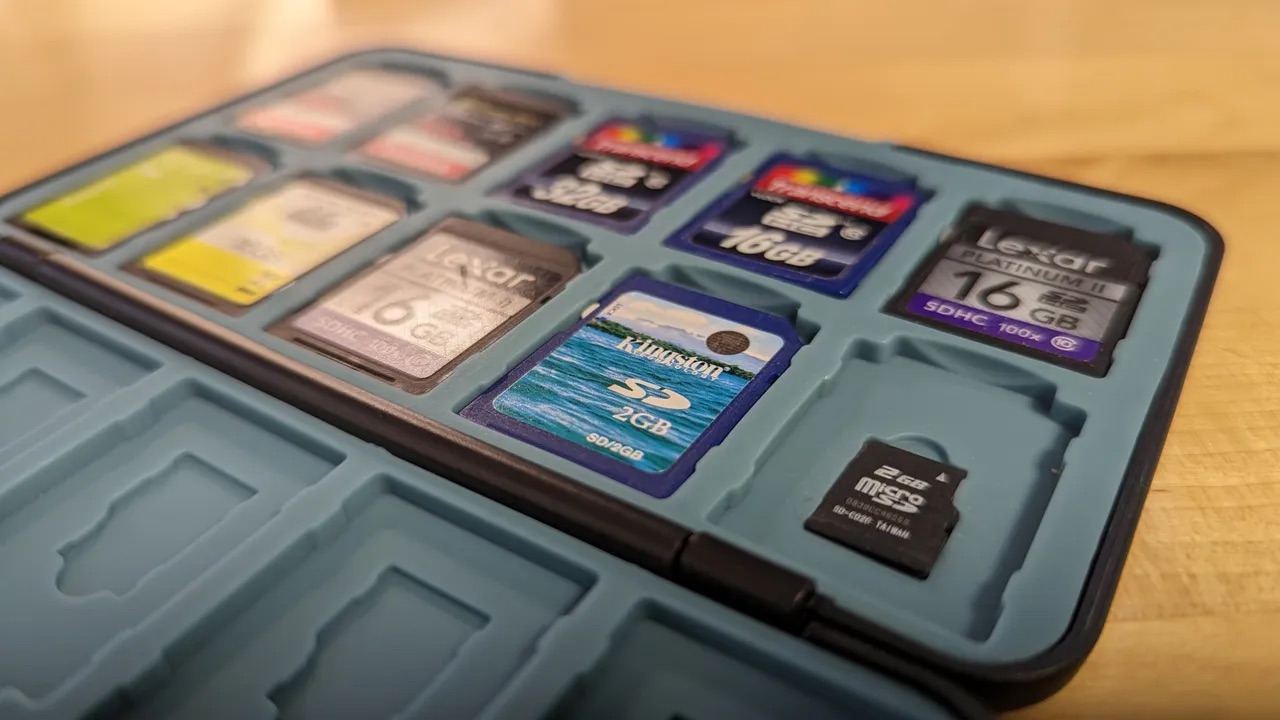
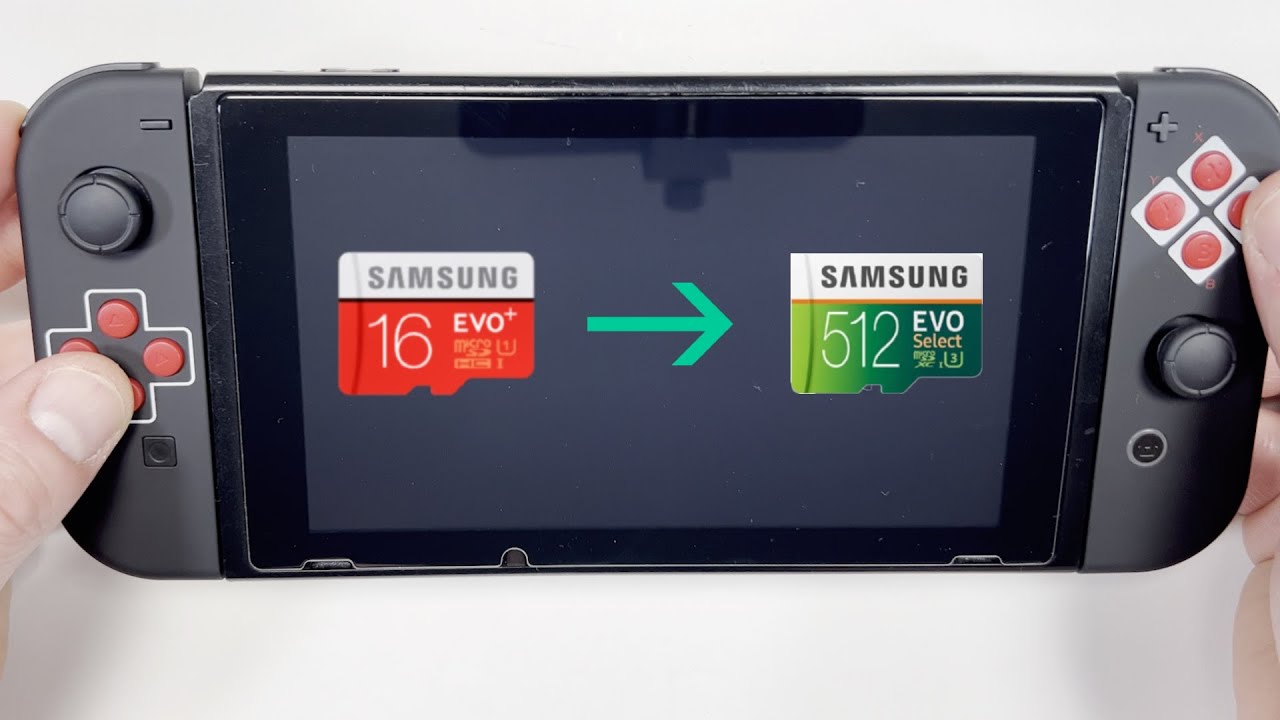
The articles here solve two main kinds of problems. First, they help you clear out clutter and reclaim space by showing you how to delete photos on an Apple Watch, reduce WhatsApp storage on iPhone and Android, erase app data, and clear system data or cache on Android and Samsung phones. Second, they guide you through checking your device’s current storage status, such as how to check phone memory on Samsung or iPhone, find phone storage on Android, and understand what a phone memory card is. Several articles also cover moving data, including how to move photos to an SD card on Android and transfer data between micro SD cards for a Nintendo Switch.
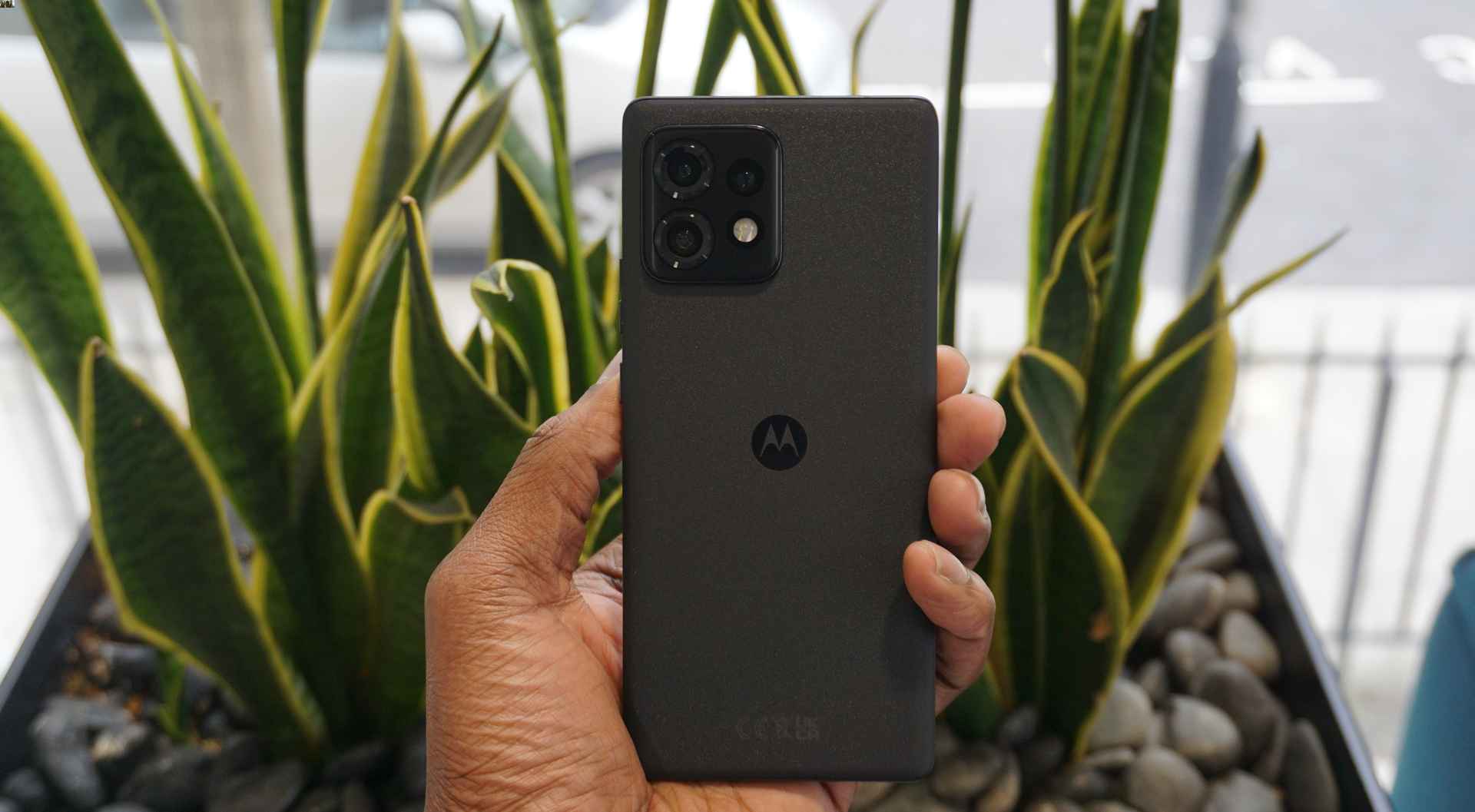
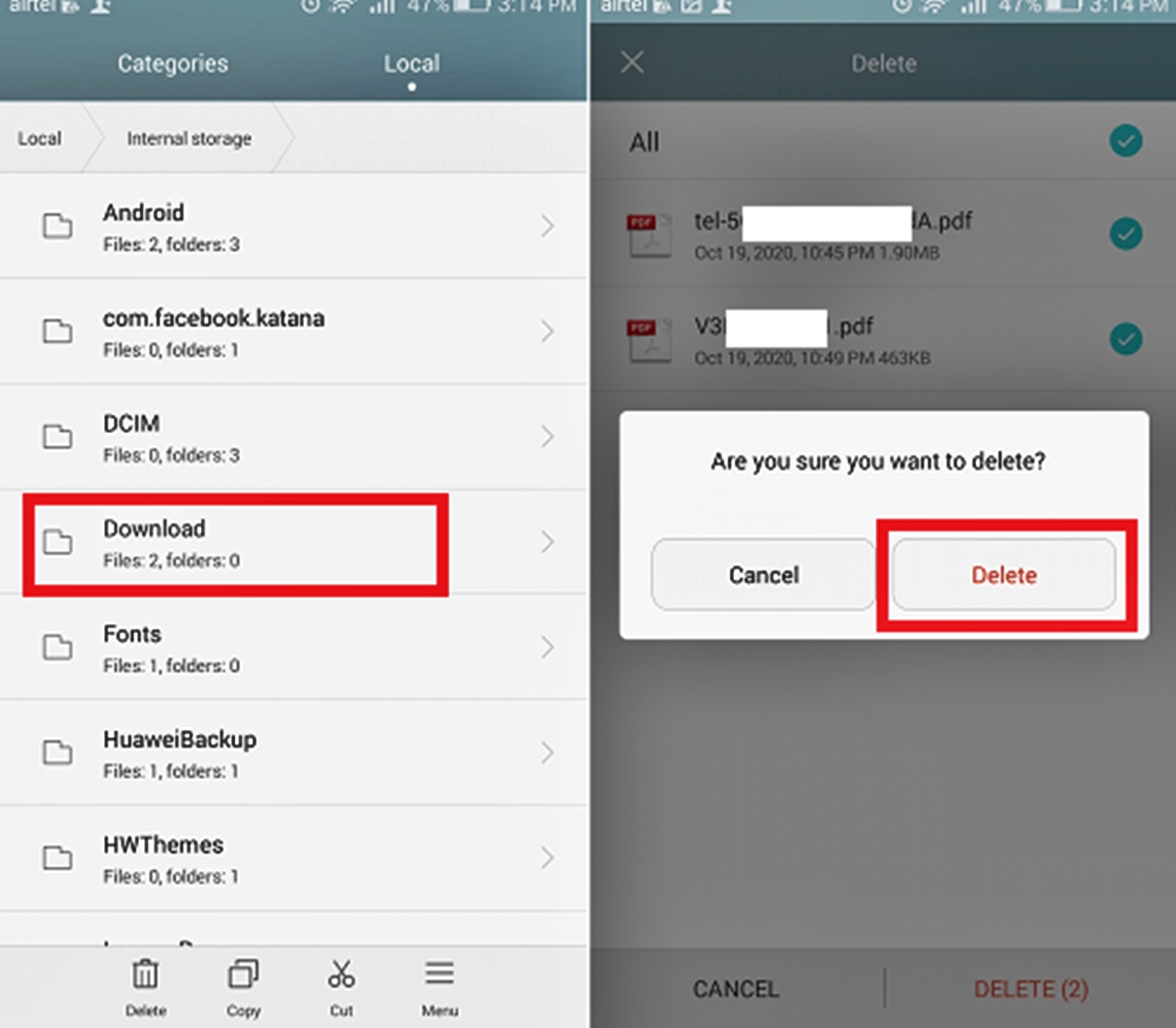
How To Find Downloads On Motorola Phone

To find downloads on your Motorola phone, open the Files app and tap Downloads. This direct path works across recent Motorola models, letting you quickly locate any file you have...

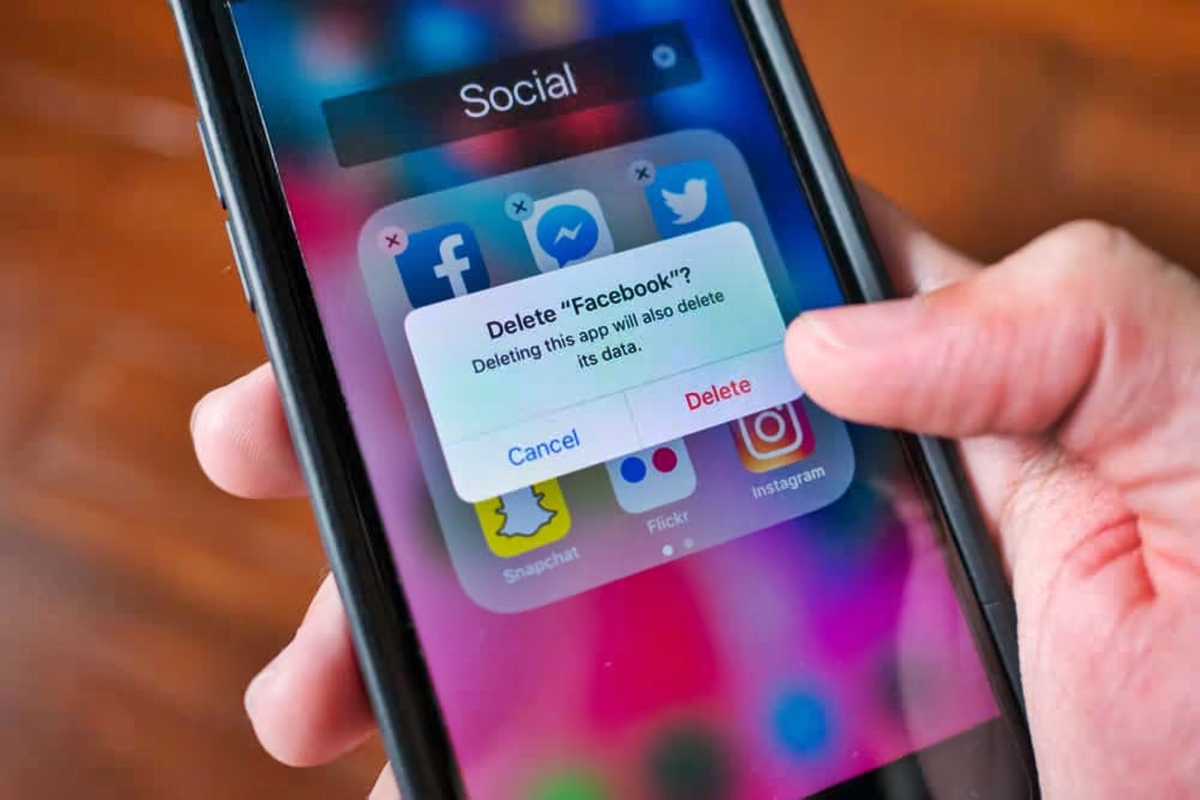
How To Erase App Data

To erase app data on an iPhone, you delete the app itself, which removes the app and its data from the device. On Android, you use the Clear storage option...

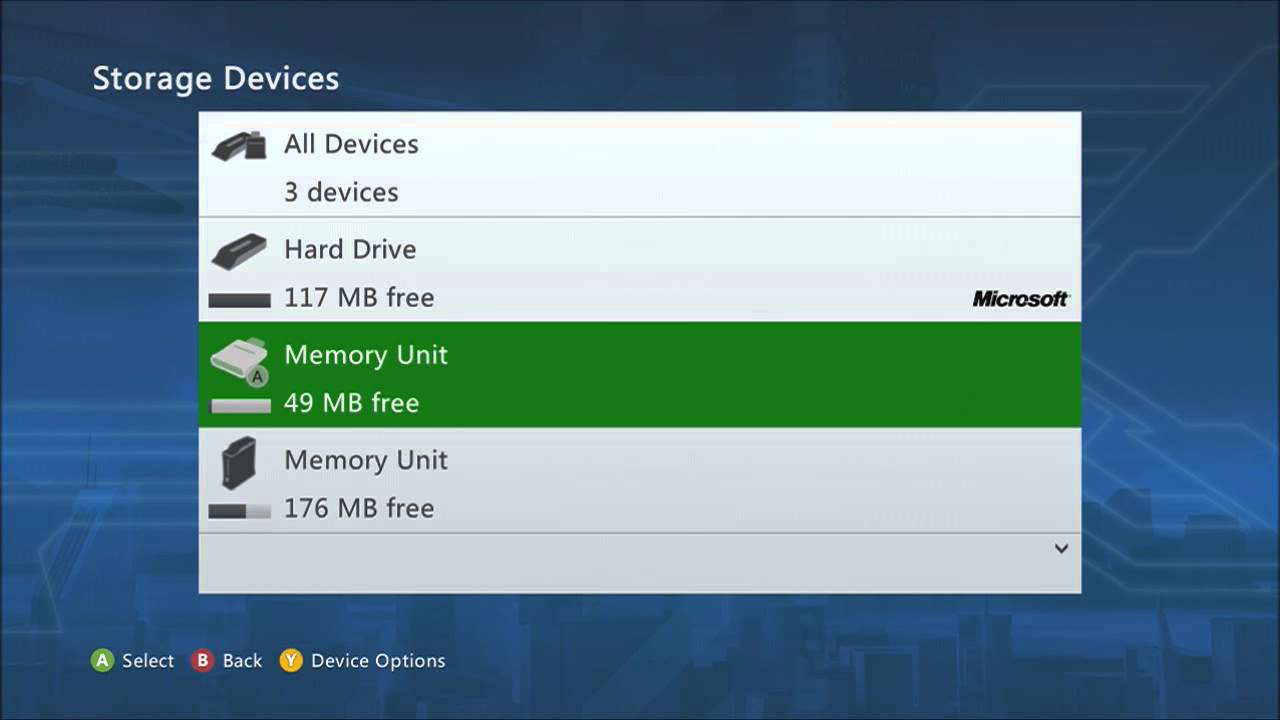
How To Delete Data On Xbox 360

To delete data on Xbox 360, you have two main options: deleting saved game data for individual games and clearing the system cache. Reasons to delete data on your Xbox...

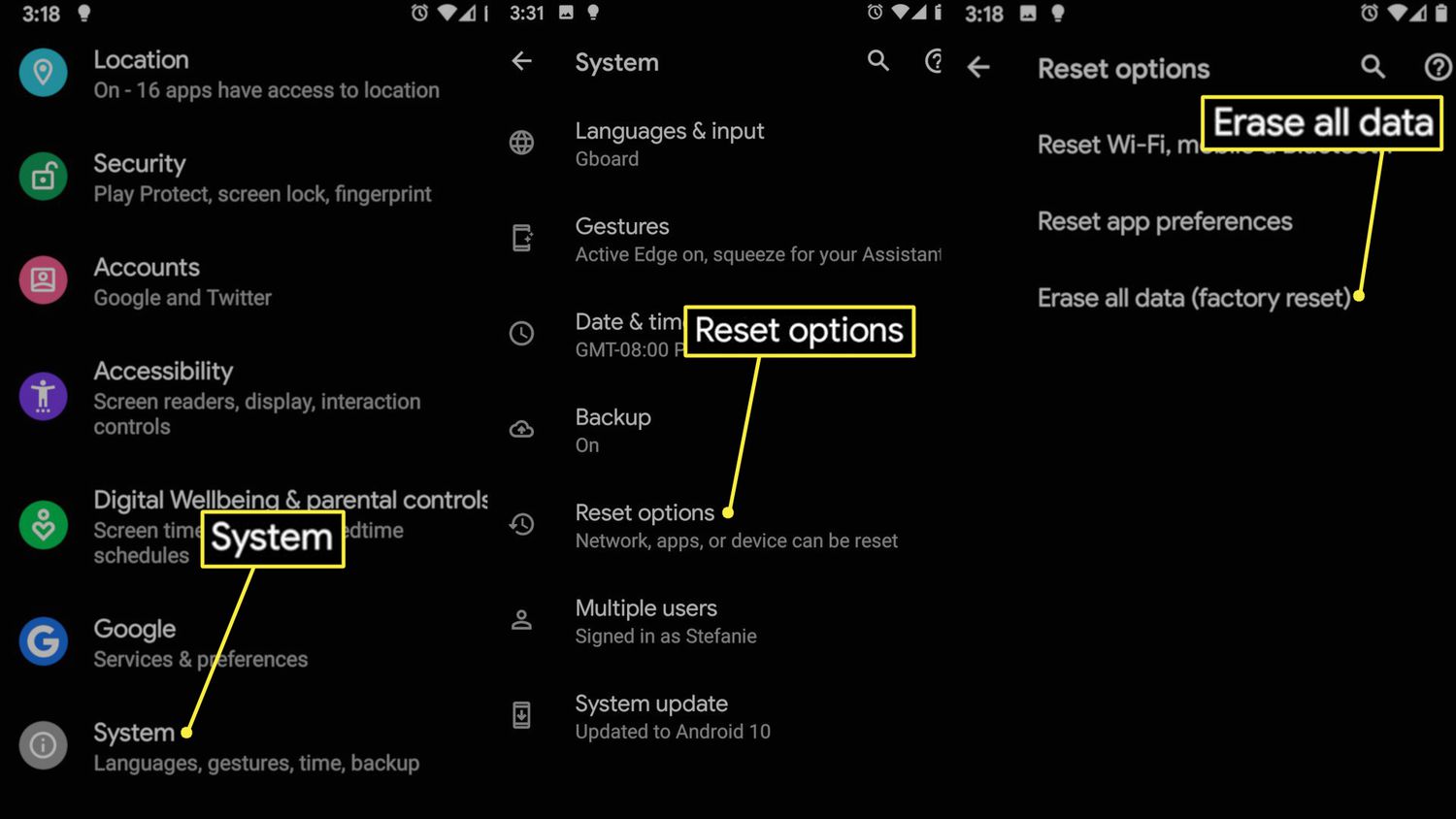
How To Delete System Data On Android

To delete system data on Android, you clear app cache and stored app data through the Apps menu, which is the documented method to reduce what the system categorizes as...

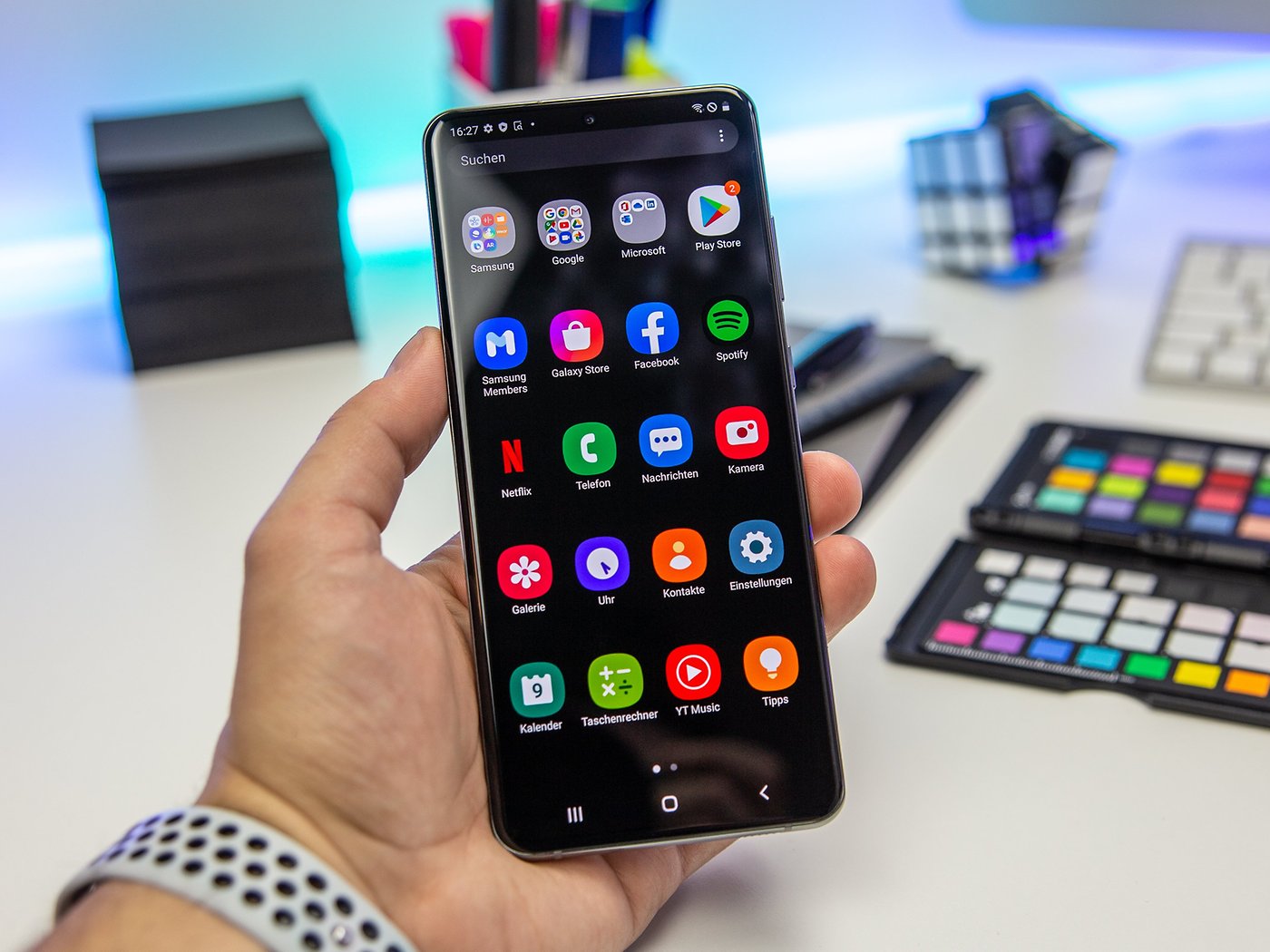
How To Remove Apps On Samsung Phone

To remove apps on a Samsung phone, swipe up or down from the Home screen to open the Apps screen, then touch and hold the app icon and tap Uninstall....

How To Remove Trash From Phone

To remove trash from your phone, you need to clear app caches, delete junk files, and empty trash folders within apps like Google Photos and Files by Google on Android,...

What Is Lag?

Lag is the delay between an action you take on your phone or computer and the device's response. When you tap a game button and your character doesn't move for...