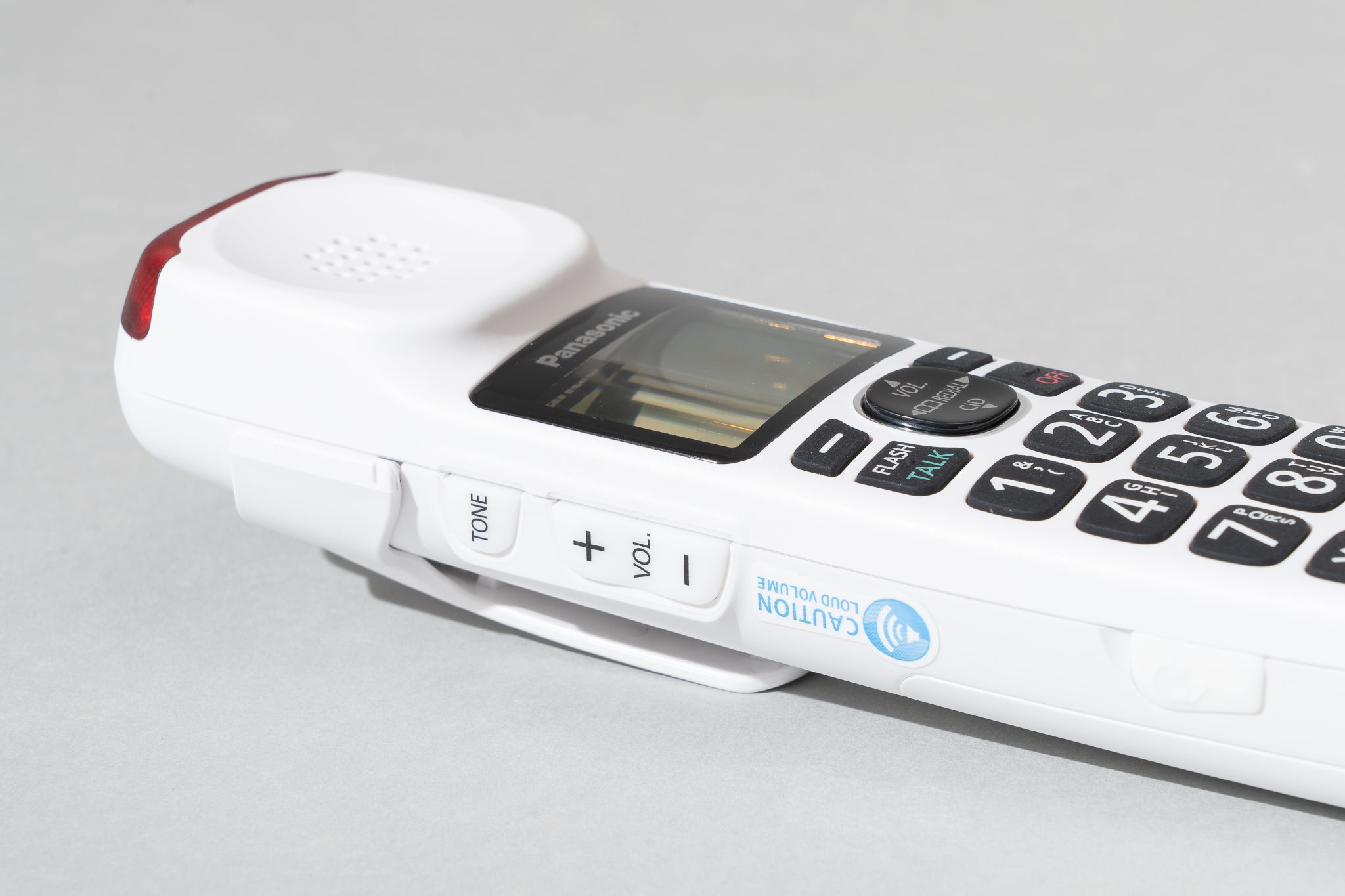
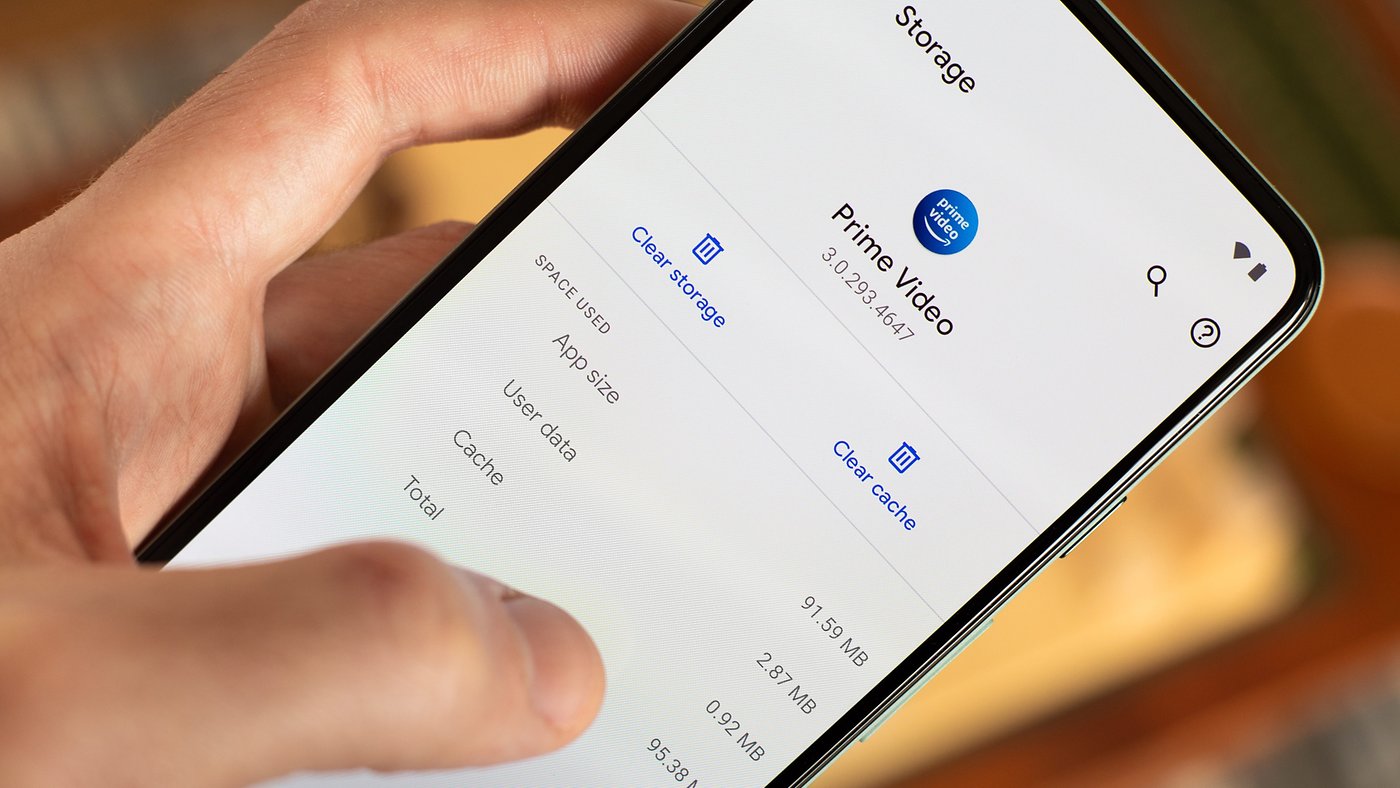
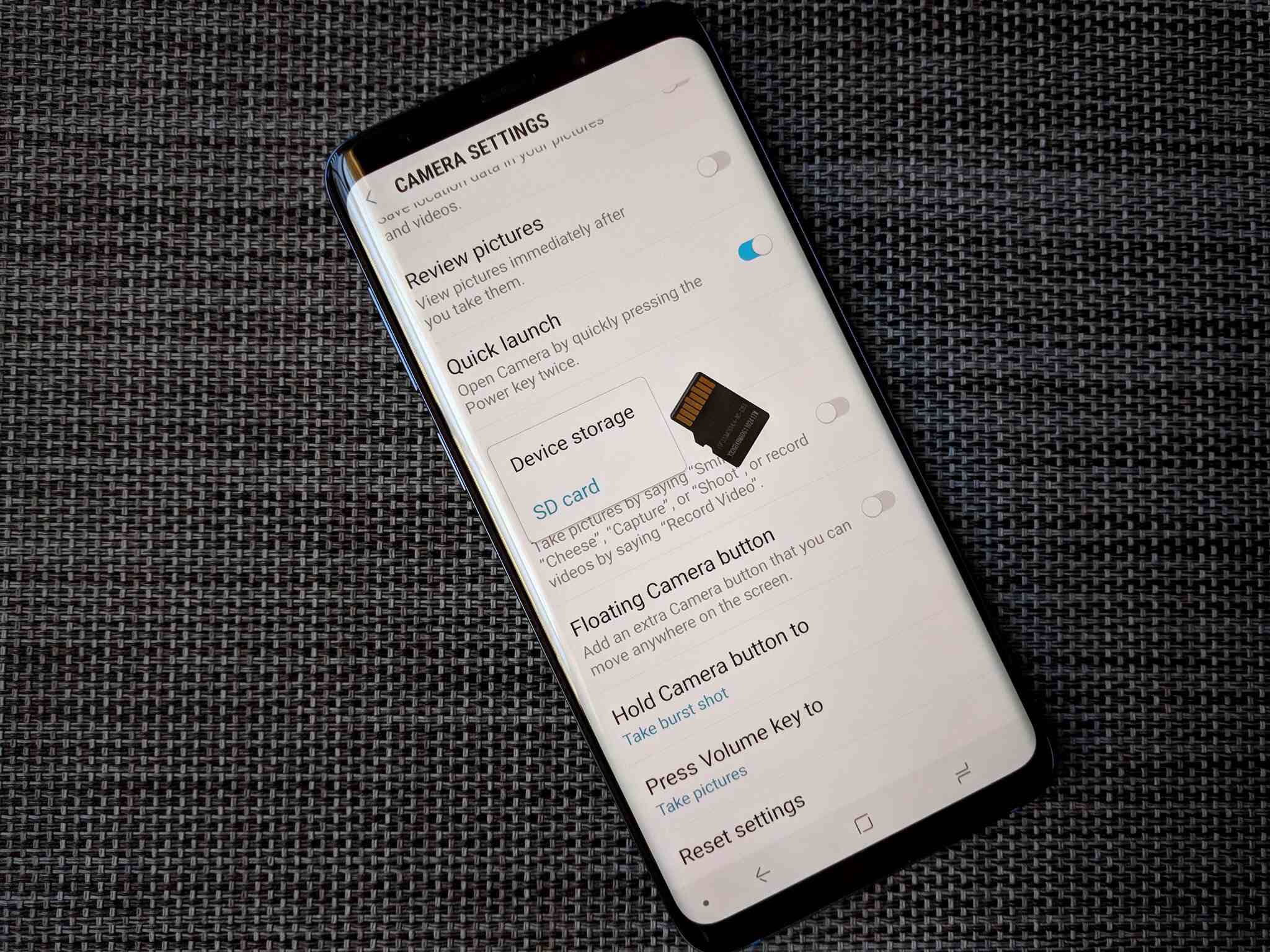
This tag collects articles focused on managing and troubleshooting the storage capacity of your devices, from smartphones and smartwatches to game consoles and VR headsets. It is designed for anyone who needs to free up space, understand their device’s memory, or transfer data between storage mediums, whether you are using an iPhone, Samsung, Android, or even a Panasonic phone.

The articles here solve two main kinds of problems. First, they help you clear out clutter and reclaim space by showing you how to delete photos on an Apple Watch, reduce WhatsApp storage on iPhone and Android, erase app data, and clear system data or cache on Android and Samsung phones. Second, they guide you through checking your device’s current storage status, such as how to check phone memory on Samsung or iPhone, find phone storage on Android, and understand what a phone memory card is. Several articles also cover moving data, including how to move photos to an SD card on Android and transfer data between micro SD cards for a Nintendo Switch.
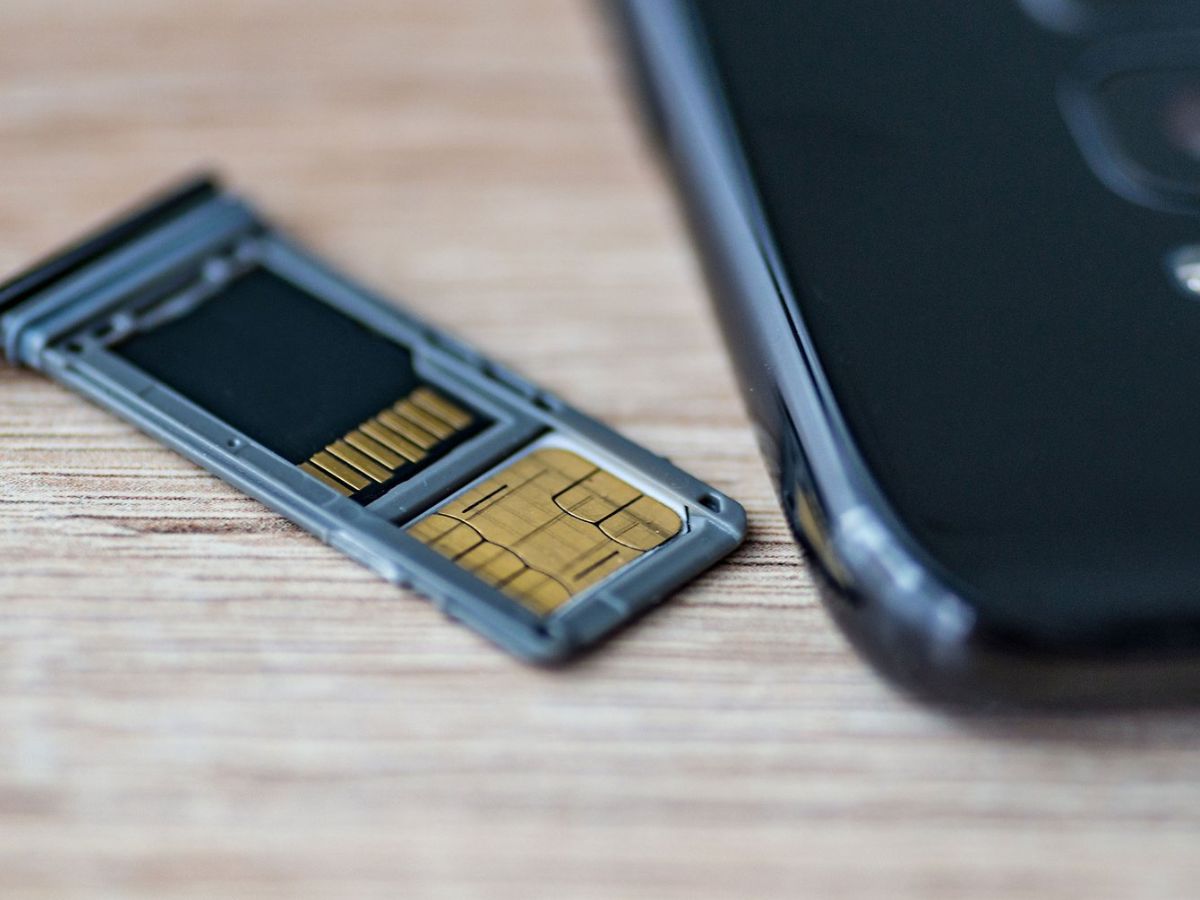
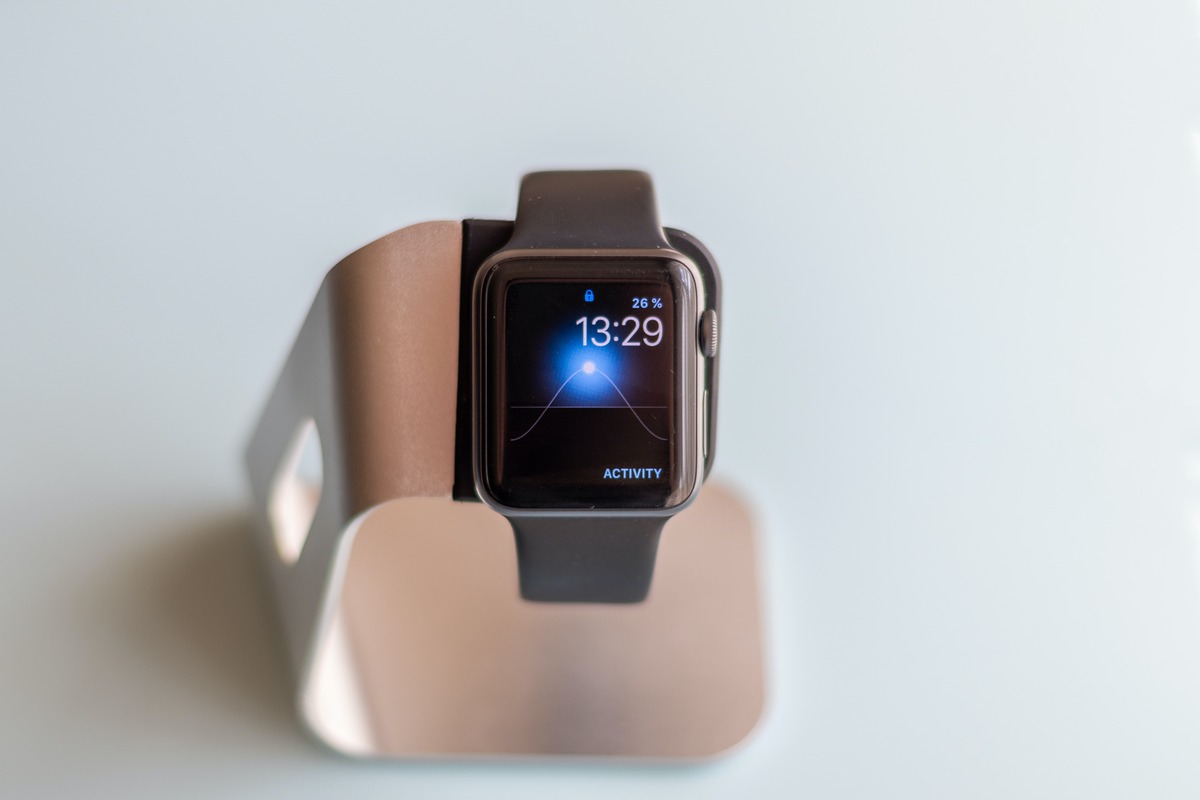
How To Free Up Apple Watch Storage

To free up Apple Watch storage, open Settings > General > Storage directly on your watch to see exactly what is using space. The three documented methods for freeing storage...

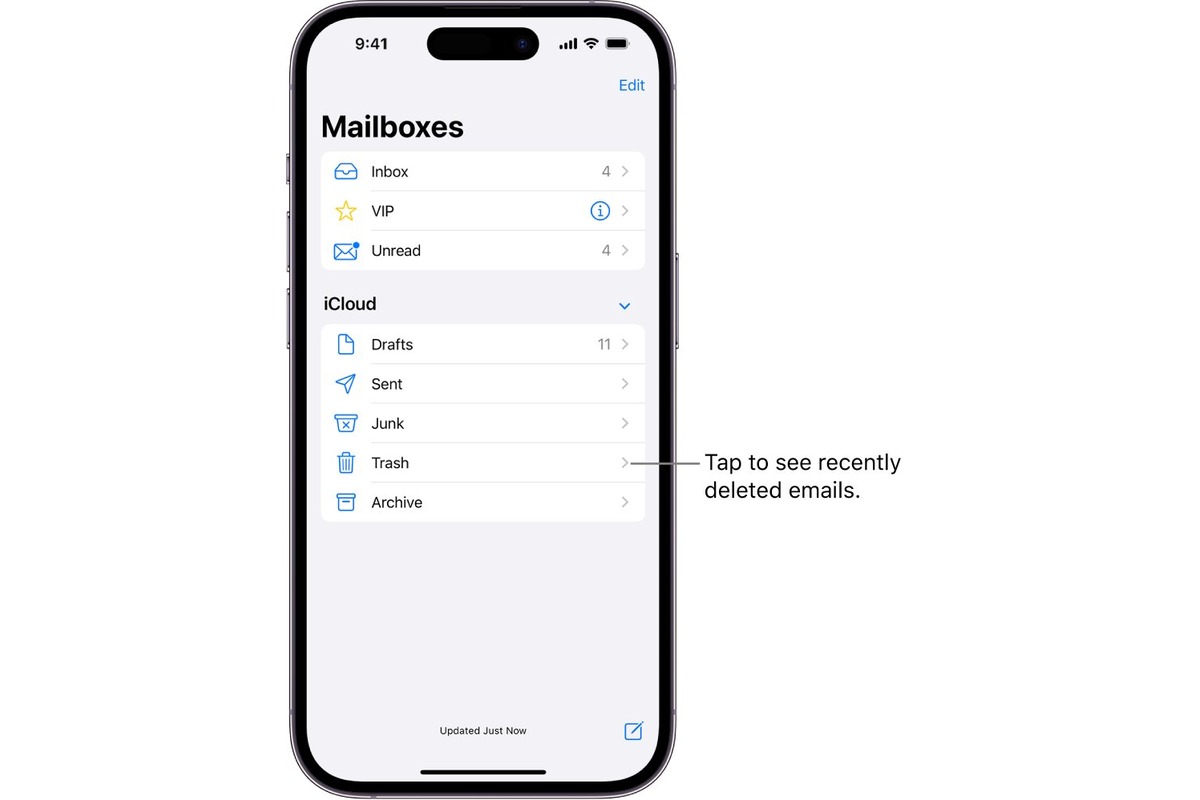
How To Clear Trash On IPhone

To clear trash on iPhone, you need to work within individual apps, because there is no single system-wide trash bin. Instead, apps like Photos and Messages keep their own “Recently...

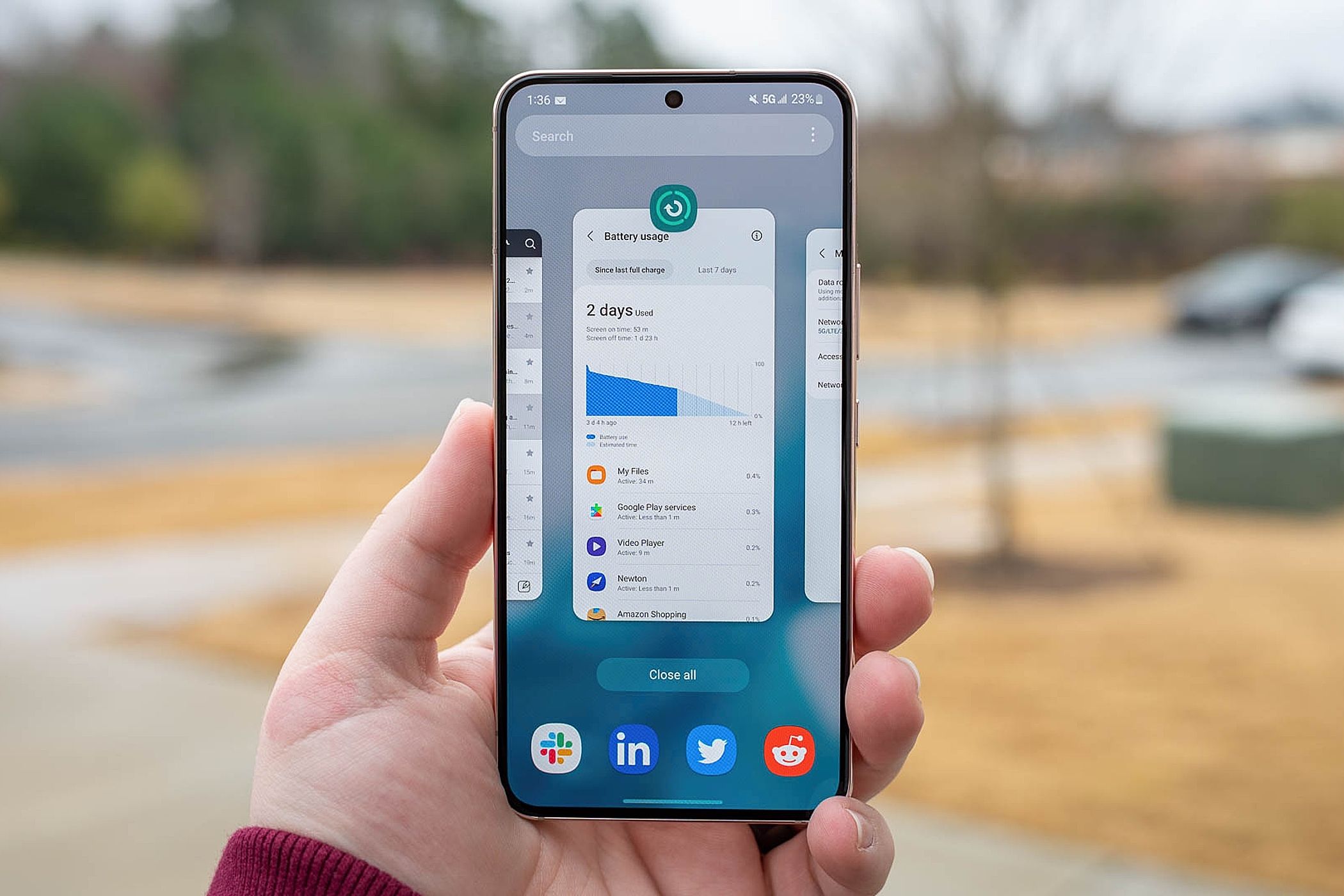
How To Check Phone GB

To check phone GB on Android, open the Settings app and tap "Storage" to see your total, used, and available space. On an iPhone, go to Settings > General >...

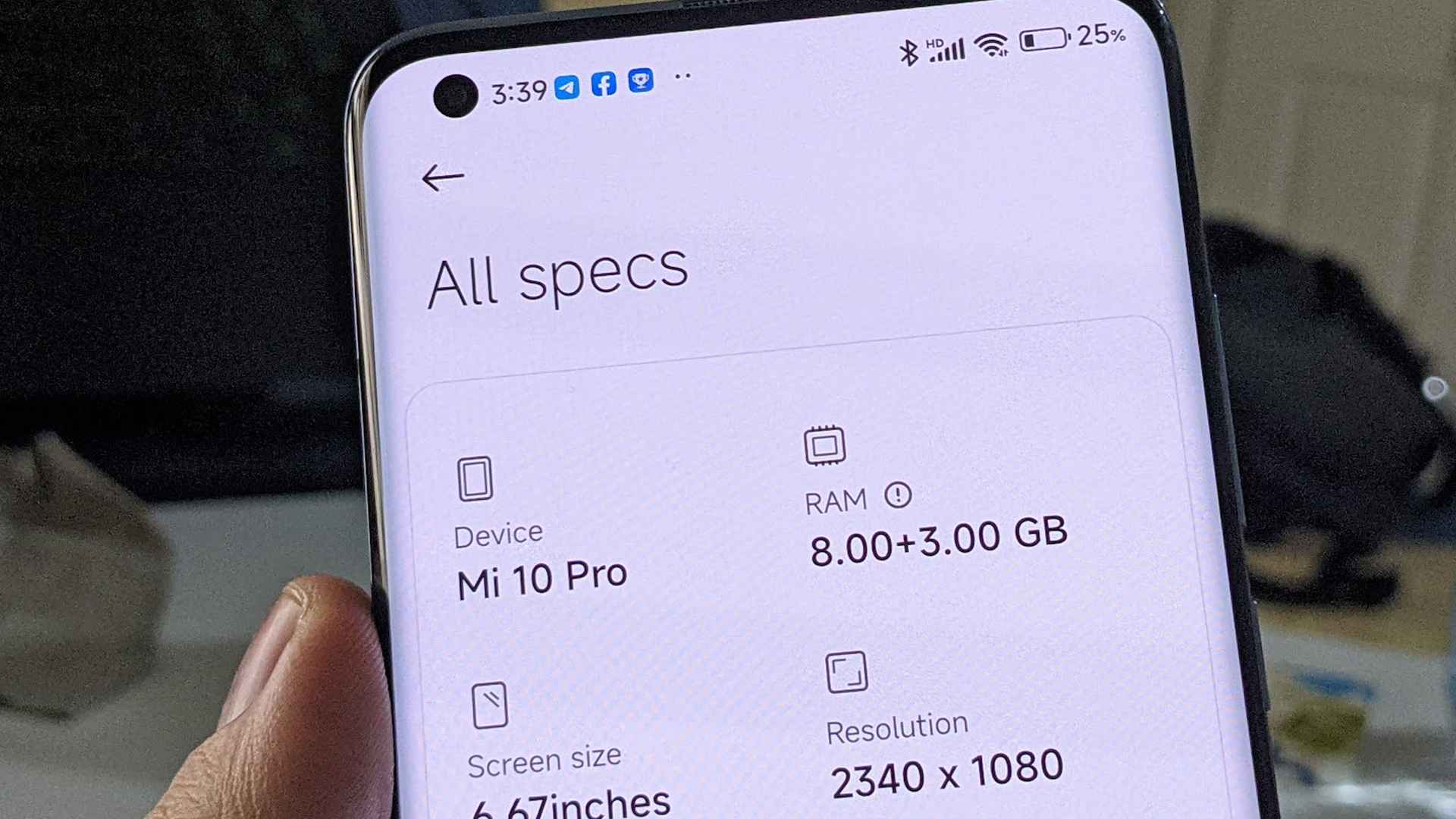
How To Check Phone Ram

To check phone ram, you must use your device's settings, though the exact steps differ significantly between iPhone and Android. iPhone users cannot see their total RAM in the built-in...

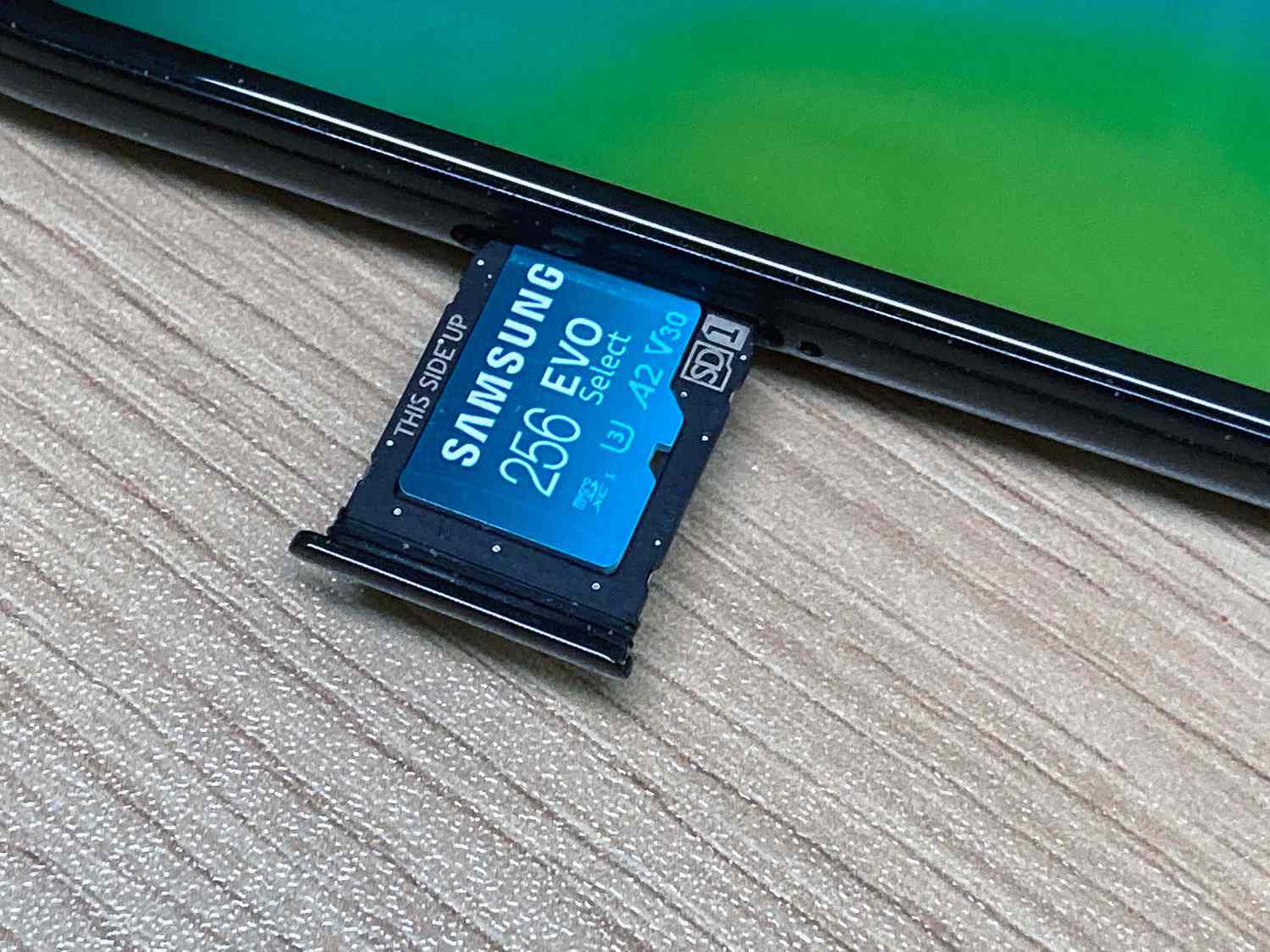
How To Check SD Card On Phone

To check an SD card on an Android phone, open Settings, tap Storage, and then tap the SD card entry to view its total capacity and contents. iPhone users must...

How To Clear Phone Cache Samsung

To clear phone cache Samsung, you can clear an individual app's cache or use Device Care's Optimize now button. Both methods are safe and will not delete your personal data,...

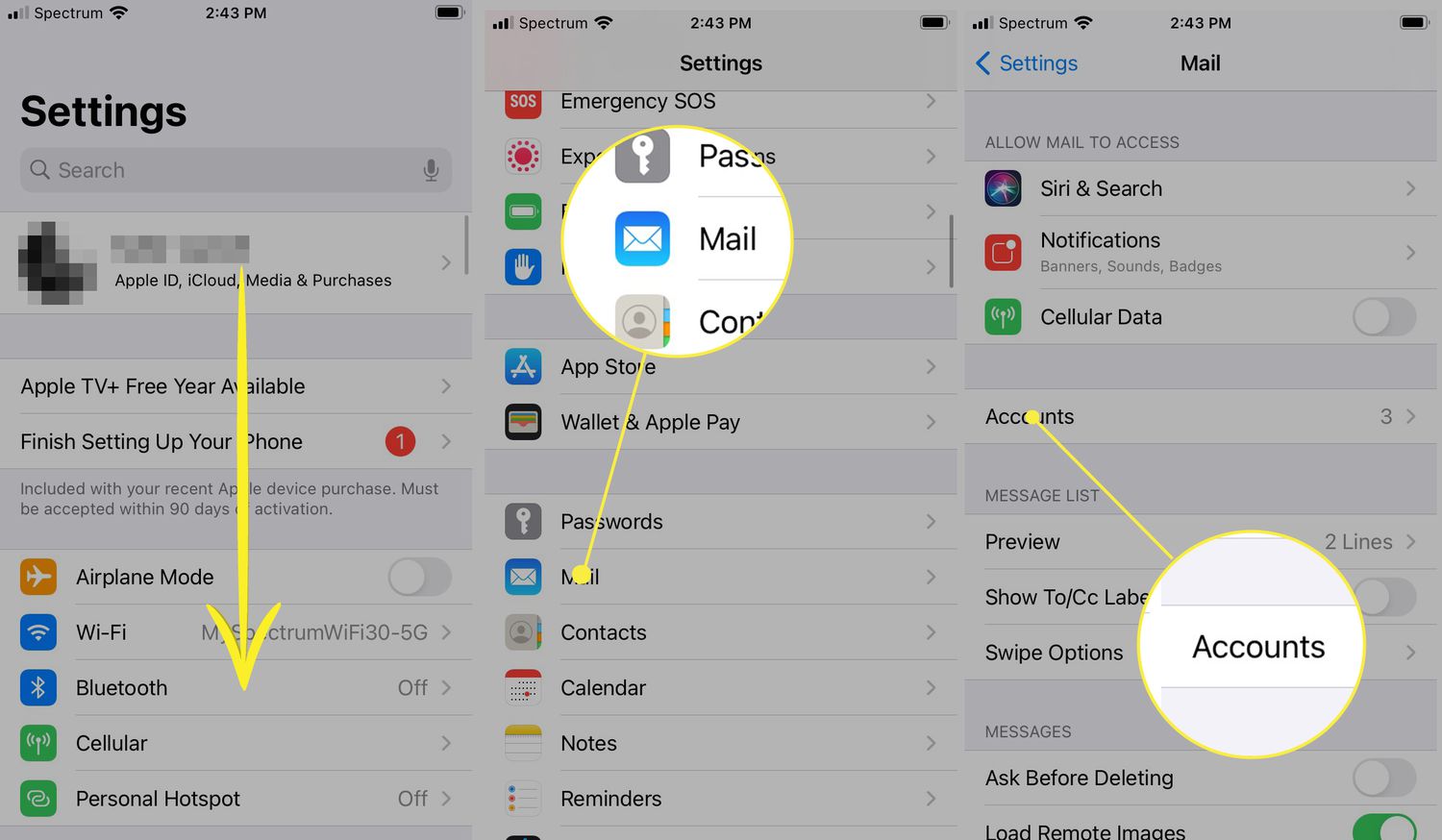
How To Clear Mailbox On IPhone

To clear mailbox on iPhone, open the Mail app, then swipe left on a message and tap Trash, or open a message and tap the delete button. You can also...

How To Make Your Android Faster

To make your Android faster, start by restarting your phone to clear temporary files and RAM, then systematically free up storage and manage apps. These steps target the most common...

How To Move Photos To SD Card On Android

To move photos to SD card on Android, use the Files by Google app or your device's Gallery app, as these are the documented ways to free up internal storage...