This tag collects articles for anyone looking to connect their phone, computer, or accessories to a television, whether it’s a smart TV or an older model. It’s designed for CellularNews readers who want to bridge the gap between their mobile devices and their home entertainment setup, covering everything from basic cable connections to wireless audio and video streaming.
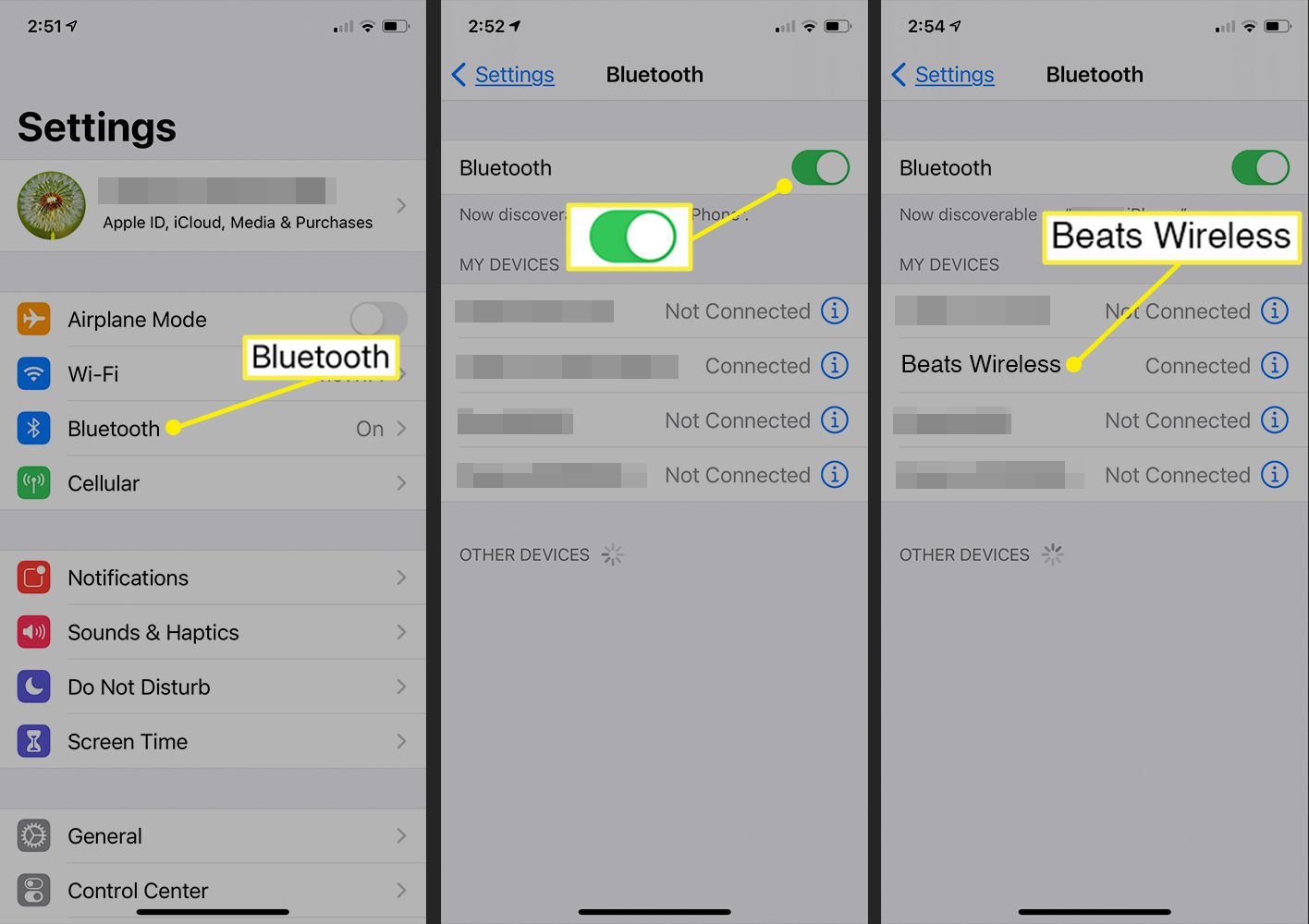
To connect Beats wireless to Samsung Smart TV, put your Beats headphones into Bluetooth pairing mode by pressing and holding the power button until the LED flashes white, then navigate...
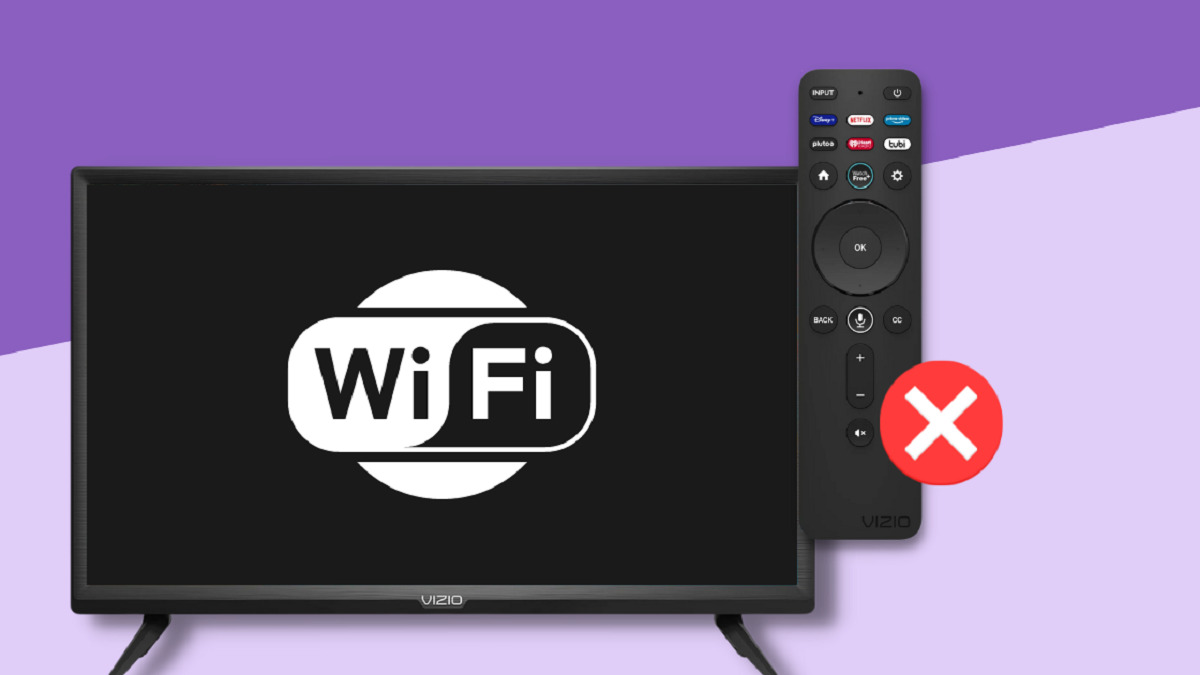
To connect your Vizio TV to internet wireless, press the Menu or Gear button on your remote, then select All Settings (if shown), Network, choose your Wi‑Fi network, enter your...
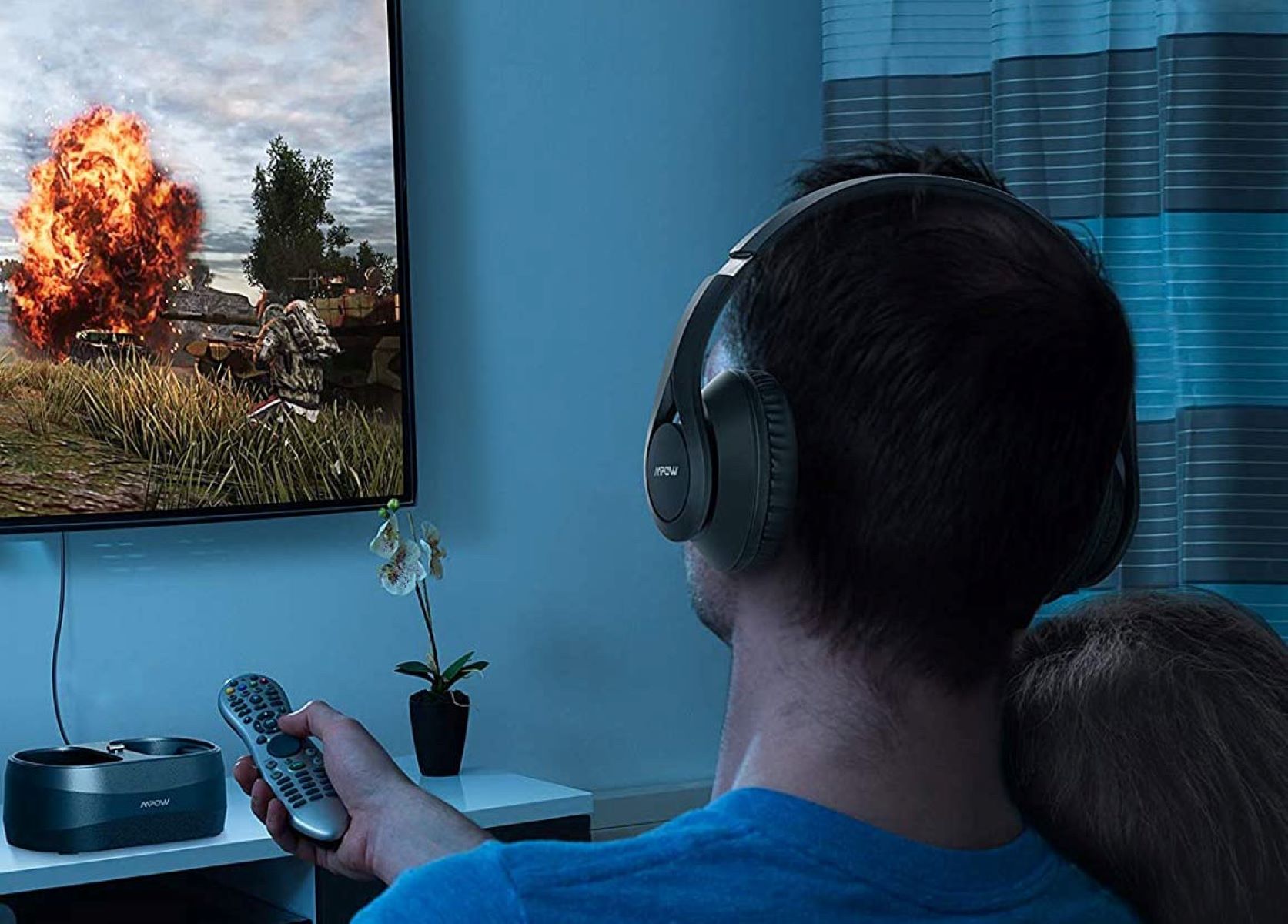
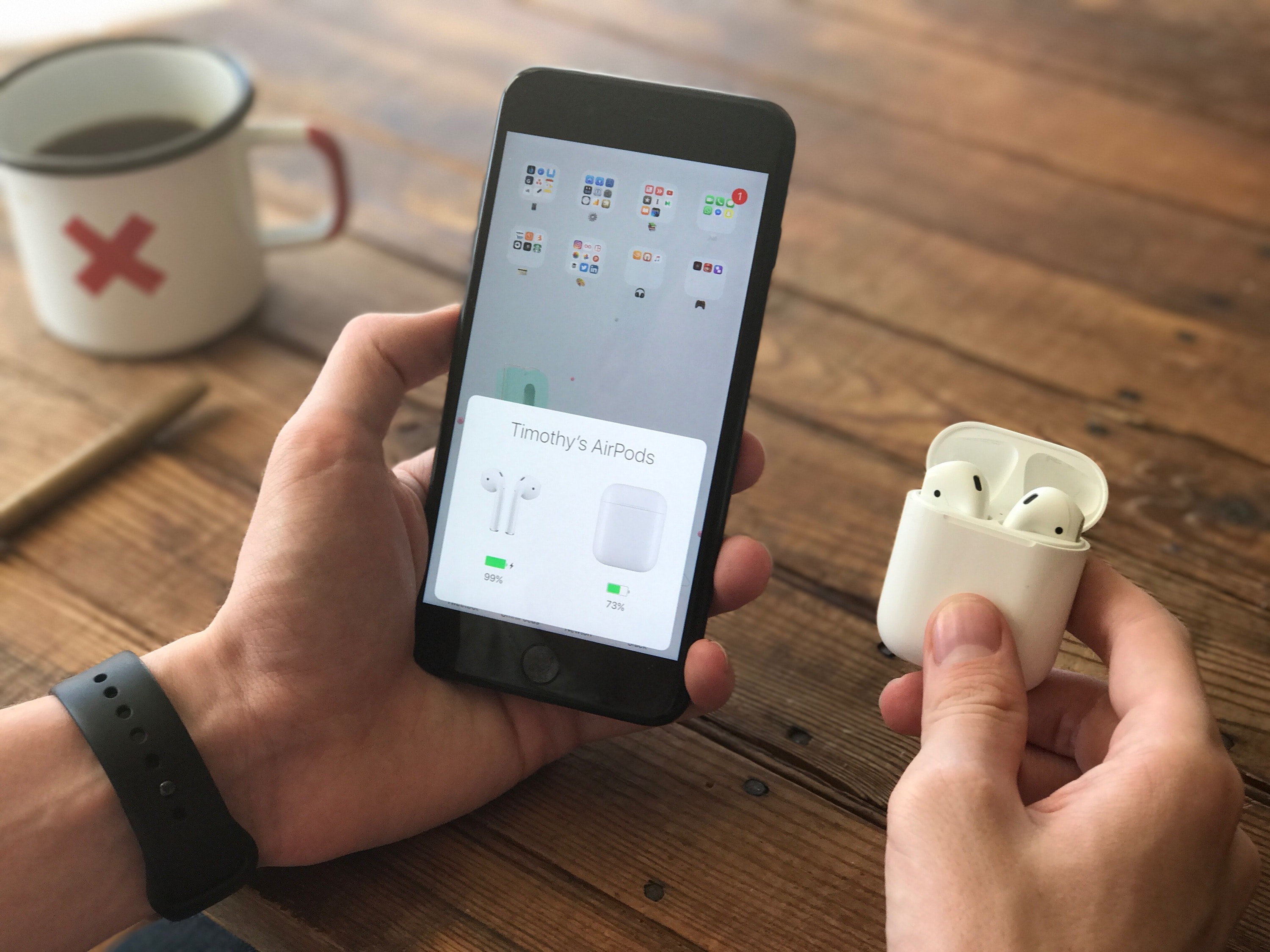
To connect wireless headphones to a TV, you can pair them directly if your TV has built-in Bluetooth, or use an external Bluetooth transmitter if it does not. This gives...
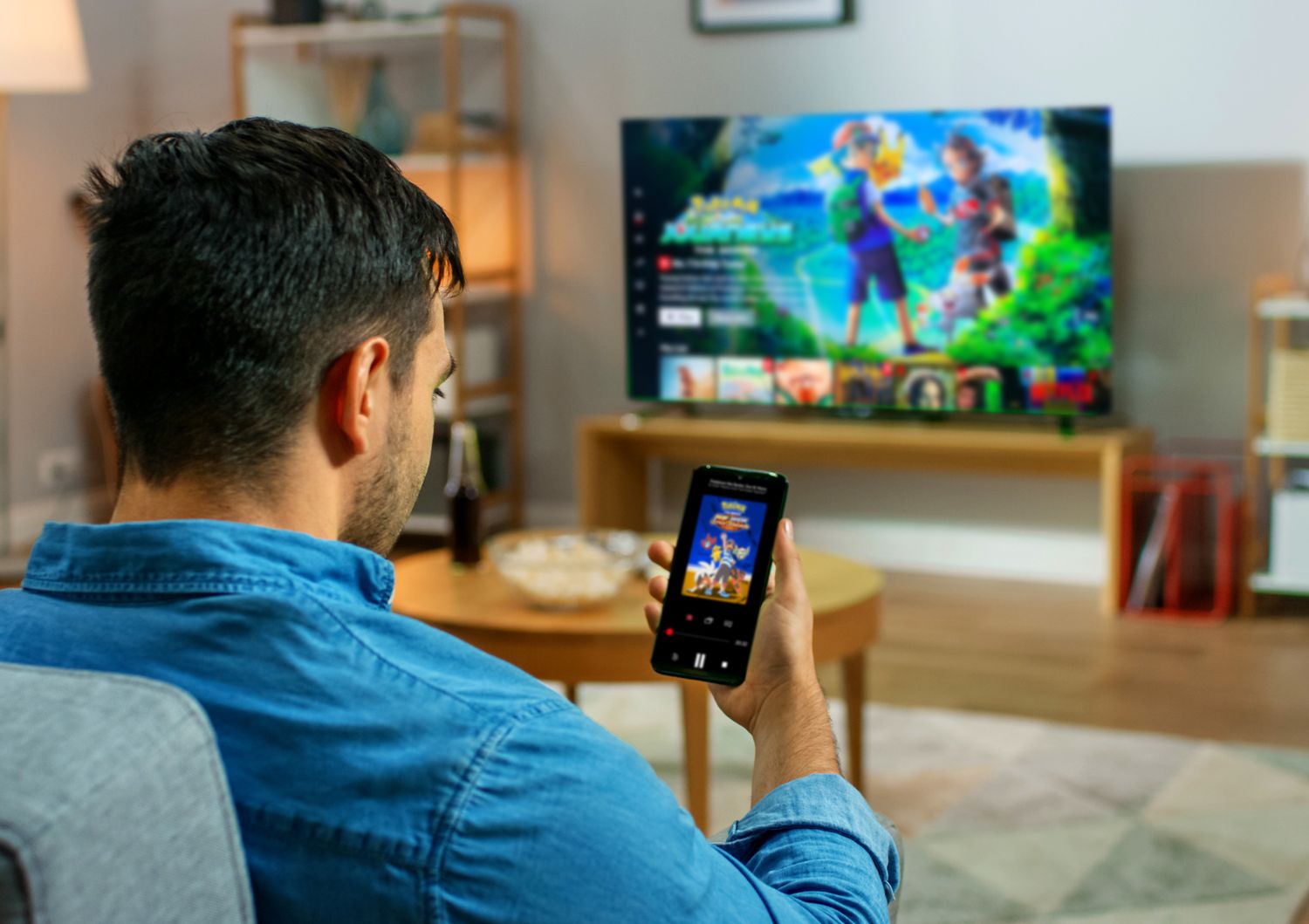
To connect your TV to Netflix wirelessly, use the Cast button inside the Netflix mobile app to send playback to a cast-compatible TV or display. This is the only wireless...
To make a cable box wireless, you have two main options: use a wireless TV box from your cable provider or use a wireless HDMI transmitter and receiver kit. Both...
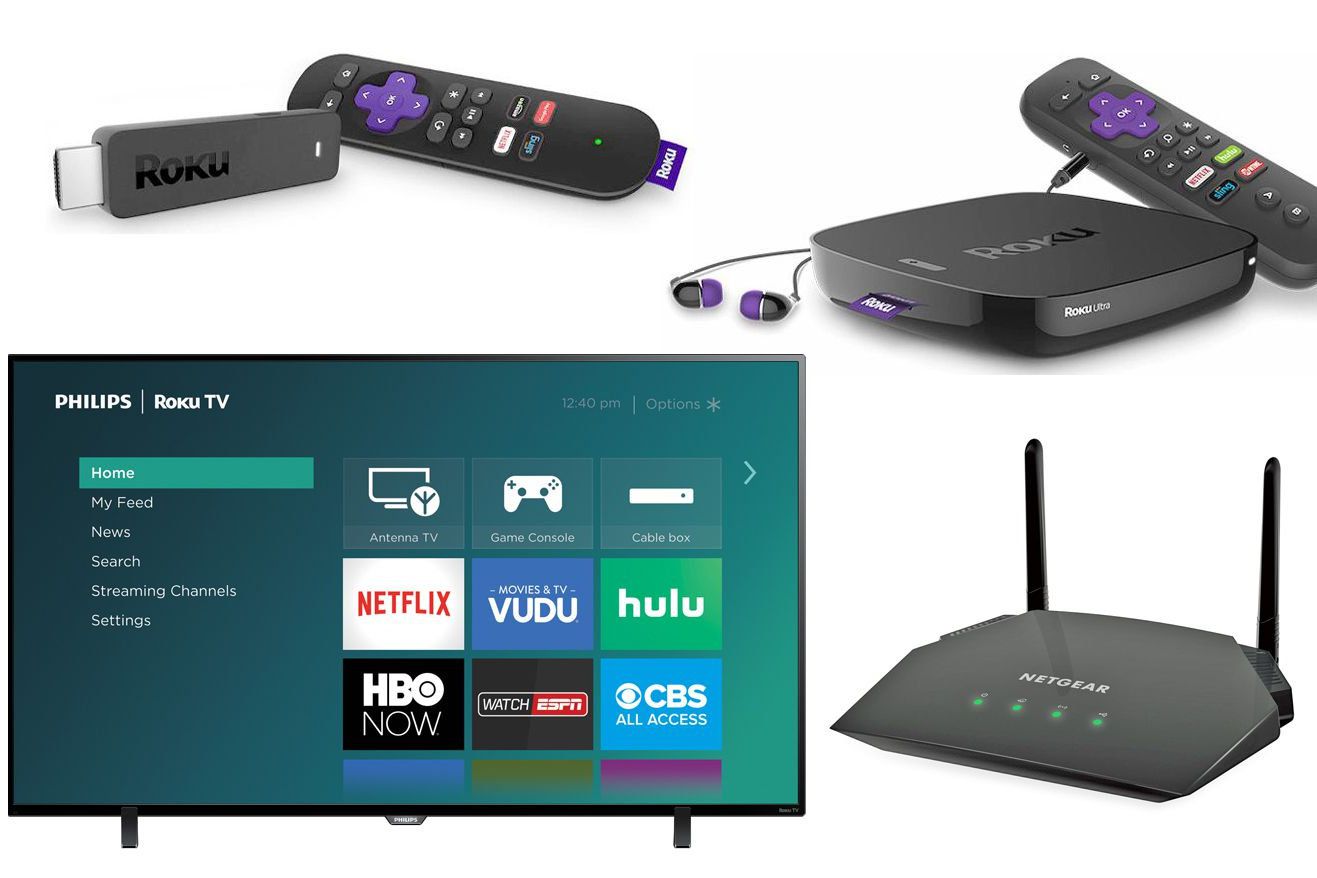
To connect your computer to your Roku TV wireless, you use Roku's built-in screen mirroring feature, which mirrors your entire computer screen to the TV. This method works with Windows...
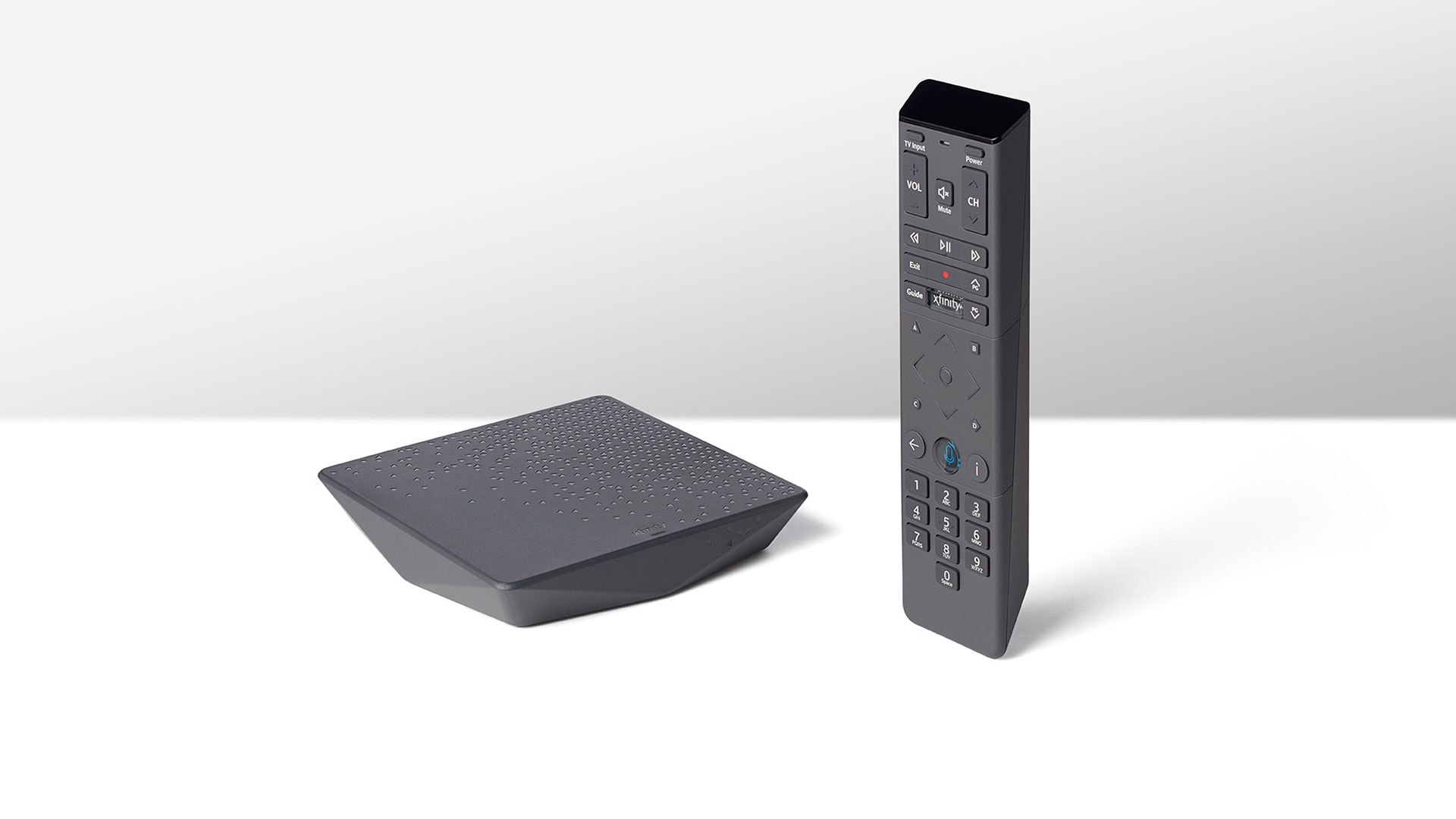
To get an Xfinity wireless cable box, you must contact Xfinity directly or visit an Xfinity Retail Store, as these devices cannot be ordered online. This is the only way...
To connect your phone to a Philips TV, you can use a wired HDMI cable or a wireless Miracast connection, depending on your phone model and TV compatibility. For the...
Verizon FiOS fiber optic service is Verizon's fiber-optic network that delivers internet, TV, and home phone to your home, with professional installation available when you order those services. If you...
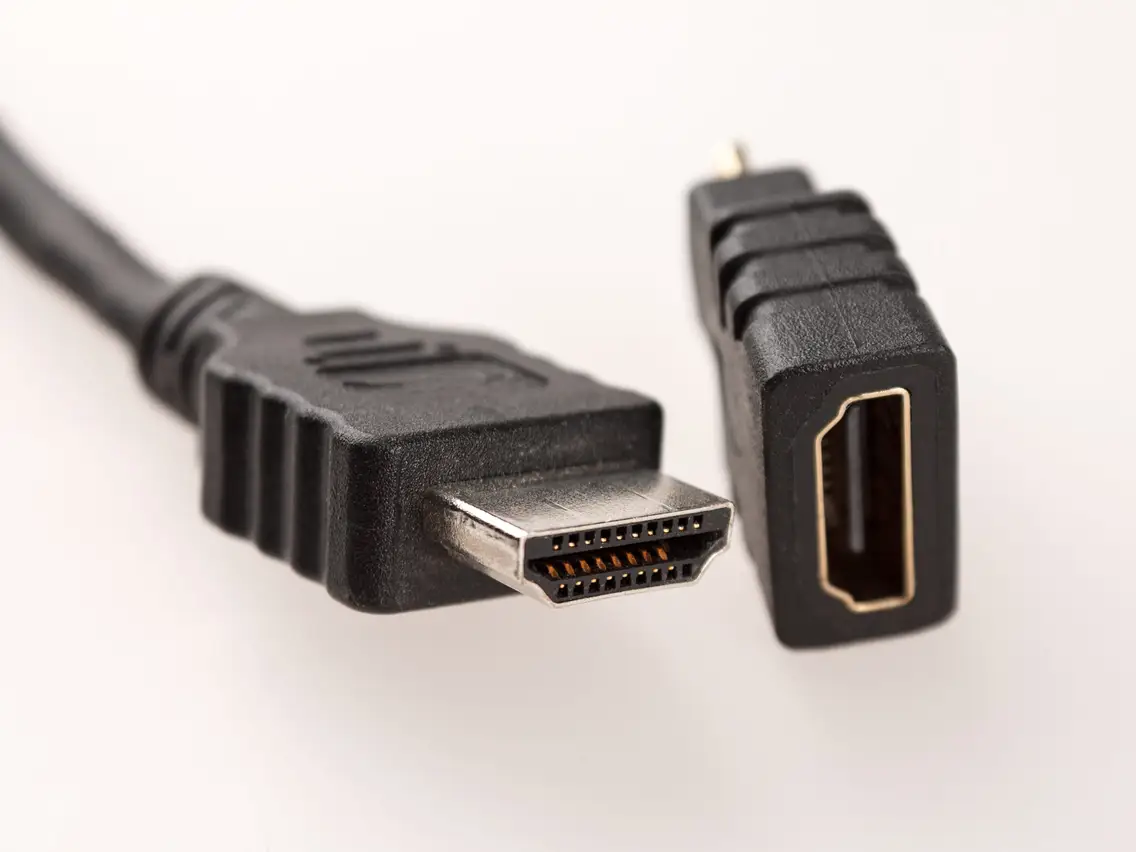
What an HDMI connector looks like in its most common form, known as Type A or Standard HDMI, is a 19-pin, trapezoidal-shaped plug with a dark plastic body and metal...
Wireless earbuds work with a TV by using Bluetooth to receive audio directly from the television, creating a wireless link that replaces a physical cable. Understanding how do wireless earbuds...