This tag collects articles for anyone looking to connect their phone, computer, or accessories to a television, whether it’s a smart TV or an older model. It’s designed for CellularNews readers who want to bridge the gap between their mobile devices and their home entertainment setup, covering everything from basic cable connections to wireless audio and video streaming.
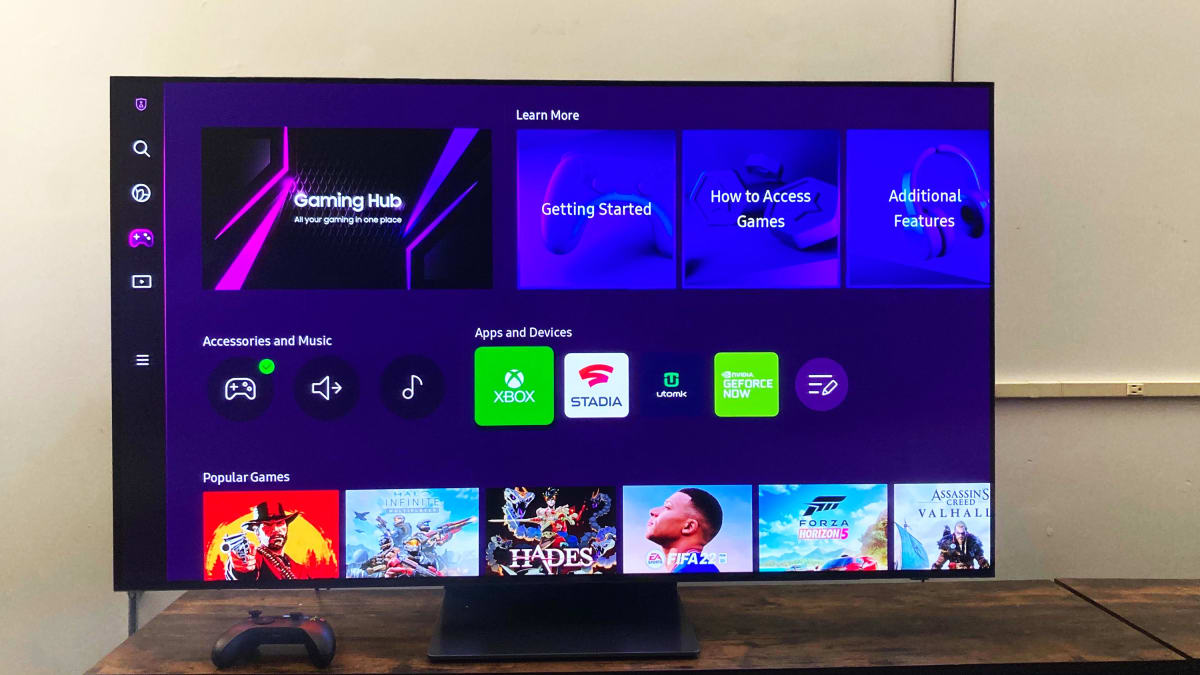
Understand your hardware for gamepad setup A smooth gamepad setup starts with understanding your hardware. Before you change any settings, it helps to recognize what you are holding. Most controllers...
Before you start: check your TV's wireless TV audio features Setting up wireless TV audio starts with knowing what your screen can actually do, because many people assume every modern...
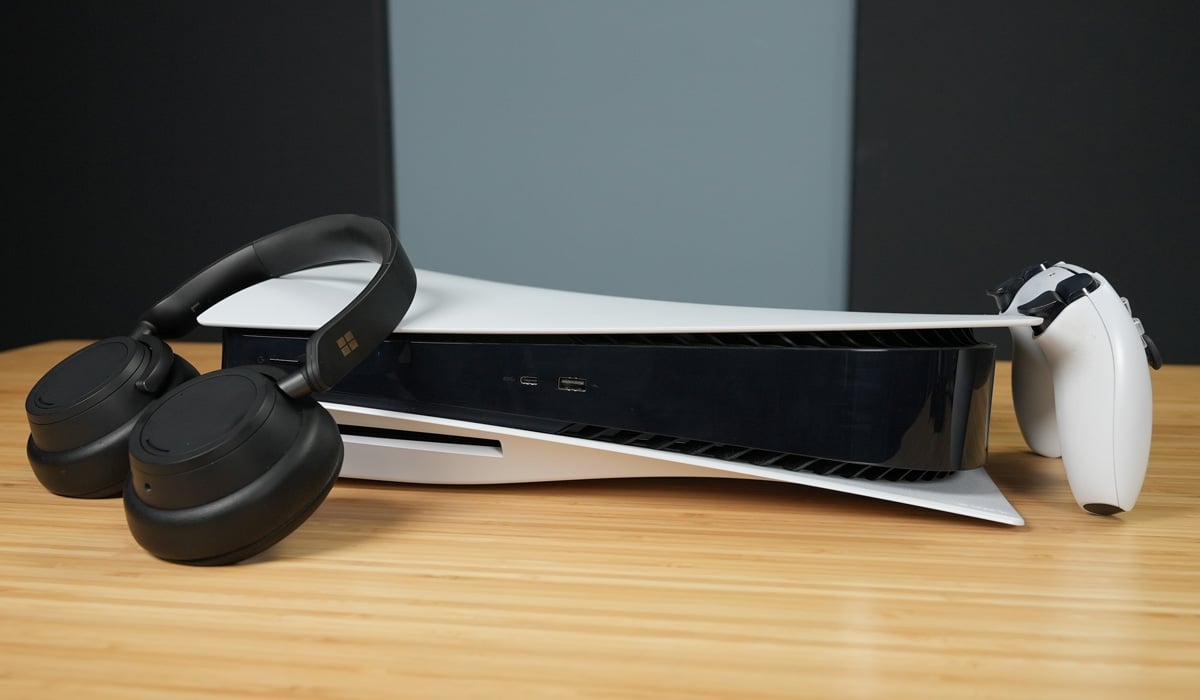
The PS5 does not natively support PS5 audio TV and headset simultaneously; the console is designed to switch audio output between devices rather than duplicate it. If you want game...
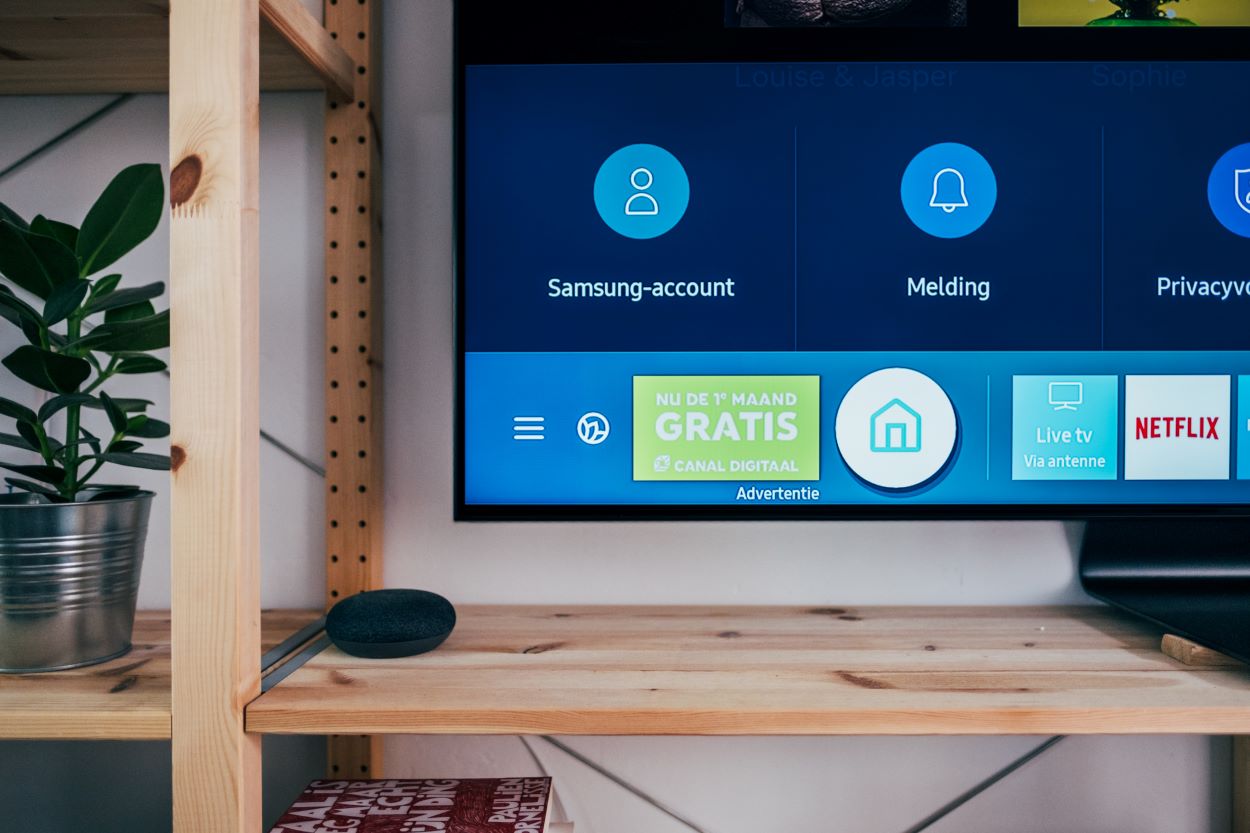
To find out which Samsung TVs have Bluetooth, the most direct method is to check your TV's settings: navigate to Settings > Sound > Sound Output, and if you see...
To turn off Bluetooth on your Samsung TV, navigate to Settings > Sound > Sound Output and select "TV Speaker." This is the primary method to disable Bluetooth audio because...
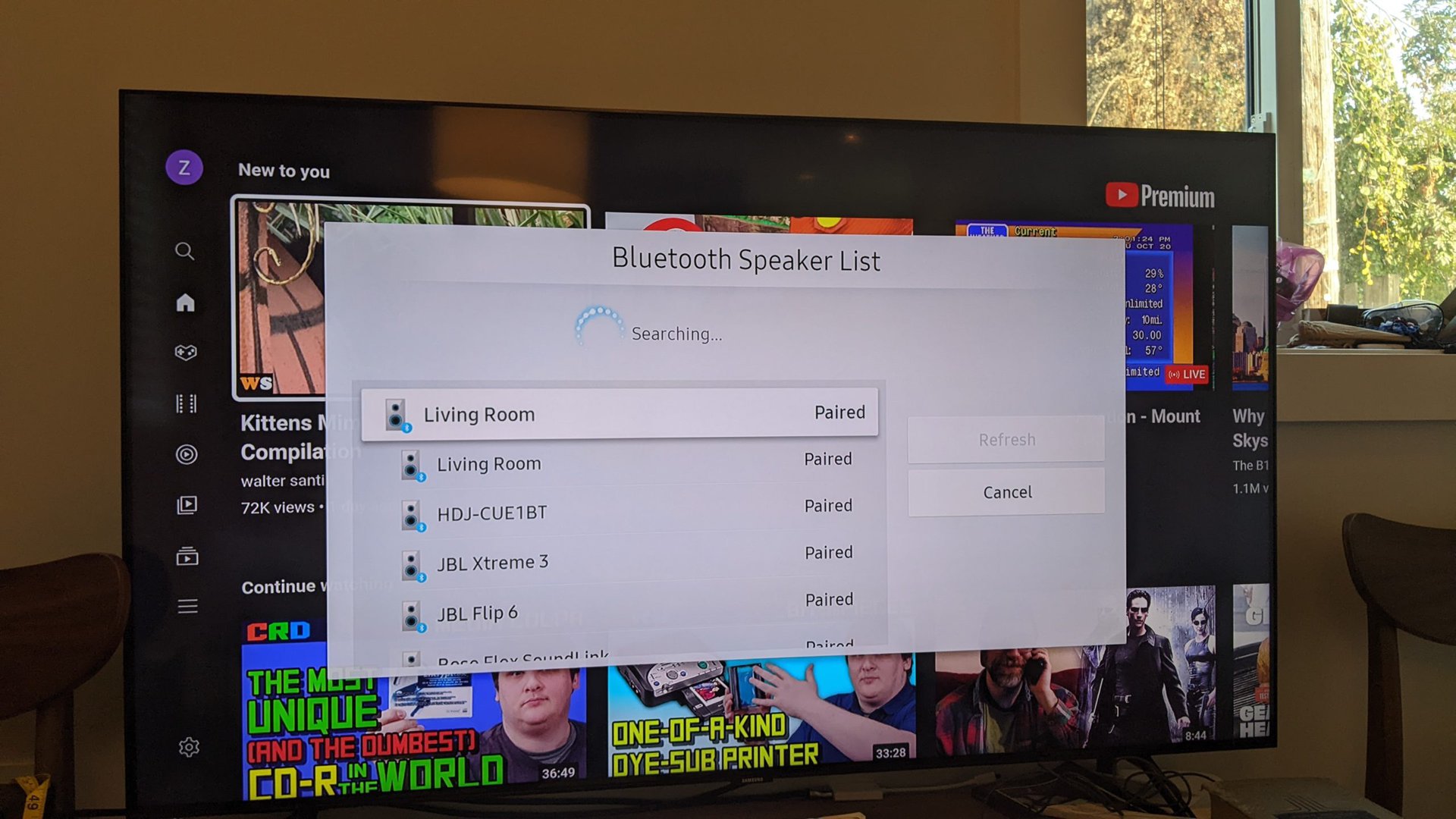
To connect a Bluetooth speaker to your Samsung TV, you need a TV with built-in Bluetooth and a speaker in pairing mode. This guide provides step-by-step instructions for achieving wireless...
To find where the Bluetooth is on a Samsung TV that supports it, the setting is located at Settings > All Settings > Sound > Sound Output > Bluetooth Speaker...
If your TV is not connecting to your hotspot, the problem usually comes down to one of four root causes: the hotspot is off, your carrier hasn't enabled hotspot service,...
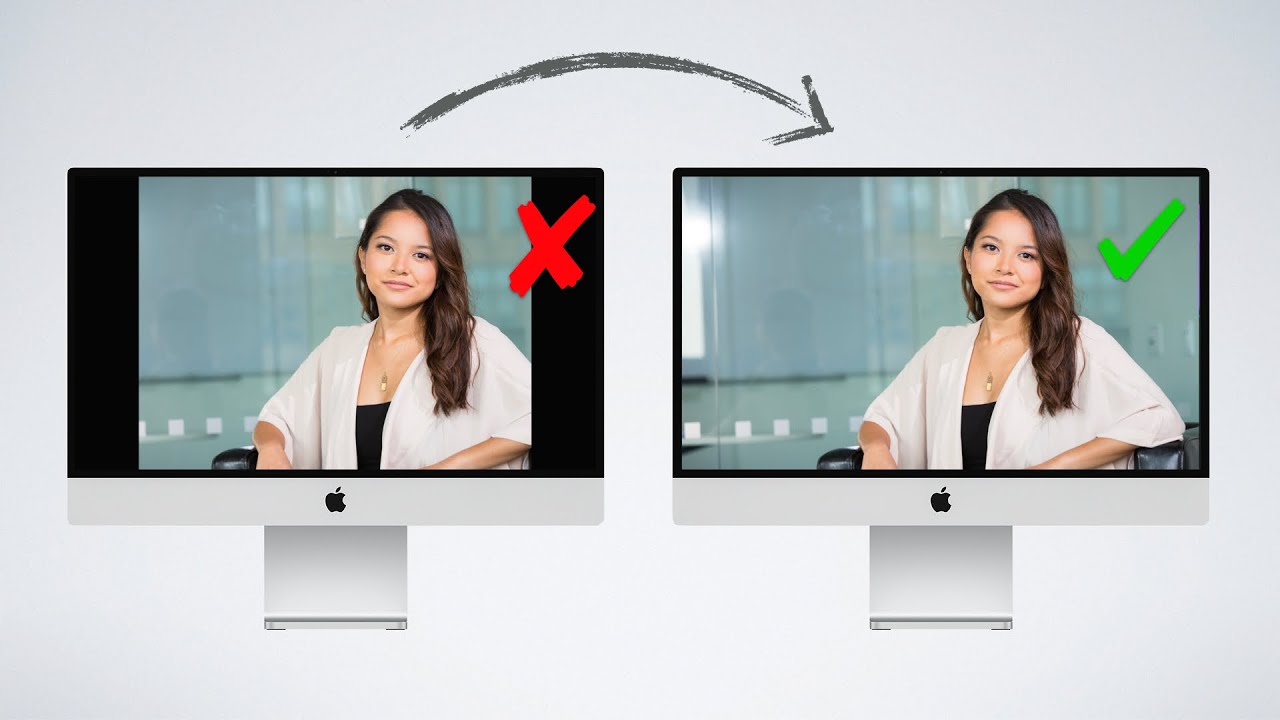
To fix black borders on a TV or display, you need to resolve the mismatch between the source device's output and the display's aspect ratio or overscan settings. Black borders...
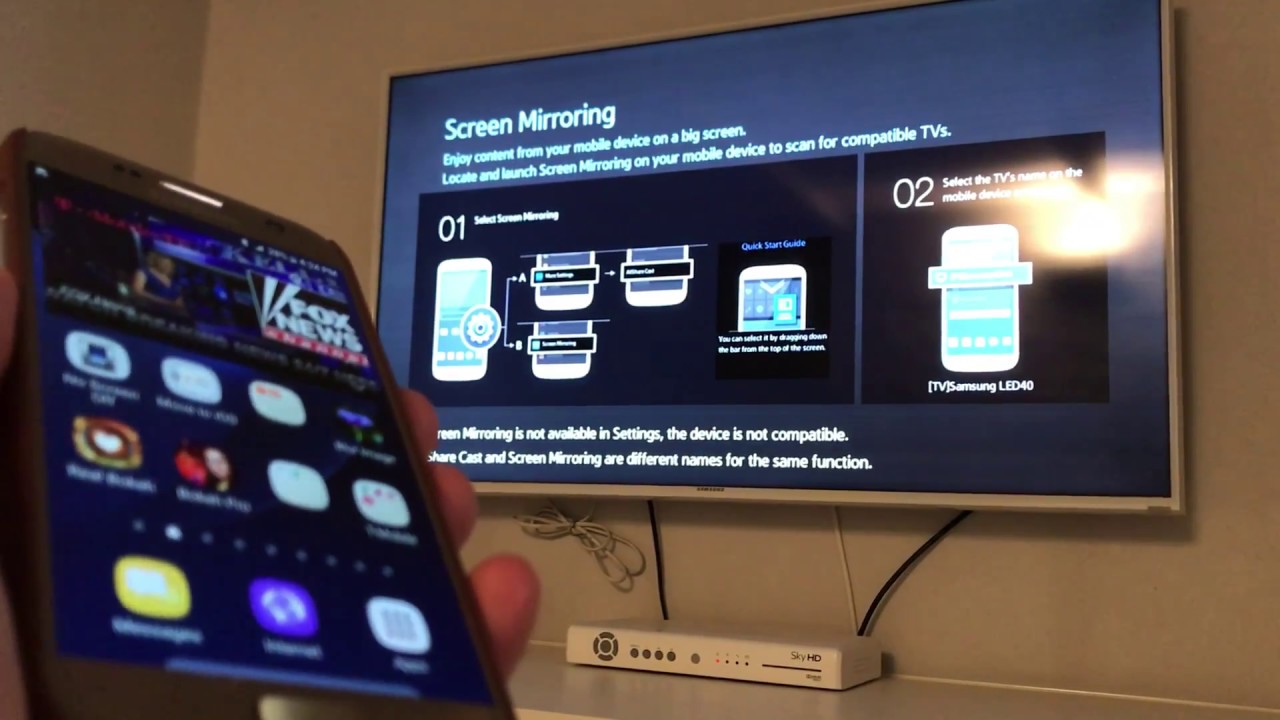
To cast a Galaxy phone to a TV, the primary and most straightforward method is to use the built-in Smart View feature, which wirelessly mirrors your phone's screen to any...
Before you start: screen mirroring vs. casting vs. remote control To screen mirror Android, you first need to know exactly what you want to do because the terms get mixed...
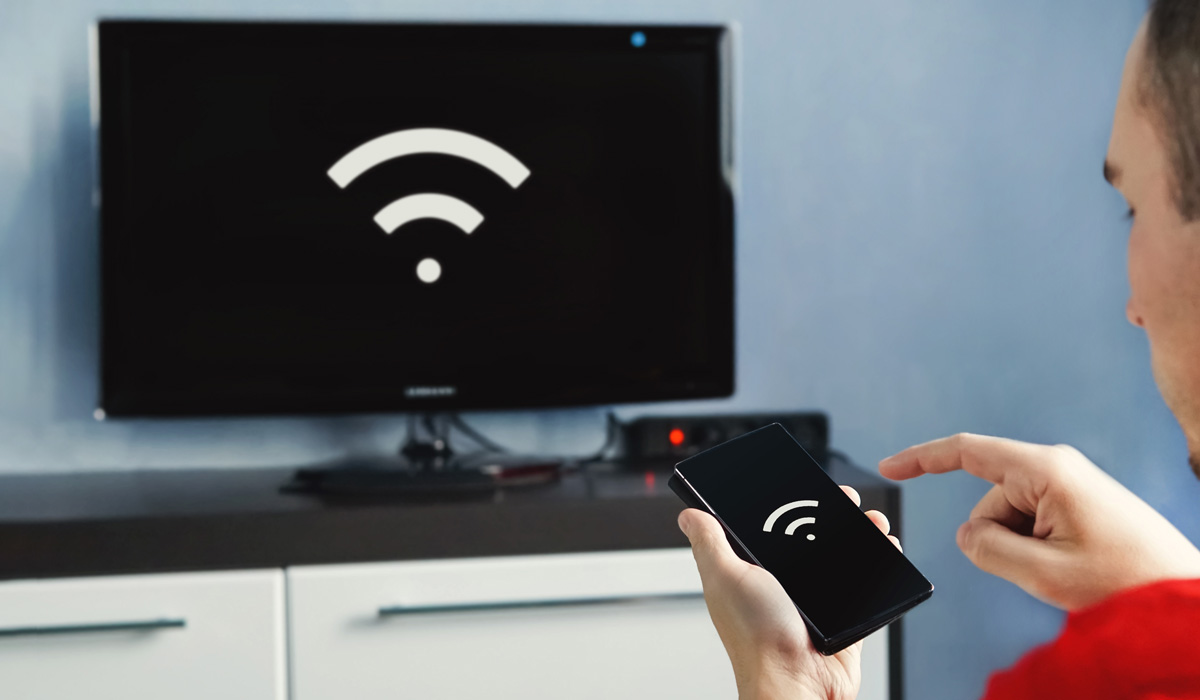
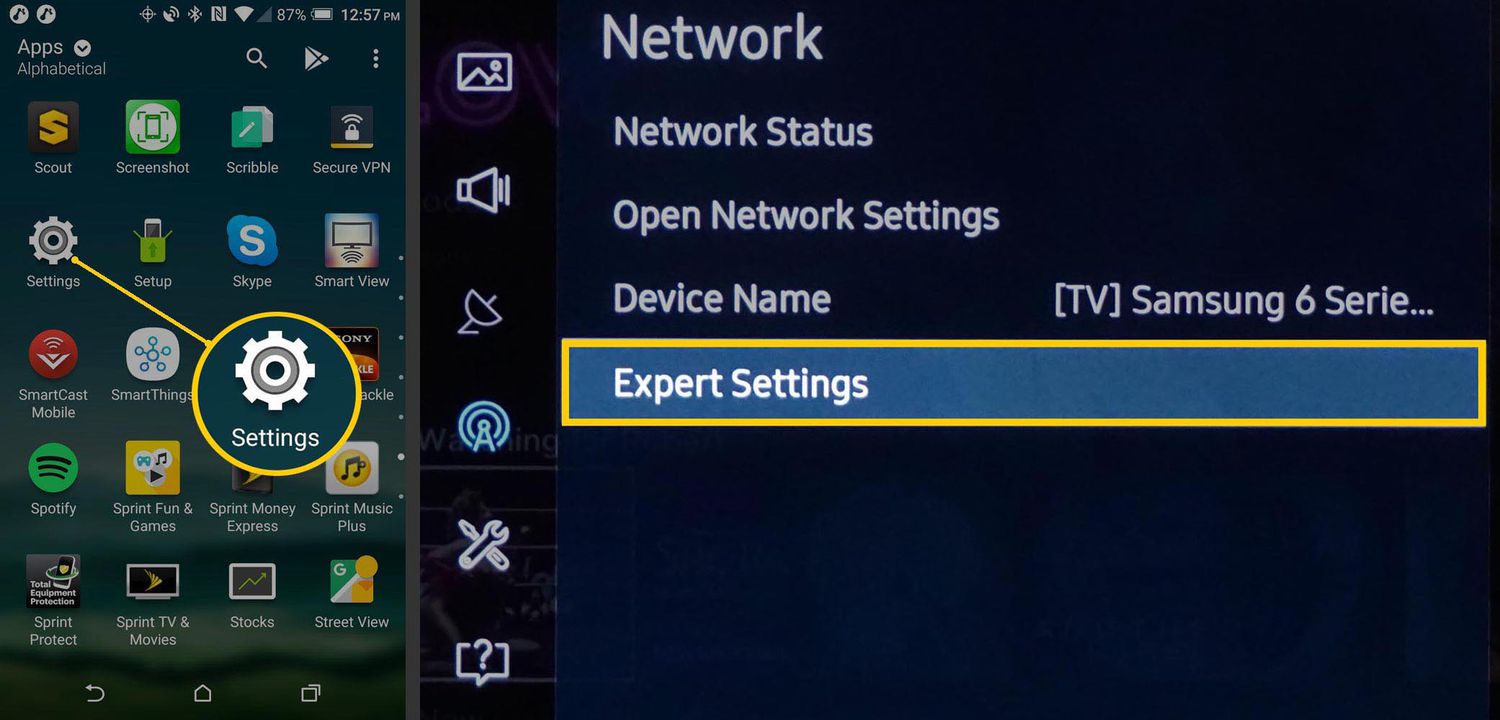
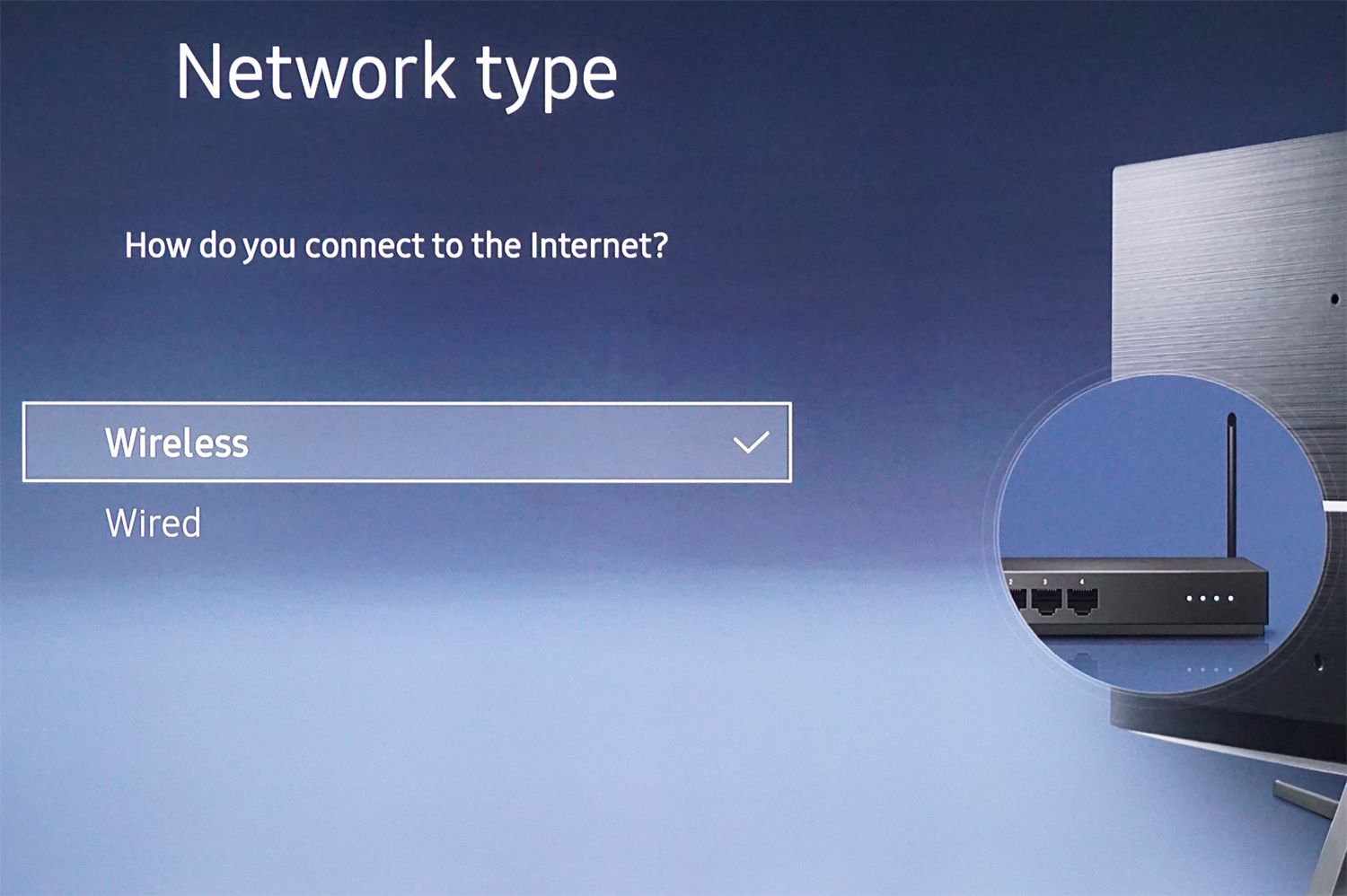
To make a Samsung TV wireless, you need to connect it to your home Wi‑Fi network. Once connected, you can wirelessly stream content and mirror your phone screen to the...